> ## Documentation Index
> Fetch the complete documentation index at: https://docs.assetinfinity.ai/llms.txt
> Use this file to discover all available pages before exploring further.
# Data export
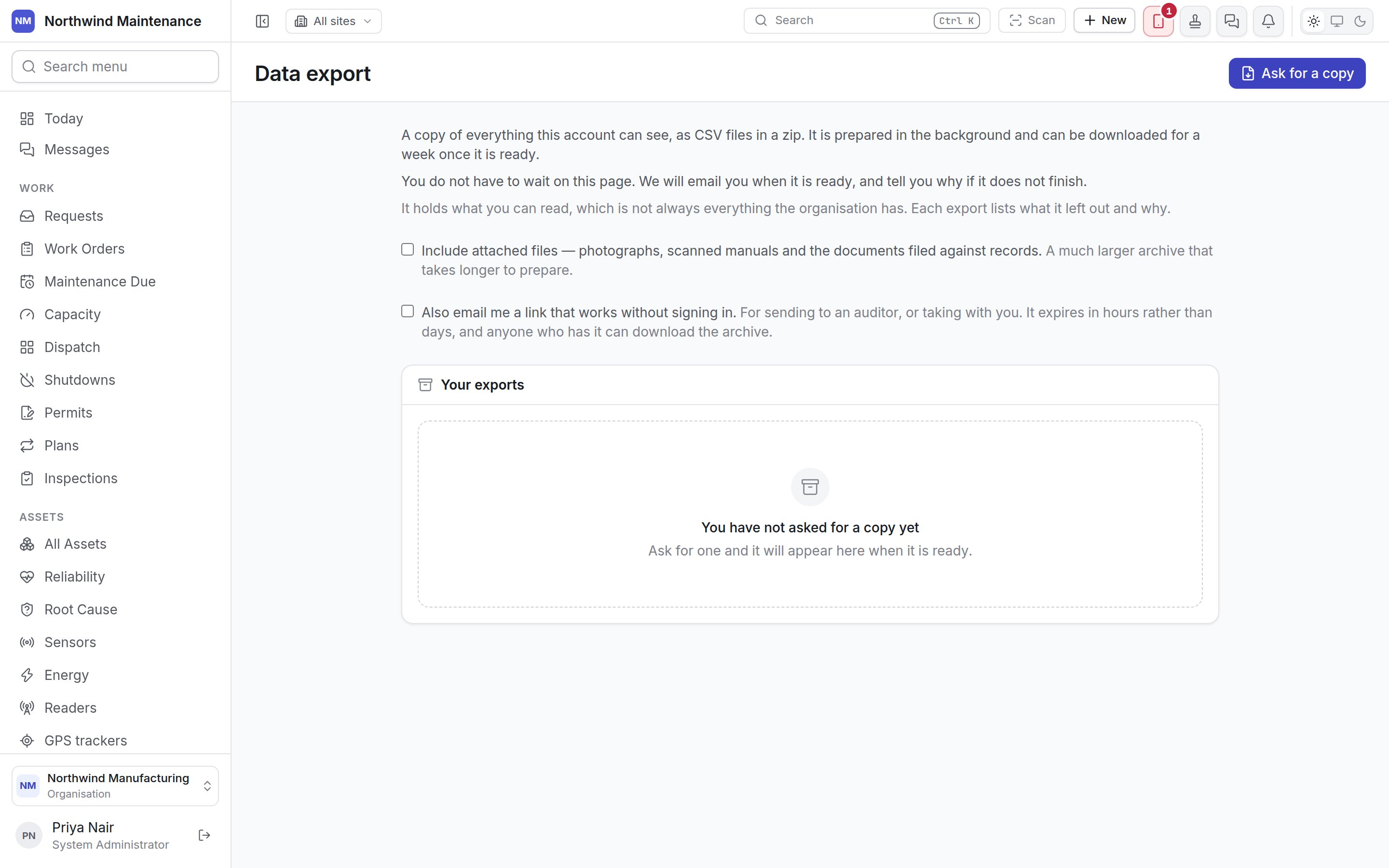
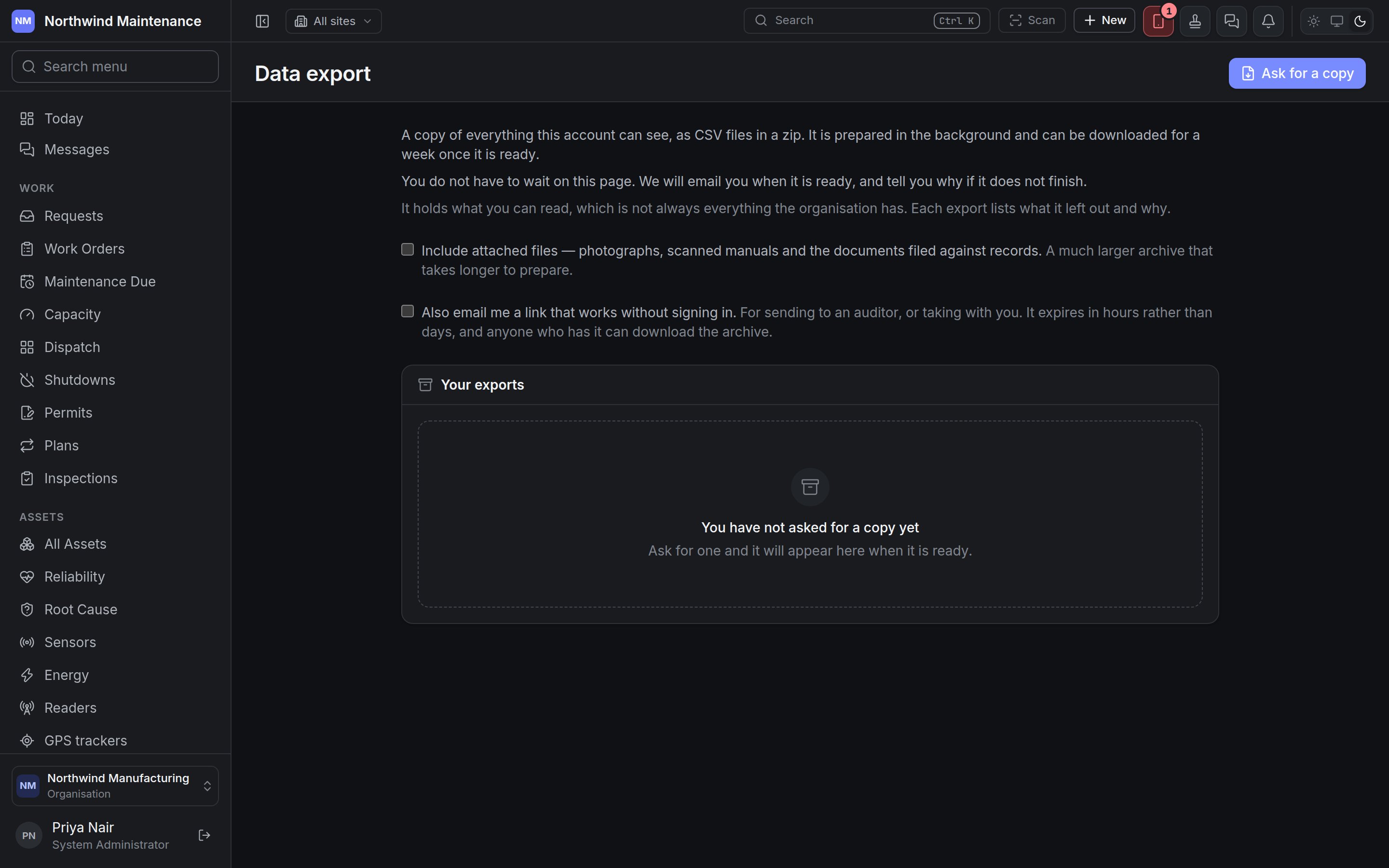
> Asking for a copy of everything your account can see, as CSV files in a zip, and downloading it — with or without attached files, and with an optional emailed link.
The **Data export** screen is where you ask for a copy of everything your account can see, as CSV
files in a zip, and download it when it is ready.
Open it from **Administration** → **Platform** → **Data export**.
 ## Whose copy it is
An export holds what **your account** can read, which is not always everything the organisation has.
An administrator's archive and a site supervisor's are different files. Each export lists what it left
out and why, and the manifest inside the zip says the same, so whoever opens the file later knows
whose view it is.
## Asking for a copy
| Field | What it means | Notes |
| - | - | - |
| **Include attached files — photographs, scanned manuals and the documents filed against records** | Whether the archive also carries the files attached to records | Off by default. A much larger archive that takes longer to prepare |
| **Also email me a link that works without signing in** | Whether you are also emailed a download link | Off by default. For sending to an auditor, or taking with you. The link expires in hours rather than days, and anyone who has it can download the archive |
**Ask for a copy** starts the export. It is prepared in the background, and you are emailed when it is
ready — or told why if it does not finish — so you do not need to wait on the page.
The button is unavailable, with the reason shown above the list, when:
| Reason | Meaning |
| - | - |
| An export is already being prepared for this organisation | Only one runs at a time, and it may be a colleague's |
| An export reads every record this organisation has, so it is limited to one a day | The message says when the next can be asked for |
## Your exports
Each export you have asked for, newest first. With none, the list says **You have not asked for a
copy yet**.
| Part of the row | What it shows |
| - | - |
| Date and time | When you asked |
| Status | **Waiting to start**, **Being prepared**, **Ready**, **Failed**, **Cancelled**, **Expired** or **No longer available** (marked ready but the file has gone) |
| Summary | For a ready export: how many kinds of record and rows, **with attached files** if included, and the archive's size |
| **Available until** | When a ready export stops being downloadable — a week after it is ready |
| Error | Why a failed export did not finish |
| Link line | For an export that asked for an emailed link: **A link will be emailed to you**, **A link was emailed to you. It stops working …** with **Withdraw it** to cancel the link early, **The link that was emailed to you has expired or been withdrawn**, or why it could not be emailed |
| Button | What it does |
| - | - |
| **Download** | Downloads a ready export that came as one file |
| **Part n** | For an export too large for one file. Each part is an ordinary zip that opens on its own, so you do not need all of them to look at any one |
| **Stop** | Cancels an export that is waiting or being prepared |
| **What is in it** / **Hide contents** | Shows or hides the contents |
**What is in it** lists, side by side:
| List | What it shows |
| - | - |
| **Included** | Each kind of record in the archive and how many rows |
| **Left out** | Each kind of record not in the archive and why: **You do not have permission to read these**, **That module is not switched on** or **Never included in an export** |
## Who can use this
| To | You need (as shown on Access) | Default roles |
| - | - | - |
| Ask for, download and stop exports | **Request a copy of everything you can see, and download it when it is ready** | System Administrator |
Without it, you can open the screen but the button and options are not offered. See
[roles](/setup/roles).
Loading records the other way, from a spreadsheet.
This documentation is built and hosted on [Mintlify](https://mintlify.com), a developer documentation platform.
## Whose copy it is
An export holds what **your account** can read, which is not always everything the organisation has.
An administrator's archive and a site supervisor's are different files. Each export lists what it left
out and why, and the manifest inside the zip says the same, so whoever opens the file later knows
whose view it is.
## Asking for a copy
| Field | What it means | Notes |
| - | - | - |
| **Include attached files — photographs, scanned manuals and the documents filed against records** | Whether the archive also carries the files attached to records | Off by default. A much larger archive that takes longer to prepare |
| **Also email me a link that works without signing in** | Whether you are also emailed a download link | Off by default. For sending to an auditor, or taking with you. The link expires in hours rather than days, and anyone who has it can download the archive |
**Ask for a copy** starts the export. It is prepared in the background, and you are emailed when it is
ready — or told why if it does not finish — so you do not need to wait on the page.
The button is unavailable, with the reason shown above the list, when:
| Reason | Meaning |
| - | - |
| An export is already being prepared for this organisation | Only one runs at a time, and it may be a colleague's |
| An export reads every record this organisation has, so it is limited to one a day | The message says when the next can be asked for |
## Your exports
Each export you have asked for, newest first. With none, the list says **You have not asked for a
copy yet**.
| Part of the row | What it shows |
| - | - |
| Date and time | When you asked |
| Status | **Waiting to start**, **Being prepared**, **Ready**, **Failed**, **Cancelled**, **Expired** or **No longer available** (marked ready but the file has gone) |
| Summary | For a ready export: how many kinds of record and rows, **with attached files** if included, and the archive's size |
| **Available until** | When a ready export stops being downloadable — a week after it is ready |
| Error | Why a failed export did not finish |
| Link line | For an export that asked for an emailed link: **A link will be emailed to you**, **A link was emailed to you. It stops working …** with **Withdraw it** to cancel the link early, **The link that was emailed to you has expired or been withdrawn**, or why it could not be emailed |
| Button | What it does |
| - | - |
| **Download** | Downloads a ready export that came as one file |
| **Part n** | For an export too large for one file. Each part is an ordinary zip that opens on its own, so you do not need all of them to look at any one |
| **Stop** | Cancels an export that is waiting or being prepared |
| **What is in it** / **Hide contents** | Shows or hides the contents |
**What is in it** lists, side by side:
| List | What it shows |
| - | - |
| **Included** | Each kind of record in the archive and how many rows |
| **Left out** | Each kind of record not in the archive and why: **You do not have permission to read these**, **That module is not switched on** or **Never included in an export** |
## Who can use this
| To | You need (as shown on Access) | Default roles |
| - | - | - |
| Ask for, download and stop exports | **Request a copy of everything you can see, and download it when it is ready** | System Administrator |
Without it, you can open the screen but the button and options are not offered. See
[roles](/setup/roles).
Loading records the other way, from a spreadsheet.
This documentation is built and hosted on [Mintlify](https://mintlify.com), a developer documentation platform.