> ## Documentation Index
> Fetch the complete documentation index at: https://docs.assetinfinity.ai/llms.txt
> Use this file to discover all available pages before exploring further.
# Today layouts
> What people see first when they sign in — one layout for everybody and, optionally, one for each role.
**Administration → Today** sets the layout of [Today](/get-started/dashboards), the first screen people see when they sign in: which sections it shows, in what order, which board widgets are pinned to it, and a few numbers that decide how much each section lists. You set one layout for everybody and, where it helps, one per role.
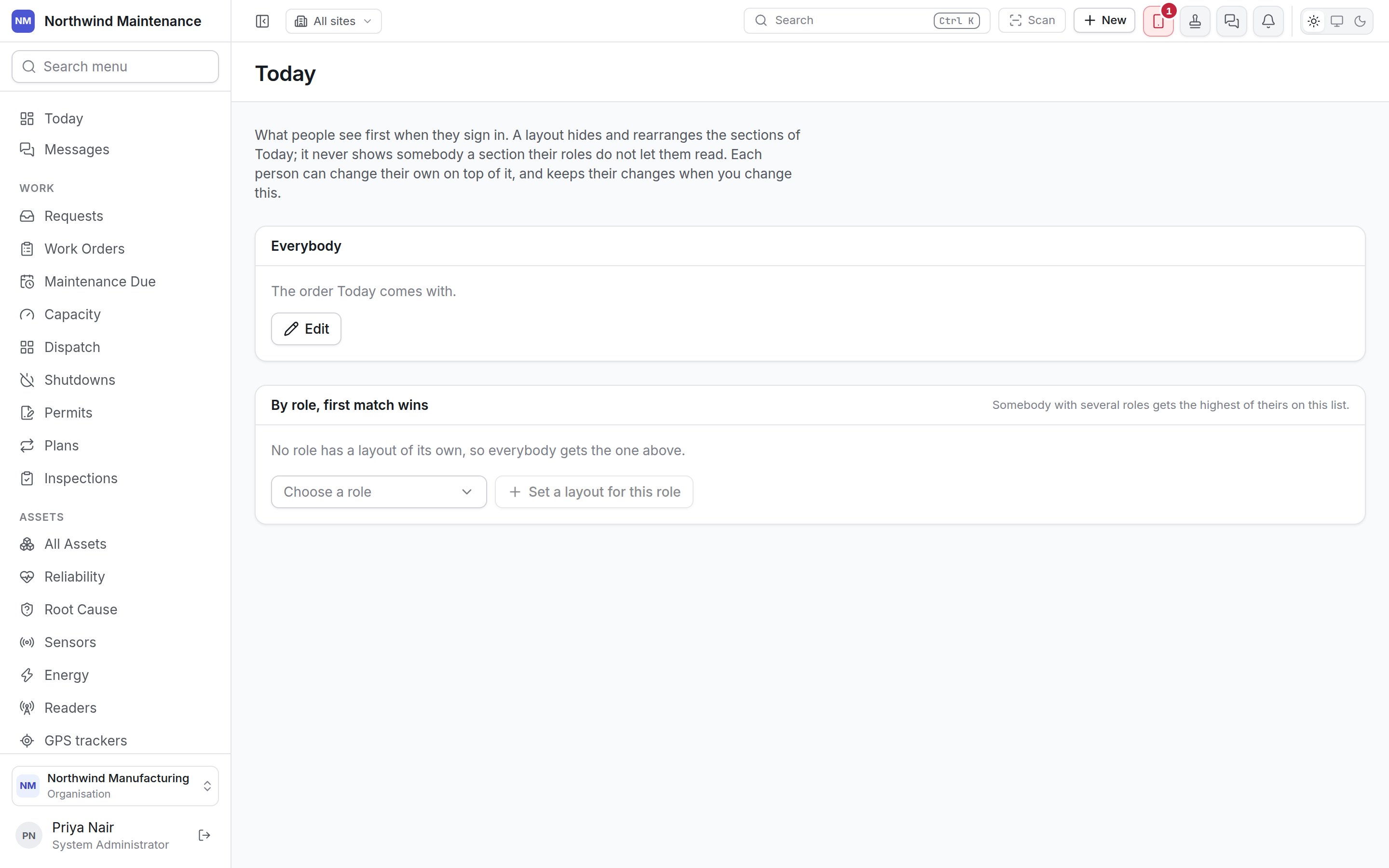
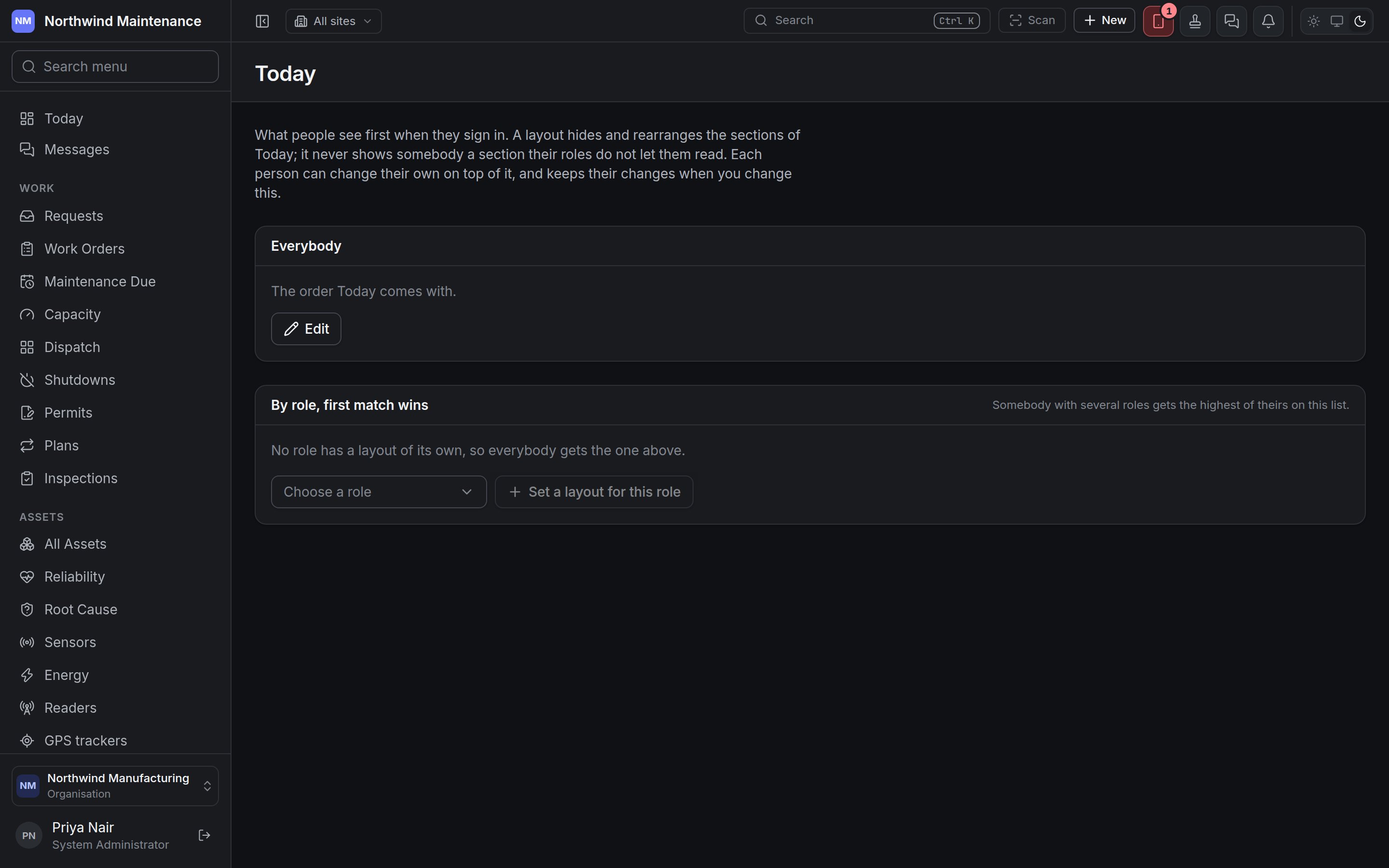 A layout hides and rearranges sections; it never shows somebody a section their roles do not let them read. Each person can still change their own Today with **Customise**, and keeps their changes when you change the layout.
## Who can use this screen
Setting Today for other people takes **Set what Today shows for the organisation and for each role** — System Administrator by default. Without it the screen says *Setting Today for other people is not part of your role* and reminds you that you can still arrange your own from Today itself. See [roles](/setup/roles).
## Everybody
The layout every person starts from. Until it is changed it reads *The order Today comes with*; afterwards it summarises the layout — *First: \[section]*, *Hides \[sections]*, *Set \[when] by \[person]*.
| Control | What it does |
| - | - |
| **Edit** | Opens the layout editor |
| **Go back to the order Today comes with** | Discards the organisation's layout |
## By role, first match wins
A role can have a layout of its own. *Somebody with several roles gets the highest of theirs on this list.* *No role has a layout of its own, so everybody gets the one above* until you add one.
| Control | What it does |
| - | - |
| **Choose a role** + **Set a layout for this role** | Adds a layout for that role, starting from *The same as everybody's*. *Every role already has a layout* when there is none left |
| **Move \[role] up** / **Move \[role] down** | Changes which role's layout wins for somebody holding several |
| **Edit the layout for \[role]** | Opens the editor for that role |
| **Remove the layout for \[role]** | That role goes back to the layout for everybody |
## The layout editor
A layout hides and rearranges sections; it never shows somebody a section their roles do not let them read. Each person can still change their own Today with **Customise**, and keeps their changes when you change the layout.
## Who can use this screen
Setting Today for other people takes **Set what Today shows for the organisation and for each role** — System Administrator by default. Without it the screen says *Setting Today for other people is not part of your role* and reminds you that you can still arrange your own from Today itself. See [roles](/setup/roles).
## Everybody
The layout every person starts from. Until it is changed it reads *The order Today comes with*; afterwards it summarises the layout — *First: \[section]*, *Hides \[sections]*, *Set \[when] by \[person]*.
| Control | What it does |
| - | - |
| **Edit** | Opens the layout editor |
| **Go back to the order Today comes with** | Discards the organisation's layout |
## By role, first match wins
A role can have a layout of its own. *Somebody with several roles gets the highest of theirs on this list.* *No role has a layout of its own, so everybody gets the one above* until you add one.
| Control | What it does |
| - | - |
| **Choose a role** + **Set a layout for this role** | Adds a layout for that role, starting from *The same as everybody's*. *Every role already has a layout* when there is none left |
| **Move \[role] up** / **Move \[role] down** | Changes which role's layout wins for somebody holding several |
| **Edit the layout for \[role]** | Opens the editor for that role |
| **Remove the layout for \[role]** | That role goes back to the layout for everybody |
## The layout editor
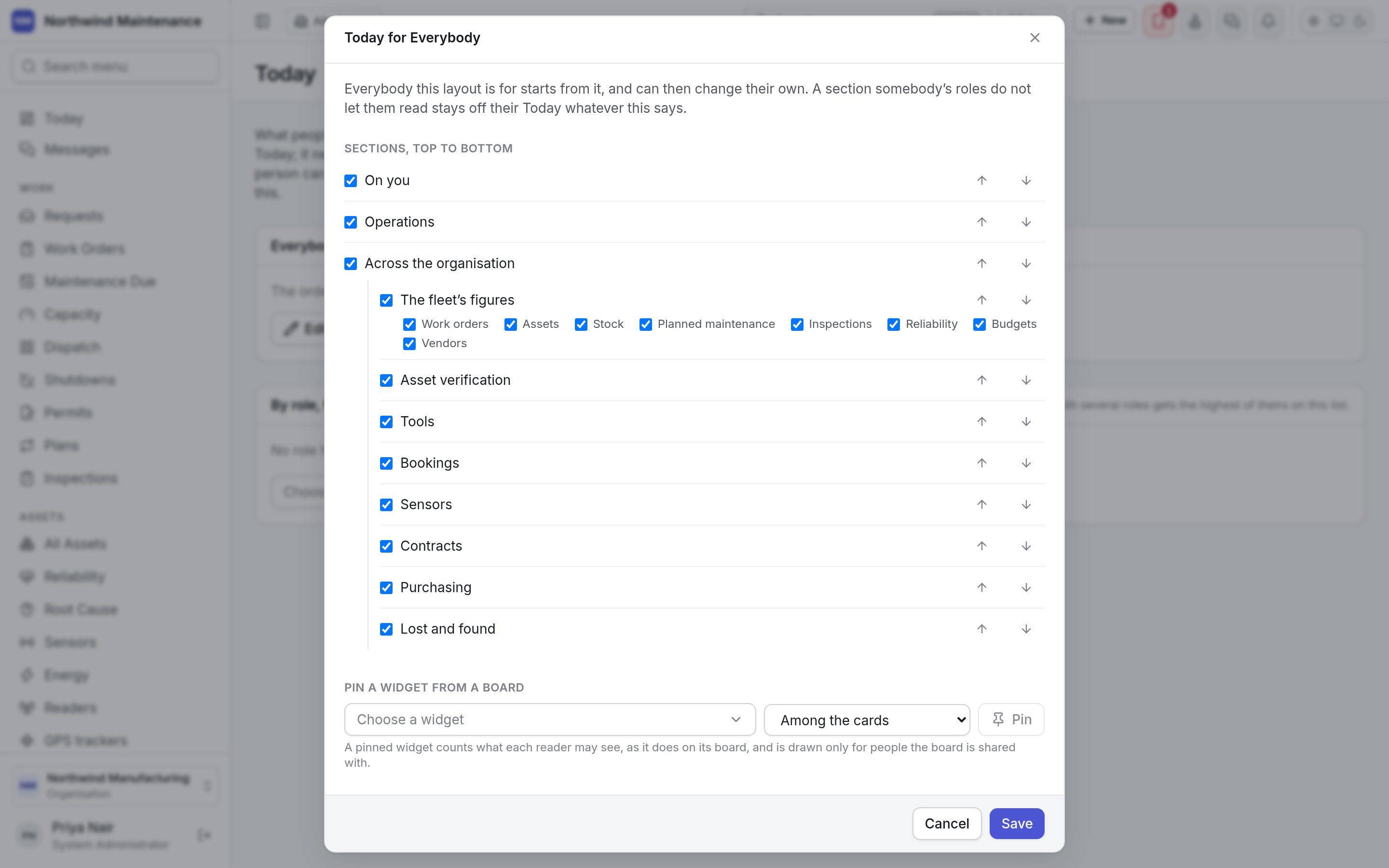
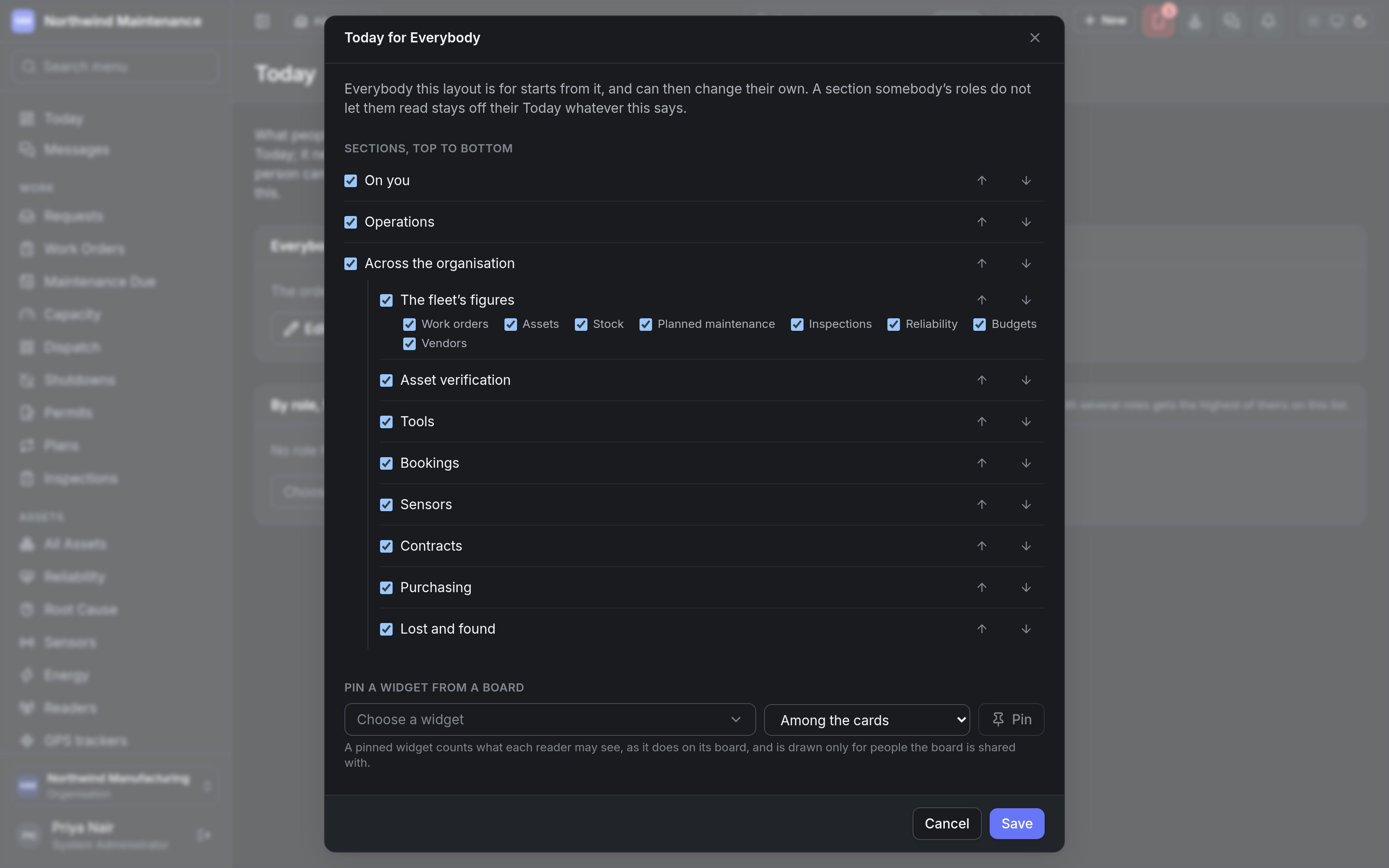 **Today for \[Everybody or a role]**. *Everybody this layout is for starts from it, and can then change their own. A section somebody's roles do not let them read stays off their Today whatever this says.*
### Sections, top to bottom
Tick a section to show it, untick to hide it, and use **Move \[section] up** / **Move \[section] down** to order them. The sections are **On you**, **Operations**, **Across the organisation** and **The fleet's figures** — the last holding cards for work orders, assets, stock, planned maintenance, inspections, reliability, budgets and vendors, each of which can be ticked — followed by **Asset verification**, **Tools**, **Bookings**, **Sensors**, **Contracts**, **Purchasing** and **Lost and found**. Only sections whose module your organisation has are listed.
### Pin a widget from a board
| Field | What it means | Notes |
| - | - | - |
| **Choose a widget** | A widget from one of your [dashboards](/analytics/dashboards) | Only boards shared with others are offered; a widget on a private board is seen by its author alone, so it cannot be pinned for other people |
| Placement | **Among the cards** or **On the page, as a section** | |
| **Pin** | Adds the widget | A pinned widget counts what each reader may see, as it does on its board, and is drawn only for people the board is shared with. **Unpin \[widget]** removes it |
### Numbers
| Field | What it means | Range |
| - | - | - |
| **A contract counts as ending within this many days** | How far ahead a contract is listed as ending | From 7 to 365 |
| **Verification rounds listed** | How many verification rounds are shown | From 1 to 12 |
| **Jobs listed under Up next** | How many jobs the **Up next** list shows | From 1 to 20 |
| **Rows in each Operations list** | How many rows each list in **Operations** shows | From 1 to 20 |
**Save** applies the layout; **Cancel** discards your changes.
This documentation is built and hosted on [Mintlify](https://mintlify.com), a developer documentation platform.
**Today for \[Everybody or a role]**. *Everybody this layout is for starts from it, and can then change their own. A section somebody's roles do not let them read stays off their Today whatever this says.*
### Sections, top to bottom
Tick a section to show it, untick to hide it, and use **Move \[section] up** / **Move \[section] down** to order them. The sections are **On you**, **Operations**, **Across the organisation** and **The fleet's figures** — the last holding cards for work orders, assets, stock, planned maintenance, inspections, reliability, budgets and vendors, each of which can be ticked — followed by **Asset verification**, **Tools**, **Bookings**, **Sensors**, **Contracts**, **Purchasing** and **Lost and found**. Only sections whose module your organisation has are listed.
### Pin a widget from a board
| Field | What it means | Notes |
| - | - | - |
| **Choose a widget** | A widget from one of your [dashboards](/analytics/dashboards) | Only boards shared with others are offered; a widget on a private board is seen by its author alone, so it cannot be pinned for other people |
| Placement | **Among the cards** or **On the page, as a section** | |
| **Pin** | Adds the widget | A pinned widget counts what each reader may see, as it does on its board, and is drawn only for people the board is shared with. **Unpin \[widget]** removes it |
### Numbers
| Field | What it means | Range |
| - | - | - |
| **A contract counts as ending within this many days** | How far ahead a contract is listed as ending | From 7 to 365 |
| **Verification rounds listed** | How many verification rounds are shown | From 1 to 12 |
| **Jobs listed under Up next** | How many jobs the **Up next** list shows | From 1 to 20 |
| **Rows in each Operations list** | How many rows each list in **Operations** shows | From 1 to 20 |
**Save** applies the layout; **Cancel** discards your changes.
This documentation is built and hosted on [Mintlify](https://mintlify.com), a developer documentation platform.