> ## Documentation Index
> Fetch the complete documentation index at: https://docs.assetinfinity.ai/llms.txt
> Use this file to discover all available pages before exploring further.
# Boards on the handset
> Reading the dashboards shared with you — counted live on the server with your own access.
The **Boards** screen shows the dashboards that have been shared with you, so a supervisor on the floor can check the figures a plant is judged on without going back to a desk.
If you don't see this in your navigation, your administrator can switch the module on under **Administration → Modules**, or it may not be included in your plan.
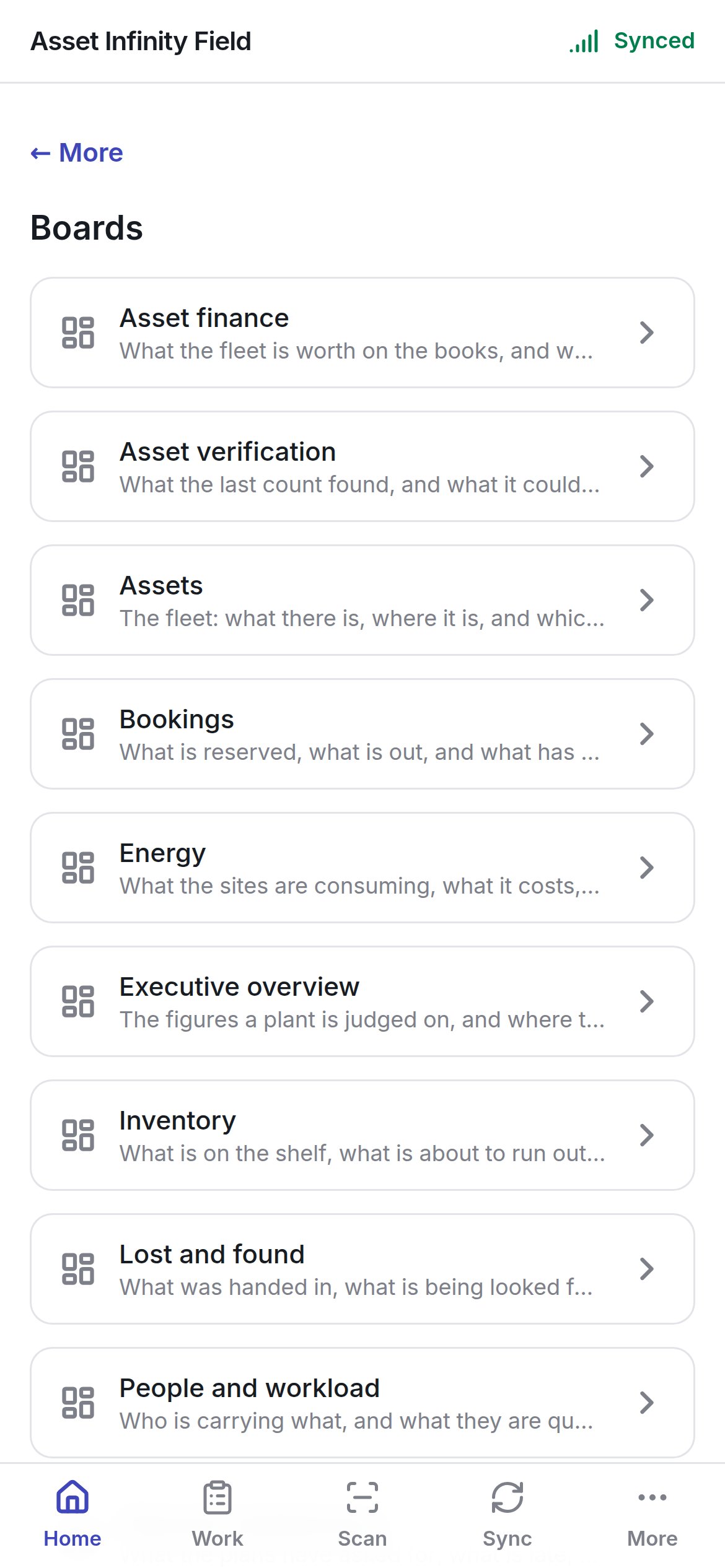
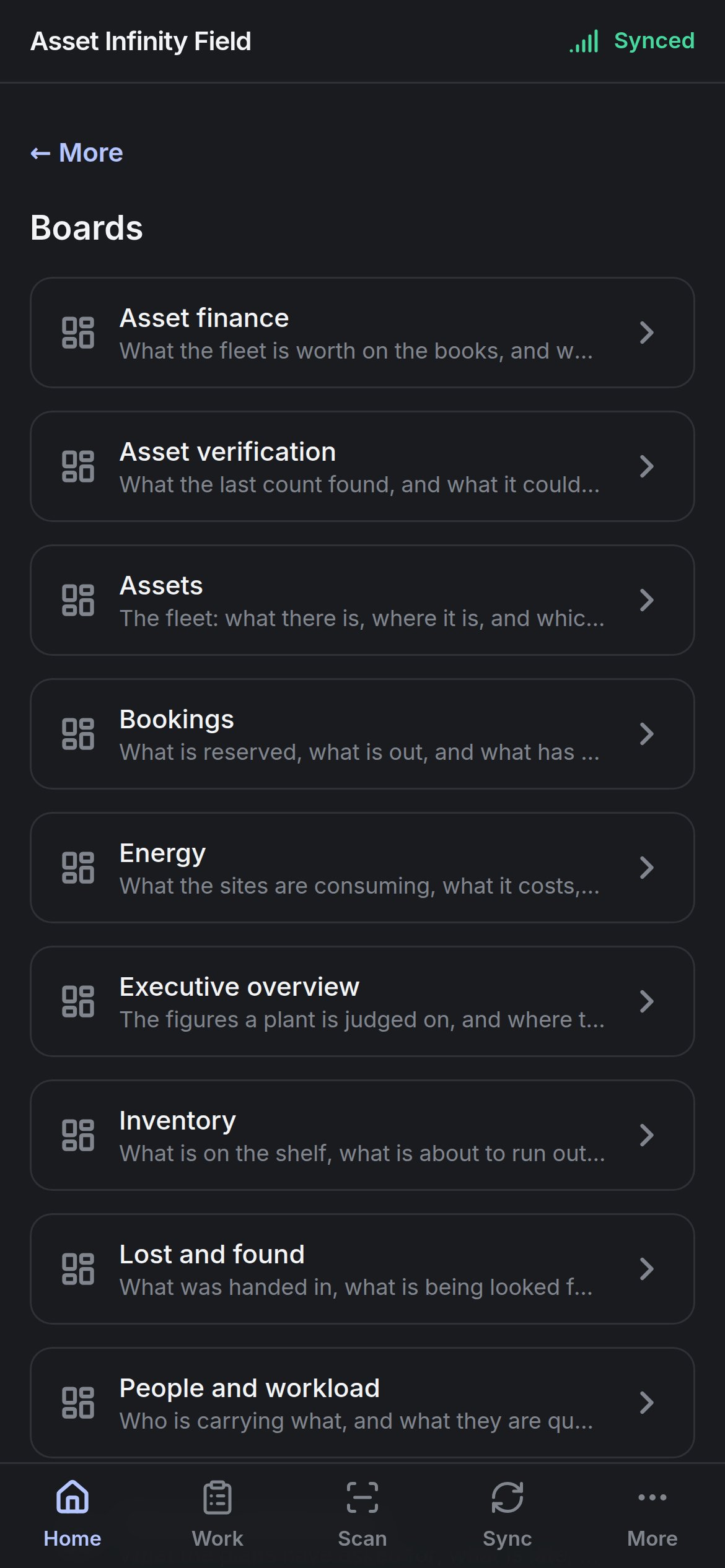 Open it from **Home → Boards**. Each board in the list has a name and a sentence saying what it is for — for example **Work orders: What is open, what is late, and who is carrying it.** Boards are built in the web app, where a supervisor chooses who each one is for; see [dashboards](/get-started/dashboards). If none have been shared with you, the screen says so.
## Reading a board
Tap a board to open it.
Open it from **Home → Boards**. Each board in the list has a name and a sentence saying what it is for — for example **Work orders: What is open, what is late, and who is carrying it.** Boards are built in the web app, where a supervisor chooses who each one is for; see [dashboards](/get-started/dashboards). If none have been shared with you, the screen says so.
## Reading a board
Tap a board to open it.
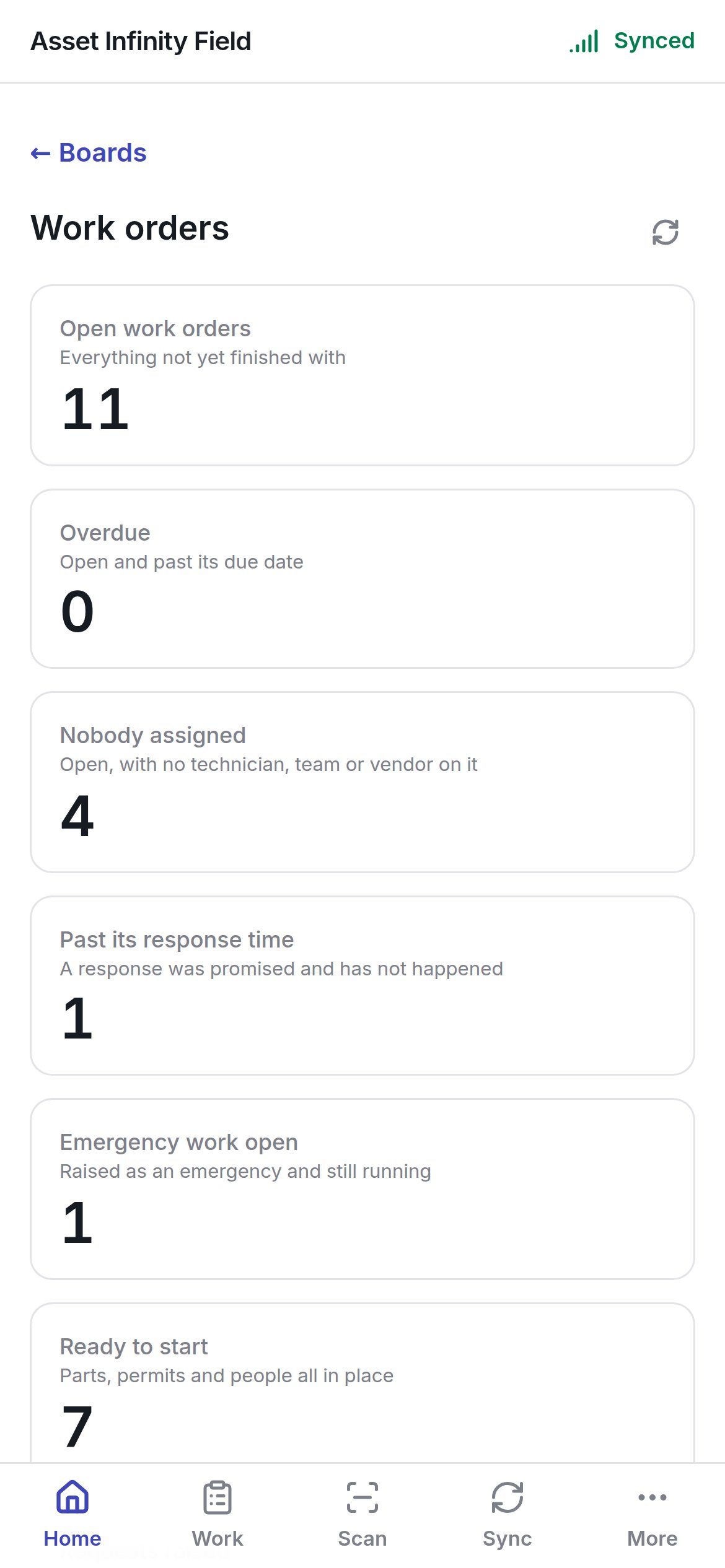
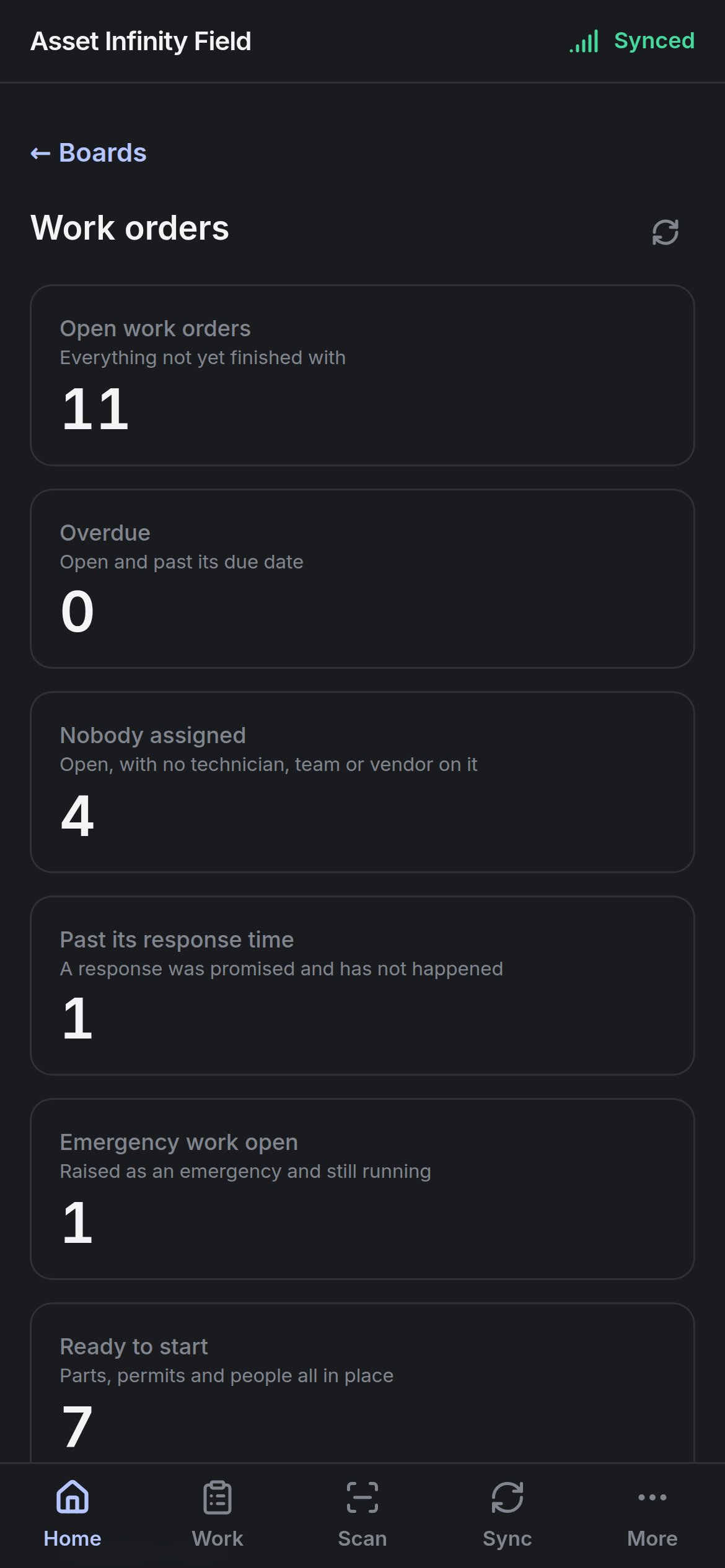 Each widget is drawn one under another to fit the phone: a figure with its title and a line saying what it counts, or a breakdown. **← Boards** goes back to the list and the refresh button re-counts every widget. A widget that cannot be run says **This widget could not be run.**; one with nothing in it says **Nothing to show.**
**Boards need a connection.** A board is counted on the server, as you and with your own access, so there is nothing cached to show offline — the screen says **No signal** and reminds you that your work is all still on the handset. Two people looking at the same board can see different numbers if they can reach different sites.
This documentation is built and hosted on [Mintlify](https://mintlify.com), a developer documentation platform.
Each widget is drawn one under another to fit the phone: a figure with its title and a line saying what it counts, or a breakdown. **← Boards** goes back to the list and the refresh button re-counts every widget. A widget that cannot be run says **This widget could not be run.**; one with nothing in it says **Nothing to show.**
**Boards need a connection.** A board is counted on the server, as you and with your own access, so there is nothing cached to show offline — the screen says **No signal** and reminds you that your work is all still on the handset. Two people looking at the same board can see different numbers if they can reach different sites.
This documentation is built and hosted on [Mintlify](https://mintlify.com), a developer documentation platform.