> ## Documentation Index
> Fetch the complete documentation index at: https://docs.assetinfinity.ai/llms.txt
> Use this file to discover all available pages before exploring further.
# More and your profile
> The More tab — your session, this device, the passcode, biometric unlock, appearance, organisations, signing out and wiping — and the profile you can change from the handset.
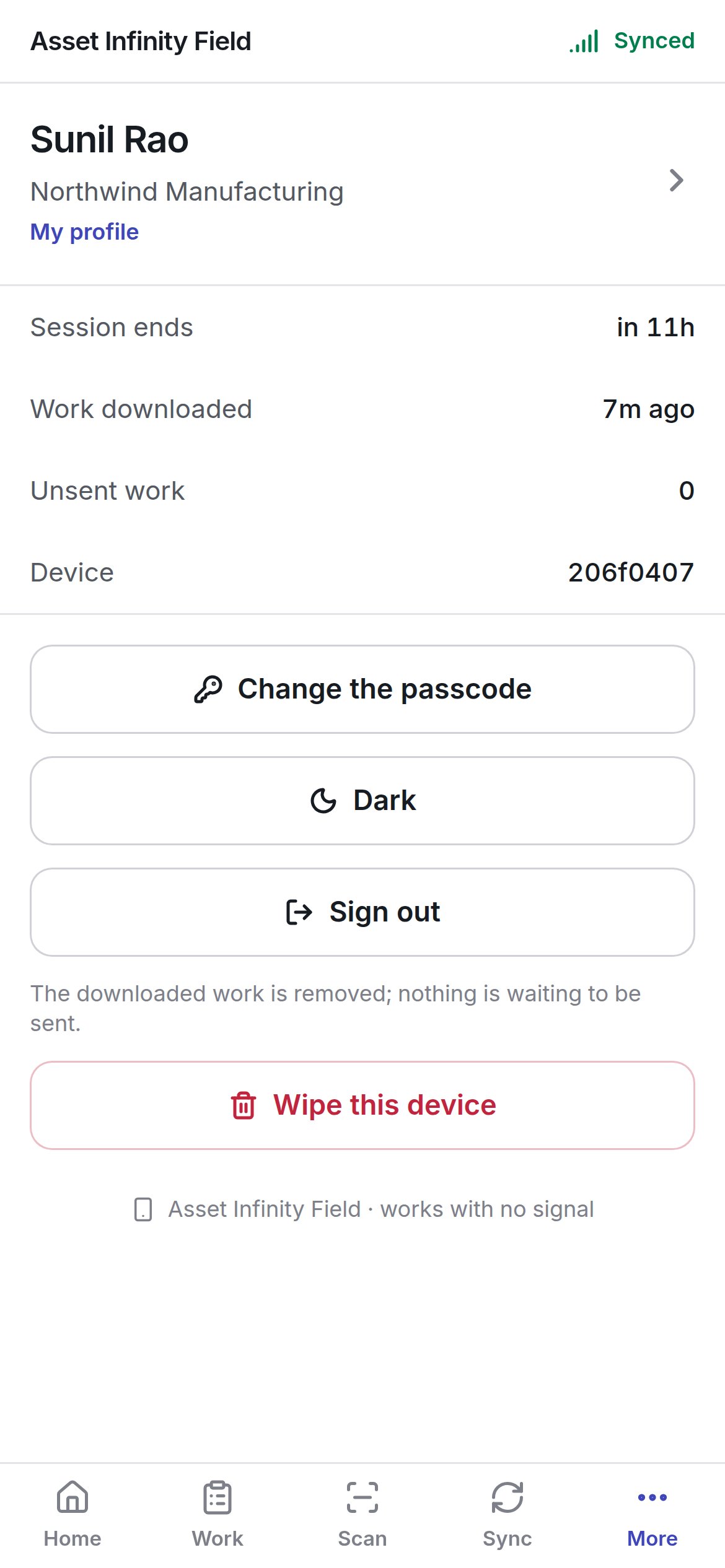
**More** is the tab about you and this handset: how long your session has left, how much is unsent, which device this is, and the controls for the passcode, appearance, signing out and wiping. **My profile** is reached from it.
 ## What it shows
| Row | Meaning |
| - | - |
| Your name and organisation, **My profile** | Tap to open [your profile](#my-profile) |
| **Session ends** | How long until your sign-in runs out — about a shift. After that you will be asked to sign in again; your queued work is kept |
| **Work downloaded** | When the handset last received your work |
| **Unsent work** | How many changes are waiting in the outbox |
| **Device** | This handset's short identifier — the name the office sees in the [Sync Center](/field/sync-center). **not enrolled** if it is not registered |
| **Organisations** | Shown only when you belong to more than one organisation. See [a second organisation](/field/sign-in#a-second-organisation-on-the-same-handset) |
At the foot of the screen, **Asset Infinity Field · works with no signal** is followed, on an installed app, by the app version and the over-the-air update it is running (**app {version} · bundle {bundle}**) — the first thing support will ask for.
## The controls
| Button | What it does |
| - | - |
| **Change the passcode** | Sets a new device passcode — see below |
| **Use biometrics to unlock** / **Stop using biometrics to unlock** | Turns fingerprint or face unlock on or off. Shown only on a handset with biometric hardware and something enrolled |
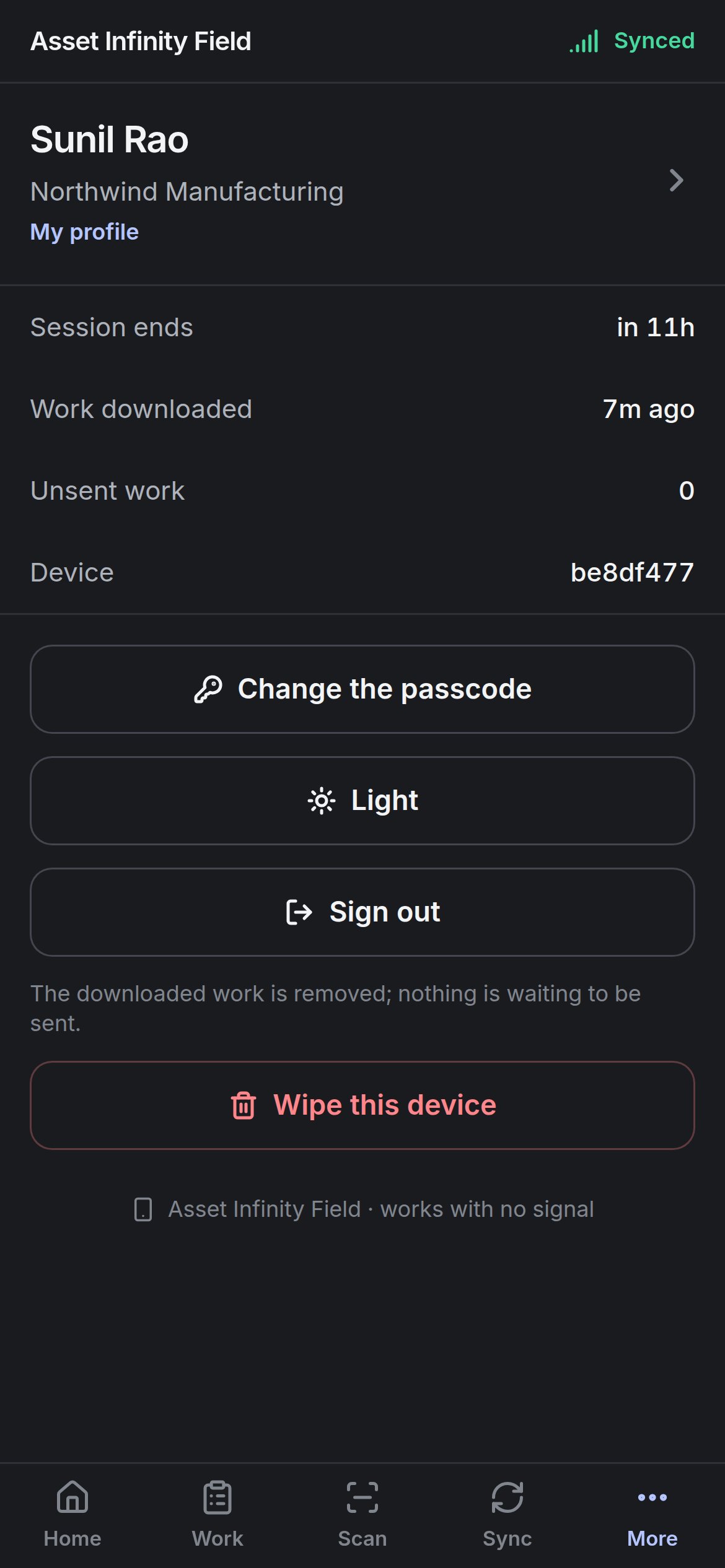
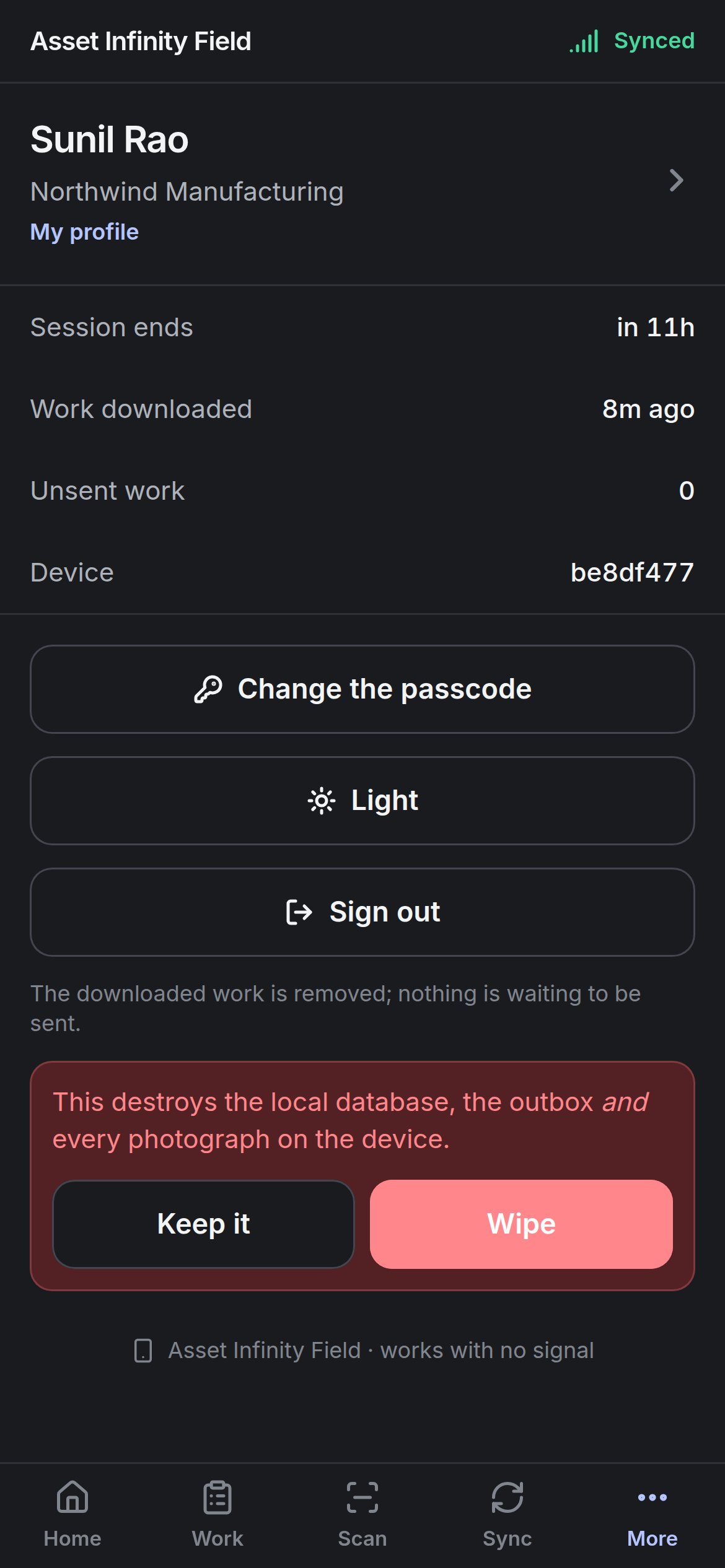
| **Light** / **Dark** | Switches the app's appearance. The button names the appearance you will switch to |
| **Get help** | Opens a support conversation, where your organisation has one and the handset can reach it |
| **Sign out** | Ends your session on this handset — see below |
| **Wipe this device** | Destroys everything on the handset — see below |
### Changing the passcode
## What it shows
| Row | Meaning |
| - | - |
| Your name and organisation, **My profile** | Tap to open [your profile](#my-profile) |
| **Session ends** | How long until your sign-in runs out — about a shift. After that you will be asked to sign in again; your queued work is kept |
| **Work downloaded** | When the handset last received your work |
| **Unsent work** | How many changes are waiting in the outbox |
| **Device** | This handset's short identifier — the name the office sees in the [Sync Center](/field/sync-center). **not enrolled** if it is not registered |
| **Organisations** | Shown only when you belong to more than one organisation. See [a second organisation](/field/sign-in#a-second-organisation-on-the-same-handset) |
At the foot of the screen, **Asset Infinity Field · works with no signal** is followed, on an installed app, by the app version and the over-the-air update it is running (**app {version} · bundle {bundle}**) — the first thing support will ask for.
## The controls
| Button | What it does |
| - | - |
| **Change the passcode** | Sets a new device passcode — see below |
| **Use biometrics to unlock** / **Stop using biometrics to unlock** | Turns fingerprint or face unlock on or off. Shown only on a handset with biometric hardware and something enrolled |
| **Light** / **Dark** | Switches the app's appearance. The button names the appearance you will switch to |
| **Get help** | Opens a support conversation, where your organisation has one and the handset can reach it |
| **Sign out** | Ends your session on this handset — see below |
| **Wipe this device** | Destroys everything on the handset — see below |
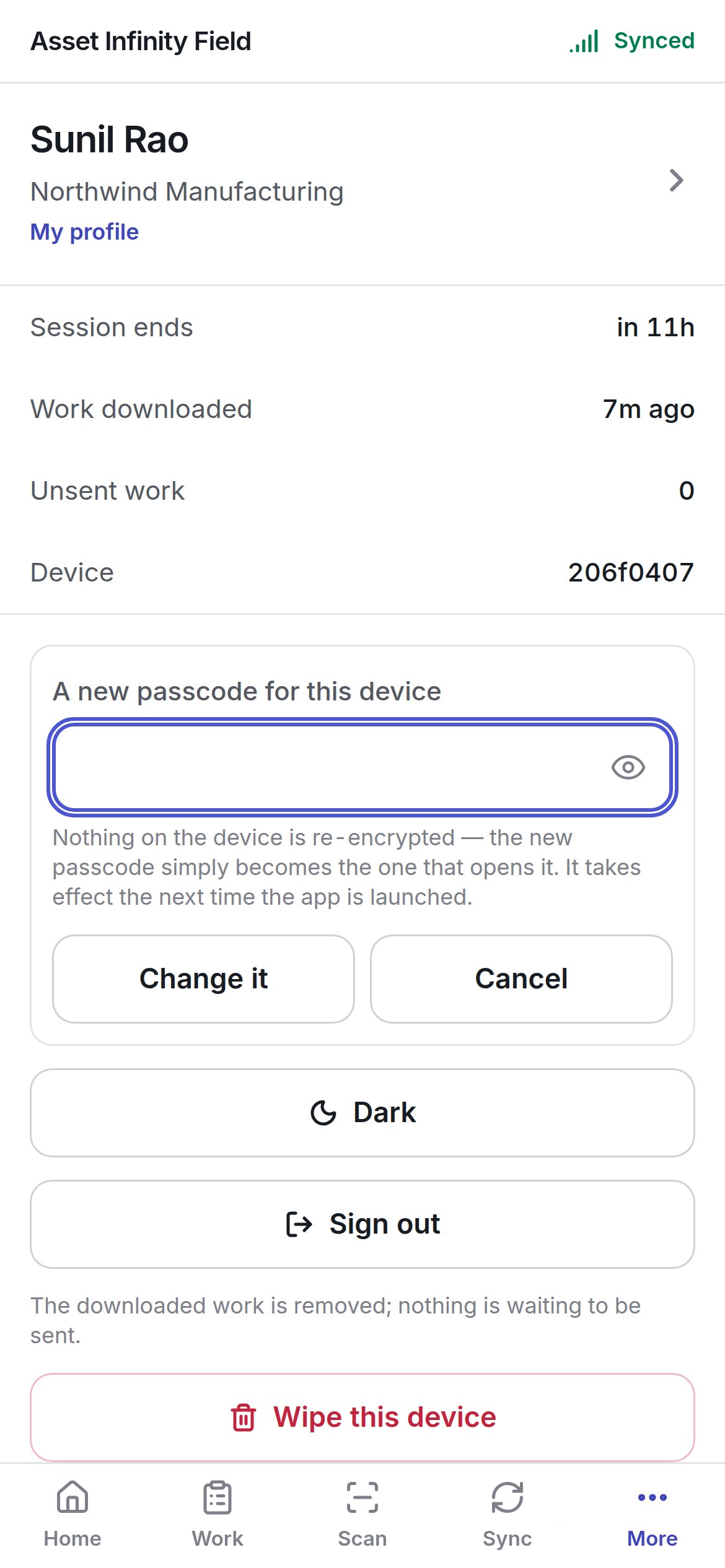
### Changing the passcode
 | Field | Notes |
| - | - |
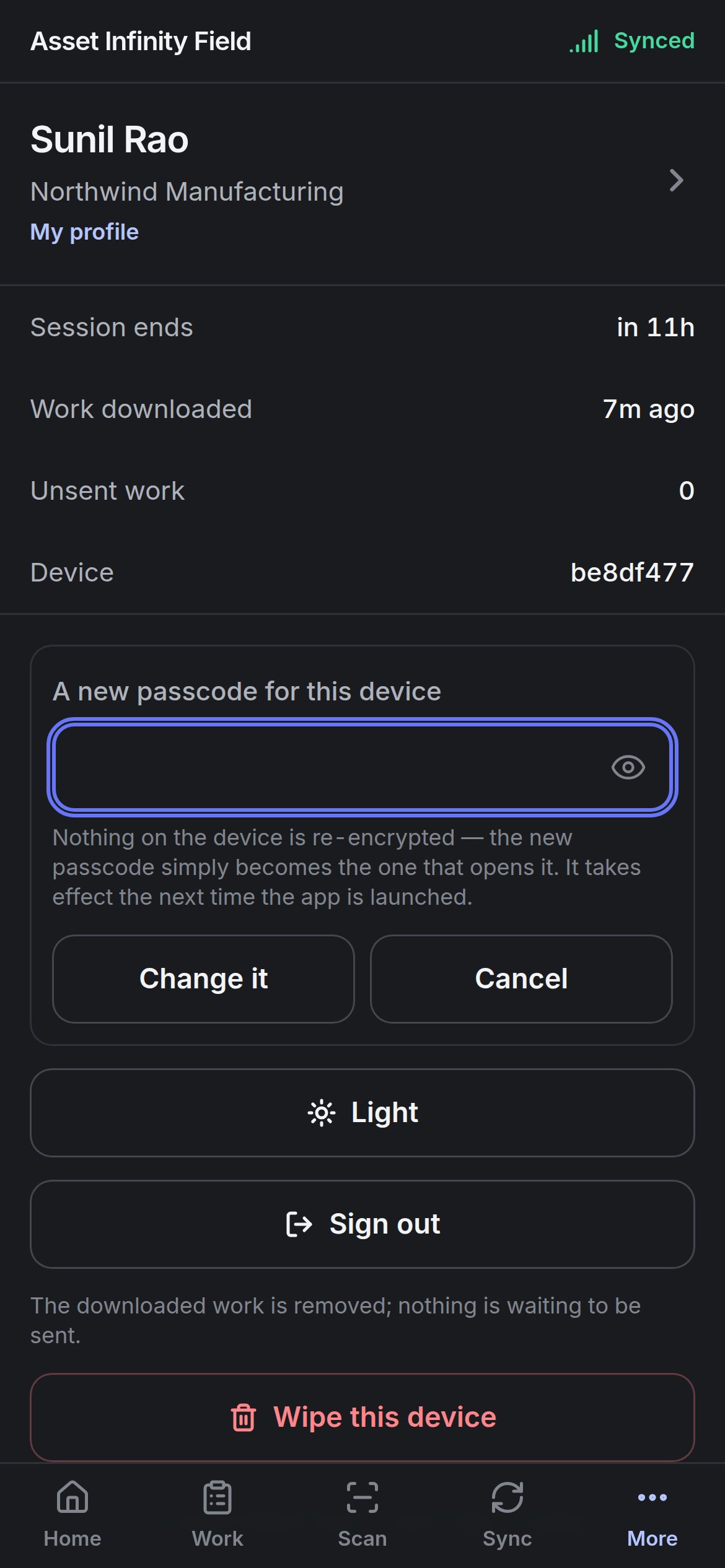
| **A new passcode for this device** | At least four digits. Nothing on the device is re-encrypted — the new passcode simply becomes the one that opens it. It takes effect the next time the app is launched |
**Change it** saves it; **Cancel** closes the box. Remember the passcode belongs to the handset: whoever uses it next uses the new one, and nobody can recover it.
## Signing out
**Sign out** removes your session and the work downloaded to the handset — but **not the outbox**. The line under the button tells you which applies: **The downloaded work is removed; nothing is waiting to be sent.**, or — when something is queued — that your unsent items, including any photographs, stay on the device and go up on the next sync.
That is deliberate. A shared handset changing hands between shifts must not take the previous technician's unsent afternoon with it, and must not show their work to the next person. Queued changes already name the person who made them, and the server applies them as that person; they go up on the next sync after somebody signs in.
## Wiping the device
| Field | Notes |
| - | - |
| **A new passcode for this device** | At least four digits. Nothing on the device is re-encrypted — the new passcode simply becomes the one that opens it. It takes effect the next time the app is launched |
**Change it** saves it; **Cancel** closes the box. Remember the passcode belongs to the handset: whoever uses it next uses the new one, and nobody can recover it.
## Signing out
**Sign out** removes your session and the work downloaded to the handset — but **not the outbox**. The line under the button tells you which applies: **The downloaded work is removed; nothing is waiting to be sent.**, or — when something is queued — that your unsent items, including any photographs, stay on the device and go up on the next sync.
That is deliberate. A shared handset changing hands between shifts must not take the previous technician's unsent afternoon with it, and must not show their work to the next person. Queued changes already name the person who made them, and the server applies them as that person; they go up on the next sync after somebody signs in.
## Wiping the device
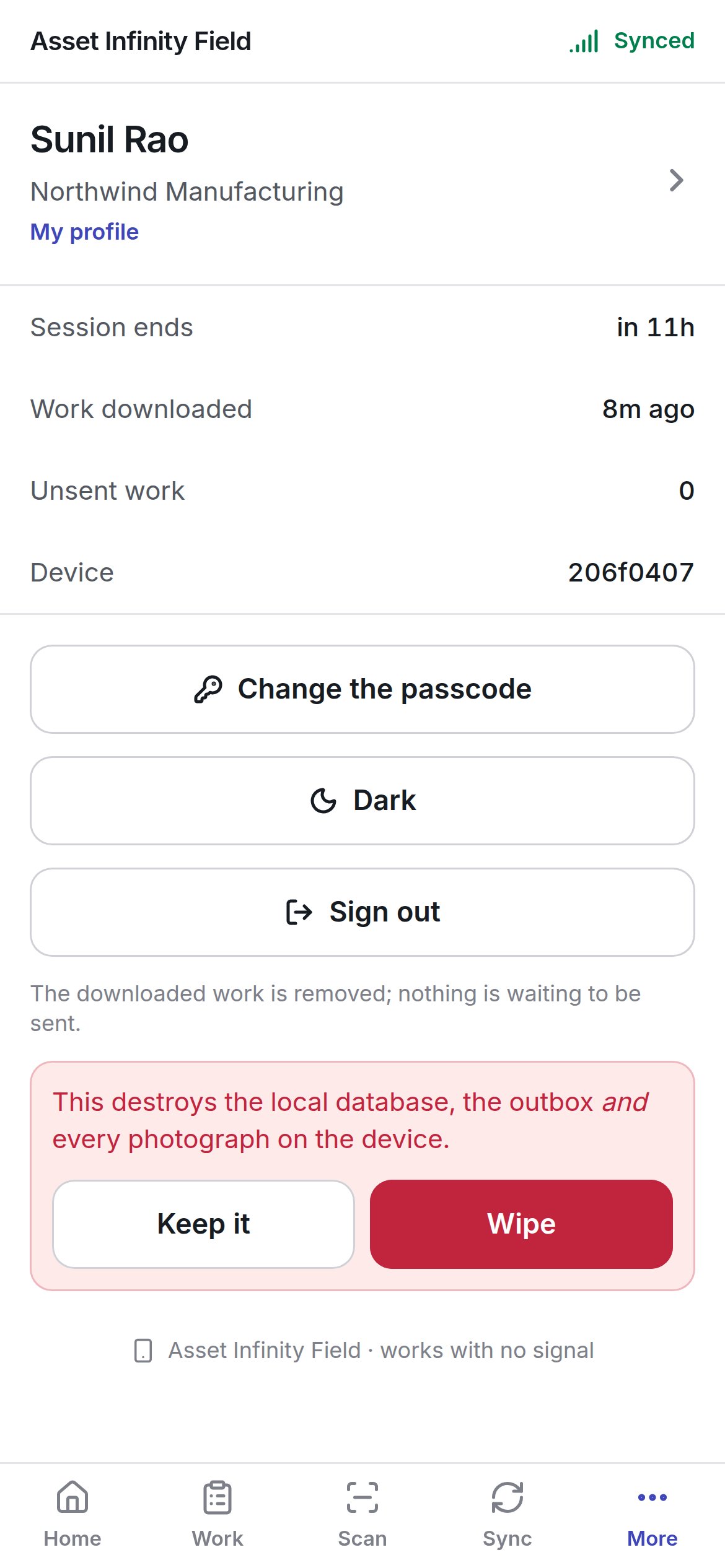
 **Wipe this device** asks you to confirm: **This destroys the local database, the outbox and every photograph on the device.** — **Keep it** or **Wipe**. It is the right answer for a handset leaving the site and the wrong one for a technician finishing a shift.
Wiping loses any work that has not reached the server. Check **Unsent work** reads 0 — or open **Sync** and let it finish — before you wipe.
## My profile
**My profile** holds the few things you would change from a phone. It reads and writes your account on the server, so it needs a connection — without one it says **Your profile needs a connection**, and reminds you that your work on the handset does not. **← More** goes back.
**Wipe this device** asks you to confirm: **This destroys the local database, the outbox and every photograph on the device.** — **Keep it** or **Wipe**. It is the right answer for a handset leaving the site and the wrong one for a technician finishing a shift.
Wiping loses any work that has not reached the server. Check **Unsent work** reads 0 — or open **Sync** and let it finish — before you wipe.
## My profile
**My profile** holds the few things you would change from a phone. It reads and writes your account on the server, so it needs a connection — without one it says **Your profile needs a connection**, and reminds you that your work on the handset does not. **← More** goes back.
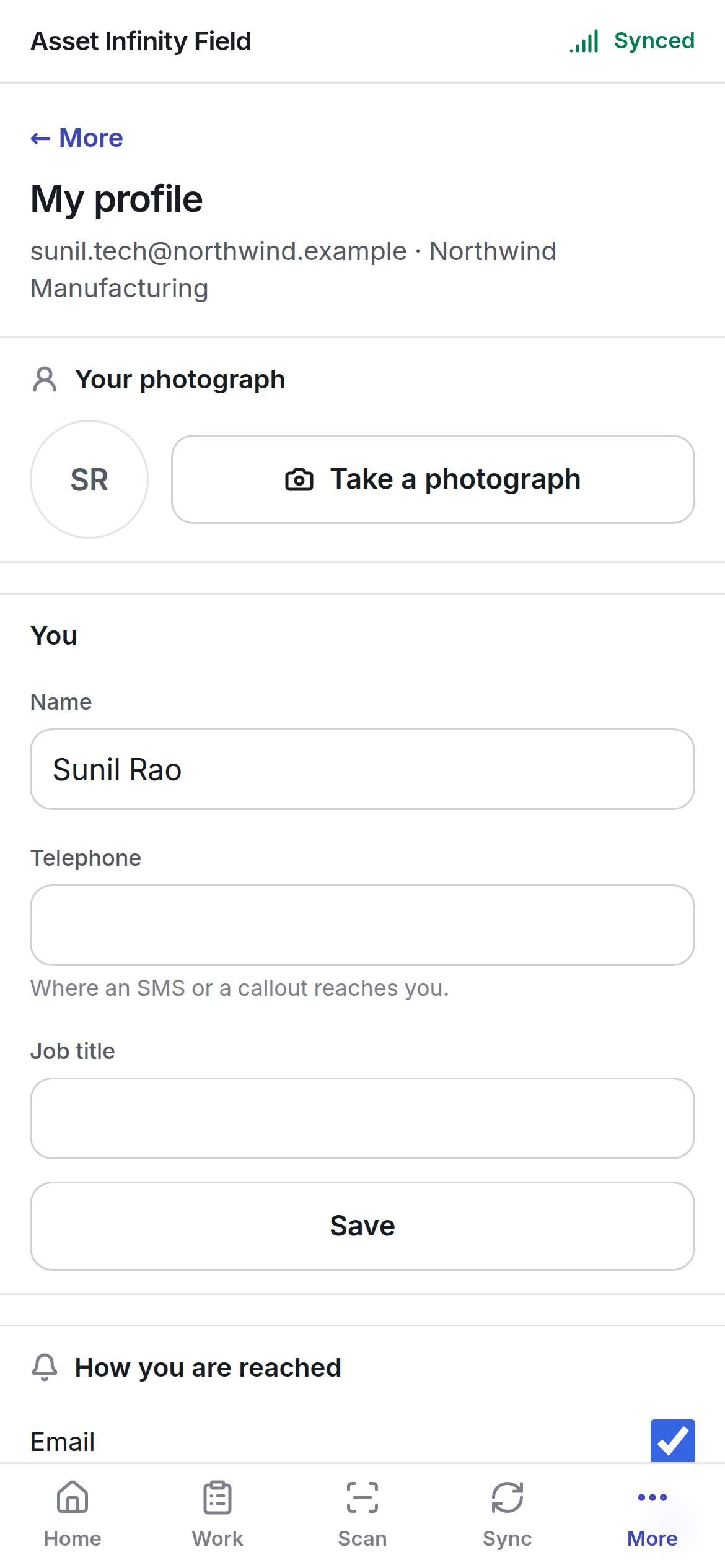
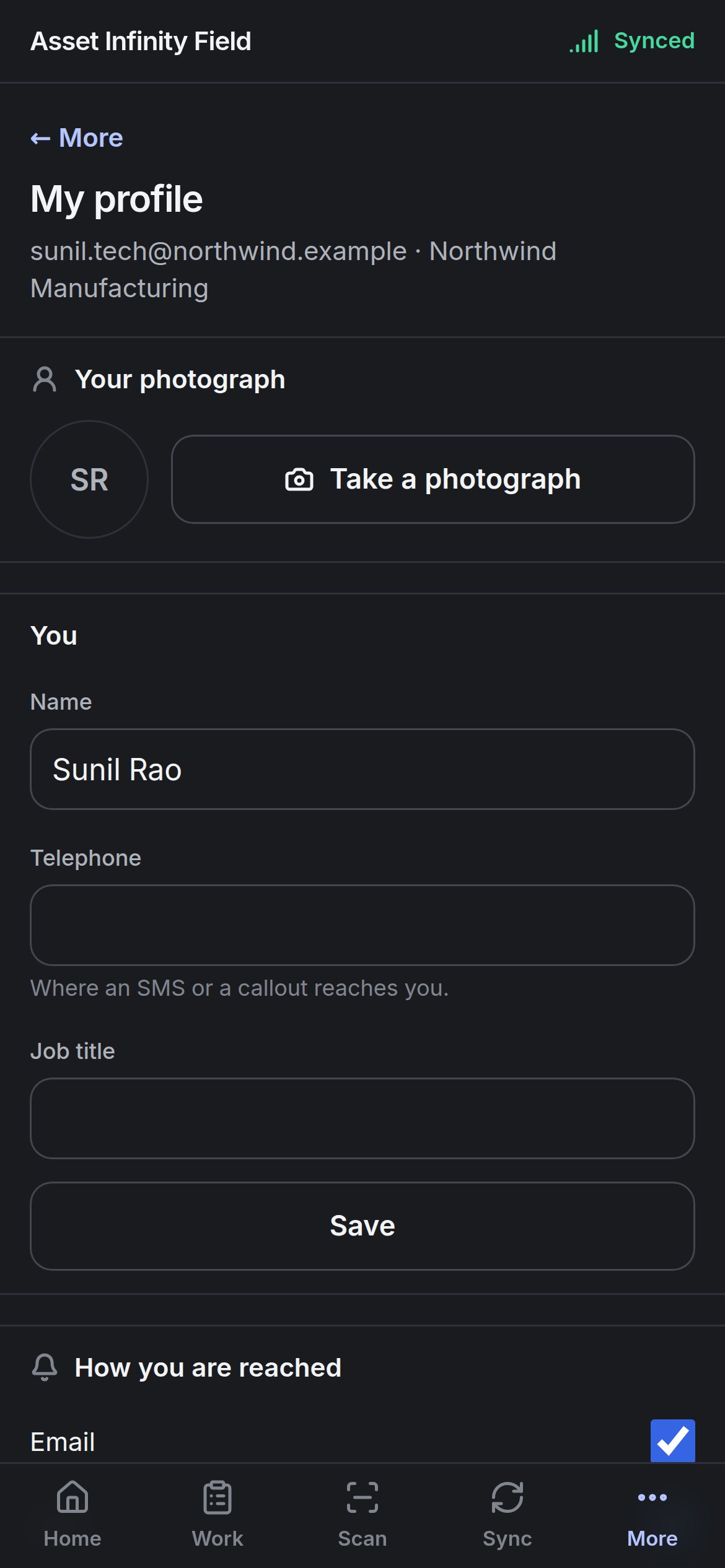 The heading shows your sign-in address and organisation. Each section saves on its own.
| Section | Field | Notes |
| - | - | - |
| **Your photograph** | Your picture | **Take a photograph**, **Take another** or **Remove it** |
| **You** | **Name** | How your name appears to everybody |
| | **Telephone** | Where an SMS or a callout reaches you |
| | **Job title** | Optional |
| **How you are reached** | **Email**, **SMS**, **Push**, **WhatsApp** | Tick the channels notifications may use |
| | **Quiet hours** | Turn on to hold back notifications between a **from** and **to** time (22:00 to 07:00 to start with). Read in your own timezone, which the section names. A notification marked critical ignores quiet hours, which is what makes the ones that arrive at night worth waking up for |
| **Password** | **Current**, **New** | At least twelve characters. This is the password for this app and the web app — not the device passcode. **Change it** saves it |
Your email address, your roles and the sites you can reach belong to your organisation and are changed by an administrator. The full picture, including what your roles let you do and the handsets enrolled to you, is on the profile screen in the web app — where **I no longer have this** revokes a lost handset.
This documentation is built and hosted on [Mintlify](https://mintlify.com), a developer documentation platform.
The heading shows your sign-in address and organisation. Each section saves on its own.
| Section | Field | Notes |
| - | - | - |
| **Your photograph** | Your picture | **Take a photograph**, **Take another** or **Remove it** |
| **You** | **Name** | How your name appears to everybody |
| | **Telephone** | Where an SMS or a callout reaches you |
| | **Job title** | Optional |
| **How you are reached** | **Email**, **SMS**, **Push**, **WhatsApp** | Tick the channels notifications may use |
| | **Quiet hours** | Turn on to hold back notifications between a **from** and **to** time (22:00 to 07:00 to start with). Read in your own timezone, which the section names. A notification marked critical ignores quiet hours, which is what makes the ones that arrive at night worth waking up for |
| **Password** | **Current**, **New** | At least twelve characters. This is the password for this app and the web app — not the device passcode. **Change it** saves it |
Your email address, your roles and the sites you can reach belong to your organisation and are changed by an administrator. The full picture, including what your roles let you do and the handsets enrolled to you, is on the profile screen in the web app — where **I no longer have this** revokes a lost handset.
This documentation is built and hosted on [Mintlify](https://mintlify.com), a developer documentation platform.