> ## Documentation Index
> Fetch the complete documentation index at: https://docs.assetinfinity.ai/llms.txt
> Use this file to discover all available pages before exploring further.
# Asset verification on the handset
> Walking an asset verification count — scanning each asset, recording whether it is there and what condition it is in.
A verification count is a physical check that the assets on the register are where the register says, and the verification screen is how you walk one: scan or find each asset on the list, and record what you found.
 ## Opening a count
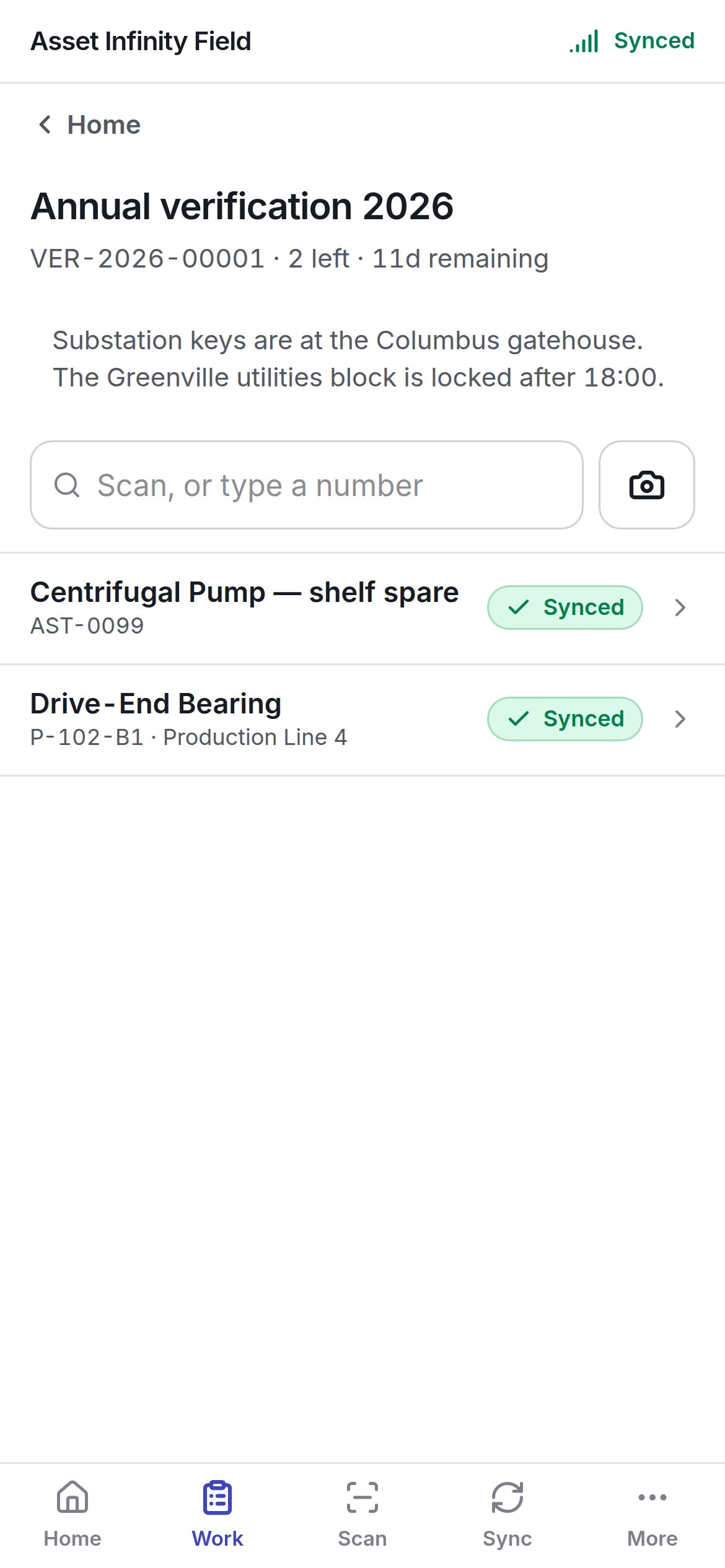
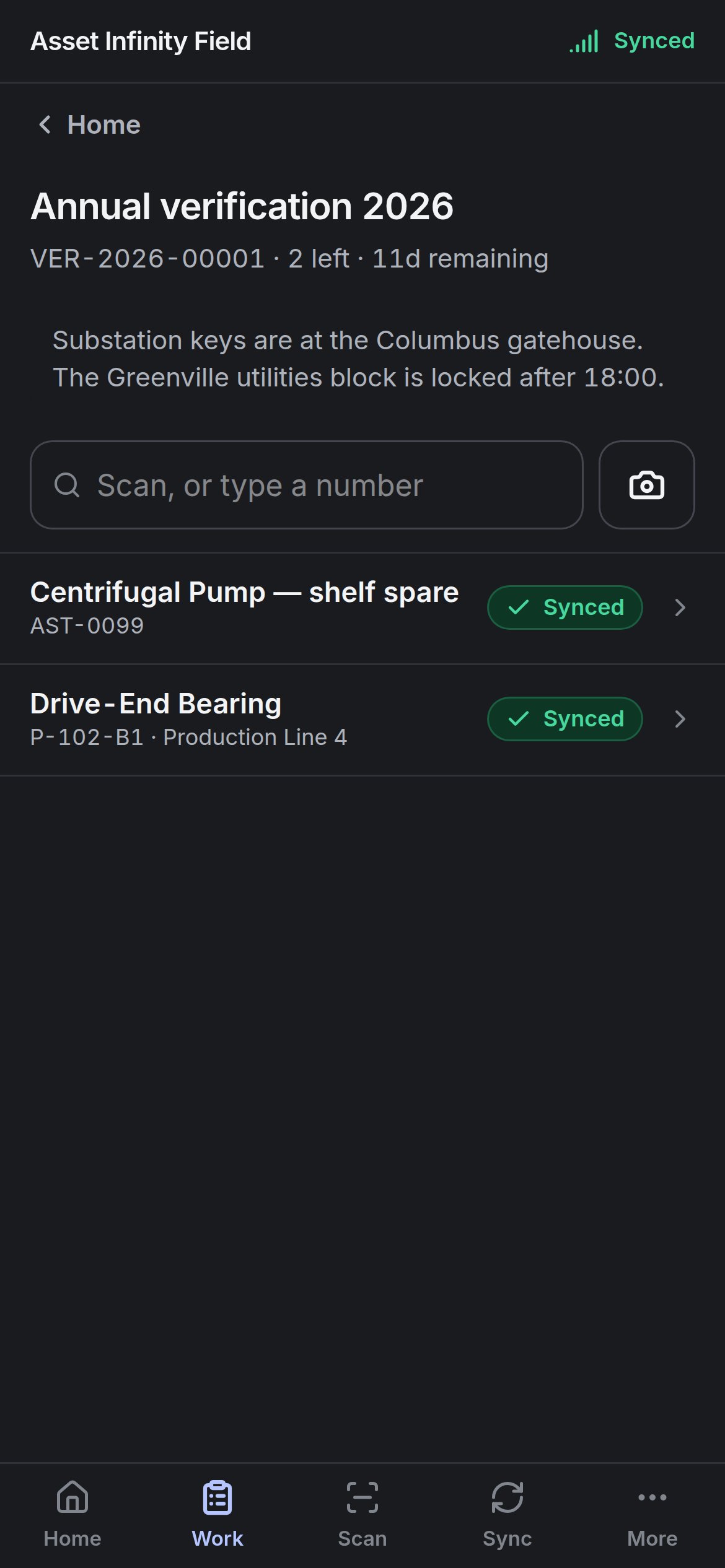
Counts assigned to you appear under **Verification** on [Today and Work](/field/today-and-work), with **{n} still to walk** and the time remaining, and as the **Verification counts** tile on Home. Counts are set up in the web app; the handset only walks them.
The screen shows the count's title, its number, how many lines are **left**, the time remaining and the instructions written by whoever set it up — keys, access times, anything worth knowing before you walk.
## Finding the asset
**Scan, or type a number** at the top finds a line: scan the asset's label with the camera button, or type its number.
| Result | Meaning |
| - | - |
| The line opens | The asset is on this count |
| **Not on this round** | A real asset this count never asked about. Recording an unexpected find needs a signal, because the server decides whether the count accepts them and whether you may reach that asset |
| **Nothing on this device answers to that** | Either the label is not one of yours, or the asset is not on this handset. Worth photographing the tag before you move on |
| **Nothing on the round matches that** | Typed text that matches no line |
You can also tap any line in the list.
## Recording a line
## Opening a count
Counts assigned to you appear under **Verification** on [Today and Work](/field/today-and-work), with **{n} still to walk** and the time remaining, and as the **Verification counts** tile on Home. Counts are set up in the web app; the handset only walks them.
The screen shows the count's title, its number, how many lines are **left**, the time remaining and the instructions written by whoever set it up — keys, access times, anything worth knowing before you walk.
## Finding the asset
**Scan, or type a number** at the top finds a line: scan the asset's label with the camera button, or type its number.
| Result | Meaning |
| - | - |
| The line opens | The asset is on this count |
| **Not on this round** | A real asset this count never asked about. Recording an unexpected find needs a signal, because the server decides whether the count accepts them and whether you may reach that asset |
| **Nothing on this device answers to that** | Either the label is not one of yours, or the asset is not on this handset. Worth photographing the tag before you move on |
| **Nothing on the round matches that** | Typed text that matches no line |
You can also tap any line in the list.
## Recording a line
 | Field | What it means | Notes |
| - | - | - |
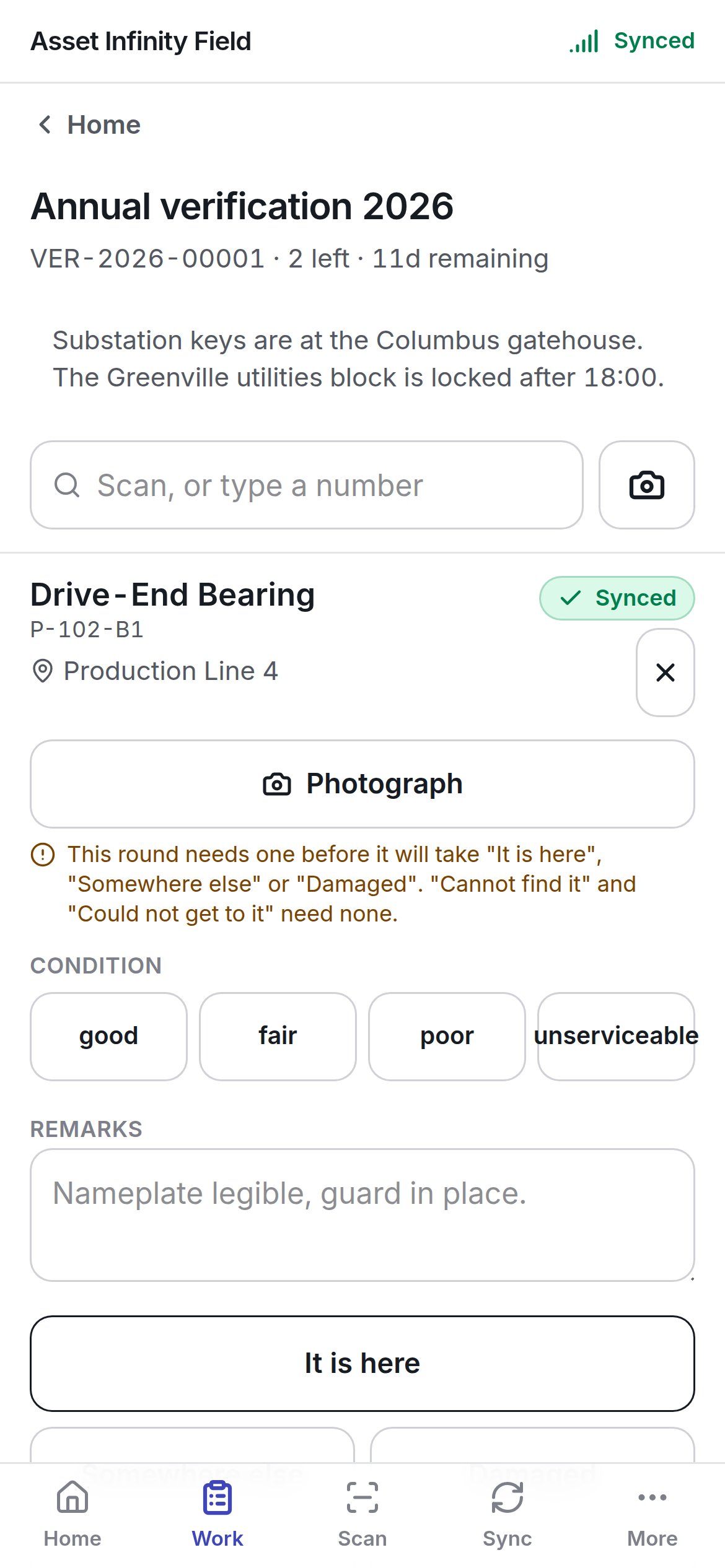
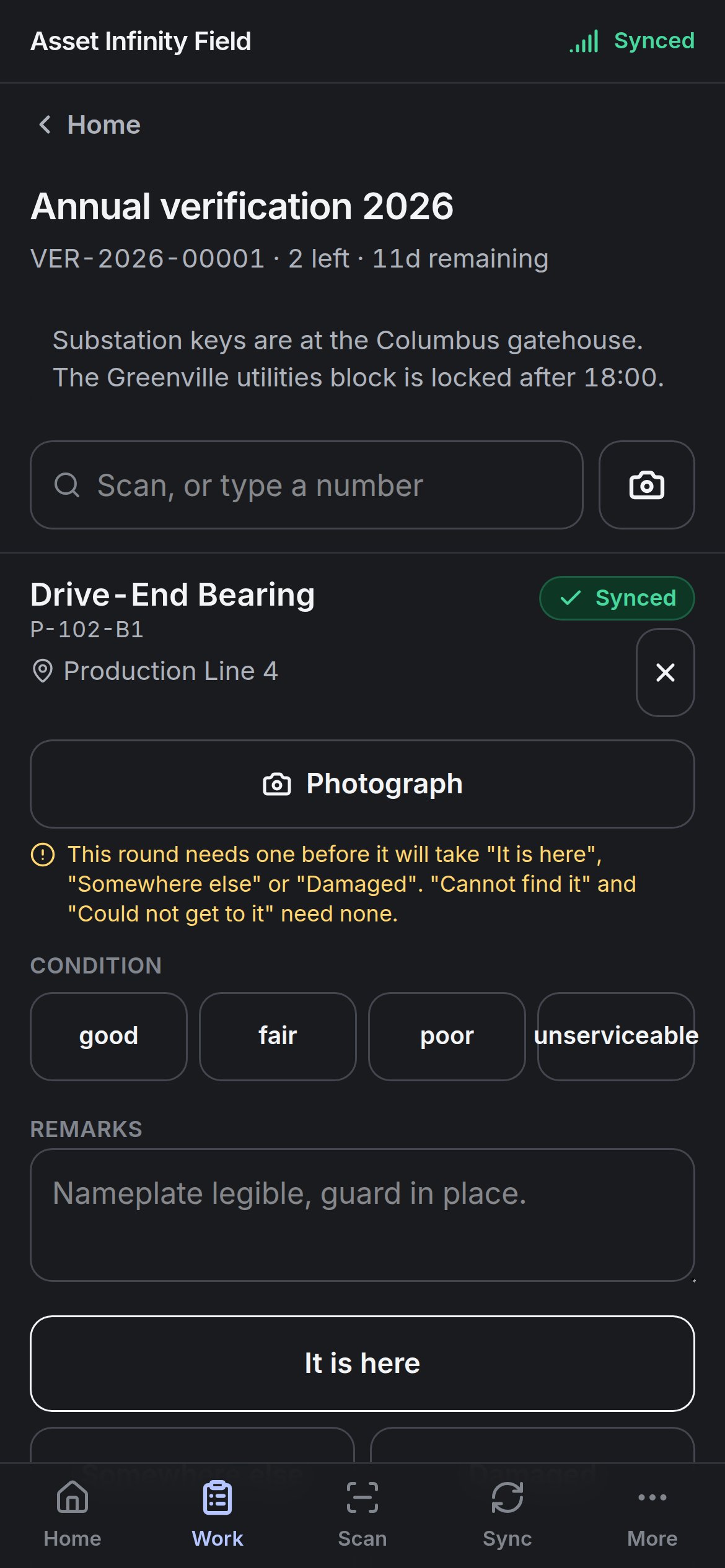
| **Photograph** | A picture of the asset | Required by some counts before **It is here**, **Somewhere else** or **Damaged** — the screen says so. **Cannot find it** and **Could not get to it** never need one |
| **Condition** | The state you found it in | Chosen from the count's condition list (in the demo **good**, **fair**, **poor**, **unserviceable**) |
| **Remarks** | Anything worth noting | For example *Nameplate legible, guard in place.* |
Then record the outcome with one button:
| Outcome | When to use it |
| - | - |
| **It is here** | Found where the register says |
| **Somewhere else** | Found, but not where the register says. This records the discrepancy against the line; naming the new location is done on the count afterwards in the web app, where the whole location tree is |
| **Damaged** | Found but damaged |
| **Cannot find it** | Looked and it is not there |
| **Could not get to it** | Locked out, no access, unsafe |
Some counts record where each scan was made, so recording asks for your location (except **Could not get to it**). If the app may not use location, or there is no fix indoors, the screen says what to do; a device that cannot report a position cannot record lines on such a count.
A line already recorded shows **Already recorded as** its outcome — recording again corrects it. Each record is **Queued for validation** and goes up on the next sync.
## Finishing
When every line is walked, the screen says **Every line has been walked** — open **Sync** to send them. The count is closed by whoever set it up, not from the handset.
This documentation is built and hosted on [Mintlify](https://mintlify.com), a developer documentation platform.
| Field | What it means | Notes |
| - | - | - |
| **Photograph** | A picture of the asset | Required by some counts before **It is here**, **Somewhere else** or **Damaged** — the screen says so. **Cannot find it** and **Could not get to it** never need one |
| **Condition** | The state you found it in | Chosen from the count's condition list (in the demo **good**, **fair**, **poor**, **unserviceable**) |
| **Remarks** | Anything worth noting | For example *Nameplate legible, guard in place.* |
Then record the outcome with one button:
| Outcome | When to use it |
| - | - |
| **It is here** | Found where the register says |
| **Somewhere else** | Found, but not where the register says. This records the discrepancy against the line; naming the new location is done on the count afterwards in the web app, where the whole location tree is |
| **Damaged** | Found but damaged |
| **Cannot find it** | Looked and it is not there |
| **Could not get to it** | Locked out, no access, unsafe |
Some counts record where each scan was made, so recording asks for your location (except **Could not get to it**). If the app may not use location, or there is no fix indoors, the screen says what to do; a device that cannot report a position cannot record lines on such a count.
A line already recorded shows **Already recorded as** its outcome — recording again corrects it. Each record is **Queued for validation** and goes up on the next sync.
## Finishing
When every line is walked, the screen says **Every line has been walked** — open **Sync** to send them. The count is closed by whoever set it up, not from the handset.
This documentation is built and hosted on [Mintlify](https://mintlify.com), a developer documentation platform.