

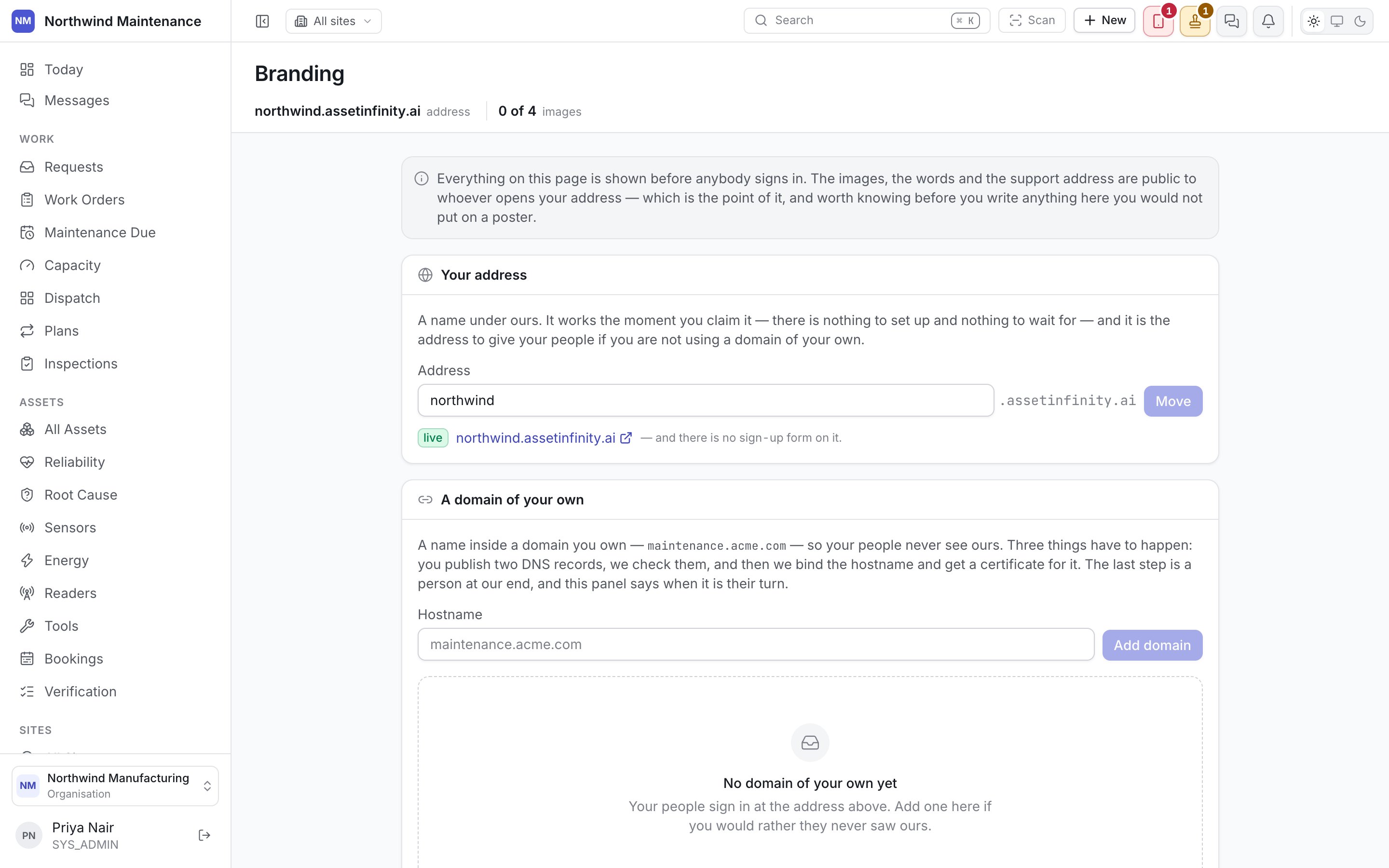
Domain
Every organisation gets a free subdomain —yourcompany.assetinfinity.ai — at no setup cost. If you
run your own domain, add it instead: maintenance.acme.com, or whatever you already point people to.
Adding a custom domain means proving you own it:
1
Enter the domain
Type the domain you want to use.
2
Add the DNS records shown
A DNS record to add at your registrar or DNS provider, proving control of the domain.
3
Wait for verification
The domain shows pending until the record is found. Once it resolves, it flips to live
and starts serving your sign-in page.
DNS propagation isn’t instant. A record that looks right can still show pending for a while —
that’s normal, not a sign something’s wrong.
Images
Uploading a dark-mode logo is worth doing deliberately: a logo designed for a light background often
disappears, or looks wrong, simply inverted onto a dark one.
Sign-in page text
Beyond the images, the sign-in page’s own copy is editable:
Use the support contact for whoever actually fields sign-in problems at your organisation — your own
help desk, not ours.
Hiding vendor branding
A toggle removes Asset Infinity’s own branding and footer from the app, for organisations that want it to read as entirely their own.Password reset and branding
A password-reset email links back to your organisation’s own branded domain when one is
configured, rather than the shared default domain. Configure your domain before rolling the
product out widely — it’s what people click from their inbox.