
If you don’t see this in your navigation, your administrator can switch the module on under Administration → Modules, or it may not be included in your plan.
Stores
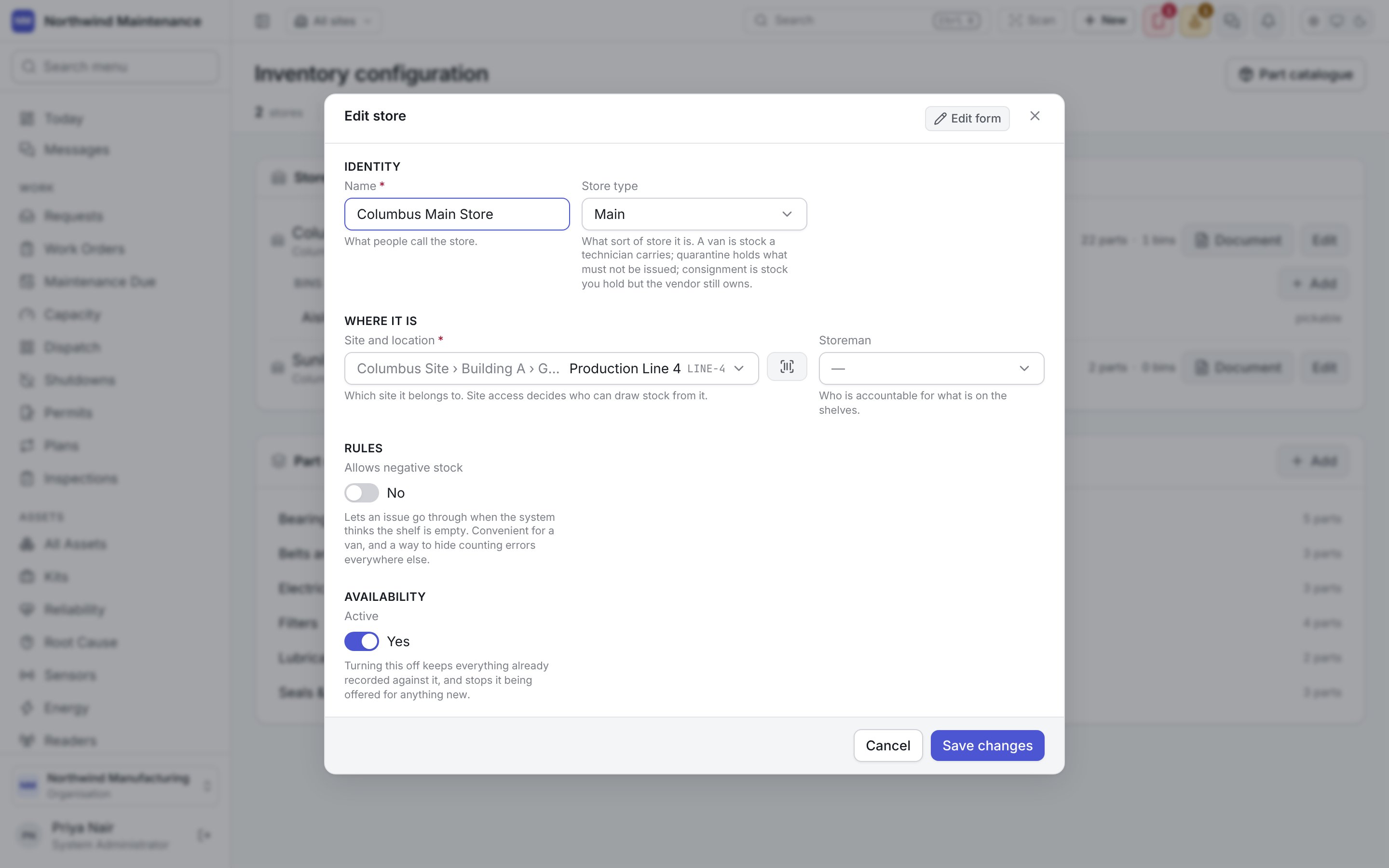
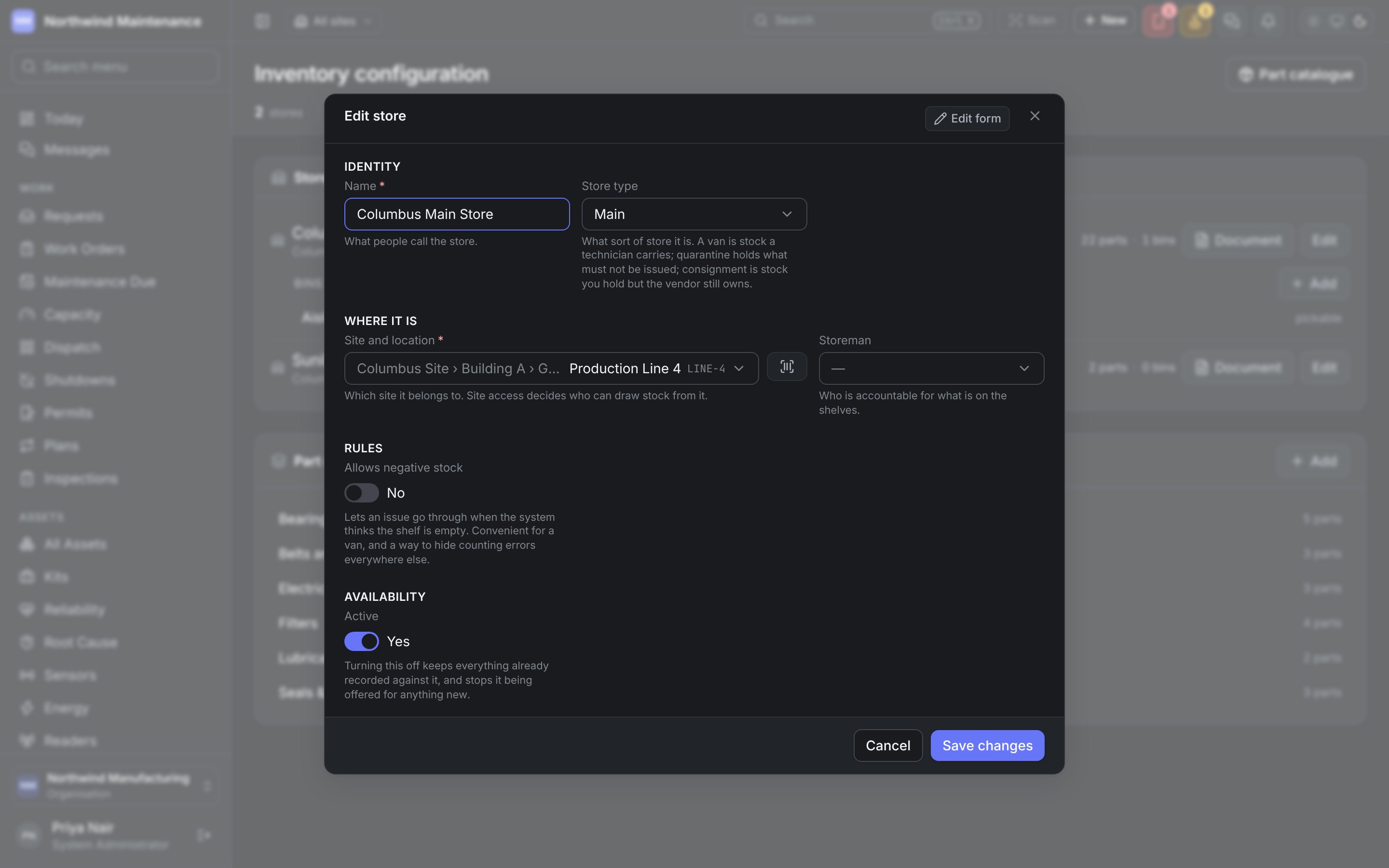
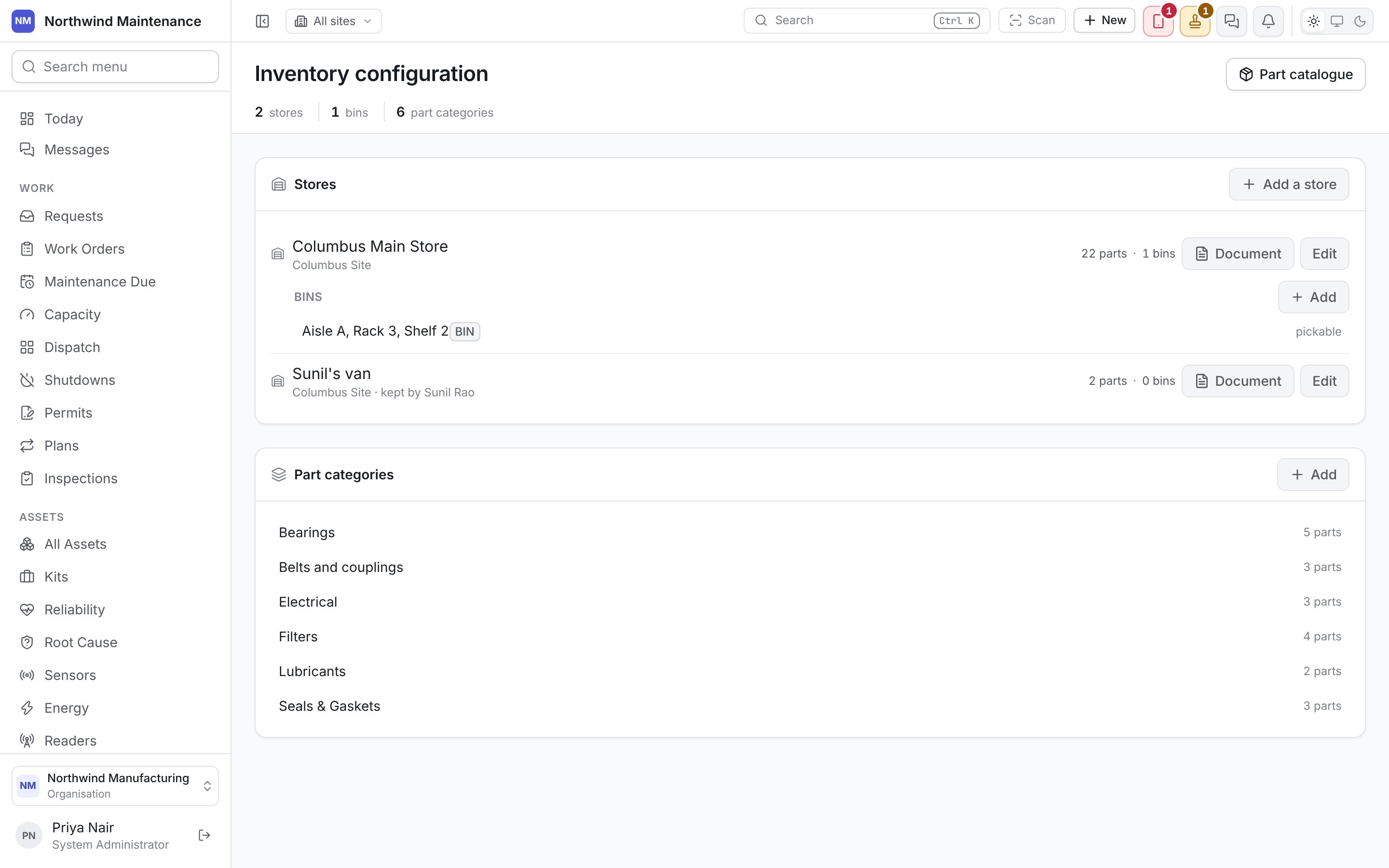
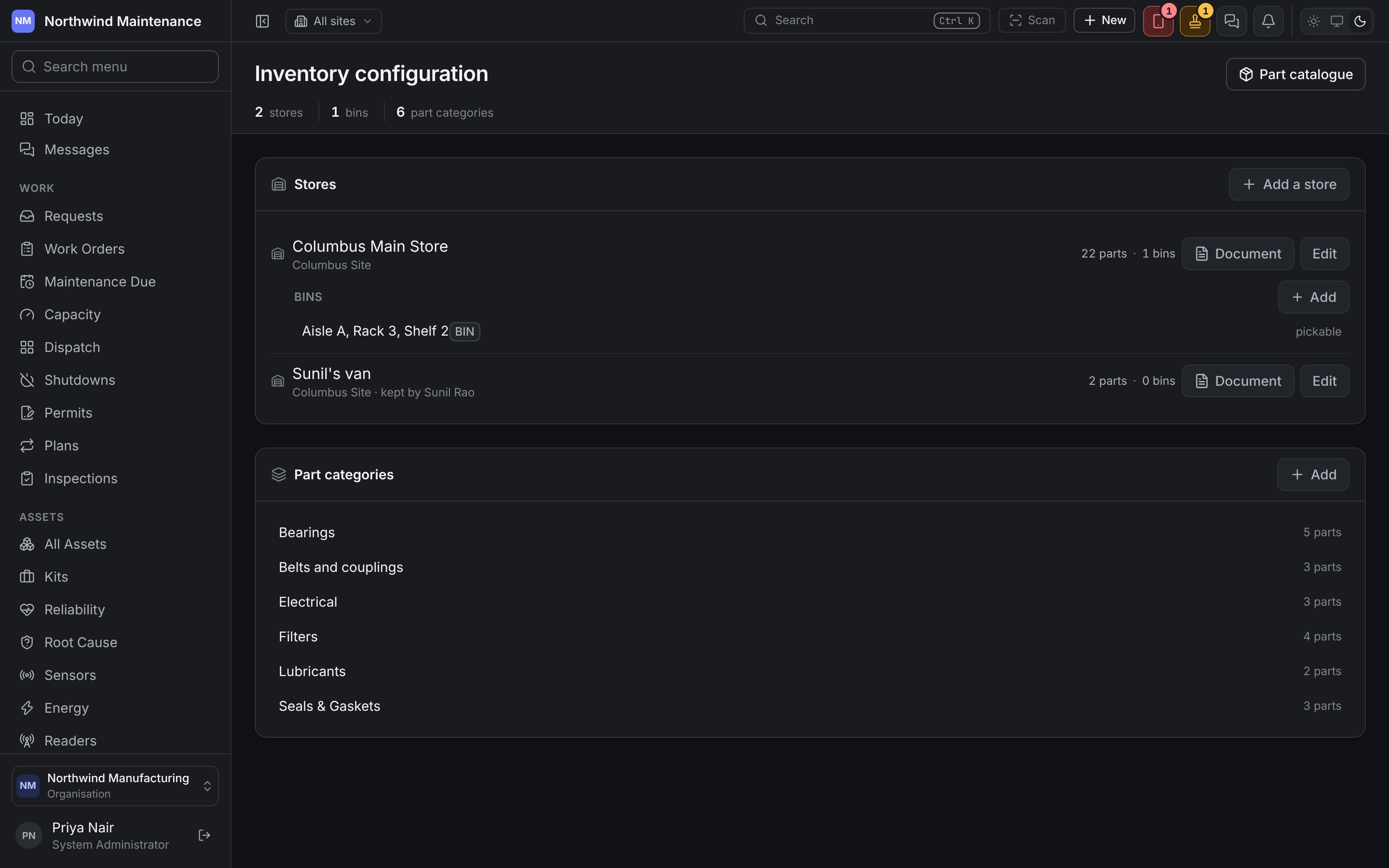
A store is somewhere stock is held — a main store, a line-side cabinet, a technician’s van. Stock levels, reorder points and shortage warnings are all worked out per store, because one empty store is a shortage even when the total across the organisation looks healthy. See reorder. Each store card shows its name, its site (and storeman, where one is set), how many parts it holds and how many bins it has. Click the card to expand its bins. Two buttons sit on each card:
Add a store opens a new one.