

Whose copy it is
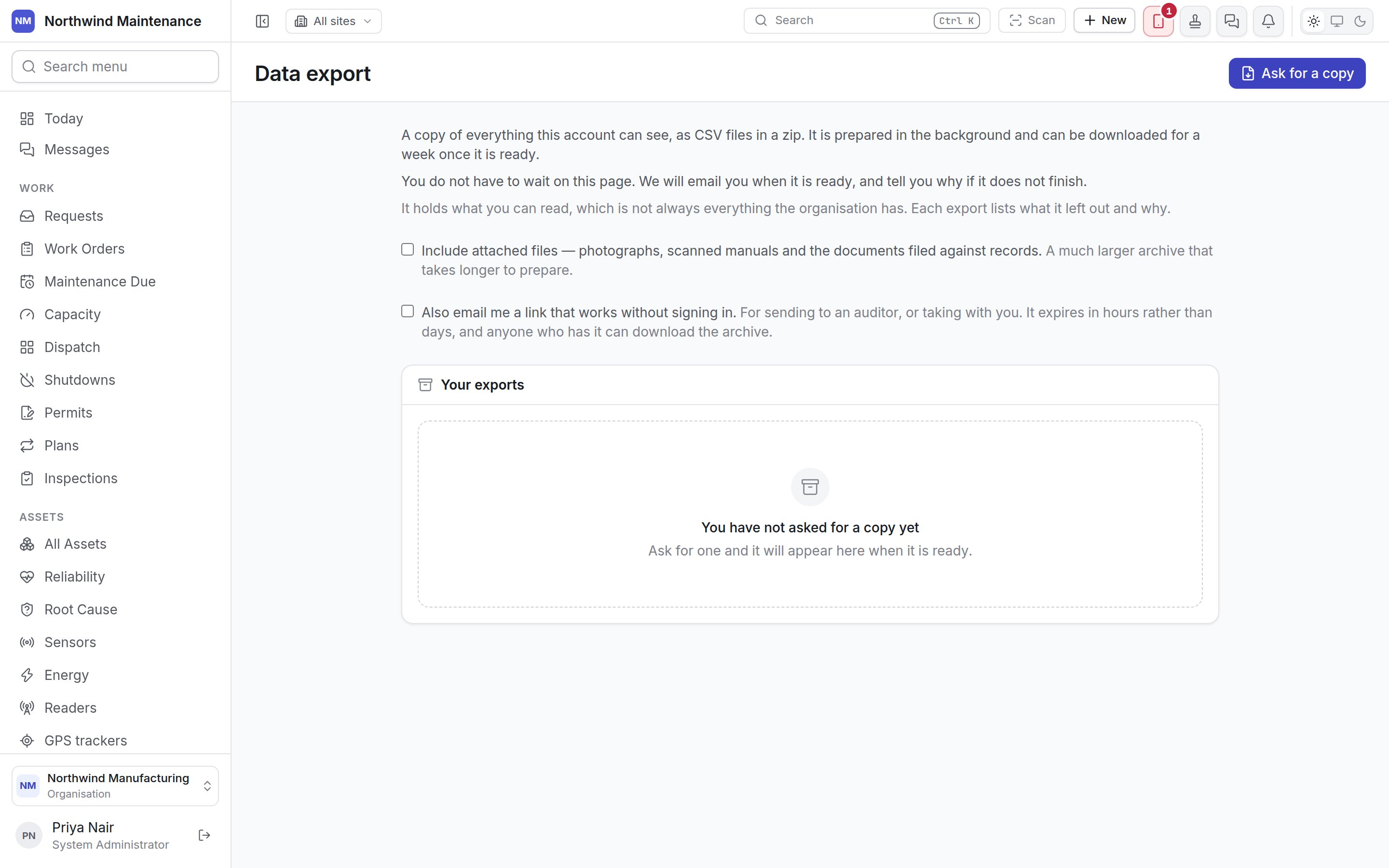
An export holds what your account can read, which is not always everything the organisation has. An administrator’s archive and a site supervisor’s are different files. Each export lists what it left out and why, and the manifest inside the zip says the same, so whoever opens the file later knows whose view it is.Asking for a copy
Ask for a copy starts the export. It is prepared in the background, and you are emailed when it is
ready — or told why if it does not finish — so you do not need to wait on the page.
The button is unavailable, with the reason shown above the list, when:
Your exports
Each export you have asked for, newest first. With none, the list says You have not asked for a copy yet.
What is in it lists, side by side:
Who can use this
Without it, you can open the screen but the button and options are not offered. See
roles.
Import
Loading records the other way, from a spreadsheet.