

Who can use this screen
The screen needs Integration · admin — see the permission reference. Without it the card is not offered, and opening the screen’s address says that the support widget is set up by whoever may configure integrations.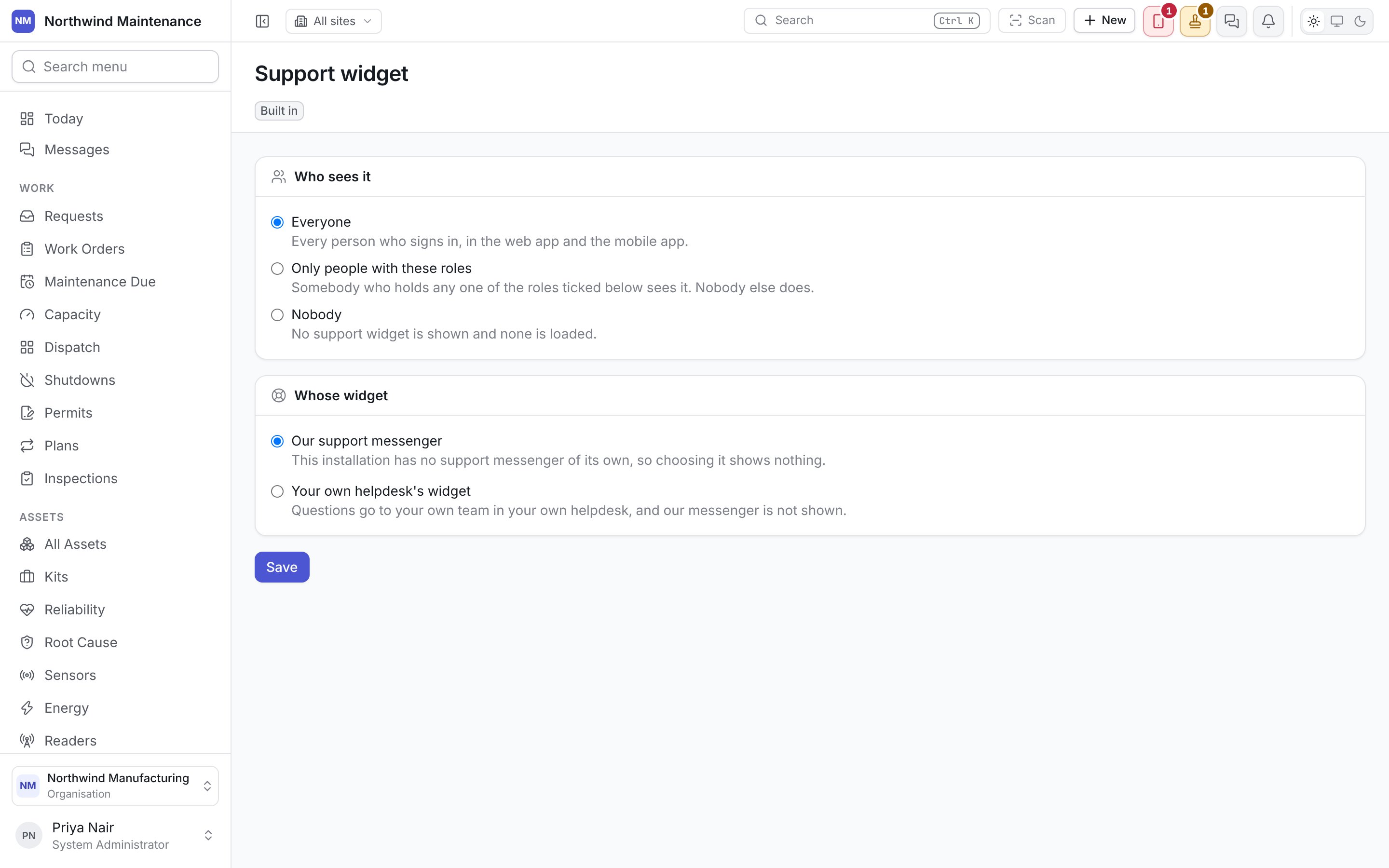
Who sees it
Whose widget
Choosing your own helpdesk asks:
When a change takes effect
Save stores the settings and says so. People see the change the next time they sign in or reload the page, not straight away. The widget appears only while somebody is signed in. Signing out ends its conversation on that device, whichever helpdesk it is, so on a shared terminal the next person to sign in cannot read what the last one wrote.Related
- Getting help — what people see
- Microsoft Clarity — the other integration that loads into the web app
- Roles and permissions