If you don’t see this in your navigation, your administrator can switch the module on under Administration → Modules, or it may not be included in your plan.
Setting it up from a workbook
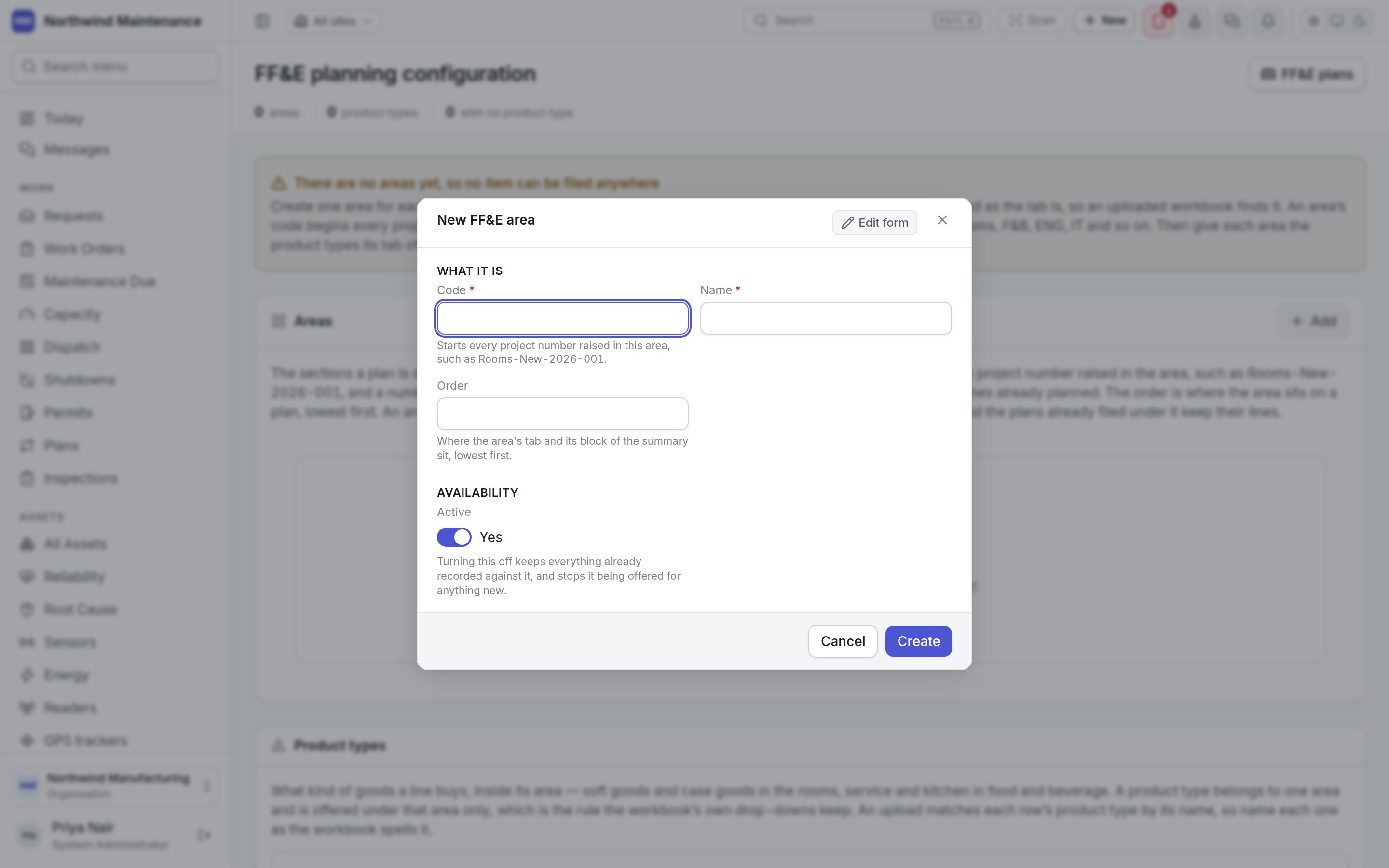
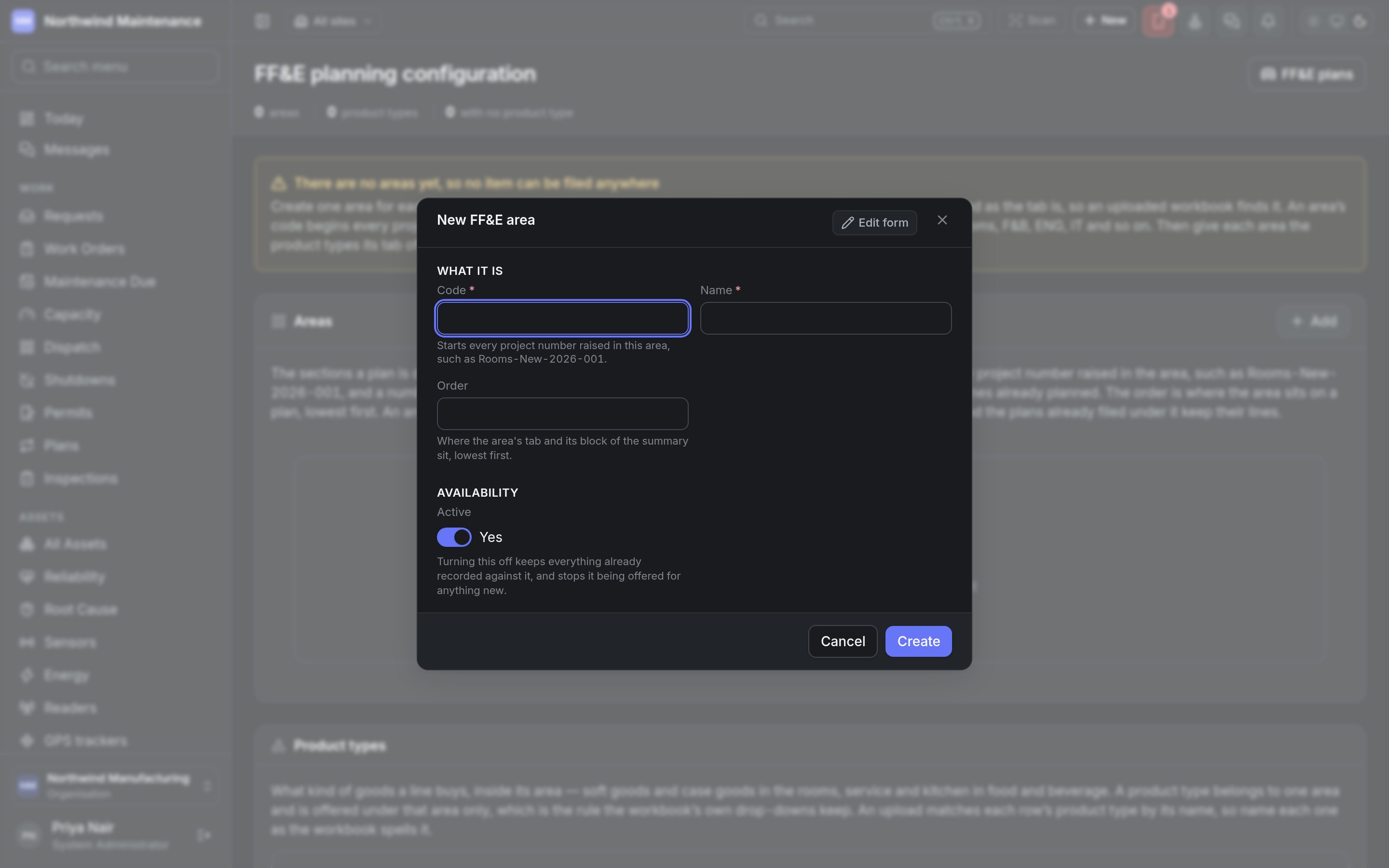
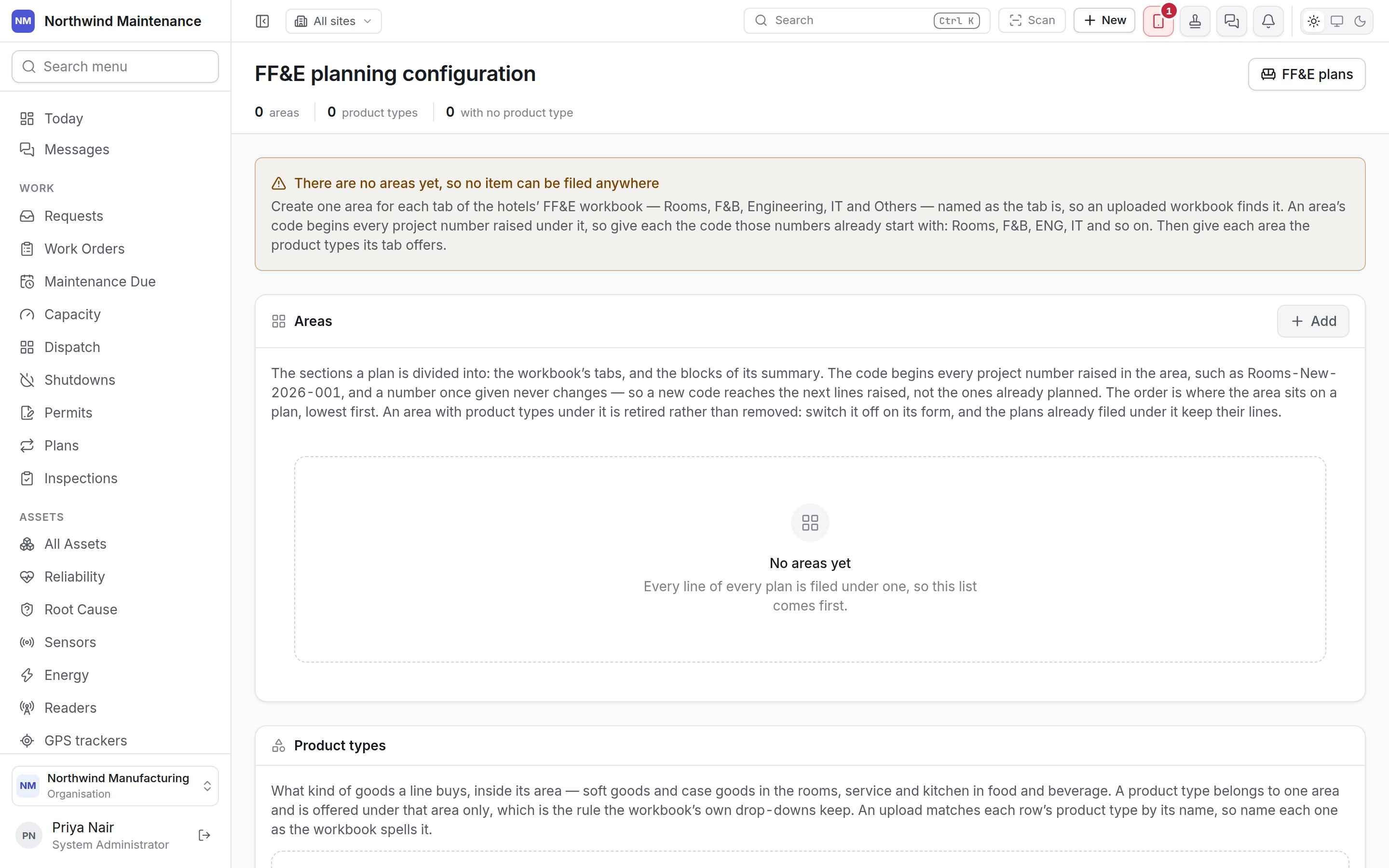
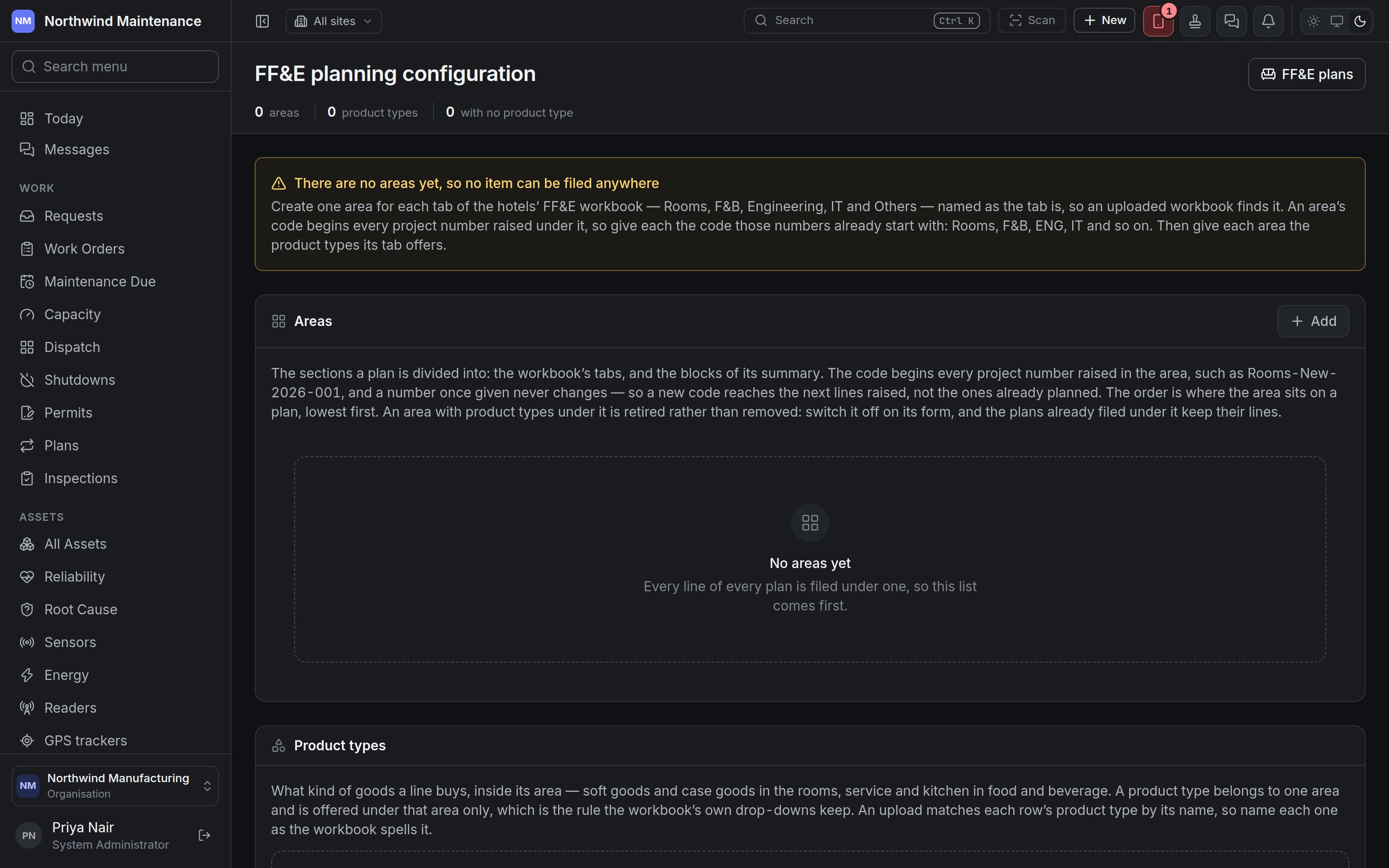
Most hotels already keep their FF&E plan in a workbook with one tab per area — Rooms, F&B, Engineering, IT and Others. Create one area for each tab, named exactly as the tab is, so an uploaded workbook finds it. Give each area the code its project numbers already start with — Rooms, F&B, ENG, IT. Then give each area the product types its tab offers, spelt as the workbook spells them.Areas
The sections a plan is divided into: the workbook’s tabs and the blocks of its summary. The list shows Code, Name, Order and In use. Add opens the form; click an area to edit it.