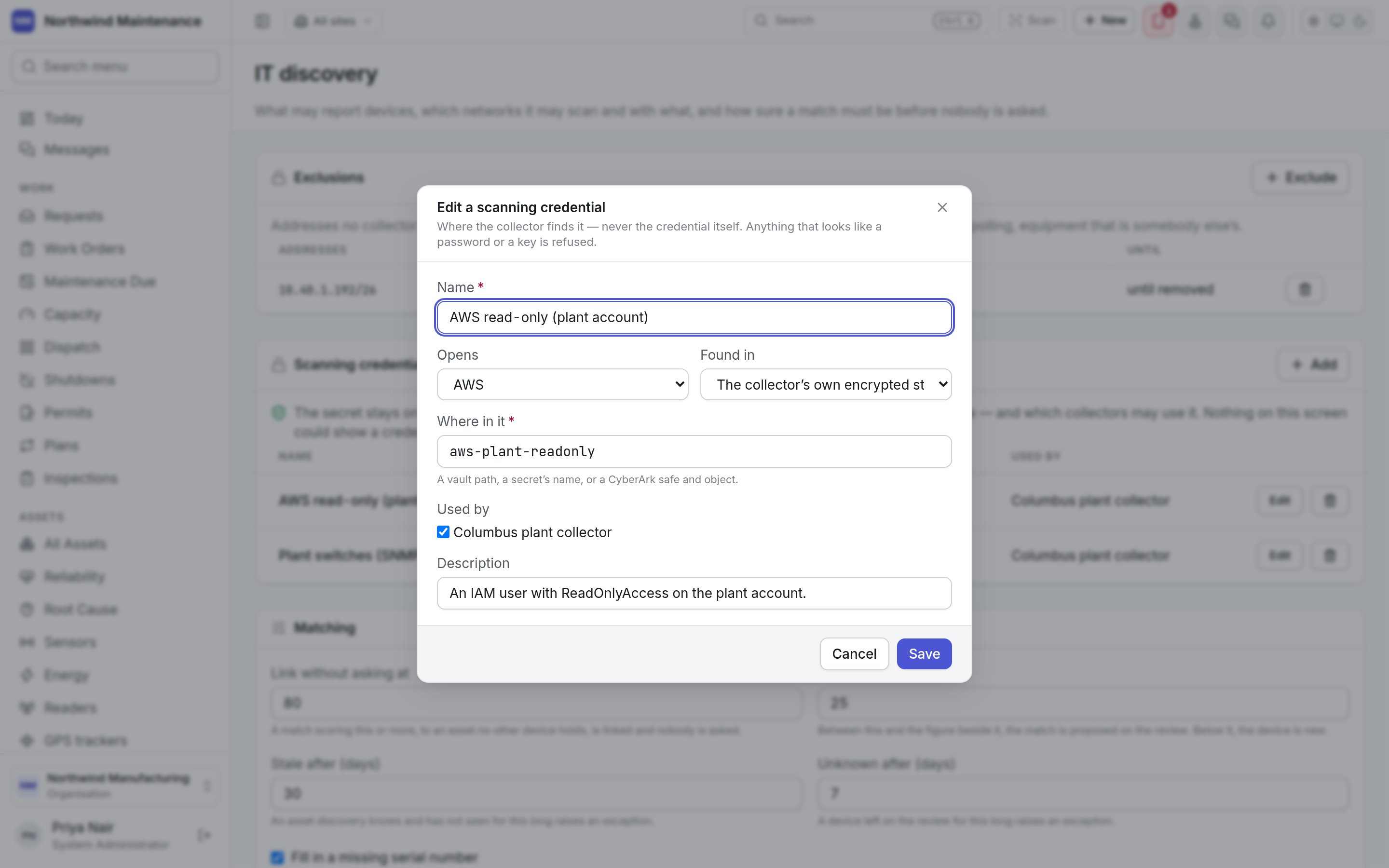
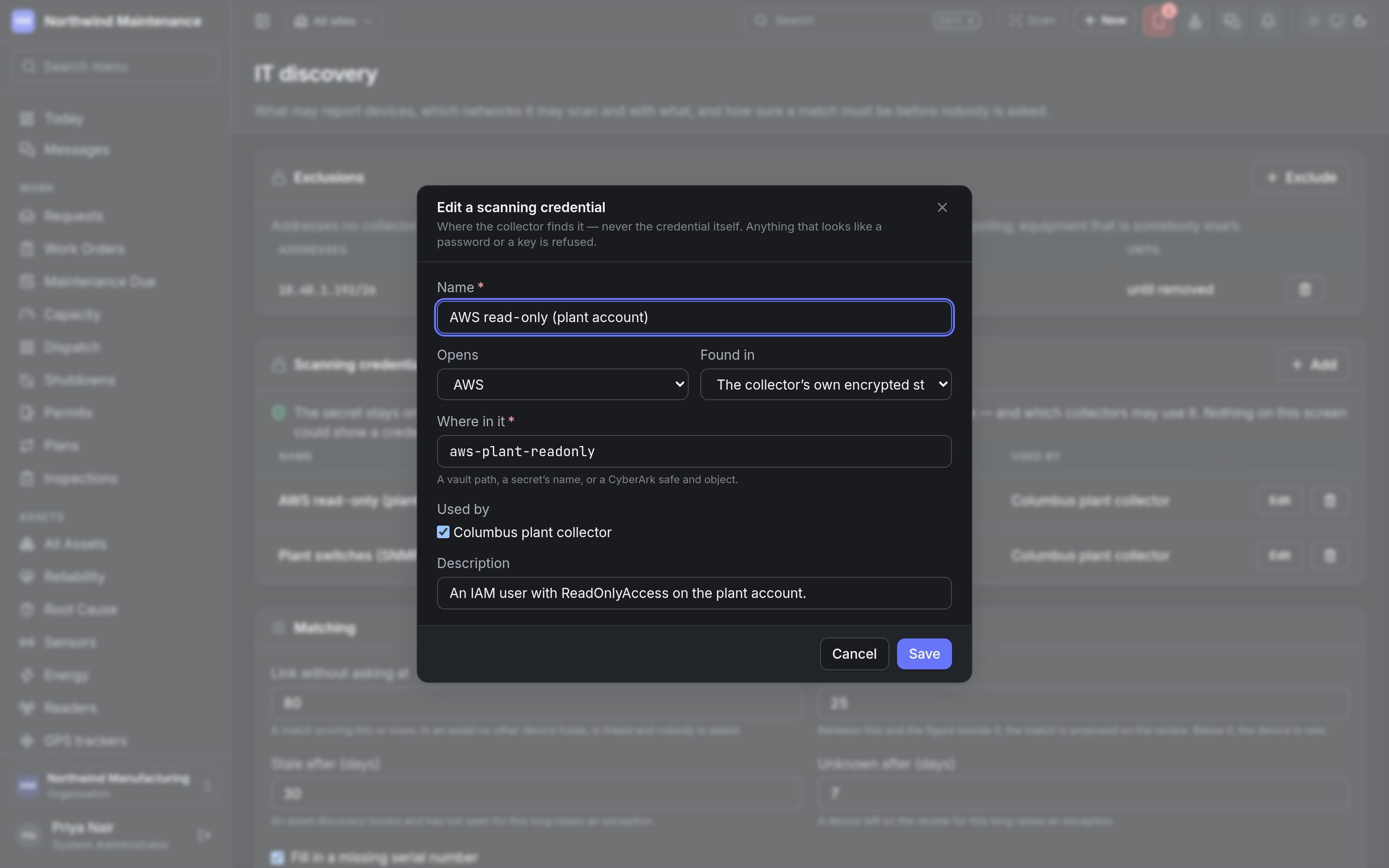
If you don’t see this in your navigation, your administrator can switch the module on under Administration → Modules, or it may not be included in your plan.
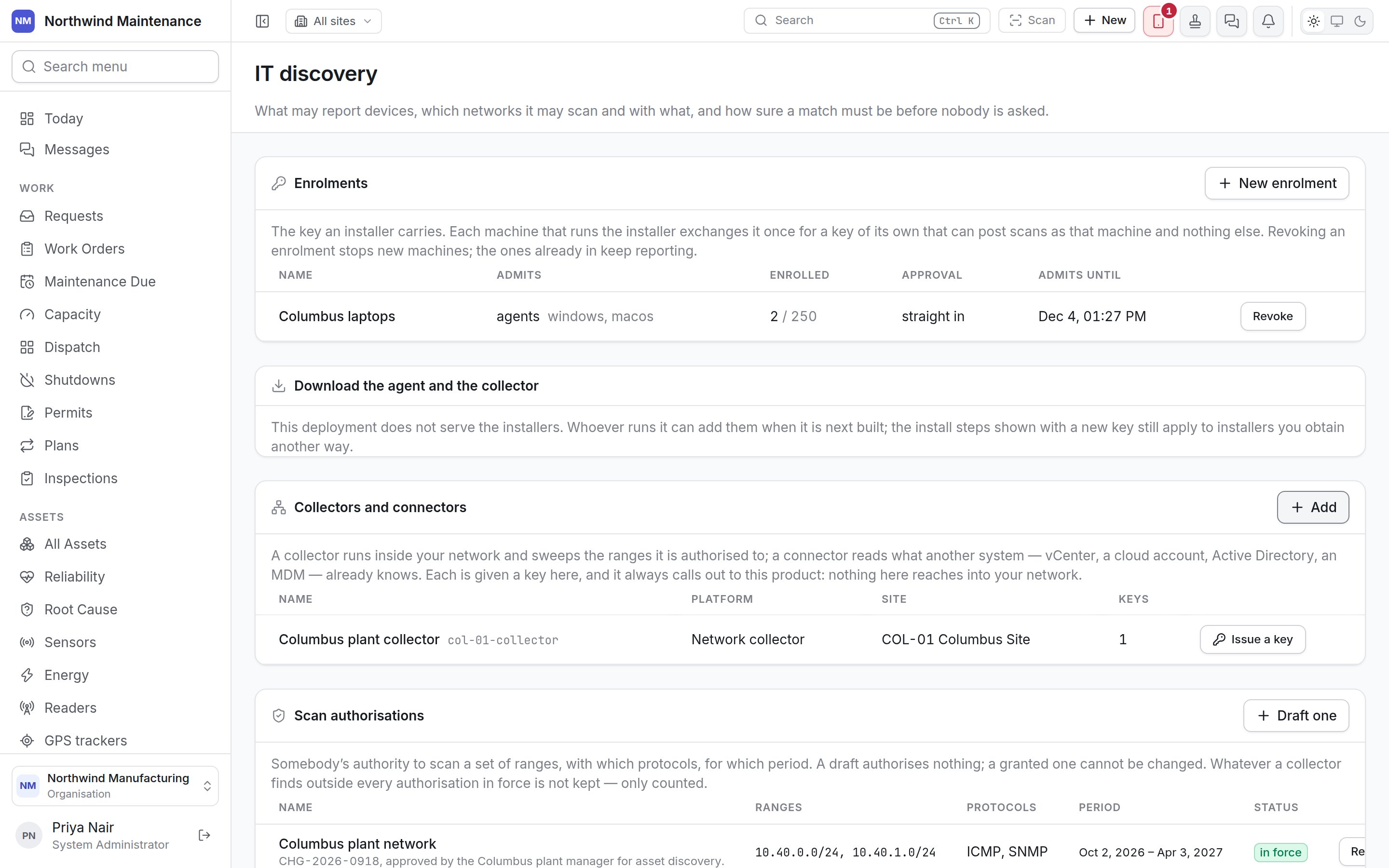
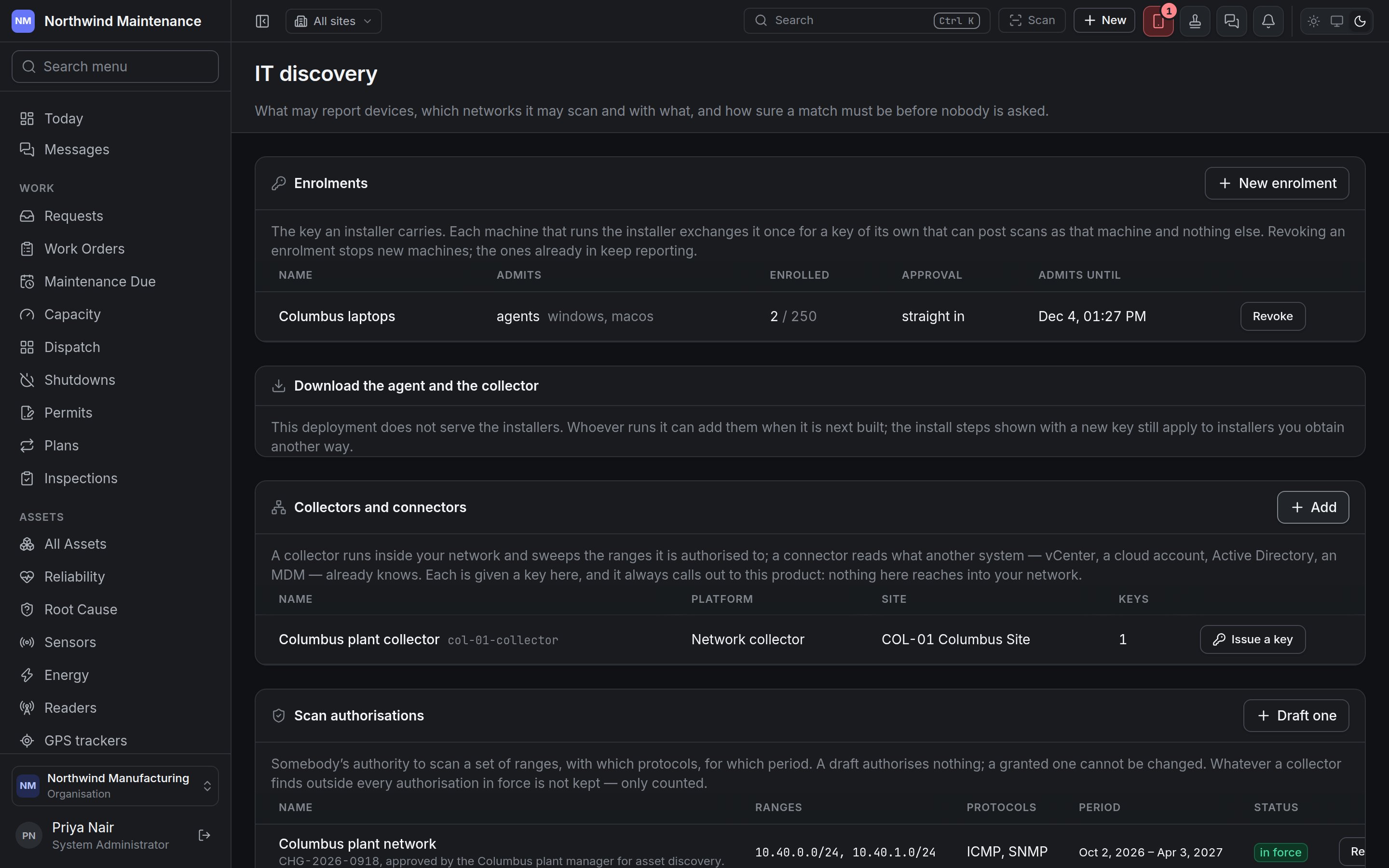
Nothing on this screen reaches into your network. Every agent, collector and connector calls out to the
product with a key of its own.
Enrolments
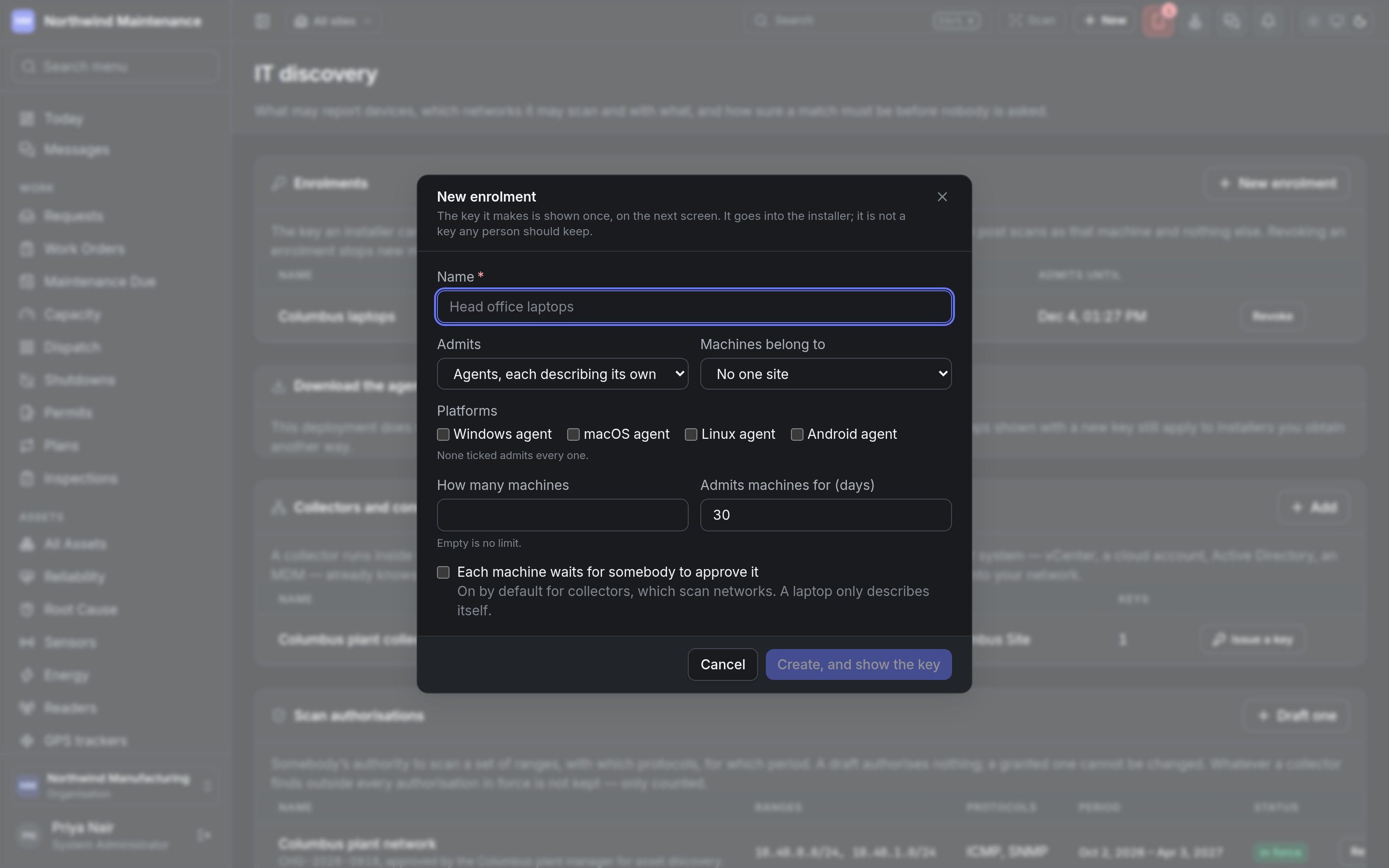
An enrolment is the key an installer carries. Each machine that runs the installer exchanges it once for a key of its own, which can post scans as that machine and nothing else. The list shows Name, Admits (agents or collectors, and the platforms), Enrolled (machines so far, out of the limit), Approval (straight in or waiting for approval) and Admits until. Revoke stops new machines enrolling with the key; machines already enrolled keep reporting. New enrolment opens the form. The key it makes is shown once, on the next screen, and goes into the installer — it is not a key any person should keep.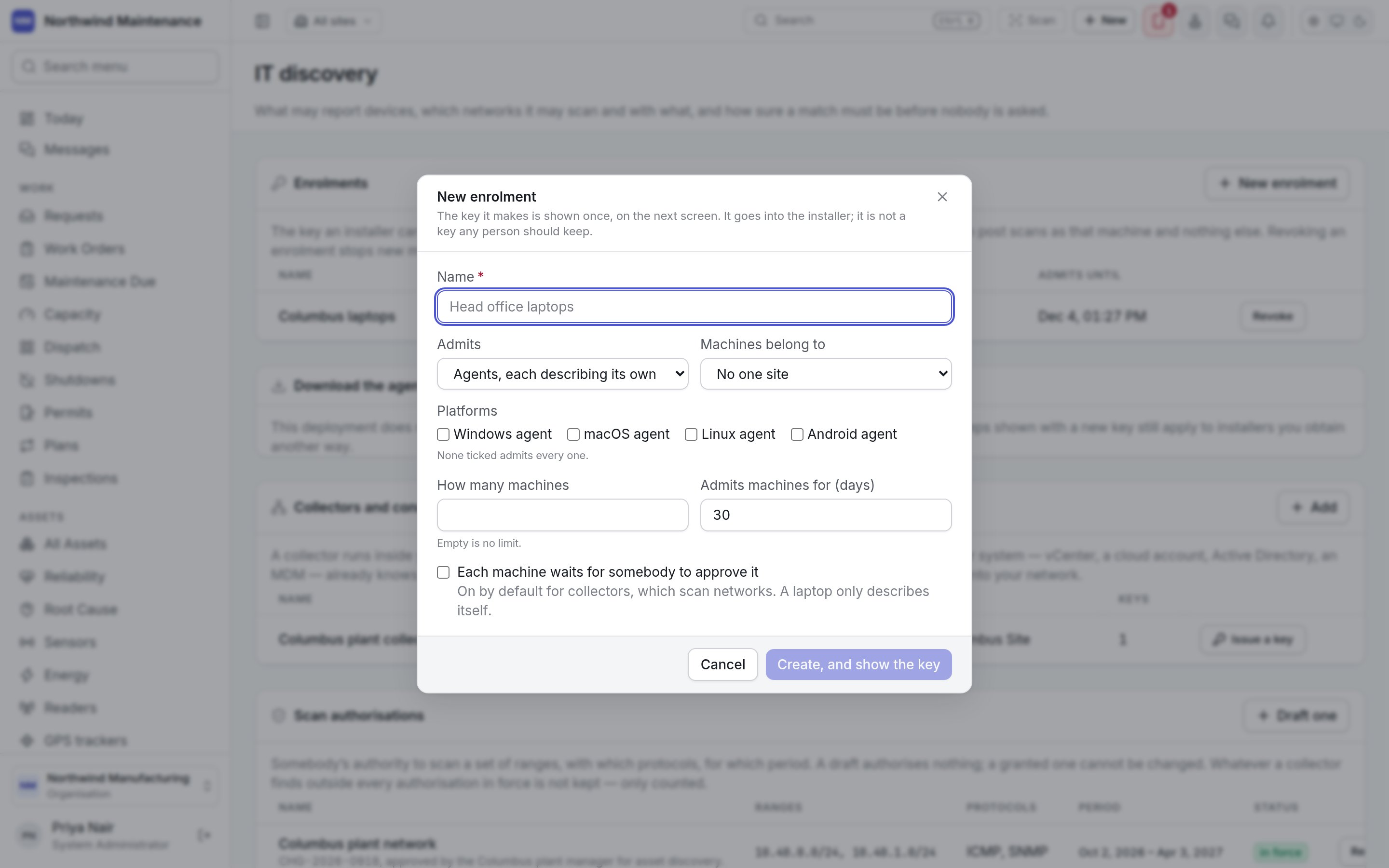
Download the agent and the collector explains where the installers come from. Where your deployment
does not serve them, the install steps shown with a new key still apply to installers you obtain
another way.
Collectors and connectors
A collector runs inside your network and sweeps the ranges it is authorised to. A connector reads what another system already knows — vCenter, a cloud account, Active Directory, a device manager. The list shows Name (and code), Platform, Site and Keys. Issue a key on a row creates the key that collector or connector uses; it is shown once. Add opens Add a collector or connector. It is active at once — you adding it is the approval.Scan authorisations
Somebody’s authority to scan a set of ranges, with which protocols, for which period. A draft authorises nothing; a granted one cannot be changed — a different set of ranges is a different authority, drafted and granted again. Whatever a collector finds outside every authorisation in force is not kept, only counted. The list shows Name (and the authority it was granted on), Ranges, Protocols, Period and Status (draft, in force, revoked). Somebody holding the grant permission puts their name to a draft with Grant; Revoke ends one in force. Draft one opens Draft a scan authorisation.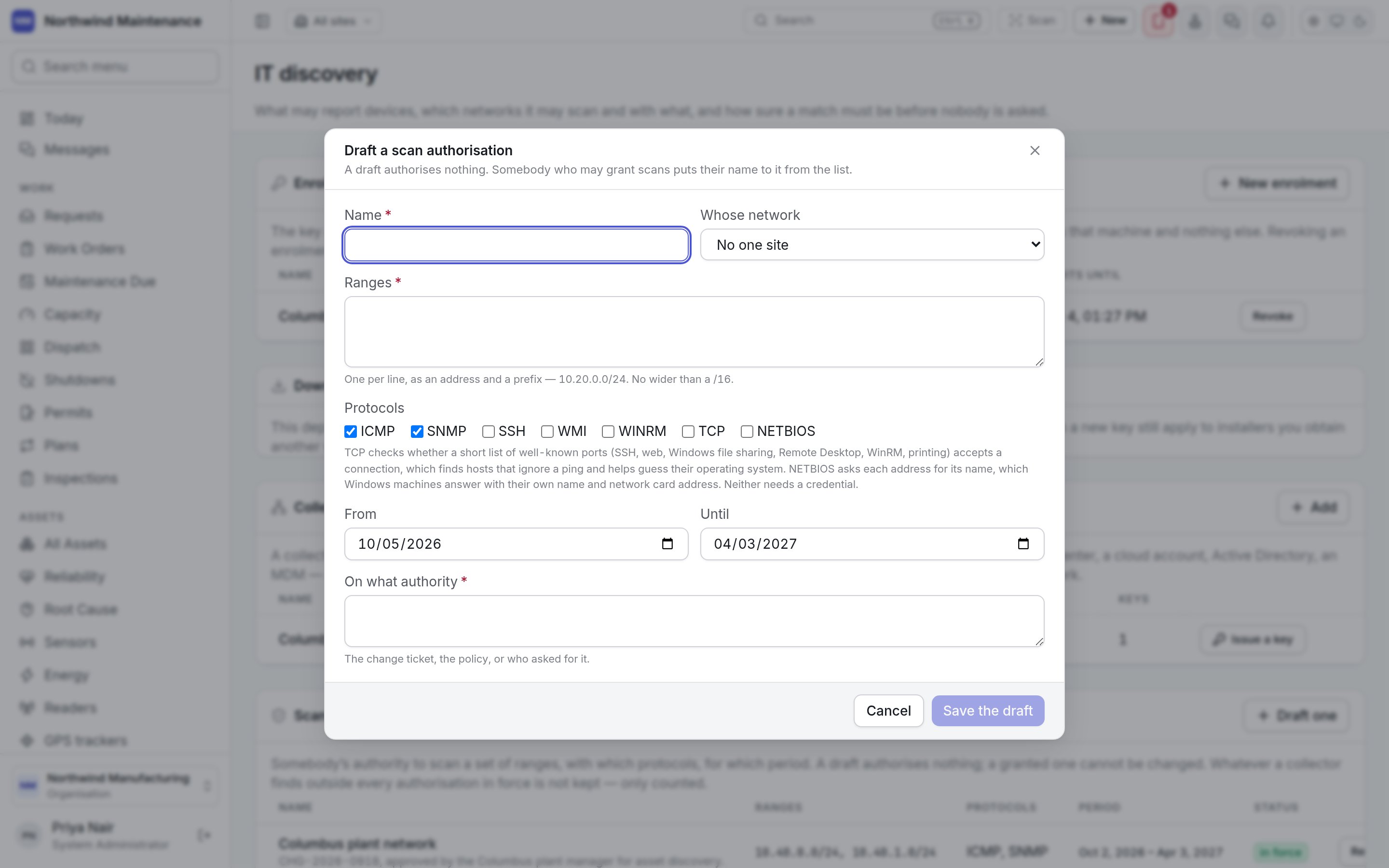
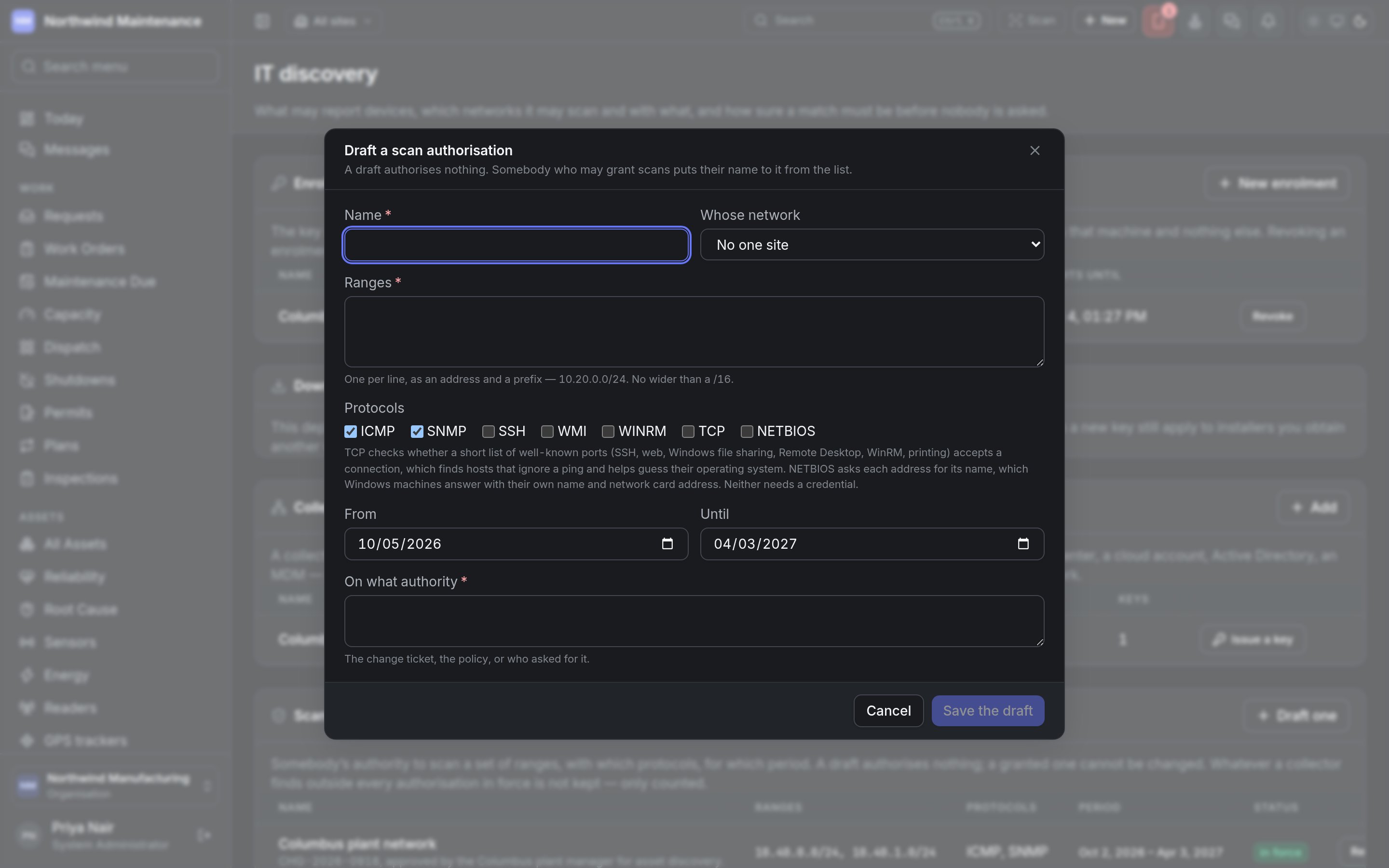
Save the draft stores it.
Schedules
When a collector sweeps under an authorisation. The list shows Name, Collector, Authorisation, How often (with any time window) and Protocols. Schedule a sweep opens the form:Connectors
A connector reads an inventory another system already keeps, on a collector, with a credential that collector holds. It needs no scan authorisation, because it knocks on no addresses. The list shows Name, Collector, Settings, Credential and How often. Add a connector opens the form; nothing in it may be a secret.Exclusions
Addresses no collector may touch even where an authorisation covers them — controllers that do not tolerate polling, equipment that is somebody else’s. The list shows Addresses, For, Why and Until. Exclude opens the form: Addresses (an address or a range with its prefix, required), For (every collector or one) and Why (required).Scanning credentials
The secret stays on your side. What is kept here is where a collector finds it — a vault path, a secret’s name — and which collectors may use it. Nothing on this screen could show a credential, because none is ever sent here. The list shows Name, Opens, Found in, Used by and Edit.