If you don’t see this in your navigation, your administrator can switch the module on under Administration → Modules, or it may not be included in your plan.
The three lists
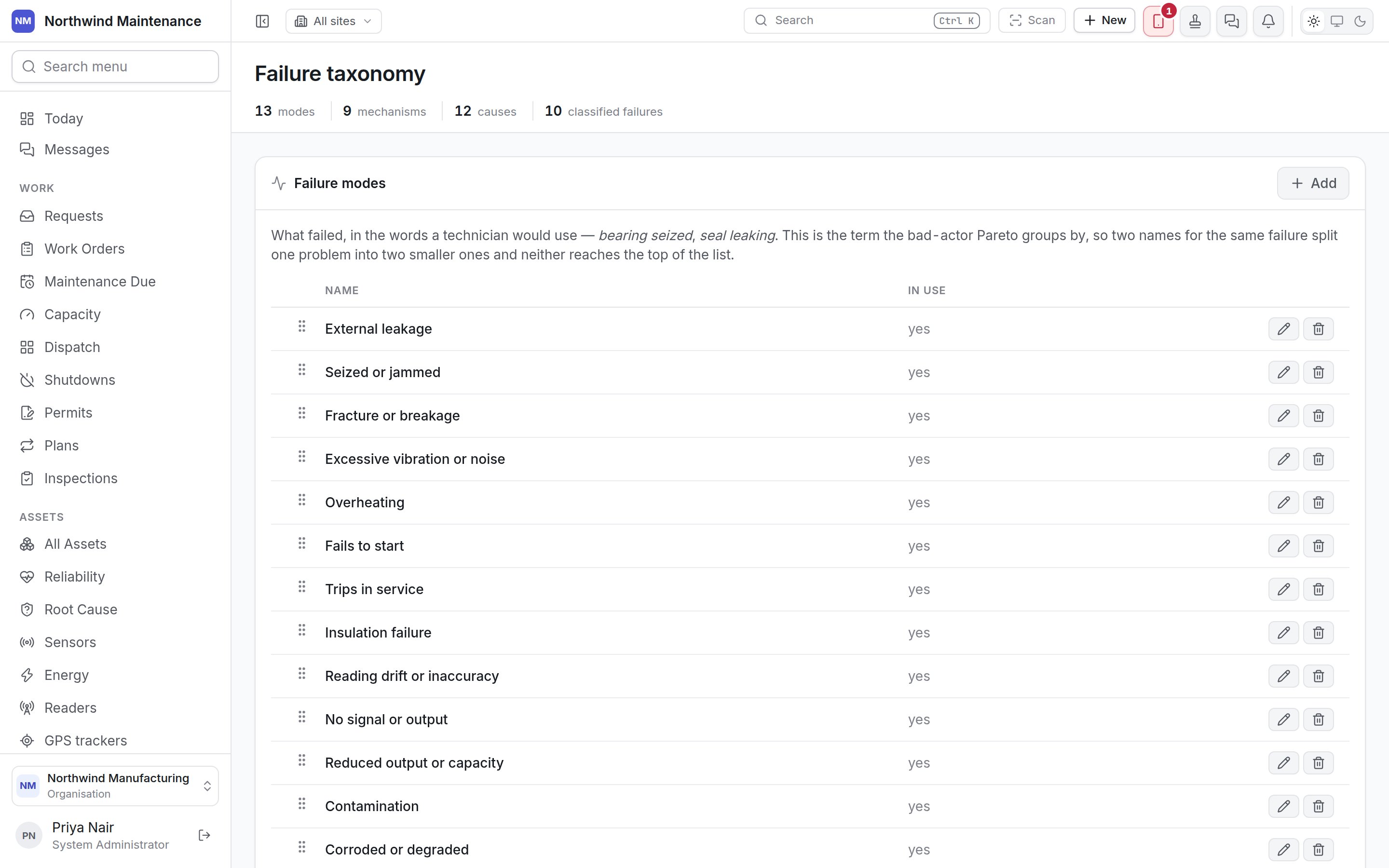
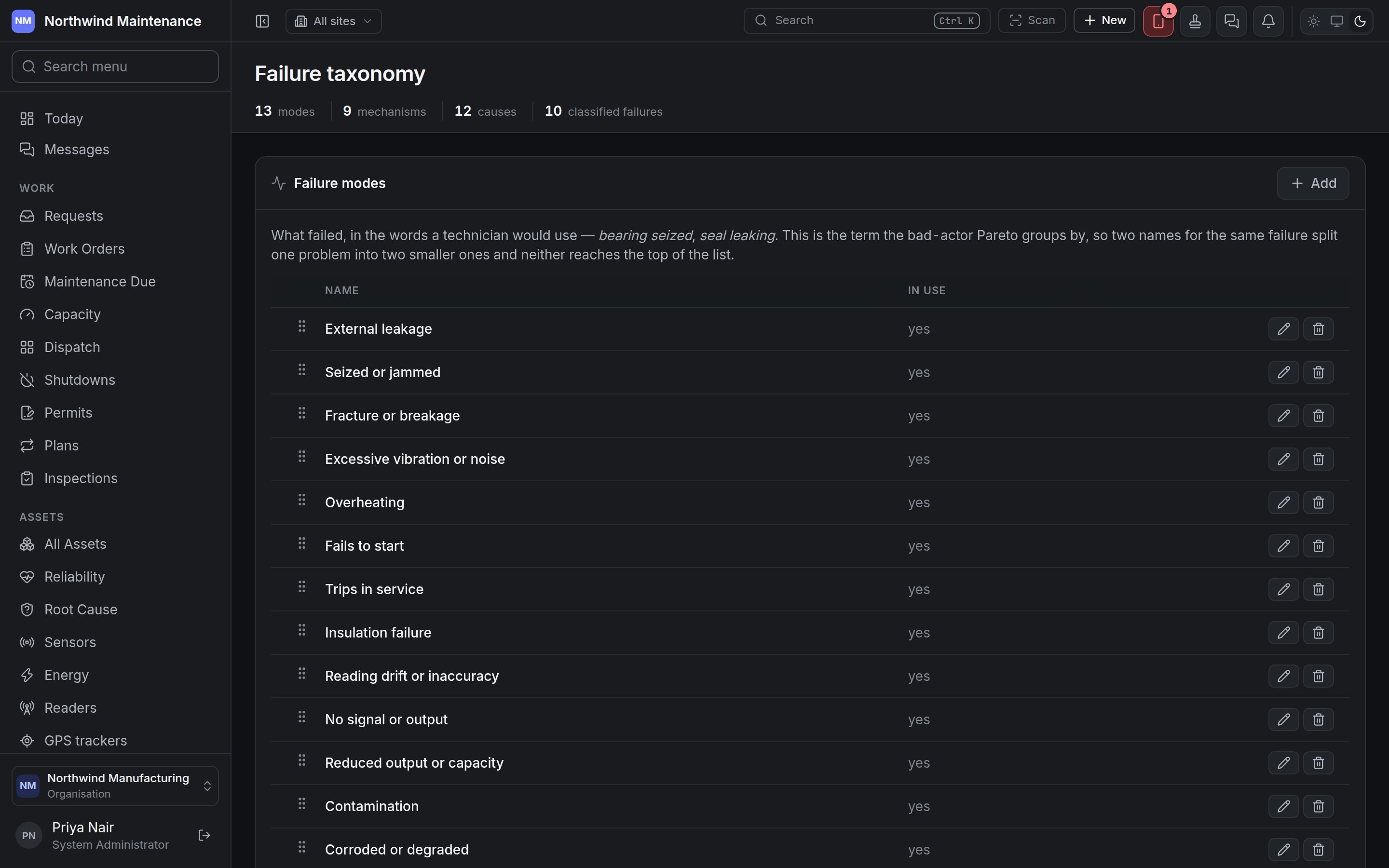
Each list shows Name and In use. Drag a row to change the order it is offered in. Add opens
a new entry; click a row to edit it.
Two names for the same failure split one problem into two smaller ones, and neither reaches the top of
the bad-actor Pareto — the failure mode is the term it groups by. Keep mechanisms as a separate list,
because the same mode arrives by several mechanisms that need different answers. Record causes as
something somebody can change: “old age” is a cause nobody can act on.
The form
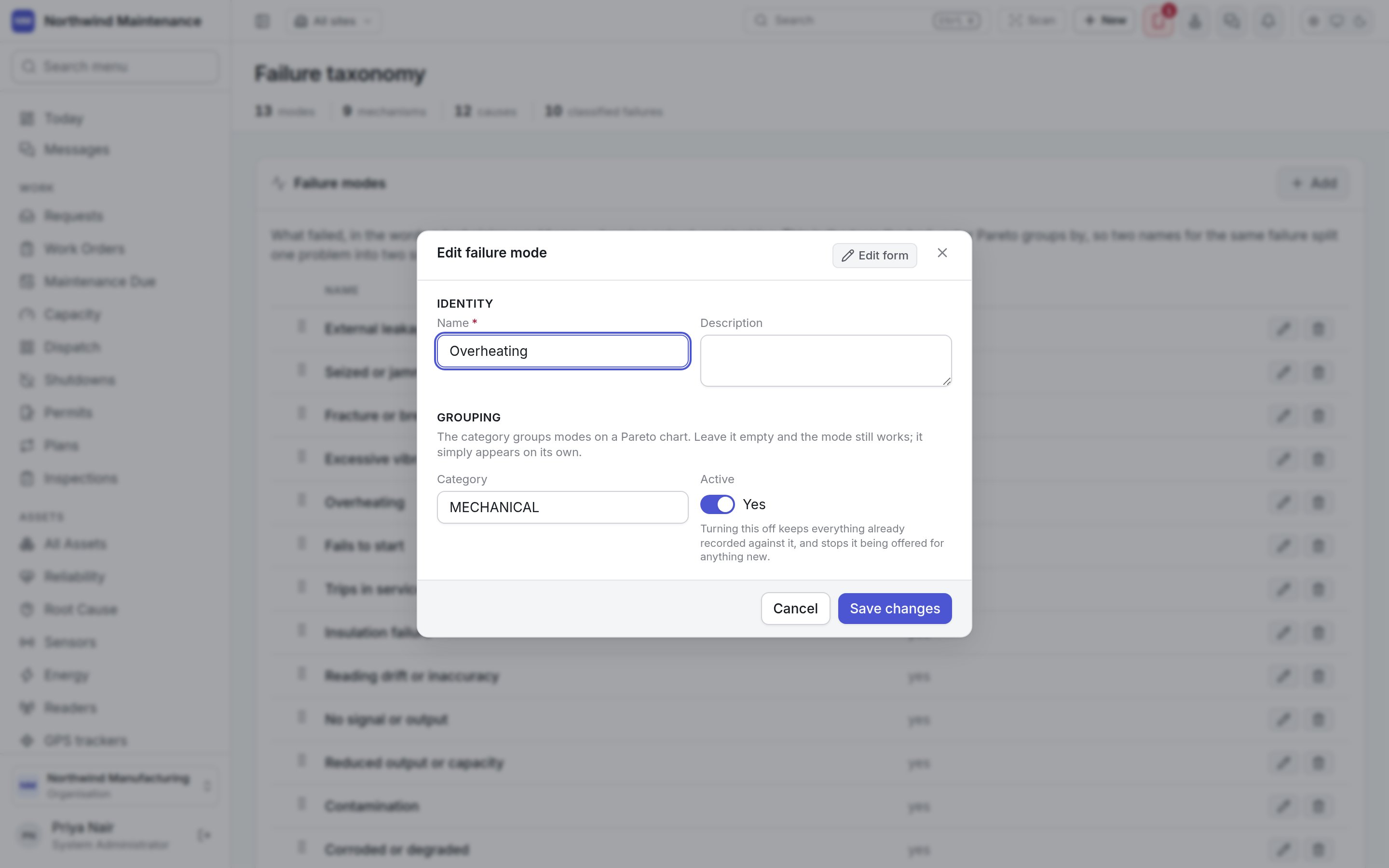
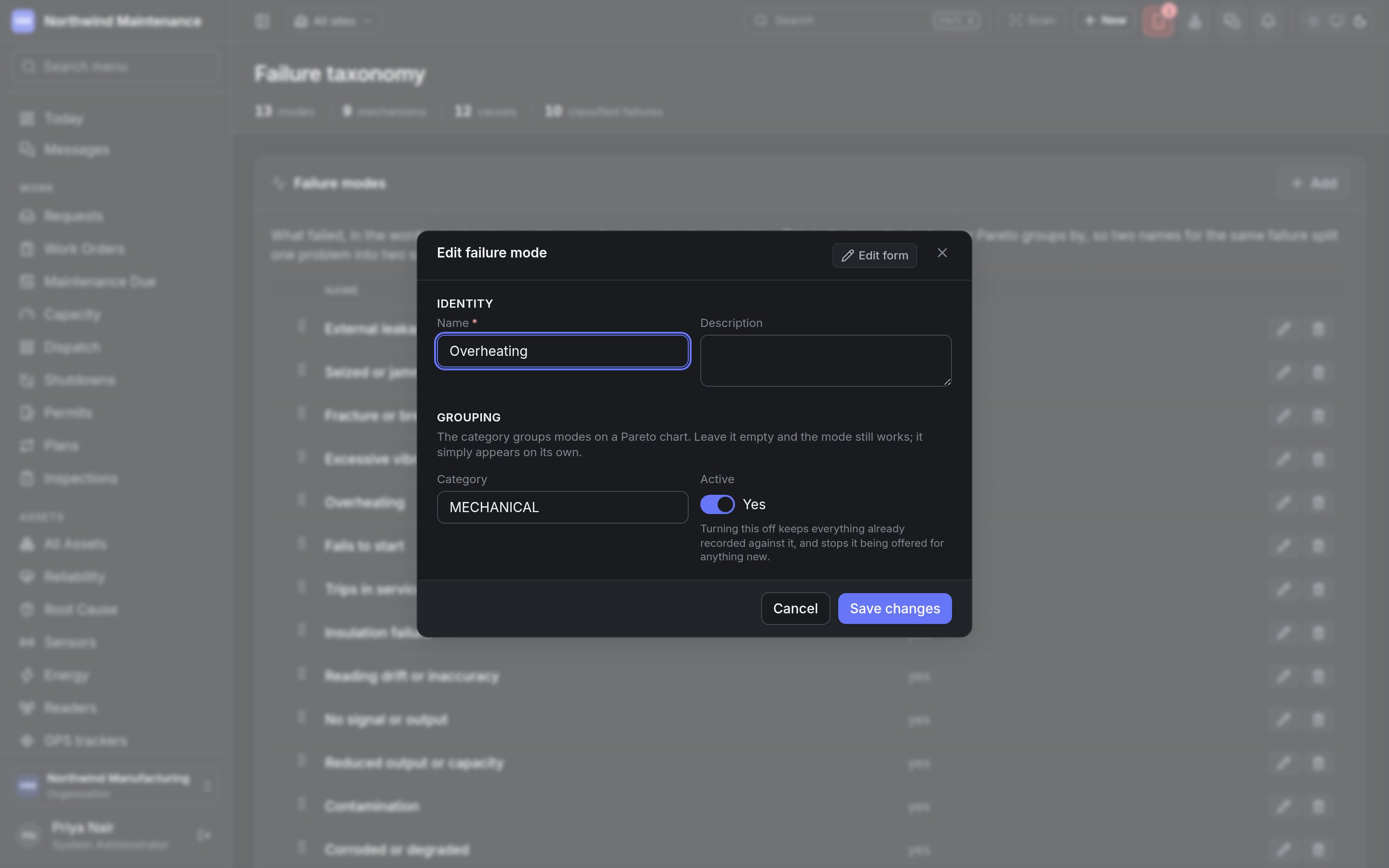
The form is the same for all three lists.