

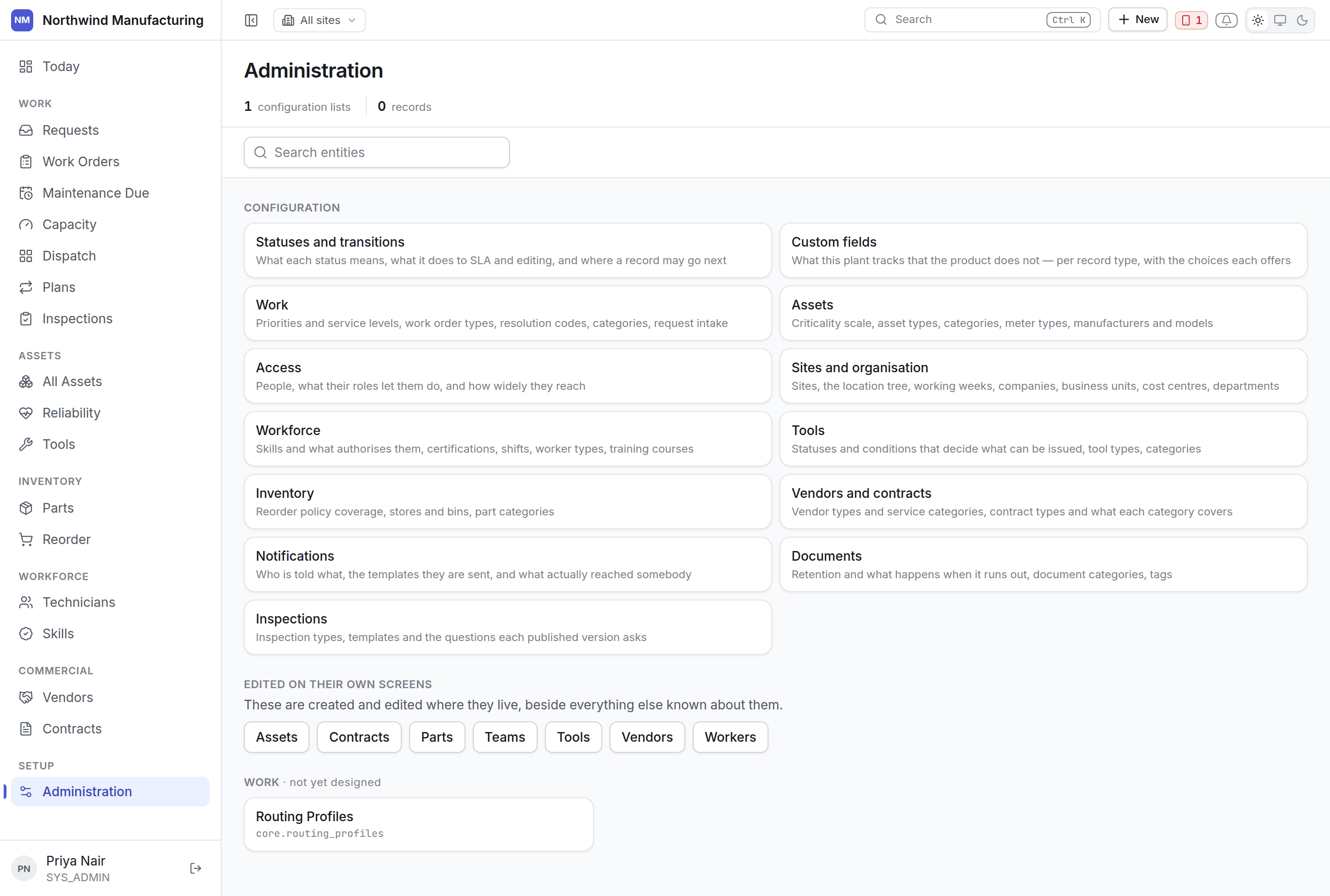
What is not here
Assets, vendors, contracts and parts are not administered here, even though they are records you create. They are edited on their own screens, beside their meters, their contracts, their coverage and their stock — because that context is the reason those screens exist. Administration links out to them rather than offering a generic table.The order to do it in
1
Sites and the location tree
Everything hangs off where things are. Sites and organisation
2
People and access
Users, their roles, and how widely each reaches. People and access
3
Asset configuration
Types, categories, criticality, meter types, manufacturers and models — before you load assets.
Asset settings
4
Work configuration
Priorities and their service levels, work order types, categories, resolution codes.
Work settings
5
Workforce
Skills, certifications, shifts and worker types. Workforce settings
6
7
Commercial
Vendor and contract types, and what each coverage category means.
Commercial settings
8
Statuses and custom fields
Adjust the lifecycles and add the fields your plant tracks. Do this once you have seen the
defaults in use. Statuses · Custom fields
9
Notifications
Who is told what, and on which channel. Notifications