

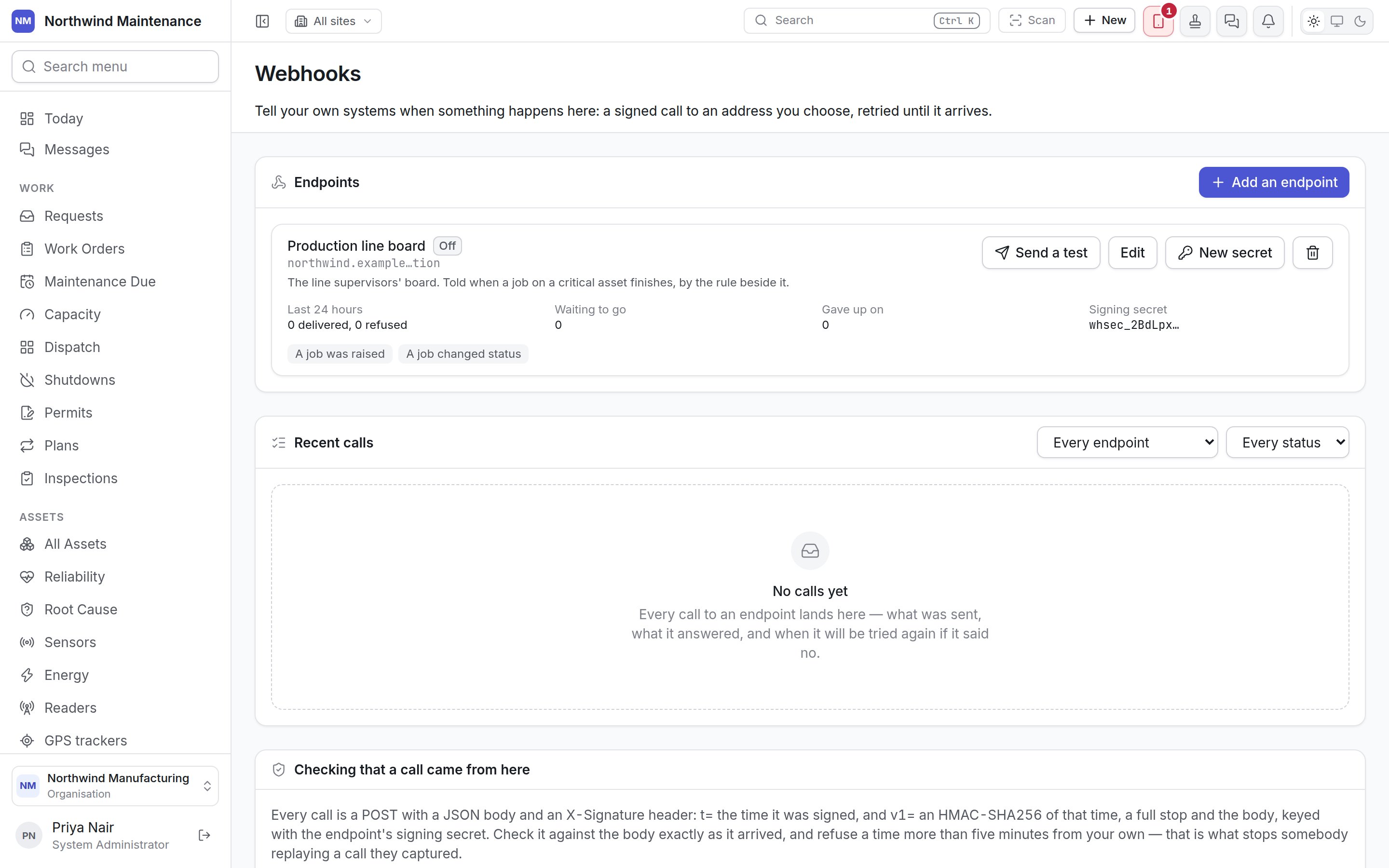
Endpoints
An endpoint is one address your system listens on — your own server, an automation platform’s hook, a Power Automate trigger — and the events it should be told about. Each endpoint is a card:
Each card has four buttons:
Adding or editing an endpoint
Add an endpoint opens New endpoint; Edit opens Edit endpoint with the same fields.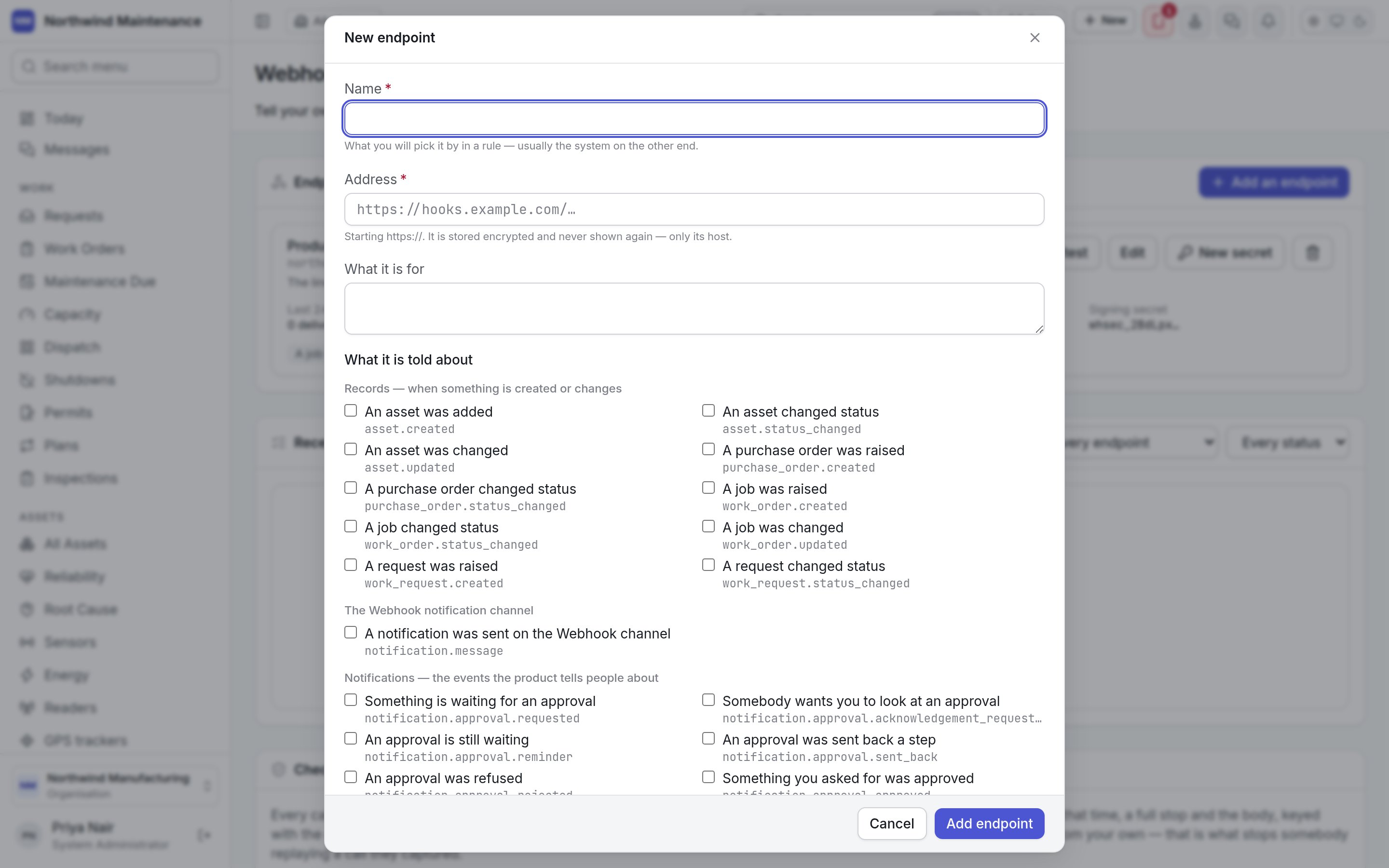
Add endpoint (or Save) saves it. When you add an endpoint, its signing secret is shown once —
see signing secrets.
The events
The event families, and the events in them by default. Only events for modules switched on in your organisation are offered.
A rule with a webhook action can also call an endpoint by name, whether or not the
endpoint subscribes to anything.
Signing secrets
Every endpoint has a signing secret your system uses to check that a call really came from here.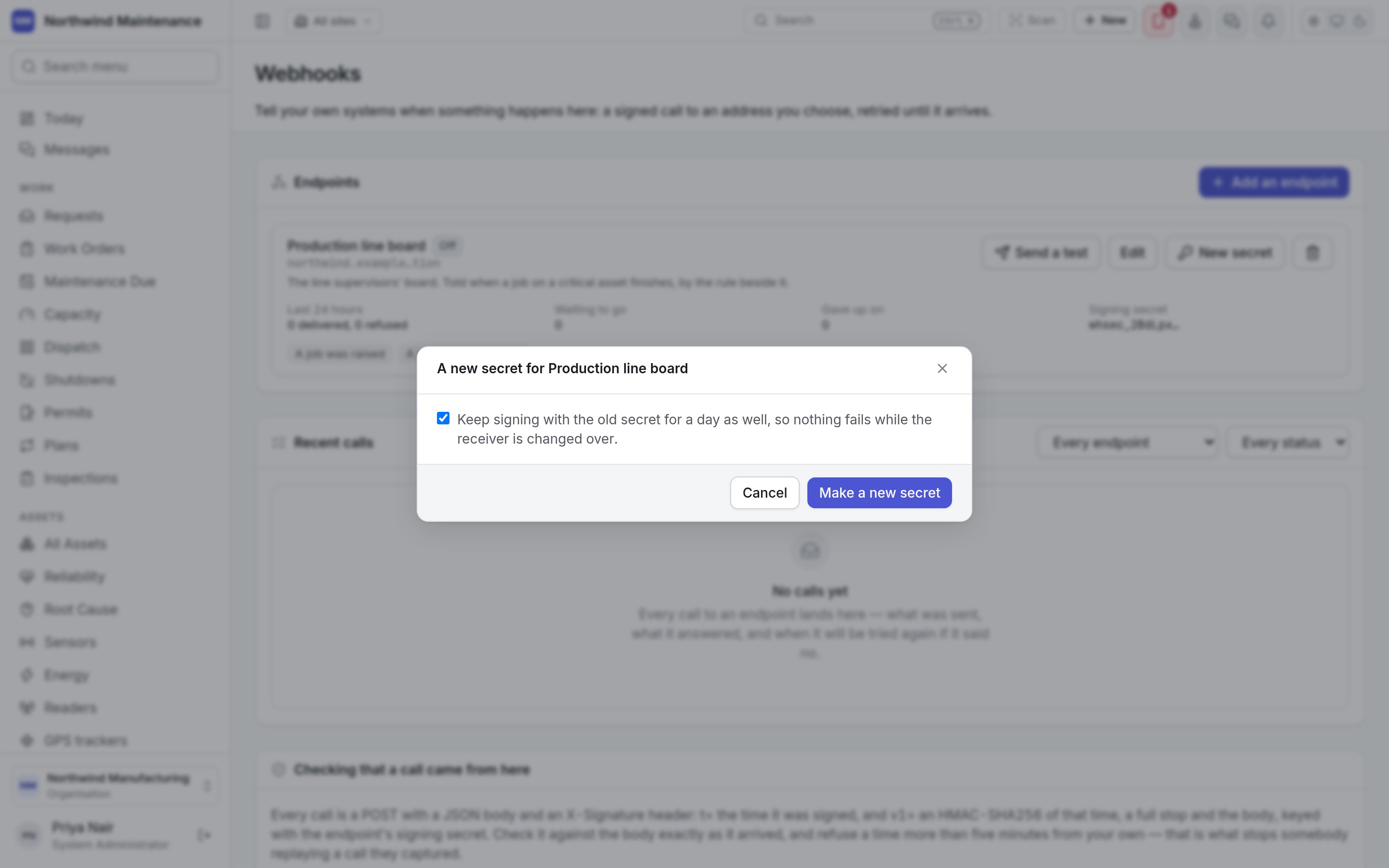
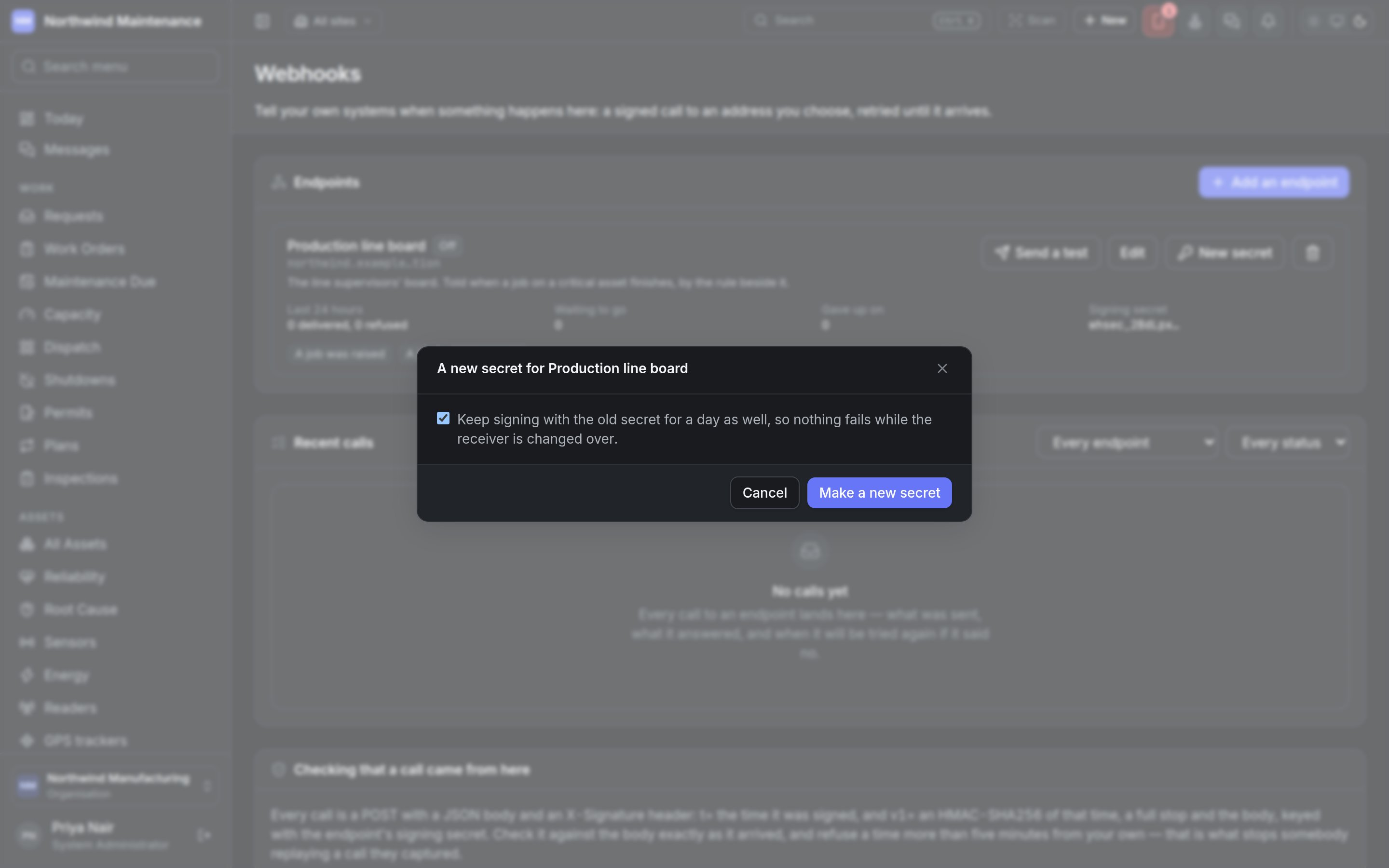
Make a new secret creates it. The secret is then shown in Your signing secret, once, with
a copy button. Put it in the system that receives the calls before you click I’ve saved it; the
dialog cannot be closed any other way, and nothing can read the secret back afterwards. During a
rotation it says until when every call is signed with both secrets.
Deleting an endpoint
The bin icon asks you to confirm Delete with the endpoint’s name. Its subscriptions and its log go with it, and anything still waiting to be sent is not sent. Nothing can bring it back; the audit trail keeps the record that it existed.Recent calls
Every call to every endpoint: what was sent, what it answered, and when it will be tried again. The log refreshes itself, every few seconds while a call is still waiting.
Click a row to see the body your system answered (It answered:), the Event id, and the exact
JSON that was sent. Fifty calls are shown at a time; Show older calls loads more.
Checking that a call came from here
Every call is an HTTPSPOST with a JSON body and these headers:
To verify a call, compute the HMAC over the body exactly as it arrived, before any JSON parsing,
and refuse a timestamp more than five minutes from your own clock — that is what stops somebody
replaying a call they captured. The screen has a copyable example in JavaScript.
Retries
Who can use this
Reading the log is reading the records that were sent, from every site, which is why the whole screen
sits behind the integrations permission. See roles.
Rules
Calling an endpoint by name when a rule’s conditions are met.
Notifications
The Webhook channel and the events that notify people.