

If you don’t see this in your navigation, your administrator can switch the module on under Administration → Modules, or it may not be included in your plan.
Who can change this. The lists are edited by people whose role includes Add configuration
entries and Edit configuration entries.
Every list on this screen has a Filter button, with the same column filters as the registers — “which
categories default to High”, say. The lists that grow — asset categories, asset types, meter types,
and manufacturers and models — also have a search box of their own; a category search keeps each
match under the branch it sits in. Beside the filter, Edit in a grid opens what the filter leaves as a
spreadsheet, one row per entry, for changing many at once; it runs as an import, so it can be undone,
and needs permission to run imports. Tick rows first and the button reads Edit N selected in a
grid, opening on just those. Manufacturers and models have one grid each — Edit models in a
grid for the models. While a list is sorted or filtered, its drag handles are hidden, because a drop
among the rows on screen would renumber the ones hidden.
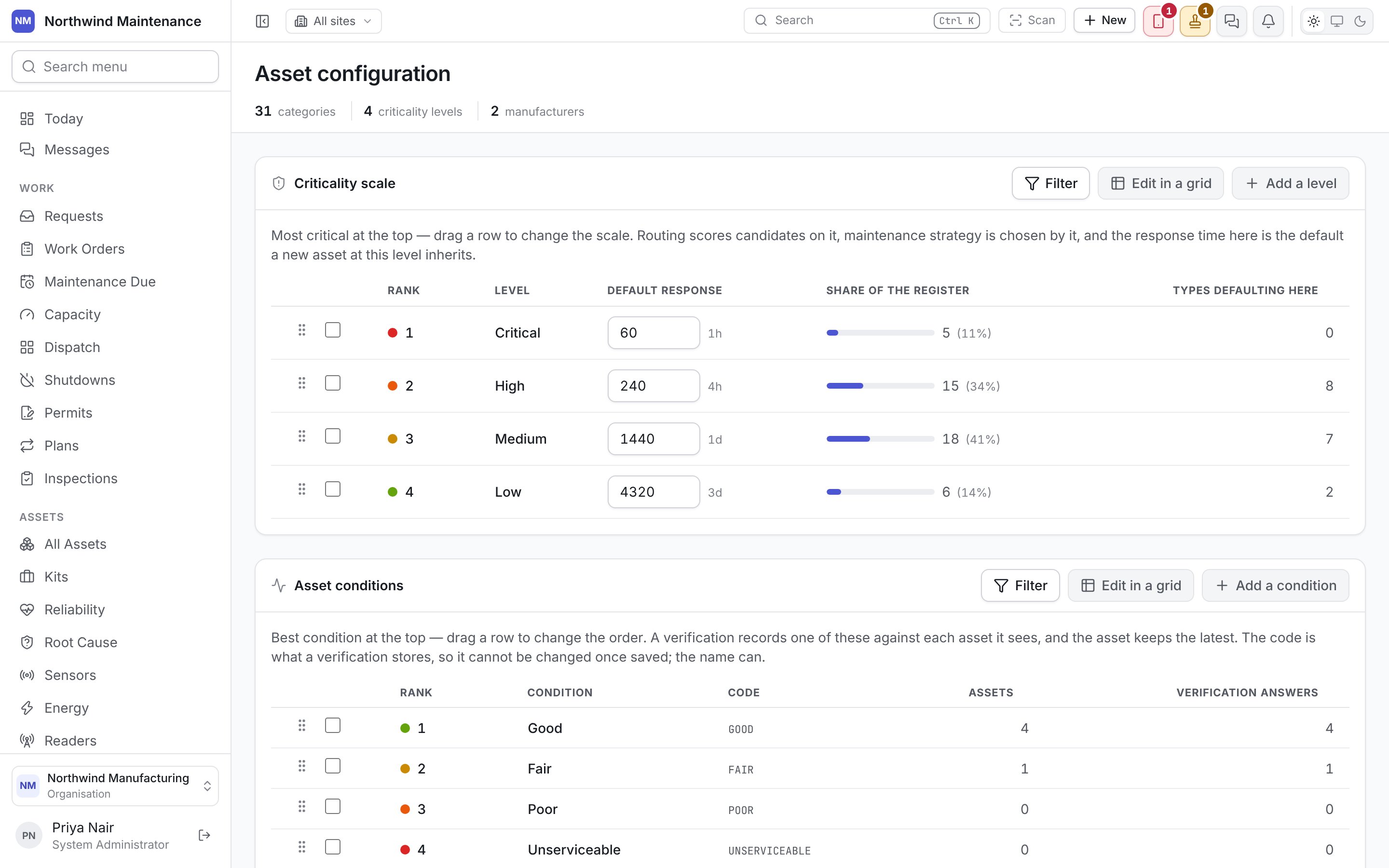
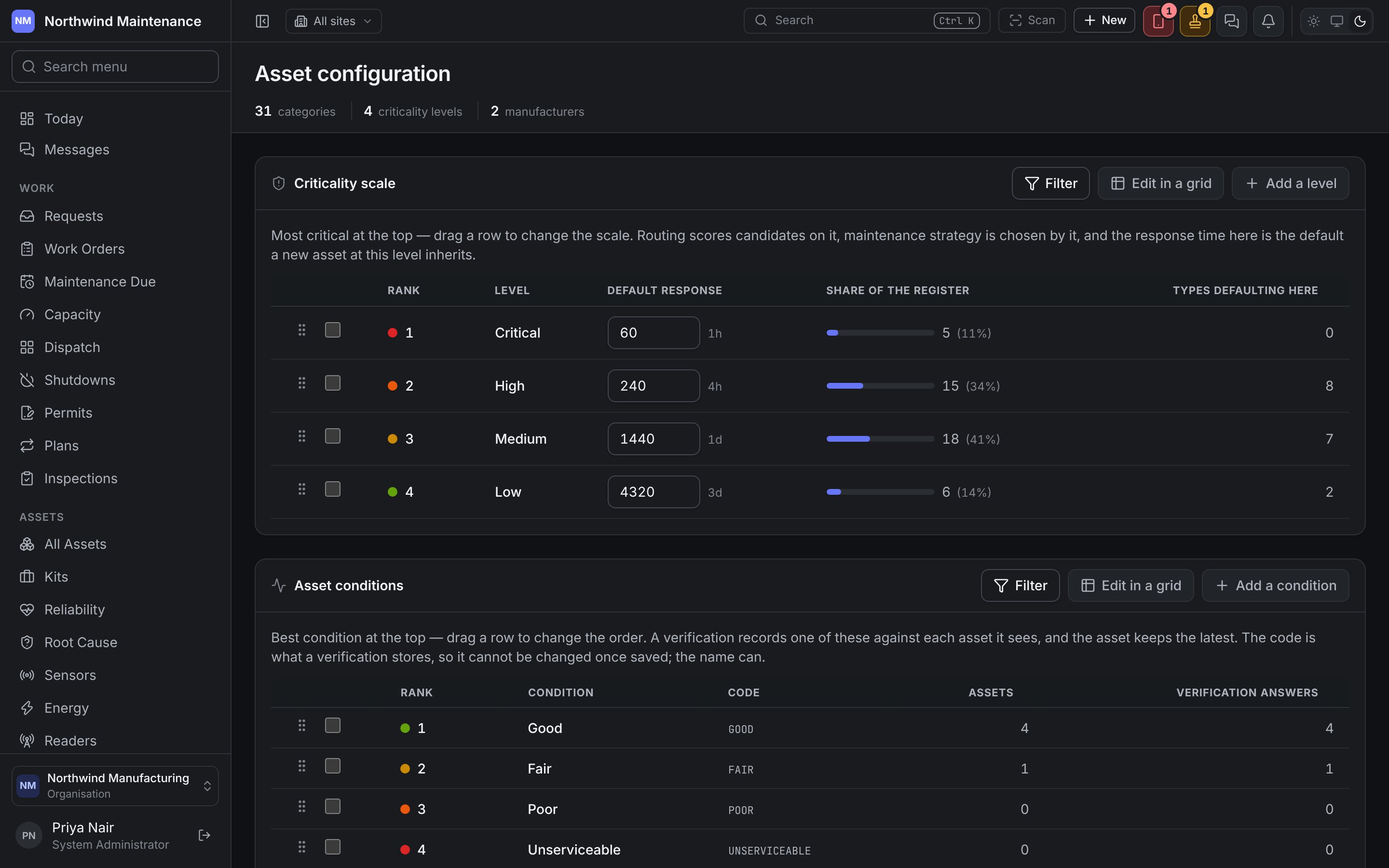
Criticality scale
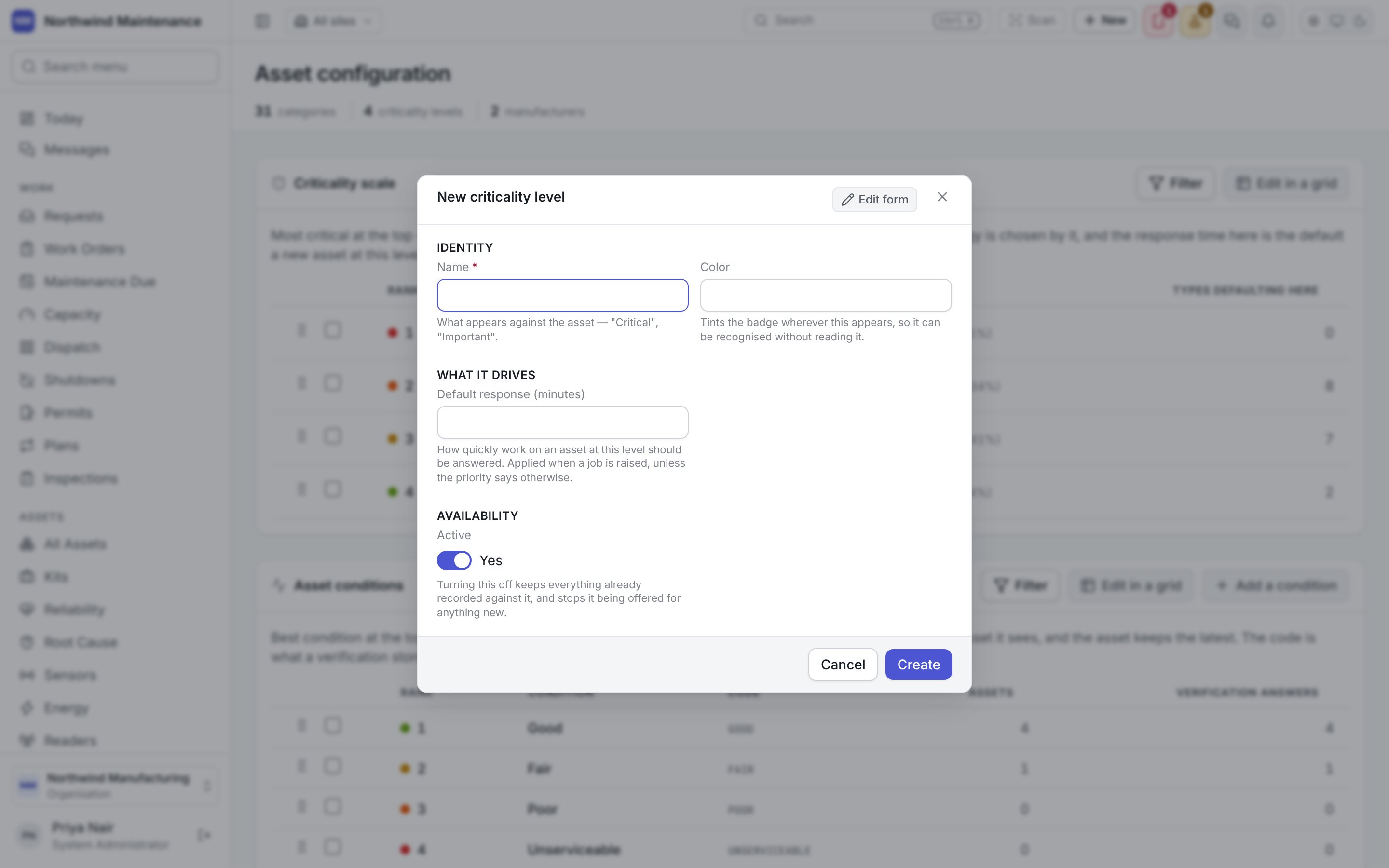
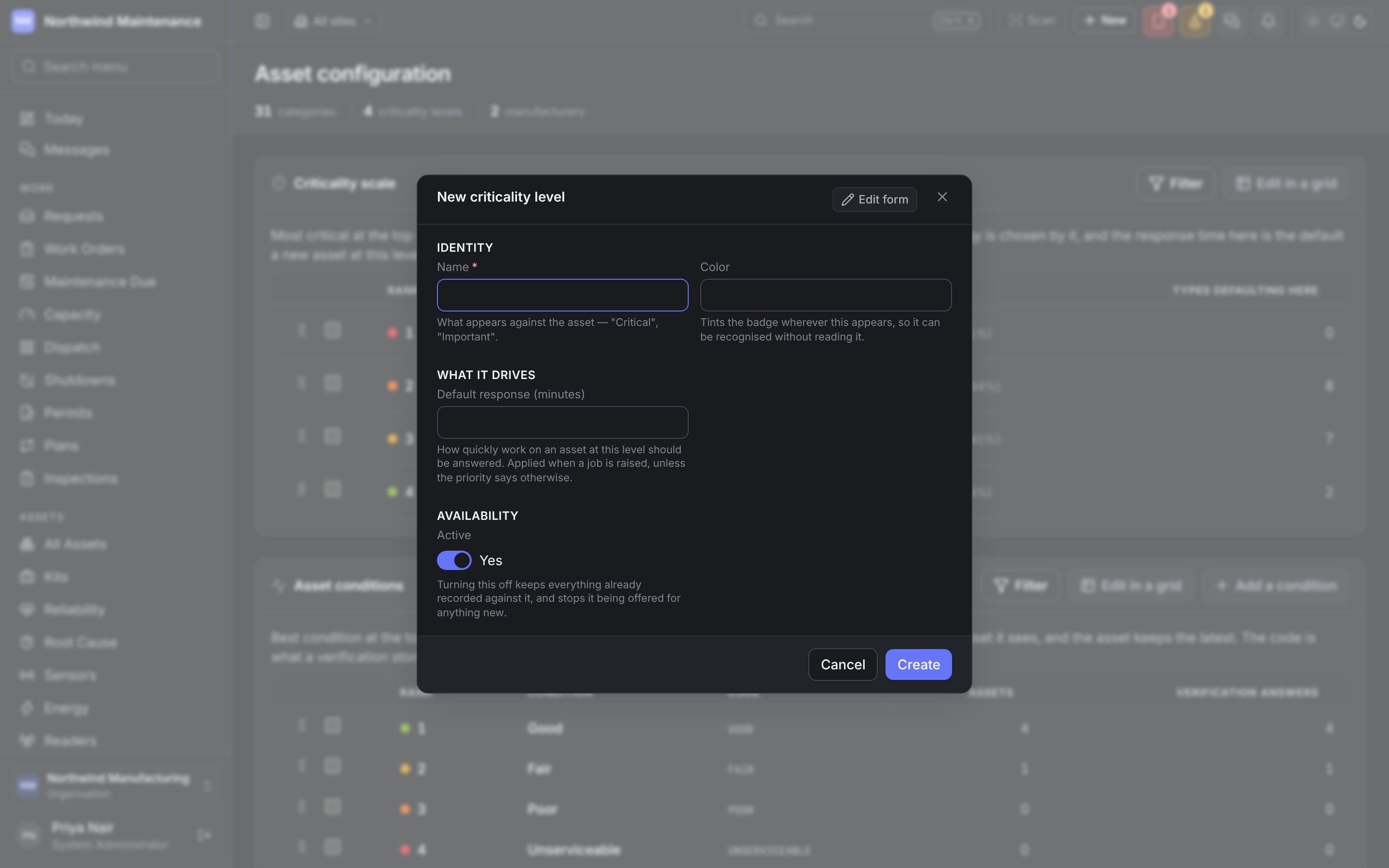
How much it matters when an asset stops. Most critical is at the top; drag a row to change the order. The defaults are Critical, High, Medium and Low. The scale is read in three places: routing scores candidates on it, maintenance strategy is chosen by it, and its default response time is what a new asset at that level inherits.
Add a level opens the form; click a level to edit it.
Three or four levels is usually enough. A nine-point scale sounds precise and gets used as three.
Asset conditions
The physical state an asset is found in, best at the top; drag a row to change the order. The defaults are Good, Fair, Poor and Unserviceable. A condition is recorded on an asset when it is moved or transferred and when a verification round sees it, and the asset keeps the latest. It shows on the register and on the asset’s own screen, beside its status — a pump can be in service and poor.
Add a condition opens the form; click a condition to edit it.
Asset categories
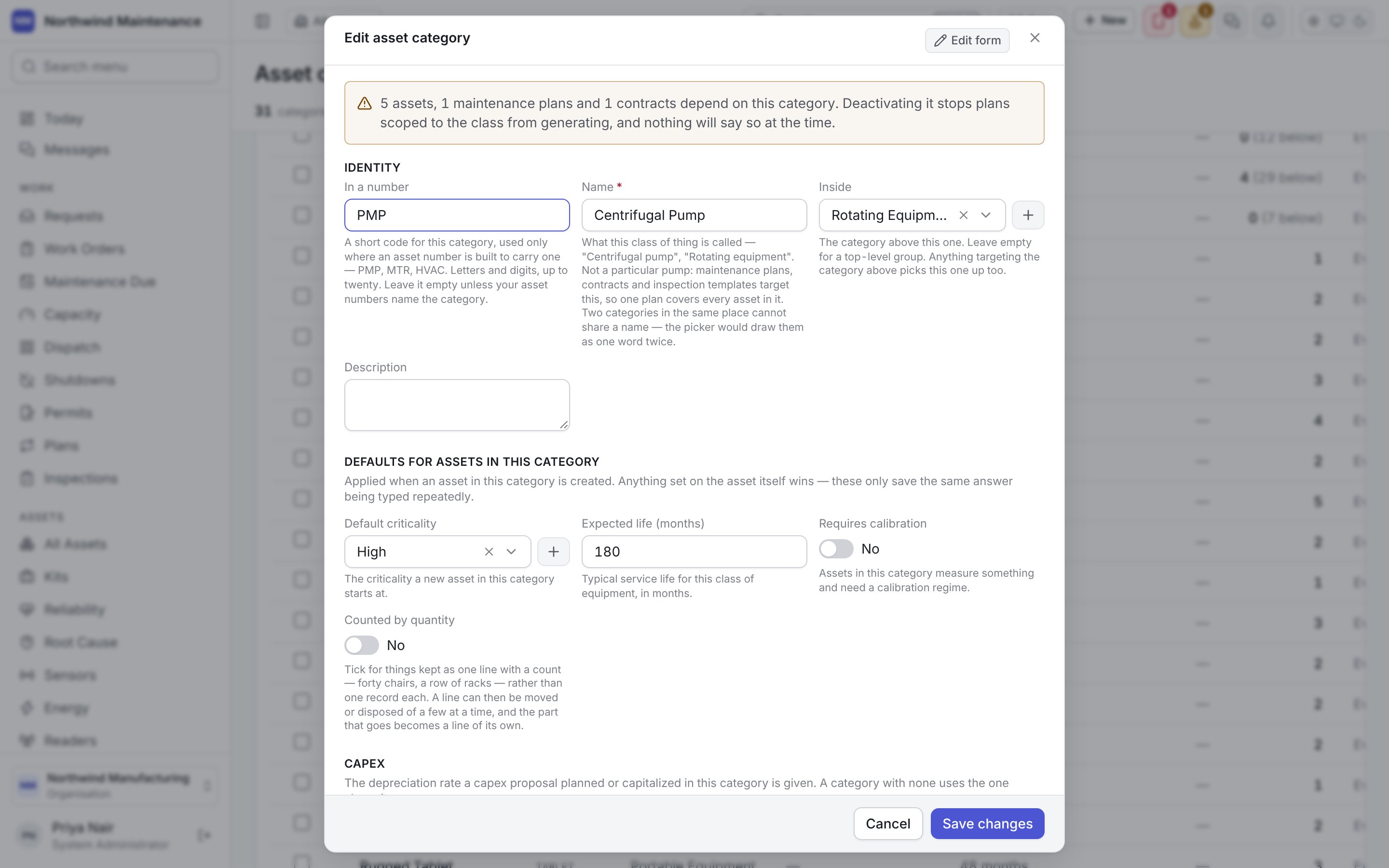
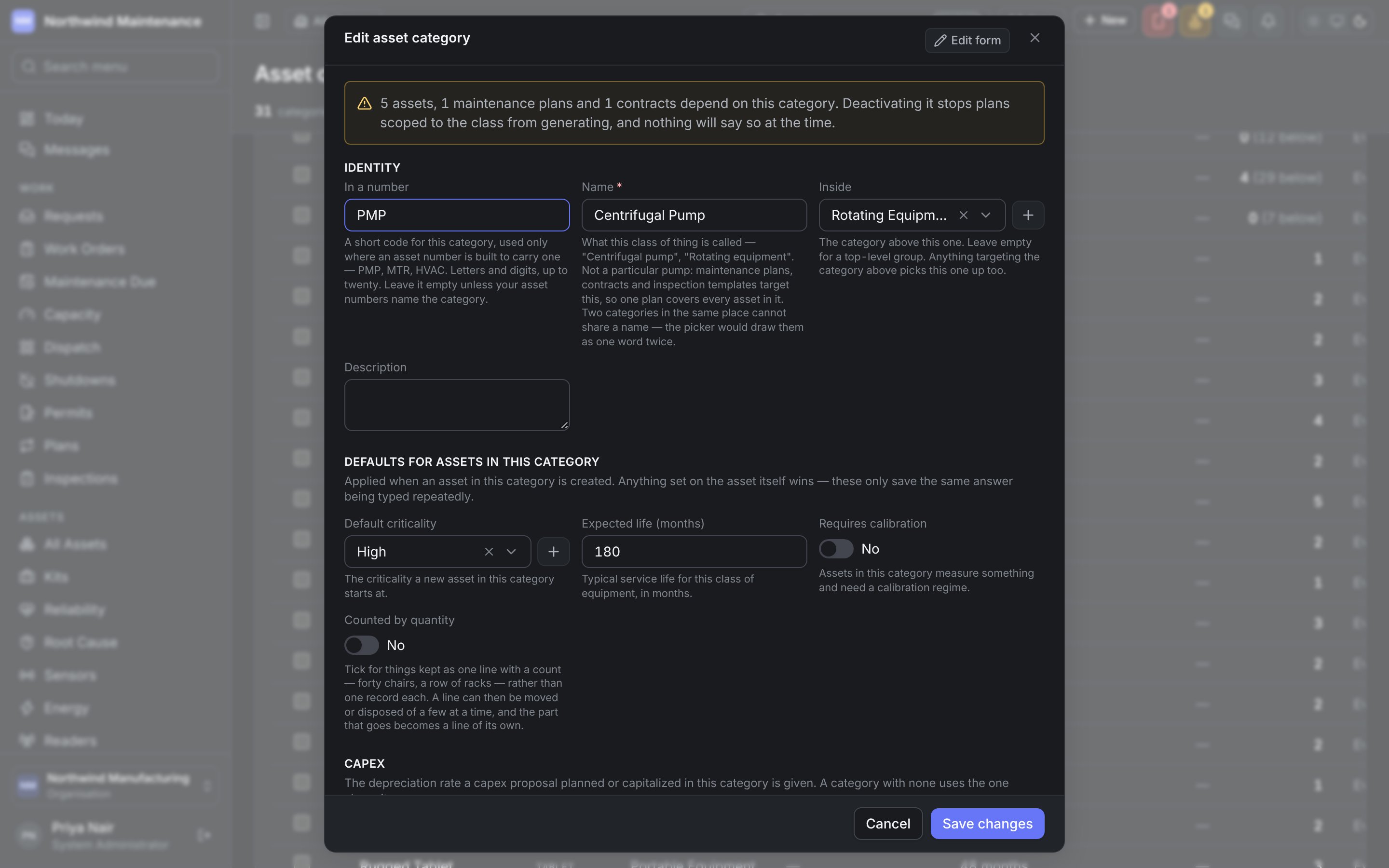
The class an asset belongs to, nested as deeply as you like — Centrifugal Pump under Rotating Equipment, for example. It is the most connected list here: maintenance plans scope to a category, contracts cover it as a class, inspection templates and checklists are written for it, a class bill of materials hangs off it, and each of those takes everything nested beneath it too. Work orders and requests are classified by the same tree.
Fields your organisation has added to categories in Form Studio can be shown as
columns too, from Columns.
Add a category opens the form; click a category to edit it. When something depends on the
category, the edit form opens with a warning saying how many assets, plans and contracts depend on it,
and that deactivating it stops those plans generating.
Asset types
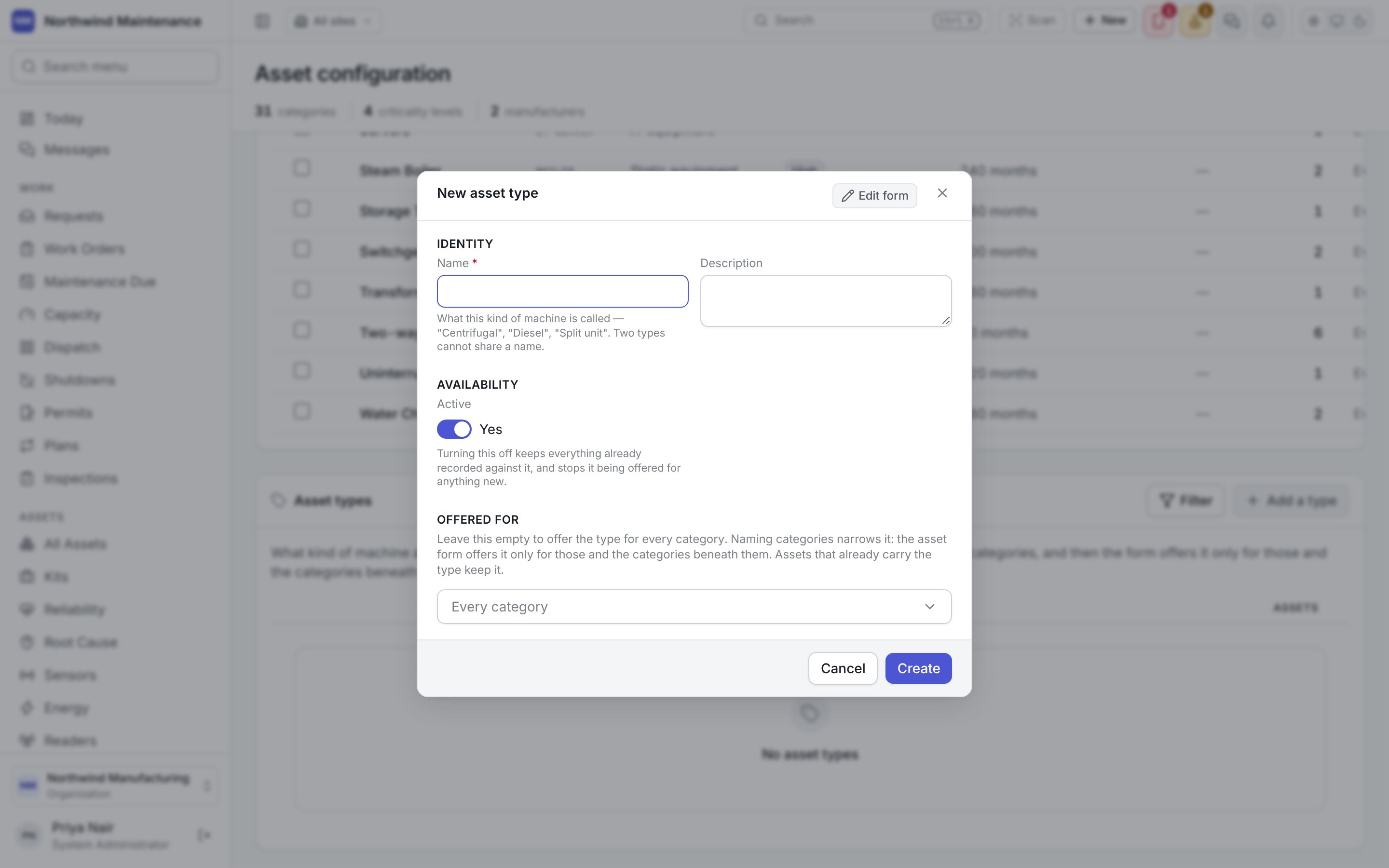
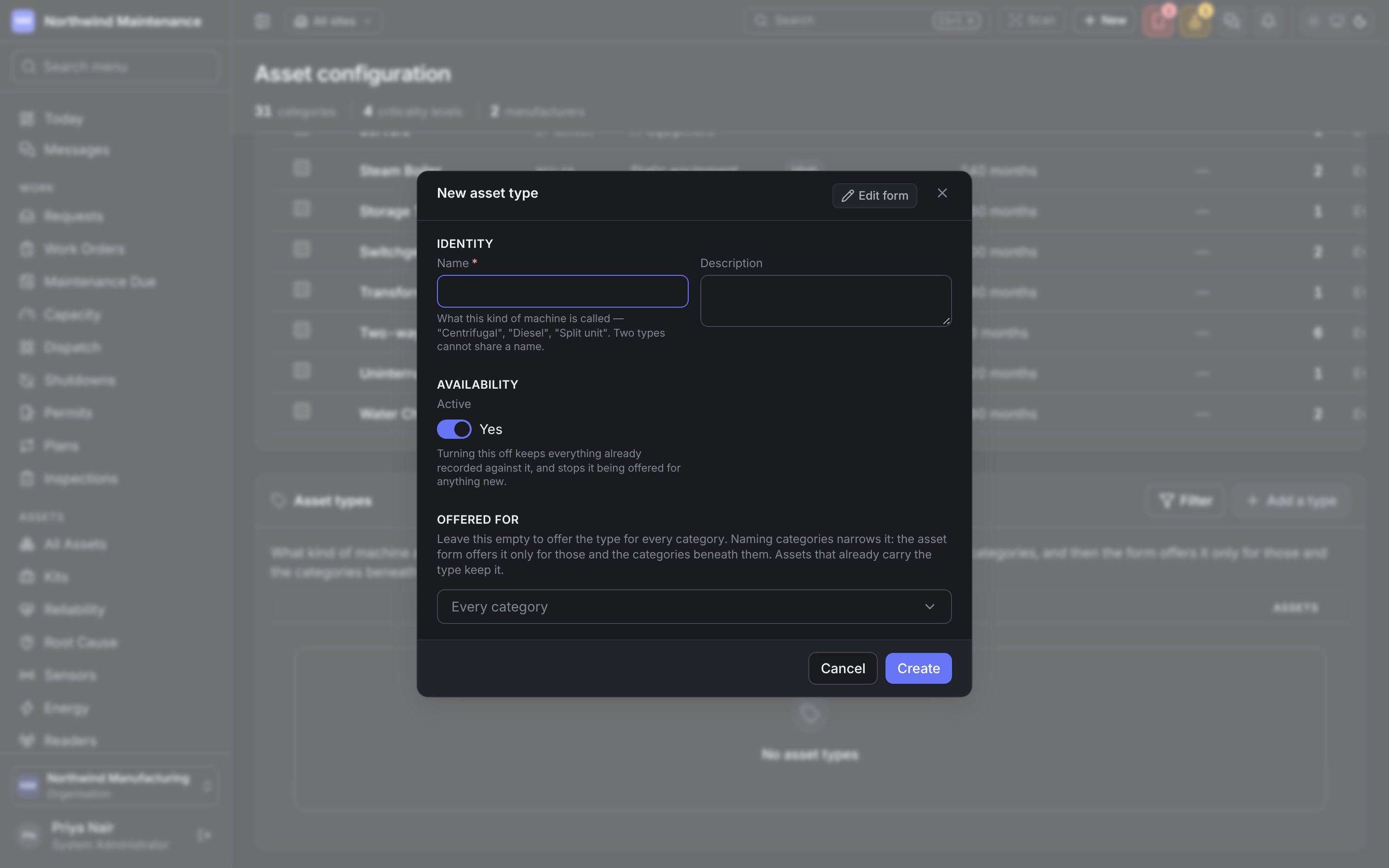
What kind of machine an asset is — Centrifugal, Diesel, Split unit — asked on the asset form as Type, beside its category. The category is what everything targets; the type is the word a planner uses for the machine, and nothing targets it. Plans, contracts, inspection templates and role access still follow the category, so you can add, rename or retire a type without moving a single plan. A type can be limited to some categories. The asset form then offers it only when one of those categories — or a category beneath one of them — is chosen. Choosing a category that does not offer the type an asset already carries clears the type, rather than saving a combination that would be refused. The list starts empty, because the words your organisation already uses are usually in its categories.
Add a type opens the form; click a type to edit it.
The field app’s Add asset asks the same two questions: the category as one tree, and Type
offered only from the types your organisation allows for that category.
Meter types
What a meter measures. The list shows Meter type, Unit, Cumulative, Meters (how many meters use it) and Plan triggers (how many plan triggers read it). The defaults include Running Hours, Odometer (km), Fuel consumed (litres) and Vibration velocity. Add opens the form; click a row to edit it.
A cumulative meter matters because a plan triggering every 500 running hours reads the difference
between readings rather than the value, and a reading below the last one is flagged as a mistake or
a replaced counter. Usage-based maintenance only works on a cumulative meter. See
meters and readings and how plans raise work.
Manufacturers and models
A model belongs to a manufacturer, so they are one list at two levels. Each manufacturer row shows how many Models and Assets it has. Click a manufacturer to open its models beneath its row, Edit to change it and Model to add a model under it. Add a manufacturer opens a new one.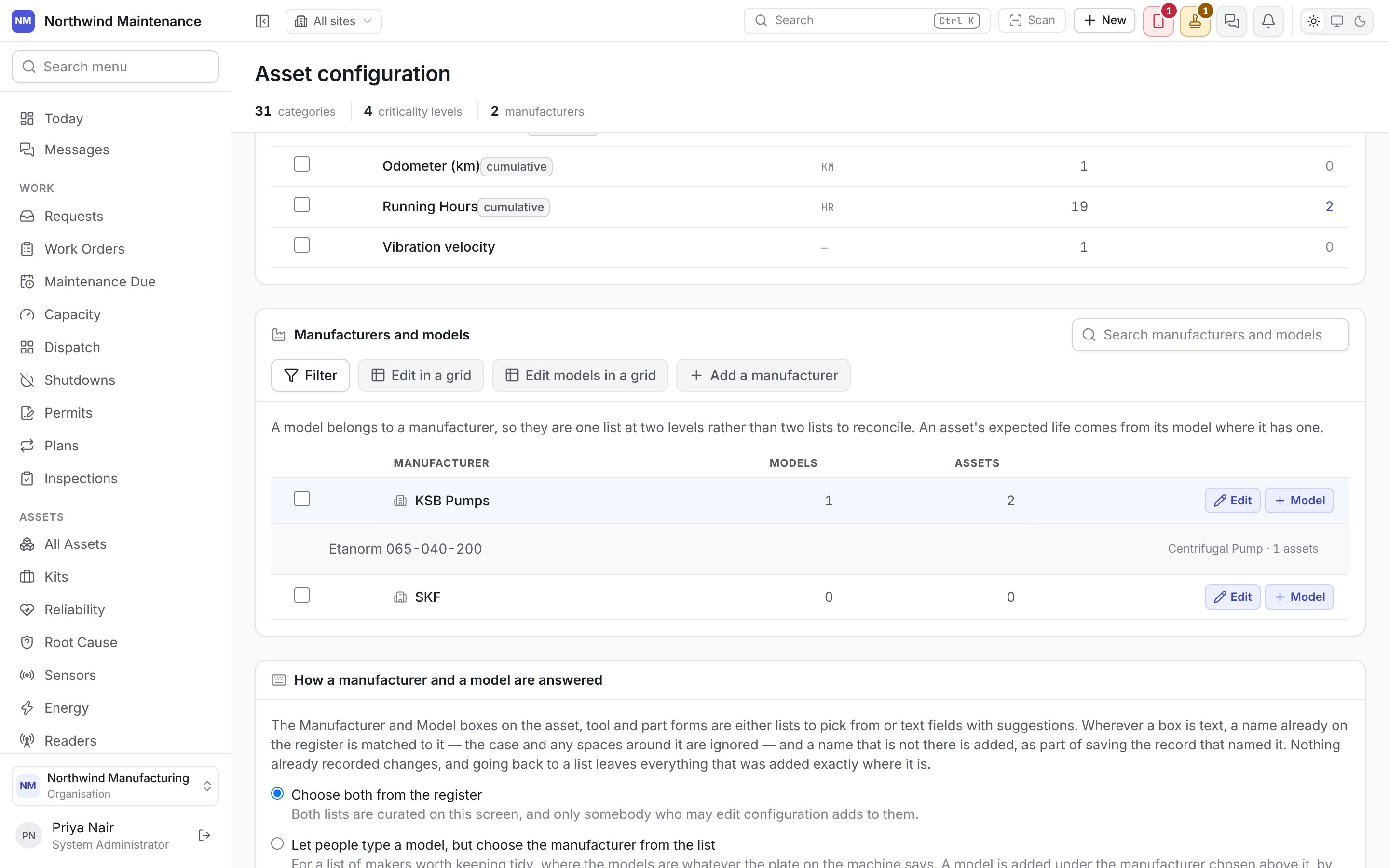
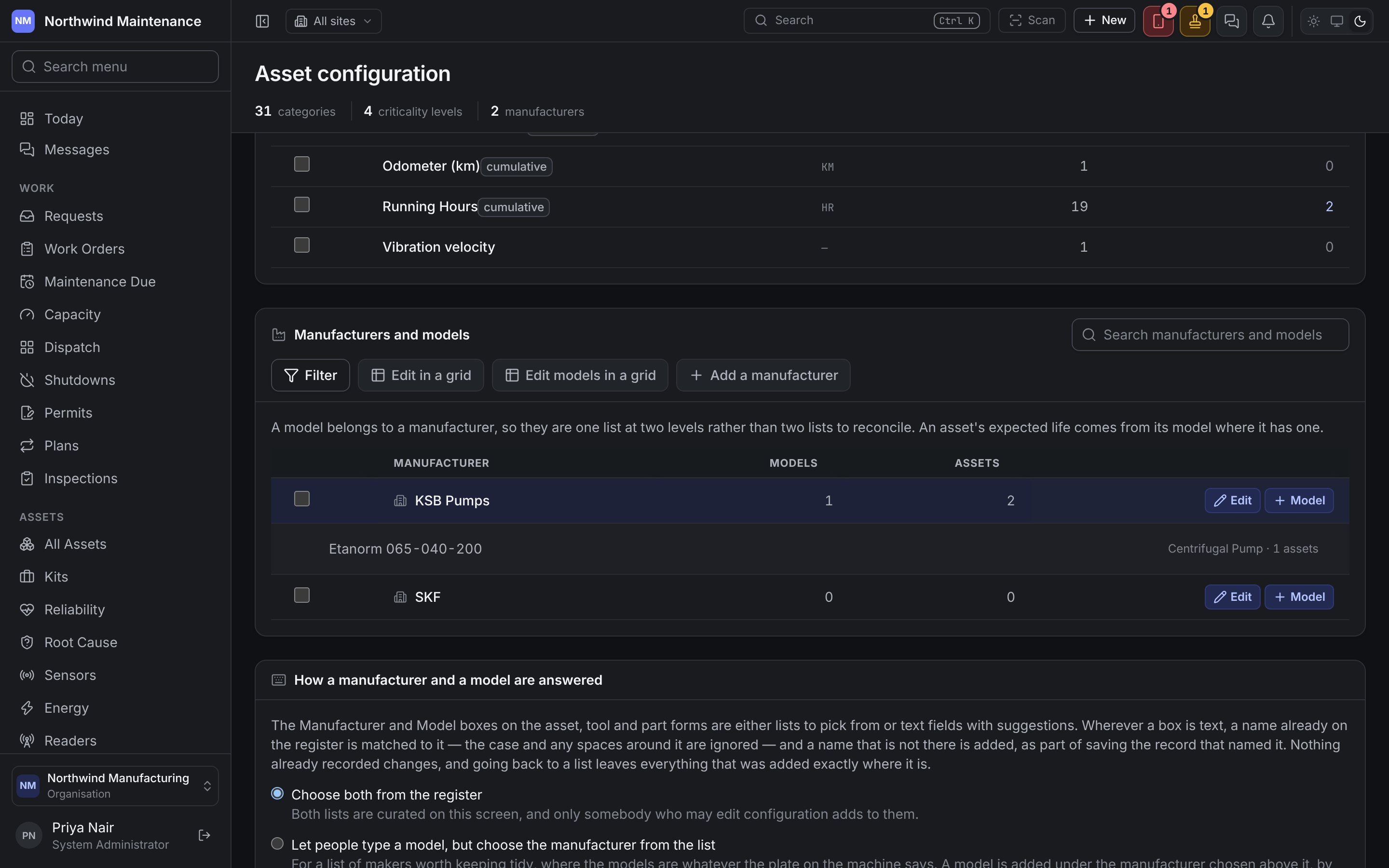
Keep this list tidy: three spellings of one manufacturer make parts compatibility, warranty and
reliability comparisons useless.
How a manufacturer and a model are answered
The Manufacturer and Model boxes on the asset, tool and part forms can be lists to choose from or text boxes with suggestions. Choose one of three settings:
Wherever a box is text, a name already on the register is matched to it, ignoring case and spaces
around it, and a new name is added as part of saving the record. Naming can only ever add a row, never
change or remove one, and switching back to lists leaves everything that was added in place.