

If you don’t see this in your navigation, your administrator can switch the module on under Administration → Modules, or it may not be included in your plan.
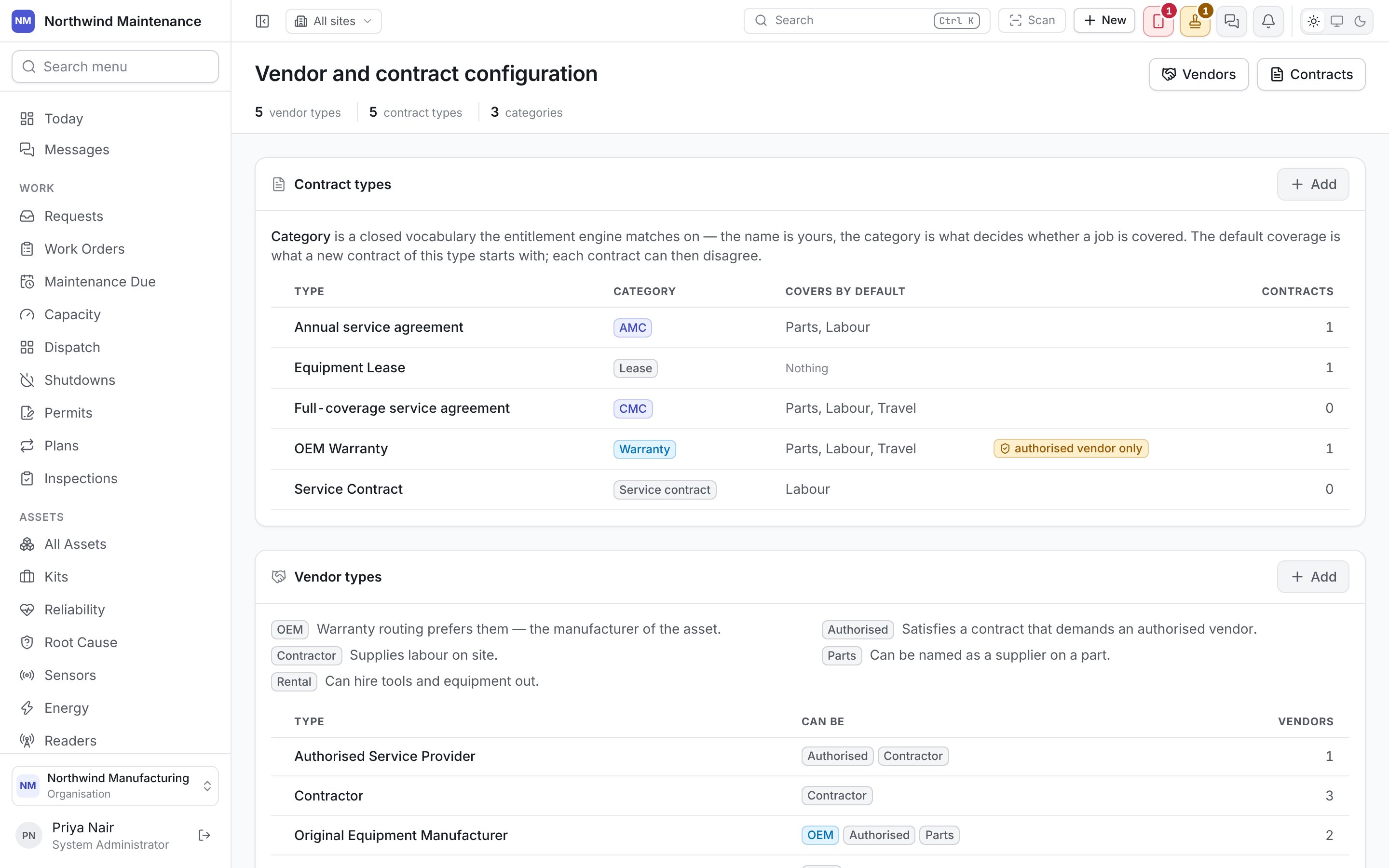
Contract types
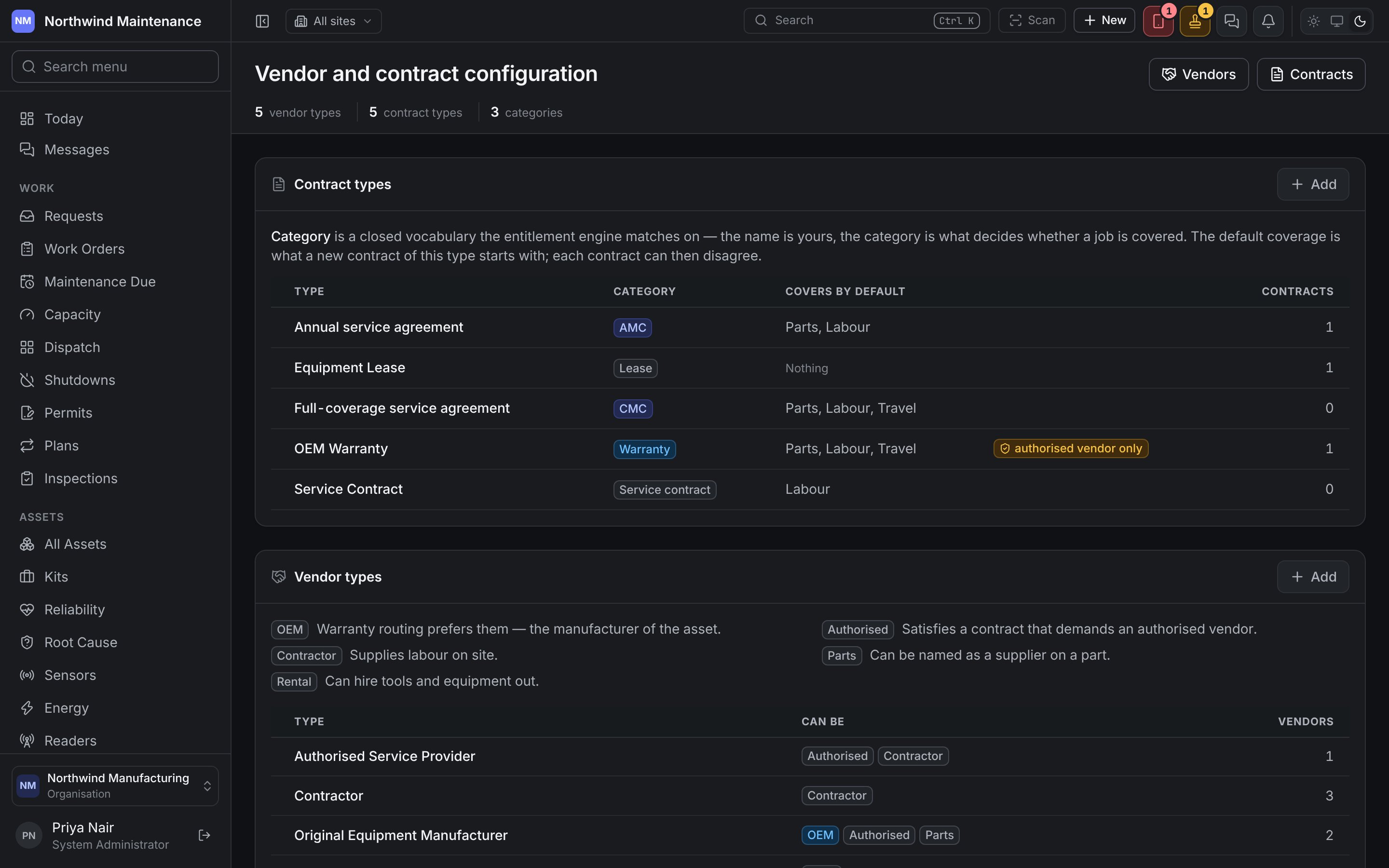
The kinds of agreement you hold — the defaults are Annual service agreement, Equipment Lease, Full-coverage service agreement, OEM Warranty and Service Contract. The name is yours; the category is a fixed list the entitlement engine matches on, so it is the category that decides whether a job is covered. The list shows Type, Category, Covers by default (Parts, Labour, Travel, or Nothing), a tag when only an authorised vendor may do the work, and how many Contracts use it. Hover over a category to read what it means commercially.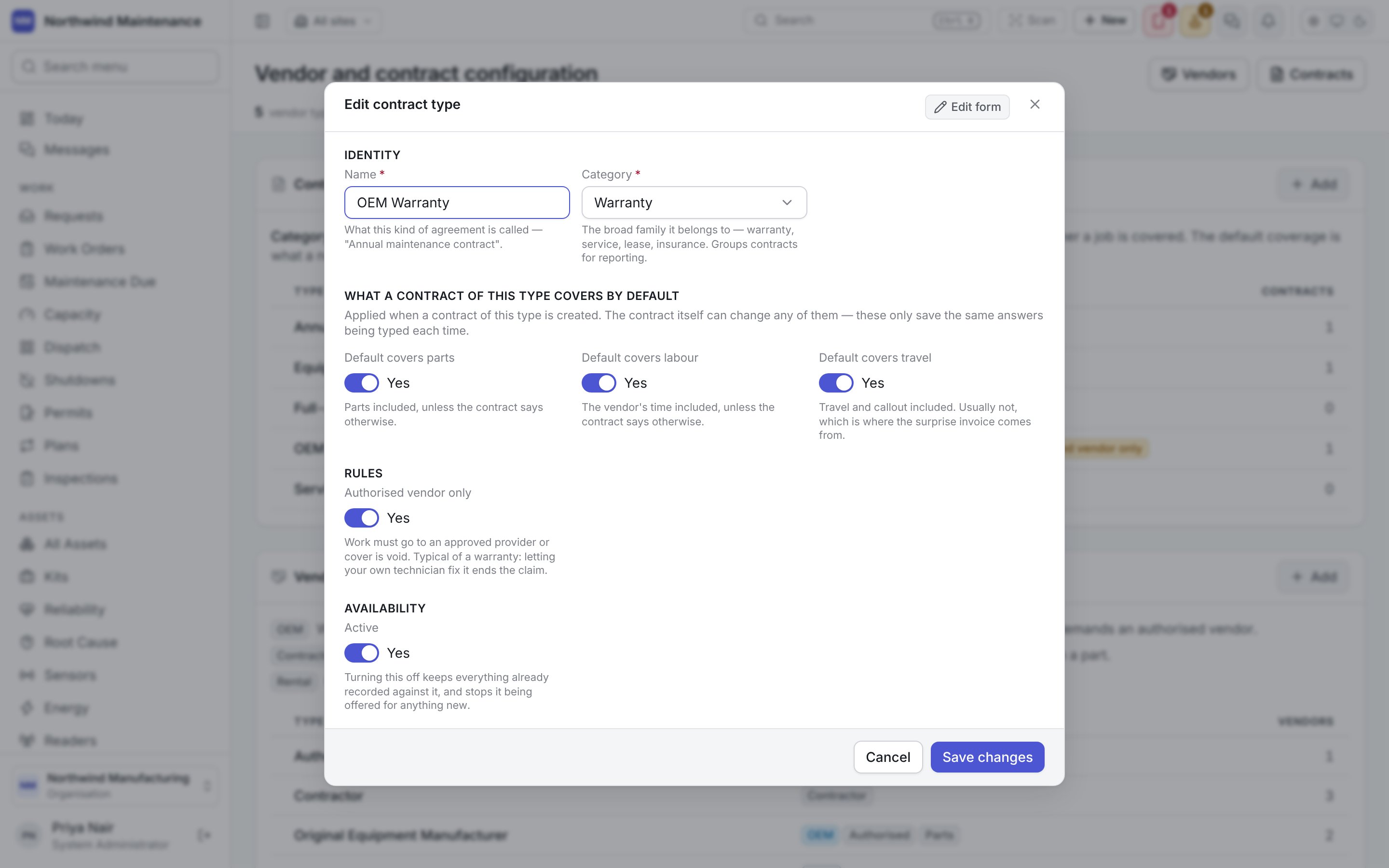
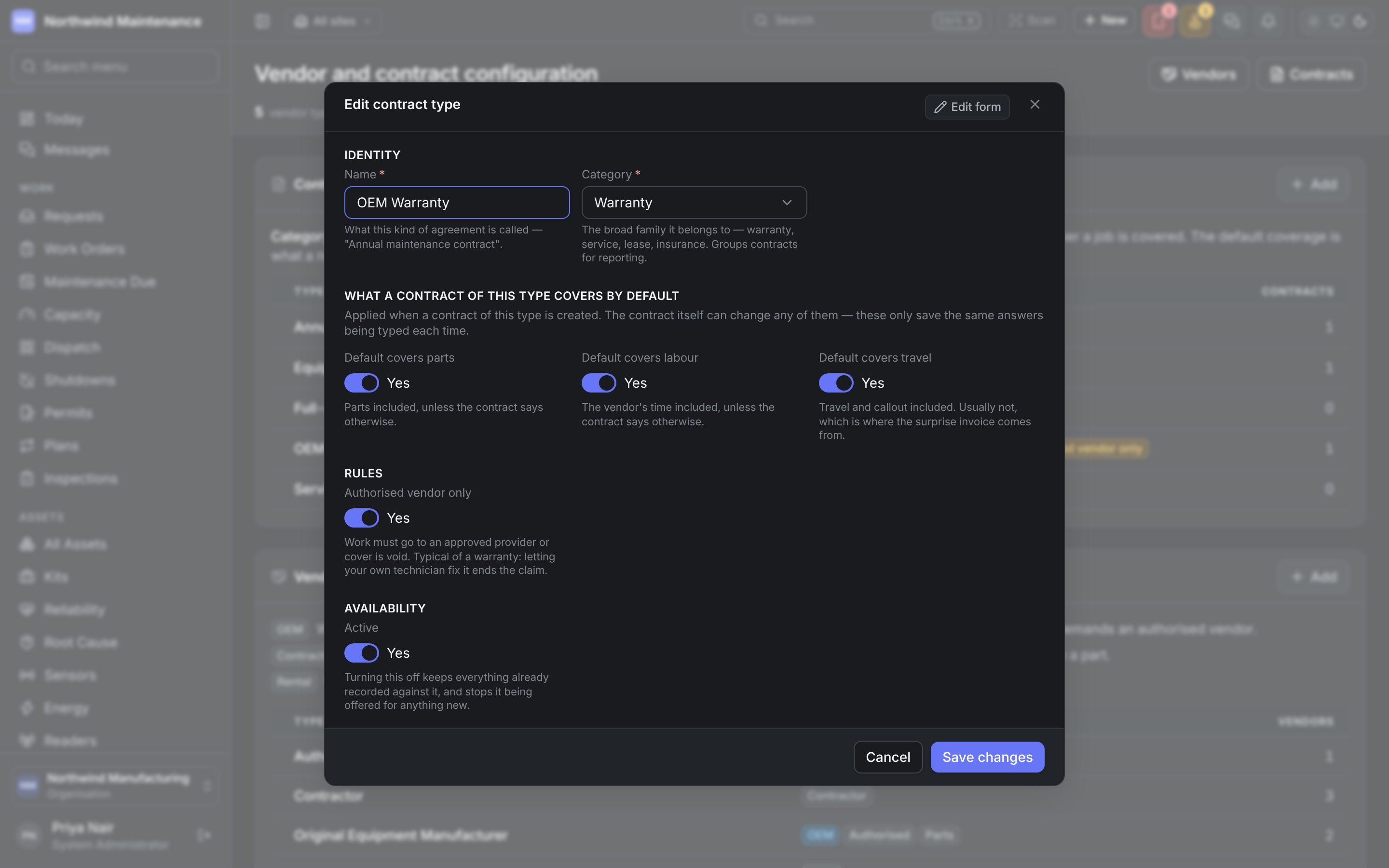
The three coverage switches are what a new contract of this type starts with. Each contract can then
disagree.
Vendor types
What a vendor of a given type can do. A legend above the table explains the five capabilities, which are also the tags the Assign picker shows beside a supplier’s name when it asks who can take a job. The list shows Type, Can be (the capabilities) and Vendors.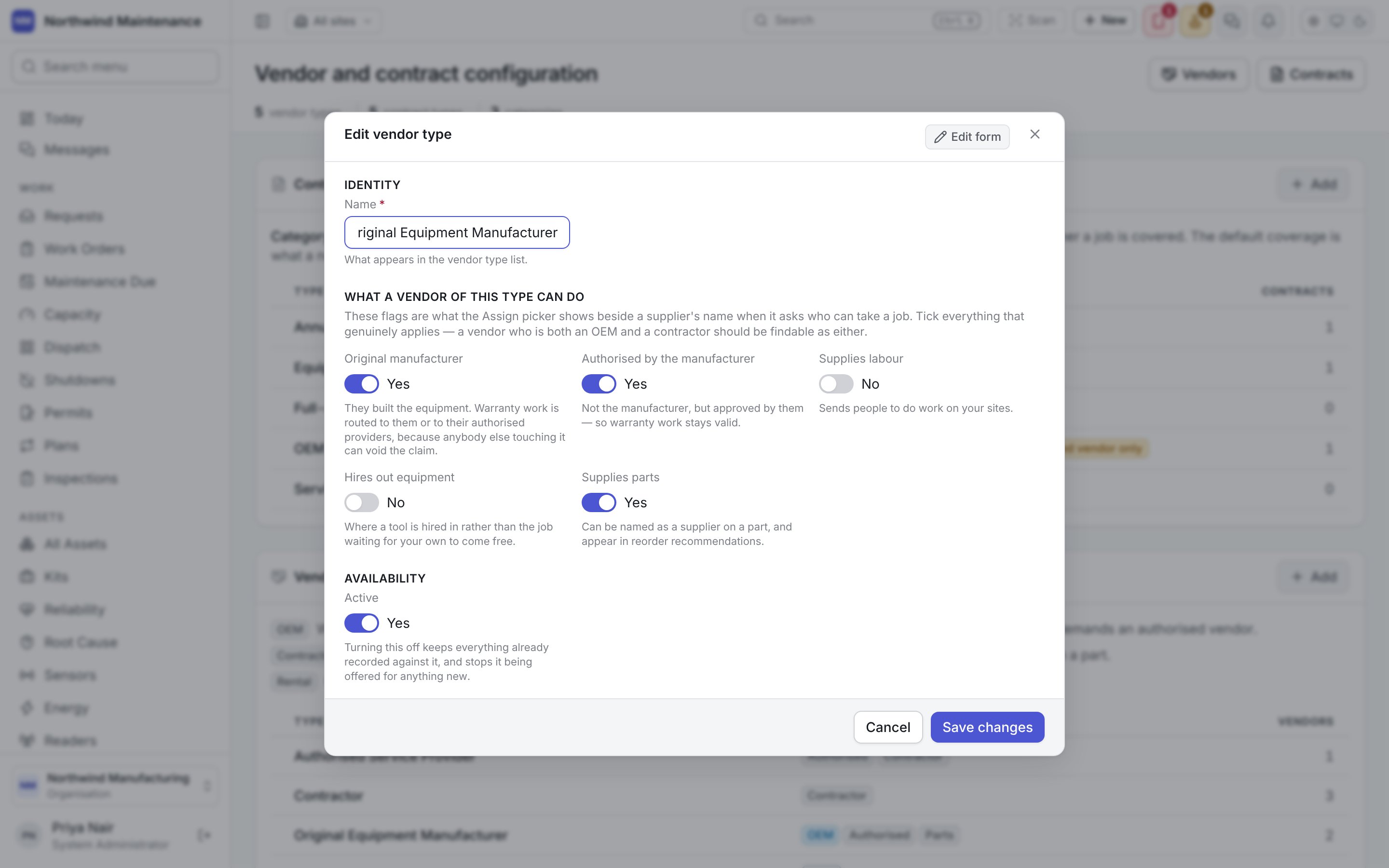
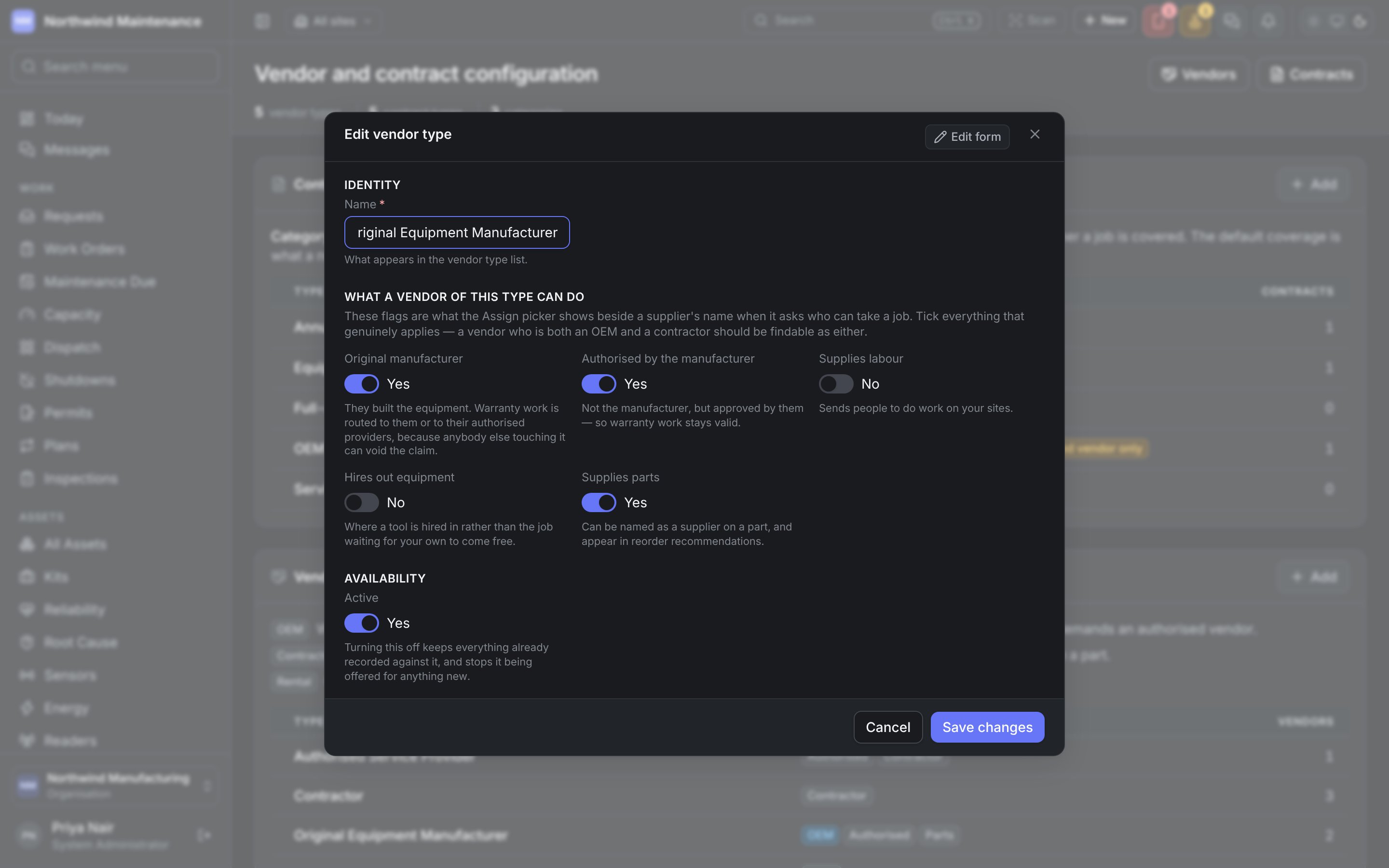
Tick everything that genuinely applies — a vendor who is both an OEM and a contractor should be
findable as either.
Service categories
What a vendor can do, in your own words — the trade or specialism. A vendor rate card can be priced per category, so these are also how a vendor charges differently for different work. Each card shows how many vendors offer it.Customers
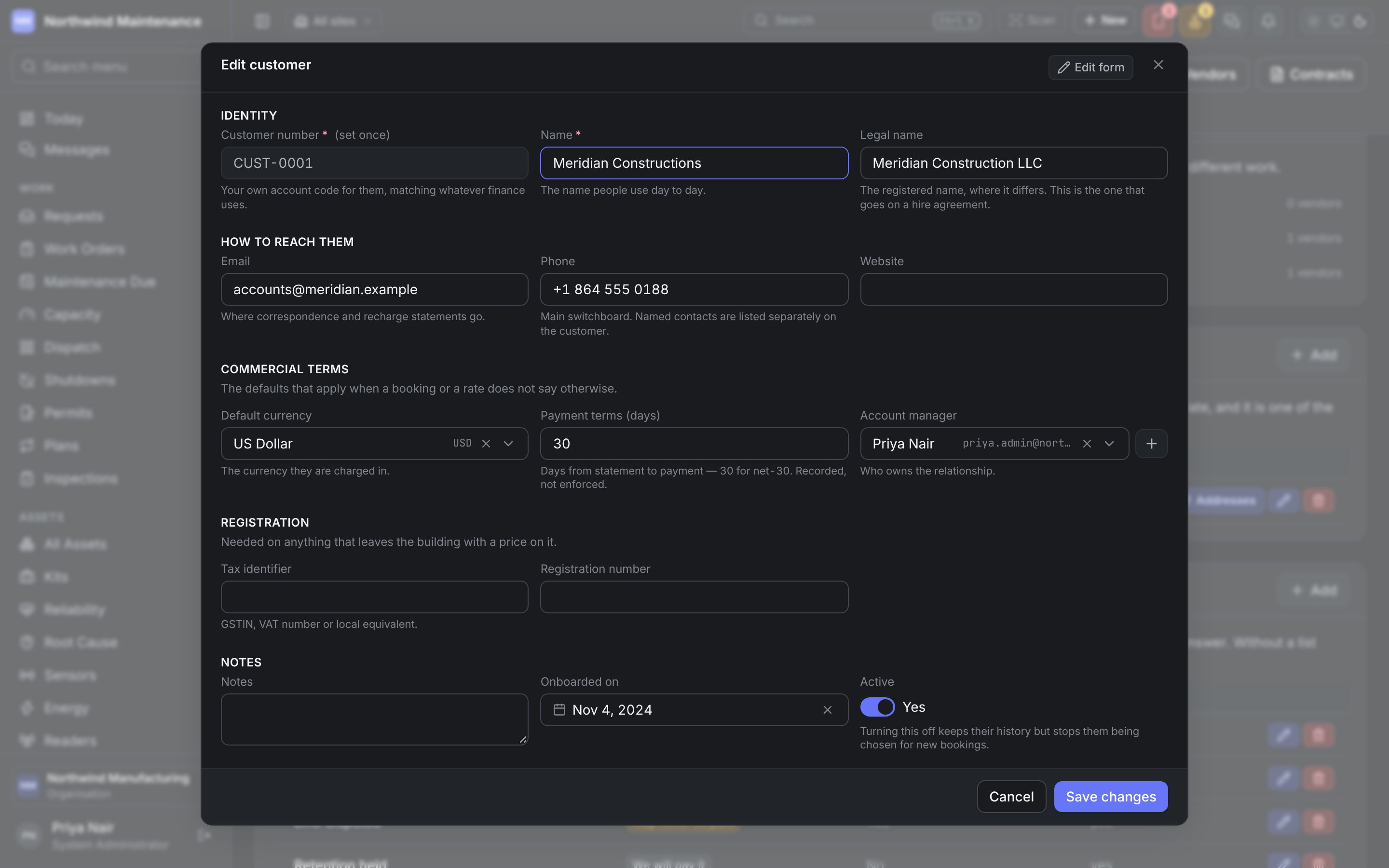
Who work is done for, or equipment hired out to. A customer can be named on a booking rate card, so what one is charged may differ from the standard rate, and it is one of the things a booking or a project can be charged to. The list shows Code, Name, Terms, Contact and In use, with an Addresses button held at the right of each row. Click a row to edit the customer.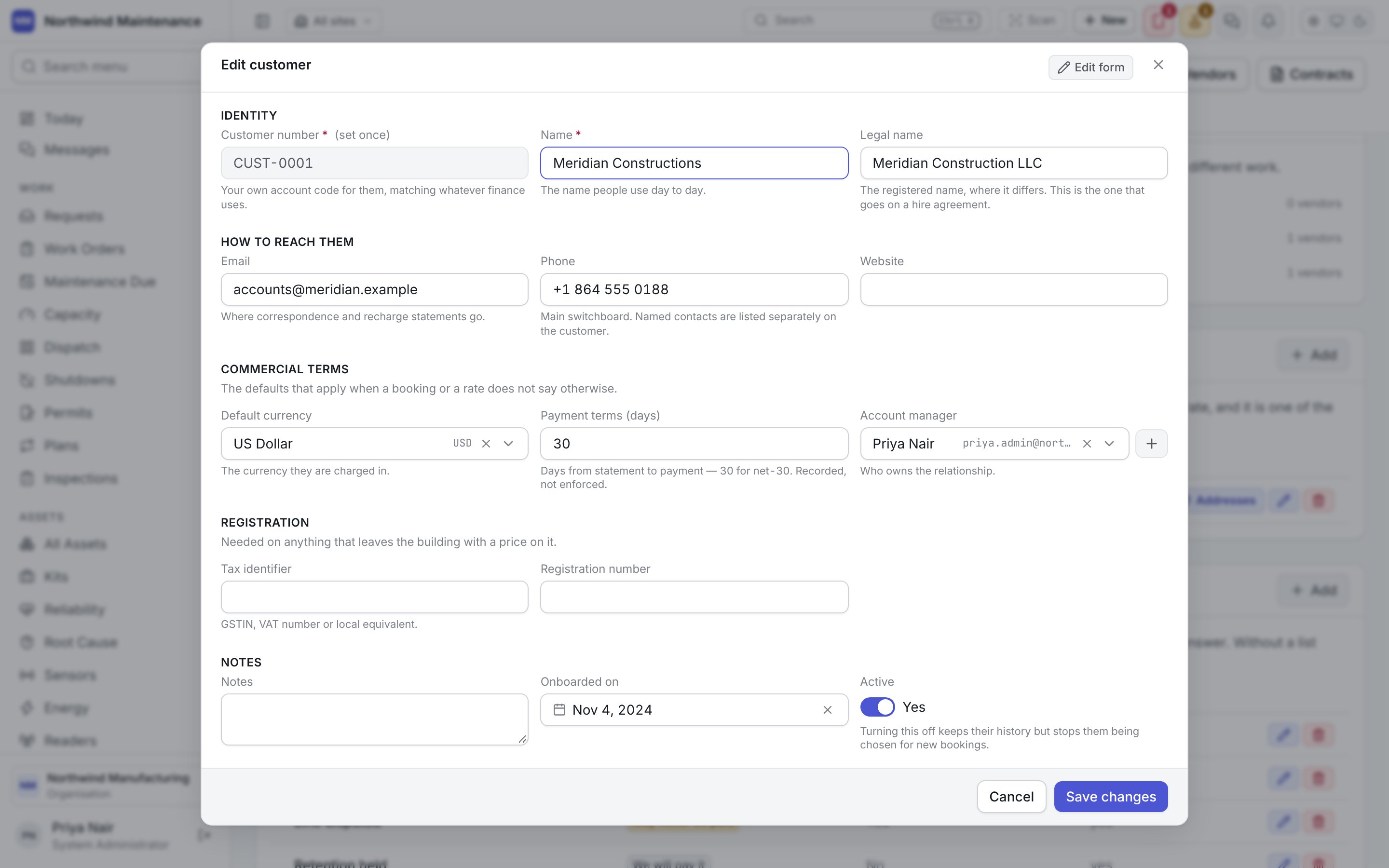
Customer addresses
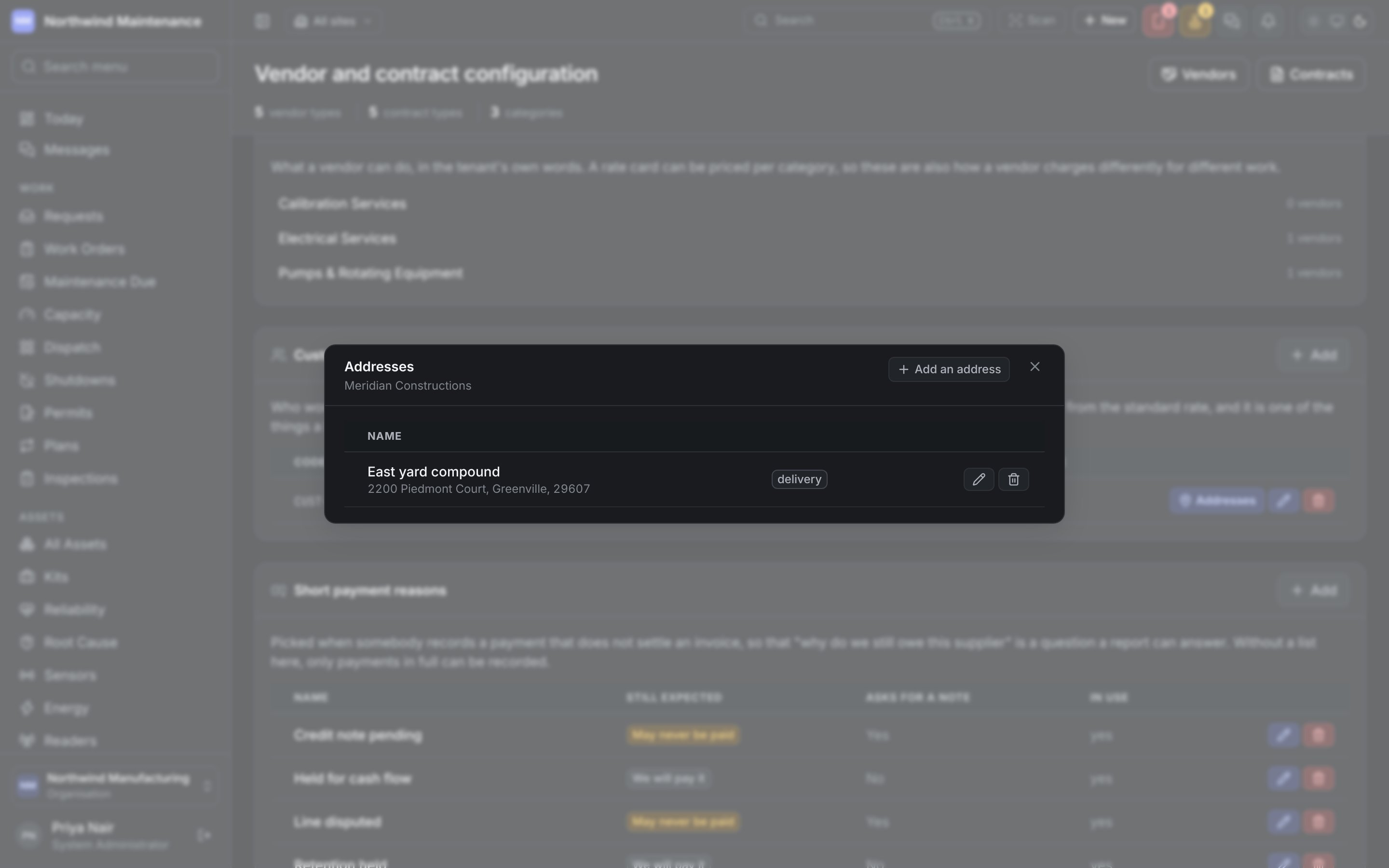
Addresses on a customer’s row opens the list of where that customer is billed and where their goods are delivered. Most customers need one address; a buyer with a head office and a plant needs two. A sale’s e-way bill reads these addresses: who is billed, and where the goods are going.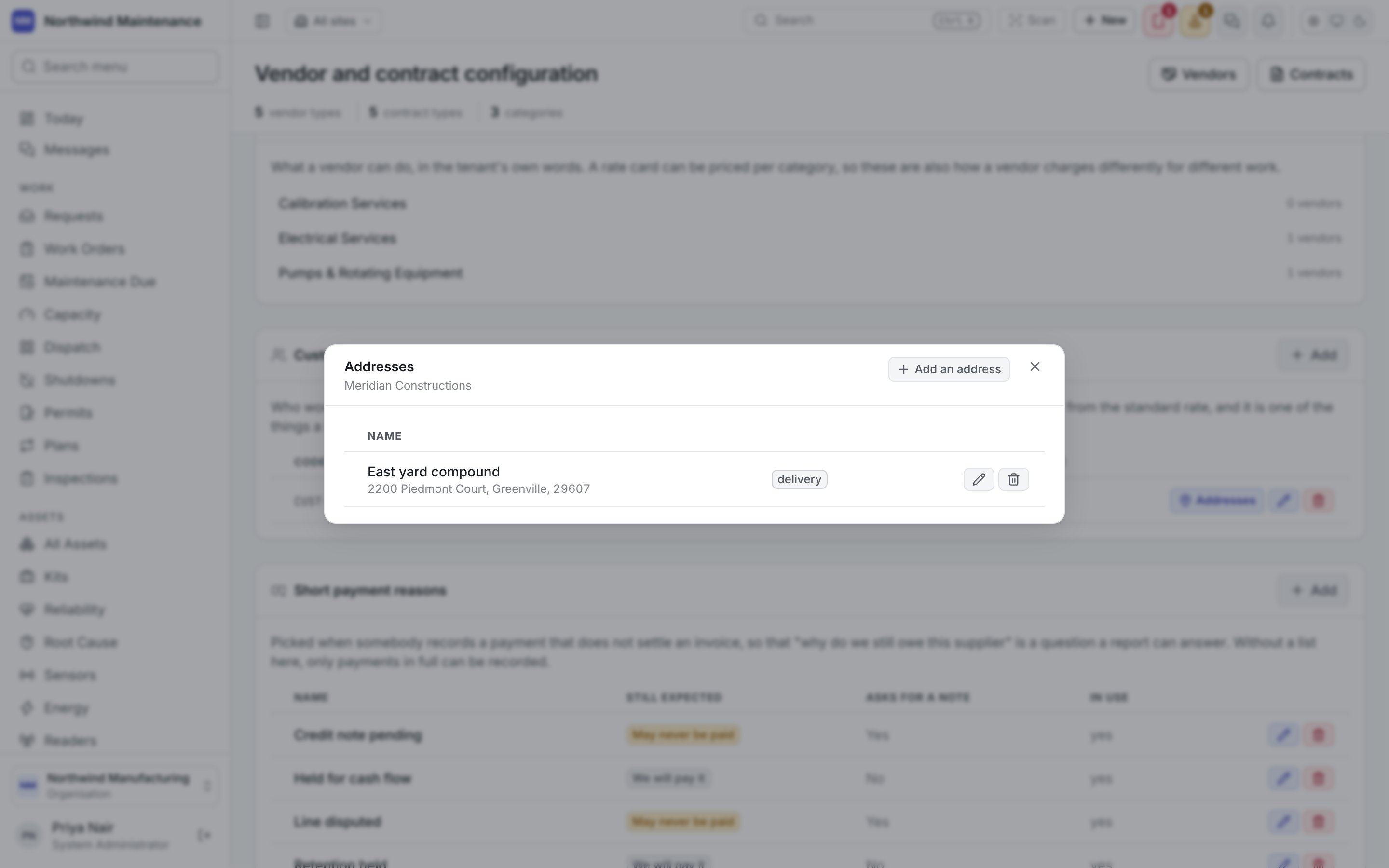
Short payment reasons
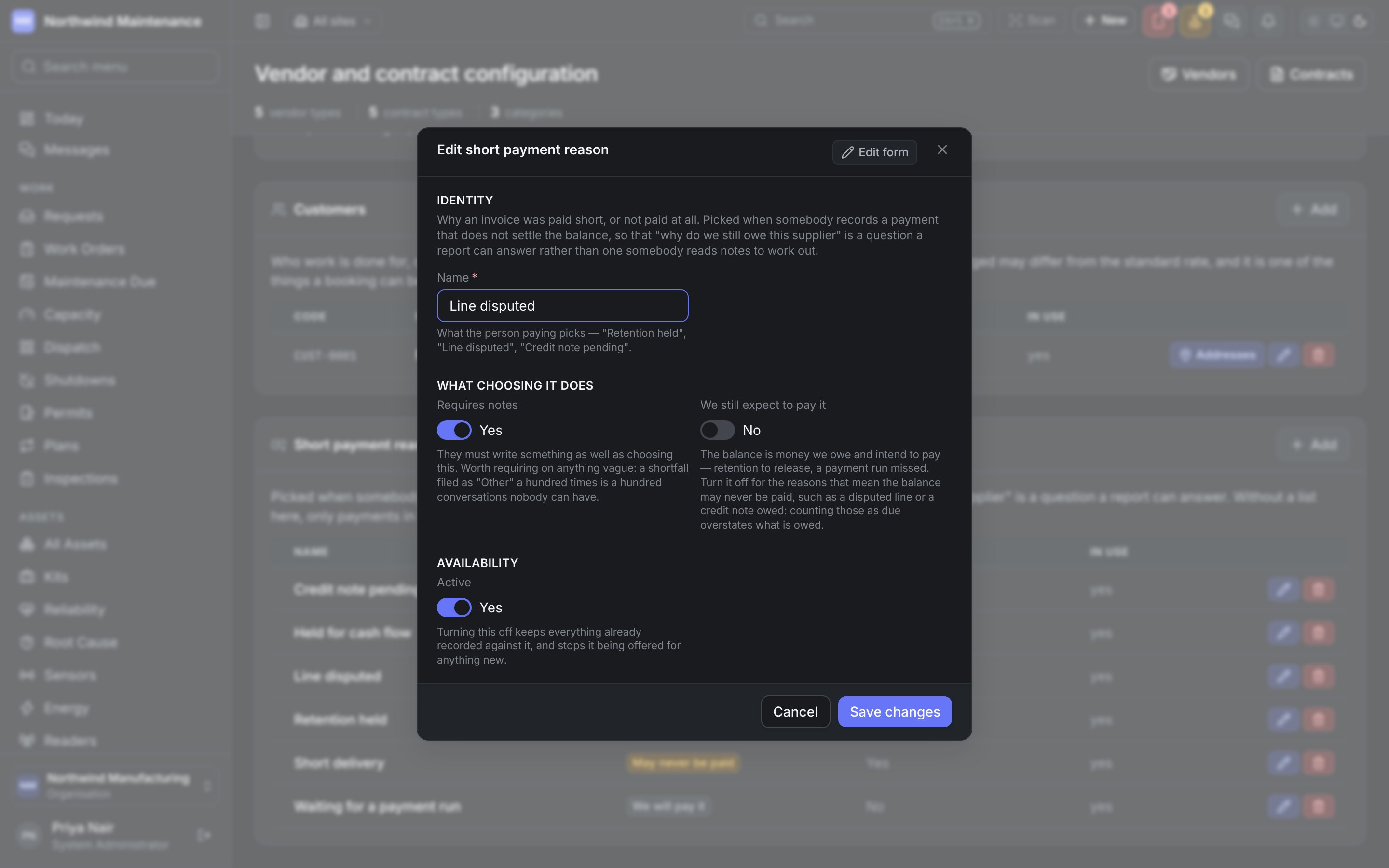
Picked when somebody records a payment that does not settle a vendor invoice, so “why do we still owe this supplier” is a question a report can answer. The defaults include Credit note pending, Held for cash flow, Line disputed, Retention held, Short delivery and Waiting for a payment run. The list shows Name, Still expected (We will pay it or May never be paid), Asks for a note and In use.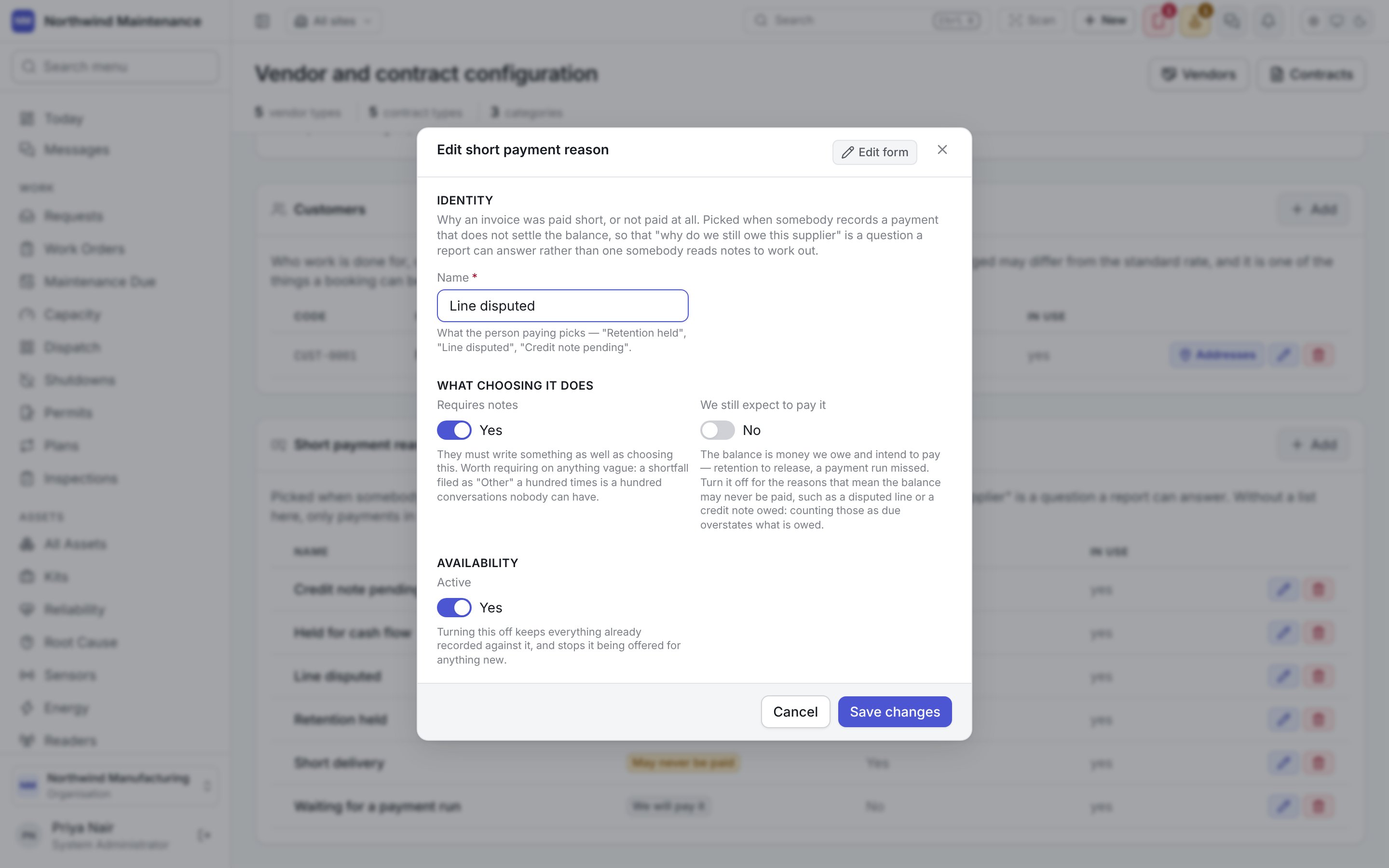
The kinds of purchase request people choose between, and what each may ask for, are set on their own
screen: see Requisition types.
Organisations in India record GSTIN and other tax details on companies, customers and vendors.
See India for the India-specific settings.