

If you don’t see this in your navigation, your administrator can switch the module on under Administration → Modules, or it may not be included in your plan.
What a booking can hold
Kinds of booking
Every booking has a kind, which decides what it may hold, who it may be charged to, and how much setting-up time is kept free before and after. A new organisation starts with these defaults, which your administrator can change under Configuring bookings:The register
The header
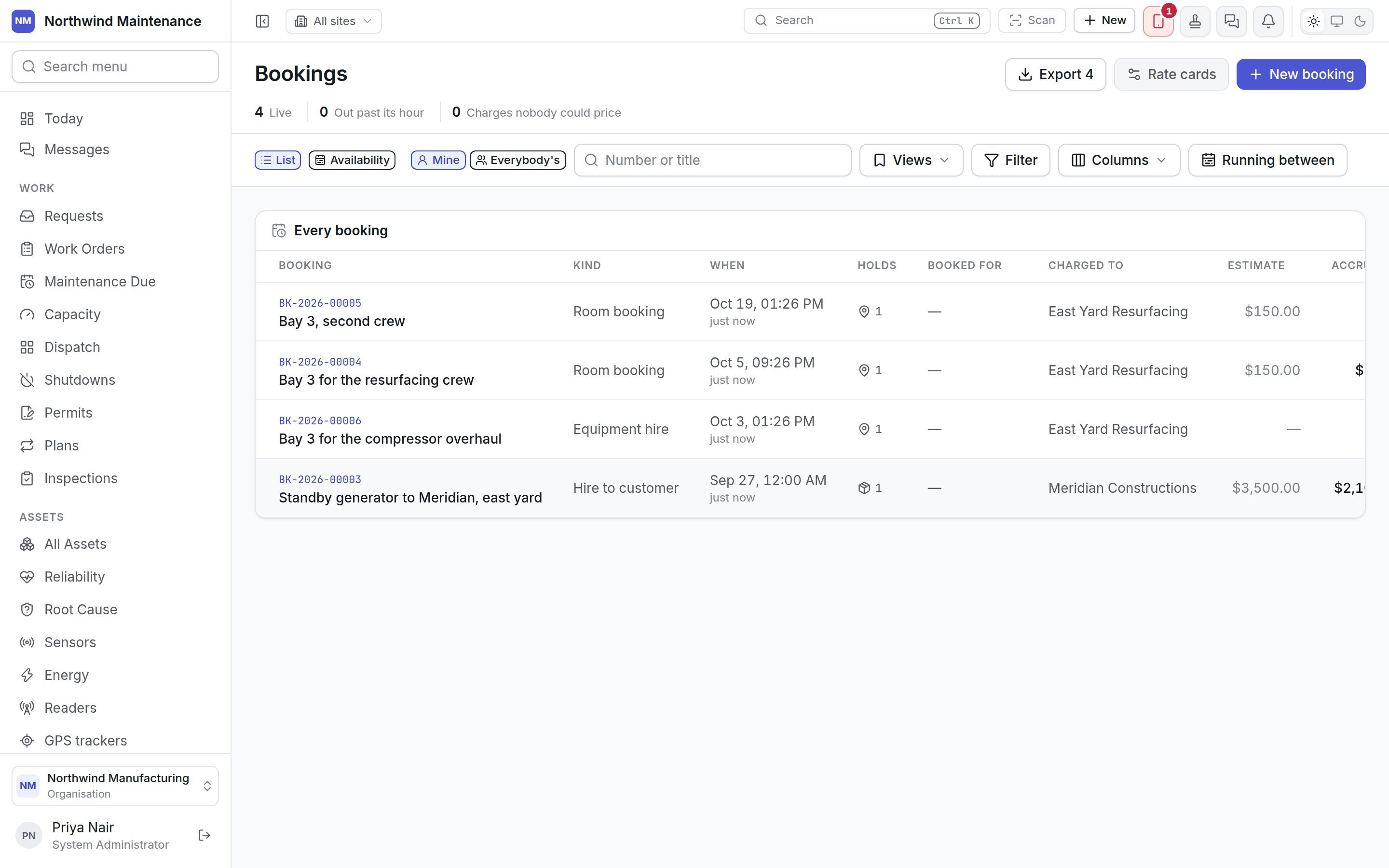
When anything is out past its hour, a Still out panel lists it with when it was due back, and
Extend or Receive beside each. When charges could not be priced, a panel lists them with
Fix the rate cards. A charge with no rate is banked with no amount rather than nought, so it
cannot be mistaken for something priced at zero.
Filters
Columns
Status
Whether a booking needs approving is a published workflow rather than a setting on the kind, so the
workflow can name who approves. Confirm runs that workflow if one is published. A booking cannot
be confirmed with nothing on it.
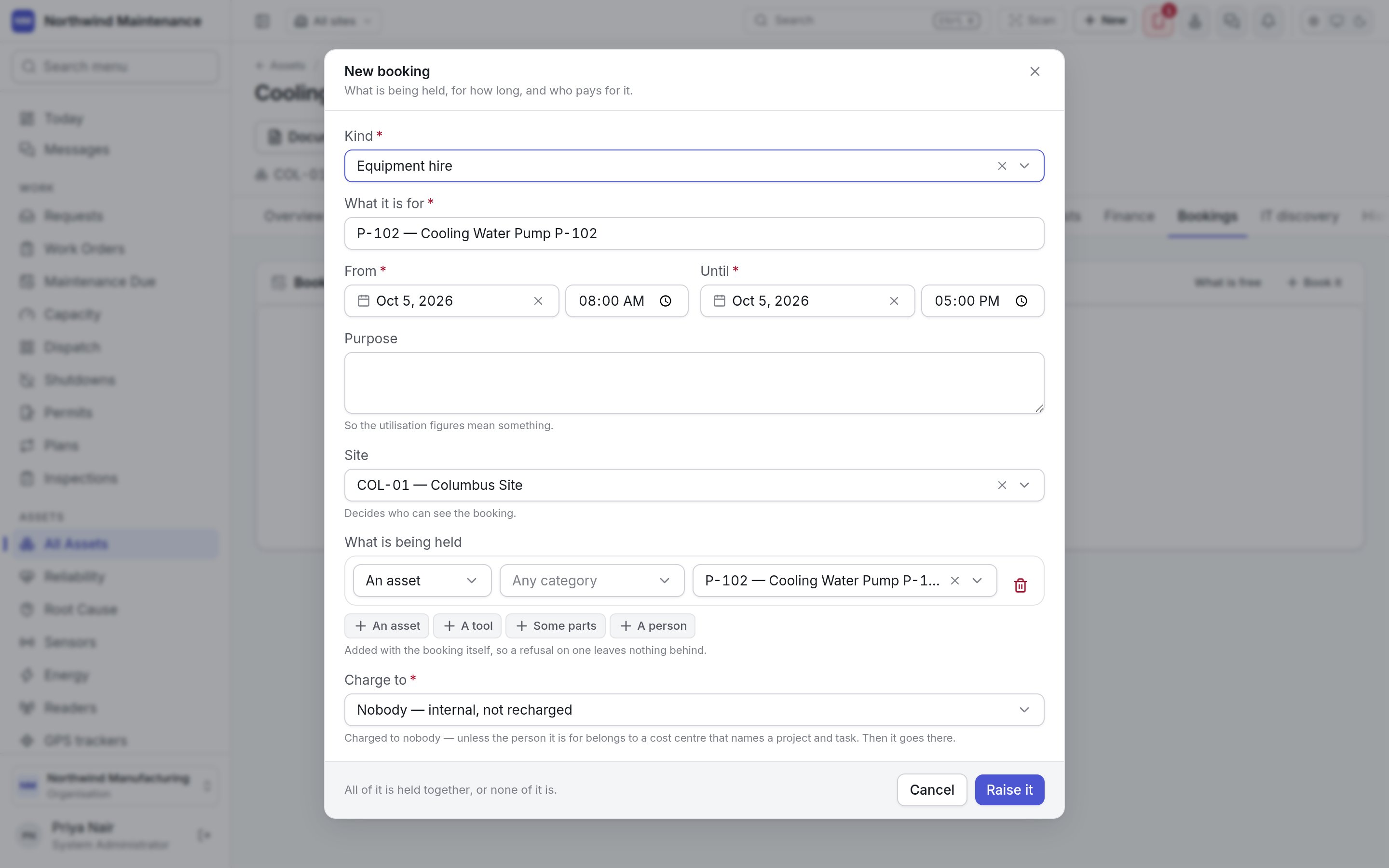
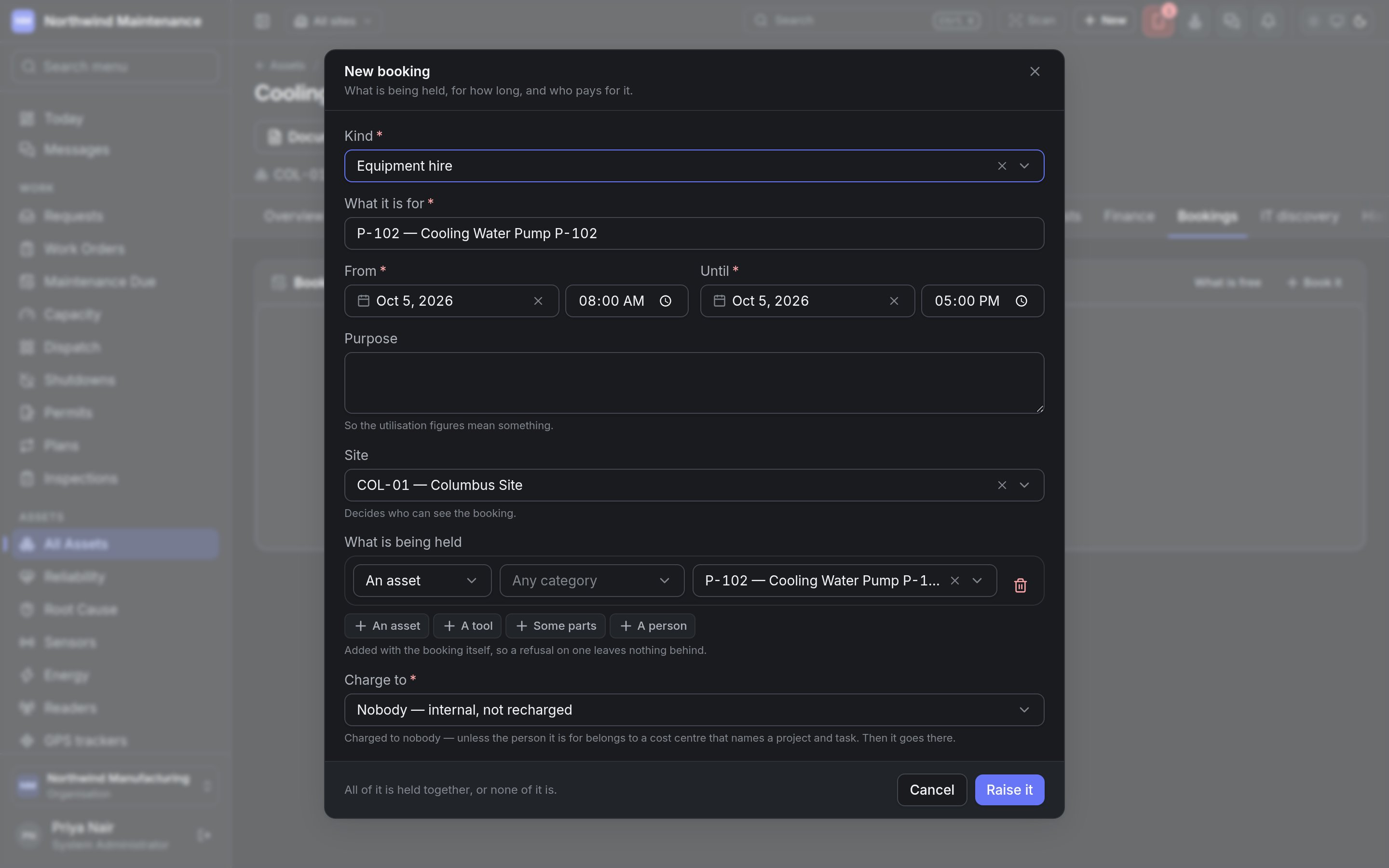
Raising a booking
New booking on the register, Book it on an asset’s Bookings tab, Book on the asset register’s bulk bar, or a selection on the availability calendar, all open the same form.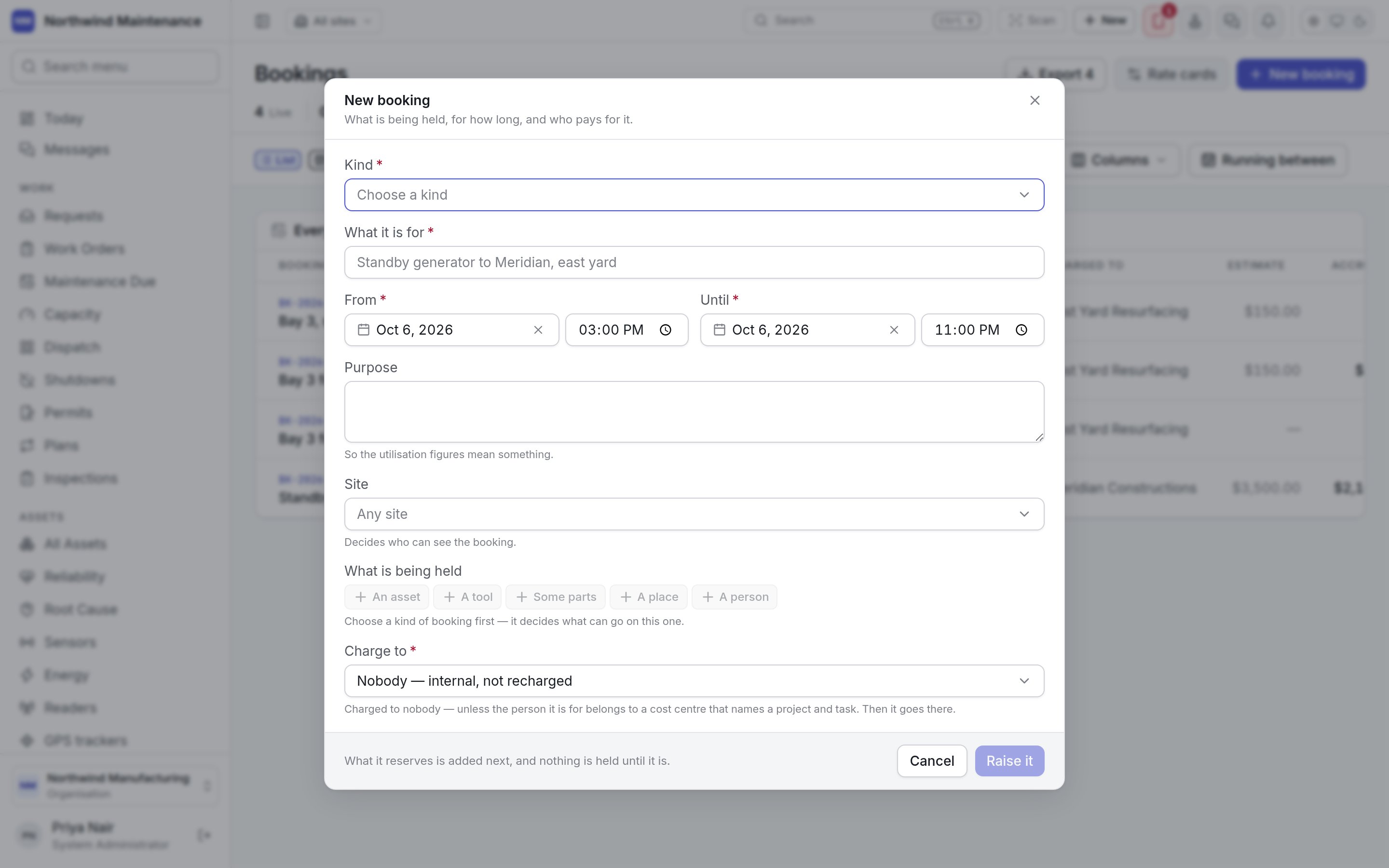
Raise it creates the booking and everything it holds together. If one line clashes, nothing is
held at all — you never end up with half a booking. More can be added later with Add (on the
register) or Hold something (on the booking).
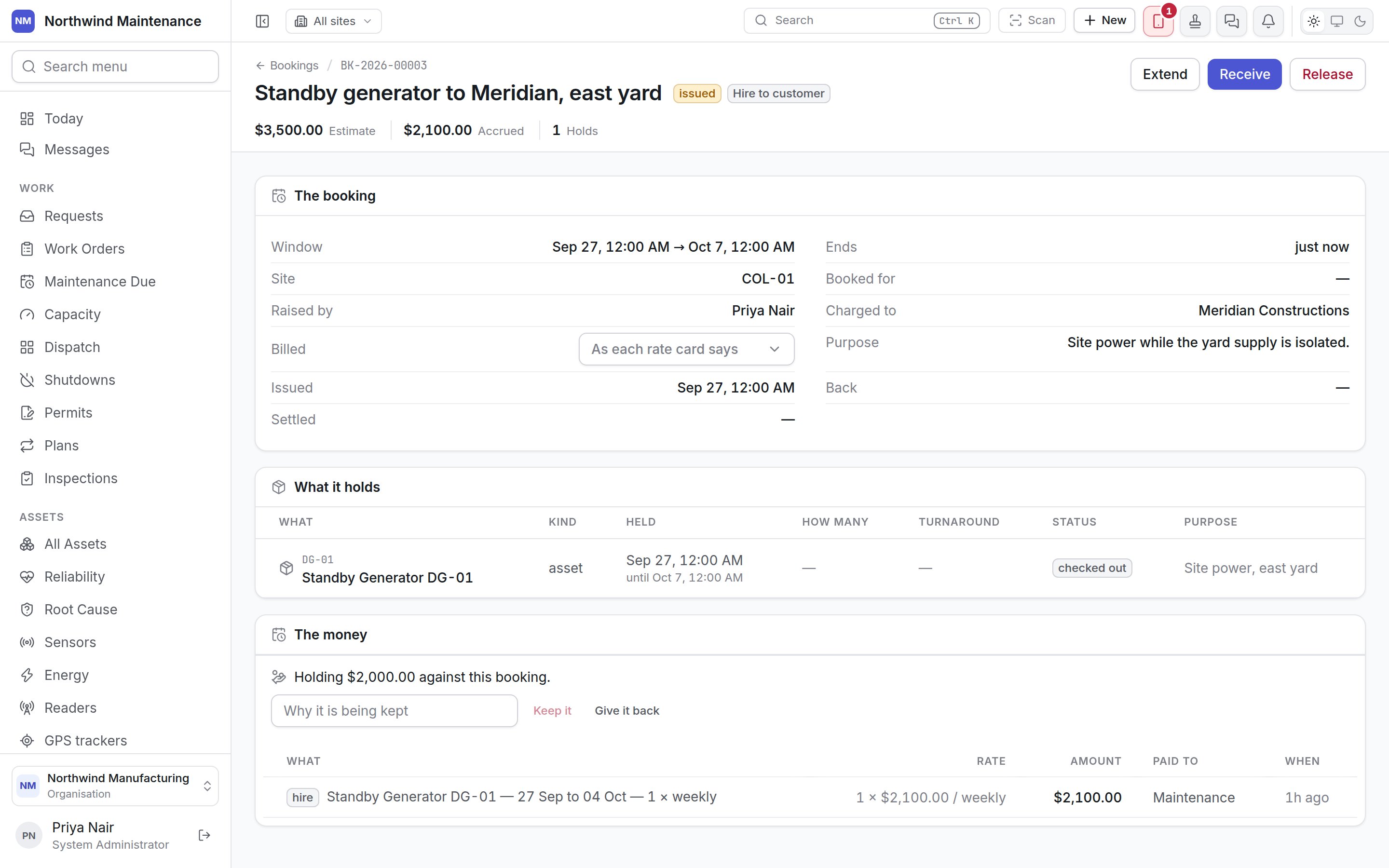
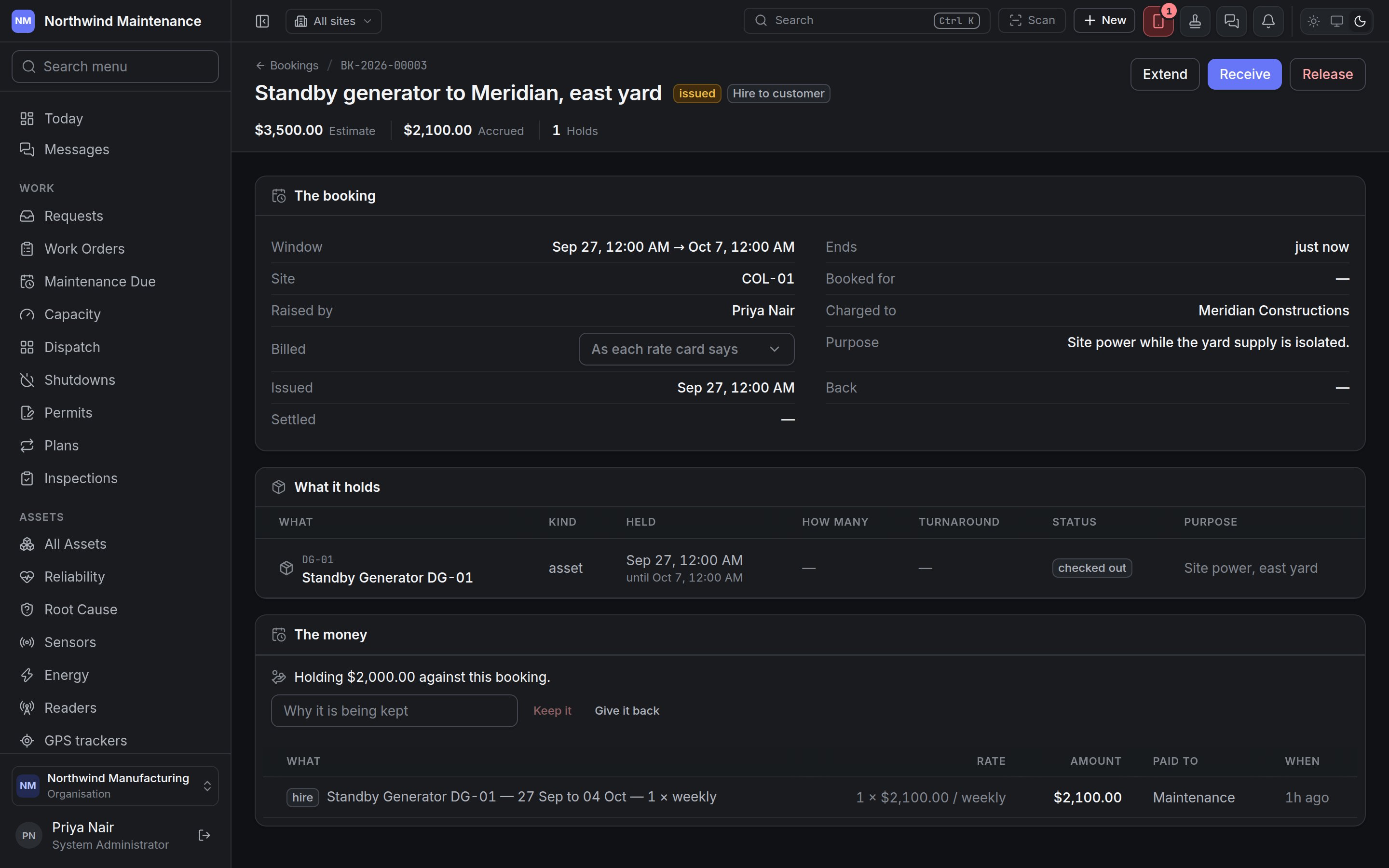
Inside a booking
Actions
Deposits and charges
Hold a deposit records an Amount held against the booking. A deposit is not a charge and does not appear on the ledger: Give it back returns it with nothing recorded, and Keep it (with Why it is being kept) turns it into a charge. Handling deposits needs Hold, return and keep hire deposits. Every other charge appears on the ledger, priced from the rate cards. A reservation that is merely held costs nothing and has no entries until something is spent.What is free — the availability calendar
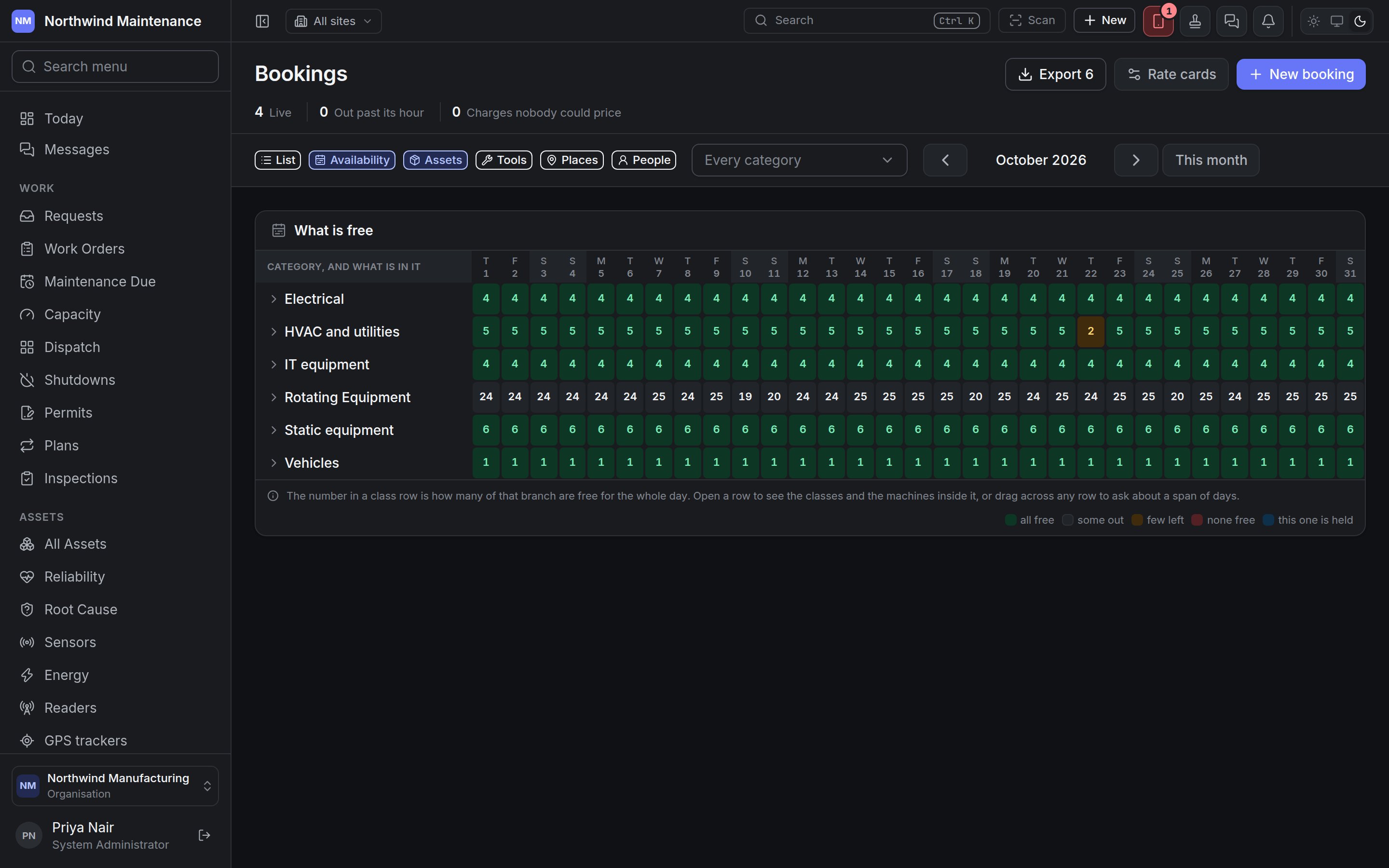
Availability answers the question the list cannot: what is free, and when.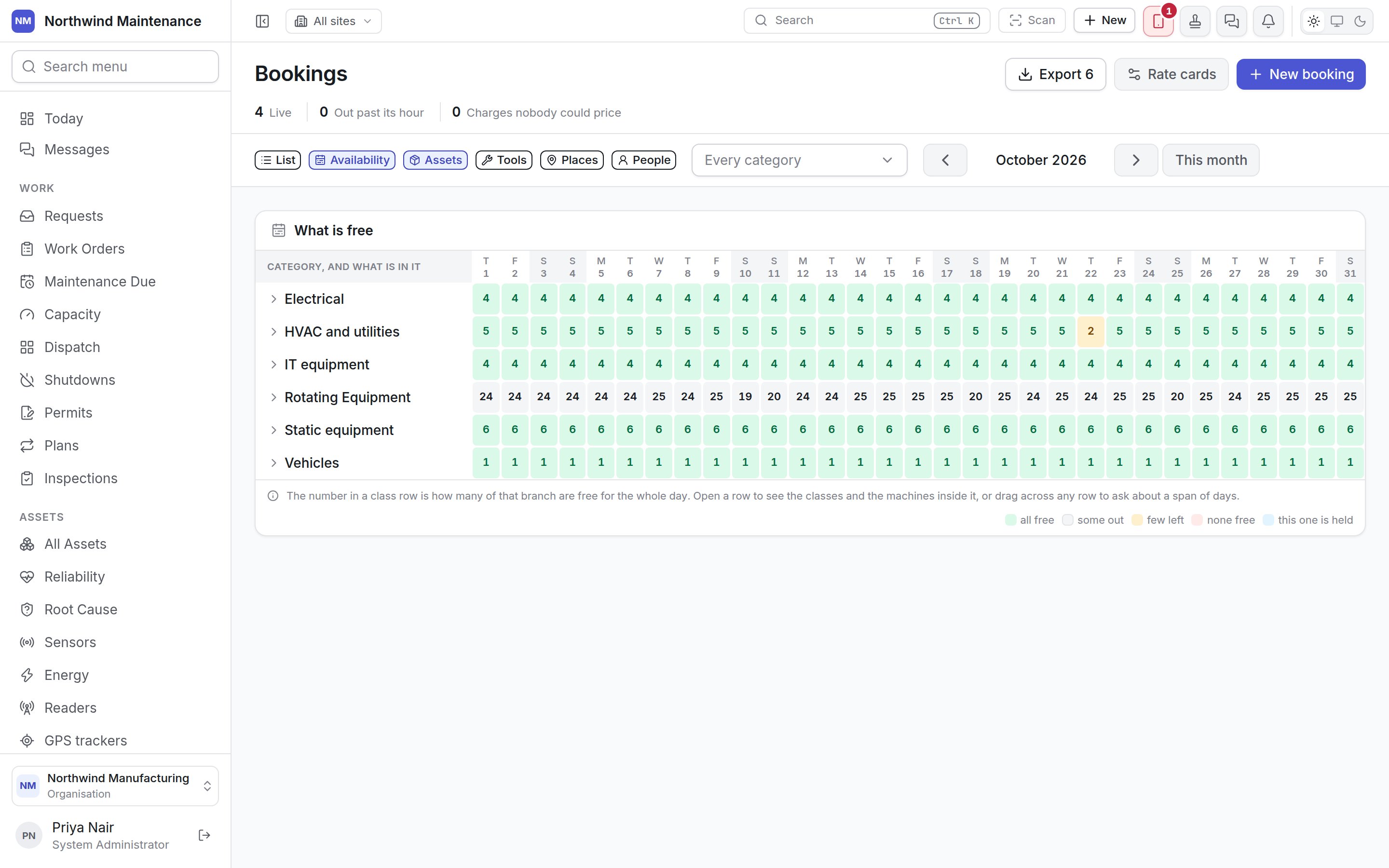
On an asset
An asset’s Bookings tab lists every booking line ever held against it — not just upcoming ones, because a finished hire is what a utilisation figure is made from — with Book it and What is free. See inside an asset.Who can do what
Configuring bookings
What your organisation books at all, what each kind of booking may hold and be charged to, and
rate cards.