

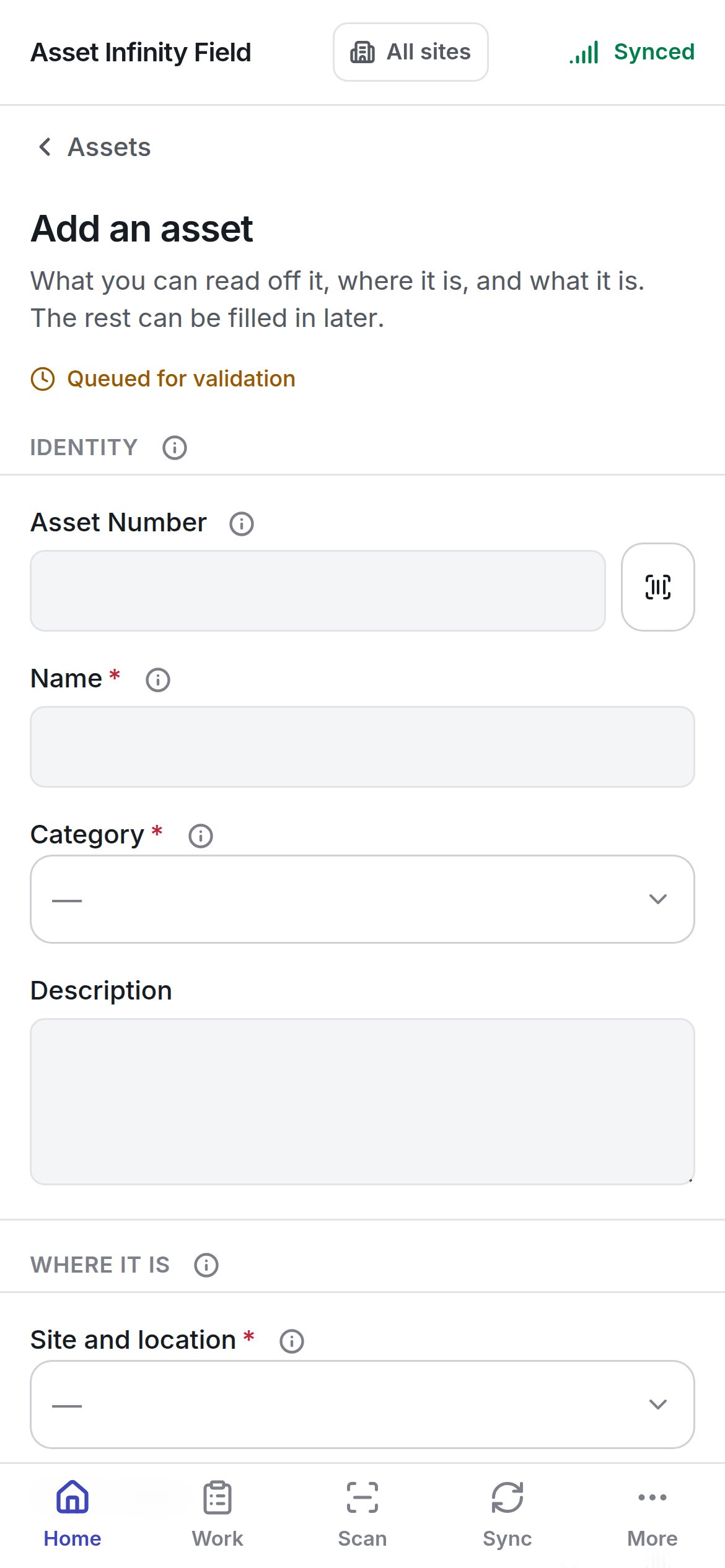
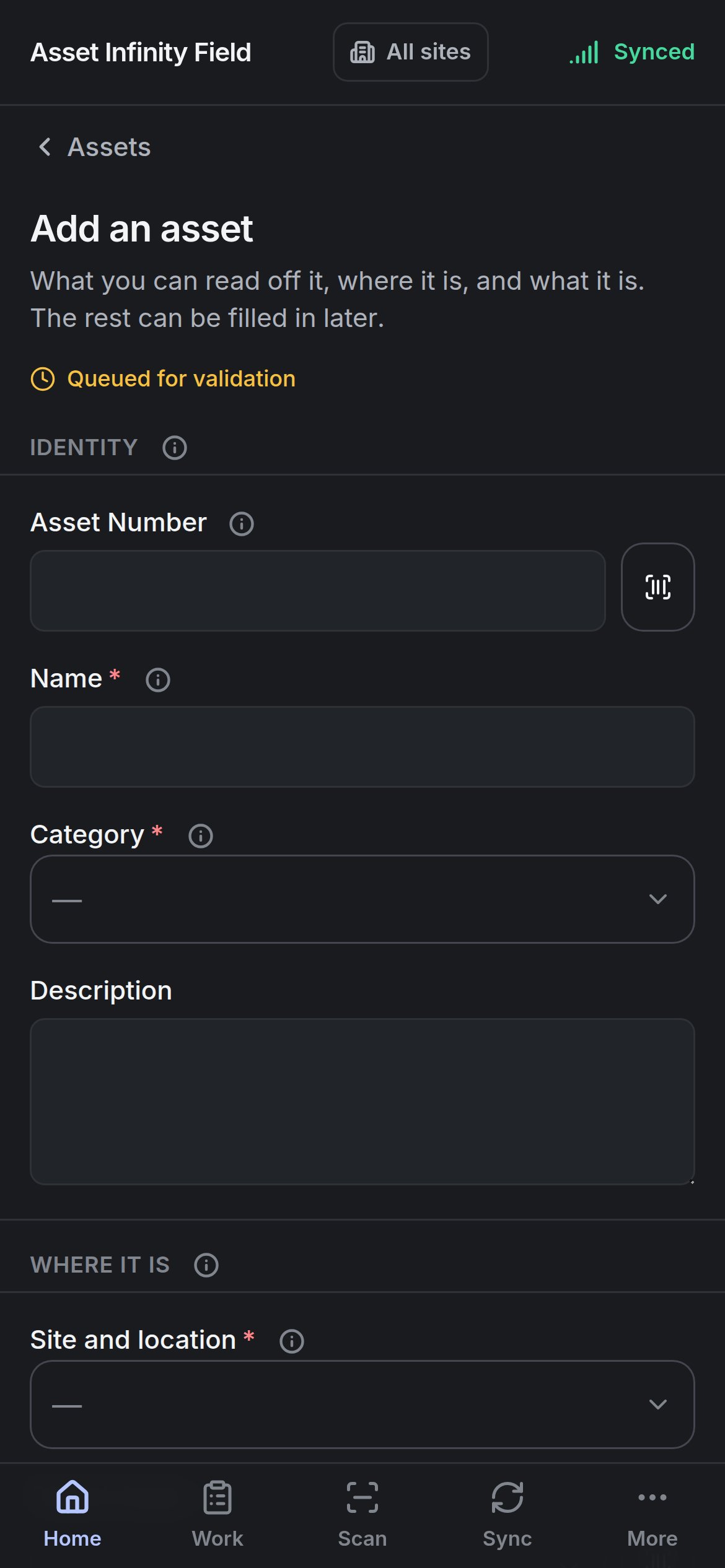
Opening it
You need permission to create assets. Without it the form says Adding to the register is not something your account can do and suggests reporting the asset as a job instead, so whoever keeps the register can add it. (The Add an asset door on Home is shown whenever the asset module is on, so somebody without the permission can reach this message.)
The badge on the form reads Queued for validation: the asset is recorded on the handset now and the server decides whether it stands when it arrives.
The fields
The form is built from your organisation’s own asset form in the Form Studio — the same fields, labels, help and required marks as the web app’s. If the handset has not synced that form yet, it says This handset does not know what an asset is yet. The default sections are: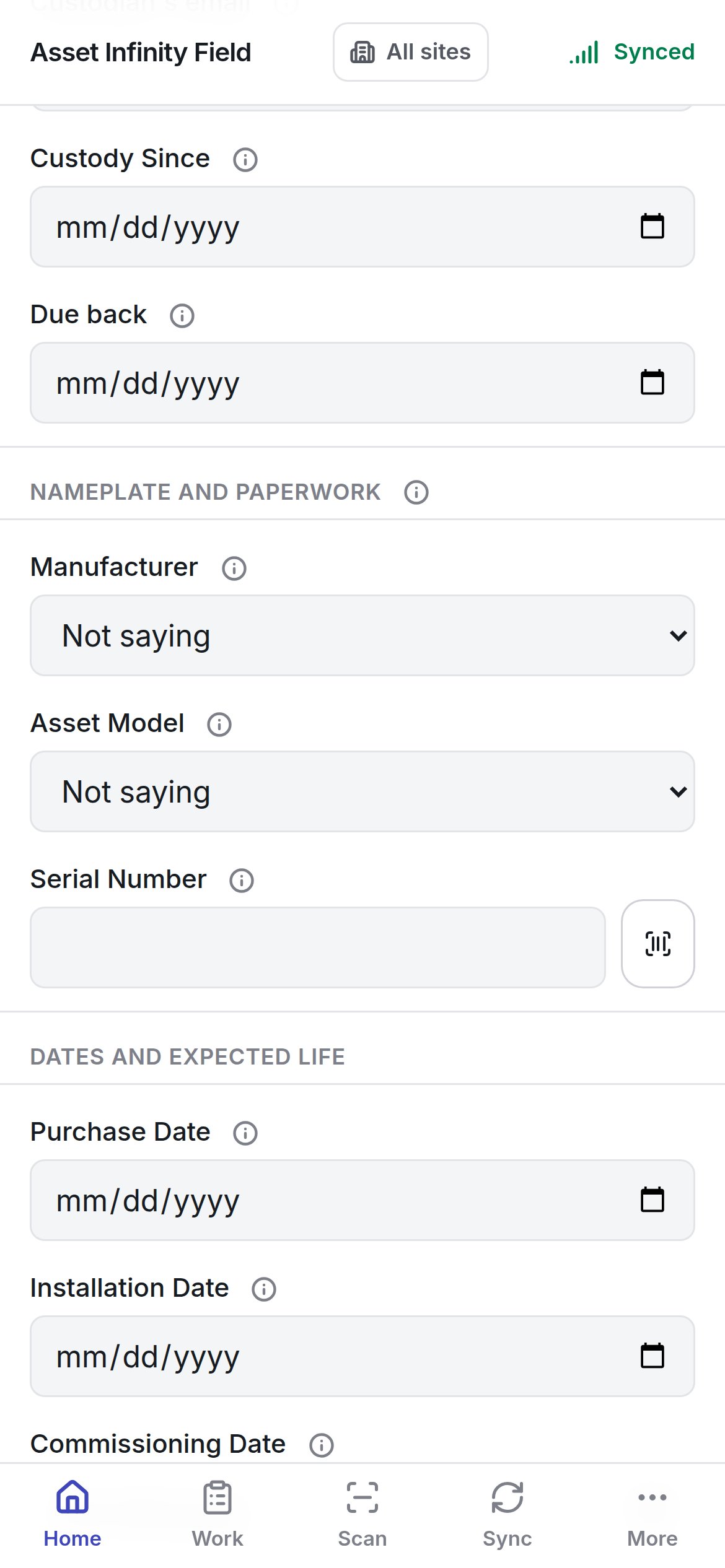
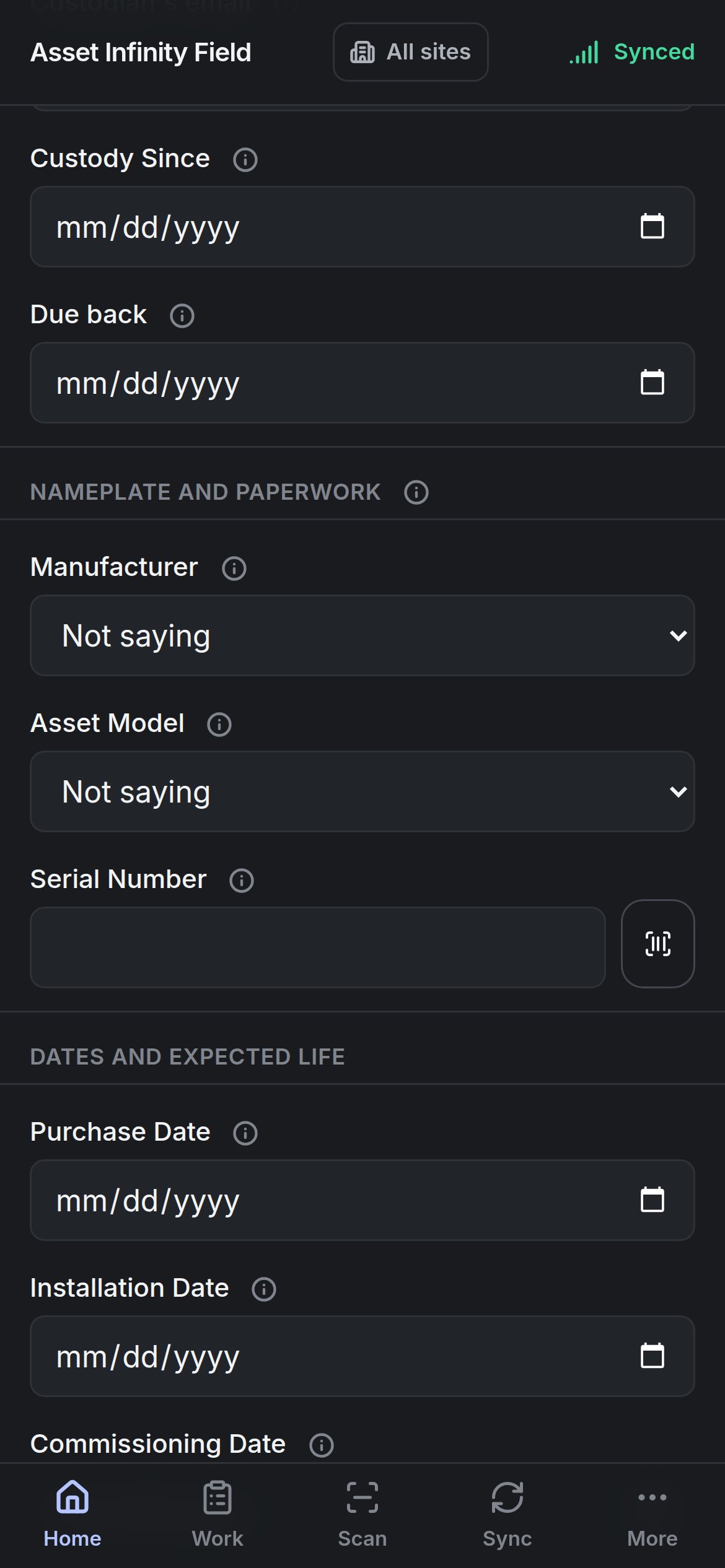
Some fields cannot be answered on the handset and say why instead of disappearing — a picker whose options are not on the device (Answer this one from a browser), or a field calculated from the others. Fields that need a list the handset does not carry are named under Not asked here: and filled in at a desk.
Adding it
Add it to the register stays greyed while Still needed: names a required field. Once pressed, It appears on the register as unsent until the server has taken it, and gets its real record then. The asset shows on the register marked Not sent; until it has reached the server it cannot be moved, ticked into a selection or made somebody’s parent. Photographs taken on the form are held with it and sent straight after the asset itself, so they arrive attached to the right record. Leaving the form without adding the asset discards them.The register on the handset
Finding, browsing and acting on assets.