

What’s on the list
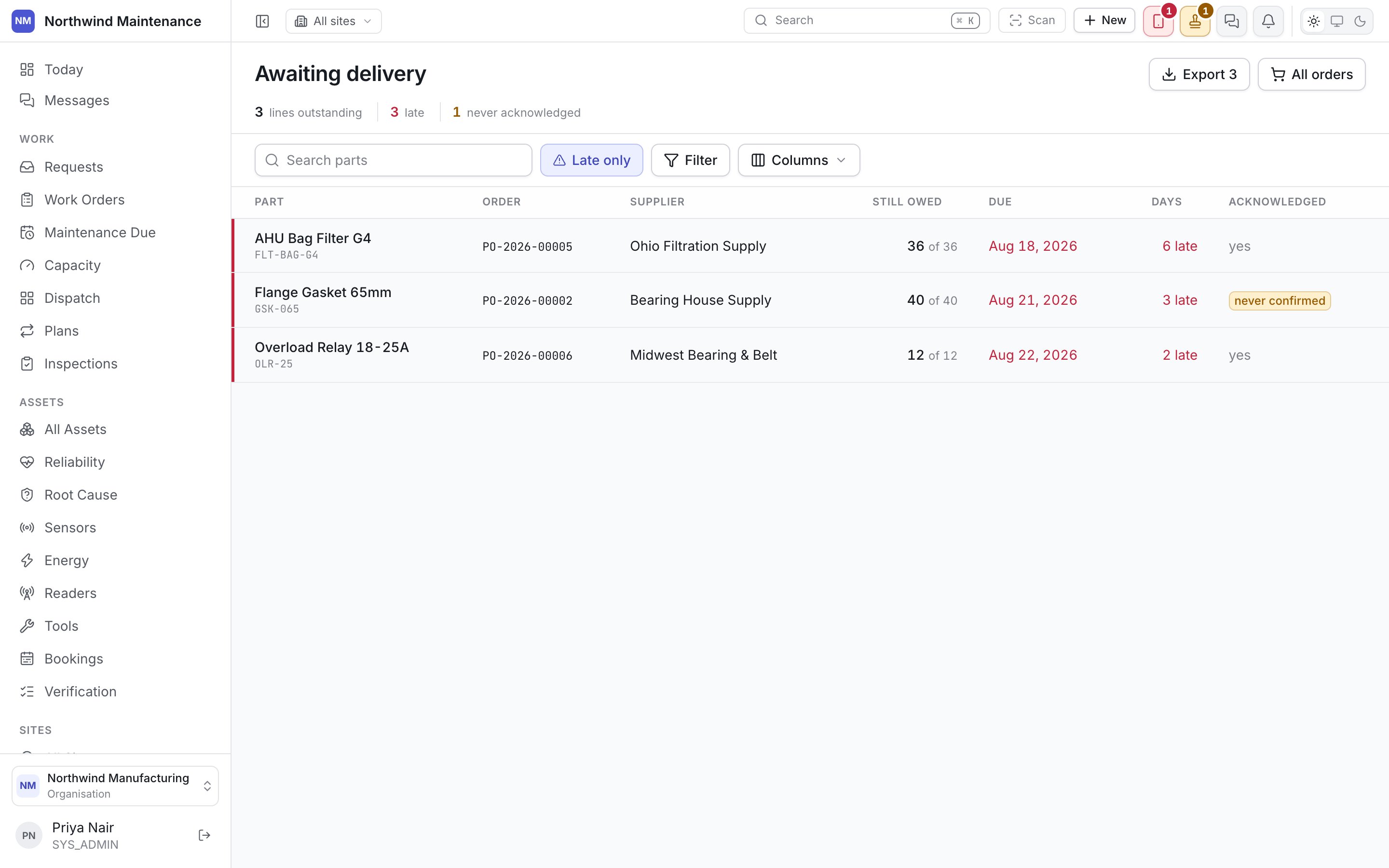
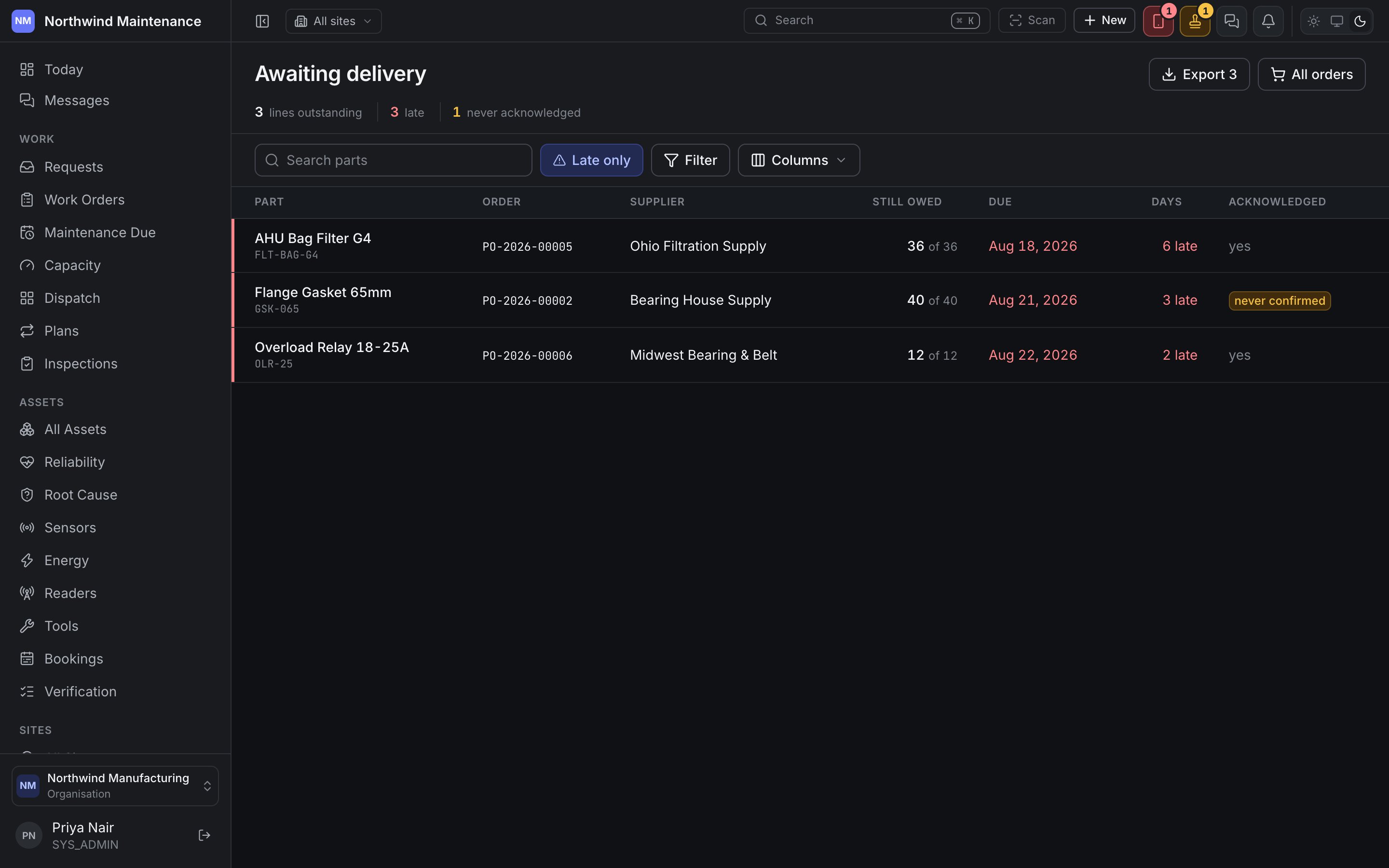
Any purchase order in Sent, Confirmed or Partially Received appears here. A PO drops off the moment it reaches Received — this list is exclusively the open tail of the buying process.Columns
Overdue is judged against the vendor’s promised date, not a guess. A PO with no expected date
cannot be flagged overdue — set one at ordering time if this list is meant to catch a late
delivery.
Recording a delivery
This list does not record receipt itself — it is where you see what needs it. Open the purchase order and use its Receipts tab to record what actually arrived, in full or in part. See Purchase orders for how that tab works. A partial delivery keeps the PO on this list, now showing the reduced outstanding quantity; a full delivery removes it.Why a separate list
A purchase order screen answers “what did we commit to”. This one answers “what is late, and what is still owed” — the question a stores team asks every morning, across every vendor, without opening each order in turn.Purchase orders
Where a delivery is actually recorded, on the Receipts tab.
Reorder recommendations
What prompted the order in the first place.