

The header
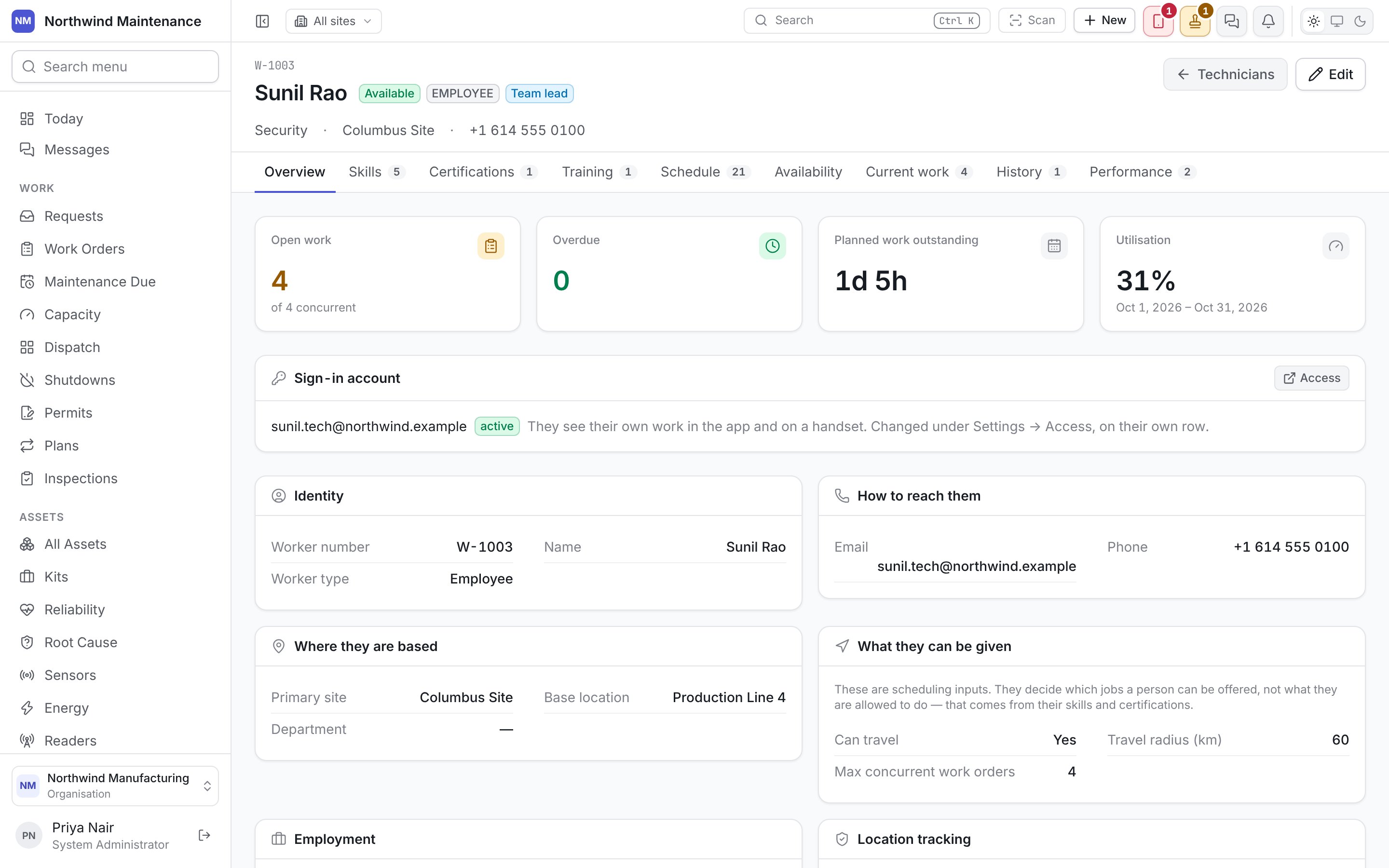
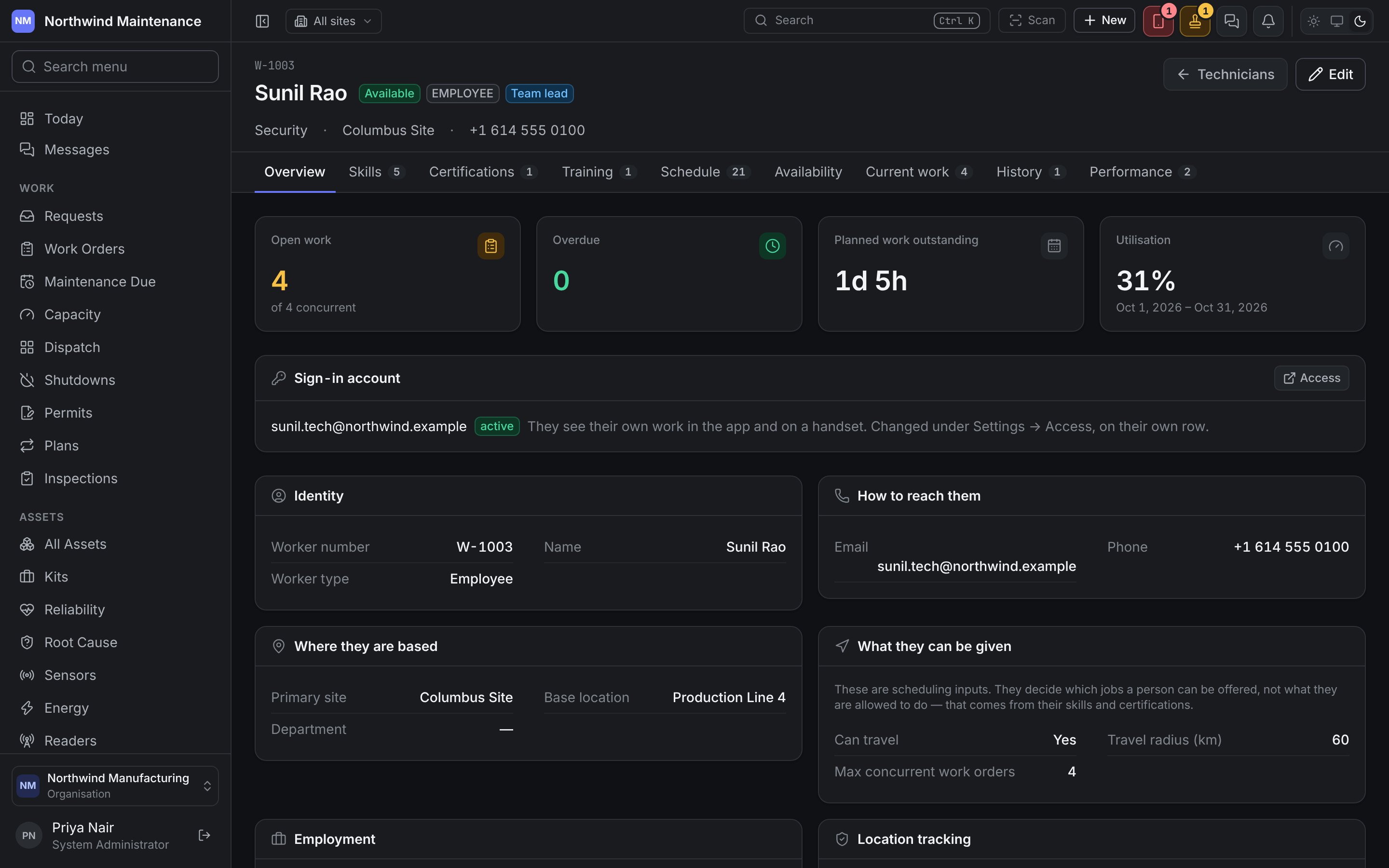
The header shows the worker number, name, their availability right now, worker type, team, home site and phone. Edit opens the technician form (below). Changing a technician needs Edit technicians, skills and certifications.Overview
Where your organisation does not have the Work orders module, the first three figures are not
shown, and neither are the Current work and History tabs.
Sign-in account shows the account they sign in with and whether it is active. Account details are changed under people and access, on their own row. A technician with no account can still be scheduled and assigned work, but the schedule reaches them by phone rather than through the app.
Below are their details (as on the form), a summary of their skills, and On now — the jobs currently on them with how long remains.
Location tracking is off for everybody by default and is consented to per person, not switched on for a site. The overview says whether this technician has consented. Positions are not yet recorded or shown on this screen.
Editing a technician
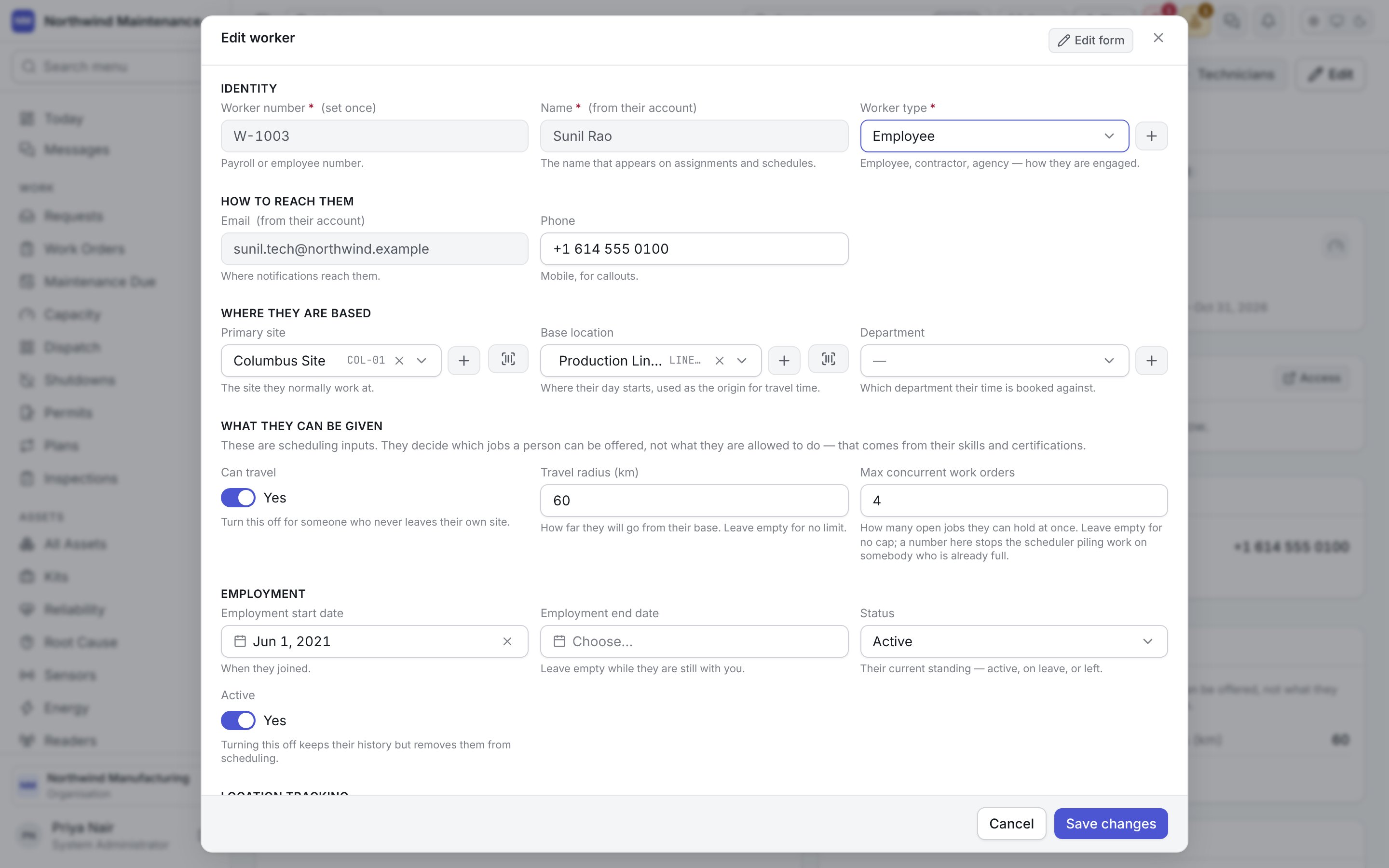
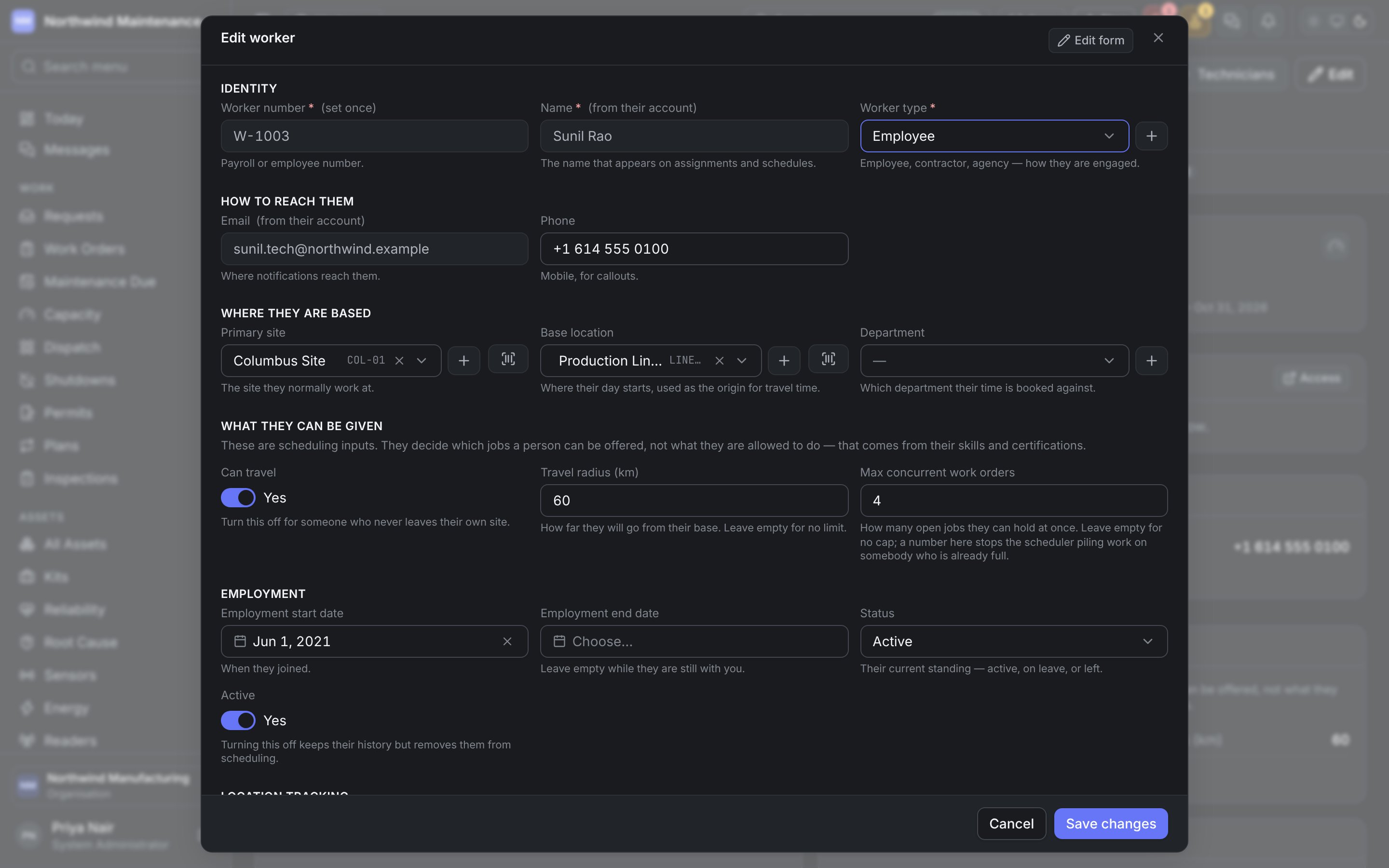
These are scheduling inputs: they decide which jobs a person can be offered, not what they are allowed to do — that comes from their skills and certifications.
Skills
What this person can do, and to what level.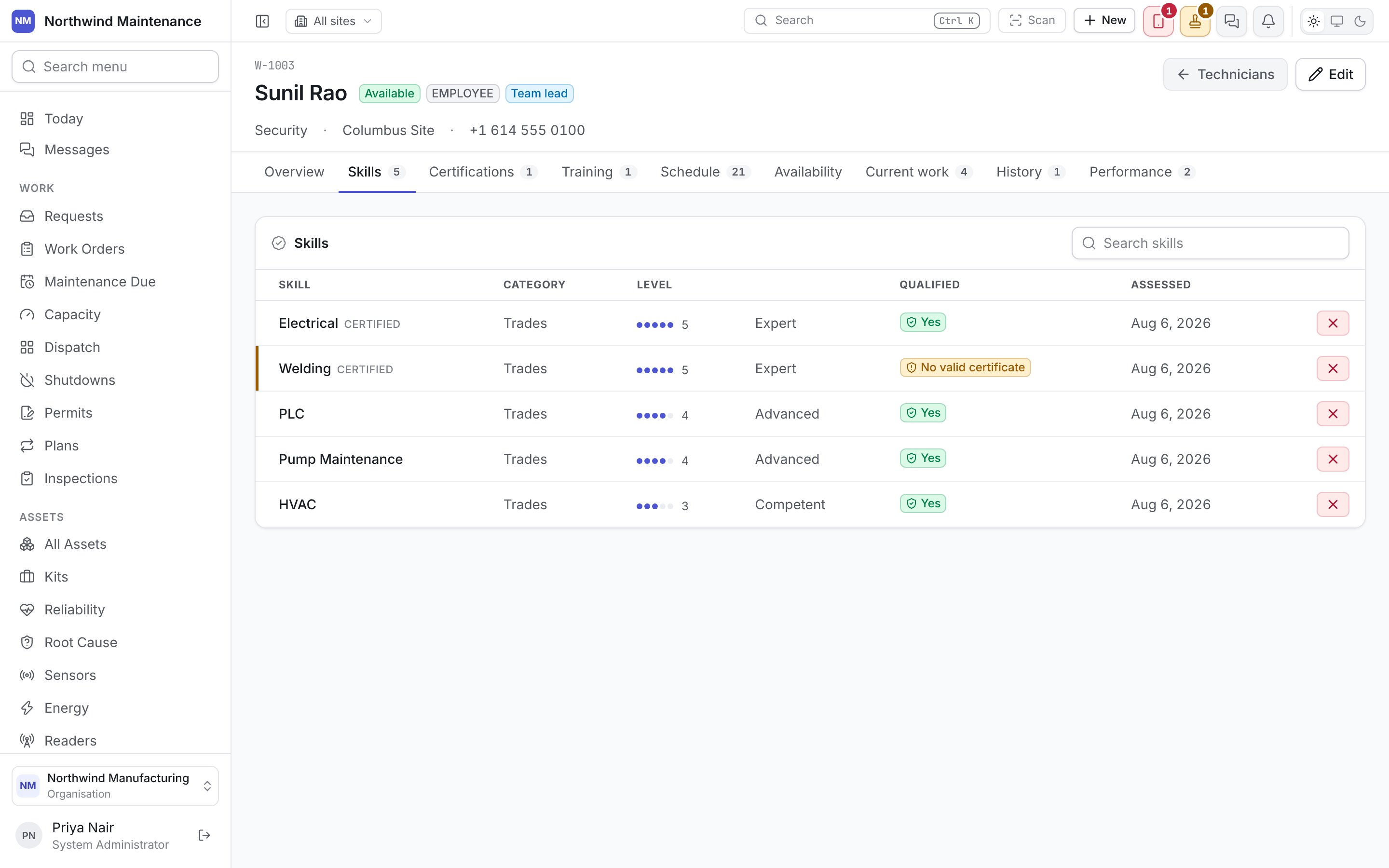
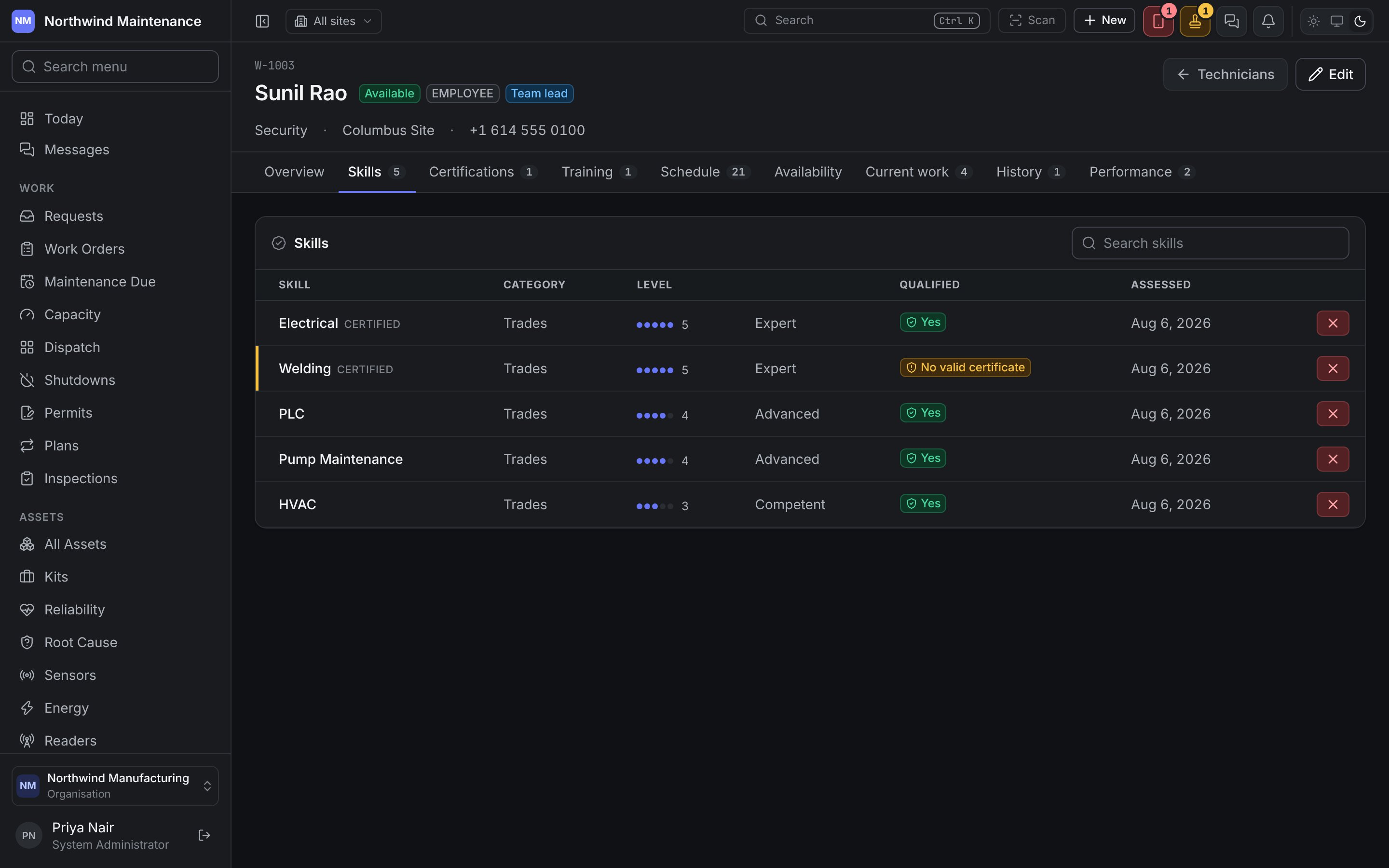
The cross at the end of a row removes the skill. Assess a skill (shown while there are skills they do not yet hold) opens a short form:
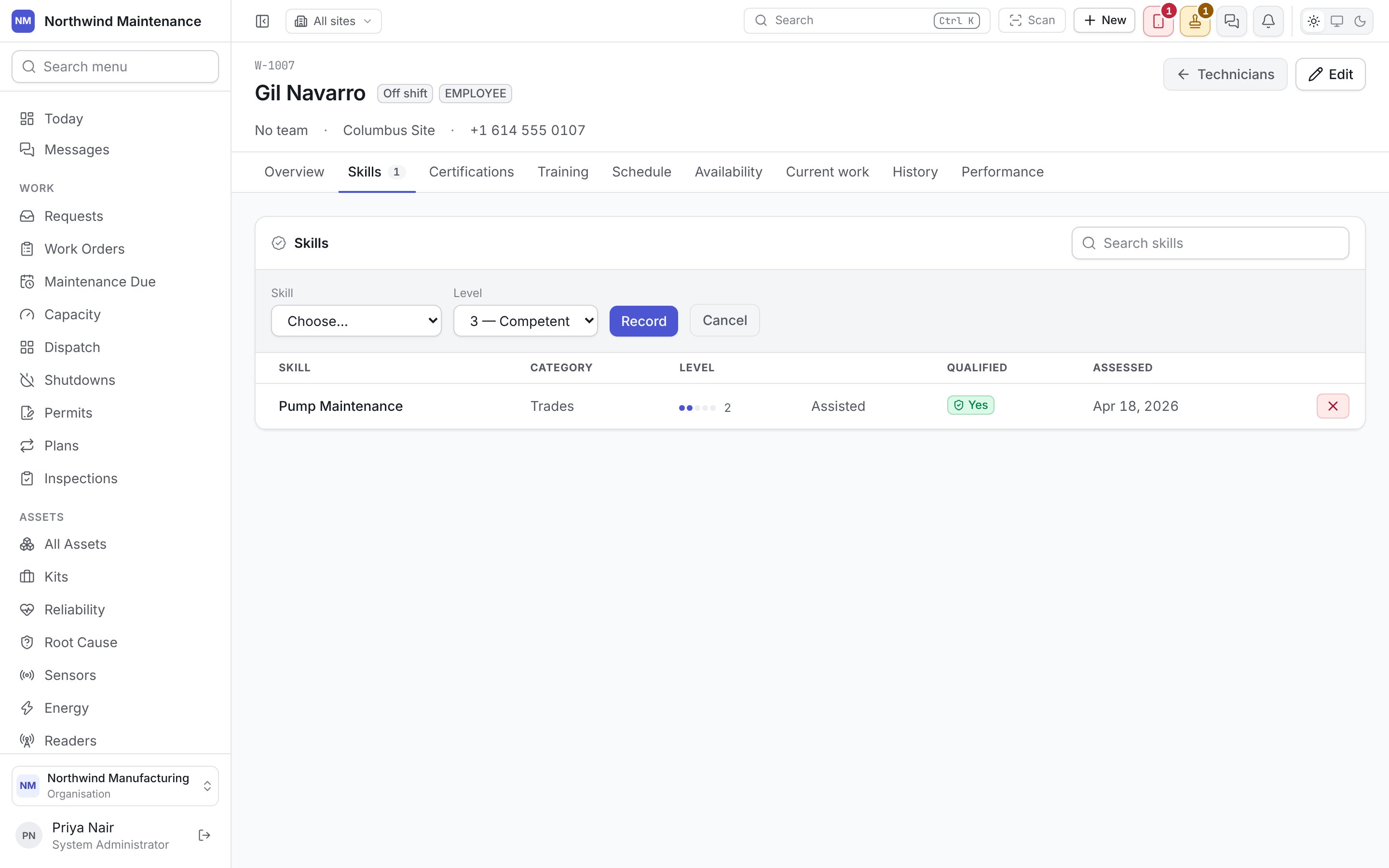
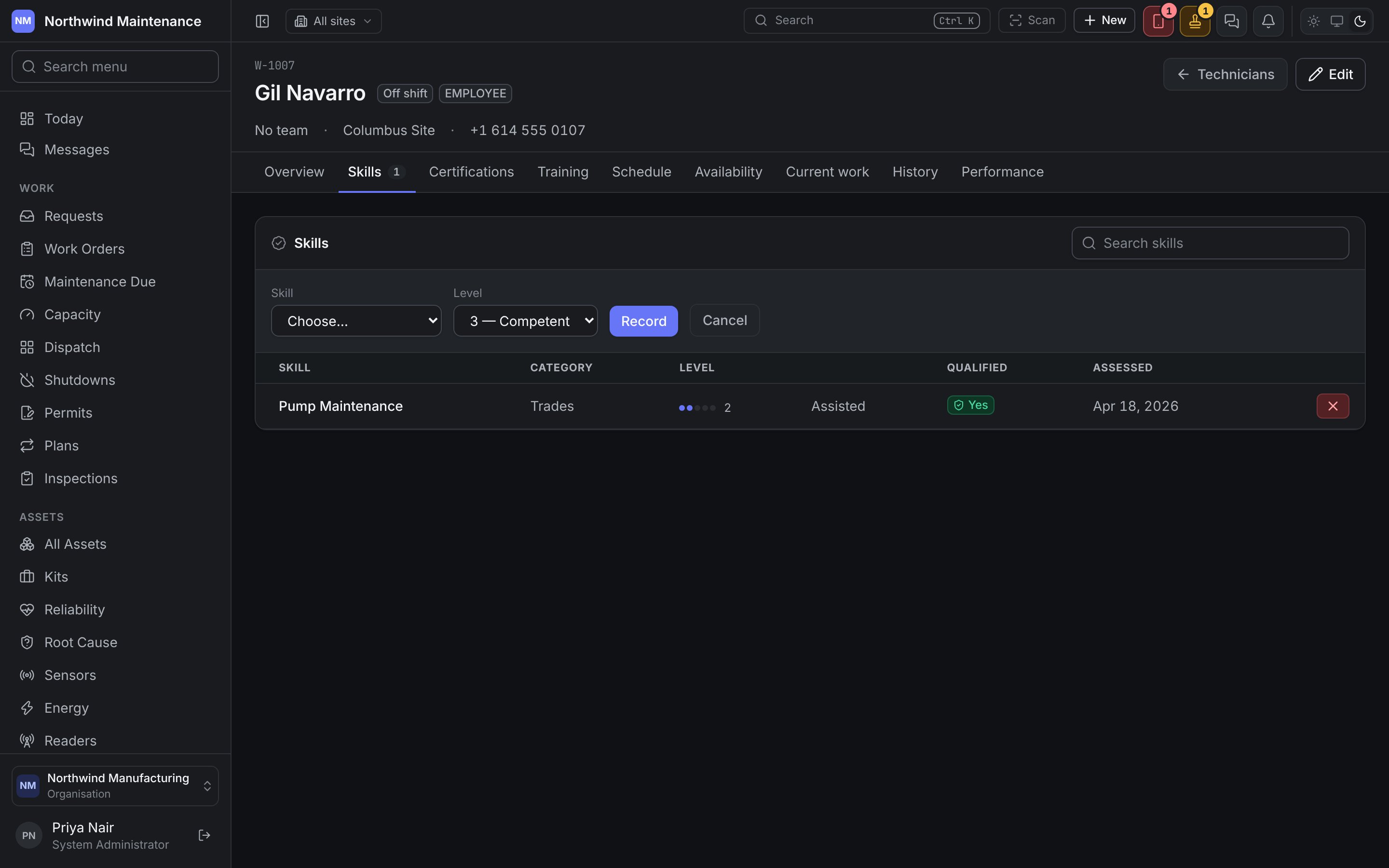
Record saves it with today’s date as the assessment. Skills drive routing and dispatch: a job needing a skill nobody available holds shows as a shortage on readiness rather than being discovered at the machine, and the dispatch board refuses a drop on somebody who holds a certified skill without a valid certificate.
Certifications
Formal tickets with expiry dates — pressure systems, electrical, confined space, working at height.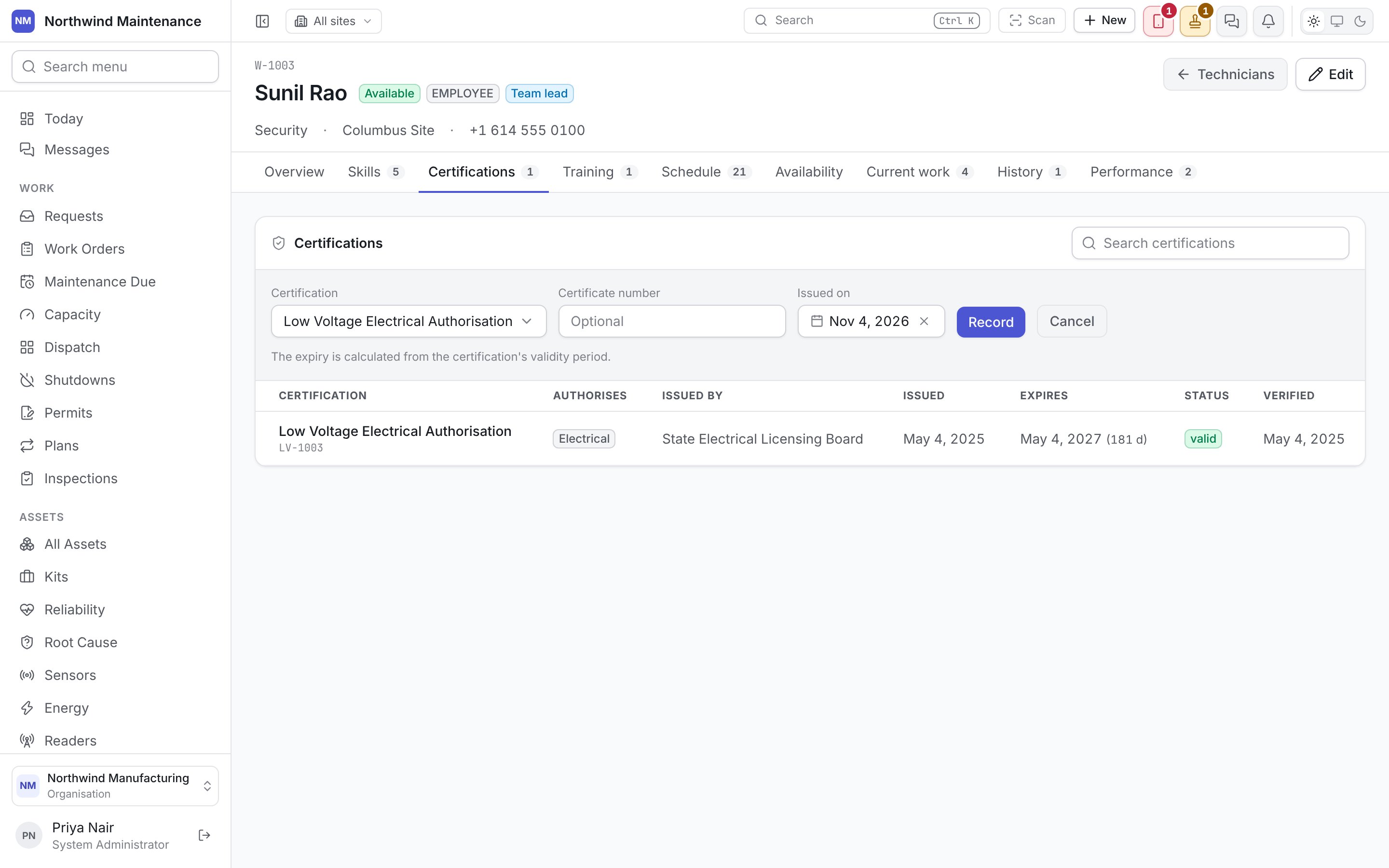
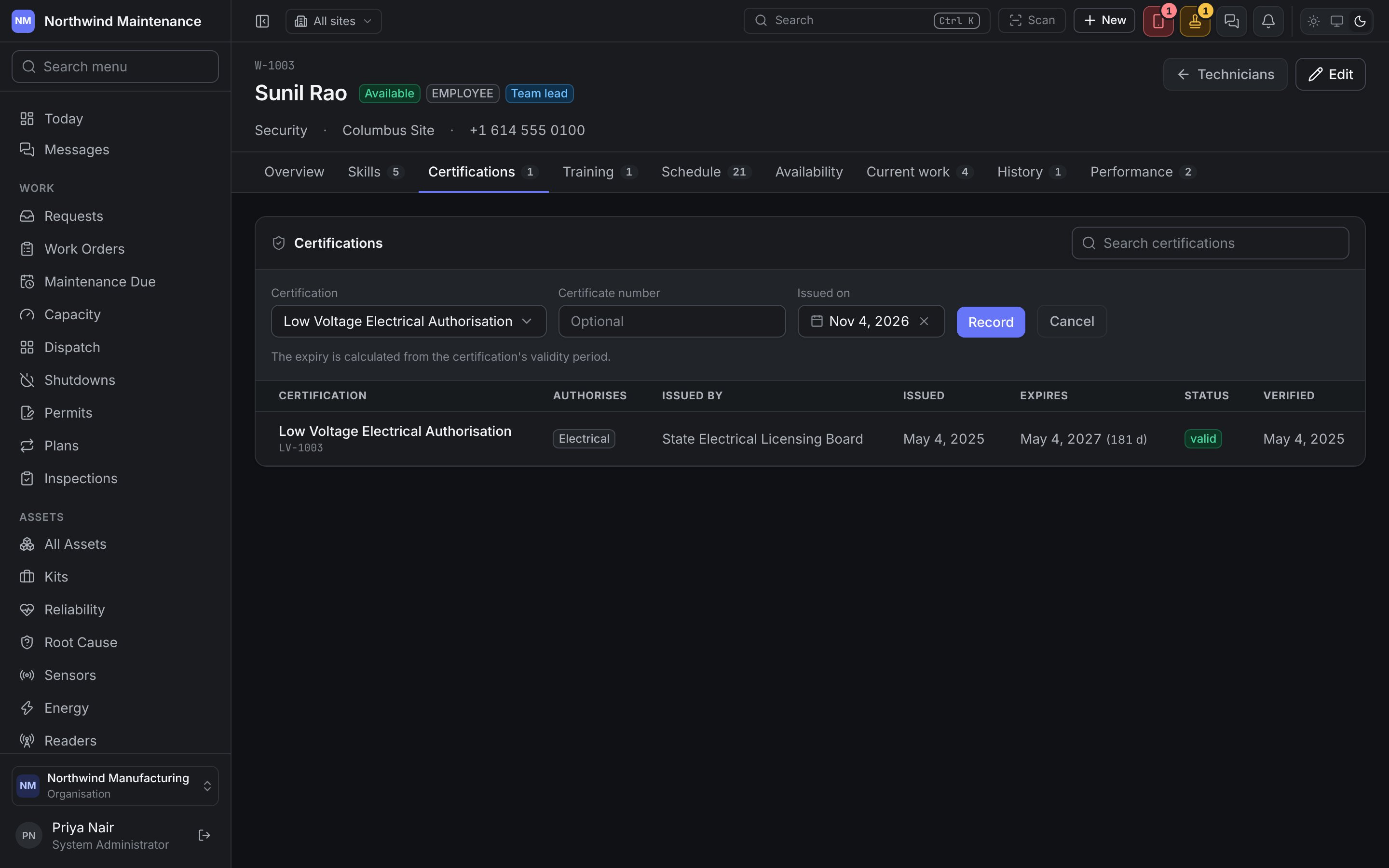
Record a certificate asks for the Certification (from workforce settings), the Certificate number and the Issued on date. The expiry is calculated from the certification’s validity period.
A certification is different from a skill: skills degrade quietly, certifications expire on a date. An expired one stops an assignment rather than warning about it, and expiry raises a notification ahead of time.
Training
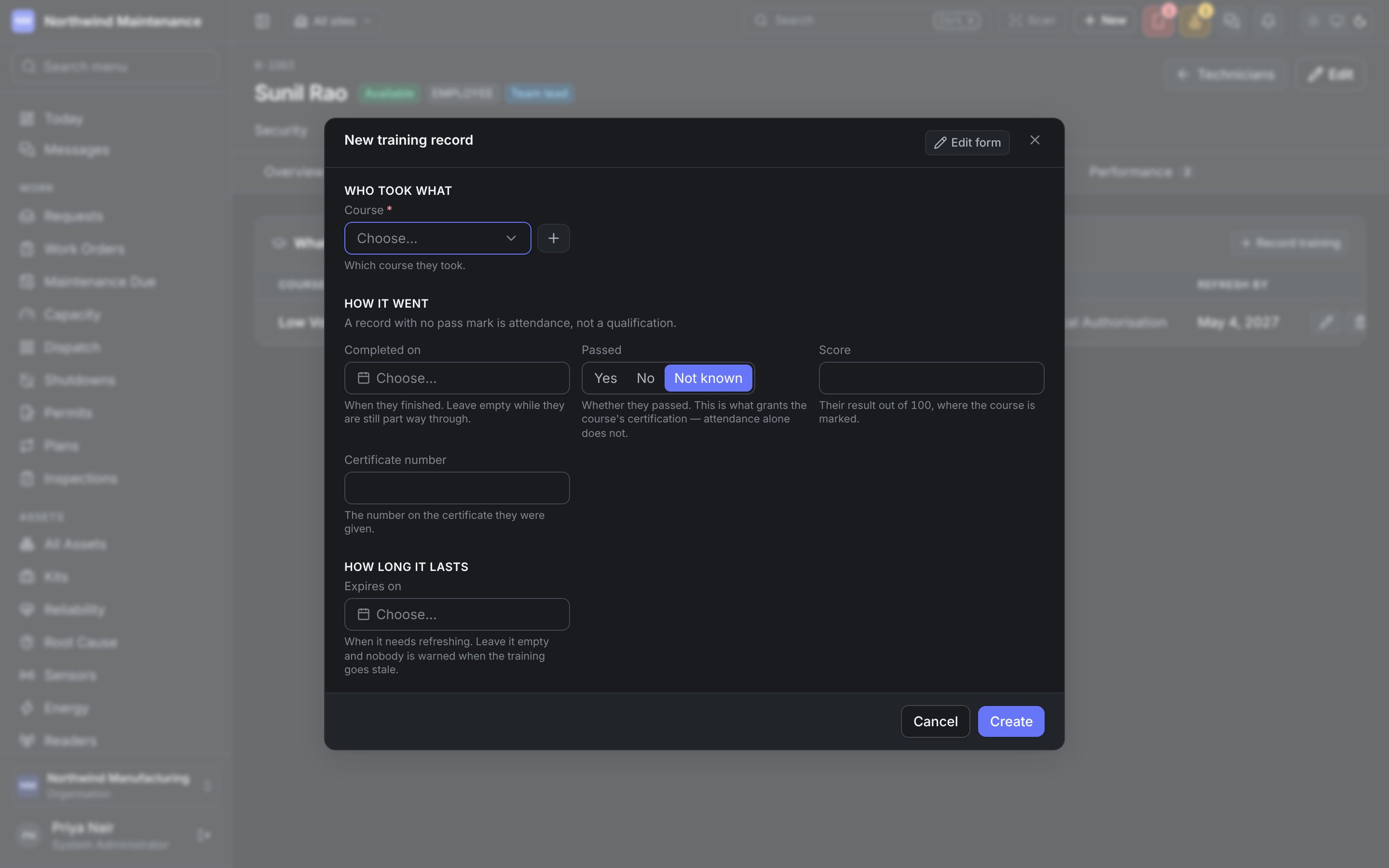
What they have been trained on: each Course with its provider, the Outcome (passed or failed, with a score), when it was Completed, the certification it Awards, and when to Refresh by. A course that grants a certification turns attendance into proof somebody is qualified.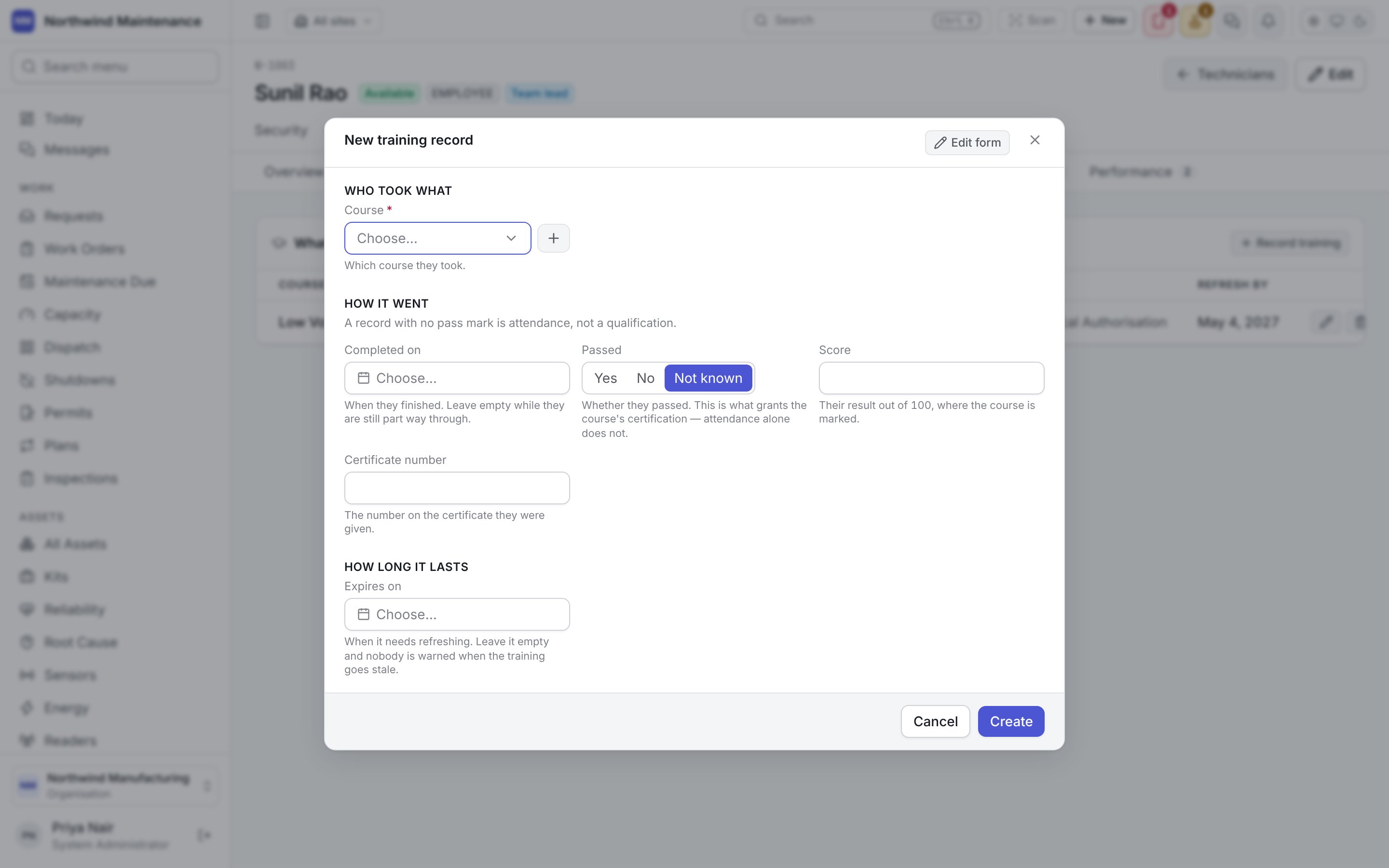
Schedule
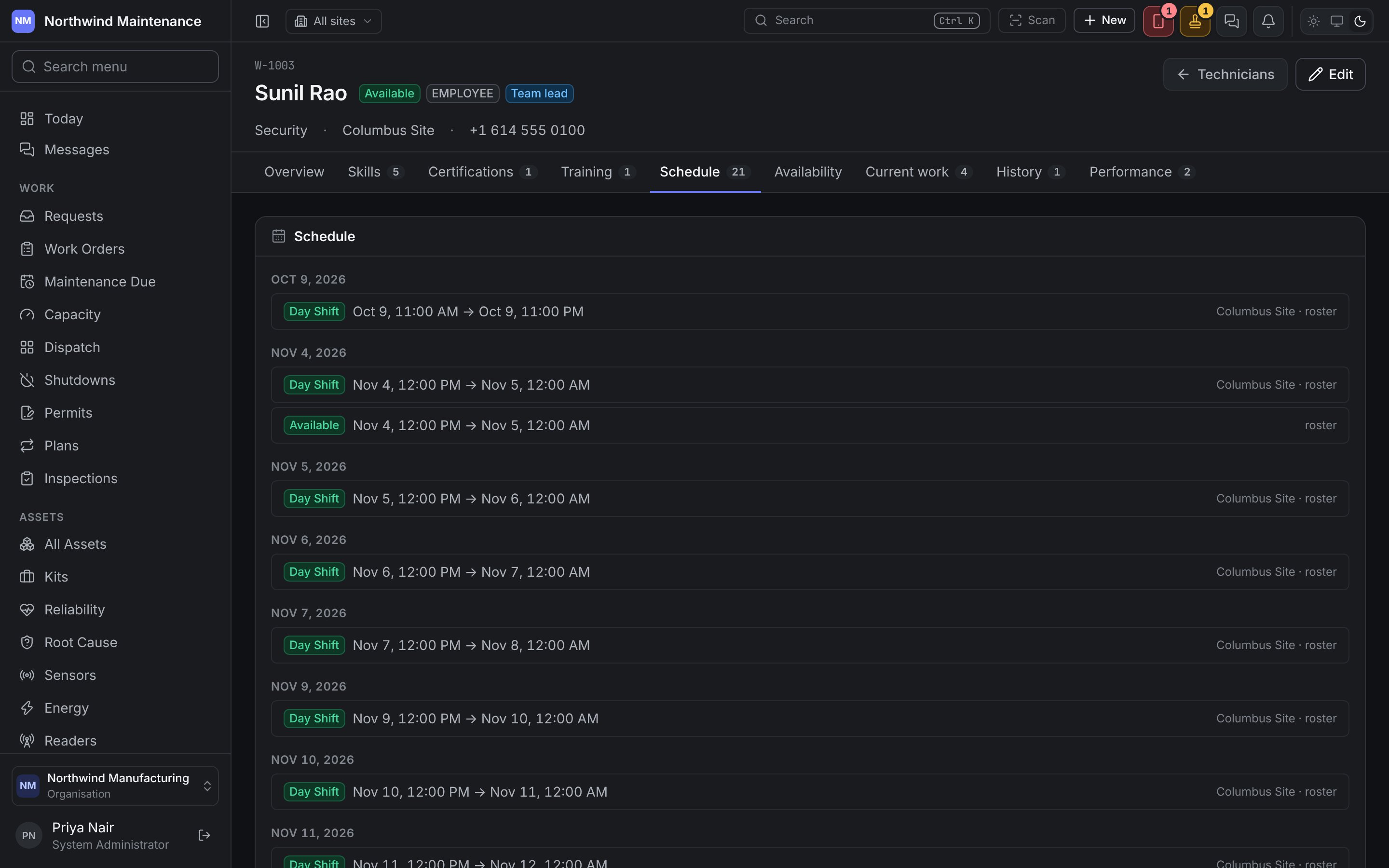
When this person is in: every rostered shift and working window, grouped by day, with the shift name, times, site and where it came from (for example roster).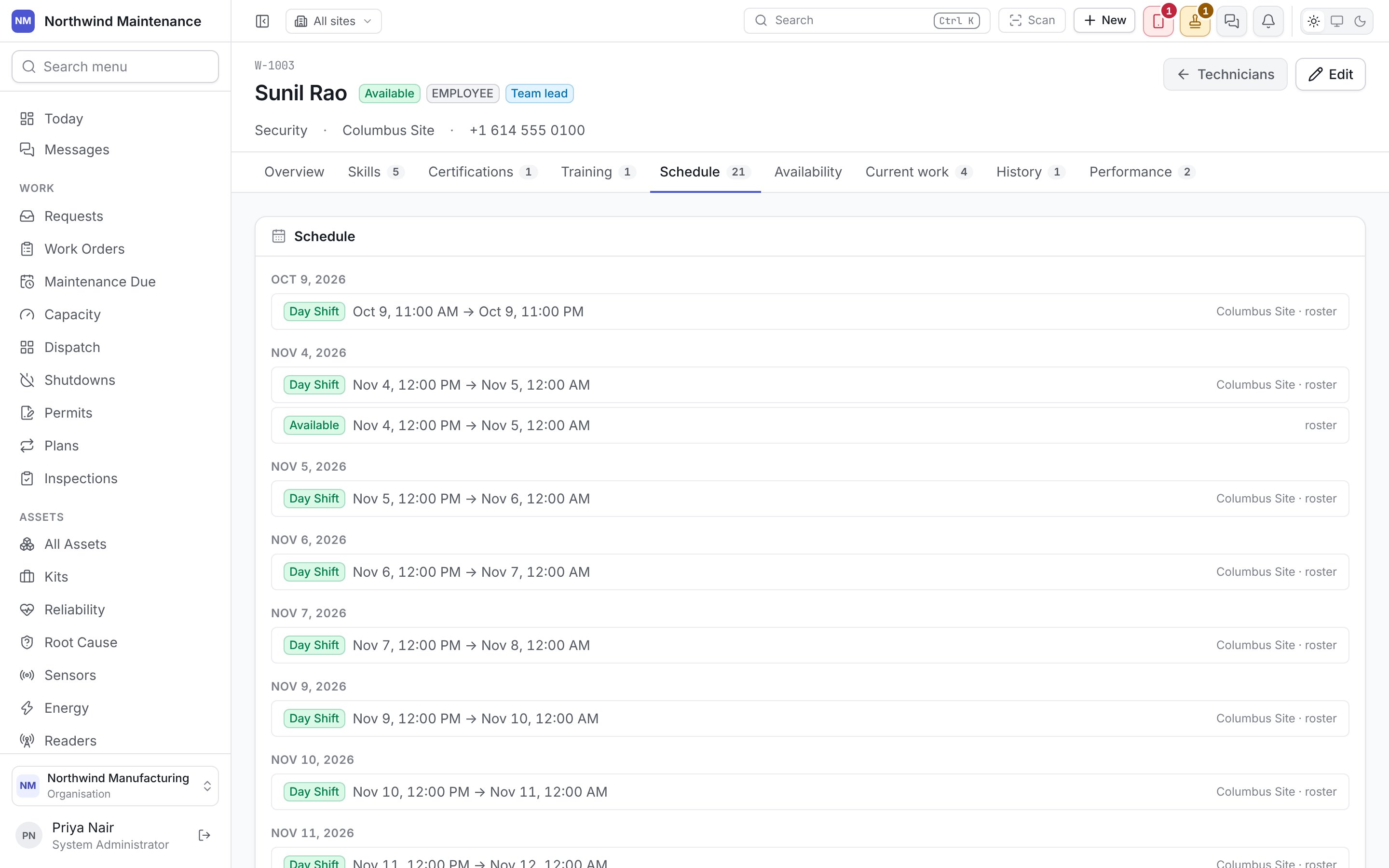
Availability
When they are not available, and what they are right now.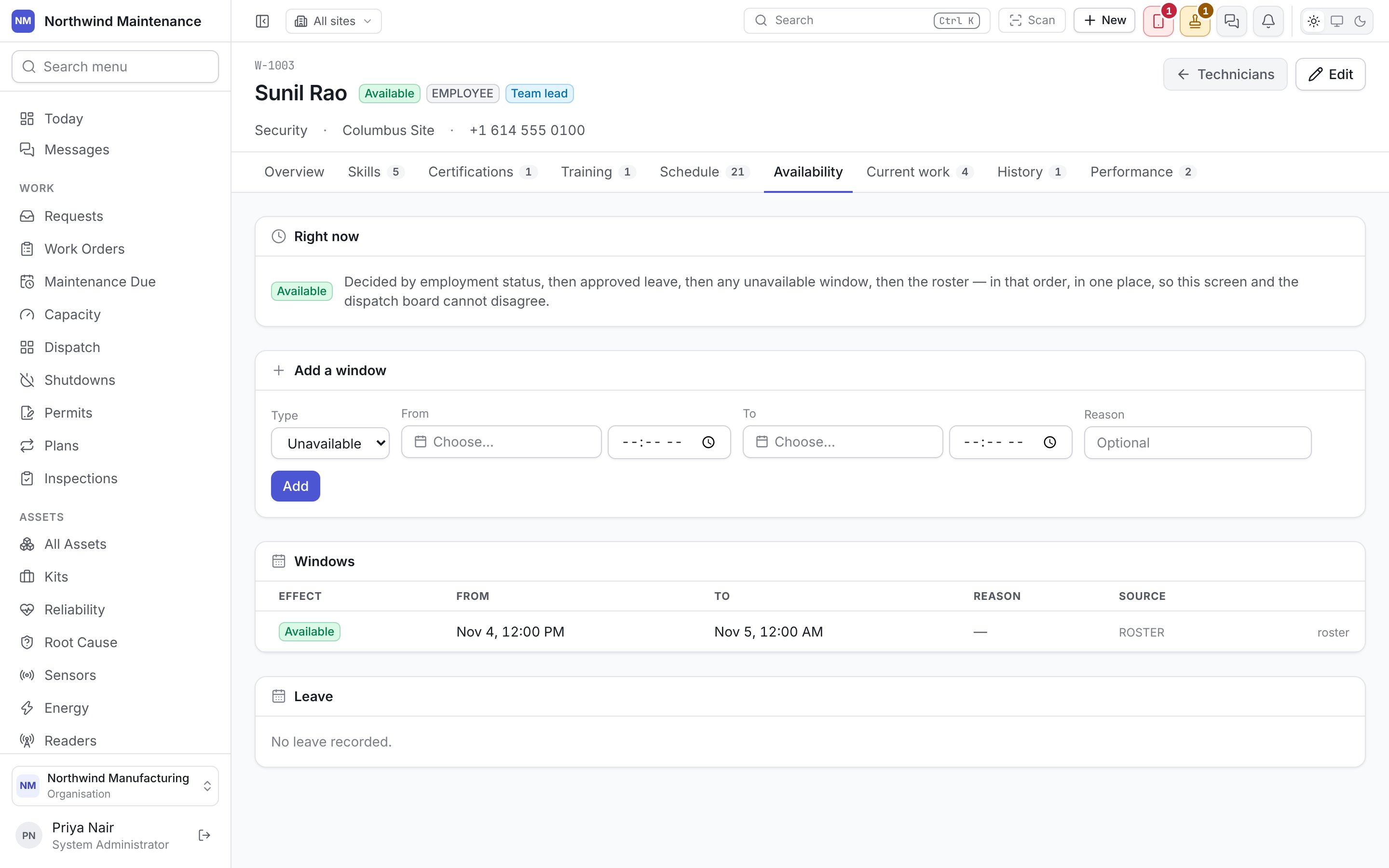
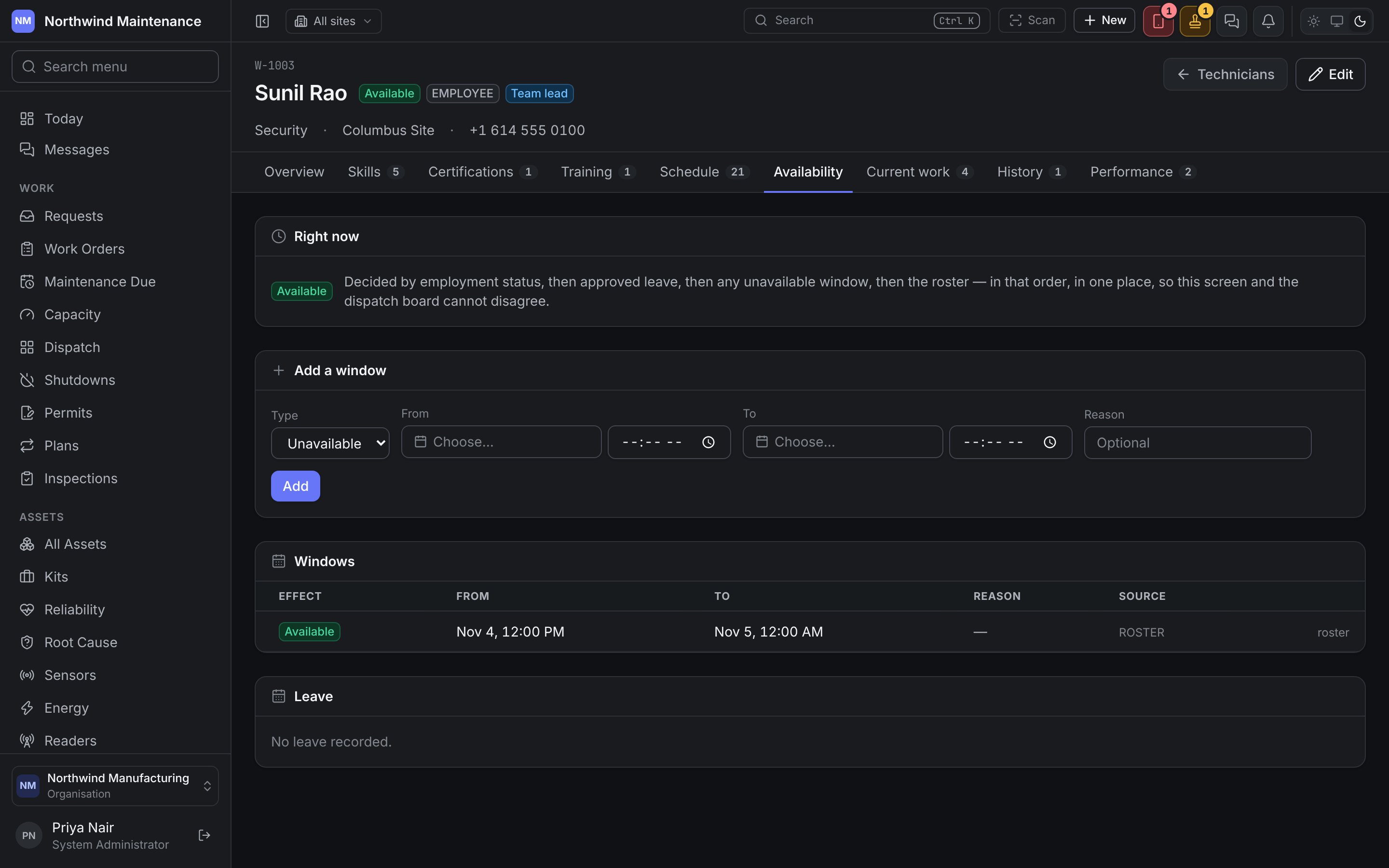
Windows lists every window with its Effect, From, To, Reason and Source (entered here, or imported from the roster). Leave lists leave on record; leave that is only requested does not take them off the roster yet.
Schedule and Availability read the same roster. They are separate tabs because they answer opposite questions, and this is the one where a supervisor acts.
Current work
What is on them now — Work order, Title, Asset, Priority, Status, their Role on it (primary or supporting, and whether they have accepted) and Due. This is what the dispatch board’s load bar counts.History
Everything they have completed, with the same columns and the date it was Closed.Performance
Computed from what they actually did, one row per month.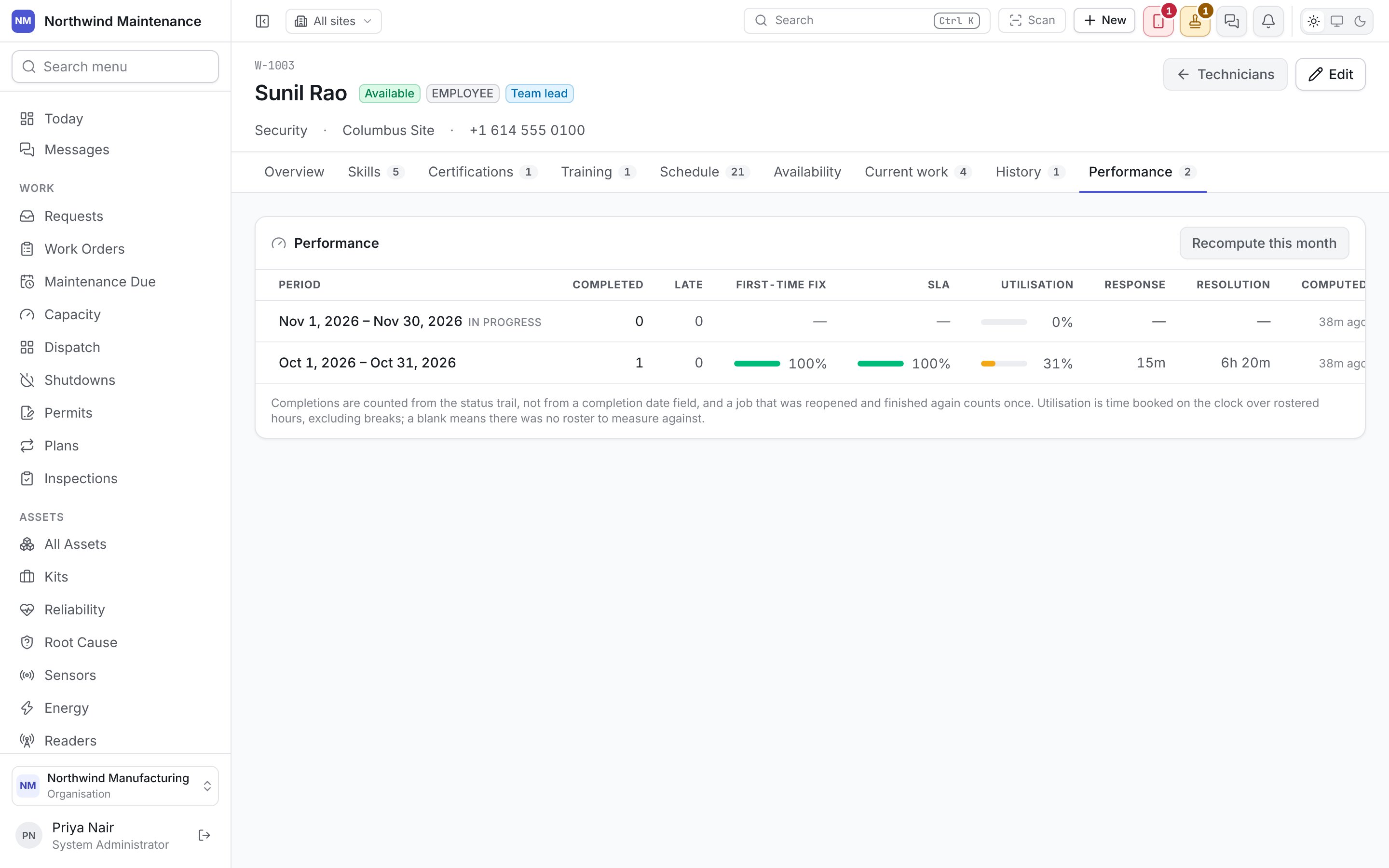
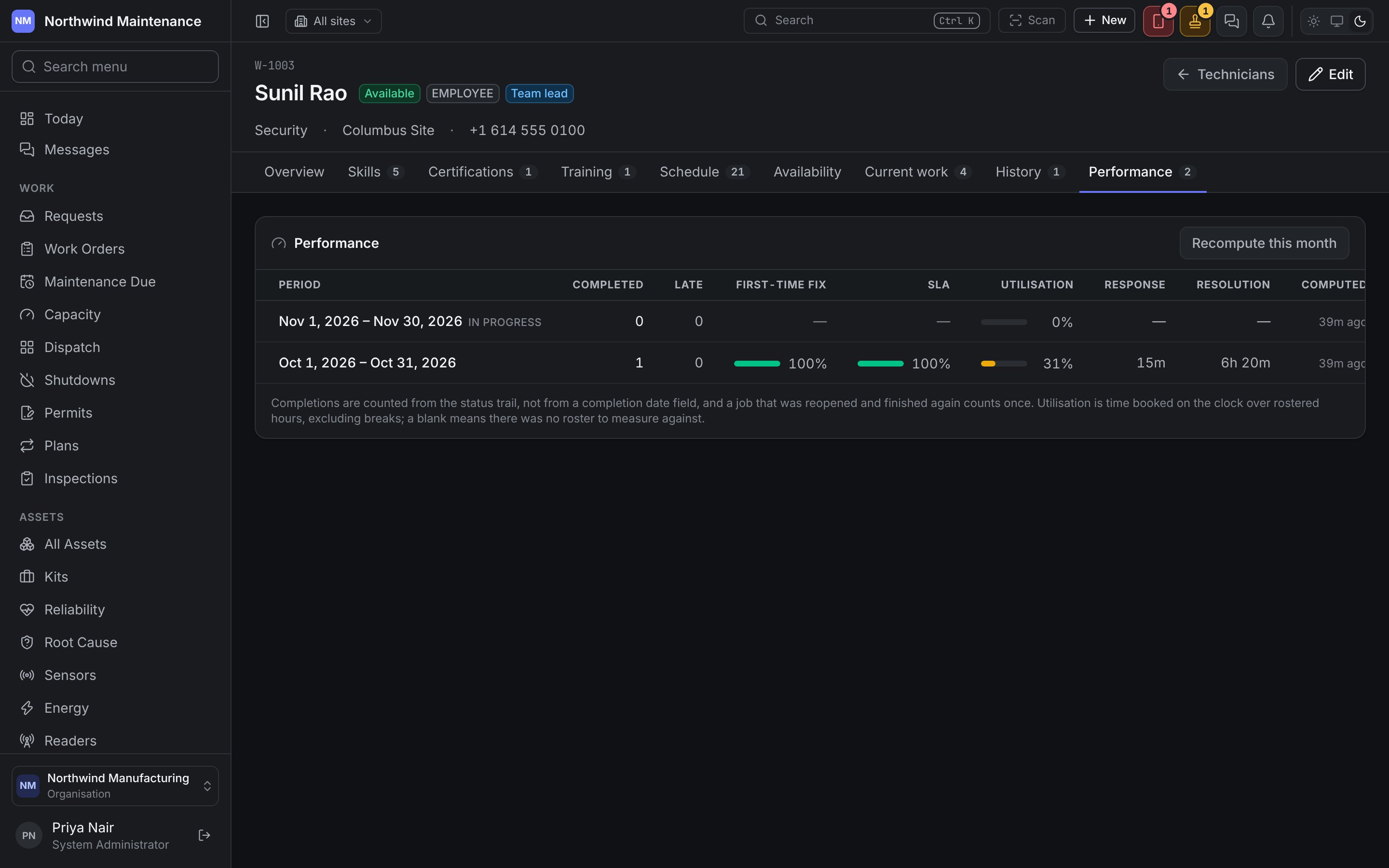
Recompute this month works the current month out again now.
Performance is read-only, because it is derived rather than entered. Read it as a picture of the work that came their way as much as of the person — somebody who gets the hard jobs will show slower times.