

Opening a round
Rounds assigned to you are listed under Rounds on the Work list, with their number, asset, time remaining and how many questions are answered. Tap one to open it. To start one nobody scheduled, see starting a round. The header shows the round number, its title, the asset or place it is against, the time remaining, statutory where it is a statutory round, and the template’s description — usually what to look at and in what order.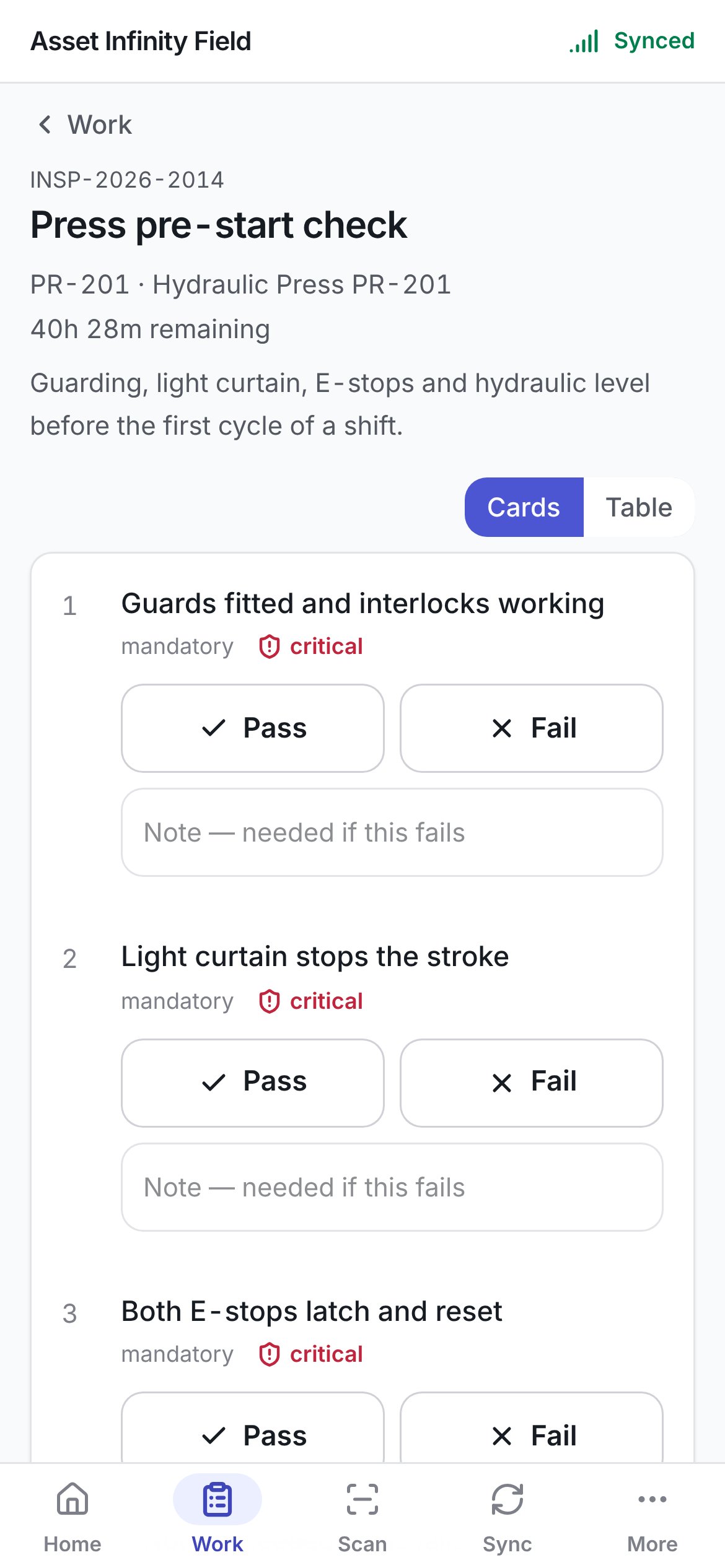
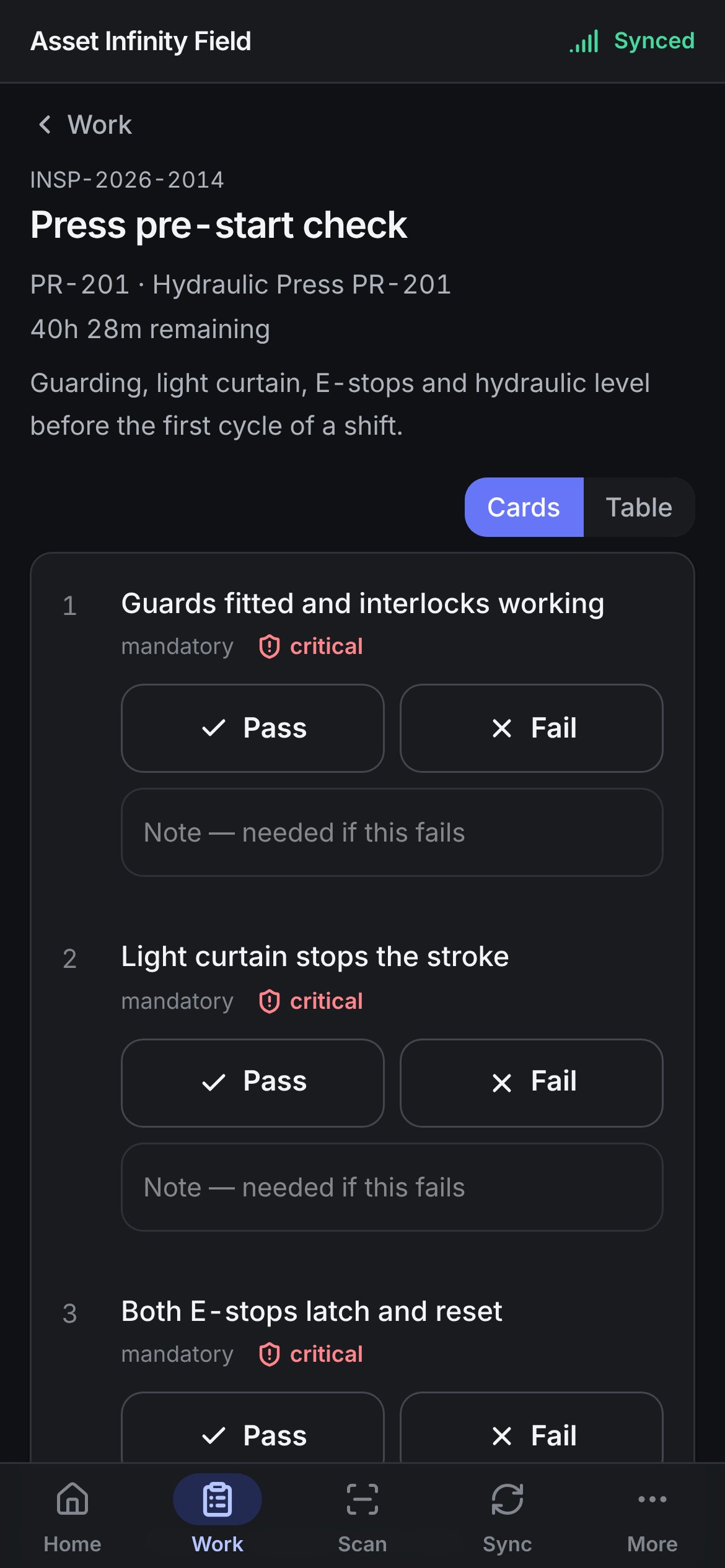
Two ways to answer
A question that needs a photograph is answered on its card, which has the camera — the table says This check owes a photograph for those.
The questions
Each question is marked mandatory where it must be answered before the round can be submitted, and critical where a failure matters more than usual. Depending on how the template was built, a question takes one of these answers:
Some checks also ask for evidence on top of the answer — This check also needs a photograph. The note box reads Note — needed if this fails where a failure must be explained, or Note — optional. Change re-opens an answer you have already recorded.
Recording is not grading. An answered question says recorded rather than pass or fail, because the verdict is worked out on the server against the template’s expected ranges and pass values when the answer arrives. A handset that graded its own answers could tell you a round passed a moment before the server failed it — worse than no verdict on a compliance round.
Submitting
At the bottom, an optional box takes Anything about the round as a whole. Submit the round sends it.Who did this inspection?
Every submitted round names the person who did it. Normally that is you, and nothing is asked. Where your sign-in is not linked to a worker record — an administrator walking a round, for example — and the office has not already assigned an inspector, the screen asks Who did this inspection? above the button: Your login is not linked to a worker, so the round has to name who did it. Pick from the people on the handset (Nobody on this device matches that. when the search finds nobody). A round the office assigned keeps its inspector. The button waits while any mandatory question is unanswered — mandatory questions still to answer. The server refuses a round with one outstanding, so this waits. Once submitted, the round says Submitted. The answers are fixed — running it again is a new round. If the server refuses the submission, the round is not treated as submitted: it stays open so you can put right what was refused and submit again, and the new submission replaces the old refusal on Sync rather than sitting beside it. A failed check on a submitted round can raise follow-up work on the server — see grading for what happens once the answers arrive. If a round has been submitted by somebody else or reassigned since your last sync, it reads That round is not on this device.Inspections
Templates, grading, waiving a failure, and what a failed check raises.