

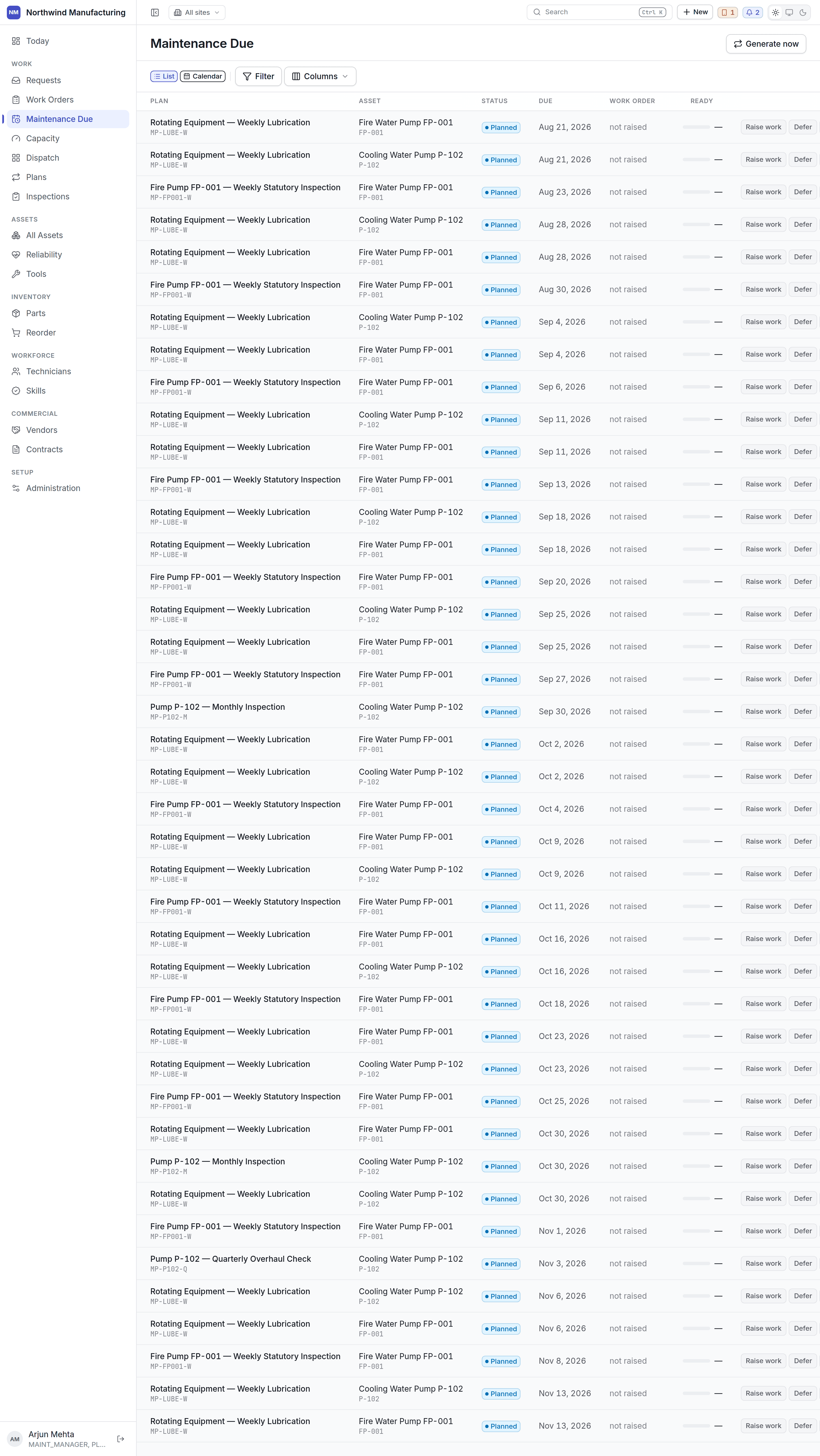
What is on it
Each row is an occurrence — one instance of a plan coming due on one asset. It carries the plan, the asset, when it is due, and whether it is inside its tolerance window or overdue. An occurrence is not yet a work order. It becomes one when the plan raises it — automatically, at the point the plan defines, unless the plan has automatic generation turned off, in which case a planner raises each round by hand from here.Tolerance
Most plans carry a window either side of the due date within which the round still counts as compliant. A round done three days early on a plan with a week’s tolerance is on time; the same round two weeks late is not, and counts against PM compliance on the Executive dashboard.Overdue rounds
Overdue preventive work is the number worth watching: it is the maintenance you decided to do and then did not. It appears in Needs attention on the Executive board and is one of the standard notifications.Acting on it
- Raise it now — for a plan with automatic generation off, this is how an occurrence becomes a work order.
- Open the plan to change the schedule, the tasks or the tolerance.
- Open the asset to see everything else due on the same machine — doing two rounds in one release is usually cheaper than two shutdowns.
- Check capacity before assuming a busy week can take what is due.
This screen does not weigh technician hours, parts or shutdowns — it reports what is due. Whether
the day can take it is the capacity plan’s question, and it is a separate screen
on purpose.