

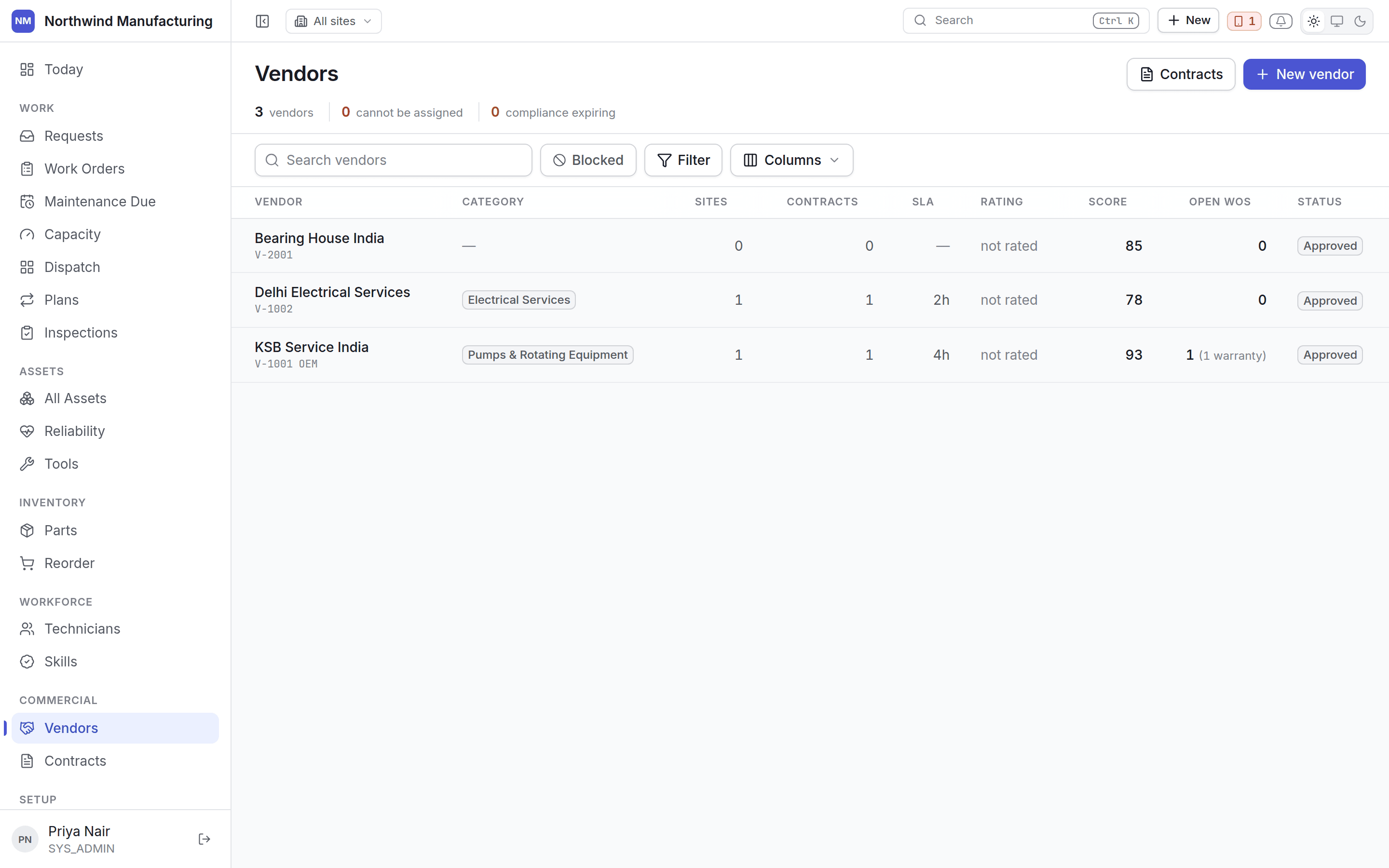
Vendor states
A vendor is approved before they can be used, and can be stopped afterwards.
Allowed moves:
Columns
Compliance leads
A vendor whose public-liability cover has lapsed is not a vendor with a footnote — they are a vendor nobody may send. The compliance state is shown before anything else, on the list and on the vendor.Adding a vendor
New on this screen, or New → Create Vendor in the header. A vendor needs a number, a name, a type and a category. Everything else — contacts, sites, capabilities, rates, compliance documents — is added on the vendor itself. The create form also takes file attachments before the vendor is even saved — insurance, registration, the signed agreement, whatever compliance paperwork you have to hand. The camera is disabled for these, since they’re typically scanned documents rather than photos. Attaching an oversized file is refused up front, against your configured size limit, not discovered later as a failed upload. If a vendor is created pending approval, the form says so plainly: there is nothing to attach to until it’s approved. And if some files fail to upload after the vendor itself saves successfully, you don’t lose the vendor or the files silently — you get Close anyway or Try those again, which retries only the files that failed, against the same vendor.Inside a vendor
Contacts, sites, capabilities, contracts, work, performance, rates and compliance.