

If you don’t see this in your navigation, your administrator can switch the module on under Administration → Modules, or it may not be included in your plan. Bills also has a permission of its own, View bills, so somebody who books a machine need not be able to see the money.
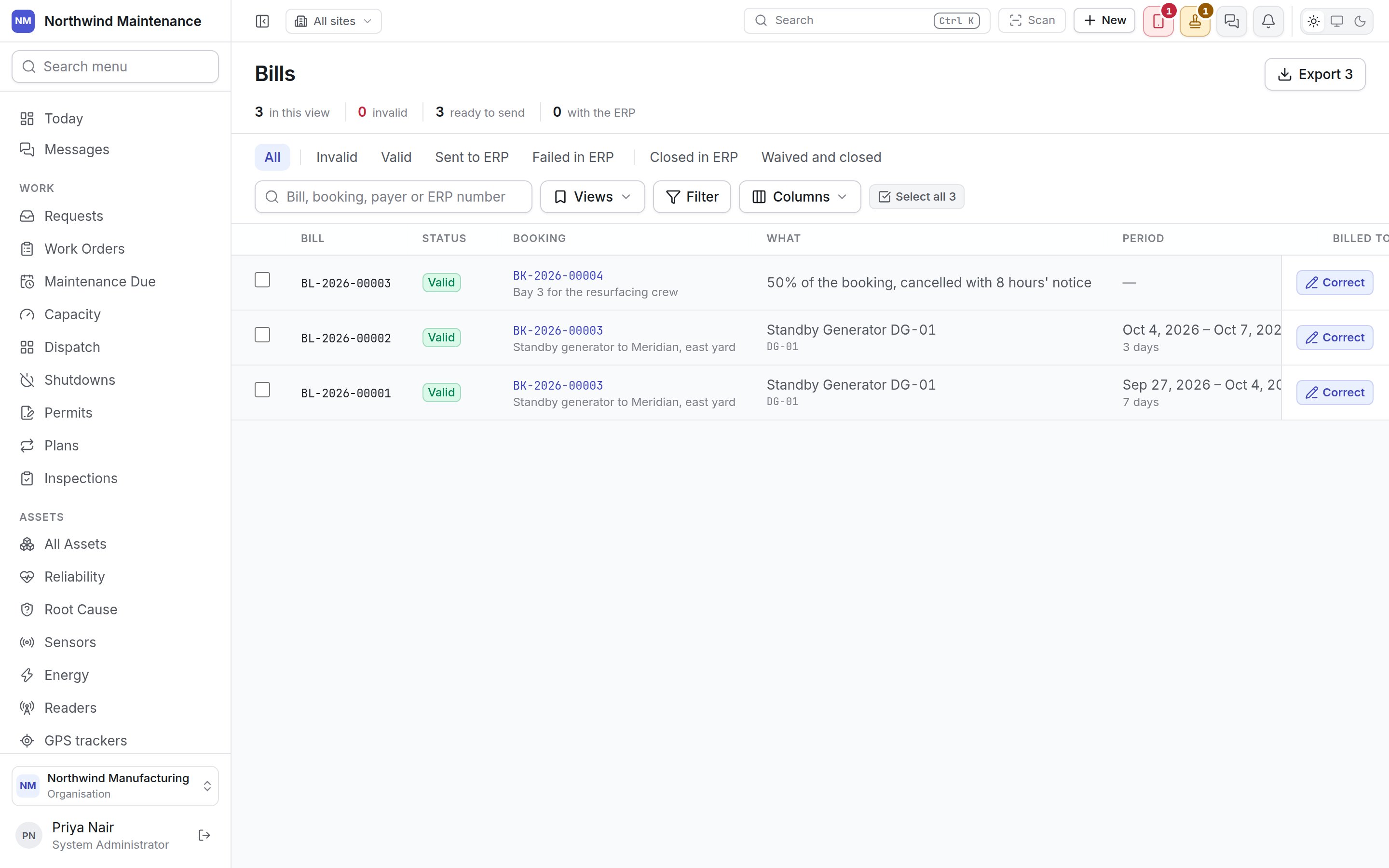
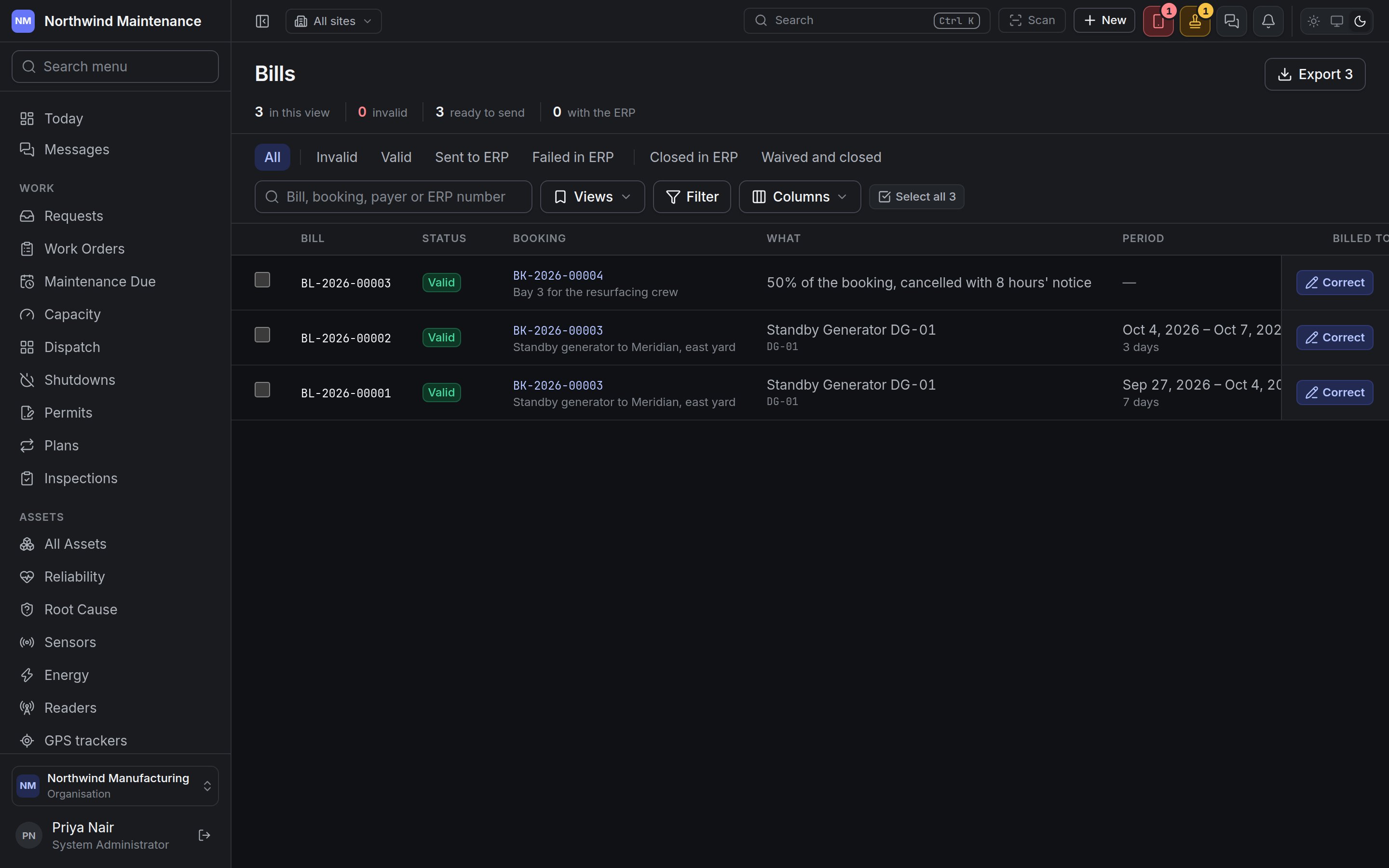
Where bills come from
You never raise a bill by hand. Every time a booking’s charge ledger banks a charge — a week of hire, a cancellation fee, a damage charge — a bill is written for it automatically: one bill per charge per payer. A booking charged to several projects gets one bill per project task, so a hire split across two tasks is two bills. A correction to a charge is billed as a credit on the same tasks rather than by changing the bill that was already sent. Bills are numbered from their own series (BL-2026-00001), which your administrator can change under numbering.Status
A bill is checked the moment it is written, and again whenever something it depends on changes.
A bill the ERP refuses goes straight back to validation, is checked again at once, and keeps the
ERP’s reason in red under its status — ERP refused it on … — so the person fixing it reads why. A
bill is also re-checked when its task or project changes, and every night.
The link to the ERP is by hand: export the valid bills, load them into the ERP, mark them sent, and
then mark each closed or failed as the ERP answers.
The register
The header
Lenses and toolbar
The row of lenses narrows the list by where a bill has got to: All; then what is still somebody’s to do — Invalid, Valid, Sent to ERP and Failed in ERP (bills the ERP refused, now back in validation); then what is finished — Closed in ERP and Waived and closed. The search box finds a bill by its number, its booking, the payer or the ERP’s reference. Views, Filter and Columns work as on any list, and Select all ticks every bill on the page.Columns
Acting on bills
Tick bills and a bar opens at the foot of the register.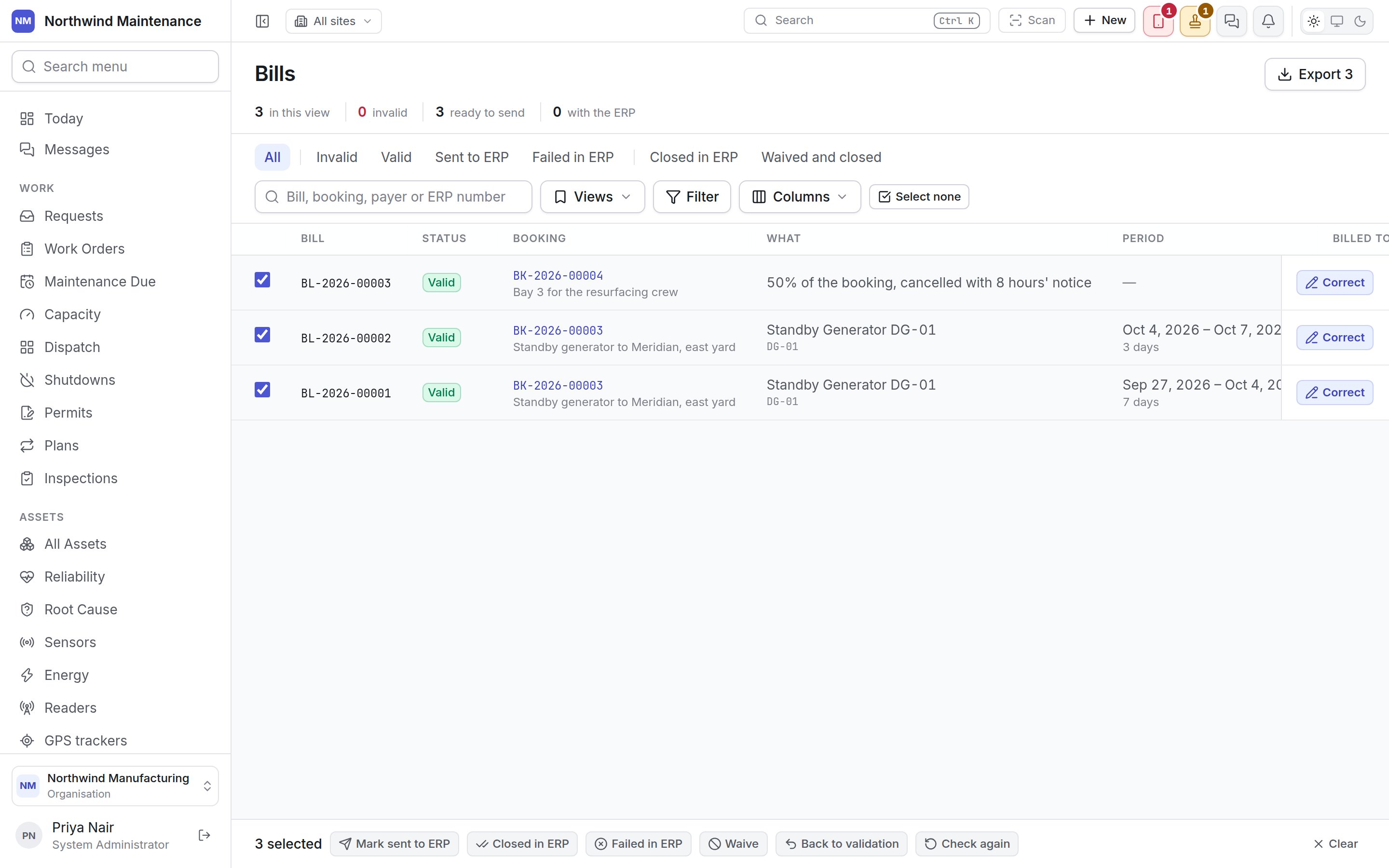
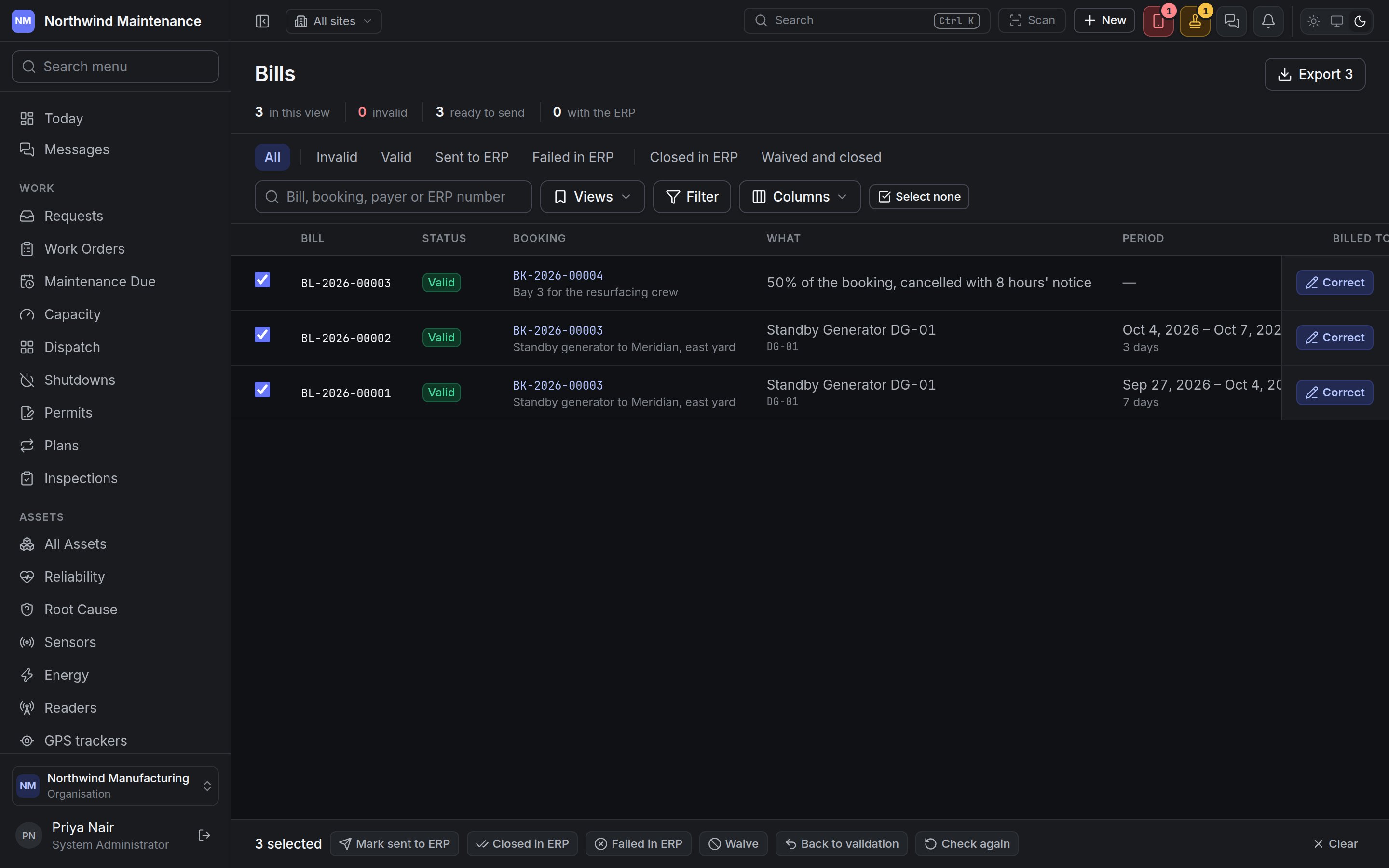
Each action is all or nothing: if any ticked bill cannot take it — a bill marked closed that was
never sent, say — nothing changes and the message names the bills that were refused. Every action
needs Correct, waive and send bills to the ERP.
Correcting a charge’s bills
Correct opens every bill of that charge together, because they are one charge divided — moving days from one project task to another changes two bills at once.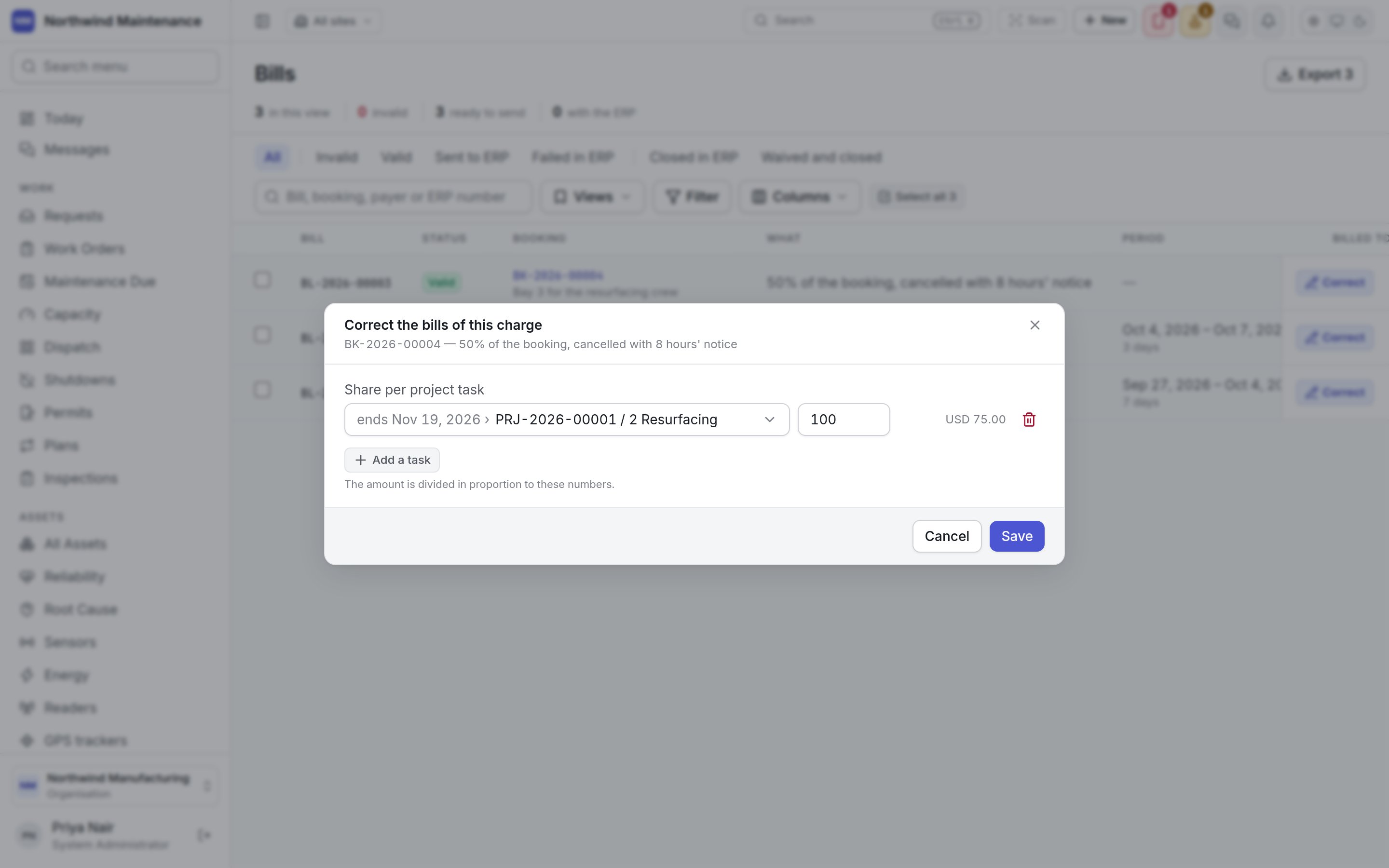
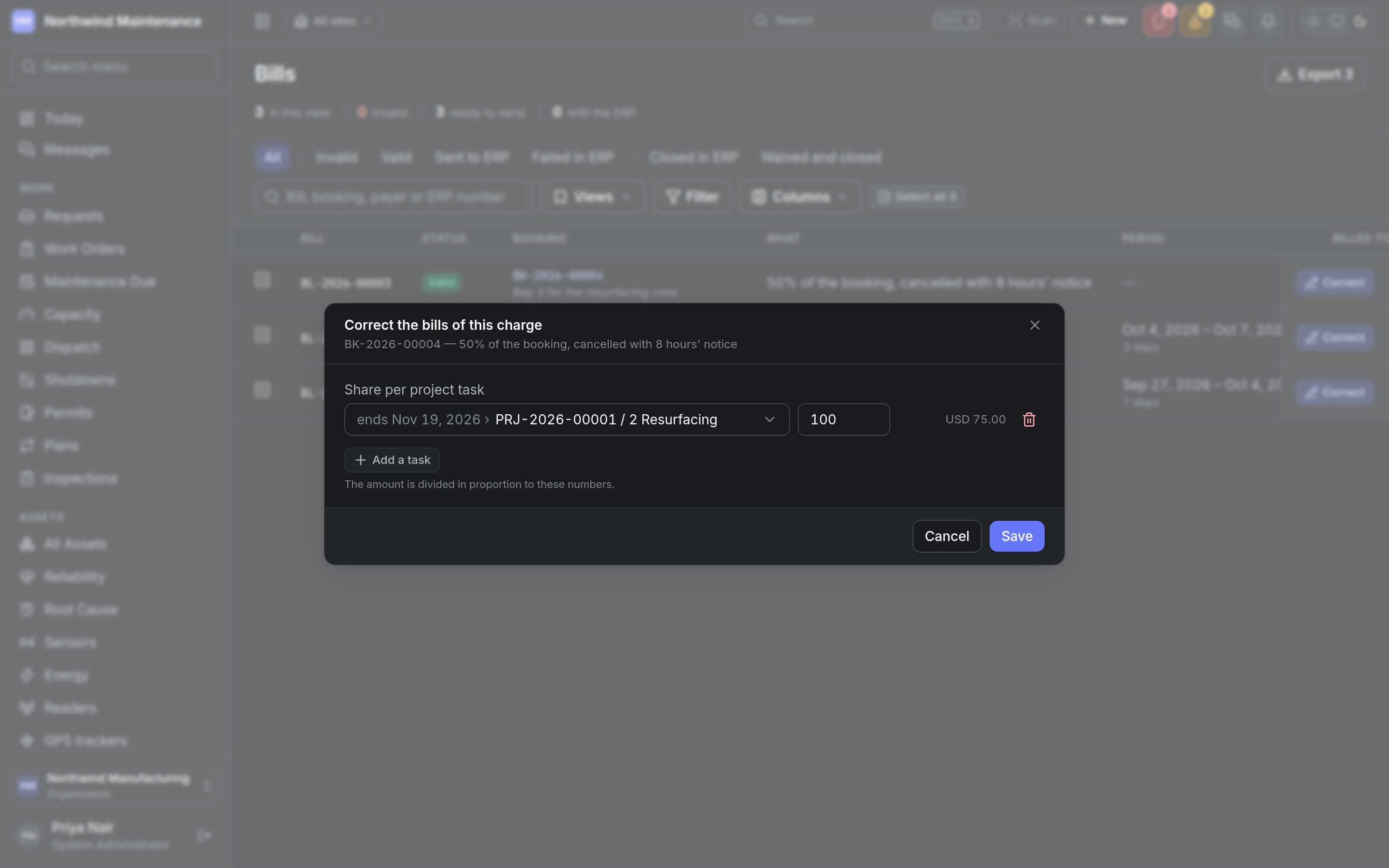
Save re-writes the bills of the charge and checks them again. Correct is offered only while
every bill of the charge is still pending validation, valid or invalid — once one has gone to the
ERP, been closed or been waived, the charge stays as it was billed. A credit, and a charge that has
already been reversed, cannot be corrected either.
Who can do what
Permissions are granted under roles.
Bookings
Raising a booking, choosing its rate cards and billing rhythm, and the charge ledger the bills are
written from.