
If you don’t see this in your navigation, your administrator can switch the module on under Administration → Modules, or it may not be included in your plan.
The header
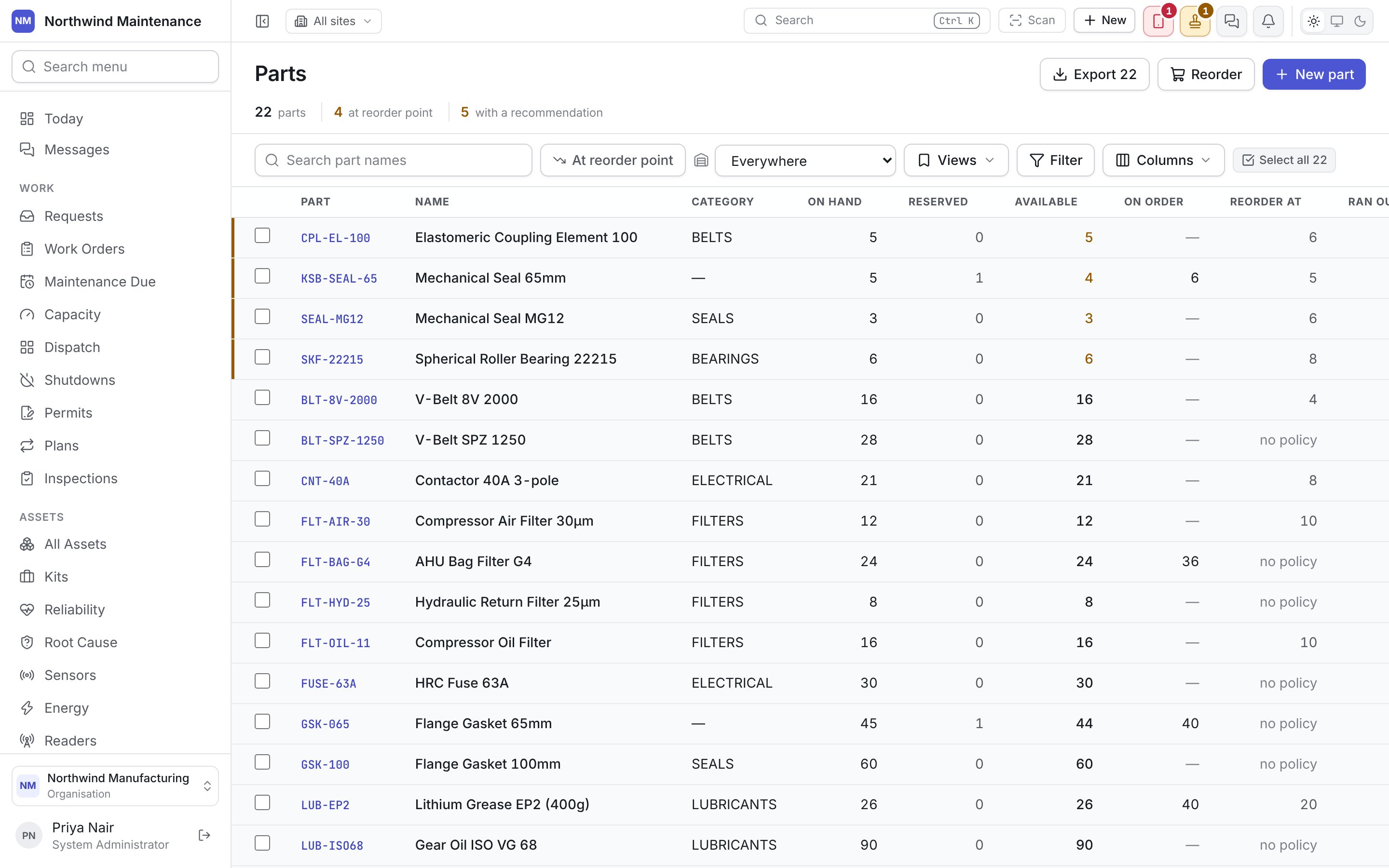
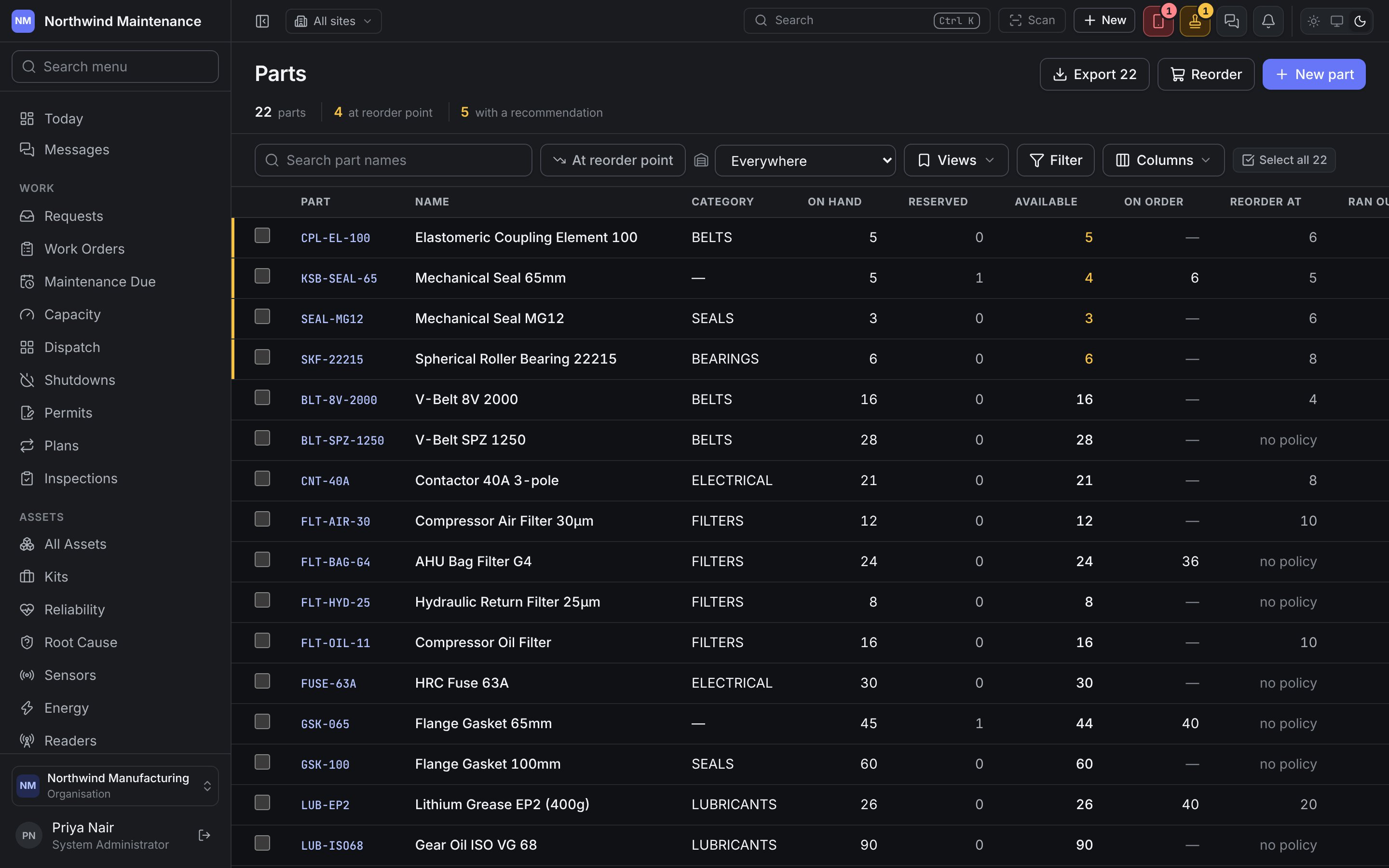
Rows at or below their reorder point are tinted amber and sorted to the top.
Everywhere, or one store
The store picker in the toolbar starts at Everywhere: the quantities are sums across all your stores. Choose a store to see that store’s own shelf instead. “At reorder point” is asked per store, not against the total, because one empty store is the fact worth surfacing. A part can show healthy total stock and still be flagged: the store that needs it has none. Totalling would hide a shortage at the plant behind stock sitting in another building.Columns
Hidden columns you can add under Columns:
Custom fields, columns borrowed from related records, and created and changed dates can also be added.
Searching and filtering
- Search part names matches on the part’s name.
- At reorder point shows only parts at or below their point.
- Filter, Views and Columns work as on every list.
Bulk actions
Tick rows (or Select all) and a bar appears with:Adding a part
Click New part. After saving, the product opens the new part.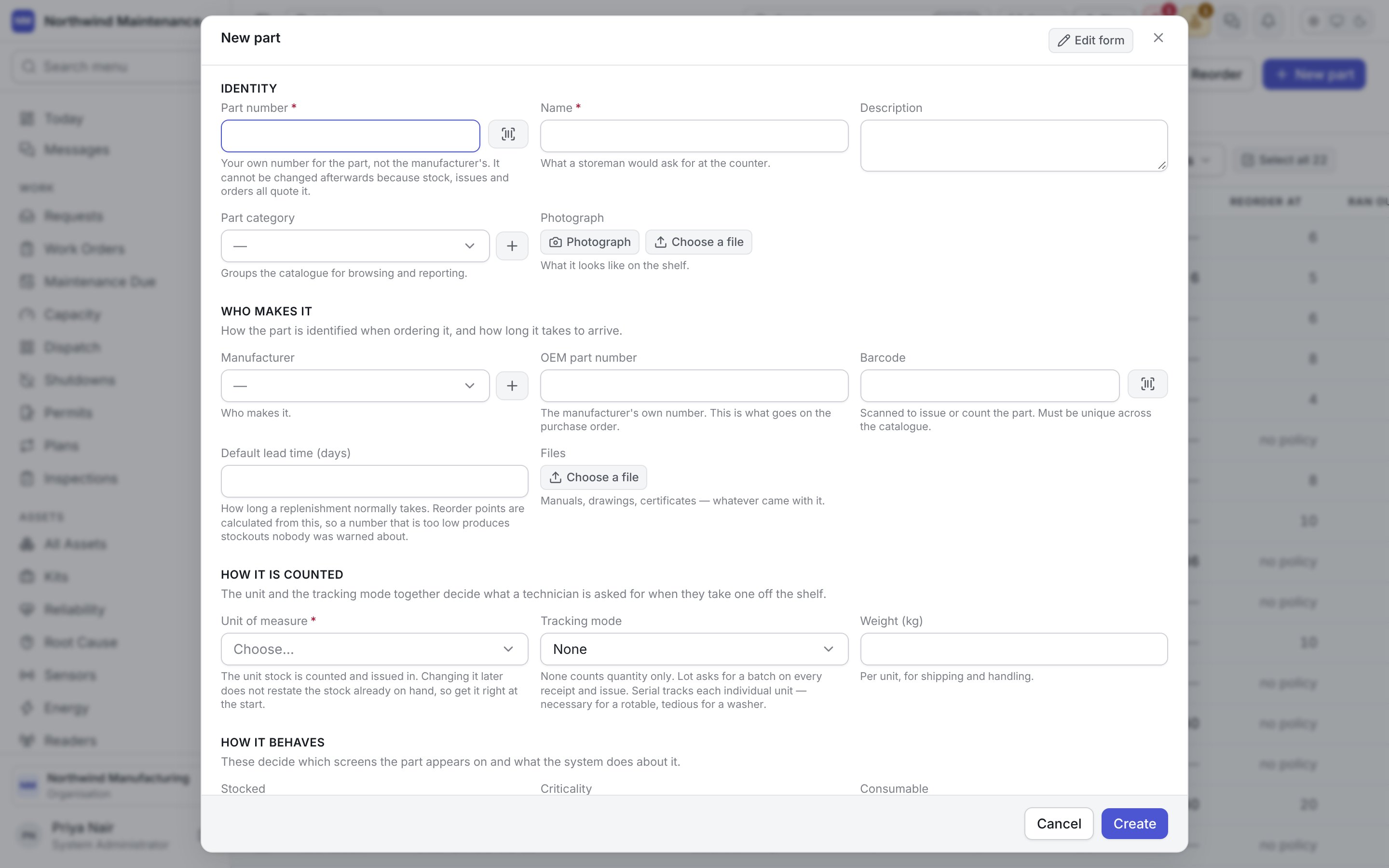
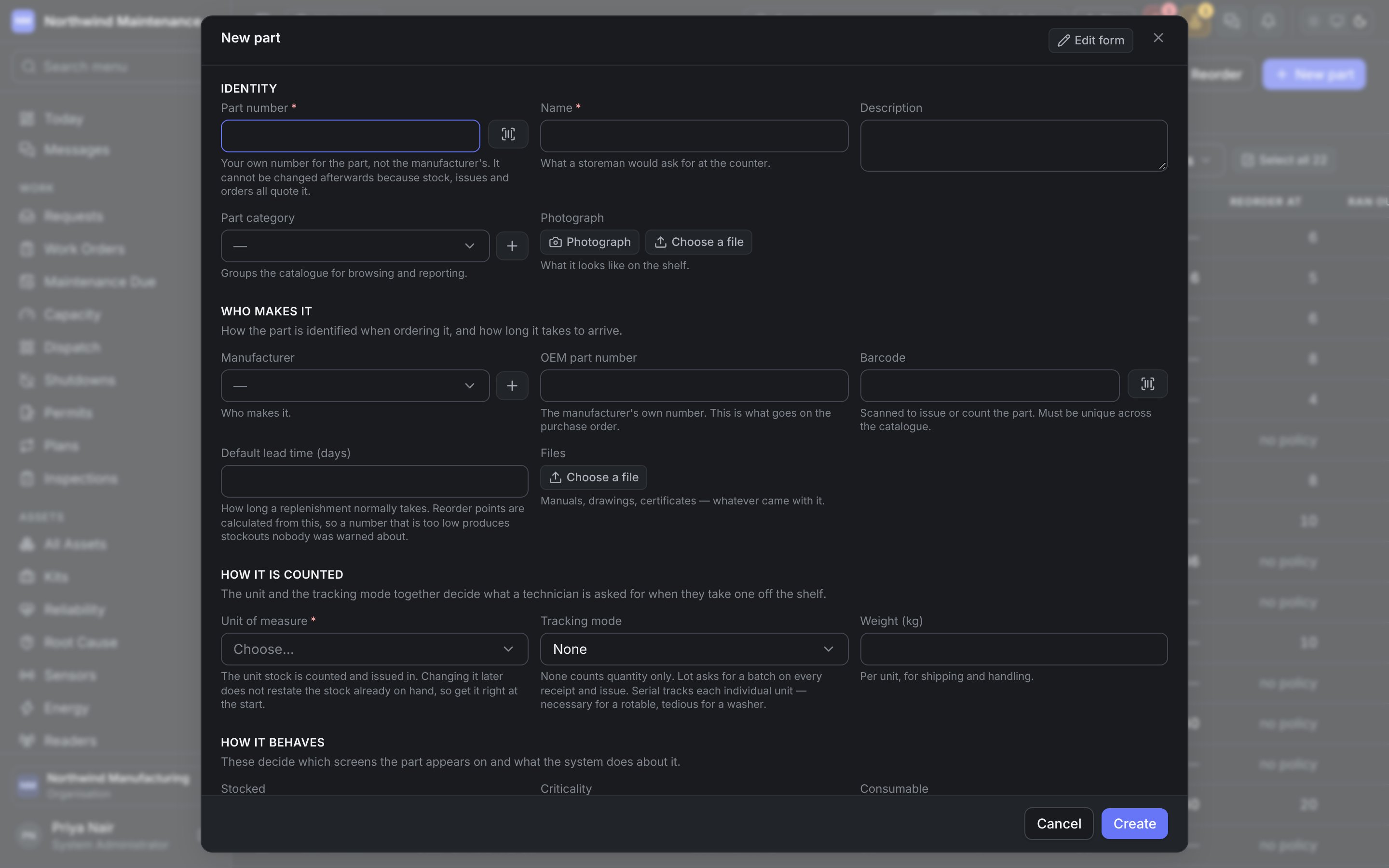
Identity
Who makes it
How it is counted
How it behaves
Cost and availability
Reorder levels are not on this form: they are set as reorder policies, per part and per store.
Where parts get used
- On a job. Parts are reserved as requirements and consumed when issued. See the work order.
- From a maintenance plan. Each round of a plan carries the parts it consumes, which is what lets demand be forecast rather than discovered.
- On an asset’s bill of materials. Which parts fit which machine, so “which filter does P-102 take” is answerable at the counter — shown on the part’s Used on tab.
Inside a part
Stock by store, movements, suppliers, alternatives, costs, shortages and demand.