

Compliance first
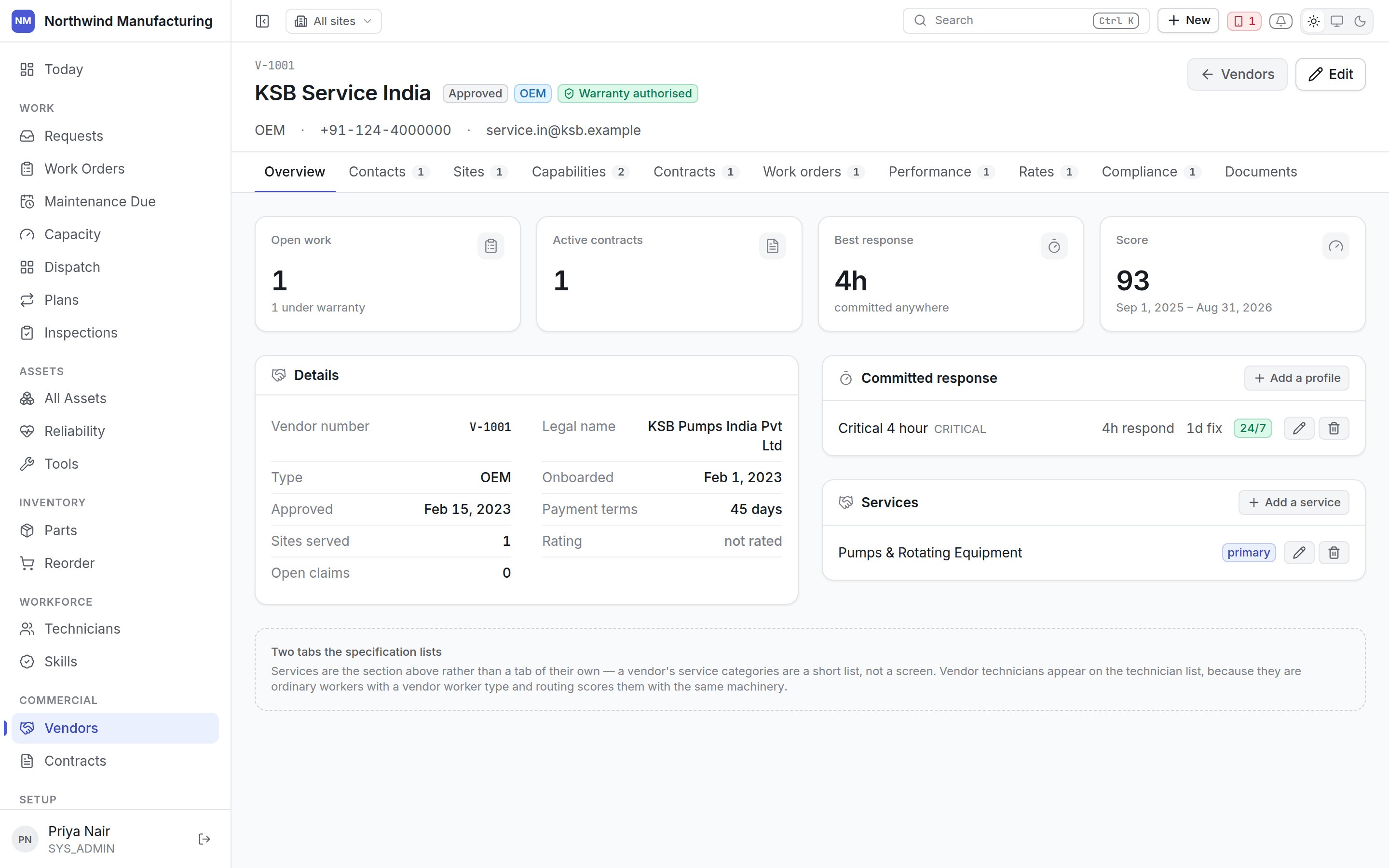
The header leads with compliance. A vendor whose insurance has lapsed cannot be sent, and that should be the first thing anybody looking at them learns — not a detail on the ninth tab.Tabs
Overview
Overview
Identity, status, type and category, and the service categories they are engaged for — three
words rather than a screen, so they live here.
Contacts
Contacts
Who to call. Mark the primary contact and any escalation contacts, so an out-of-hours
breakdown reaches somebody who can act rather than a general mailbox.
Sites
Sites
Which of your sites this vendor covers. A contractor approved for one plant is not automatically
approved for another.
Capabilities
Capabilities
The skills and certifications this vendor holds. Routing uses them the same way it uses a
technician’s: a job requiring a skill they do not hold will not be recommended to them.
Contracts
Contracts
Agreements with this vendor — warranties, AMCs, CMCs, service agreements. See
contracts.
Work orders
Work orders
Jobs sent to them, open and historical. Read-only — work is assigned from the job, not from
here.
Performance
Performance
Computed from what they actually did: response times against promise, resolution times, first-time
fix, and jobs returned. Read-only, because it is derived rather than entered.
Rates
Rates
The rate card — labour rates by skill and by hours, call-out charges, travel, and the currency
each is in. What their invoices should say, and what jobs sent to them are costed at.
Compliance
Compliance
Insurance, licences, safety accreditations and health-and-safety documents, each with an expiry.
Expiring documents raise a notification ahead of time.