

Why requests are separate from jobs
A request keeps the reporter’s own words. “The pump is leaking, floor is wet” is evidence; the job that follows is somebody’s interpretation of it. Keeping both means you can go back and check what was actually reported.The inbox
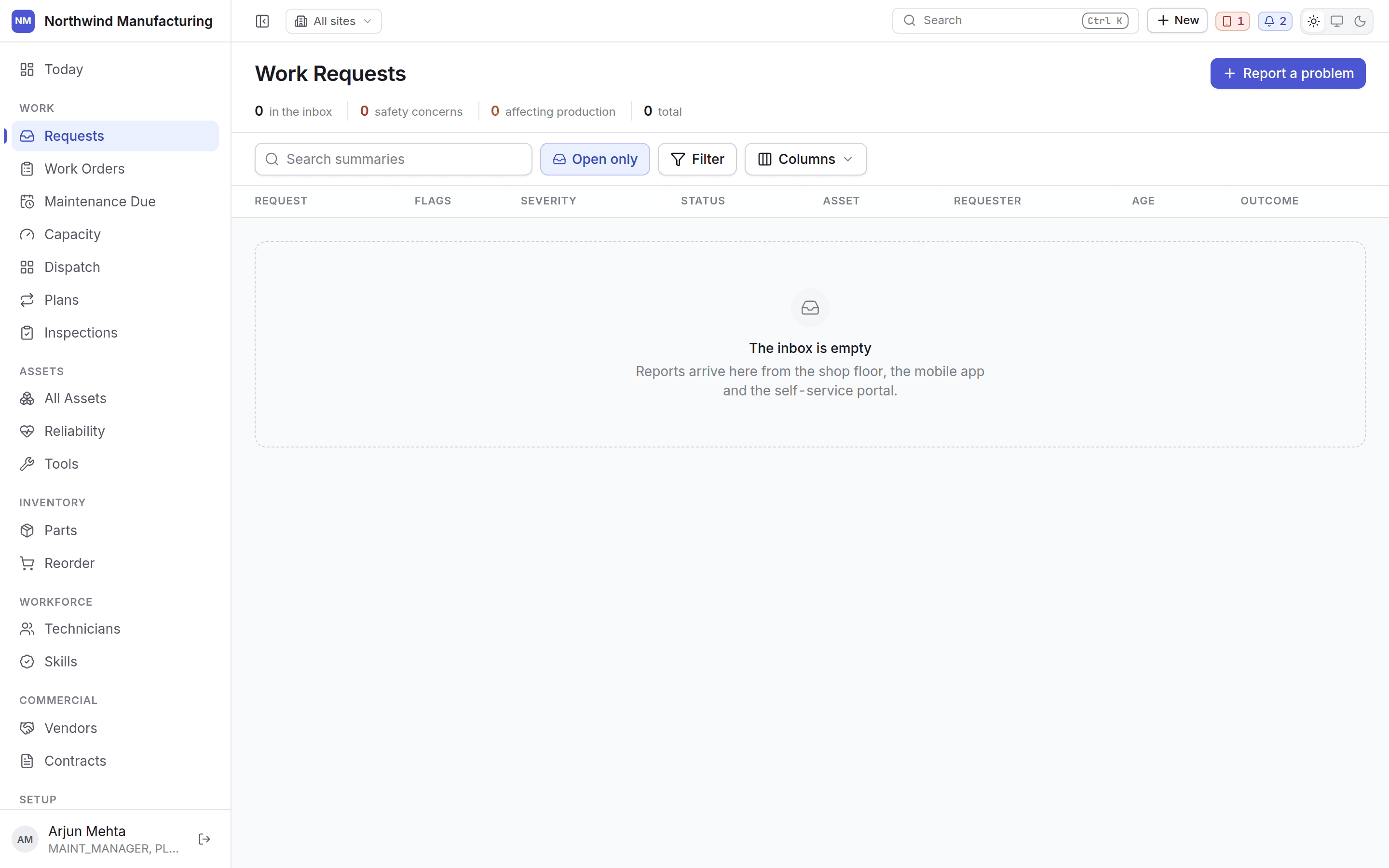
Triage is a queue you work through, so the request opens in a panel beside the list rather than on its own screen. A planner clearing twenty reports on a Monday morning should not press Back twenty times. A leading Photo column shows the first image attached to the request — or, if nobody attached one, the related asset’s photo, dimmed and captioned “asset’s”. Each row also carries who reported it, when, against which asset, and how urgent they said it was.Triaging
Select a request and act on it from the panel. The panel also carries its own attachments section — with camera capture — so a photo can be added to a request that arrived without one.Convert to work order
Convert to work order
The request becomes a job. You are taken to the new work order to fill in what triage decided —
type, priority, assignment.You can convert straight from Submitted without stepping through triage first. A planner
reading “the pump is leaking, floor is wet” does not need to move it through two ceremonial
states before acting.
Begin triage
Begin triage
Moves the request to In Triage — the deliberate path, for requests that warrant thinking
about. Useful when someone else will pick it up, because the state says it is being looked at.
Approve
Approve
Marks a triaged request as worth doing, before anyone converts it. Useful where approving and
converting are different people’s jobs.
Reject
Reject
Closes the request without a job. Rejection is a recorded outcome with a reason, not a delete —
the reporter’s evidence survives. The reason is typed into a dialog on the page — not the
browser’s own popup, which used to be the case.
Cancel
Cancel
For a request that has been overtaken — the fault cleared, or somebody else already raised it.
The buttons you see come from your organisation’s own request lifecycle. A missing Reject
means your state model does not allow that move from the state the request is in. See
statuses and transitions.
If a move you make is held for approval, the panel says “Submitted for approval. It moves once it
is signed off — follow it under Approvals,” with a link to Approvals. The
request stays where it is until somebody signs off.
The default lifecycle
Allowed moves: