

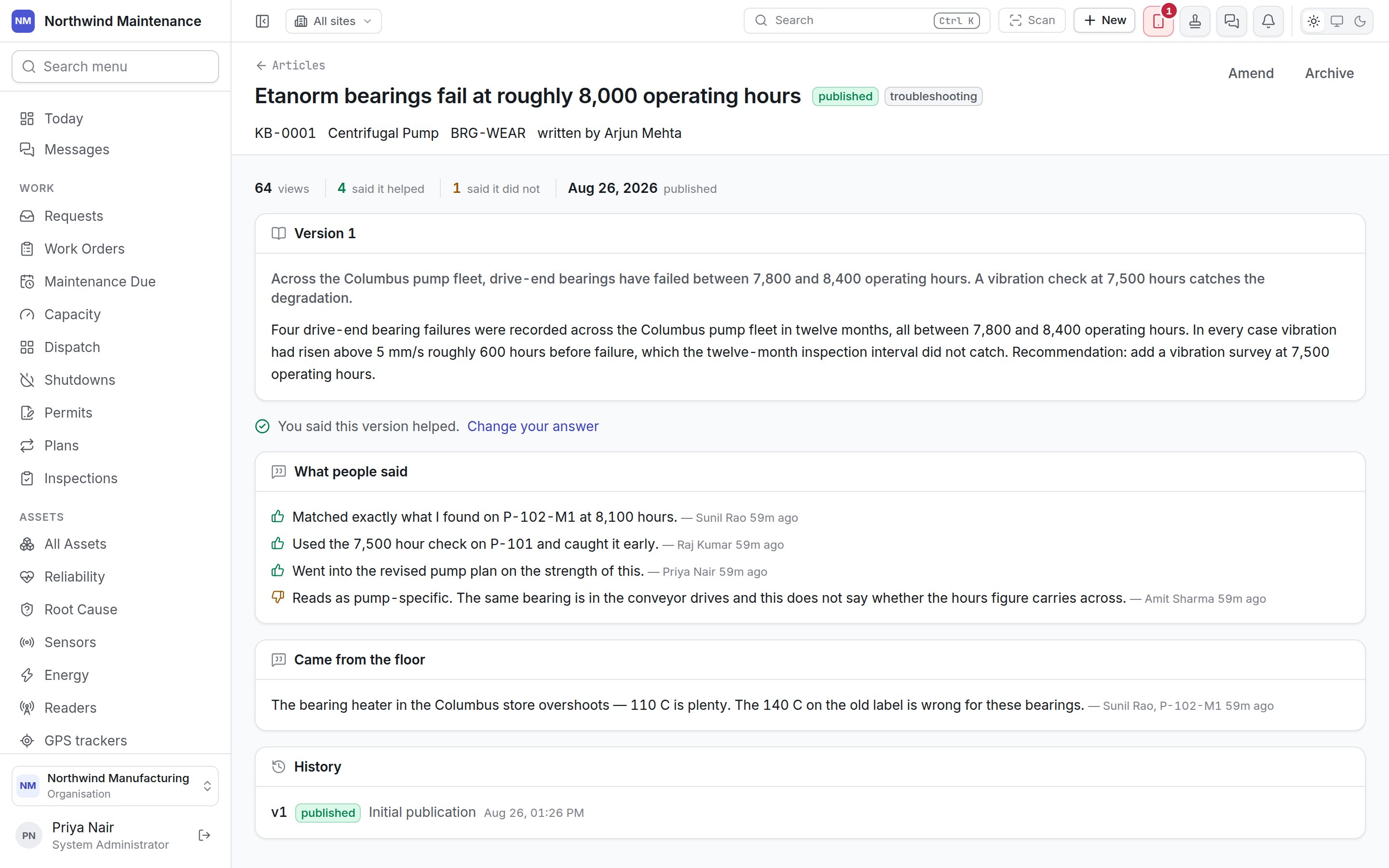
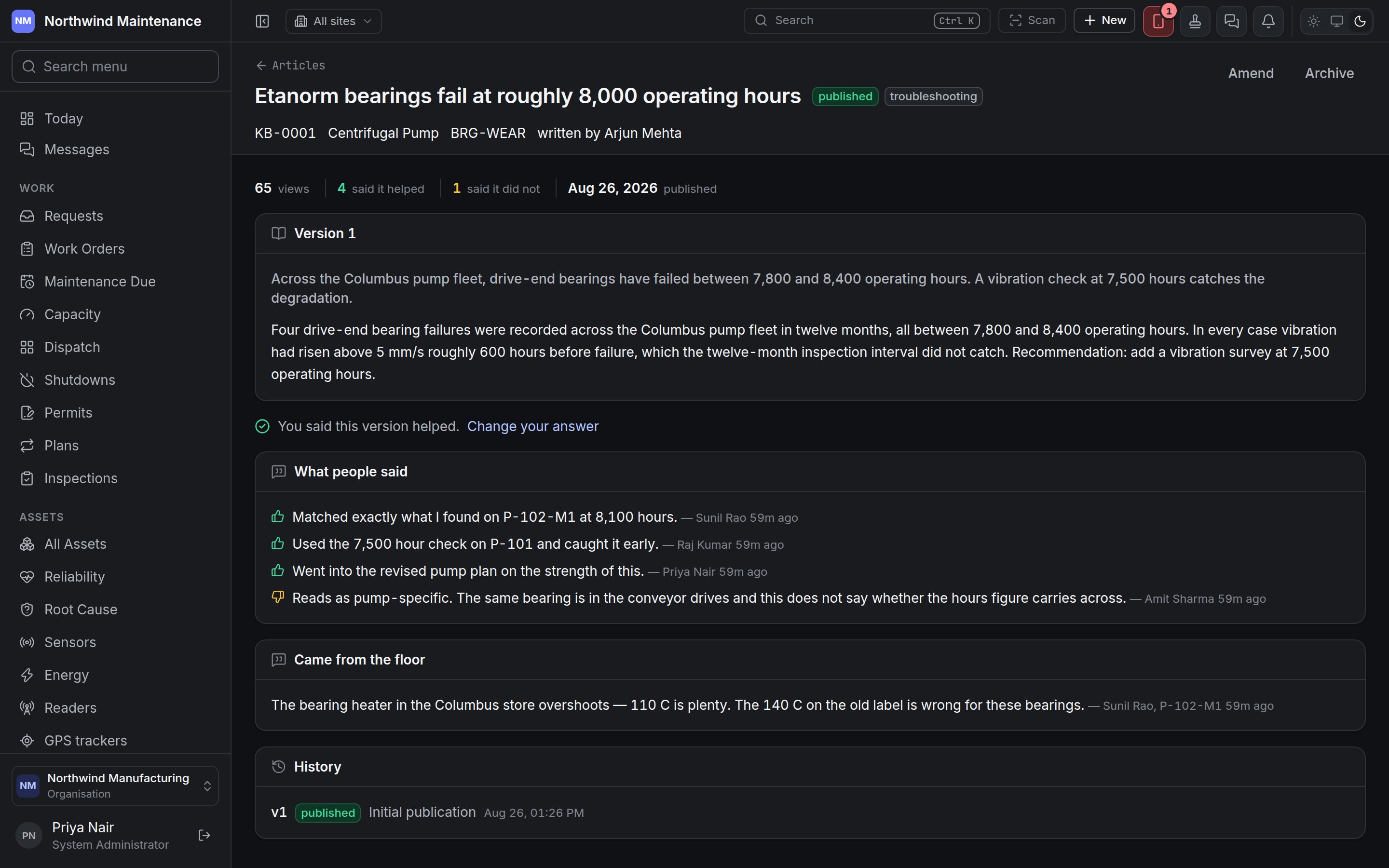
The header
Under the header: how many views, how many readers said it helped and said it did not,
and the date it was published.
The buttons
Which buttons you see depends on the article’s state and your permissions (see who can do what).The status flow
Editing a draft that is waiting on a review sends it back to draft, so the review has to be asked for
again — the reviewer agrees to the words that will actually be published.
Reading it
The body is headed Version n — the version readers are following — with the summary first and the full text below. While a newer version is being prepared, a second panel, Draft vn — not published yet, shows it beside the published one, with Renamed to: title if the draft changes the title.Was this any use?
At the end of the body, Was this any use? asks for Yes or No. A No opens a box — “What was wrong with it? This is the part an author can act on.” — and Send. Afterwards the page says “You said this version helped” (or did not), with Change your answer. Your answer is for this version: a new version asks again. It is two buttons rather than a star rating because the question worth answering is whether to keep the article at all.What people said
Every comment readers left, as sentences with who wrote them and when, marked with whether they found it useful. The dissenting comments are shown in full rather than folded into a percentage, because “reads as pump-specific — the same bearing is in the conveyor drives” tells an author what to fix.Came from the floor
The technicians’ notes this article was made from, with who wrote them, on which asset, and when. See From the floor.History
Every version, newest first: its number, its status, what changed, when it was made, and superseded date for versions that have been replaced.Amending an article
Amend (or Continue the draft) opens Amend this article (or Continue draft vn).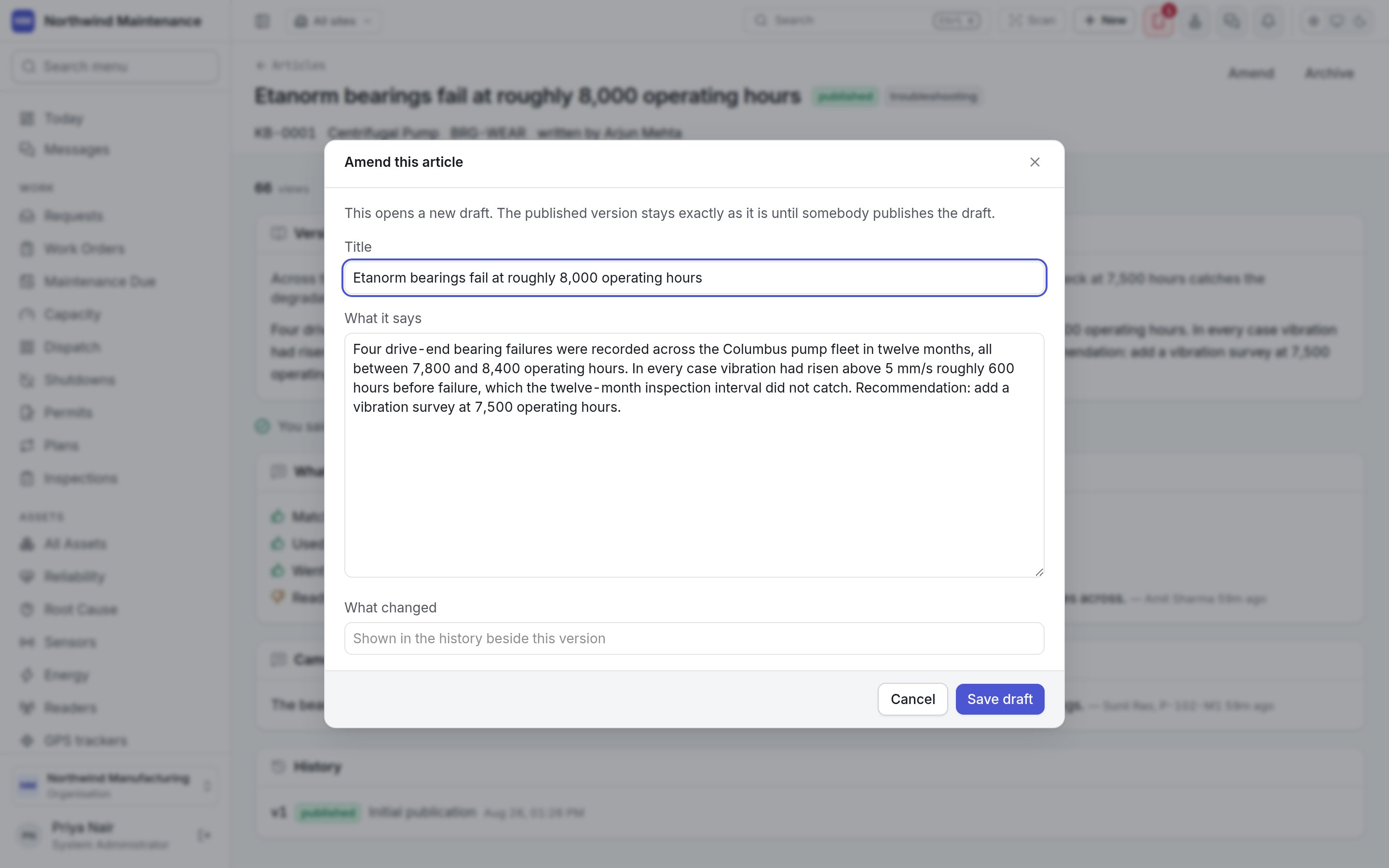
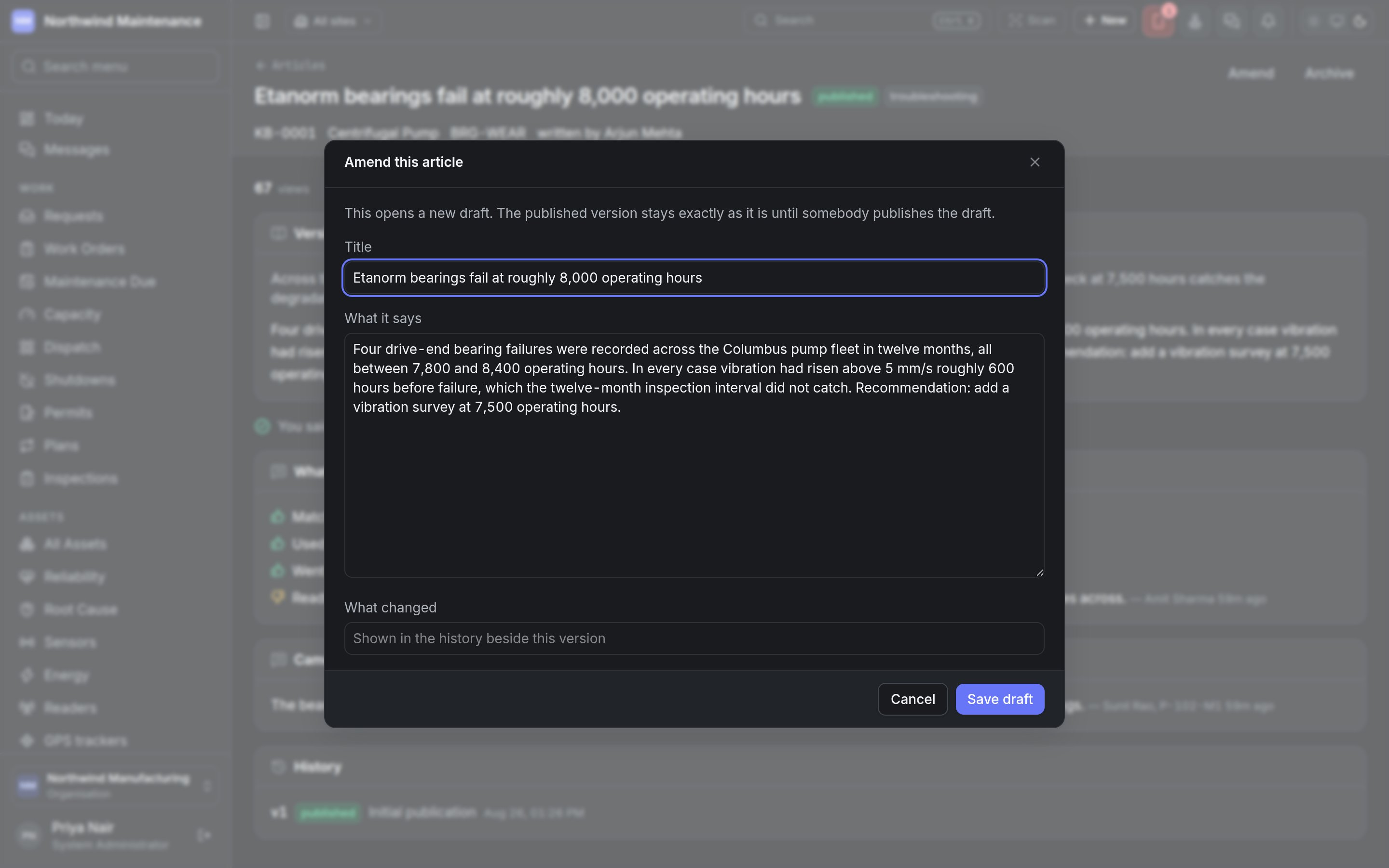
Save draft saves the draft. Nothing changes for readers until it is published.
Archiving and restoring
Archive opens Archive this article: “It stops appearing in search. Its versions stay, because somebody followed them.” It asks Why is this no longer the answer? — the next author needs this. Archive confirms. An archived article shows Archived date by who, and says it “does not appear in search, and cannot be amended or published until it is restored.” Restore brings it back.Related
Articles
Searching the knowledge base and writing new articles.
What we know in the field app
Reading articles and guides on the handset, offline.