

If you don’t see this in your navigation, your administrator can switch the module on under Administration → Modules (it is part of Capex planning), or it may not be included in your plan.
The list
Under the title, the screen says which file the list is, who uploaded it and when, how many rows it has and their total Acquisition Value. Before the first upload it says Each file uploaded replaces the whole CWIP list. Nothing has been uploaded yet.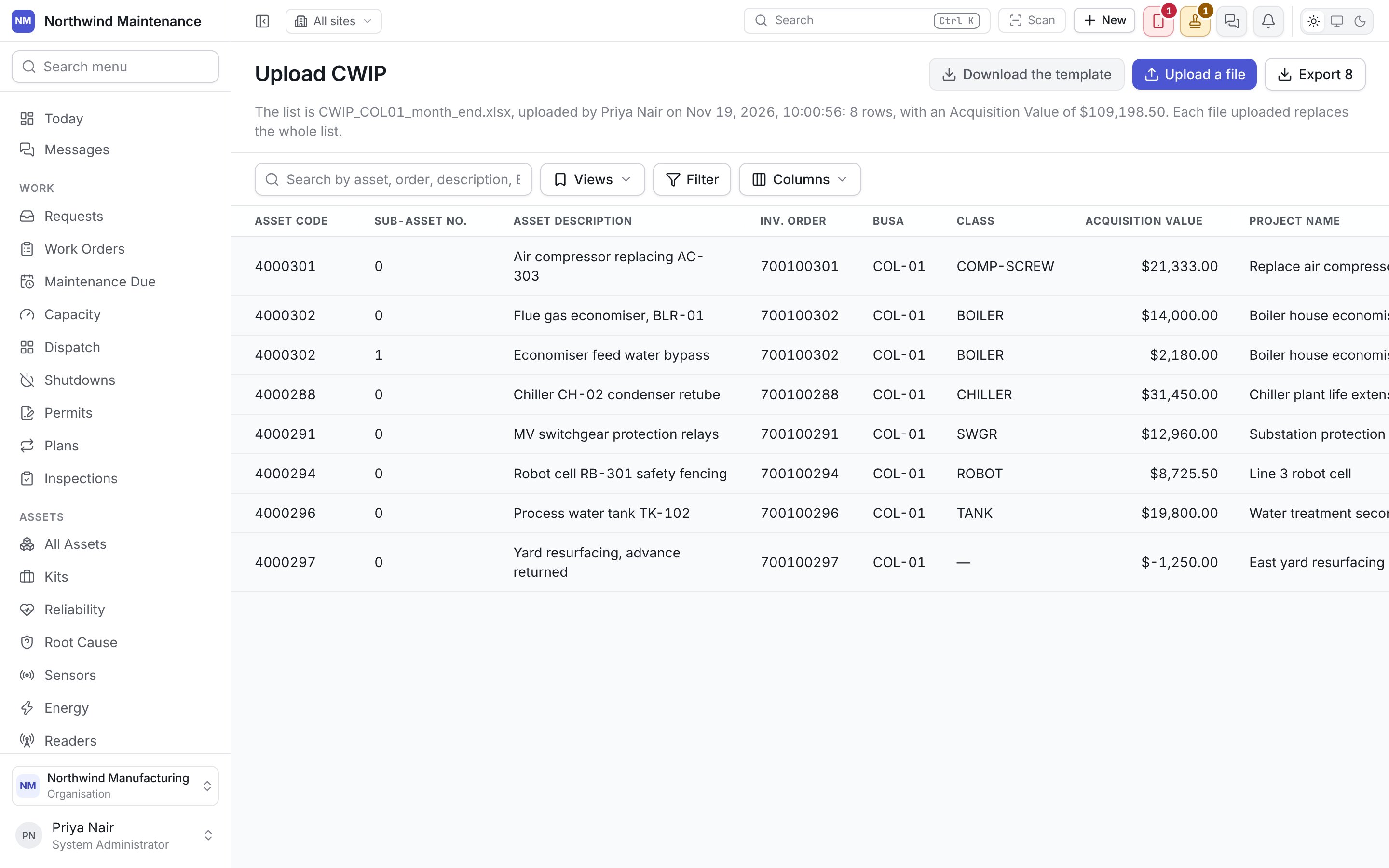
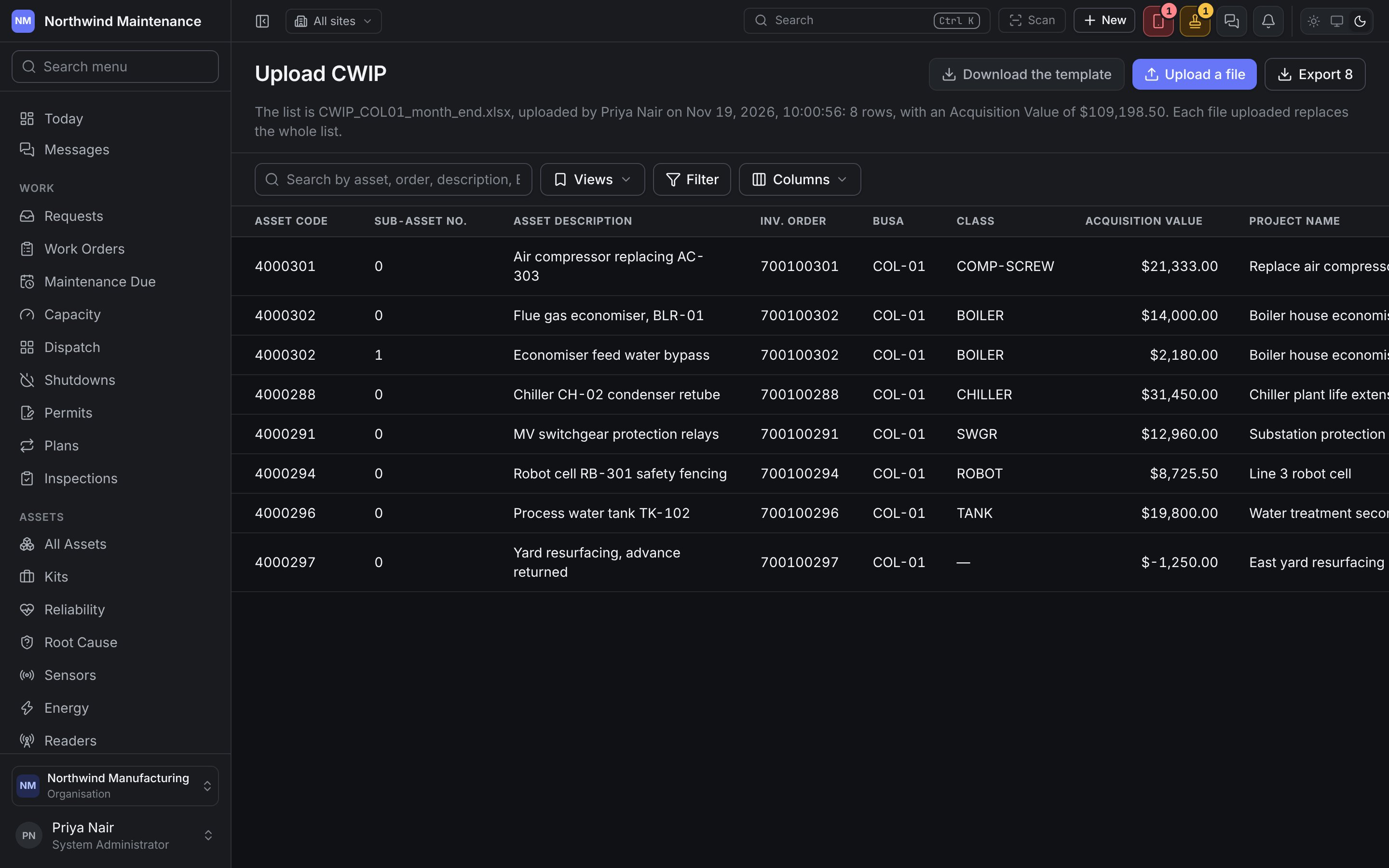
Columns also offers Row in file, File, Uploaded By and Uploaded On, off until you turn them on.
Uploading a file
An older
.xls file is refused: open it in Excel, save it as .xlsx, and choose it again. A file can hold at most 20,000 rows.
How a file is read:
- The rows come from the first sheet with an Asset Code heading and at least one other of the eight on the same row, within its first thirty rows. A report’s title and filters above the headings are passed over, and the screen says so. Other sheets are not read, and the screen names them.
- Headings are also recognised by SAP’s own names for them, such as Asset, Asset Number, Sub-number, Investment Order, Business Area, Asset Class and Acquis.val.. A column that is not one of the eight is not read, and the screen names it.
- Asset Code, Sub-Asset No. and Acquisition Value are required on every row. Give 0 for the sub-number of the asset itself, and 0 where nothing has been spent.
- Each asset goes on one row: two rows with the same Asset Code and Sub-Asset No. are refused. An empty row is skipped.
CWIP Plan
Planning when each asset on the list will be capitalized.
Capitalization Planning
When each approved proposal’s money becomes assets.