

If you don’t see this in your navigation, your administrator can switch the module on under Administration → Modules (it is part of Capex planning), or it may not be included in your plan.
Raising an overrun
An overrun is not started on this screen. It is raised on Capex - Approval Note - (P/ S/ F), with Raise Cost Overrun in the row’s ⋯, once the note is Approved. The new overrun opens for you to write.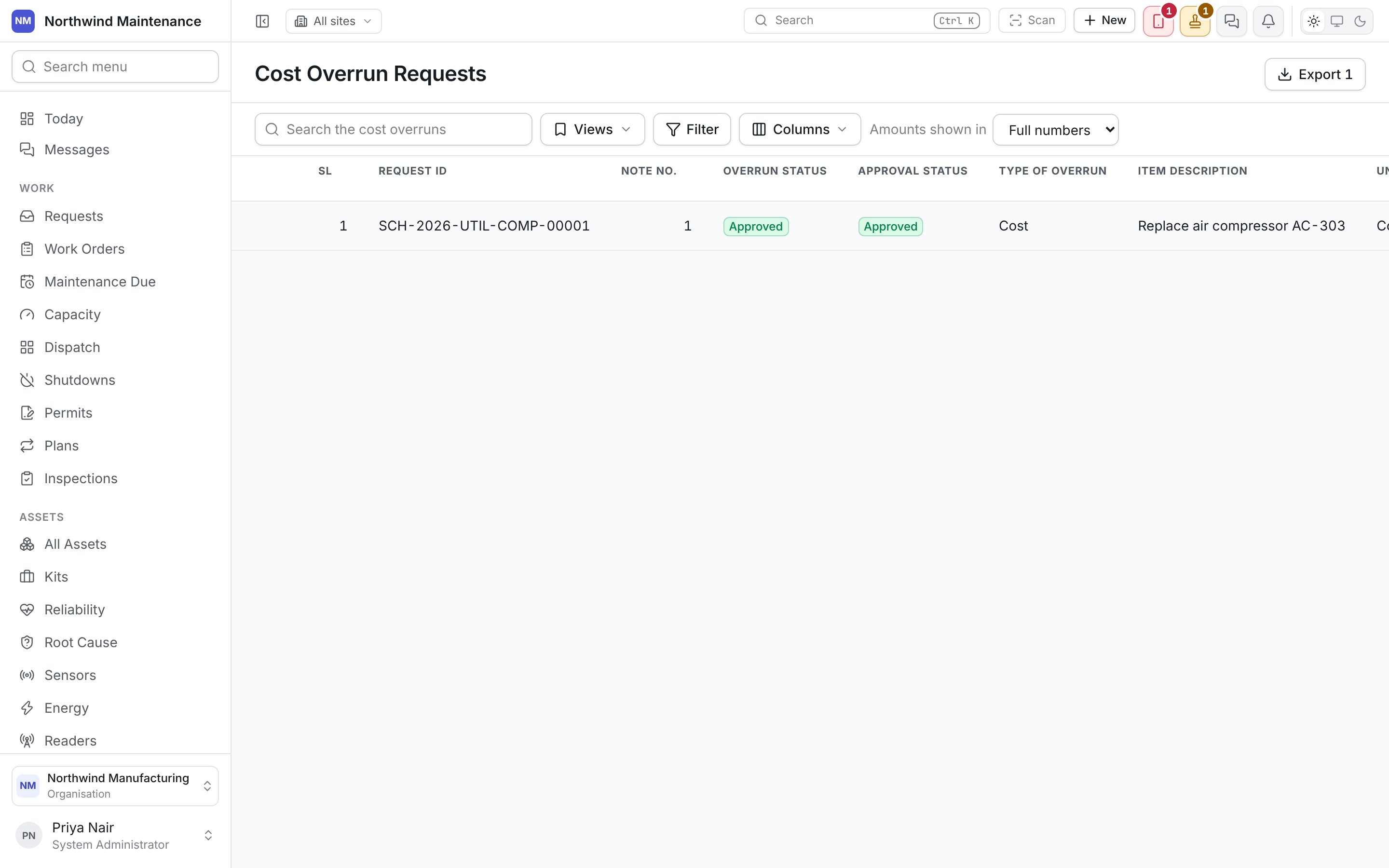
The list
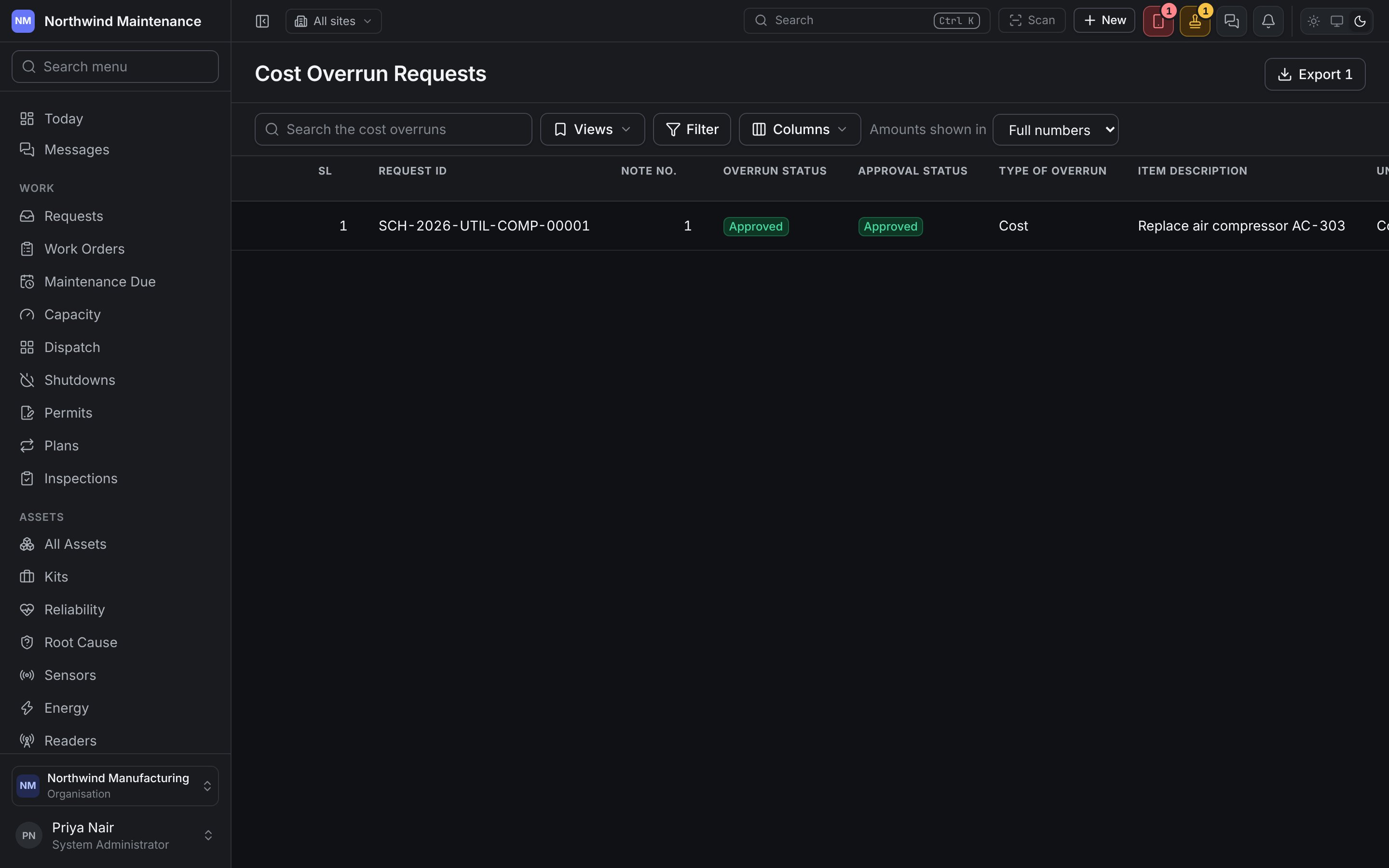
Search the cost overruns, saved Views, Filter, Columns and Amounts shown in work as on any register, and Export (needs Download a plan’s proposals and phasing as a spreadsheet) downloads the rows the list is showing. The newest overrun is first.
Columns also offers the overrun’s bulleted headings, off until you turn them on. Every date and time is written to the second on a 24-hour clock.
Clicking a row opens the overrun to read, as View Cost Overrun. The row’s ⋯ offers Edit where you may change it, and Send for approval where you may send it and it has everything it needs.
Writing an overrun
Edit opens Edit Cost Overrun, with its SL, Request ID, note number and item description under the title. Your administrator arranges the form, and can insist on further answers, in Form Studio under Cost Overrun, which Edit form opens.
An overrun is written over several sittings, so nothing is required to save it.
Before an overrun can be sent or approved it needs the Value of Overrun, and any other heading your organisation insists on in Form Studio. One still missing any says Before it can be sent it still needs: and names them.
Approving an overrun
An overrun is approved in your organisation’s workflow for Cost Overrun, set up in the Workflow Studio, level by level, sent in the name of whoever sends it; a rejection at any level is final. Where no workflow applies, sending it approves it at once, and the screen says so. Approving or rejecting an overrun does not change the note it is on, which stays approved either way. The approver an overrun is waiting on opens it from Approval Status, or from Approvals. Opened from the list, it says This cost overrun is waiting on you. Correct it here and save, then approve it in Approvals. The approval dialog draws the overrun’s form — The cost overrun you are approving. Correct what it needs here and save it before you approve. — with Save cost overrun to save what you changed. Approve waits until the overrun is saved and complete, and says Before it can be approved it still needs: with what is missing. Somebody reading a request they raised sees the same form greyed. Once an overrun is approved or rejected, nobody can change it.Approval notes
The approved note an overrun is raised on.
Change Logs
Who changed what on each overrun, and how it went through approval.