

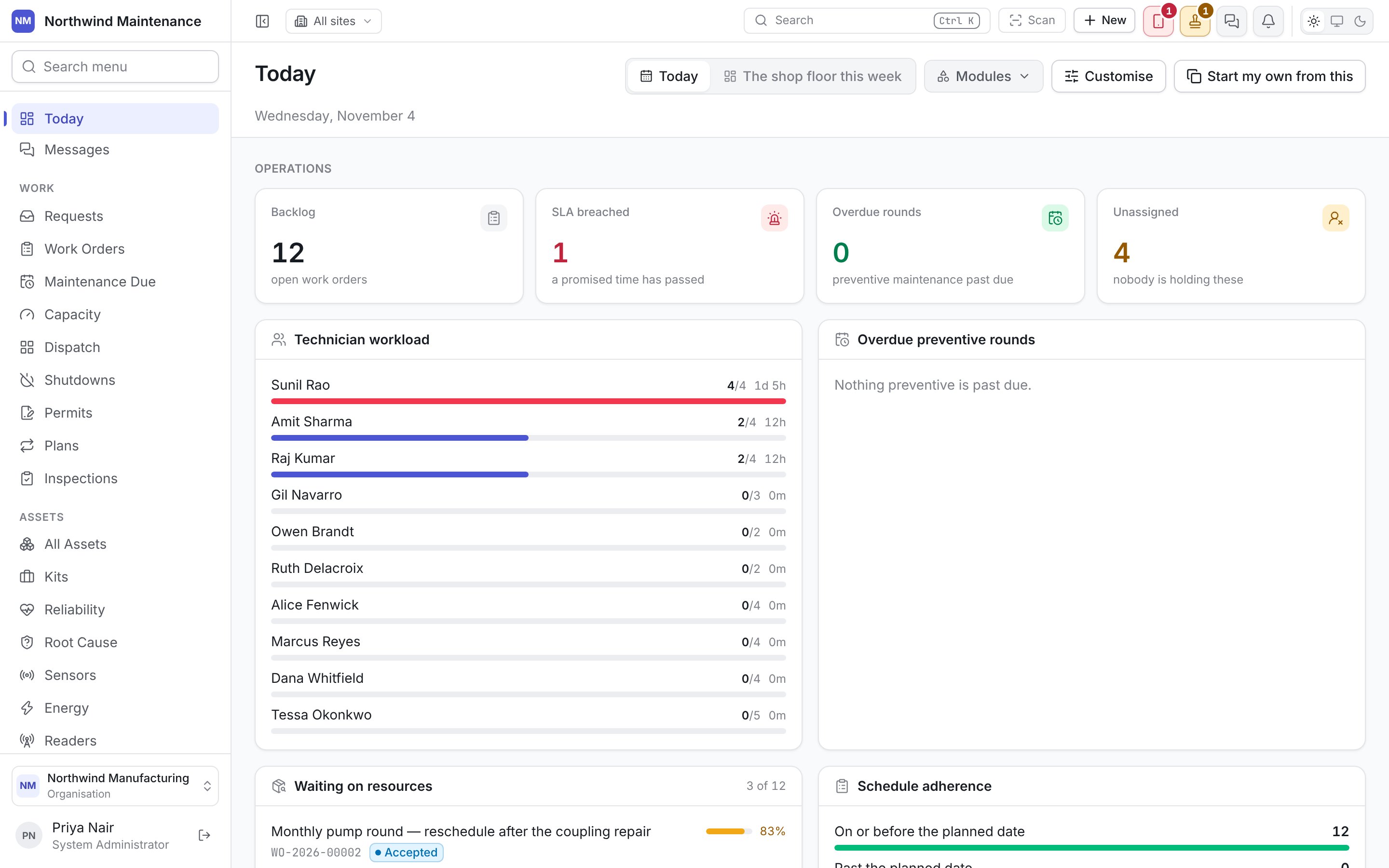
Most modules can be switched on or off per organisation under Administration → Modules, and
some depend on your plan. What you see in your navigation is the modules your organisation has
and the screens your roles allow — see finding your way around.
What is in the product
The sections below follow the groups in the navigation.Work
Requests and work orders
A request inbox anybody can report into, and work orders that carry their status, service level,
assignee, requirements and cost.
Maintenance due, capacity and dispatch
What is due, whether the week fits the people you have, and a board for putting the right
technician on each job with the checks shown.
Shutdowns
Plan a plant shutdown or turnaround months out: scope, windows, critical path and readiness.
Permits to work
Draft, issue, accept and close permits, with isolations proved, before a hazardous job may start.
Maintenance plans and inspections
Plans triggered by the calendar, a meter, an event or a condition, and inspection rounds that
raise work from what they find.
Approvals and messages
One place for every sign-off, and conversations with colleagues, crews, sites and suppliers.
Assets
Asset register
Hierarchy, meters, cover, components, failures, costs and downtime on the asset they belong to.
Reliability and root cause
Bad actors ranked against the fleet, and investigations followed through to actions that worked.
Sensors and energy
Live readings that raise maintenance on their own, and energy consumption, cost and baselines.
Readers, GPS trackers and BLE tags
RFID readers that see tagged items move inside a building, trackers that show where mobile
assets are outside it, and BLE tags found on a floor plan indoors.
IT assets
Discovery of computers and network devices, the software installed on them and licence position,
and the network topology.
Tools, bookings and verification
The tool crib, bookings of assets, bays and people with the bills their
charges become, and rounds that check the register against what is physically there.
E-way bills
Where your organisation works under India GST, the e-way bills assets travel on when they move
between sites or are sold, prepared in the same step and filed with the portal.
Sites, inventory and property
Sites
Every site with its buildings, locations, floor plans and working calendars.
Parts and reorder
Parts across stores, issued against jobs, with a reorder list before a shortage stops a repair.
Lost and found
Property handed in and reported missing, matched and returned.
Gatehouse, visitors and devices
A gate screen for security, the visitor book, and devices people declare when they bring them on
site.
People, buying and money
Technicians and skills
The workforce, crews, shifts, skills and certifications that dispatch and readiness check.
Procurement
Requisitions and the catalogue, sourcing from stock or suppliers, RFQs, purchase orders and goods receipt —
see also sourcing.
Vendors, contracts and invoices
Suppliers, contracts and warranties that decide who pays, vendor invoices against jobs and a
forecast of vendor spend.
Finance
Depreciation, budgets, capex plans and FF&E plans for hotels.
Knowledge, analytics and setup
Knowledge base
Articles, diagnostic guides and a controlled document library.
Dashboards and reports
Boards and reports you build once; every reader sees only the rows they could already open.
Copilot
An AI assistant that answers questions about your maintenance data and suggests actions you can
accept or reject.
Getting started, administration and audit
A checklist of what is left to set up, every configuration screen, and a full
audit trail.
Who uses it
How the pieces fit
An asset is the equipment. A work request is somebody reporting that something is wrong. A work order is the job itself. A maintenance plan raises work orders on a schedule. A requirement is what a job needs before it can start — a part, a tool, a skill or a vendor. An entitlement decides whether a contract or warranty pays for it. The full vocabulary is in core concepts.Almost every list — statuses, priorities, types, categories — is configurable per organisation.
What this documentation shows are the defaults a new organisation starts with; yours may have
renamed them. See statuses and transitions.
Start here
Sign in, find your way around, and follow one job from request to close.