

If you don’t see this in your navigation, your administrator can switch the module on under Administration → Modules, or it may not be included in your plan.
How a round works
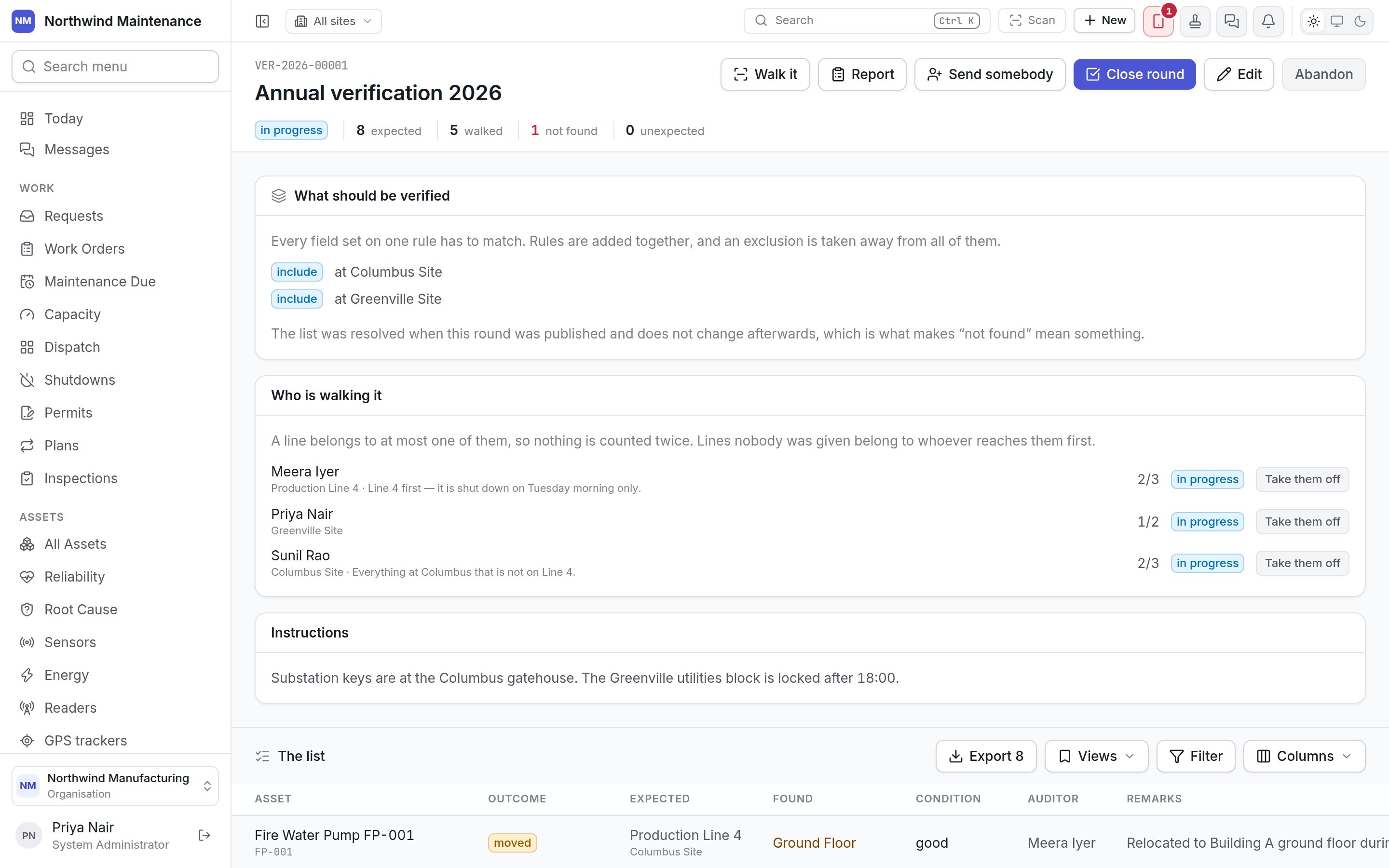
The list is fixed when the round is published and does not change afterwards. That is what makes
“not found” mean something: an asset is missing from a list everybody agreed on, not from one that
moved under the auditors’ feet.
Kinds of round
The register
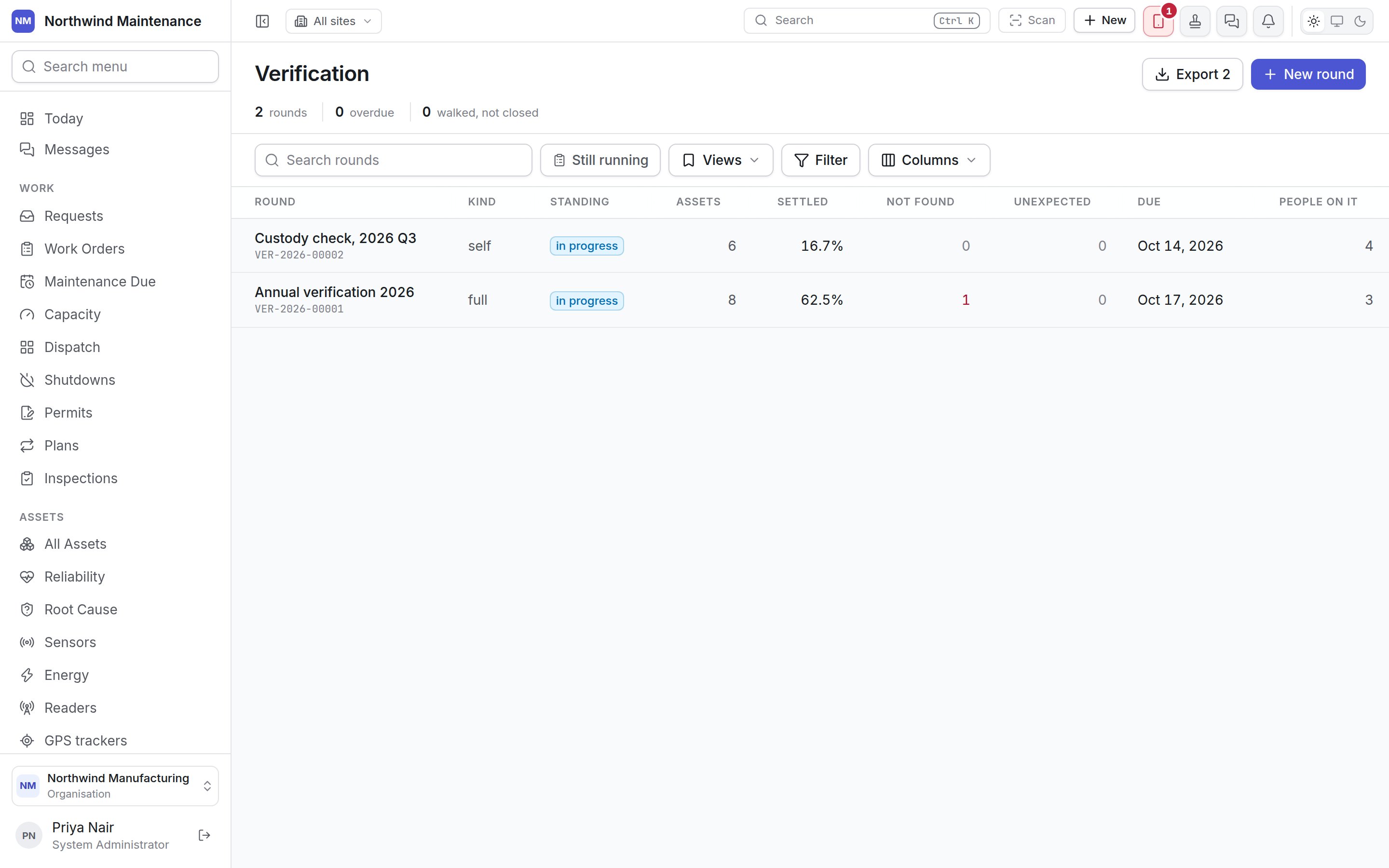
The header
The two warning figures are the ones nothing else in the product mentions: both kinds of round look
perfectly ordinary on a list sorted by date. Search rounds searches; Still running hides
closed and cancelled rounds.
Columns
Creating a round
New round opens the round form. Creating a round does not start it: the next screen is where the scope is written, and publishing is what turns it into a list.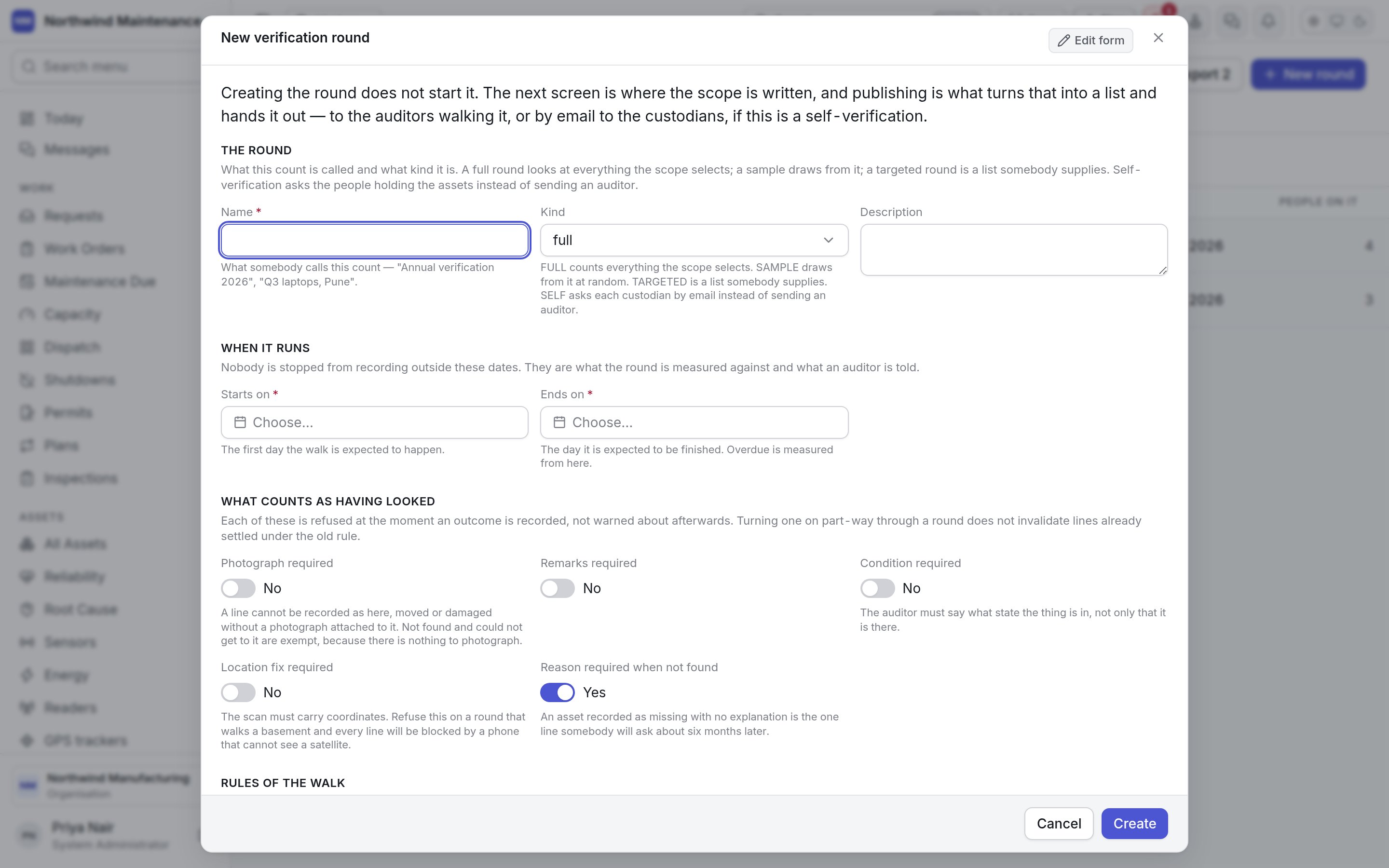
The round
When it runs
Sampling
Shown for a Sample round. Set one of the two.What counts as having looked
Each of these is enforced the moment an outcome is recorded, not warned about afterwards. Turning one on part-way through a round does not undo lines already settled.Rules of the walk
What to tell them
Inside a round
What should be verified — the scope
The scope is a set of rules. Name assets adds individual assets — pick One asset, or paste asset numbers one to a line or separated by commas (numbers already on the list, at a site you cannot reach, or not recognised are reported). Add a rule adds a rule:
Everything set on one rule has to match; rules are added together; exclusions are taken away from
all of them. A rule with nothing set selects nothing, on purpose — the other reading would put every
asset on the round. While the round is a draft, the preview under the rules shows how many assets the
scope selects, broken down by site, refreshed after every change — “Pune 1,203, Chennai 637” is a
figure somebody can recognise as wrong at a glance.
Who is walking it
Send somebody opens Send somebody to walk this:
Each auditor shows their slice, note, progress (2/3) and status, with Take them off. A line
belongs to at most one auditor, so nothing is counted twice; lines nobody was given belong to
whoever reaches them first.
The list
Every asset on the round, with Asset, Outcome, Expected (where the register says it is), Found (where it was found), Condition, Auditor (or Asked of for self-verification), Remarks and Evidence (photographs and scans). Outcomes are:
Two corrections can be made straight from a line:
Walking a round
Walk it opens the auditor’s screen, designed for somebody standing up with a phone or a hand-held scanner.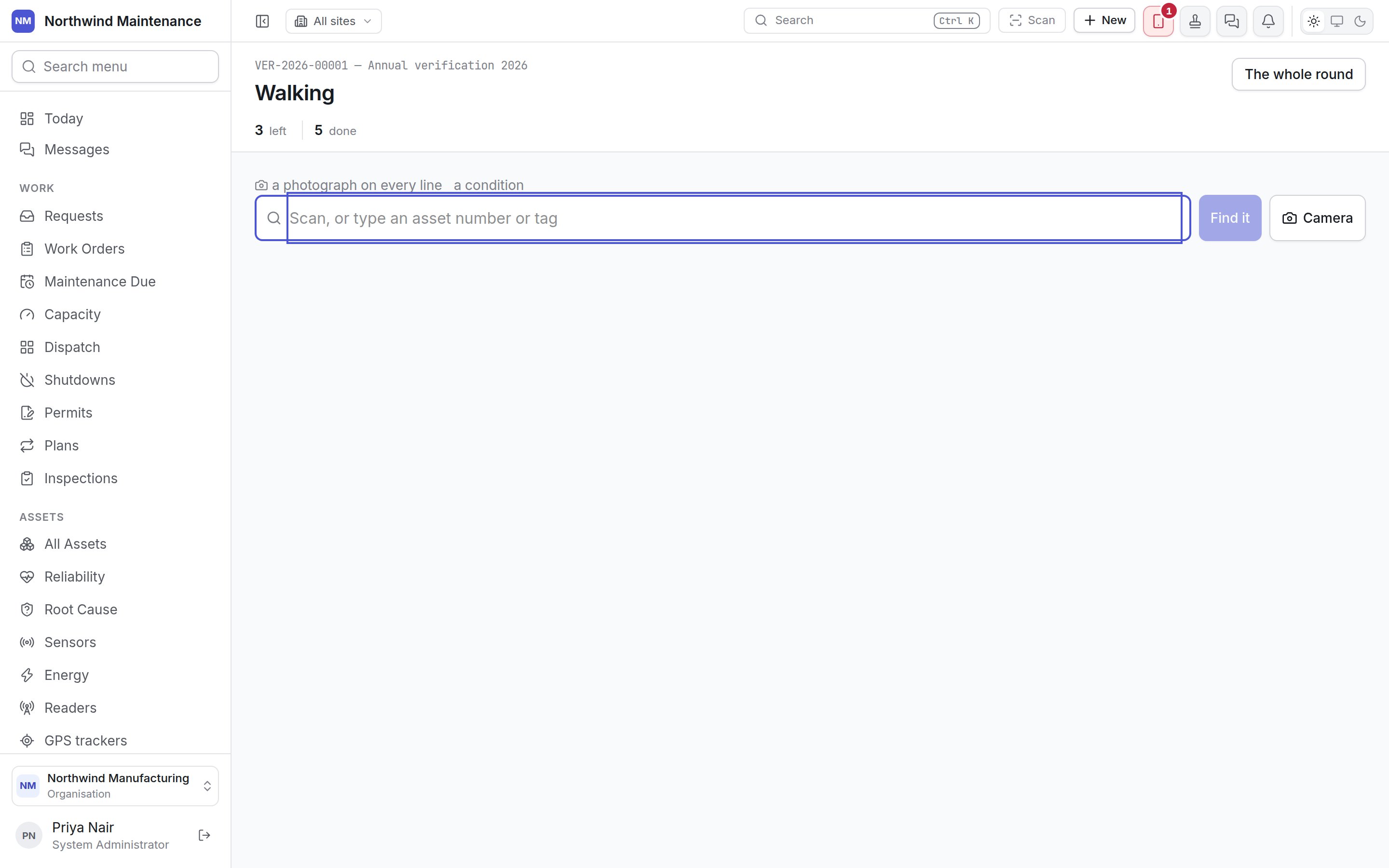
- Scan, or type an asset number or tag into the box and press Find it, or press Camera to read a QR code or barcode. A hand-held scanner types straight into the box, and the box takes focus again after every answer.
- The asset appears, with where the register says it is. If the code is not an asset, or the asset is not on this round, the screen says so — and records it as an unexpected find if the round accepts them.
- Choose what you found: It is here, It is somewhere else, I cannot find it, It is damaged or Could not get to it.
- Add what the round asks for: the Condition (Good, Fair, Poor or Unserviceable), Where it actually is for an asset somewhere else, Remarks, and Evidence photographs.
Self-verification
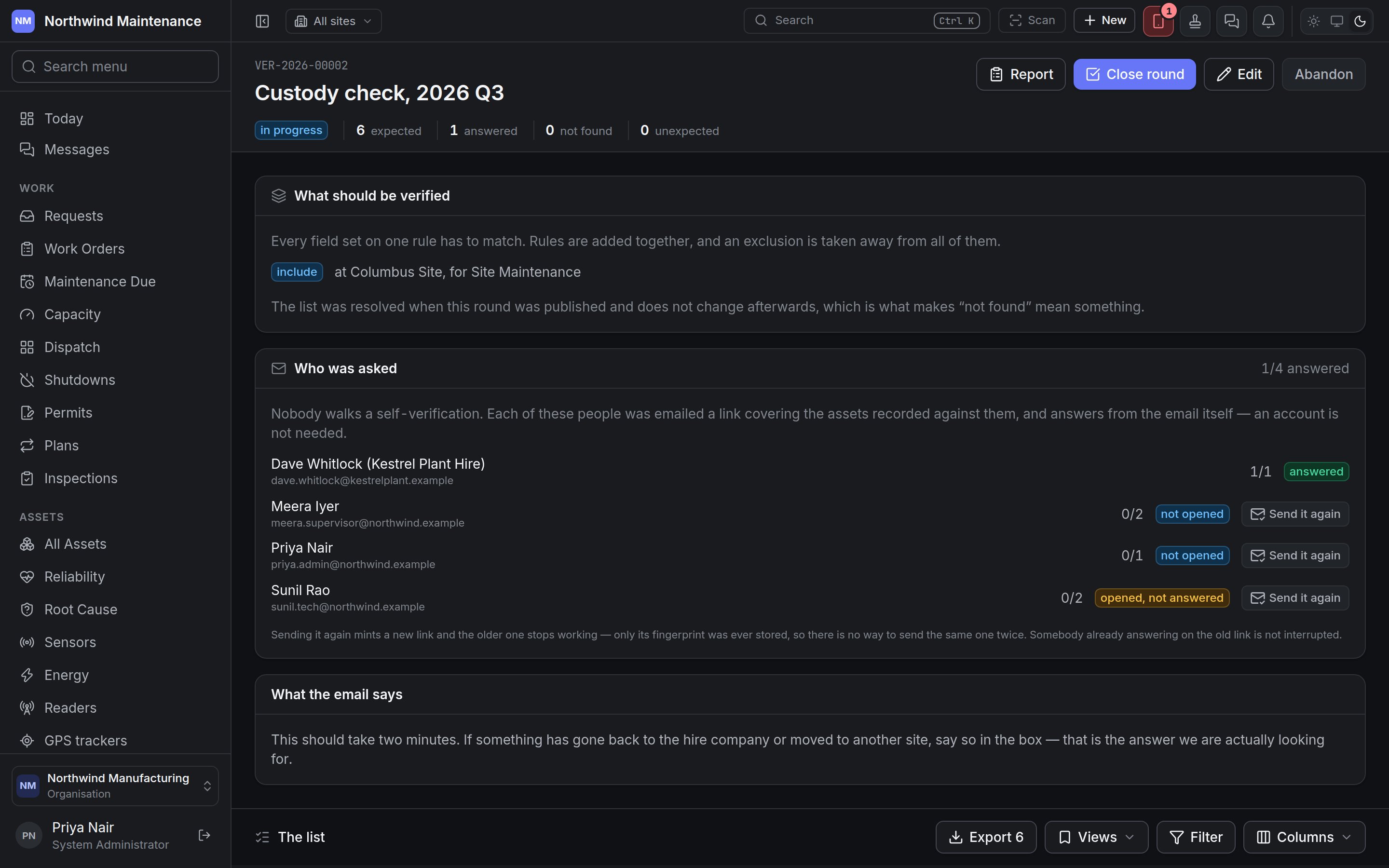
A self-verification round sends nobody. When it is published, each custodian is emailed a link covering the assets recorded against them. Custodians do not need an account — a contractor, a new joiner or somebody at a hire company can answer, as long as the asset records their name and email.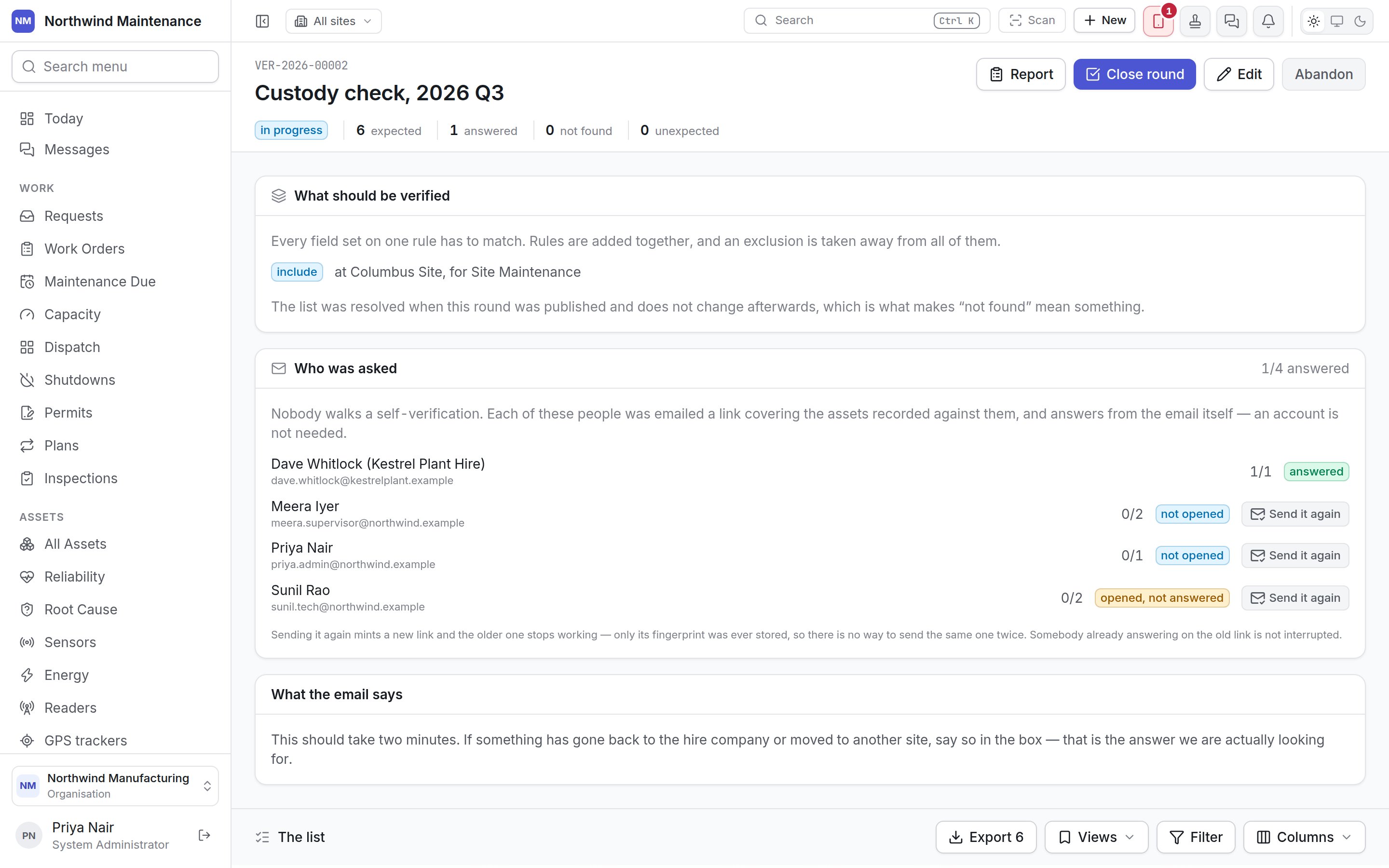
What the custodian sees
The link opens Confirm what you are holding, which greets them by name and lists each item recorded against them, with Our records say where it should be. For each item they choose:
Where the round requires photographs, Take a photograph appears, and an item cannot be
confirmed without one. Anything else we should know at the foot takes a free-text note — “I
also have a docking station that is not on this list”. Every answer saves as it is given, so a
custodian with forty laptops can do them in three sittings. Send my answers sends them and closes
the link: Thank you — that is all we needed.
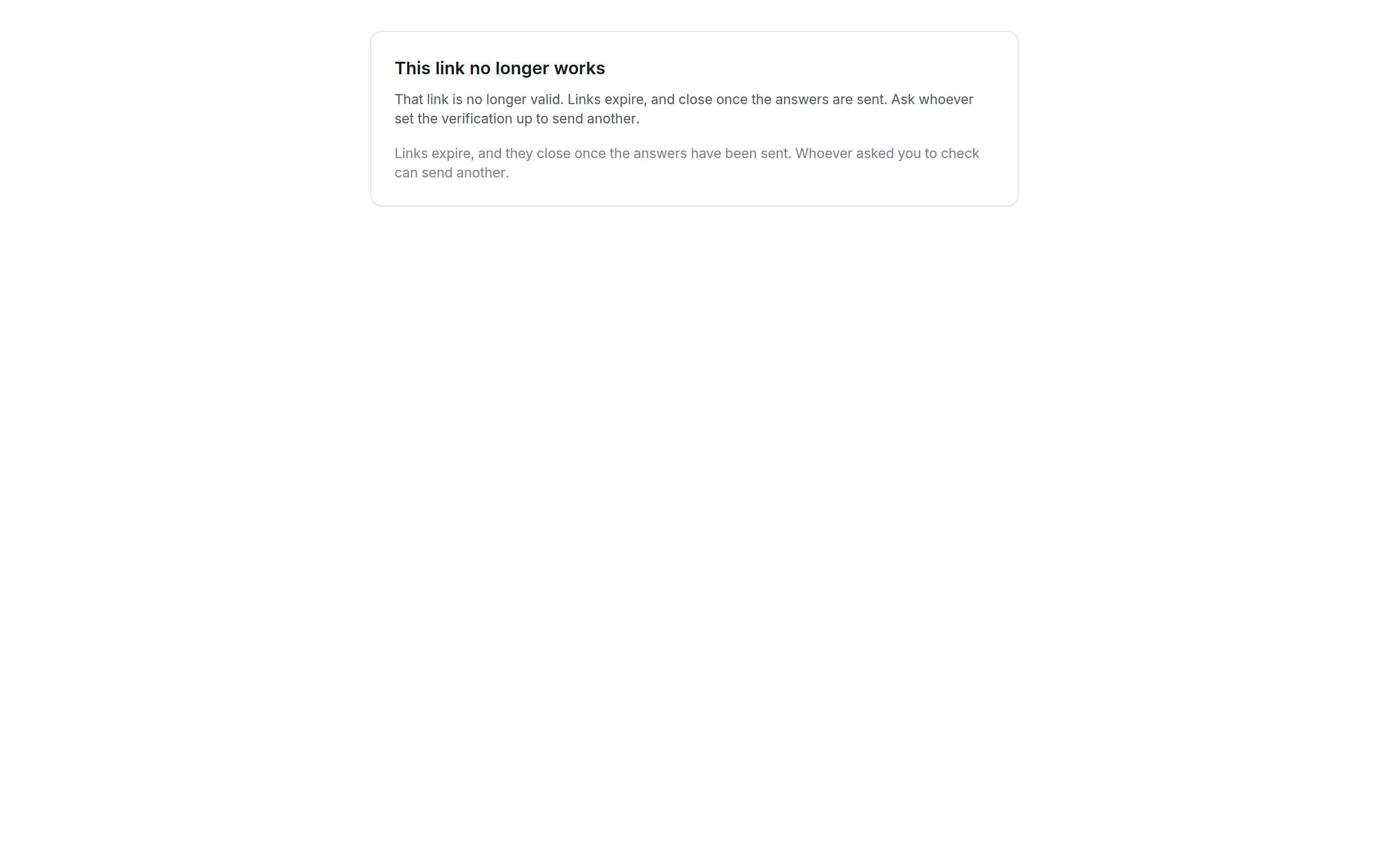
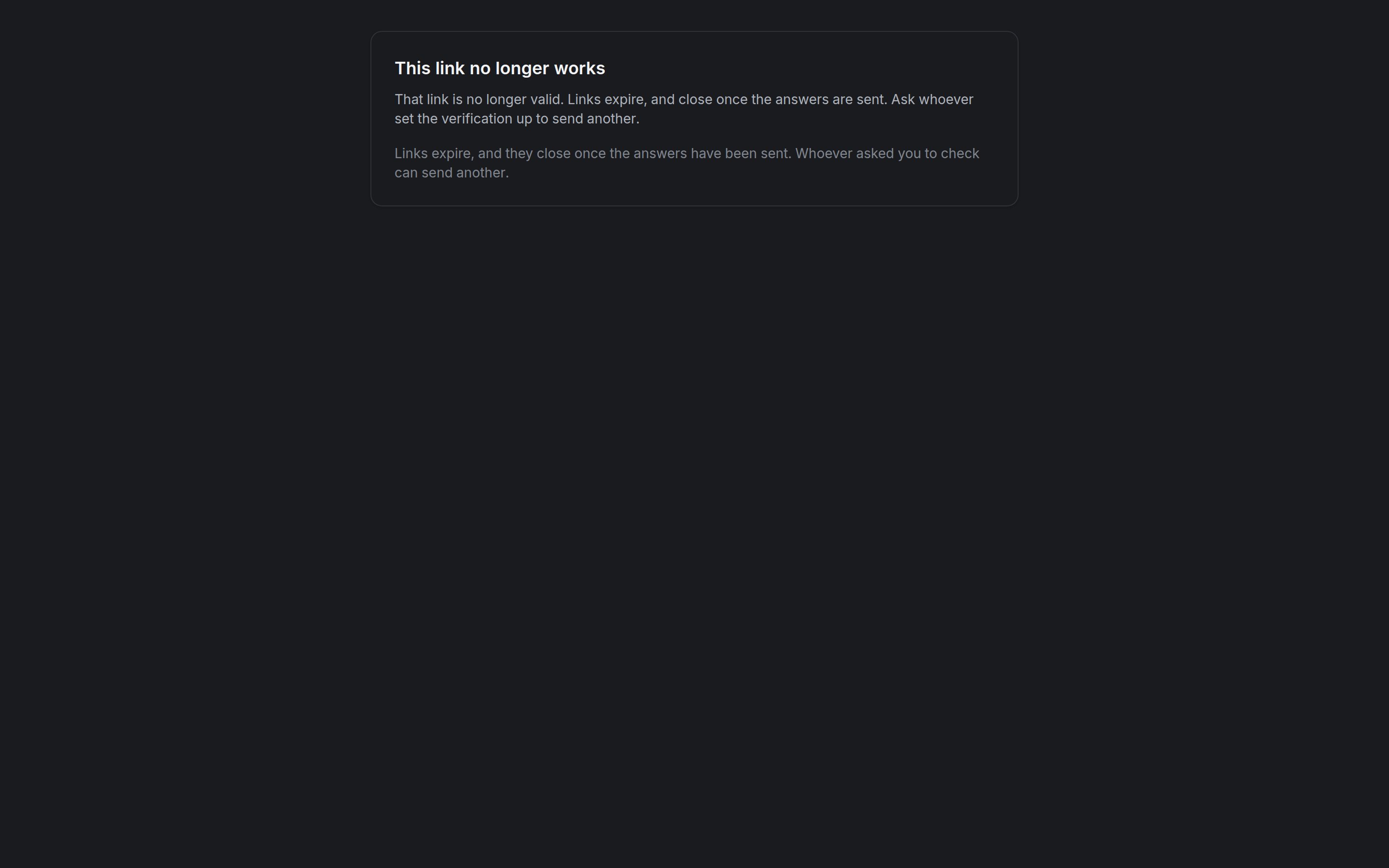
A link that has expired, been replaced or already been used shows This link no longer works,
and suggests asking whoever sent it for another.
Closing a round
Close round asks what should happen to lines nobody settled.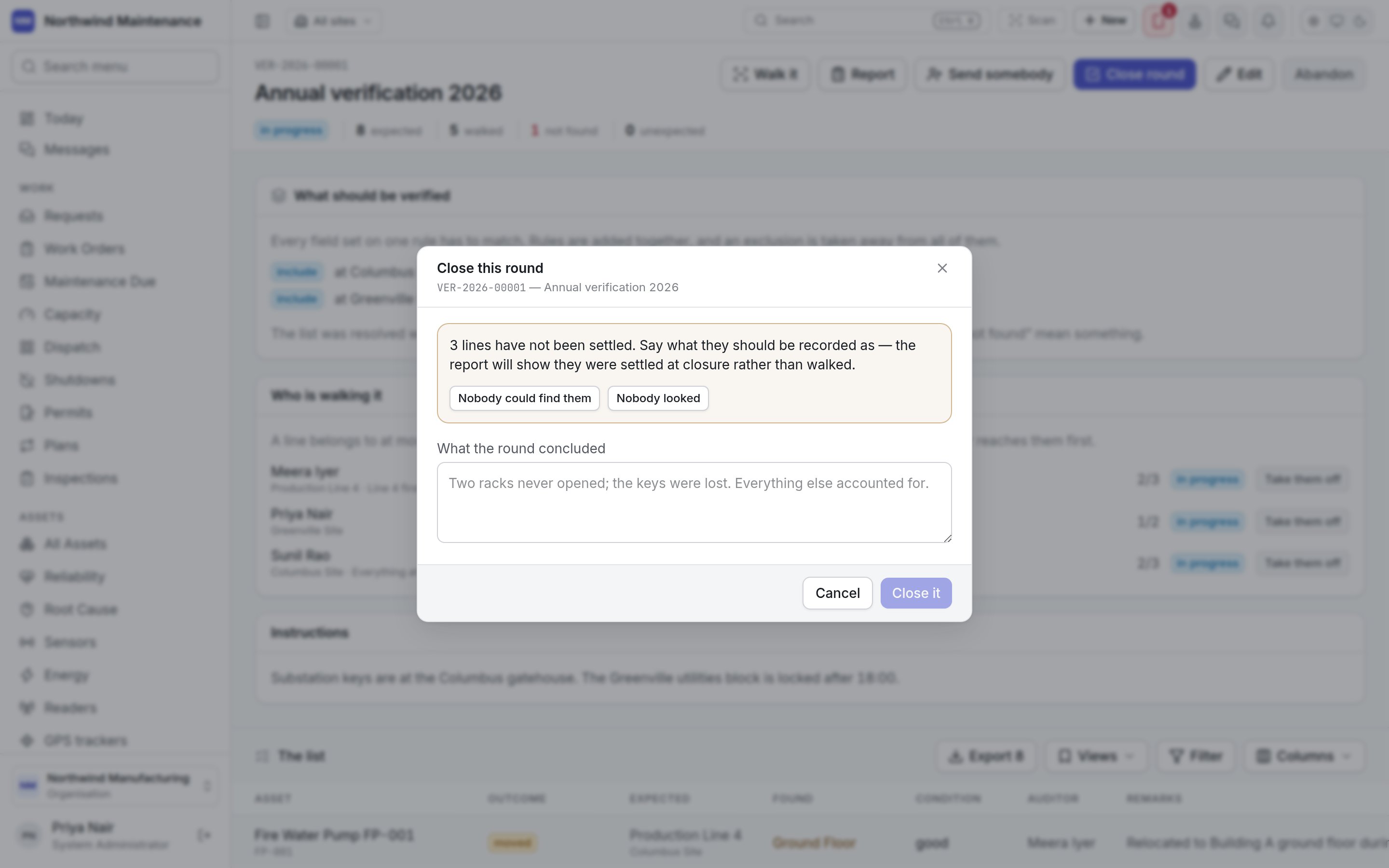
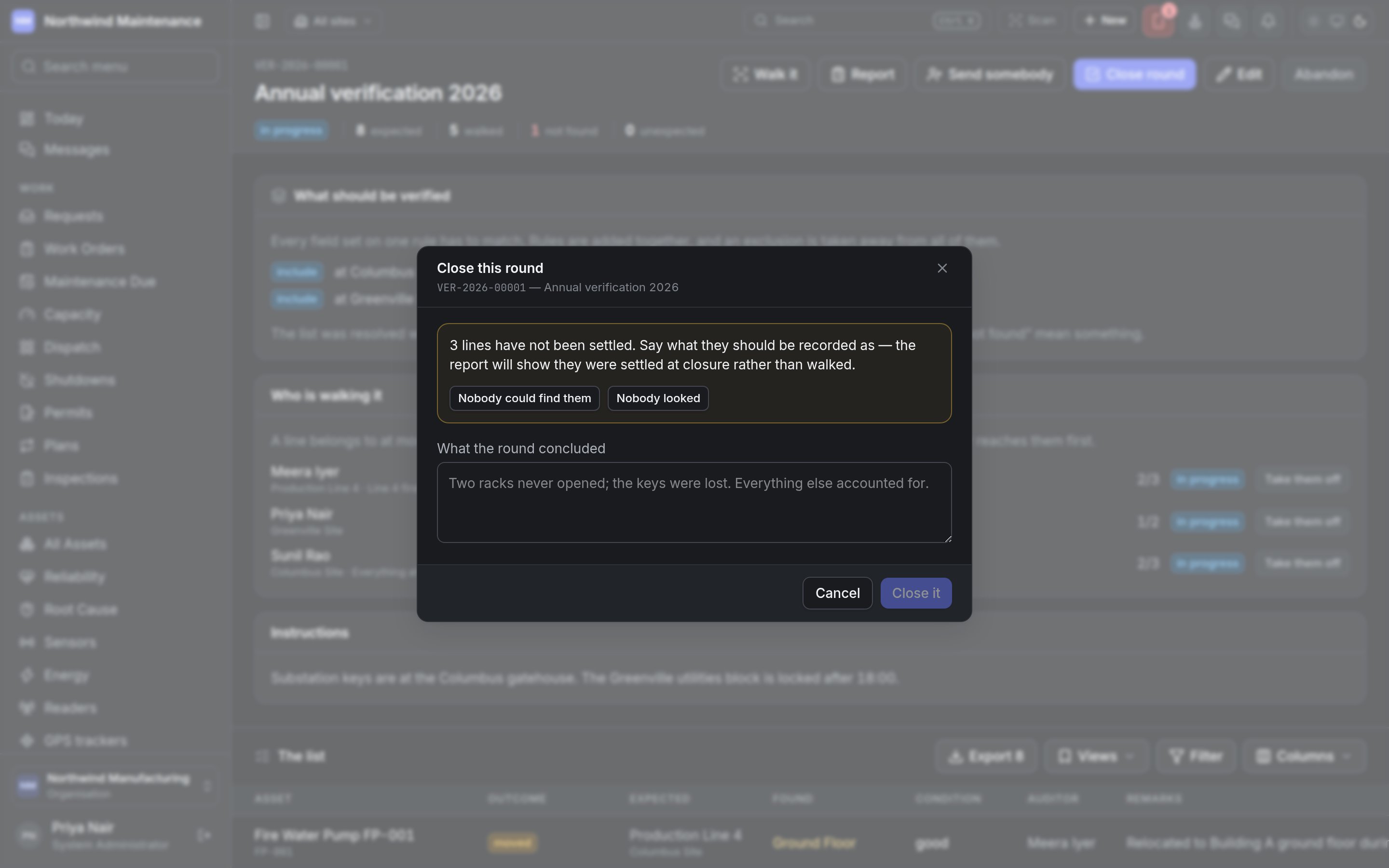
Close it closes the round and fixes the report. A round that recounts missing assets cannot be
closed clean while flagged lines are still waiting for their second pass.
The report
Report is the round’s result, ready to print.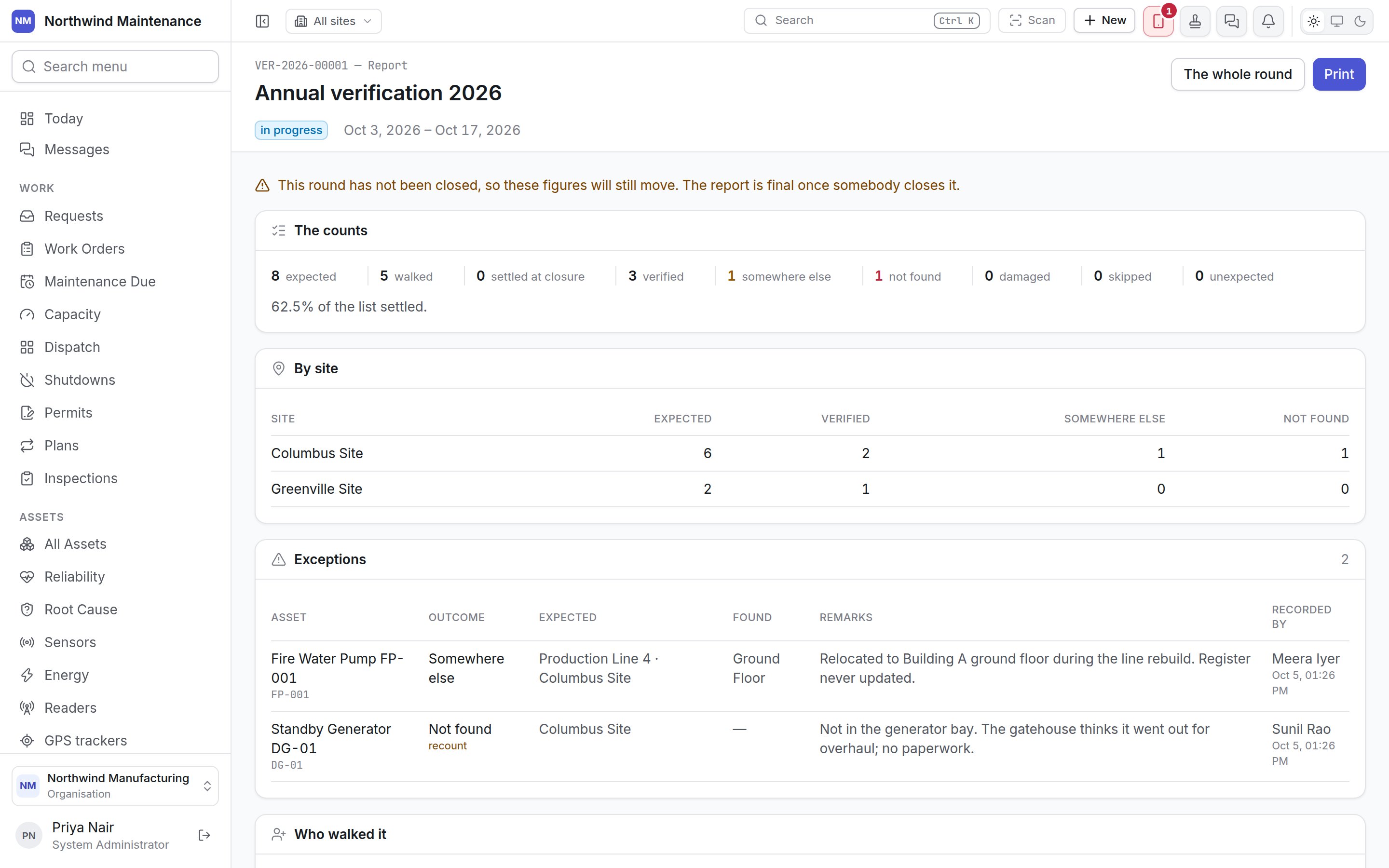
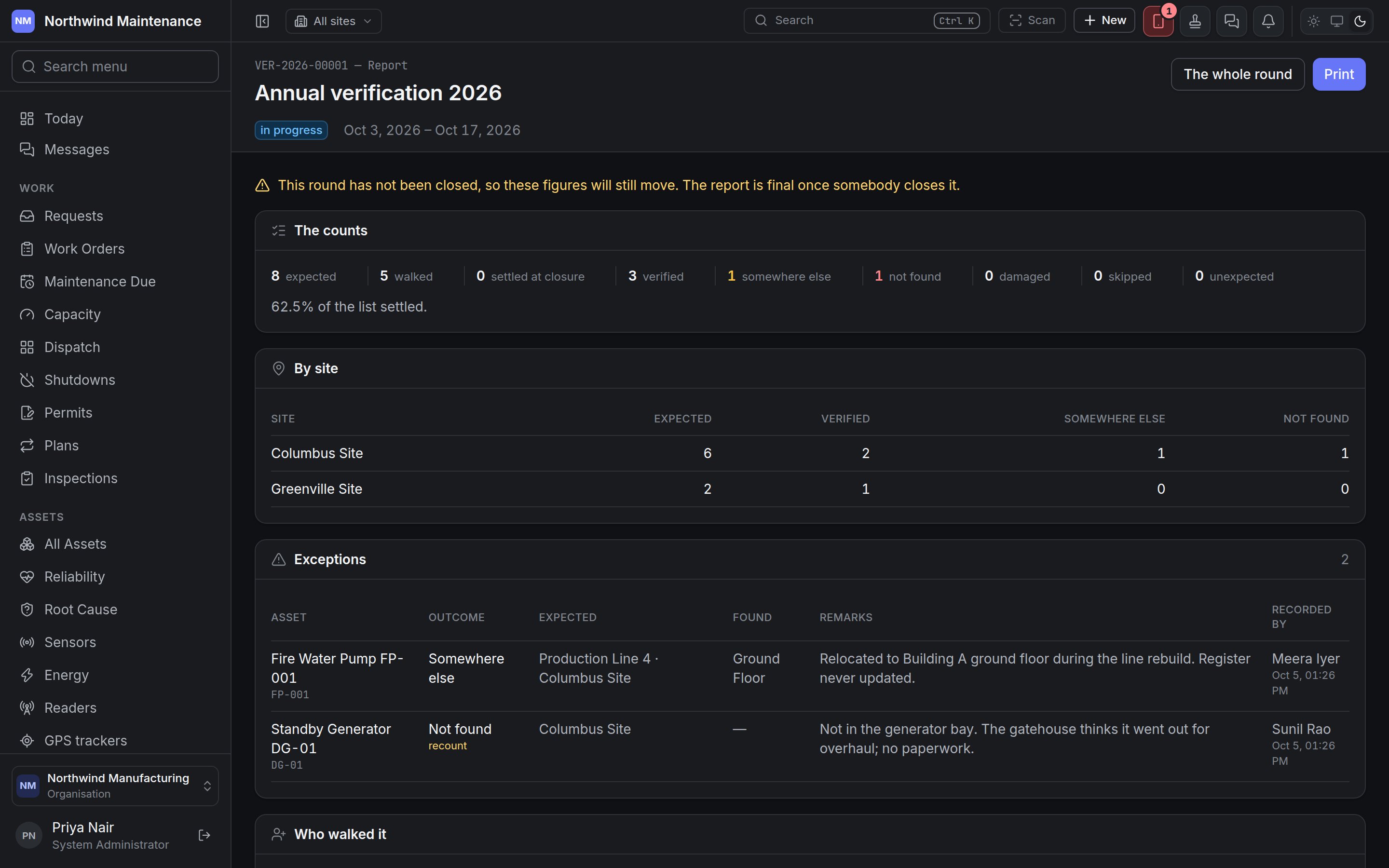
Print prints it; the round’s list can also be exported from the round.
Who can do what
See roles for the defaults.