

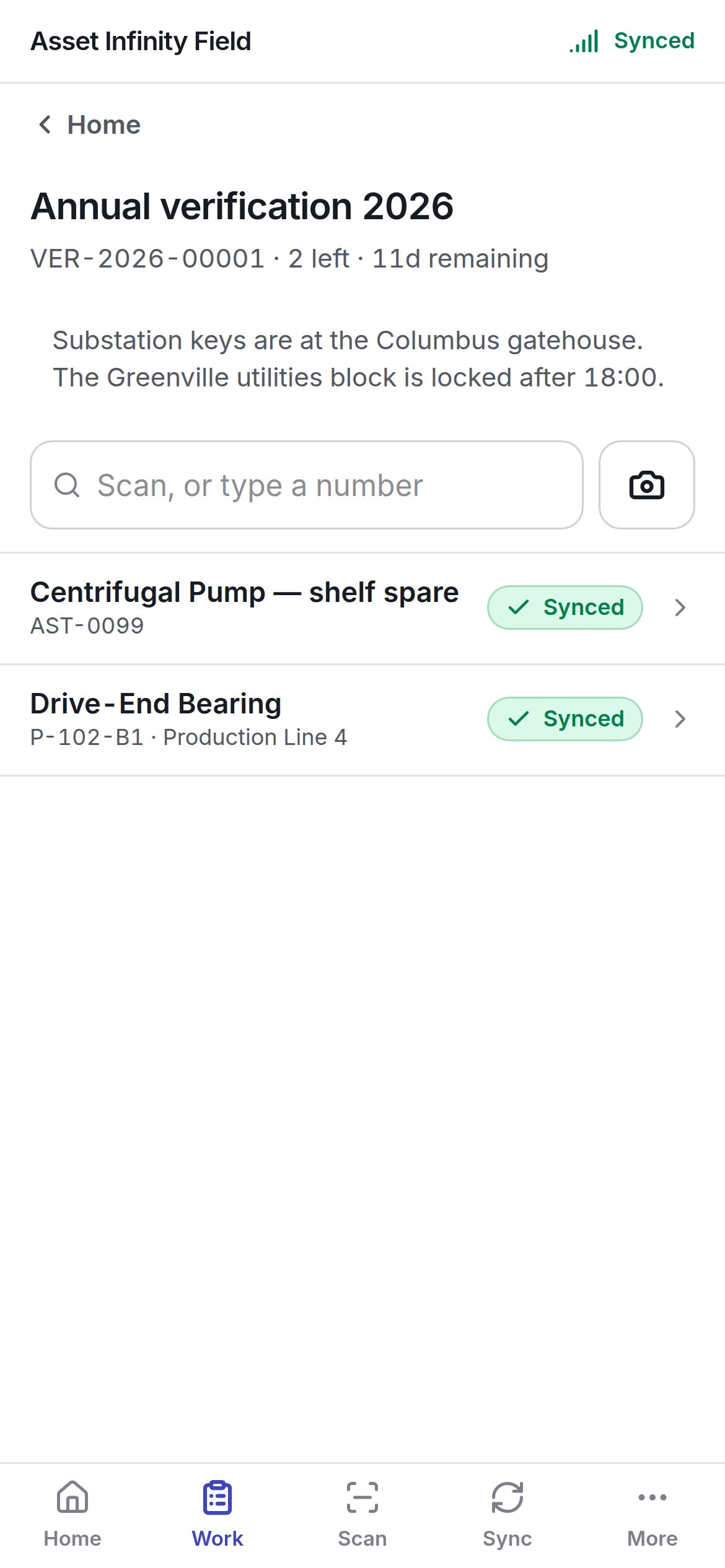
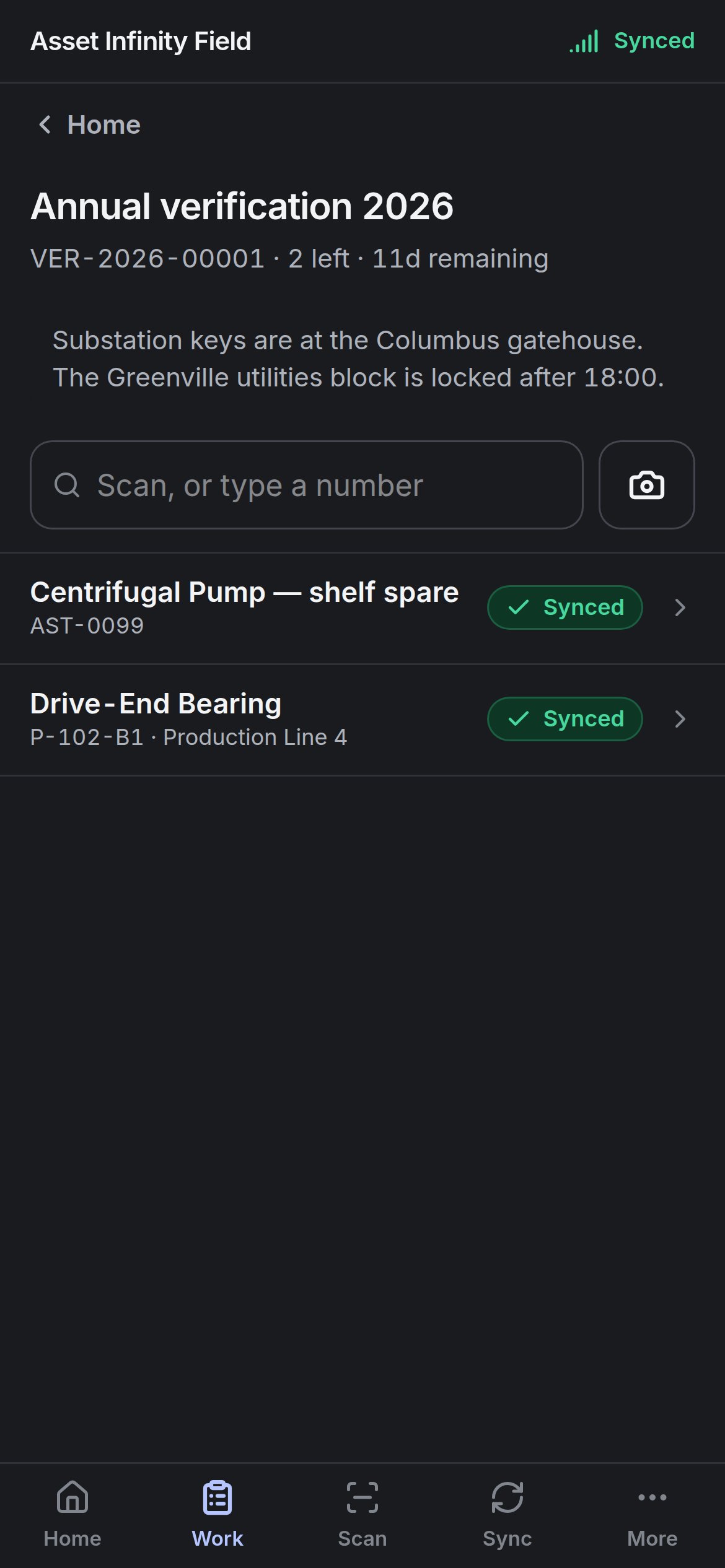
Opening a count
Counts assigned to you appear under Verification on Today and Work, with still to walk and the time remaining, and as the Verification counts tile on Home. Counts are set up in the web app; the handset only walks them. The screen shows the count’s title, its number, how many lines are left, the time remaining and the instructions written by whoever set it up — keys, access times, anything worth knowing before you walk.Finding the asset
Scan, or type a number at the top finds a line: scan the asset’s label with the camera button, or type its number.
You can also tap any line in the list.
Recording a line
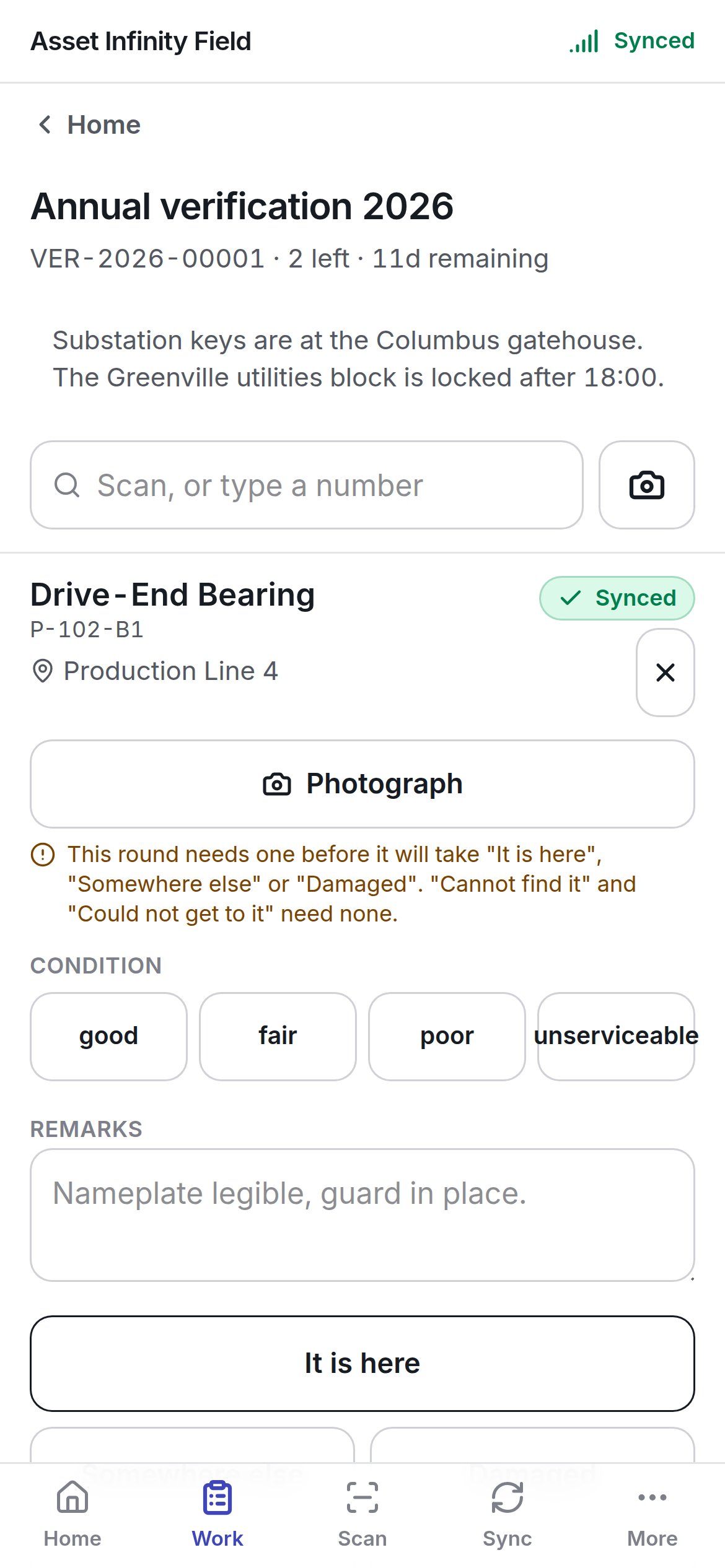
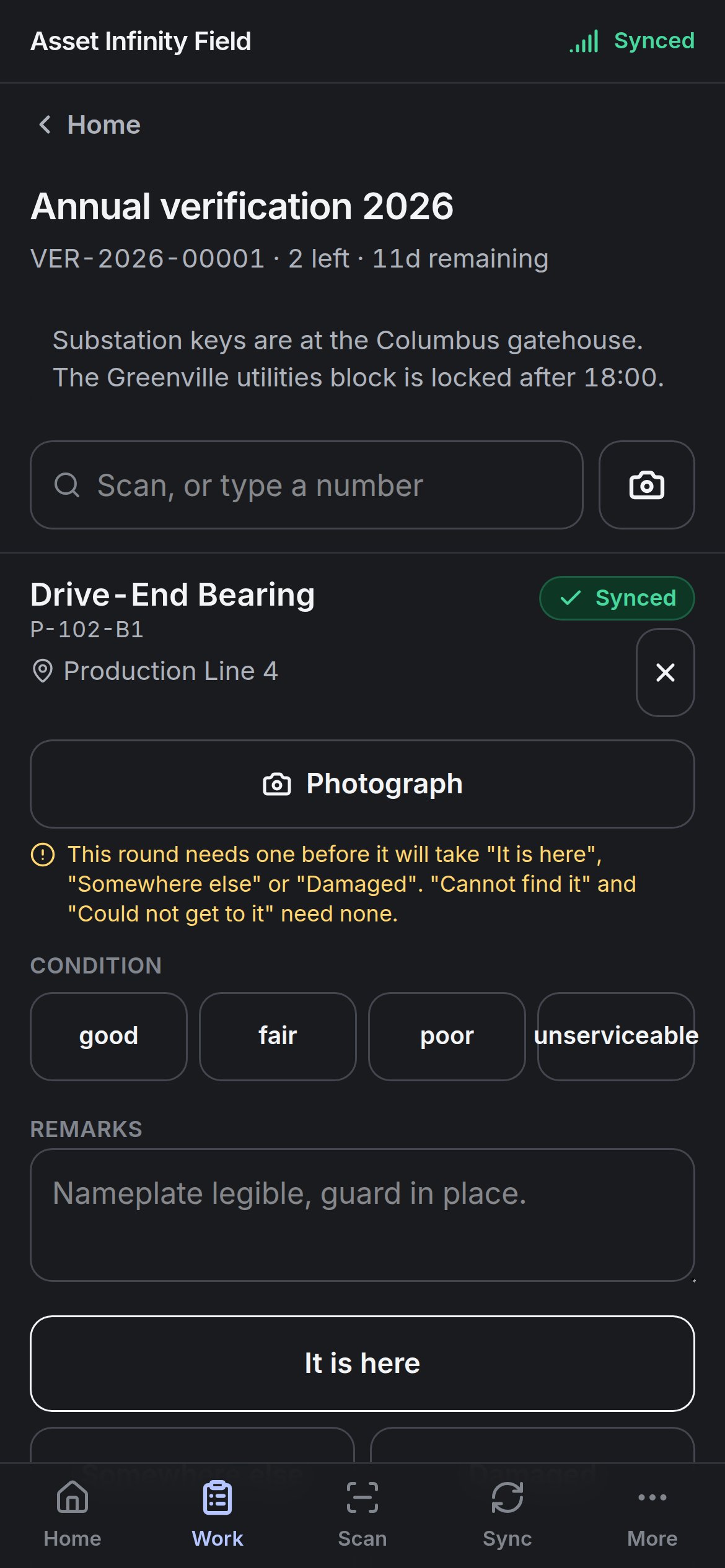
Then record the outcome with one button:
Some counts record where each scan was made, so recording asks for your location (except Could not get to it). If the app may not use location, or there is no fix indoors, the screen says what to do; a device that cannot report a position cannot record lines on such a count.
A line already recorded shows Already recorded as its outcome — recording again corrects it. Each record is Queued for validation and goes up on the next sync.