

If you don’t see this in your navigation, your administrator can switch the module on under Administration → Modules, or it may not be included in your plan.
The header
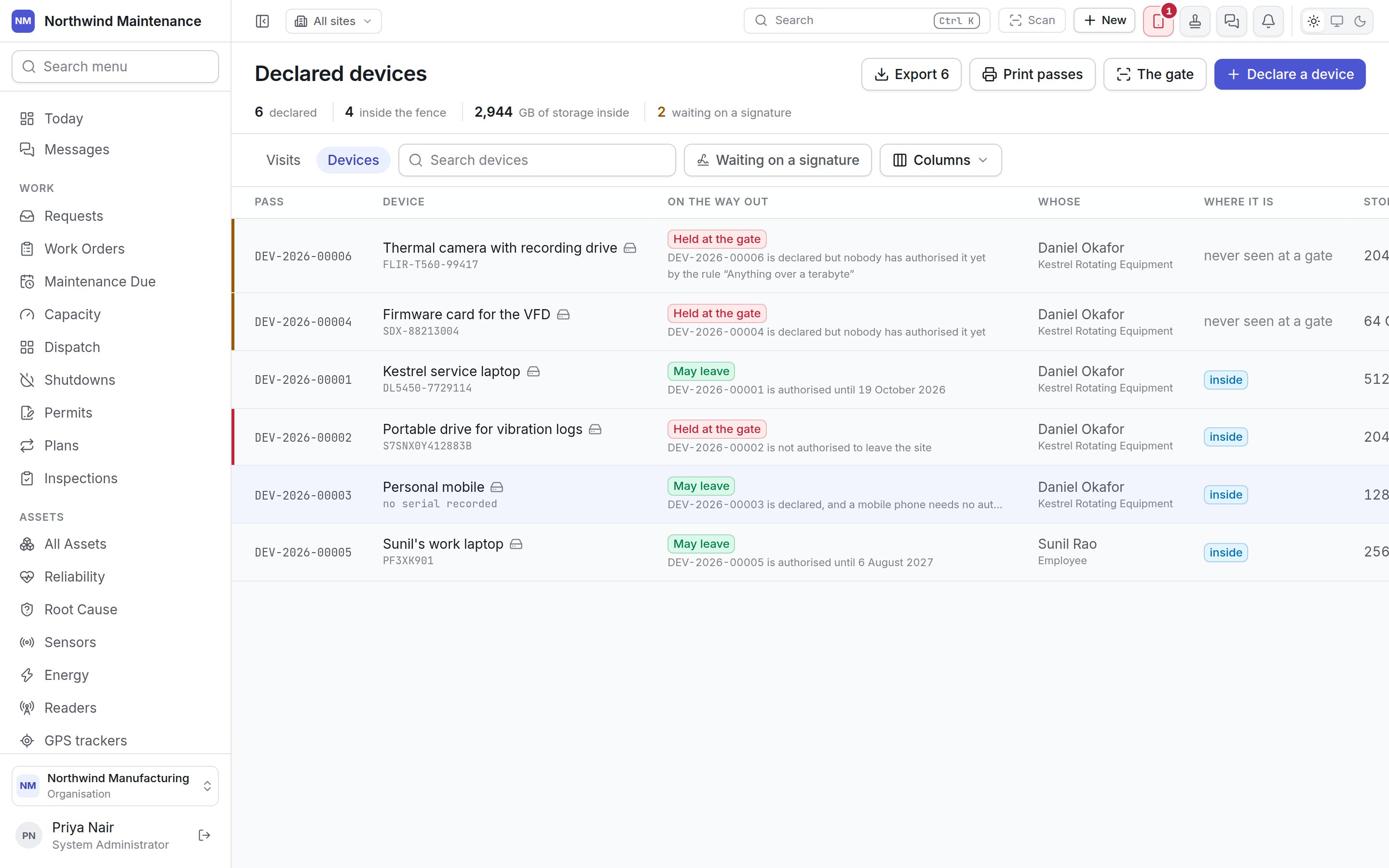
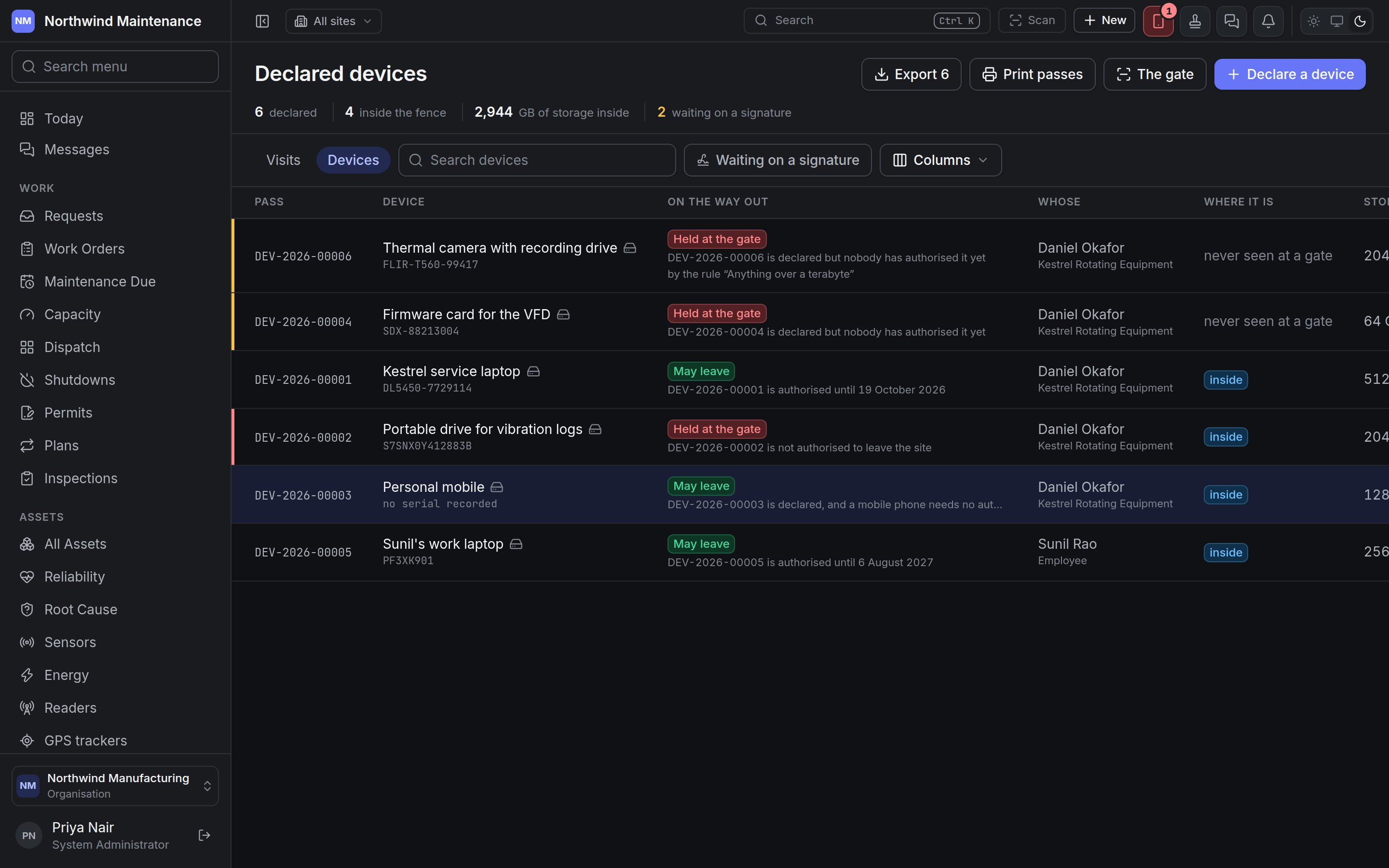
Search devices matches the description. Waiting on a signature shows only devices nobody has decided yet — the manager’s queue. A device only reaches it when its kind, or a gatehouse rule, asks for a signature; phones usually do not, which keeps the queue worth reading.
Columns
Hidden columns: Kind, Declared by, Decided by, Where (the site) and The note.
On the way out is deliberately not the device’s decision status. It is worked out live by the same check the barrier runs, so a device “authorised until Friday” reads correctly on Saturday morning, rather than repeating what a manager decided last week. You can still filter the column by decision status:
Whether a device needs a signature at all is decided by its kind or by gatehouse rules — a rule might catch a camera on its storage size, or wave a phone through whatever its kind.
Declaring a device
Click Declare a device, or New → Device in the header from anywhere. Clicking a row opens the same form to edit it (needs Edit and withdraw device registrations).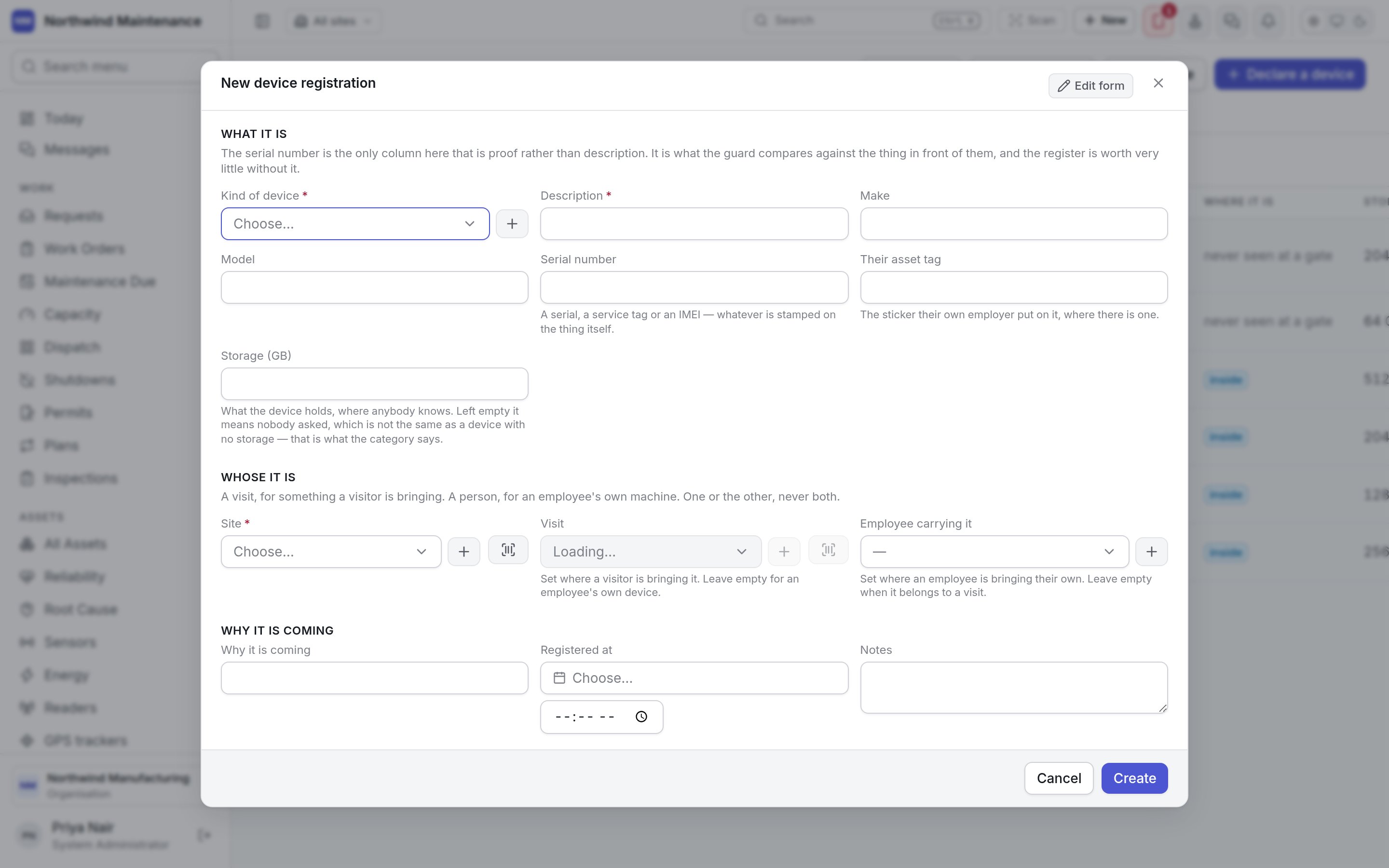
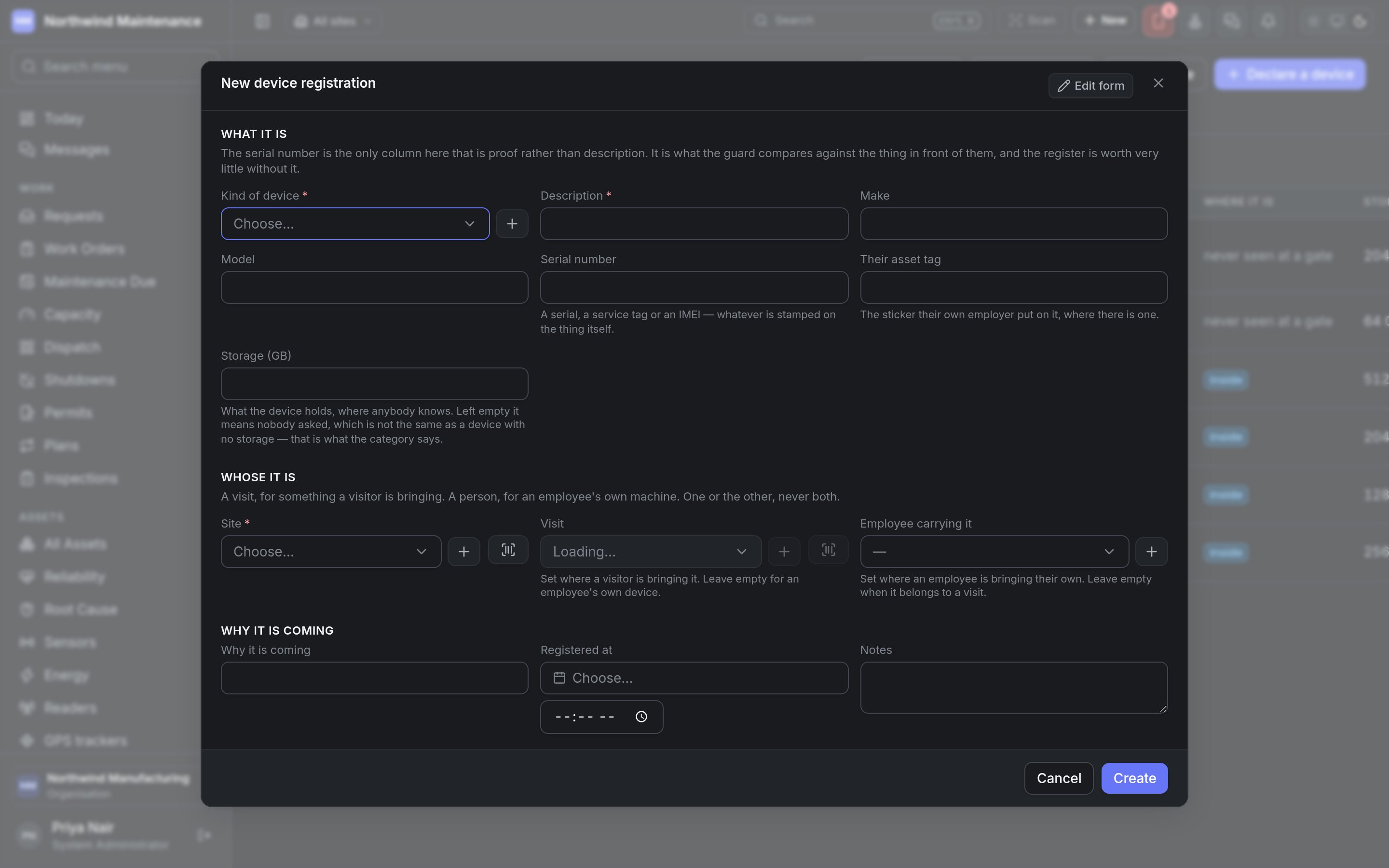
Whose it is — a visit, for something a visitor is bringing; a person, for an employee’s own machine. One or the other, never both.
Why it is coming
Deciding a device
Decide on a device waiting on a signature opens What may this device do?, showing whose it is, its serial number, kind, storage and the reason it is coming. It needs Authorise a device to enter or to leave the site, or refuse it.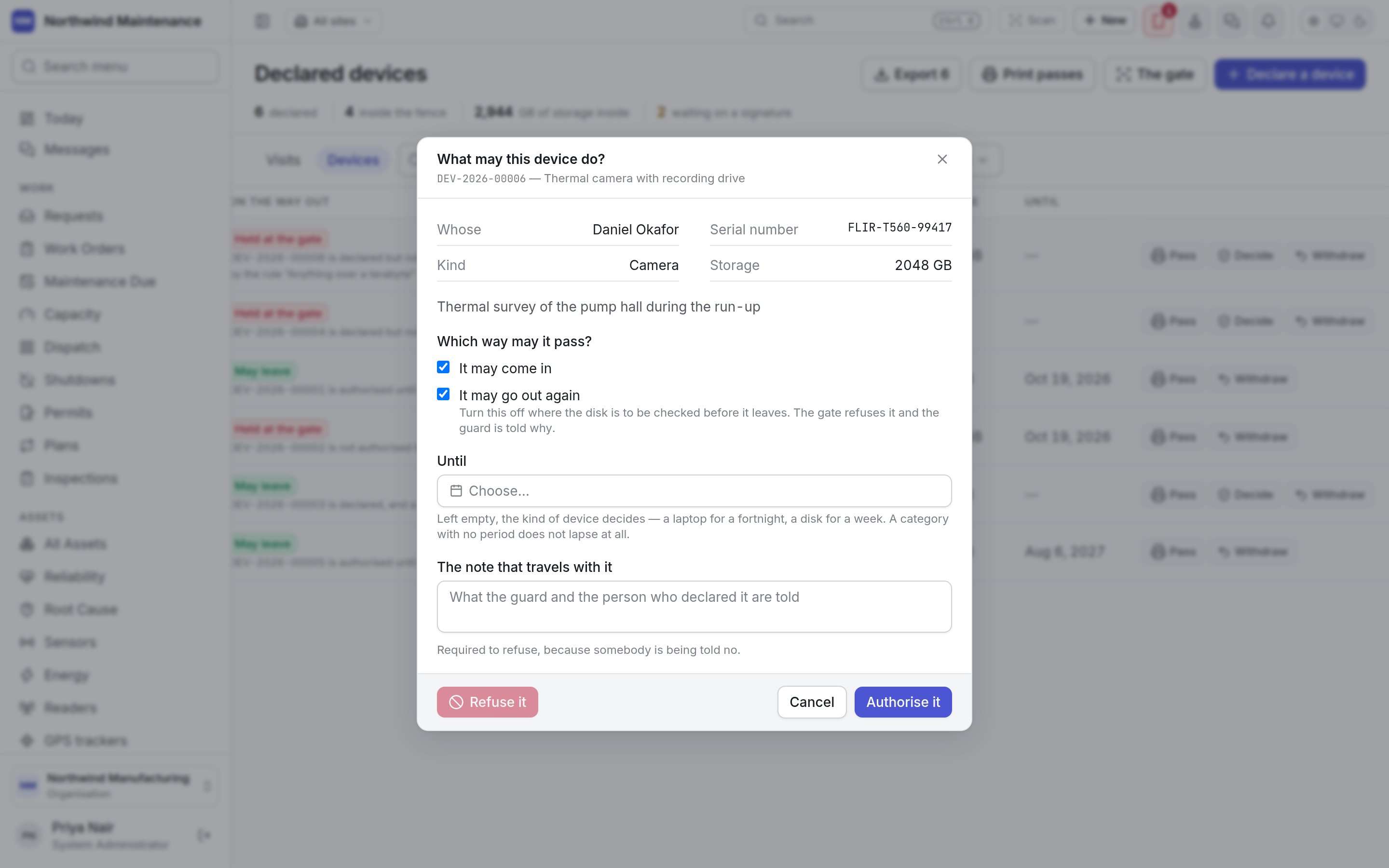
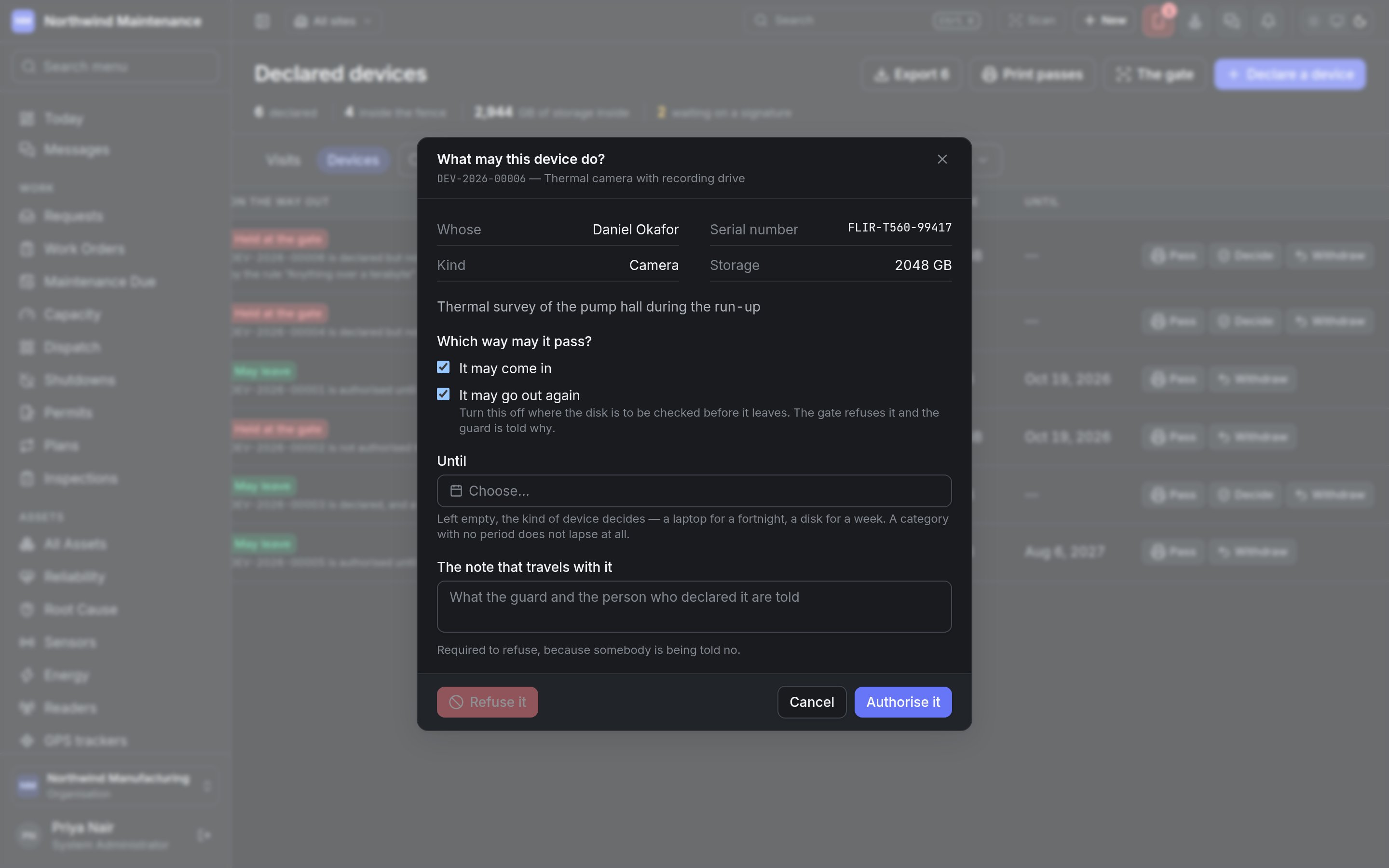
Authorise it records the decision. Refuse it refuses the device outright. Ticking neither direction is not offered as an authorisation — that is a refusal, and the dialog points you to Refuse it with a reason.
Withdrawing a registration
Withdraw opens Take this registration back and asks Why it is being withdrawn. The gate shows this reason if the pass is presented again. If the device is already inside the fence, withdrawing it means the gate refuses it on the way out. Calling off a visit withdraws its devices automatically.The gate
Where a declared device is checked, scan by scan.
Gatehouse settings
The kinds of device, their authorisation periods, and the rules that decide which need a signature.