

If you don’t see this in your navigation, your administrator can switch the module on under Administration → Modules, or it may not be included in your plan.
The register
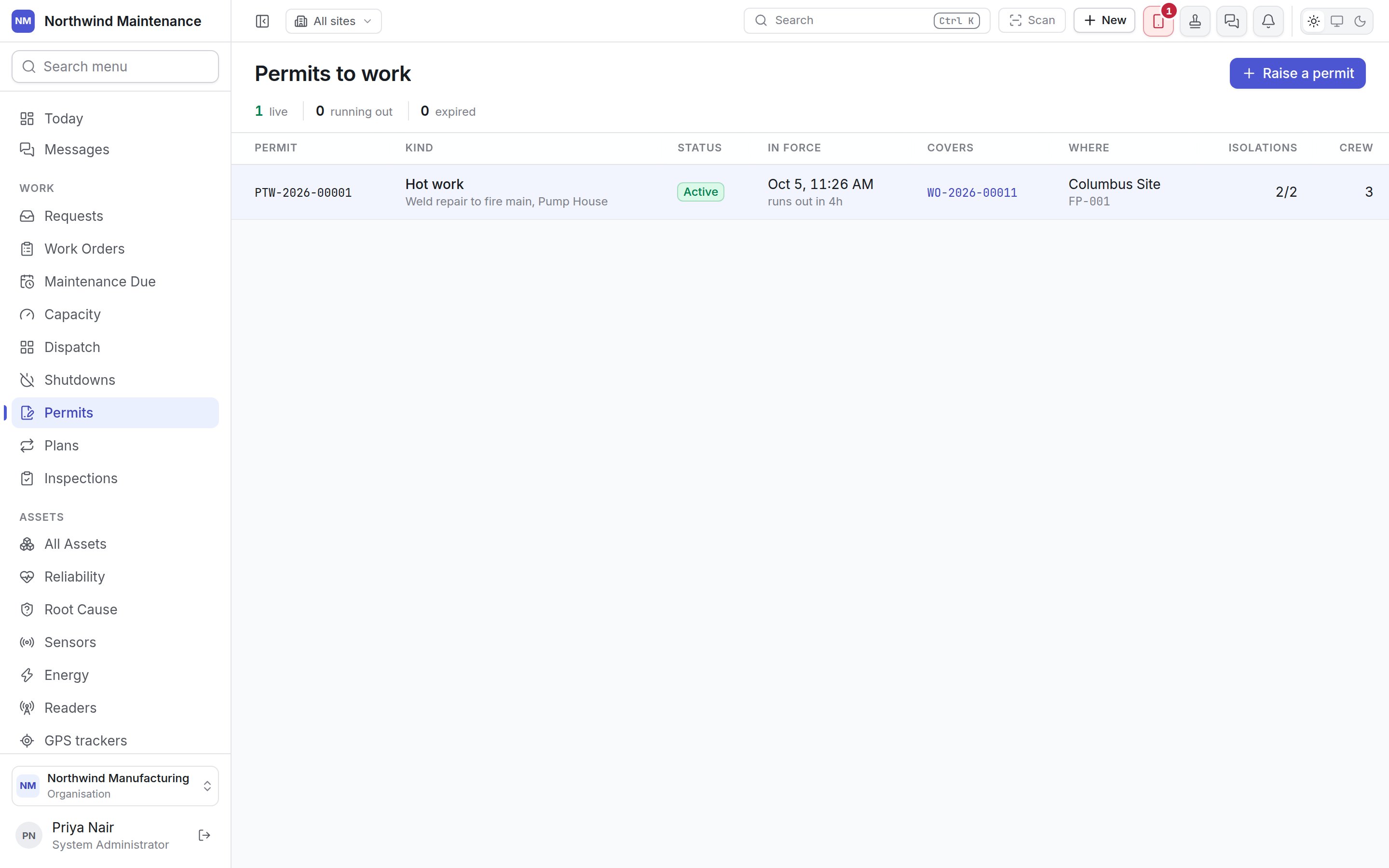
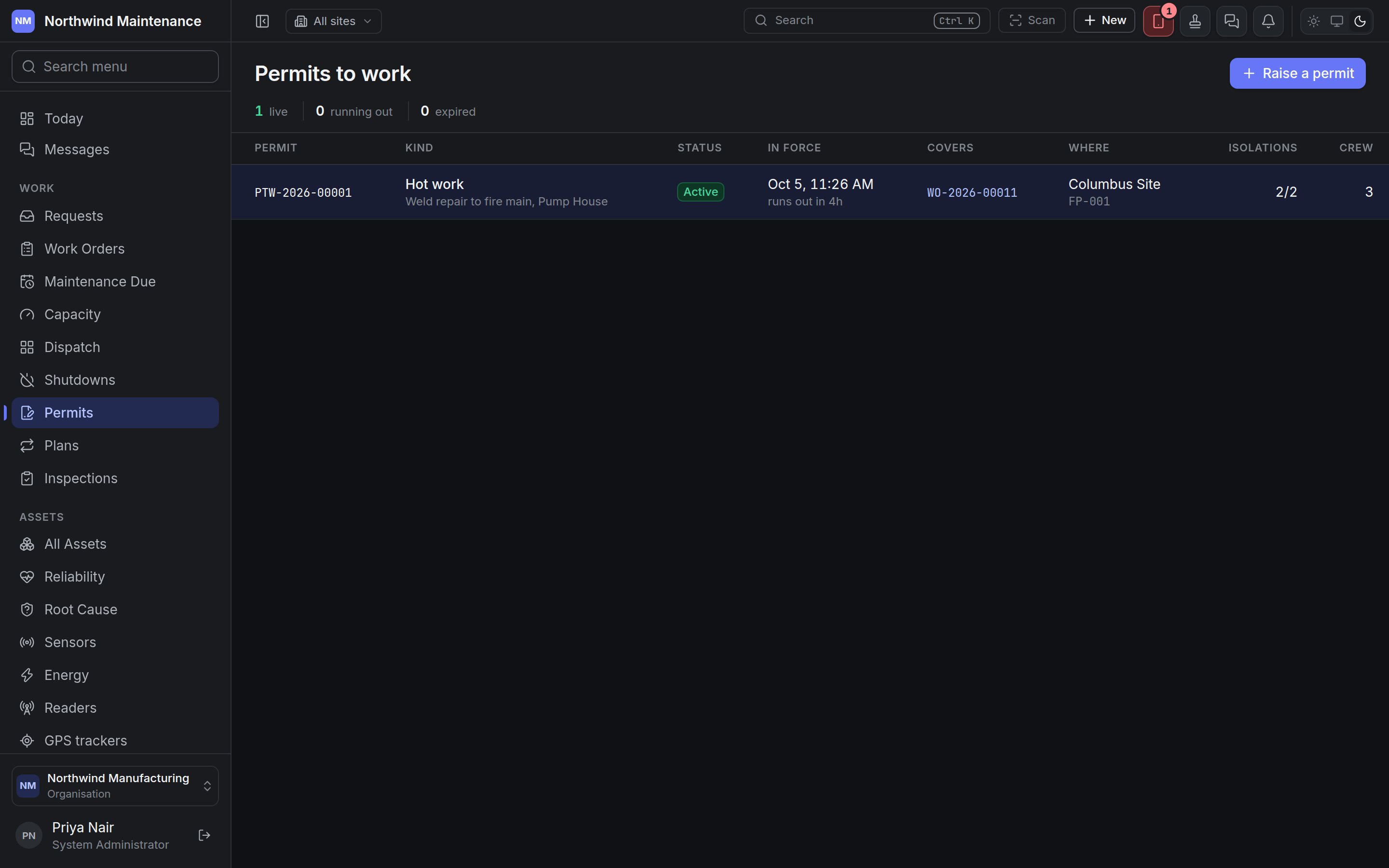
A permit is the one record in the product with a clock genuinely running against it, so the register leads with what is live right now and how long it has left, sorted by what runs out soonest.
When any permit has run out without being handed back, a red banner names them: “N permit(s) have run out and not been handed back”.
Click a row to open the permit.
Statuses
Active and Issued are deliberately different colours, because only an active permit covers anyone.
Raising a permit
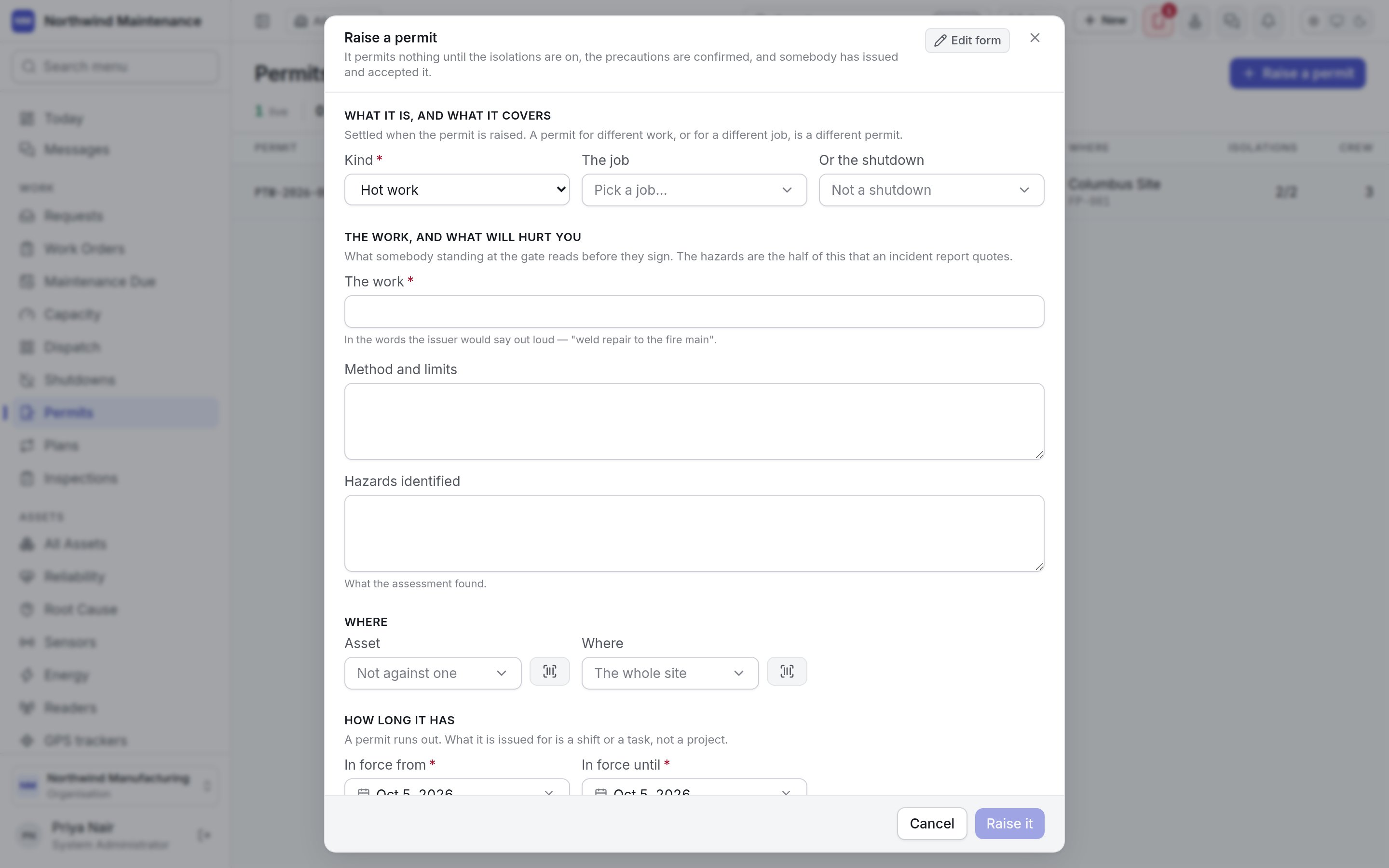
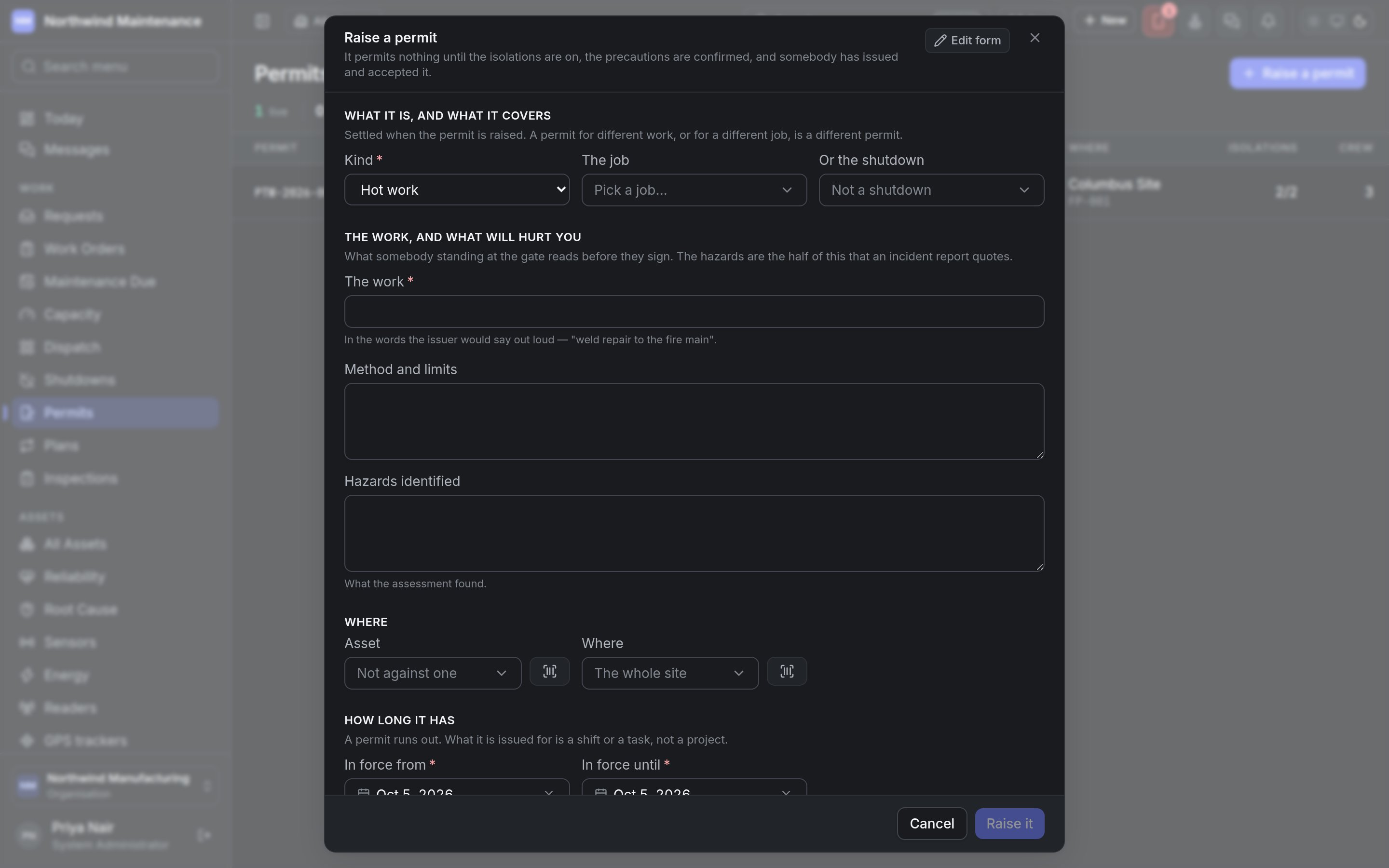
What it is, and what it covers
Settled when the permit is raised — a permit for different work, or for a different job, is a different permit.The work, and what will hurt you
What somebody standing at the gate reads before they sign.Where
How long it has
A permit runs out. What it is issued for is a shift or a task, not a project.
Raise it creates the permit as a Draft and opens it. Your organisation may have added its own questions, photographs or documents to this form; an administrator arranges it from Edit form in Form Studio.
The permit
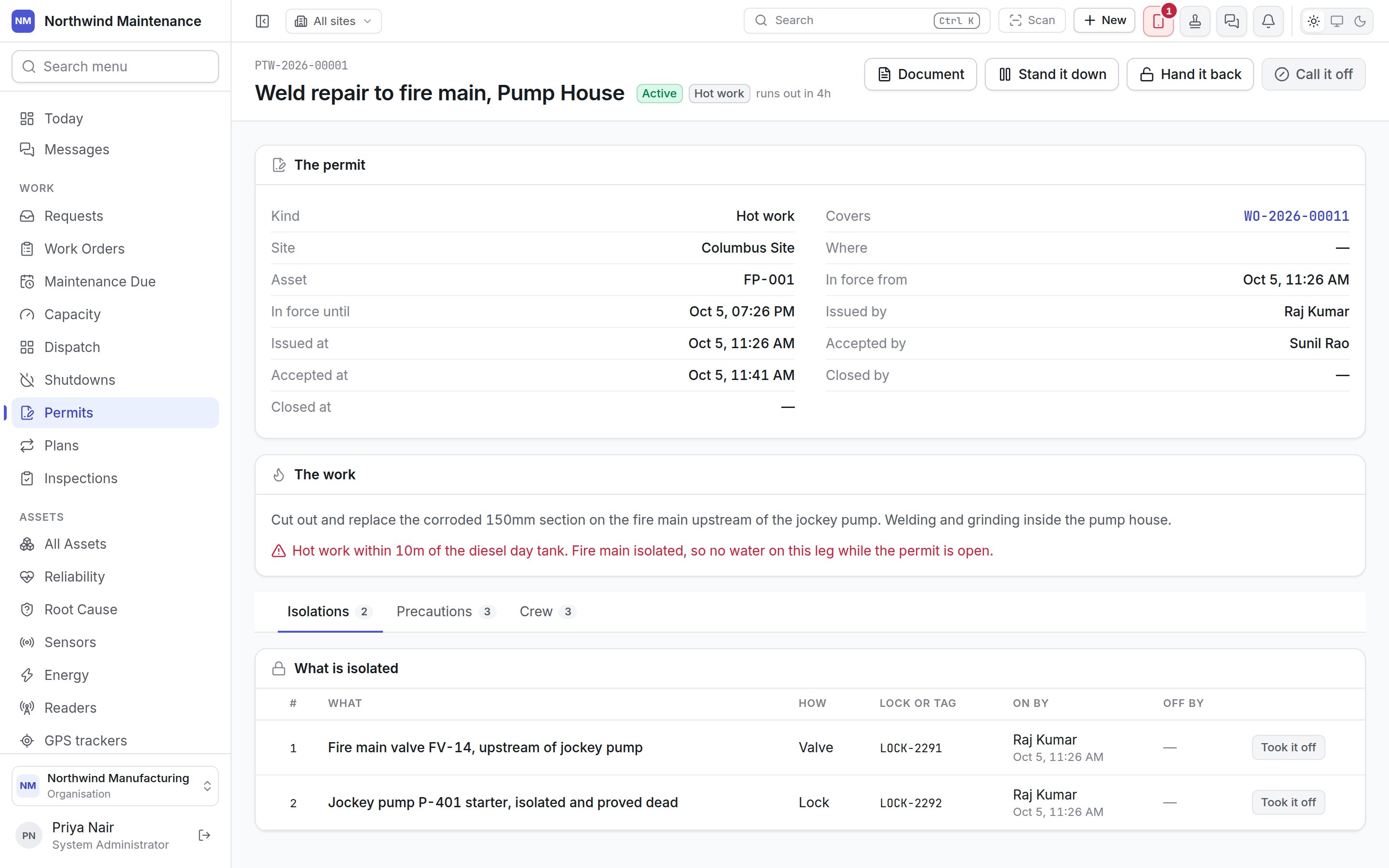
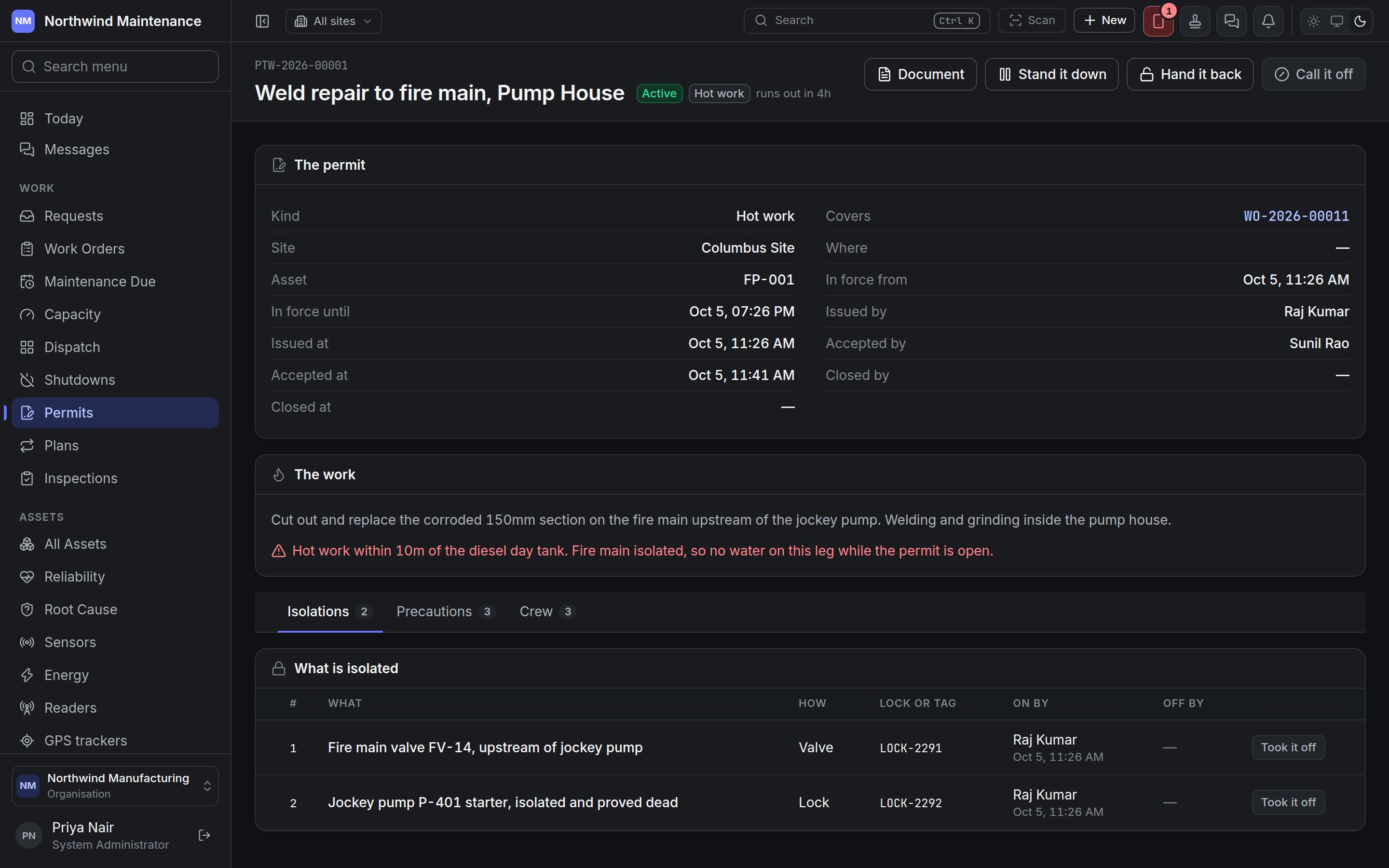
The custody chain
A permit is never edited into a different status. Each step is its own button, because the whole point of a permit is that two people, at two moments, each signed for something real.
Before a draft can be issued, the screen says plainly what is still missing — “Before this can be issued:” followed by nobody being on it, isolations not on yet, or precautions unconfirmed — rather than letting the attempt fail.
Isolations
What is isolated lists each isolation in order:
Add an isolation asks What is isolated, How and Lock or tag. It’s on records an isolation as applied; Took it off records it as removed. These need Apply, prove and remove isolations and precautions.
Precautions
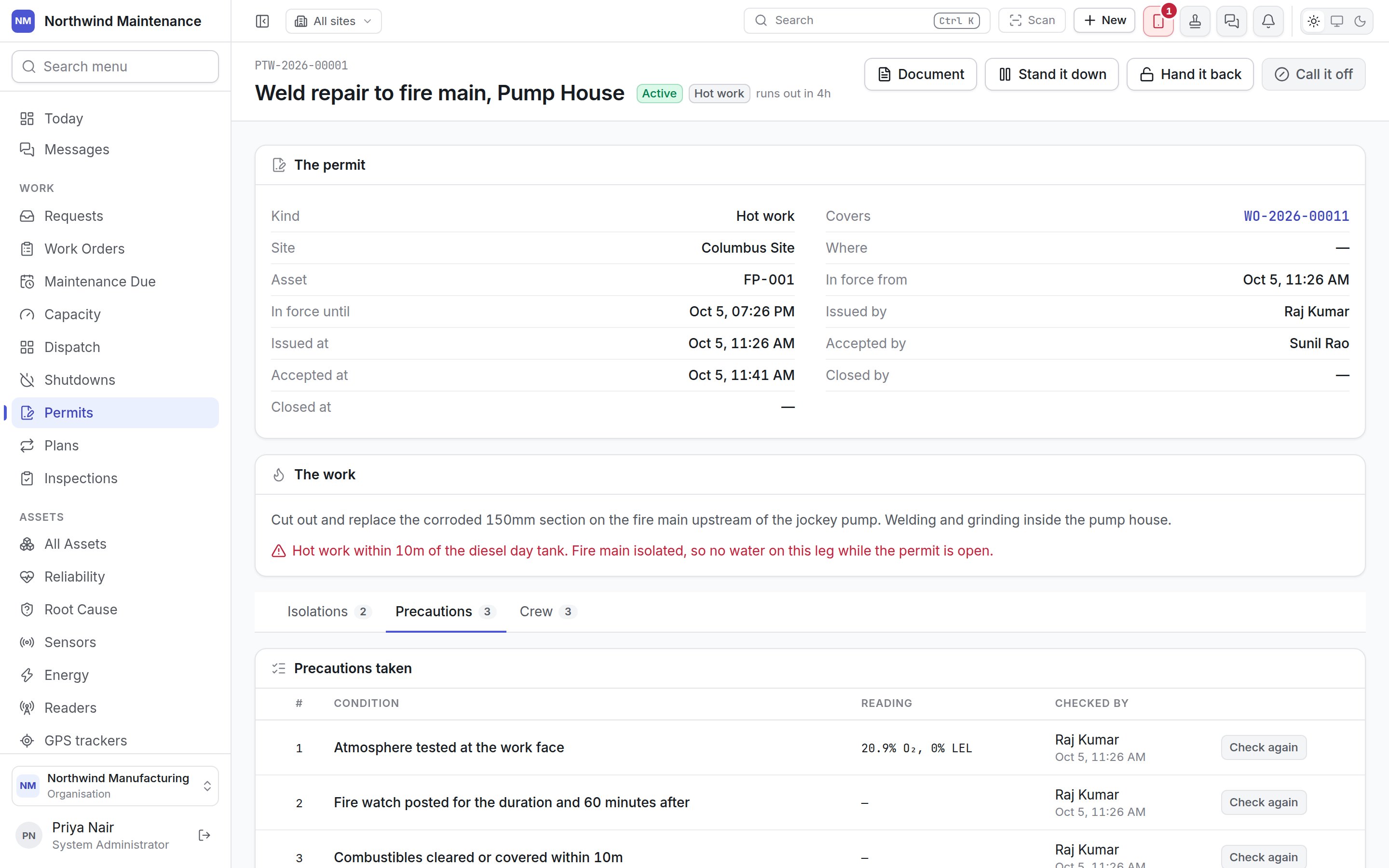
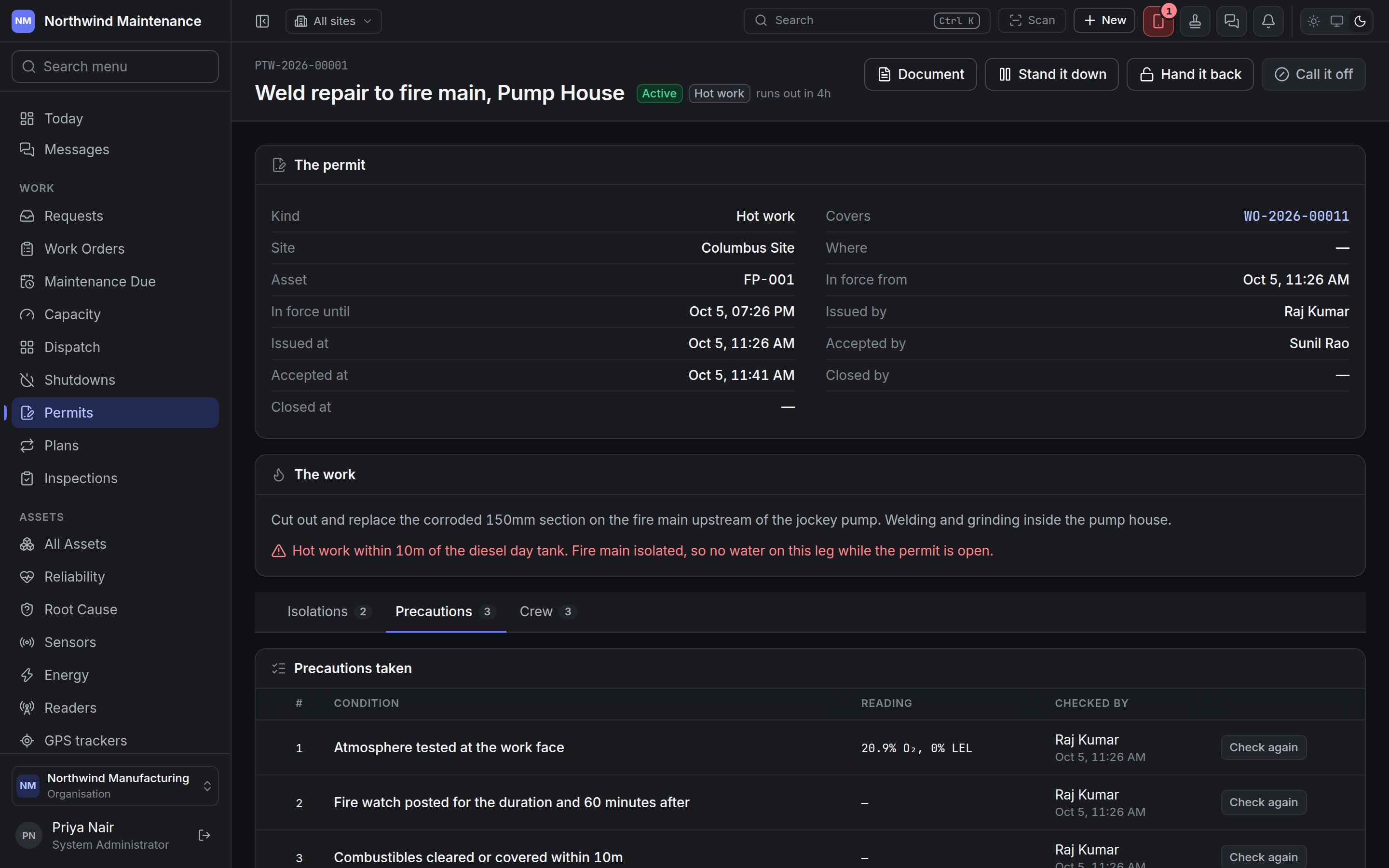
Add a precaution asks for the Condition and whether it is Required before the permit can be issued (ticked by default). Confirm it records it as checked, with a Reading where one applies; Check again records a fresh check, for example after a break. A required precaution left unconfirmed holds up issue. Needs Apply, prove and remove isolations and precautions.
Crew
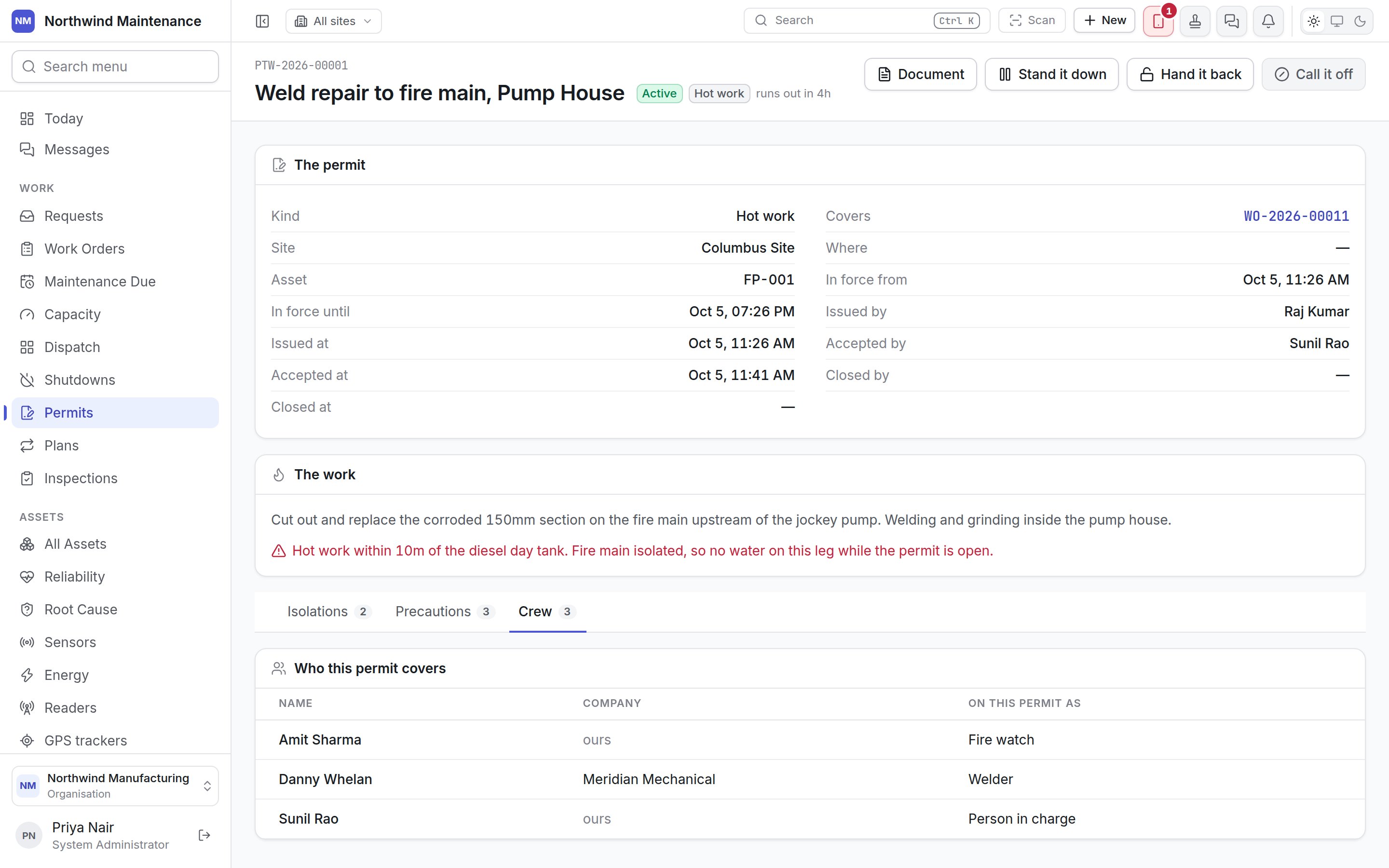
Permits and work orders
A work order is marked Needs a permit when its maintenance plan says so or when somebody ticks it on the job. Until a permit covering it is in force:- the work order shows a red banner saying why it may not start, with Raise a permit;
- its Readiness tab lists the permit requirement as blocking;
- the move into work (Start work by default) is refused with the same sentence.
Gatehouse
Where a device or visitor is checked against what has been declared and authorised.