

Opening it
The explorer is listed among the reports. Open Analytics → Reports — or the Maintenance category under it in the sidebar — and press Open on Maintenance explorer. Like the work order explorer, it is marked built in: it is part of the product rather than a report somebody saved, so it has no Run, Schedule, Edit or Remove. See reports.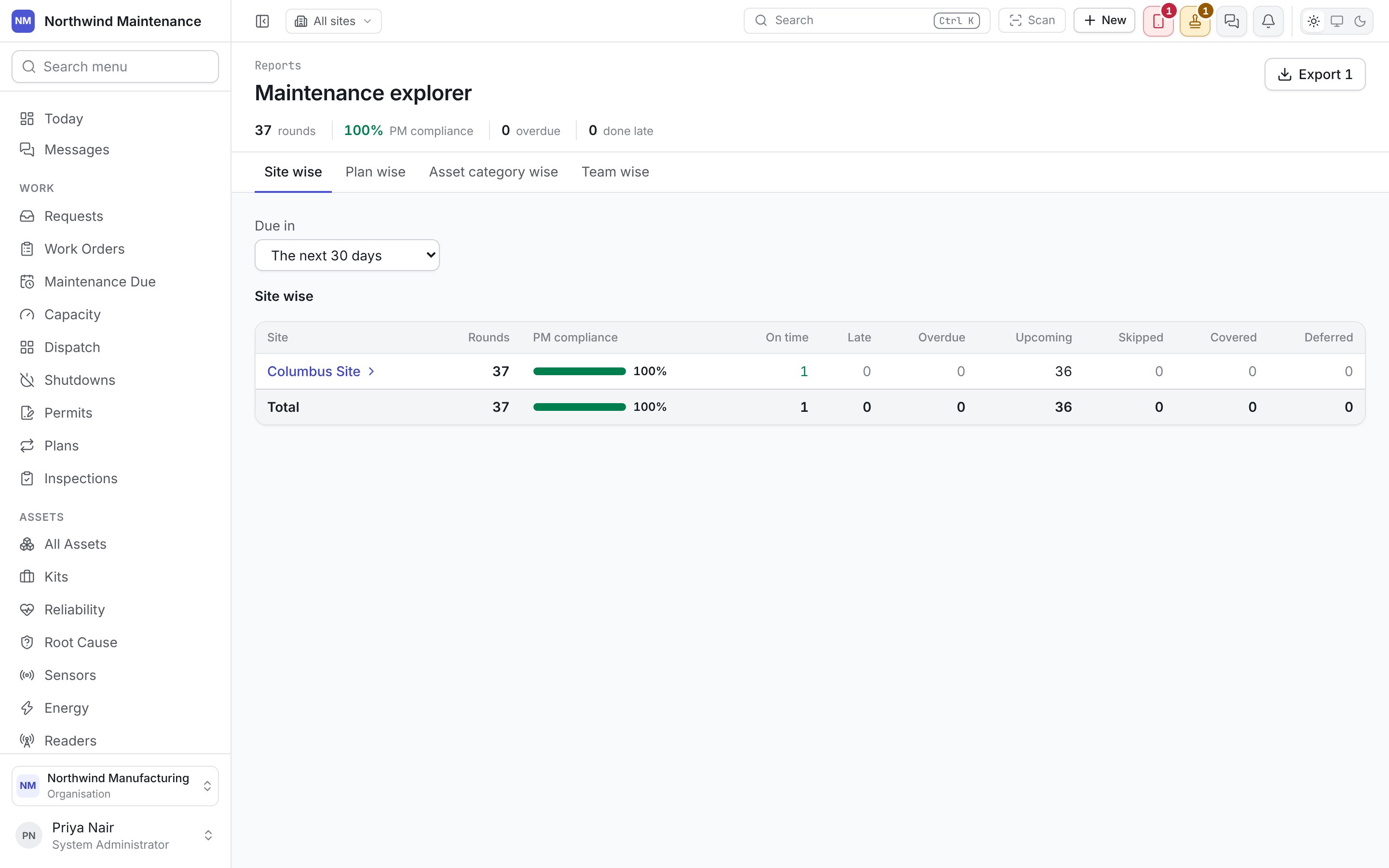
Choosing what to count
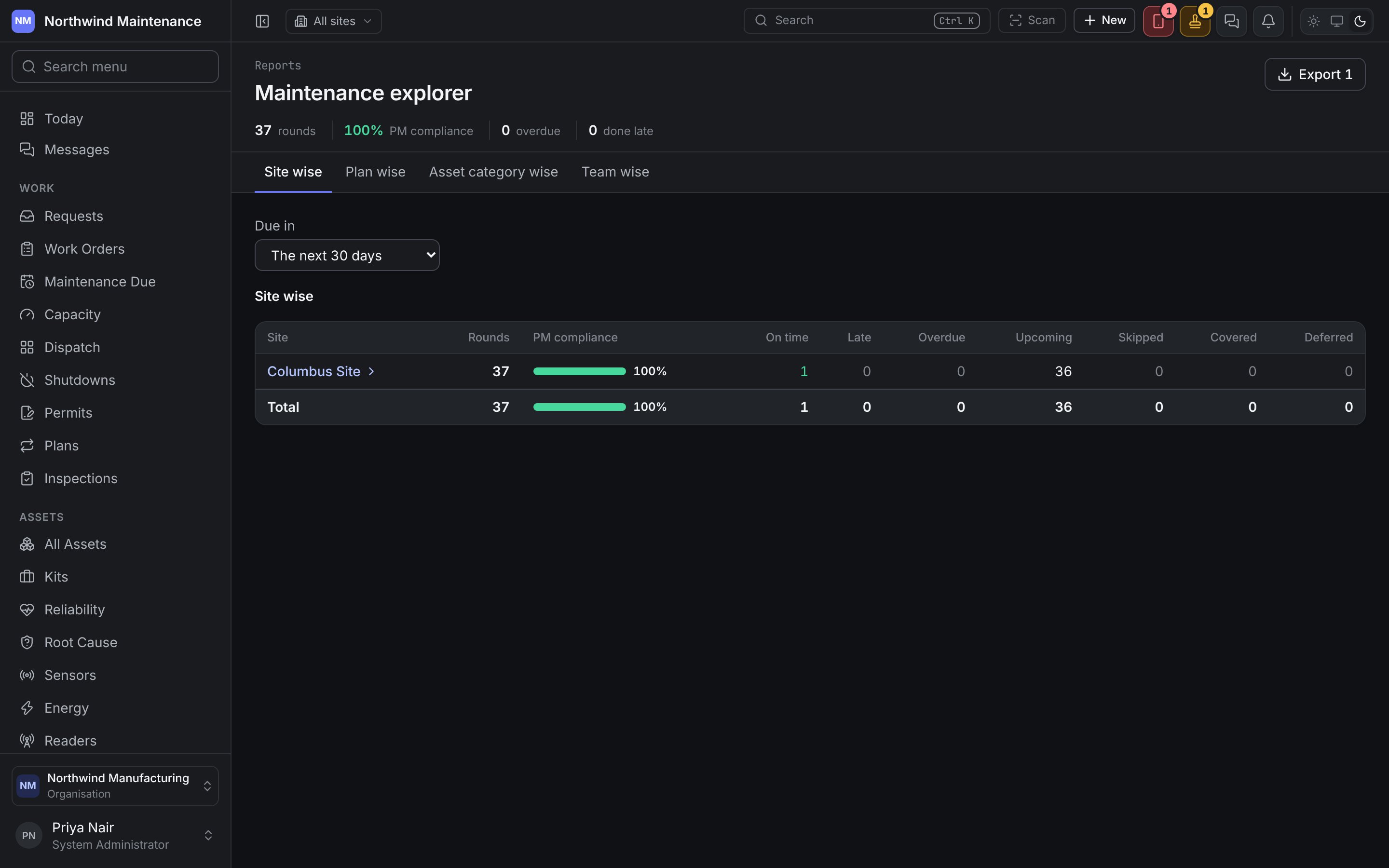
Four tabs decide how the first level groups the rounds, and where opening a row leads:
Due in narrows every level by when the round was due: The last 30 days, The last 90 days (where it opens), The last 12 months, The next 30 days or Any time. A window behind you ends today, so it is about finished business; The next 30 days shows what is coming up. Changing a tab or the window starts the walk again from the top.
The header counts what the current level holds: rounds, PM compliance, overdue and done late. PM compliance is green from 90%, amber from 75% and red below that.
Each level
Each row is one site, location, plan, asset, asset category, team or person. A place or a category with rounds against itself as well as beneath it has its own row, such as “At Floor 1 itself”, beside the rows for what is inside it. Rounds with no value at this level are grouped as No site, No location, No plan, No asset category, No team or Nobody named; under a plan, Rounds against a place holds the plan’s rounds on places rather than assets.
The six outcomes from On time to Covered add up to Rounds. A Total row at the foot adds each column up.
PM compliance counts the rounds that were due, or were done, in the window: covered rounds are left out, and so are rounds on a work order type your organisation has not marked as counting towards PM compliance. A round not yet due and not yet done is not counted against anybody. Over a window that has ended, the figure is the same as the PM compliance on reliability.
Every number above zero is a link that lists exactly the rounds it counts — a count of 12 overdue opens 12 rounds. The line above the table shows where you are, for example Site wise › Columbus › Building A · Overdue, with the figure you clicked named in it. Click any earlier step to go back to it.
The rounds
At the end of the walk the table lists the rounds themselves, latest due date first.
Clicking a row opens what answered it — its work order, or its inspection. A round nothing has answered yet opens its asset, the place you go next to raise the work.
Search plan, asset or work order narrows the list as you type, and Filter narrows it on any column. Columns chooses which columns are shown. These start afresh each time you open another list, so the list always begins as exactly the rounds behind the number you clicked. Where they leave nothing, the table says “No rounds here match these filters.”
Export
Export in the header downloads what is on screen: the level’s rows with every column, or the list of rounds as filtered. It needs Export reports.Maintenance Due
Where rounds are raised, deferred and skipped.
The work order explorer
The same walk, asked of the work orders.