

If you don’t see this in your navigation, your administrator can switch the module on under Administration → Modules, or it may not be included in your plan.
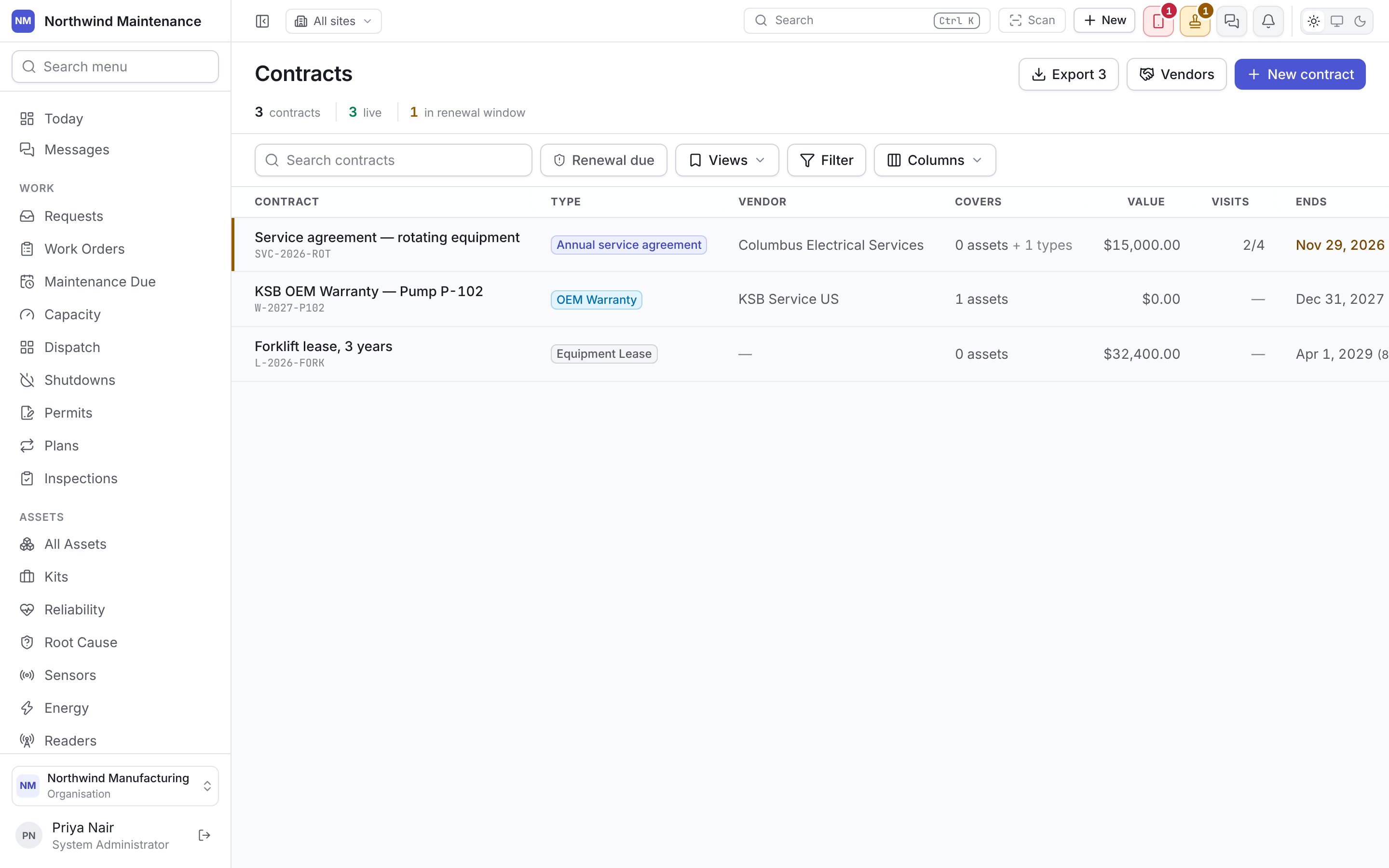
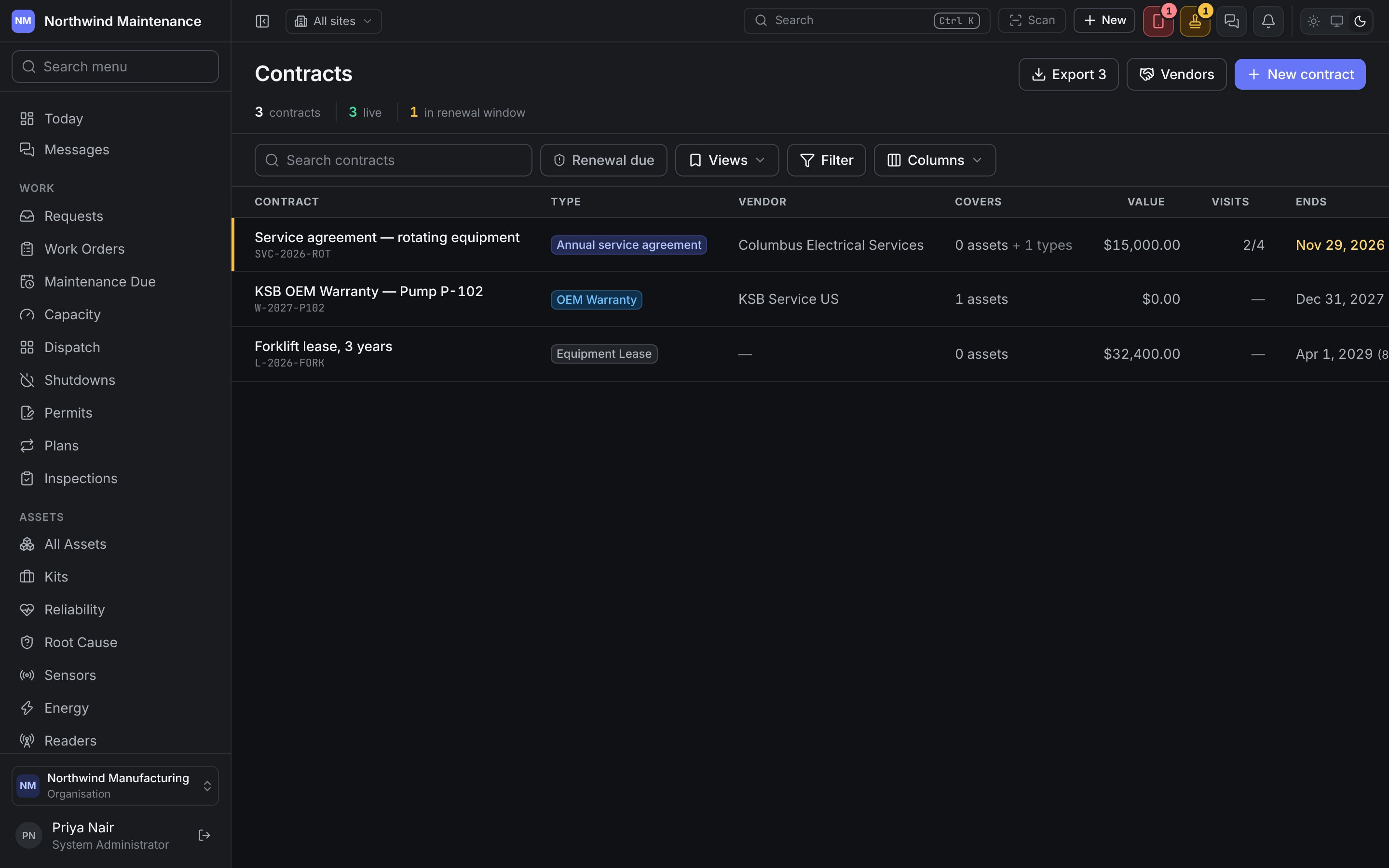
The register
Statuses
The defaults, configurable under statuses and state models:Adding a contract
Click New contract here or on a vendor’s Contracts tab.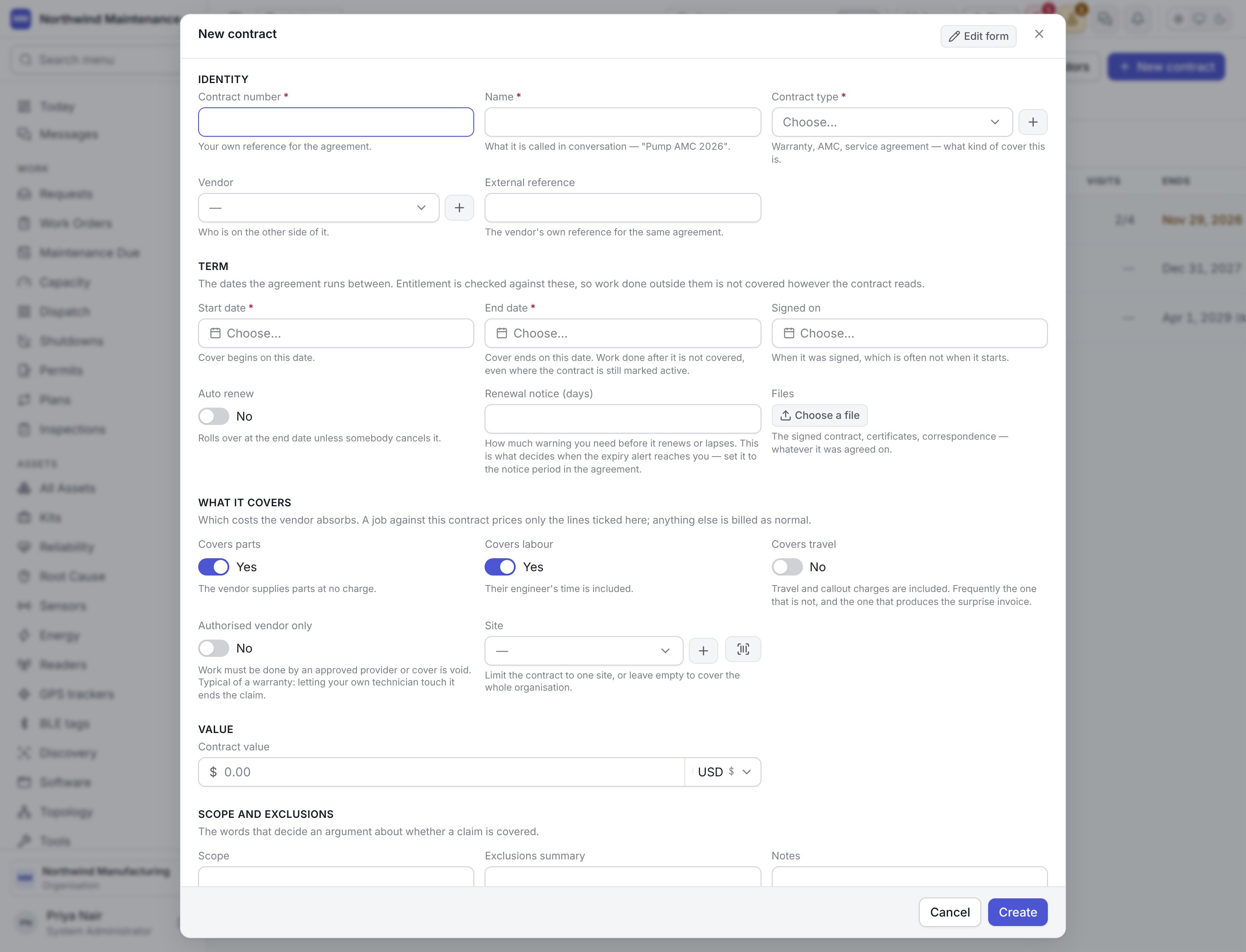
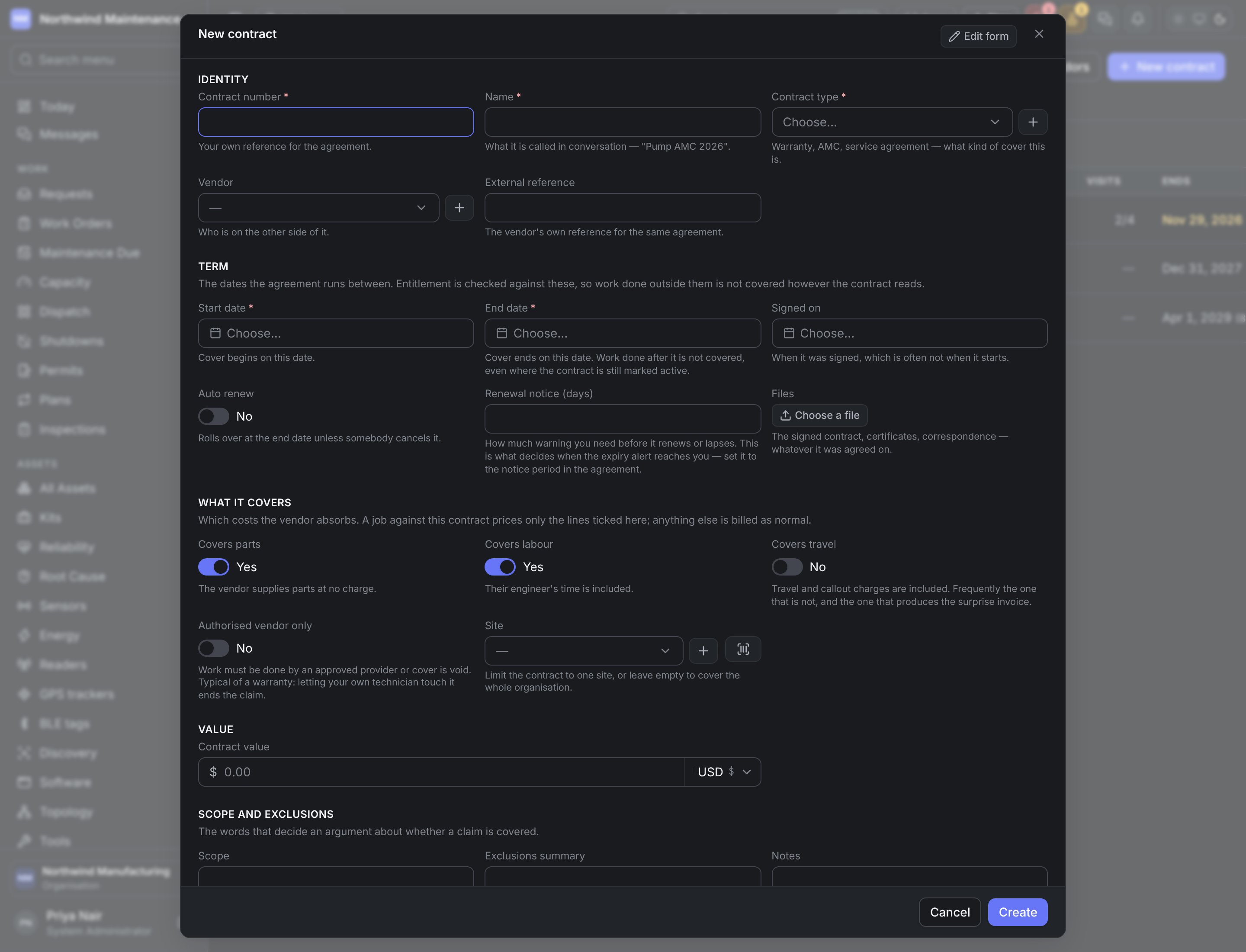
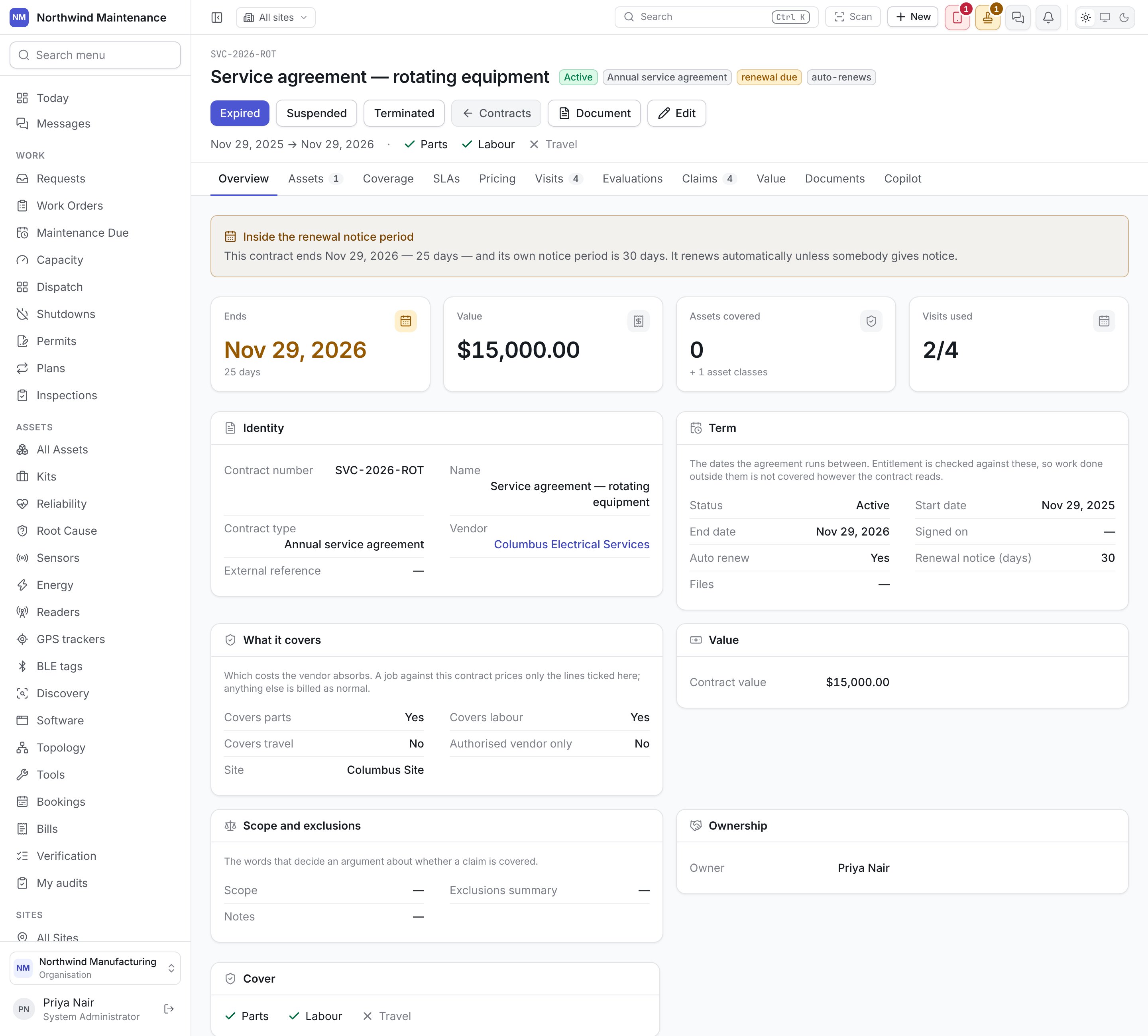
A job against a contract prices only the cost lines ticked under What it covers; anything else is billed as normal. Files that fail to upload after the contract saves can be retried with Try those again, or skipped with Close anyway.
Inside a contract
Overview
Overview
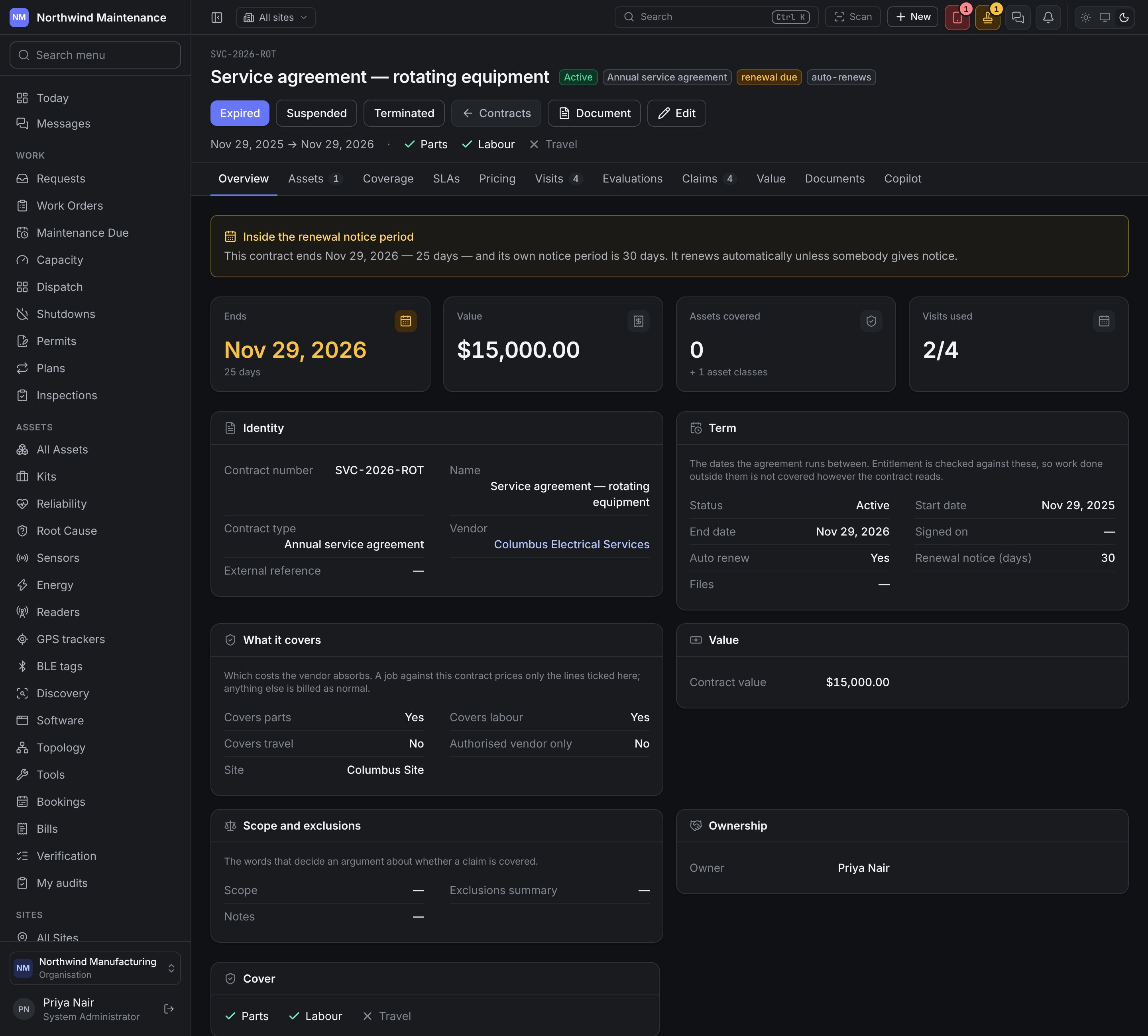
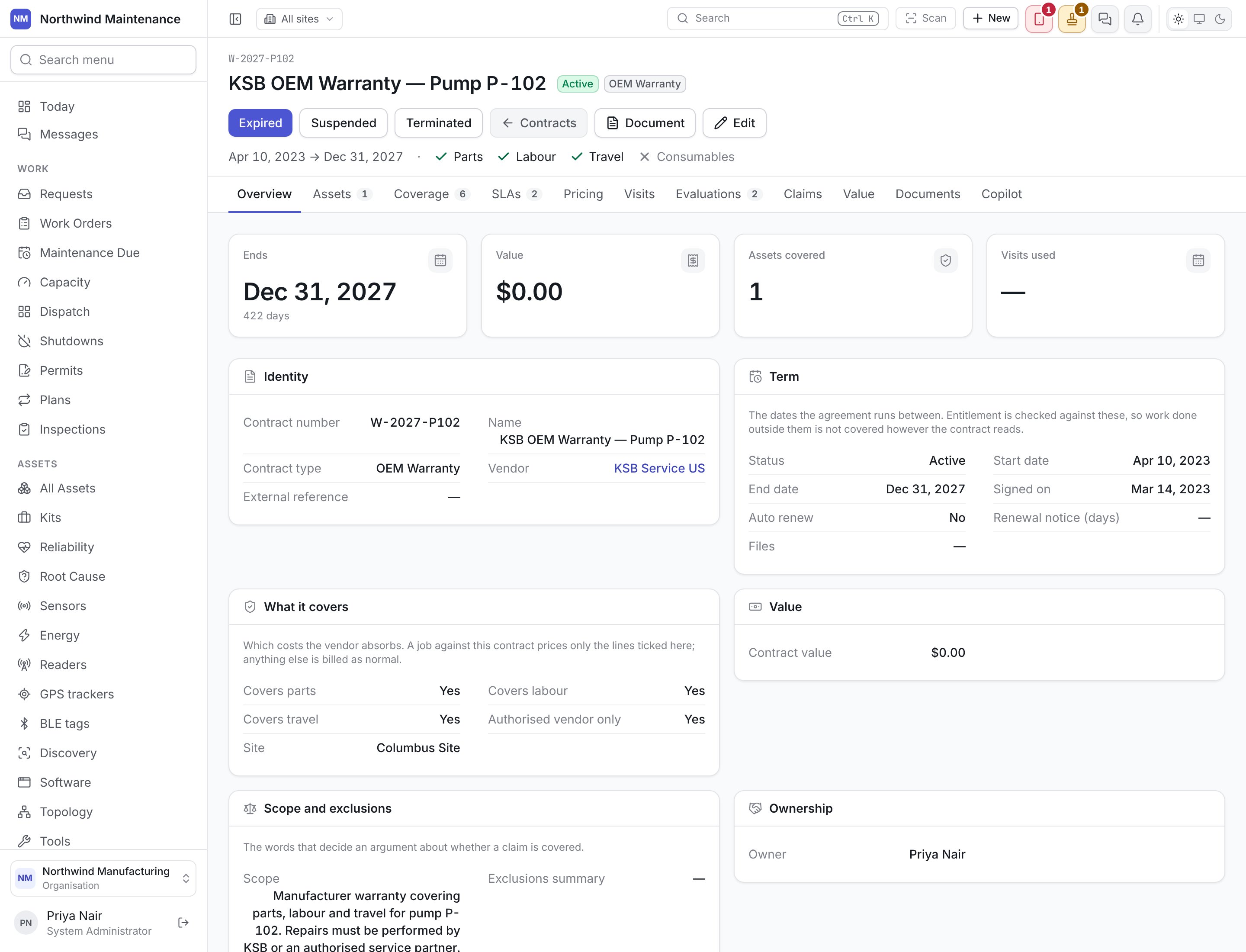
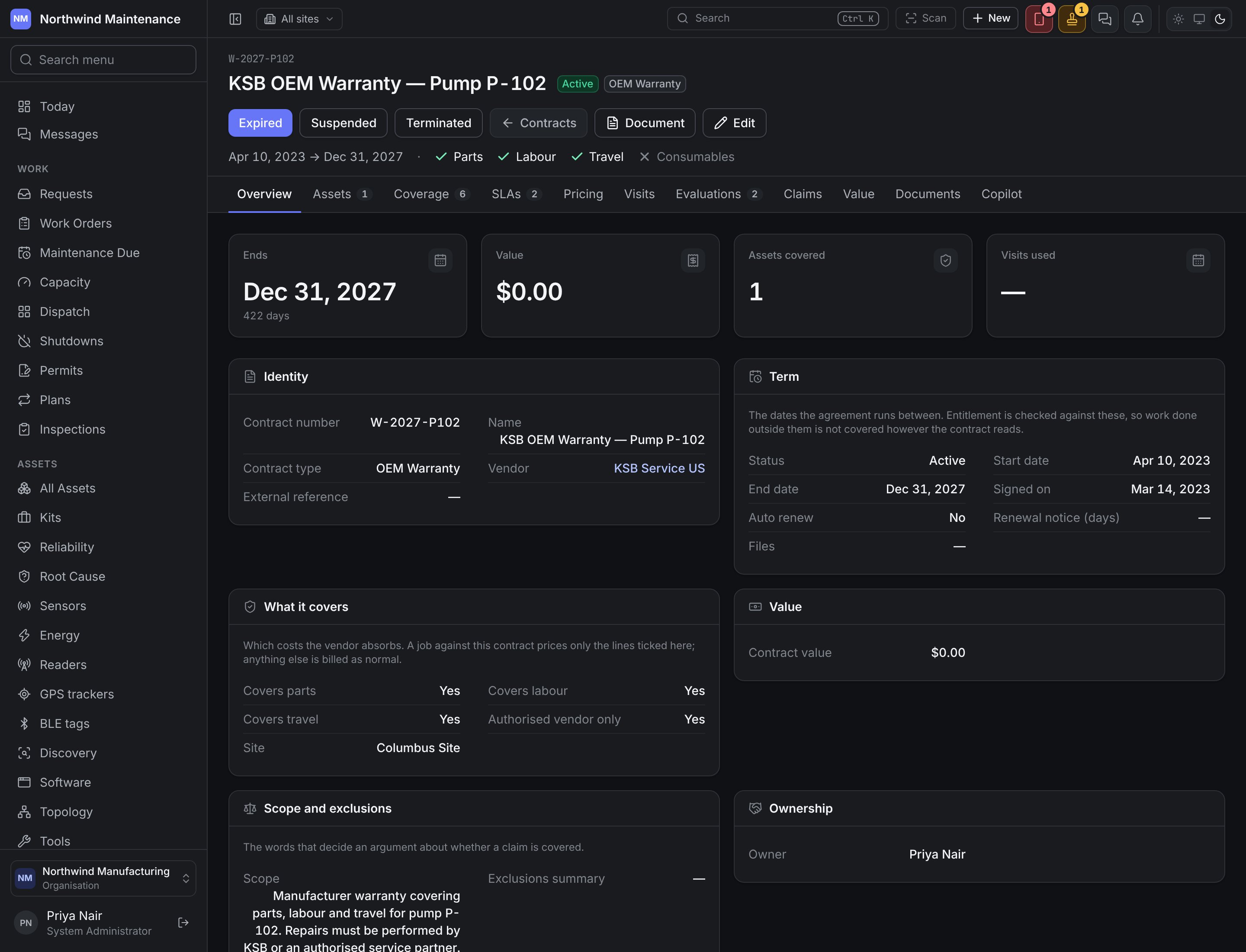
Cards for Ends (with days left), Value, Assets covered (plus asset classes) and Visits used. Inside the renewal notice period, a banner says how many days are left against the notice and whether it renews automatically. Then the contract record, and for a contract with entitlements, a Cover summary of each covered cost and its percentage, the scope, and what is Not covered.
Assets
Assets
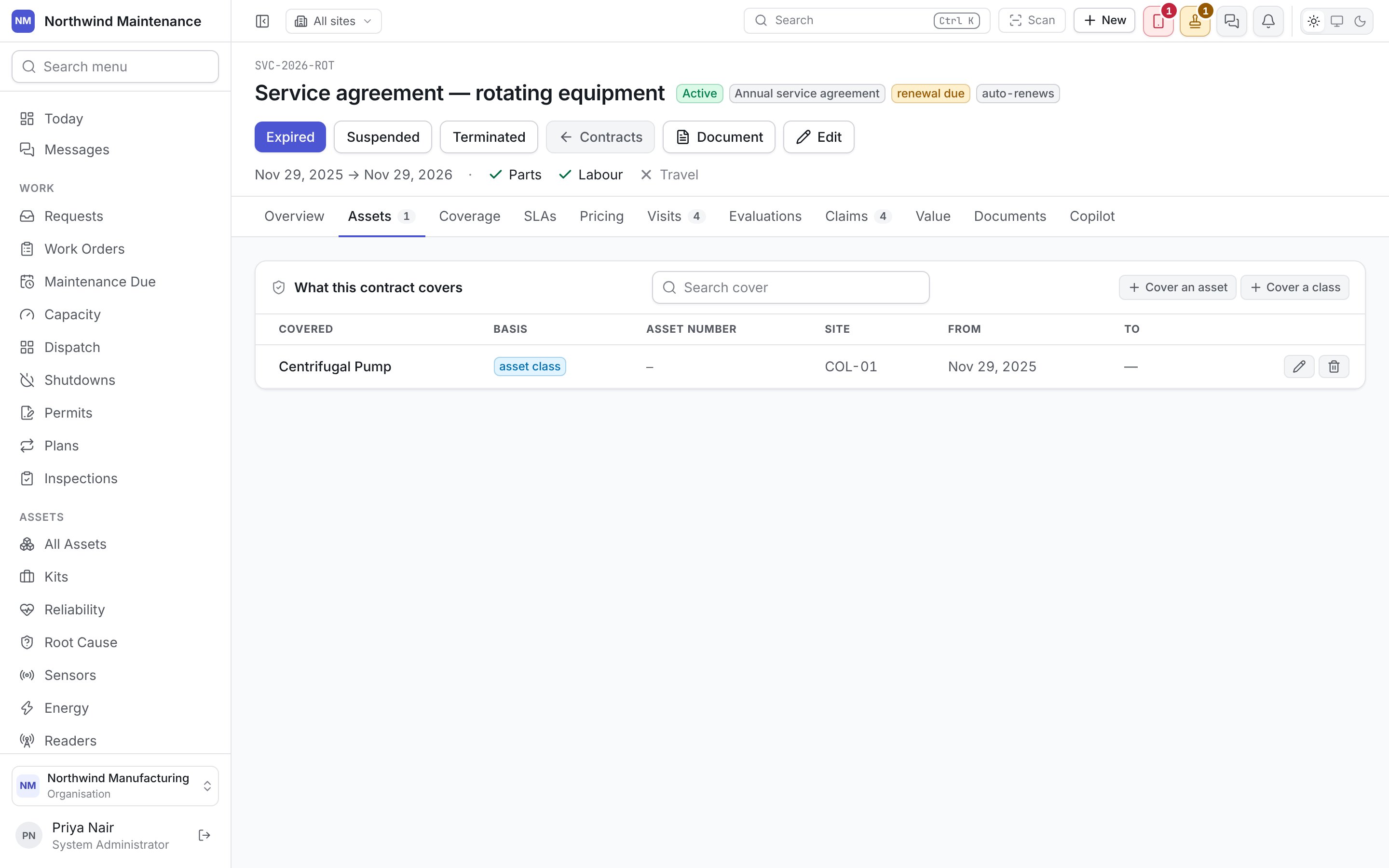
What this contract covers — Cover an asset names one asset; Cover a class covers every asset of a category. Each row shows Basis (named asset or asset class), Asset number, Site, From and To. Leave To empty while cover is current; a row outside its dates shows not covered today. Until something is named here, nothing can be matched to the contract.
Coverage
Coverage
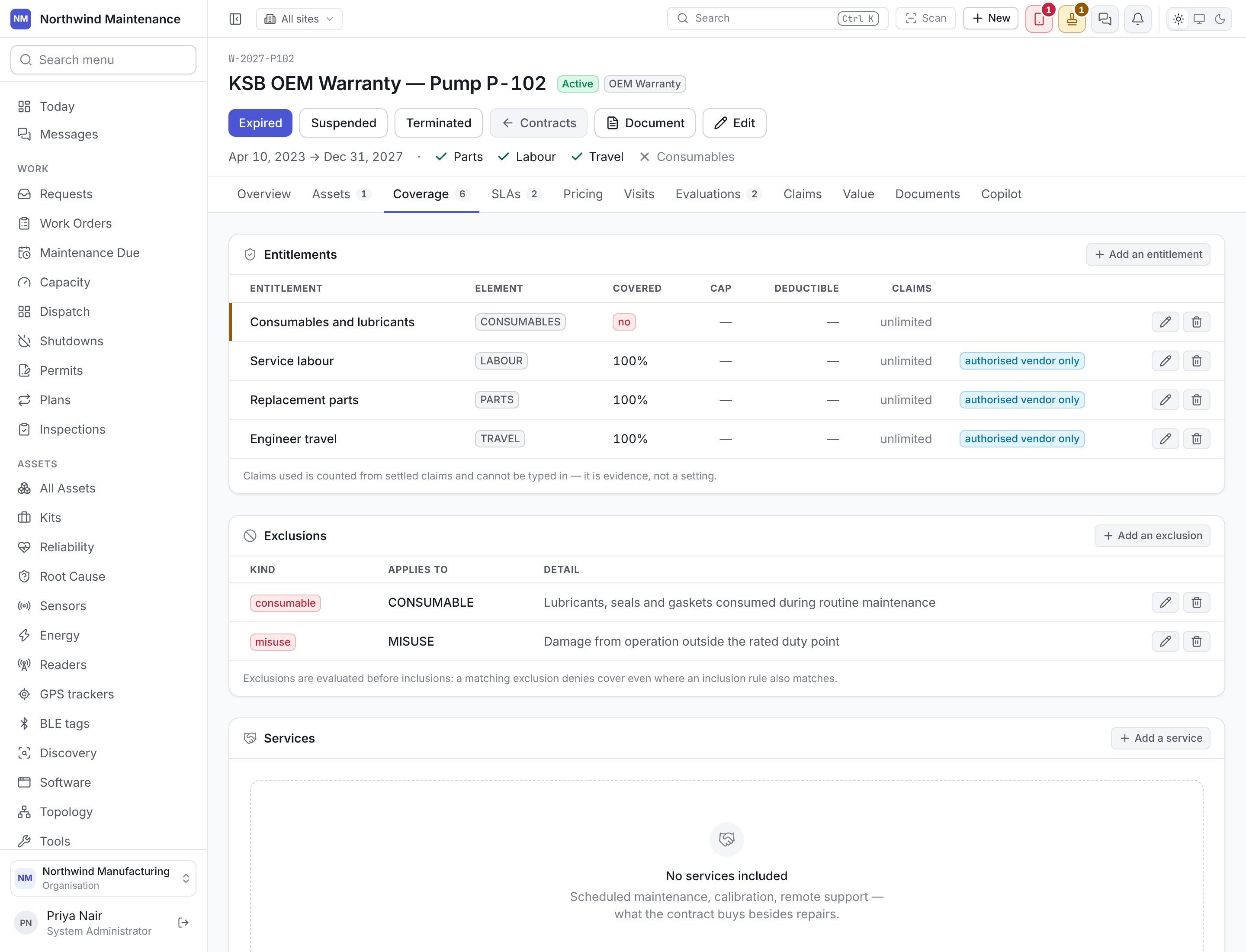
Three lists. Entitlements — what the contract pays for: a name and code, the Element (labour, parts, travel, consumables, a loaner, a preventive visit), Covered, the percentage the vendor absorbs, a Cap on what they pay in total, a Deductible per claim, a Claims limit (empty for unlimited; claims used is counted from settled claims and cannot be typed), and Authorised vendor only. Exclusions — what the contract refuses: the kind (an asset, an asset class, a service, a cause such as misuse or consumables) and the wording from the agreement. Exclusions are evaluated before inclusions: a matching exclusion denies cover even where an entitlement also matches. Services — scheduled maintenance, calibration or support the contract buys: a code (the code the agreement uses), name, whether it is Included in the fee, included visits, how often (3 for quarterly) and the charge per extra visit.
SLAs
SLAs
One service level per job priority: Respond within, Resolve within (not shorter than the response), the hours that count (Cover) and whether weekends count, and a Penalty amount and basis (per breach, per hour late, per day). These are what the vendor’s performance is measured against.
Pricing
Pricing
Effective-dated price lines: the pricing Type (fixed fee, per visit, per hour, per asset, or a discount off list), a description, an Amount or a Discount percentage, the unit it is charged per, and From and To dates — so an invoice can be checked against what was agreed when the work was done.
Visits
Visits
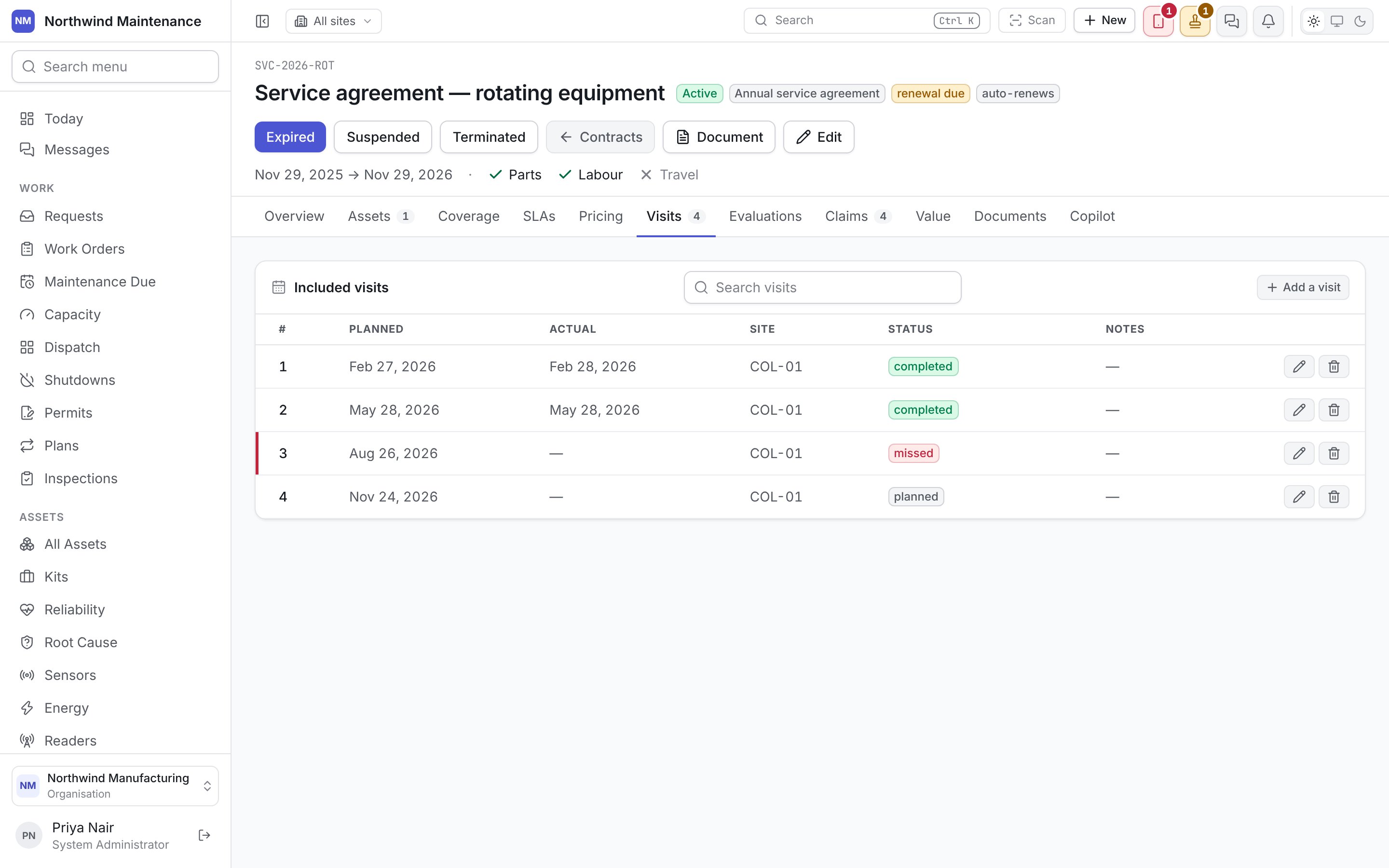
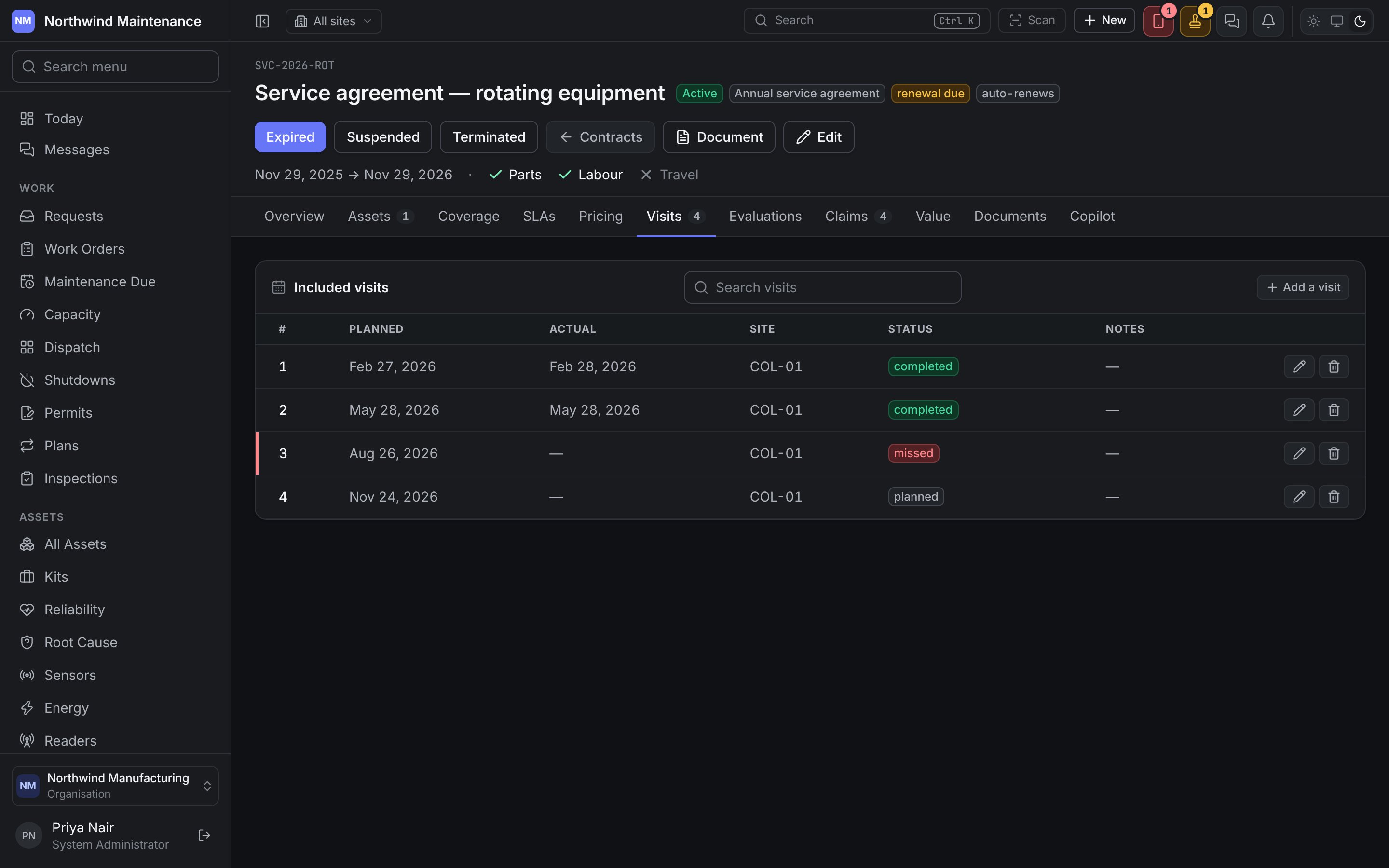
Included visits — visit number, Planned date, Actual date (required once completed), Site, Status (planned, completed, missed) and notes, and whether it is covered by the fee. A missed visit is worth recording honestly: it is the evidence behind a conversation about the vendor.
Evaluations
Evaluations
Every coverage decision made against this contract — see Entitlements. Read-only. Each decision says who decided it: a person’s name where somebody overrode it, or Automatically, by the contract rules where the product worked it out, and When. The facts it was decided on are written in words.
Claims
Claims
Warranty and contract claims raised against this agreement: Claim, Asset, Work order, Claimed, Approved, Outstanding, Status and Submitted. A claim is raised from the covered work order once the job is done, not from here.
Value
Value
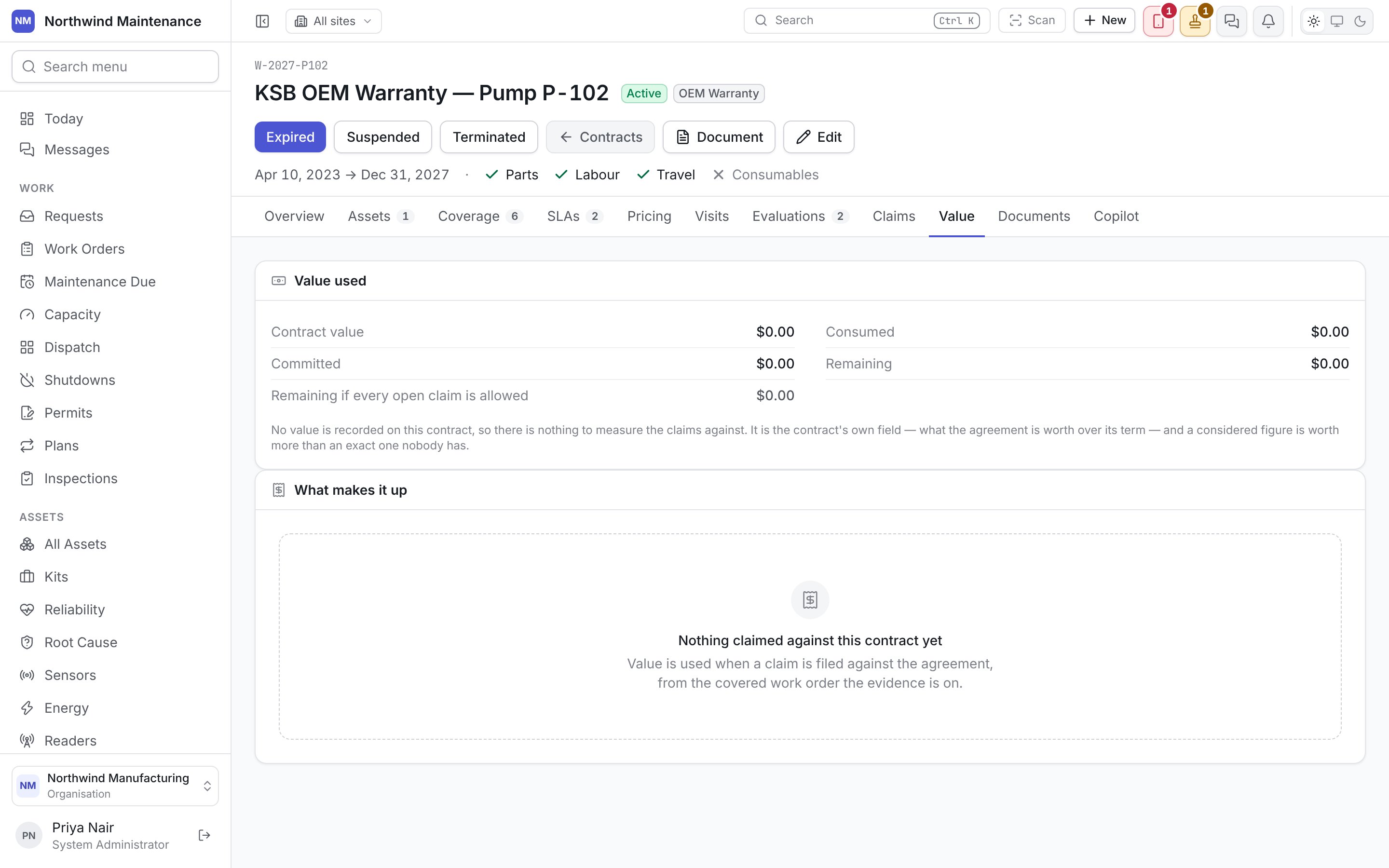
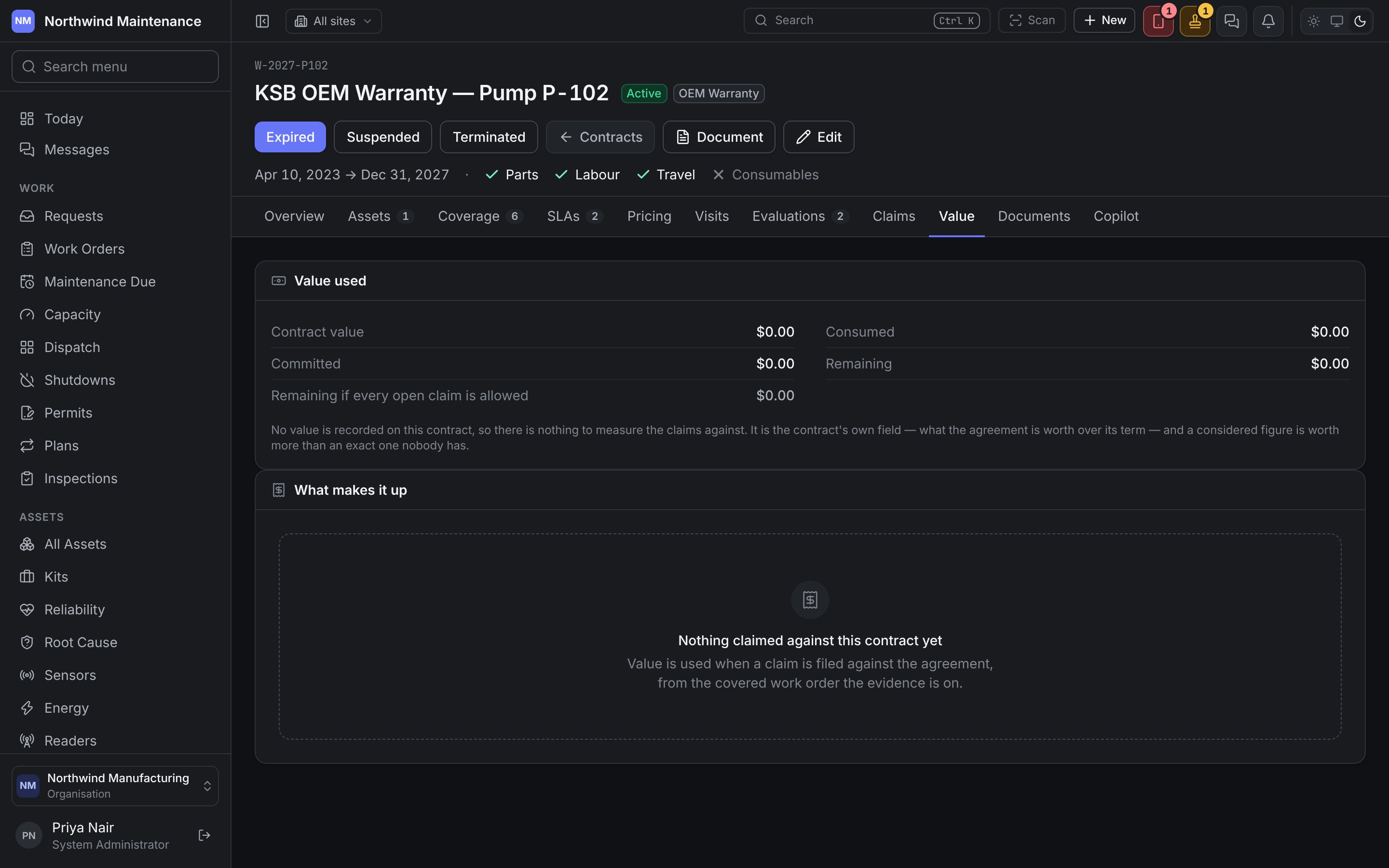
Value used: Contract value, Consumed (claims agreed), Committed (claims open), Remaining, and Remaining if every open claim is allowed. It warns when agreed claims already exceed the value, or when allowing every open claim would. What makes it up lists each claim and whether it counts as consumed, committed or not counted. A contract with no value recorded has nothing to measure claims against, and says so.
Documents
Documents
The signed agreement, its schedules and amendments — the wording the entitlements were typed from. Everything else on the screen is a transcription of it.
Copilot
Copilot
Ask the AI assistant about the contract, where your administrator has switched it on.
Expiry and renewal
Contracts approaching their end raise a notification driven by Renewal Notice (days), because a warranty that lapses unnoticed is a repair you pay for that somebody else would have.Entitlements and claims
How a contract is used to decide whether a repair is covered.
Inside a vendor
The vendor on the other side of the agreement.