

Raise a job
Open it from Home → Raise a job, the Raise button on Today or Work, or Raise a job on an asset’s own screen (which fills the asset in for you).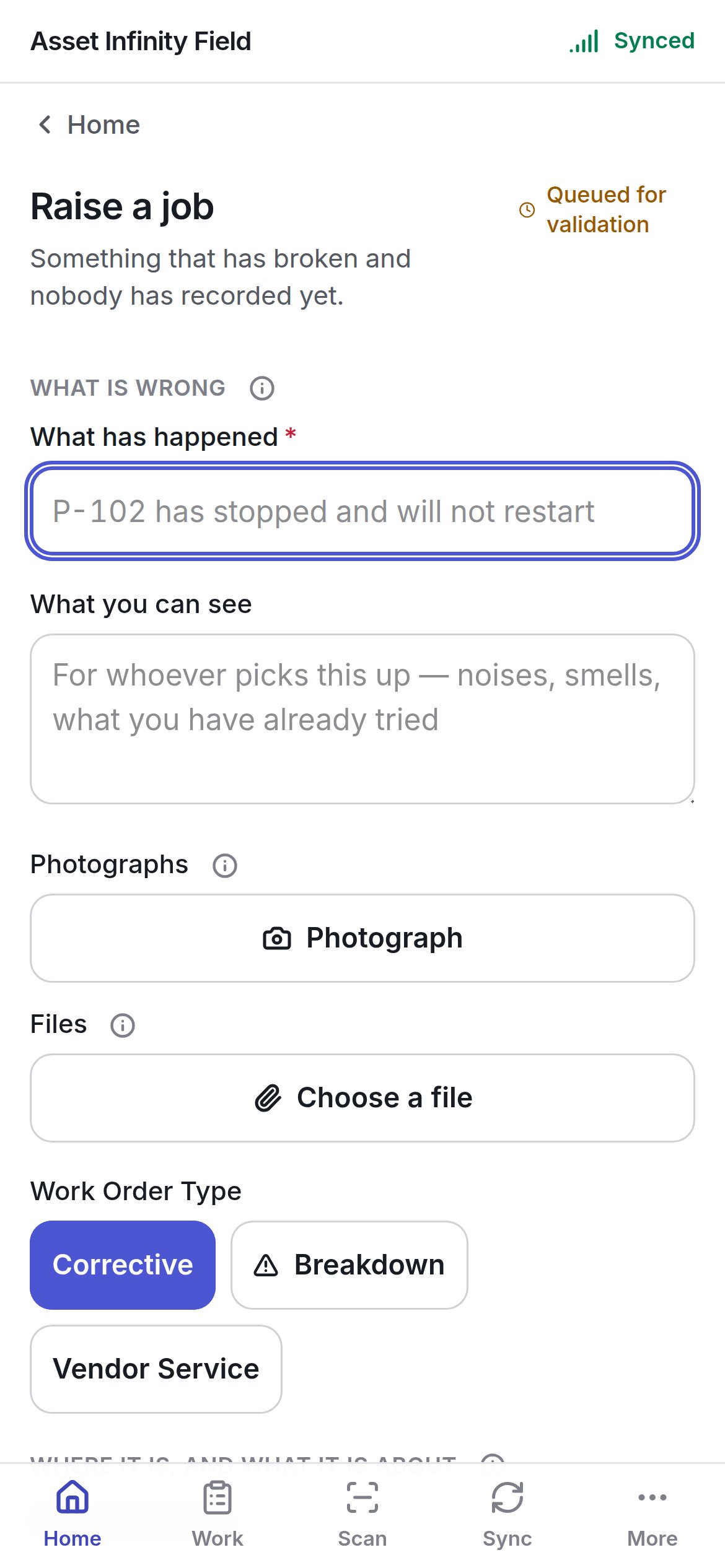
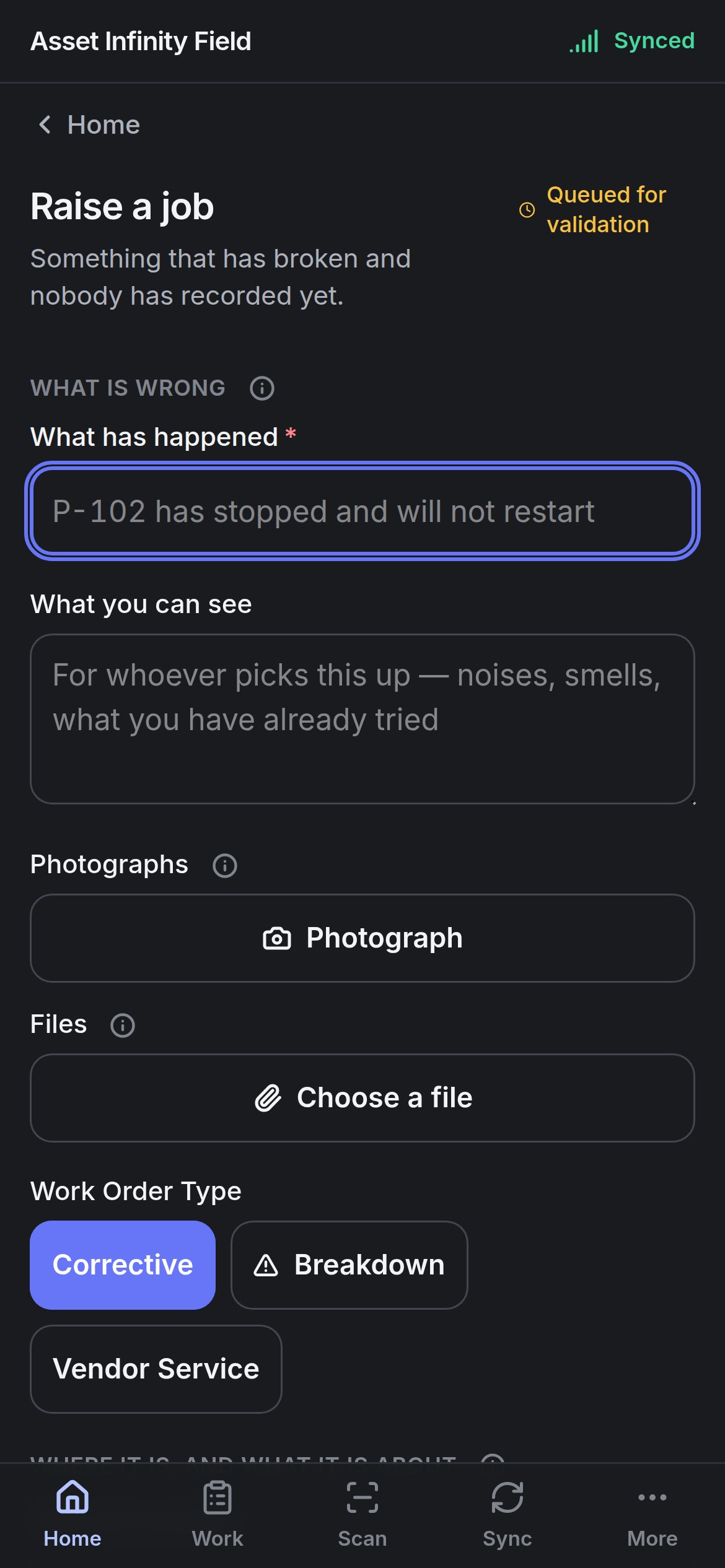
Fields that name people from a directory the handset does not carry are listed under Not asked here: and filled in at a desk.
Raise it stays greyed while Still needed: lists a required field. Once pressed, the job is recorded on the handset — The job opens when this reaches the server, and comes back to this handset on the next sync. Until then it is listed under Raised here on Work. If your organisation has switched off raising jobs from a handset, the form says so and the raise needs a connection and somebody at a desk.
Starting a round
Open it from Home → Start a round or Start one on the Work list. It starts an inspection round from a template, against an asset or a place.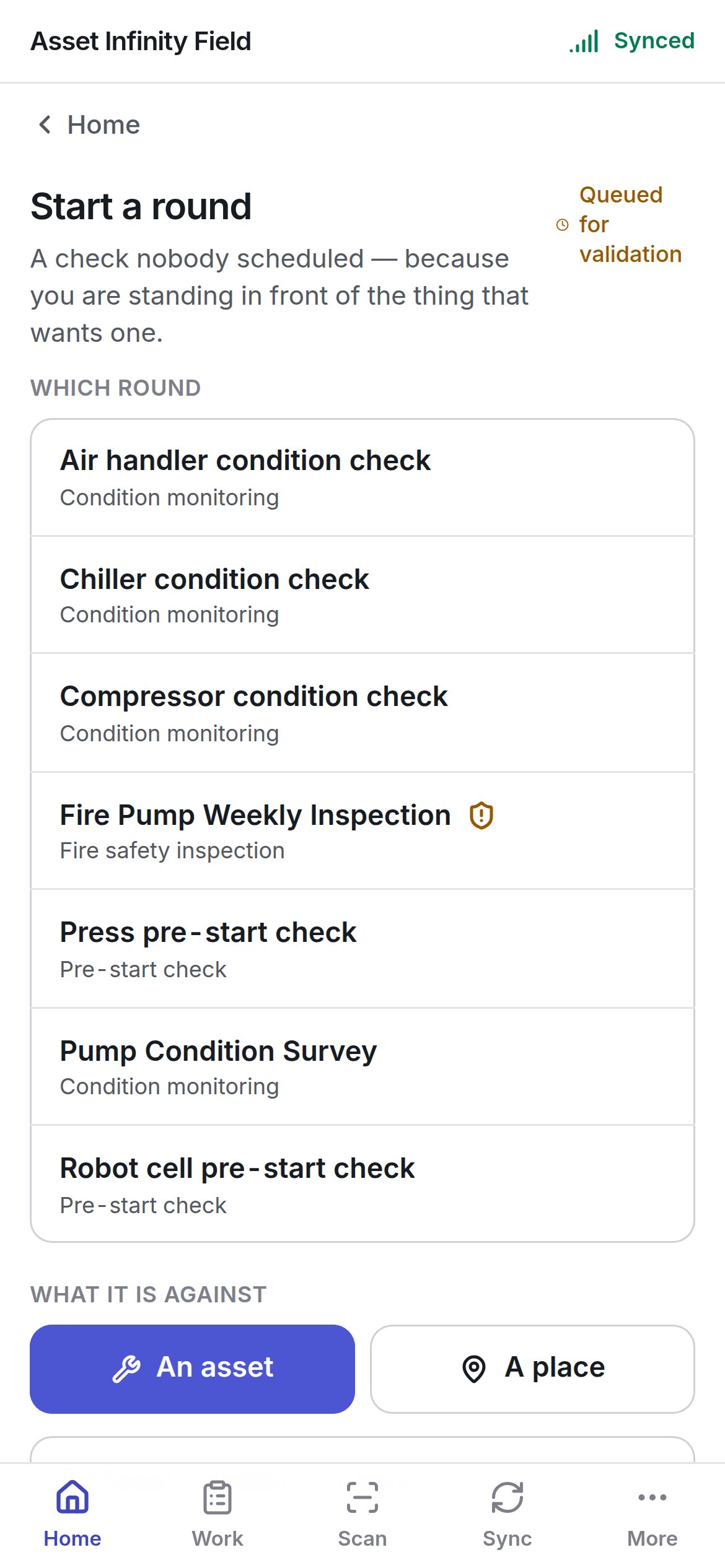
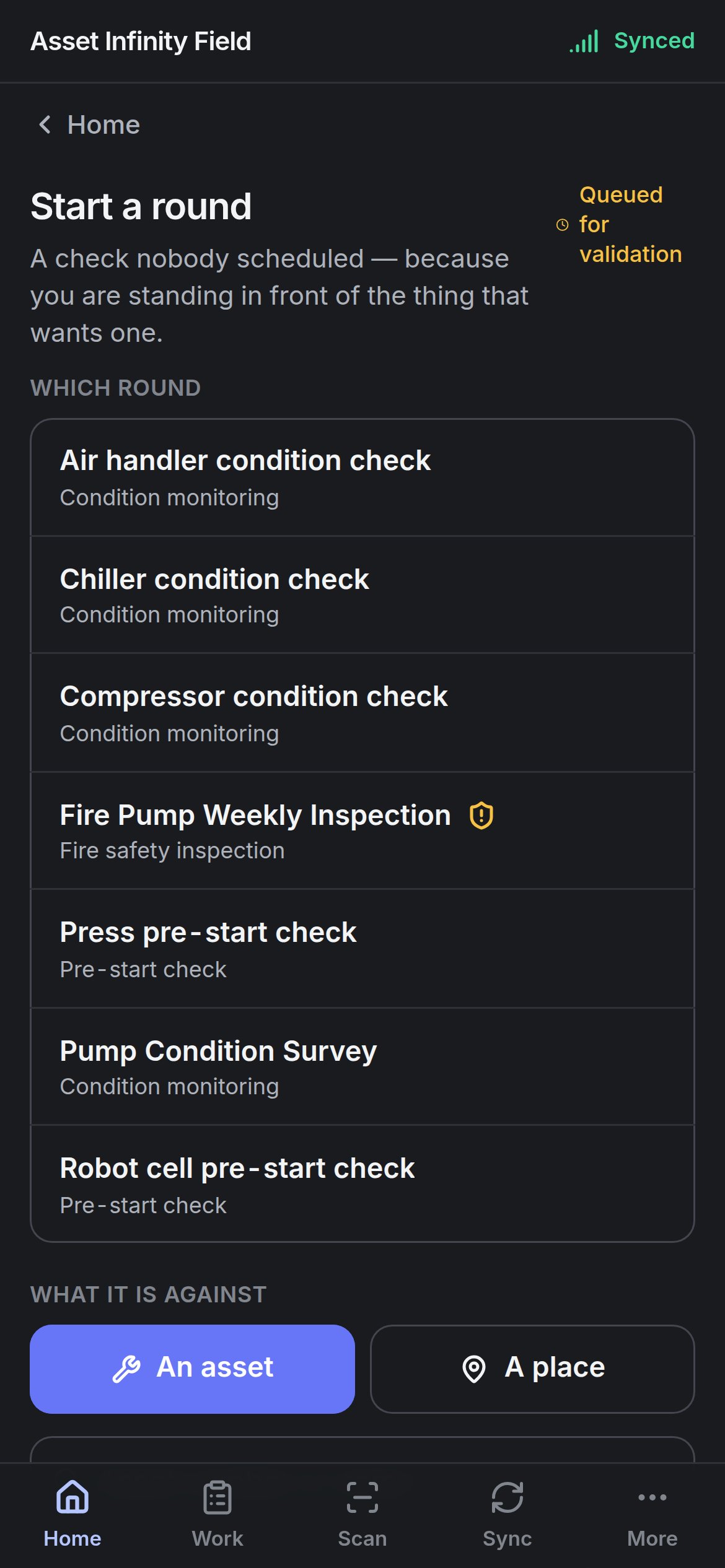
Start it queues the round. The round is numbered and its questions are copied from the template when this reaches the server. It comes back to the handset ready to answer on the next sync, and until then it appears under Rounds started here on Work. A round begun with no signal cannot be answered until that sync — the form says so before you press the button.
Templates are set up under inspections configuration.
Answering a round
Working through the questions once the round is on the handset.
The job screen
Working the job once it comes back.