

Reaching it
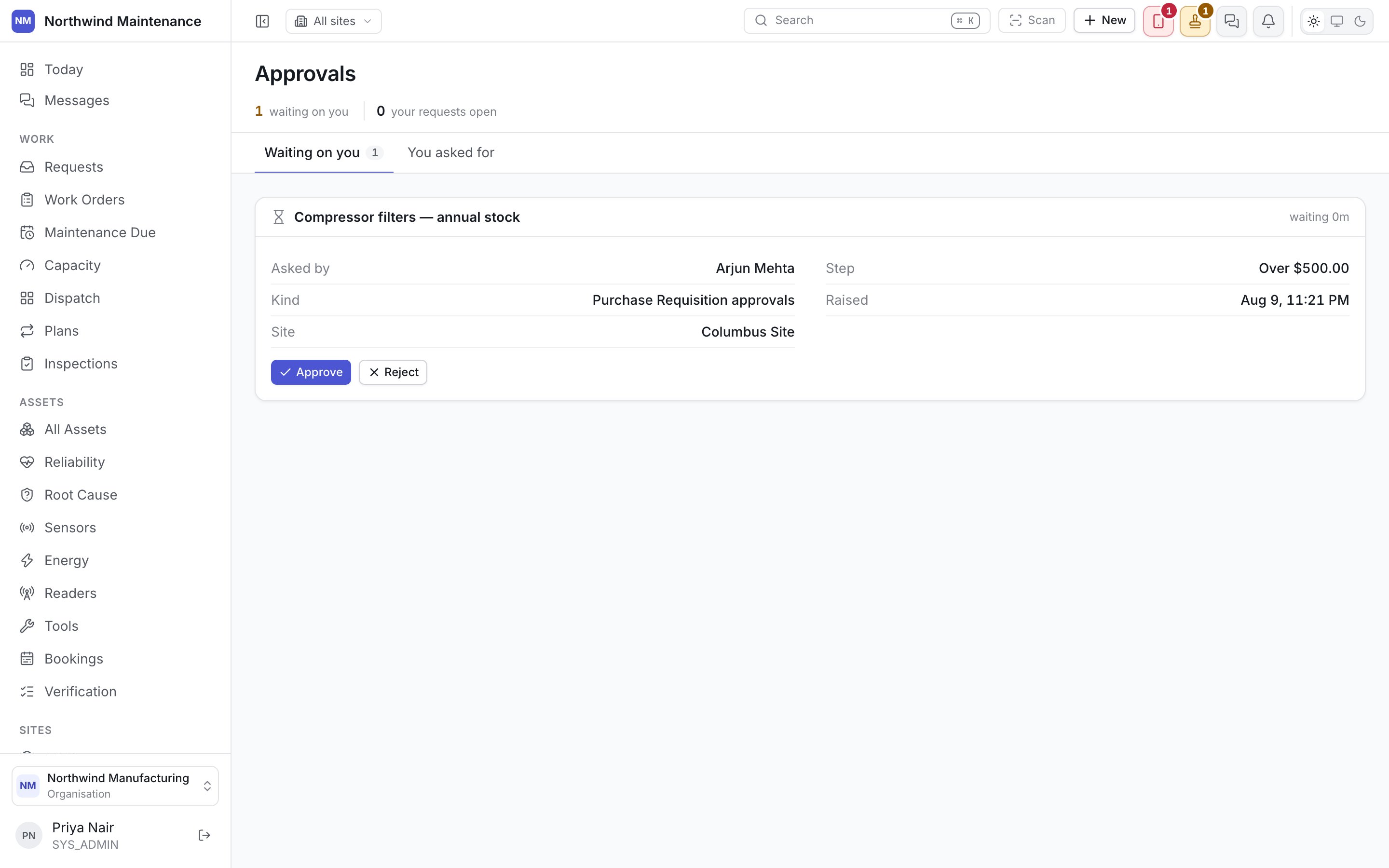
A stamp icon in the header, grouped with notifications and the sync tray — see the header for how that cluster works and why it moved there from the sidebar. Clicking it previews what is waiting on you; opening it fully brings up this screen.The header stats
The first two are what you owe somebody else. The third is what somebody else owes you.
Two tabs
Waiting on you
Waiting on you
Everything with an open step where you are the approver. Each item names what it is, who asked,
when, and what it actually is — a status change on a work order, a purchase request, a purchase
order, or whatever else your organisation has put behind a chain.
You asked for
You asked for
Everything you have submitted that carries an approval, regardless of whose step it is on now.
This is where you check on your own requests without having to go find each record.
Deciding an item
Two actions, and nothing else:Reject always asks why. A rejection with no reason tells the requester nothing except that they
must start over, and guessing what was wrong the second time is worse than asking once.
What can carry an approval
Anything your organisation has put a chain in front of, configured on approval workflows:- A status transition on a work order or an asset that needs sign-off before it can happen — see statuses and transitions.
- A purchase request, typically routed by amount, category or site.
- A purchase order, before it commits spend.