

If you don’t see this in your navigation, your administrator can switch the module on under Administration → Modules, or it may not be included in your plan. It is part of IT asset discovery there.
The header
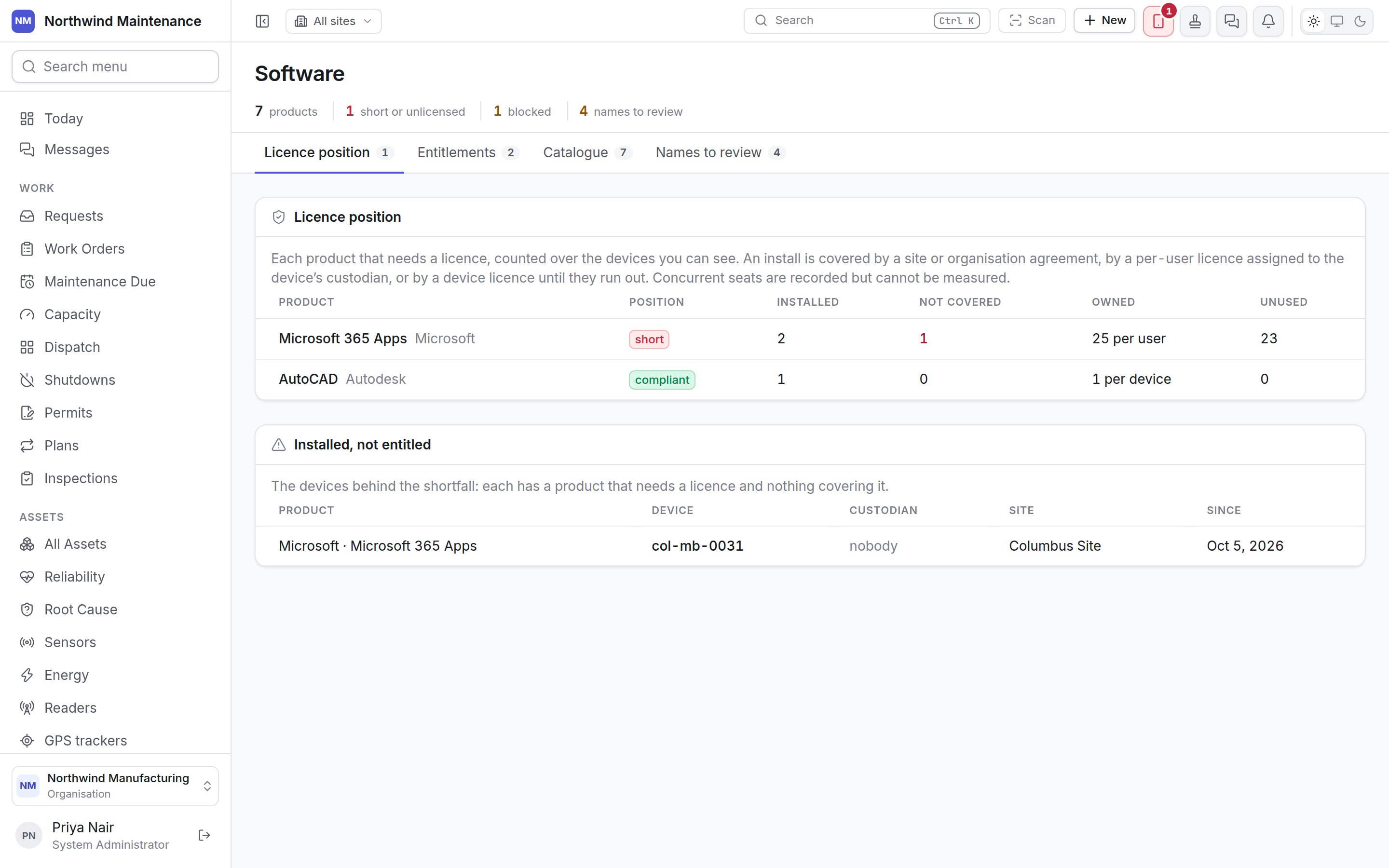
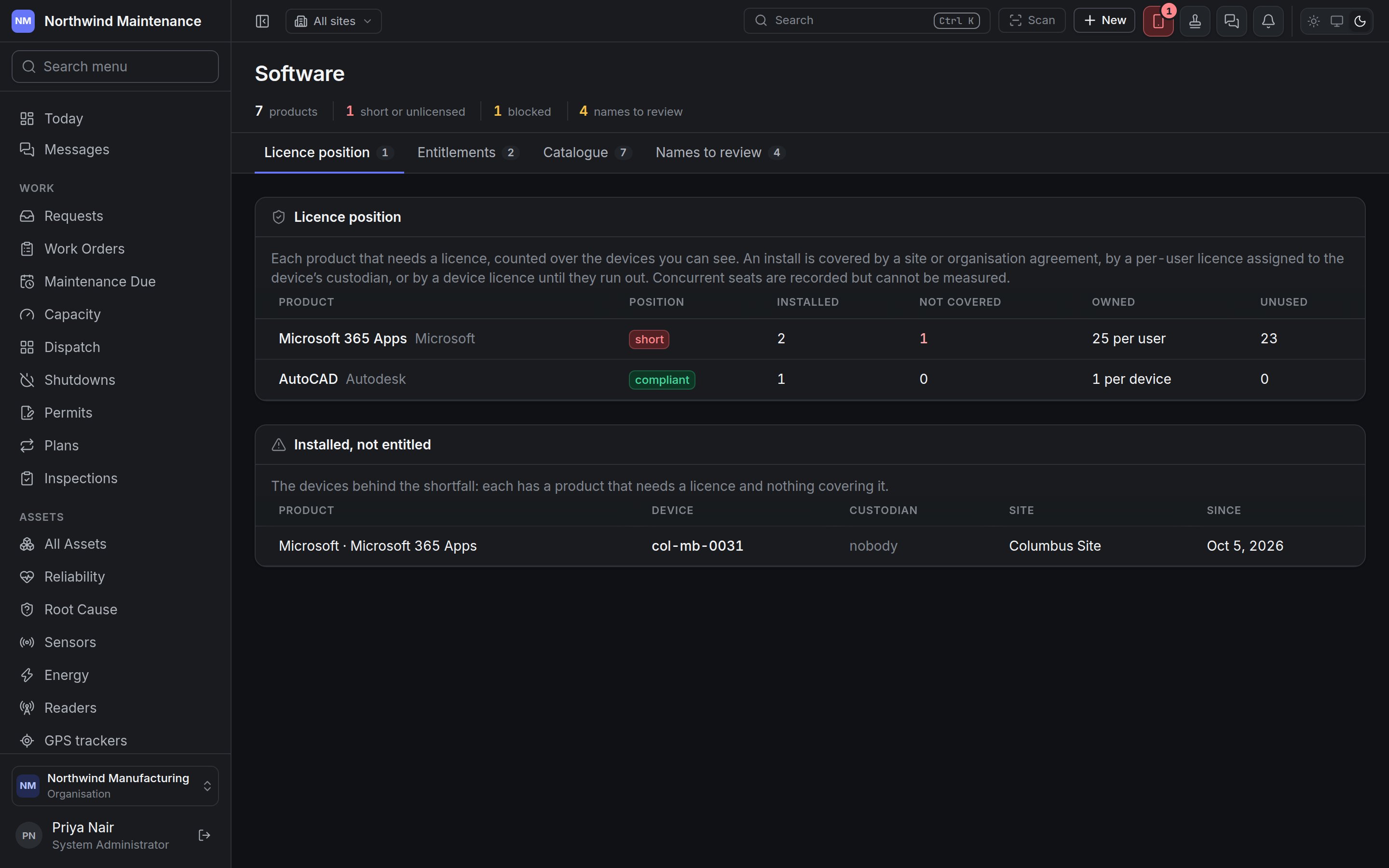
Licence position
Each product that needs a licence, counted over the devices you can see.
An install is covered by a site or organisation agreement, by a per-user licence assigned to the
device’s custodian, or by a device licence until they run out. Concurrent seats are recorded but
nothing measures how many are in use at once.
Installed, not entitled lists the devices behind any shortfall: Product, Device,
Custodian (or nobody), Site and Since when it was first seen. A device whose custodian
is not assigned a per-user licence shows here even if licences are spare — assign the person on the
entitlement.
Entitlements
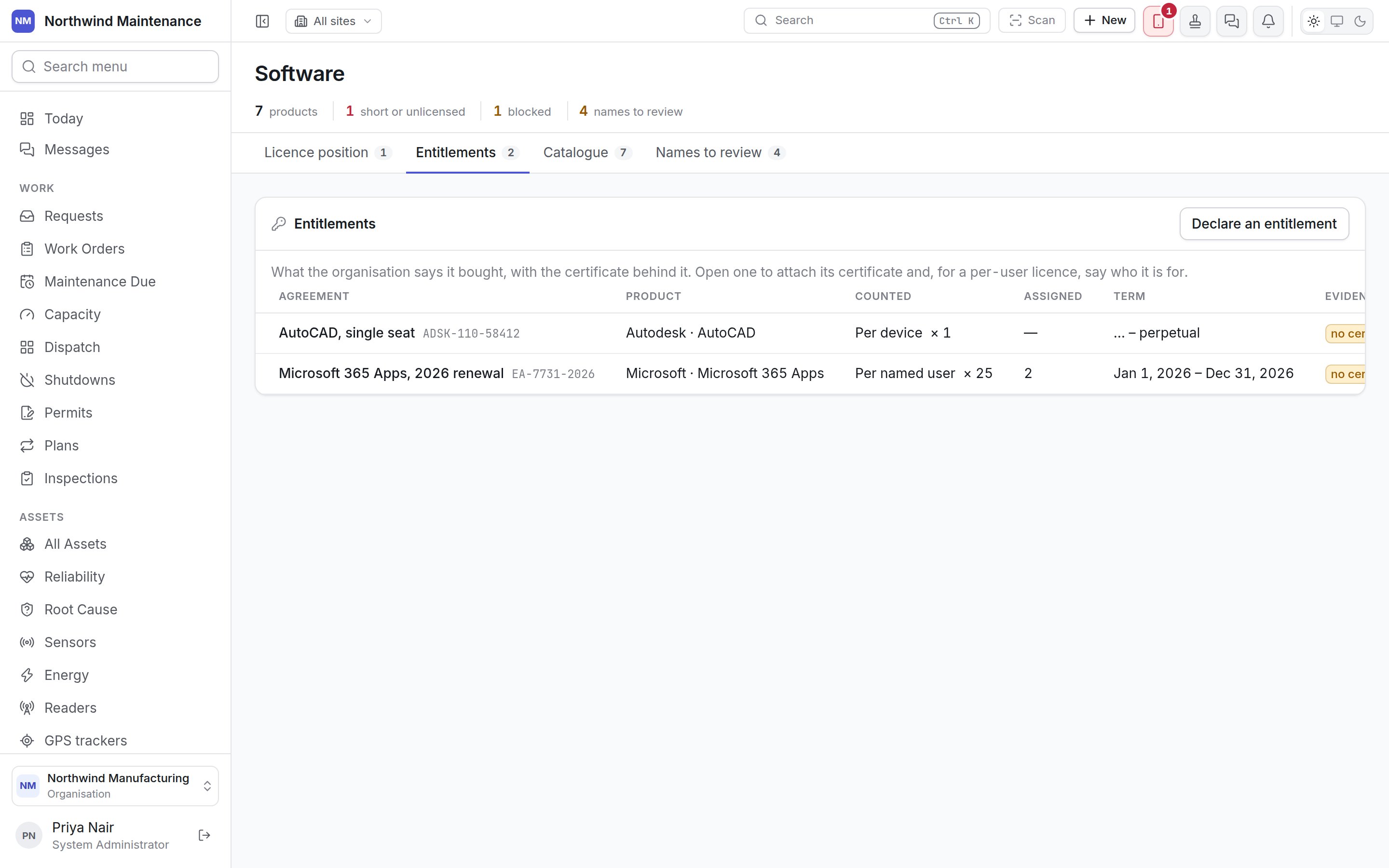
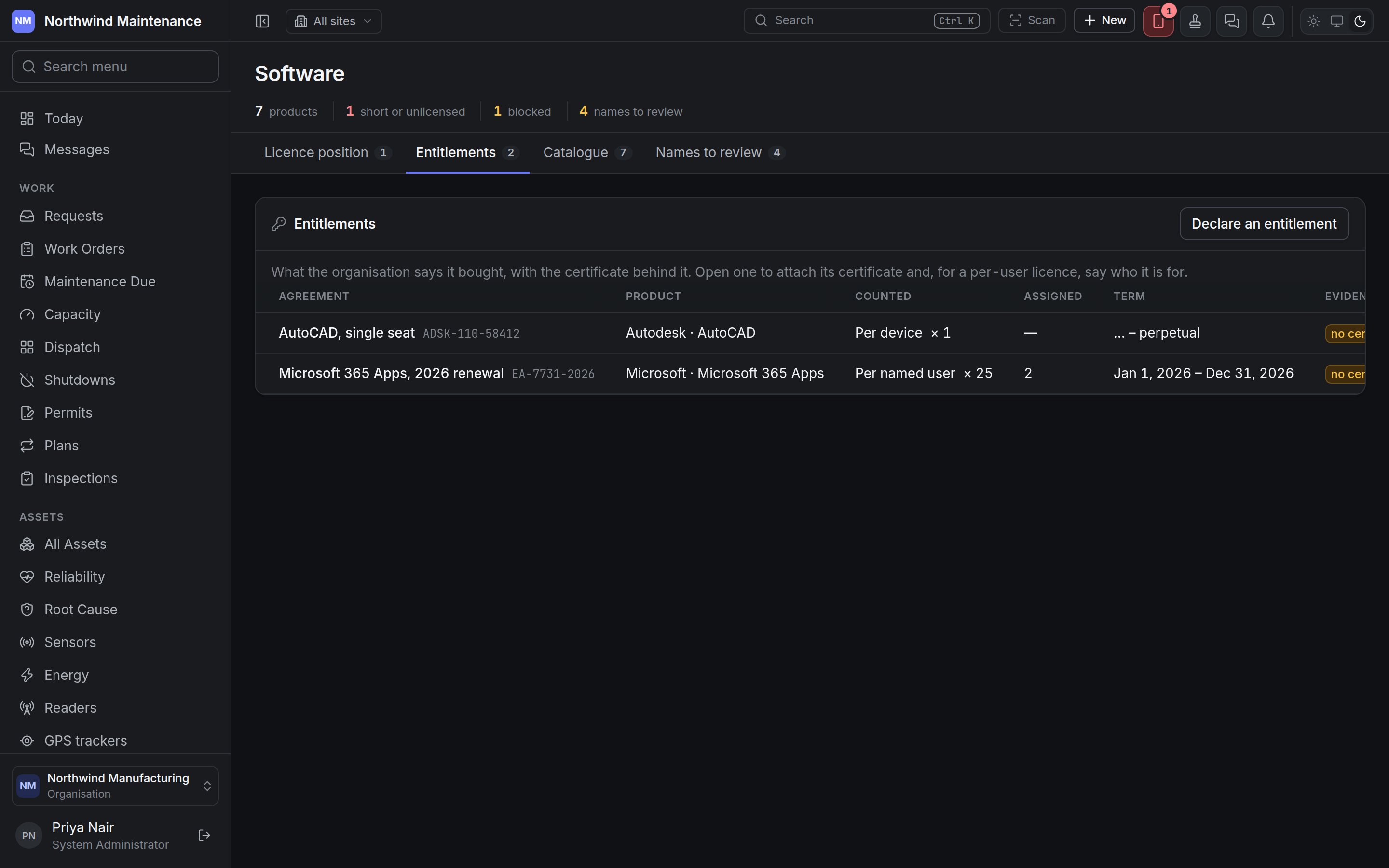
Declaring an entitlement
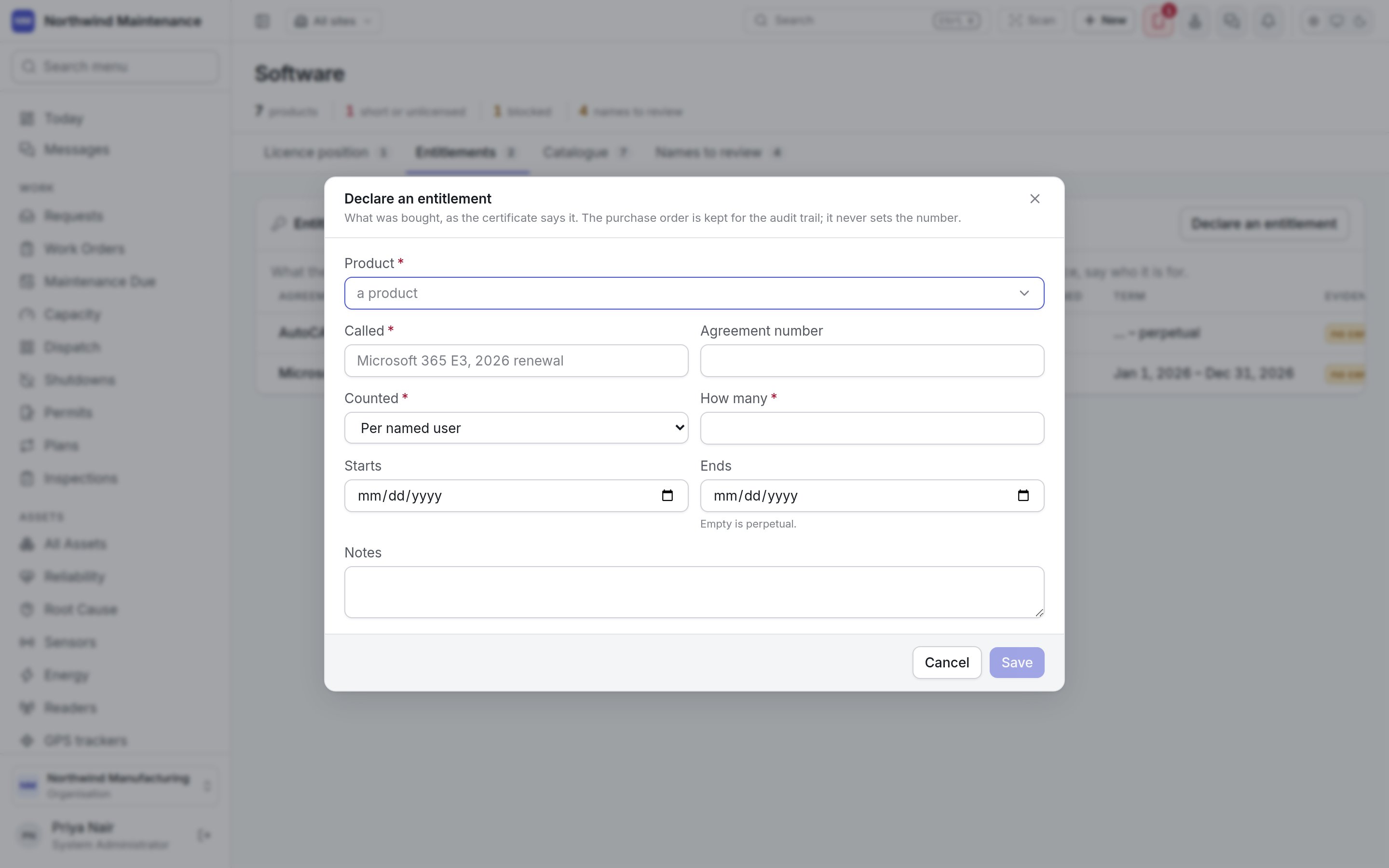
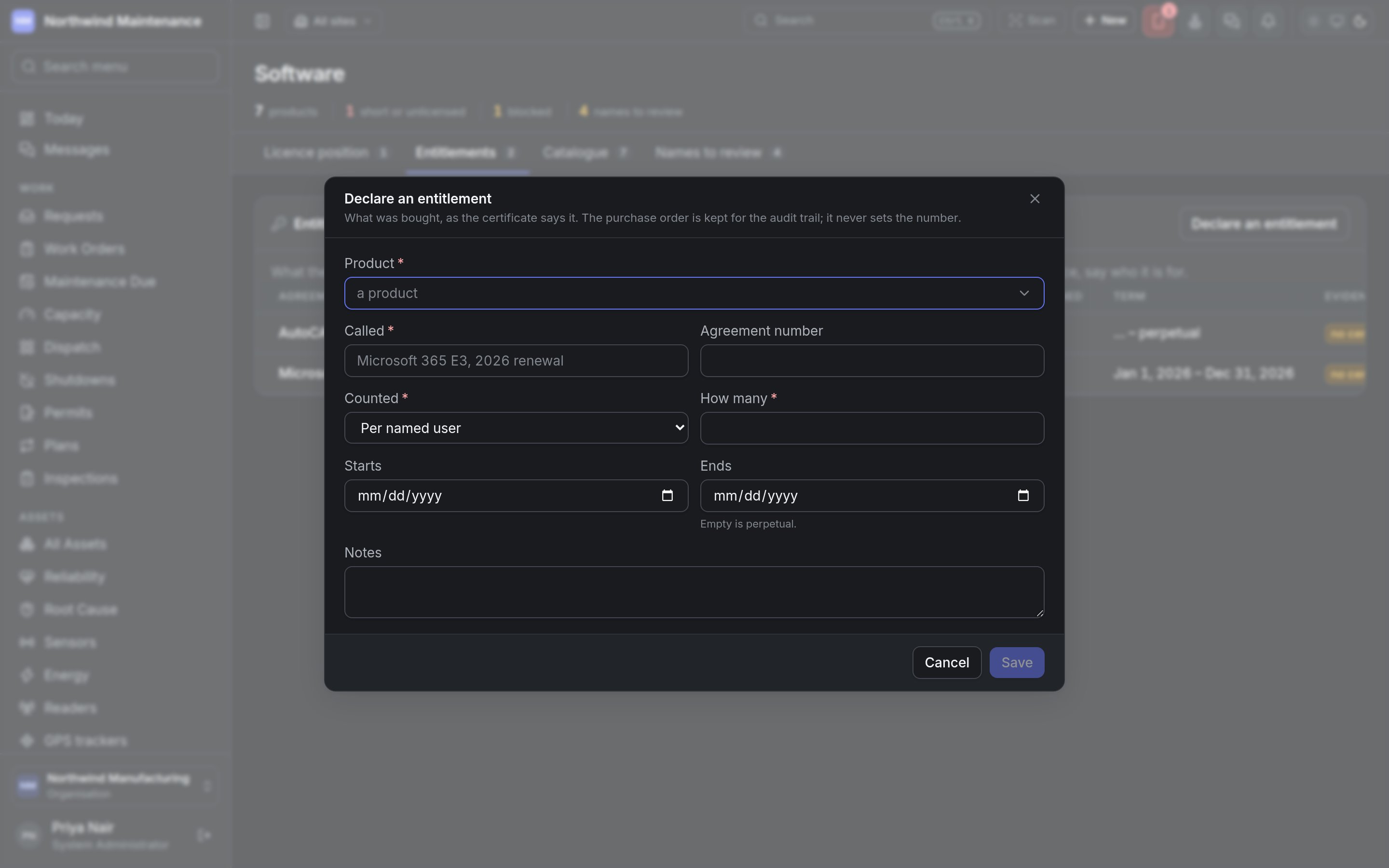
Enter the number the certificate states. A purchase order is kept for the audit trail but never sets the number of licences.
One entitlement
Open a row to see it. Edit changes it and Withdraw takes it out of the position.- Certificate and evidence holds the licence certificate, order confirmation or reseller’s letter — what an auditor will ask to see.
- For a per-user licence, Who it is for lists the people assigned (n of m). Add people… and Assign add them; each row shows whether it is installed on their devices. Take off removes a person. An install is covered only on a device whose custodian is assigned.
Catalogue
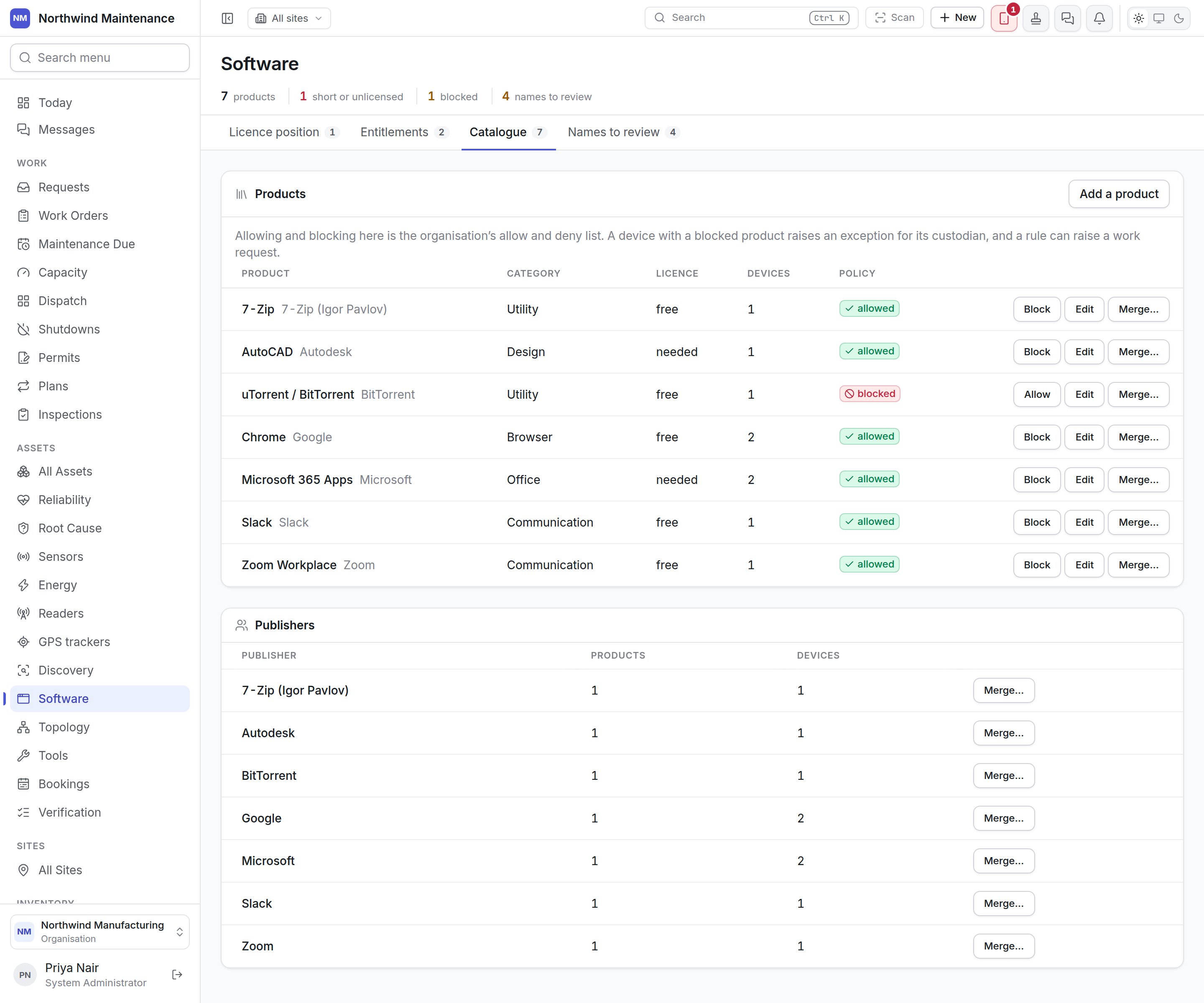
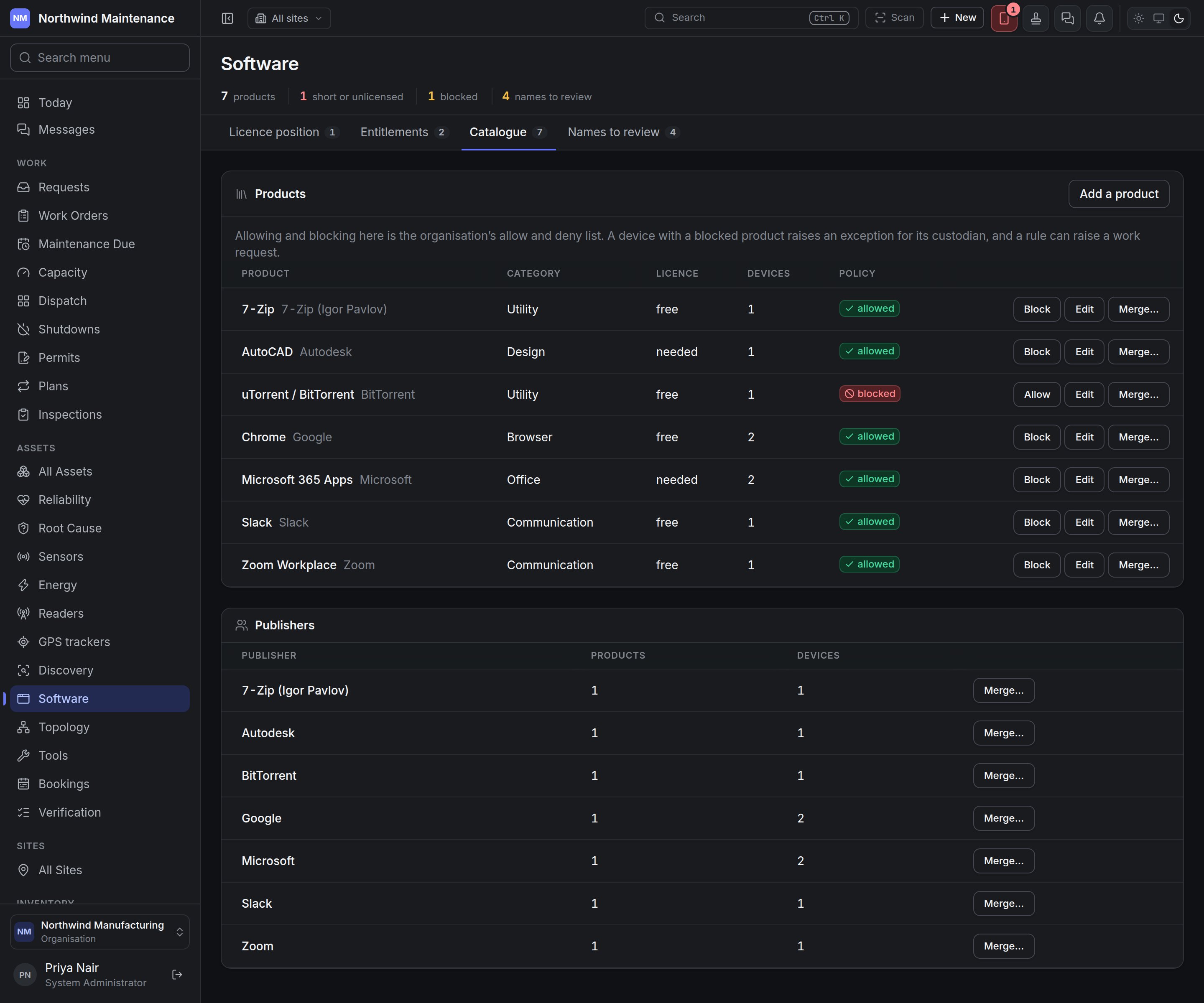
Allowing and blocking needs permission to allow and block software products. Editing and merging
needs permission to map, merge and edit software publishers and products.
Publishers lists each Publisher with its Products and Devices. Merge… moves its
products under another publisher; a product it already has by the same name becomes that product.
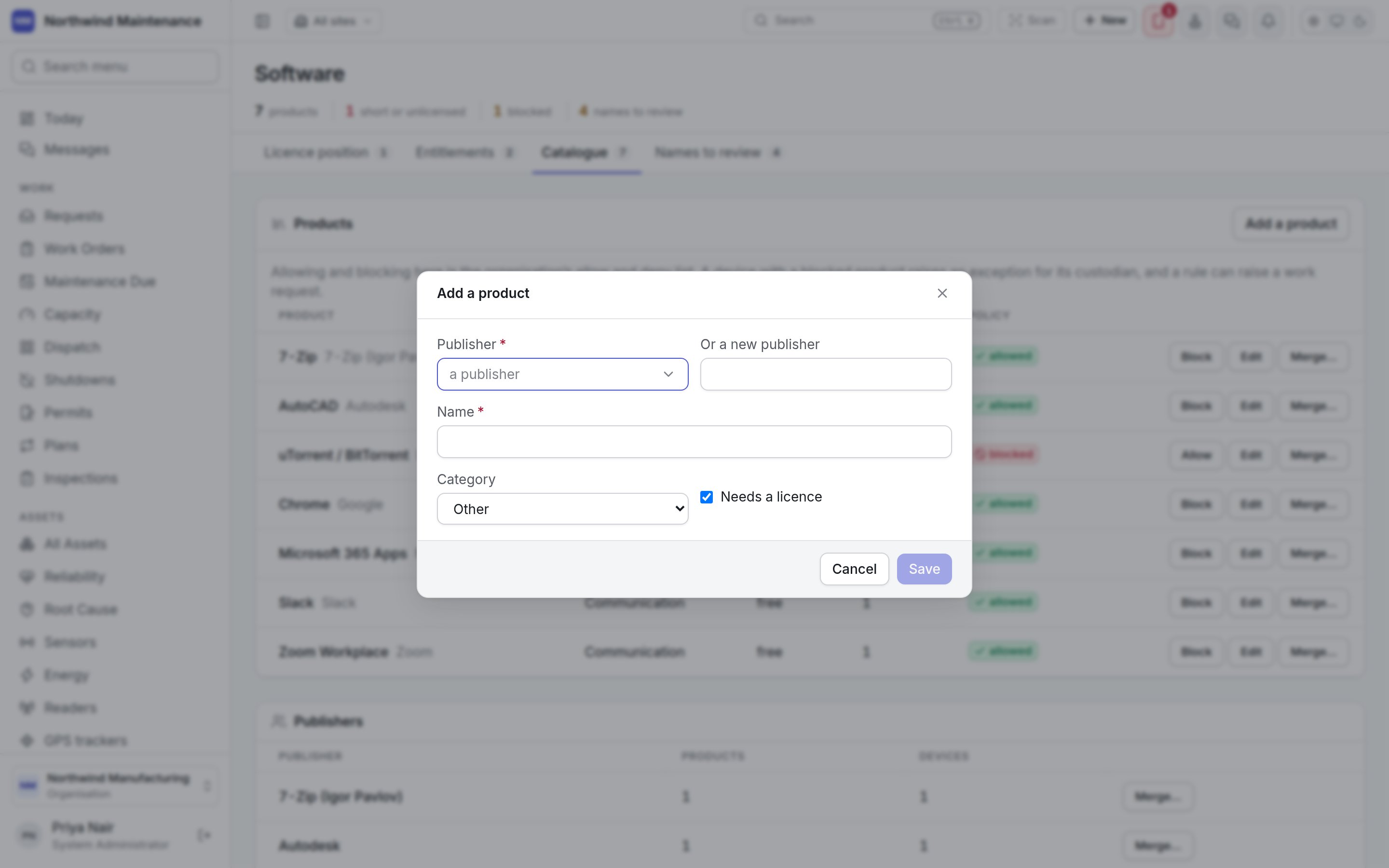
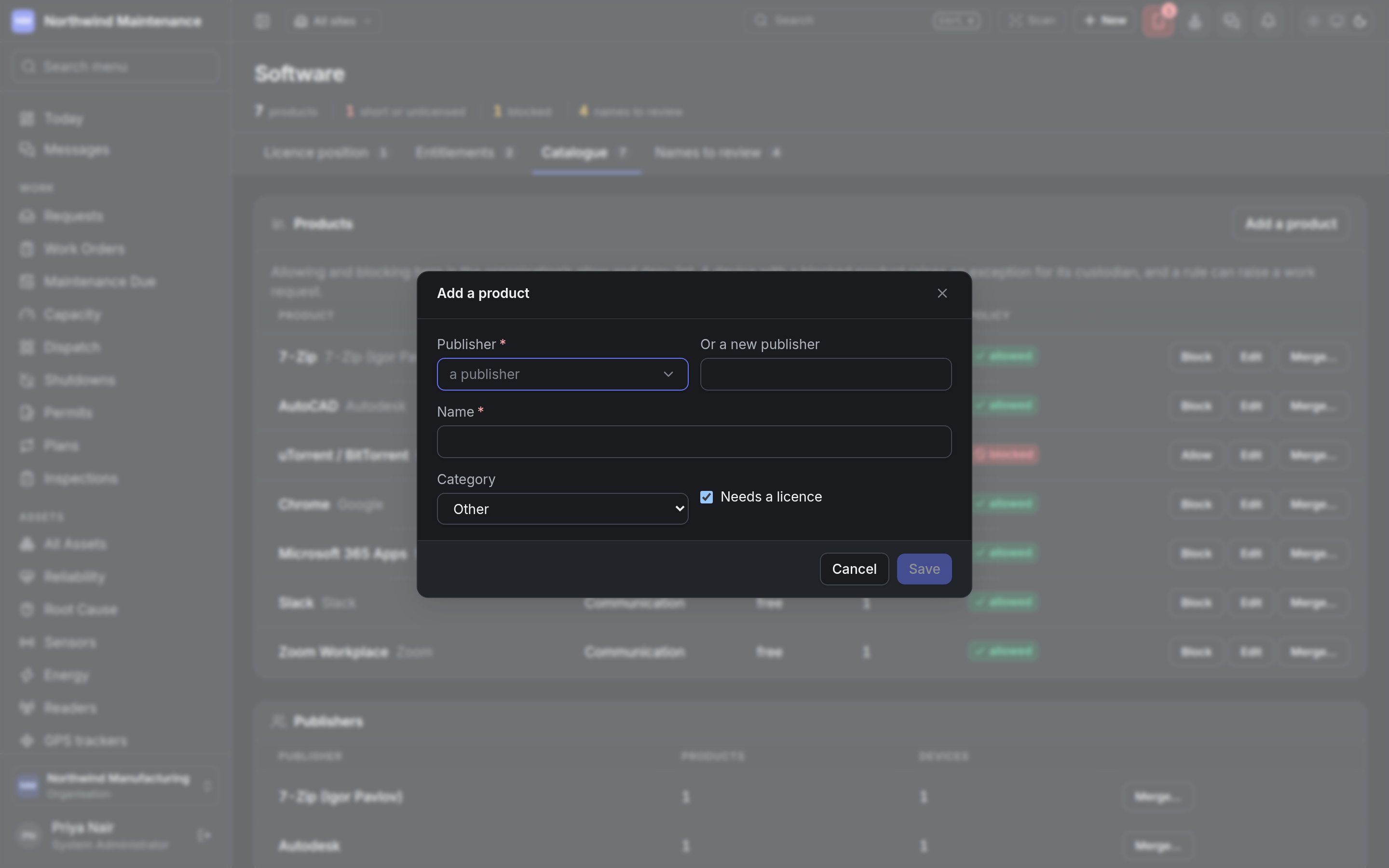
Adding a product
Names to review
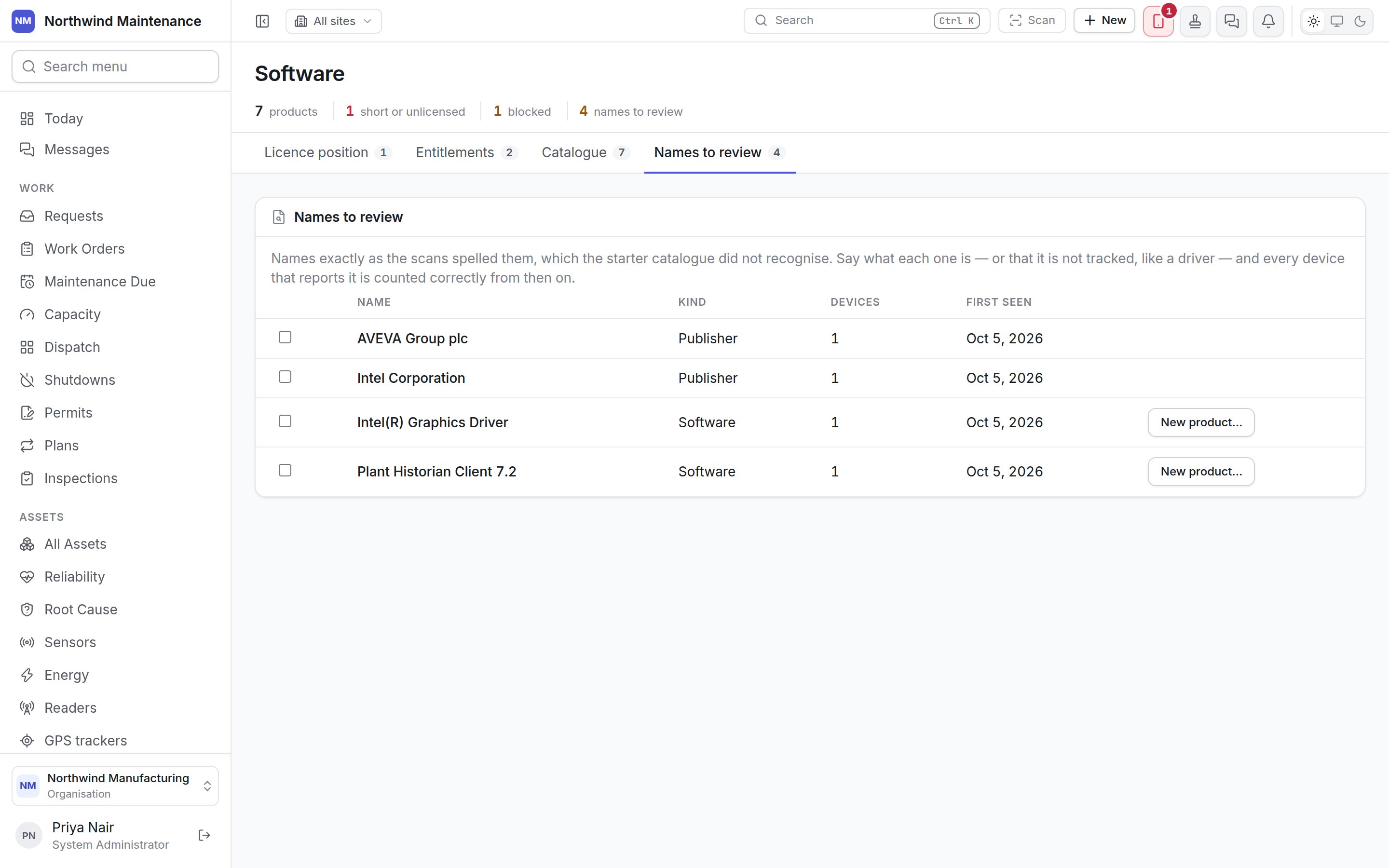
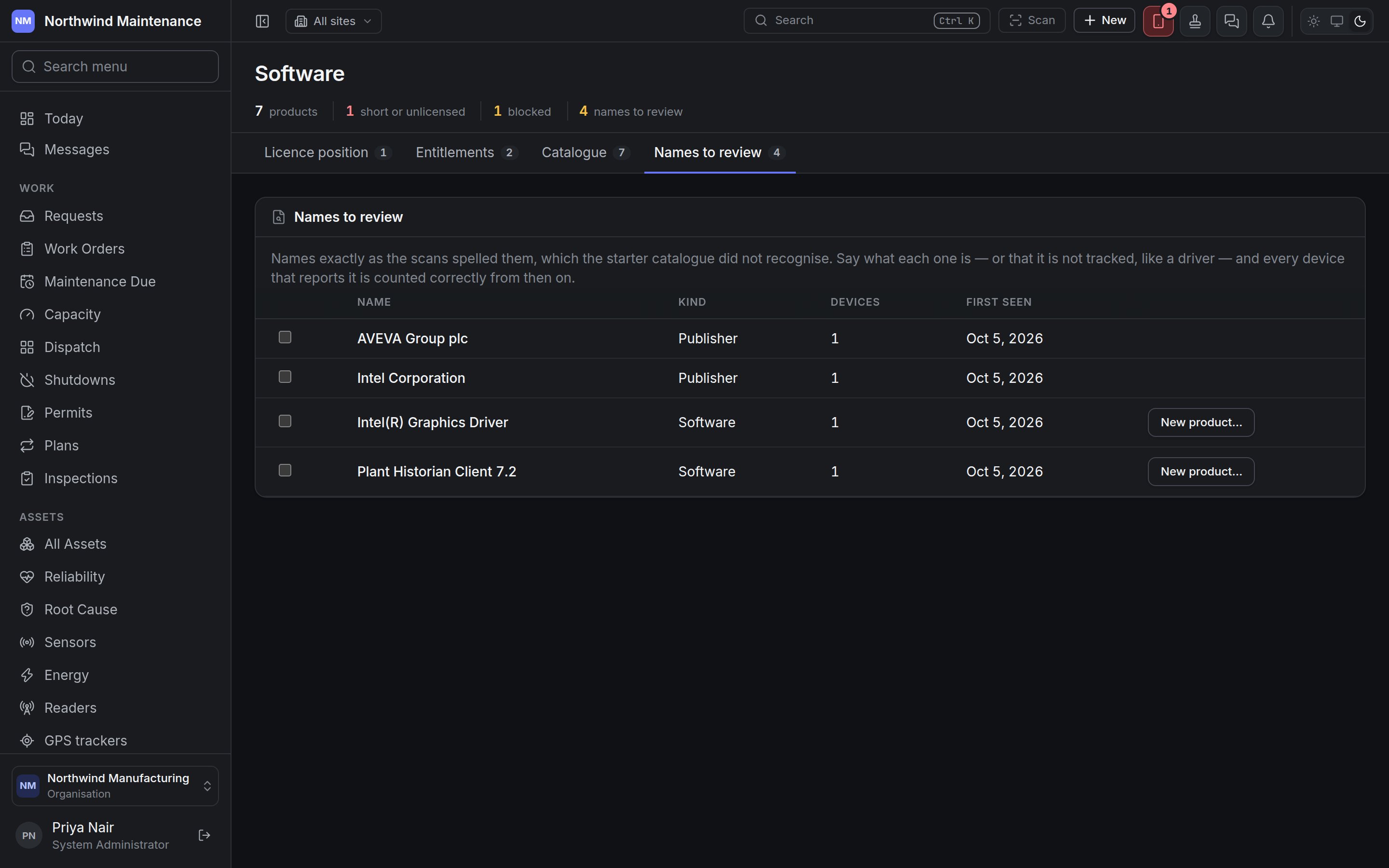
With names ticked, The … chosen are lets you pick the product (or publisher) they are, then
Map. Not tracked marks them as something you do not track, like a driver. You can tick software
names or publisher names, not both at once. New product… on a software row creates a product from
that name and maps it.