

What makes it different
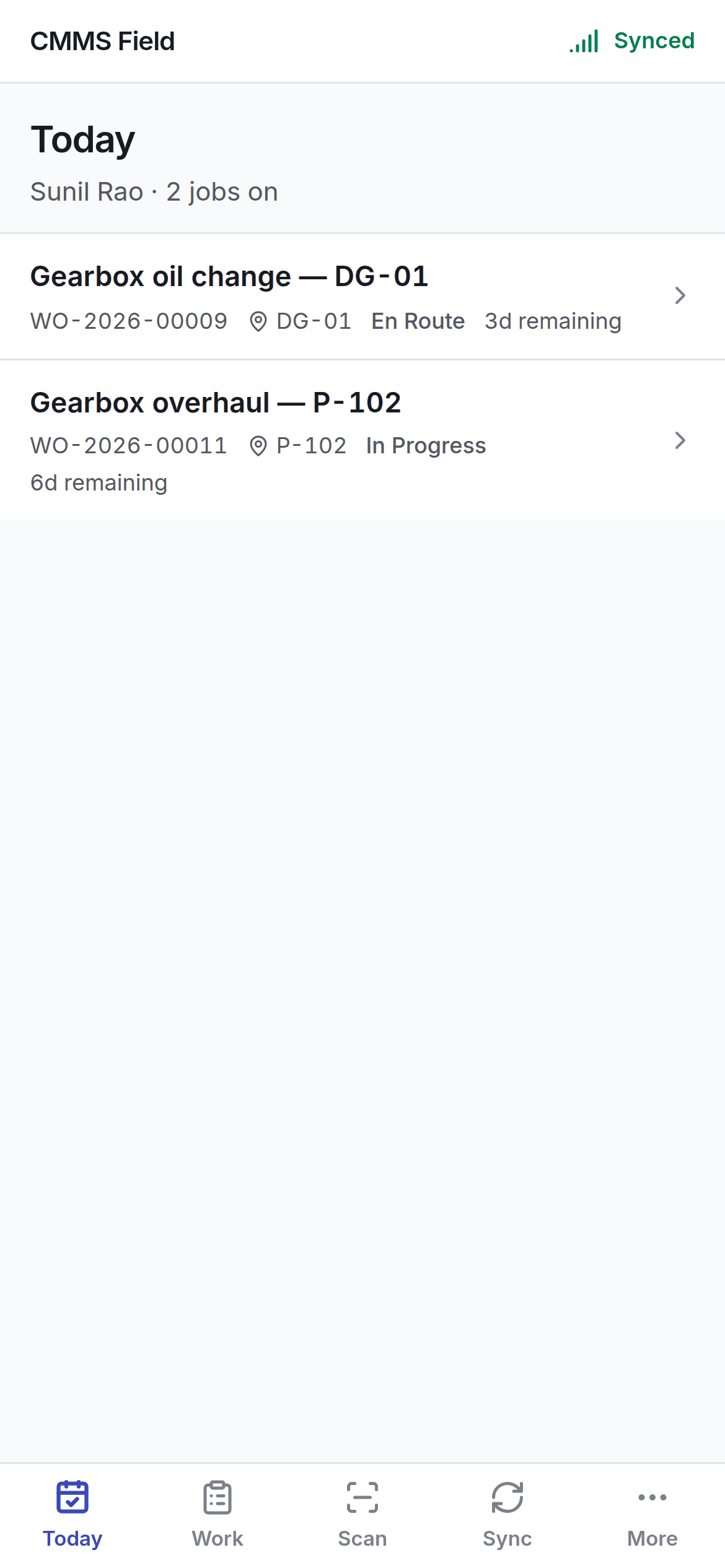
The desktop app asks the server for everything. The field app asks its own encrypted database on the handset, and syncs when it can. That changes how it behaves:- Pressing a button changes the screen now. Nothing waits for a network. An interface that greys out until a request returns is an interface that spends a shift greyed out.
- You are told two things, not one. The job changed, and the server has not agreed yet. Those are different facts and the screen shows both.
- The list you saw at the gate is the list you see in the plant room.
Five tabs
Getting it
The field app is a web app — open its address in the handset’s browser and add it to the home screen. There is nothing to install from a store. Your administrator will give you the address.What you need
- The email and password you use for the main app.
- A passcode you choose for the handset itself. See signing in.
Sign in and enrol the handset
The passcode, what it protects, and why nobody can recover it.