

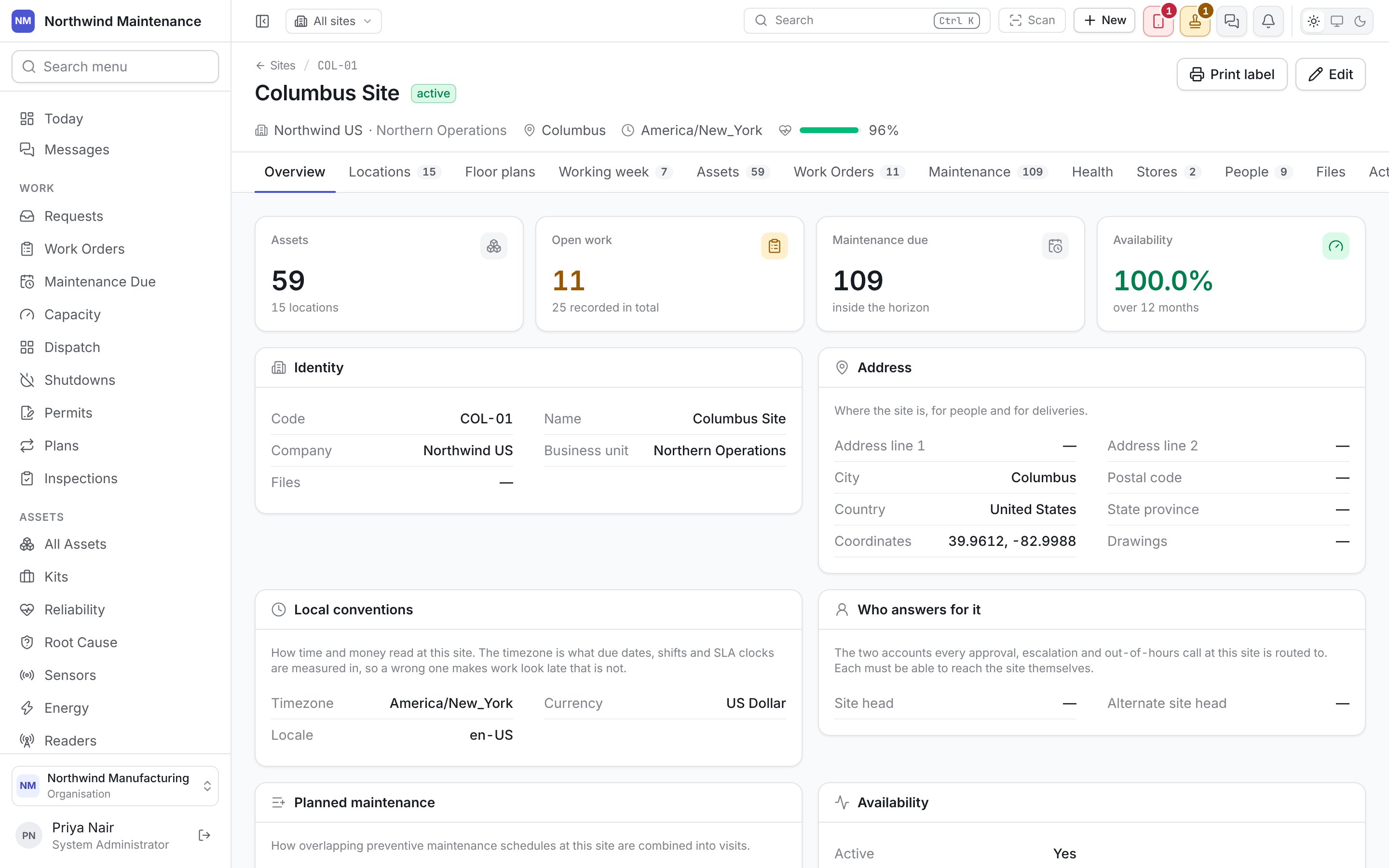
The header
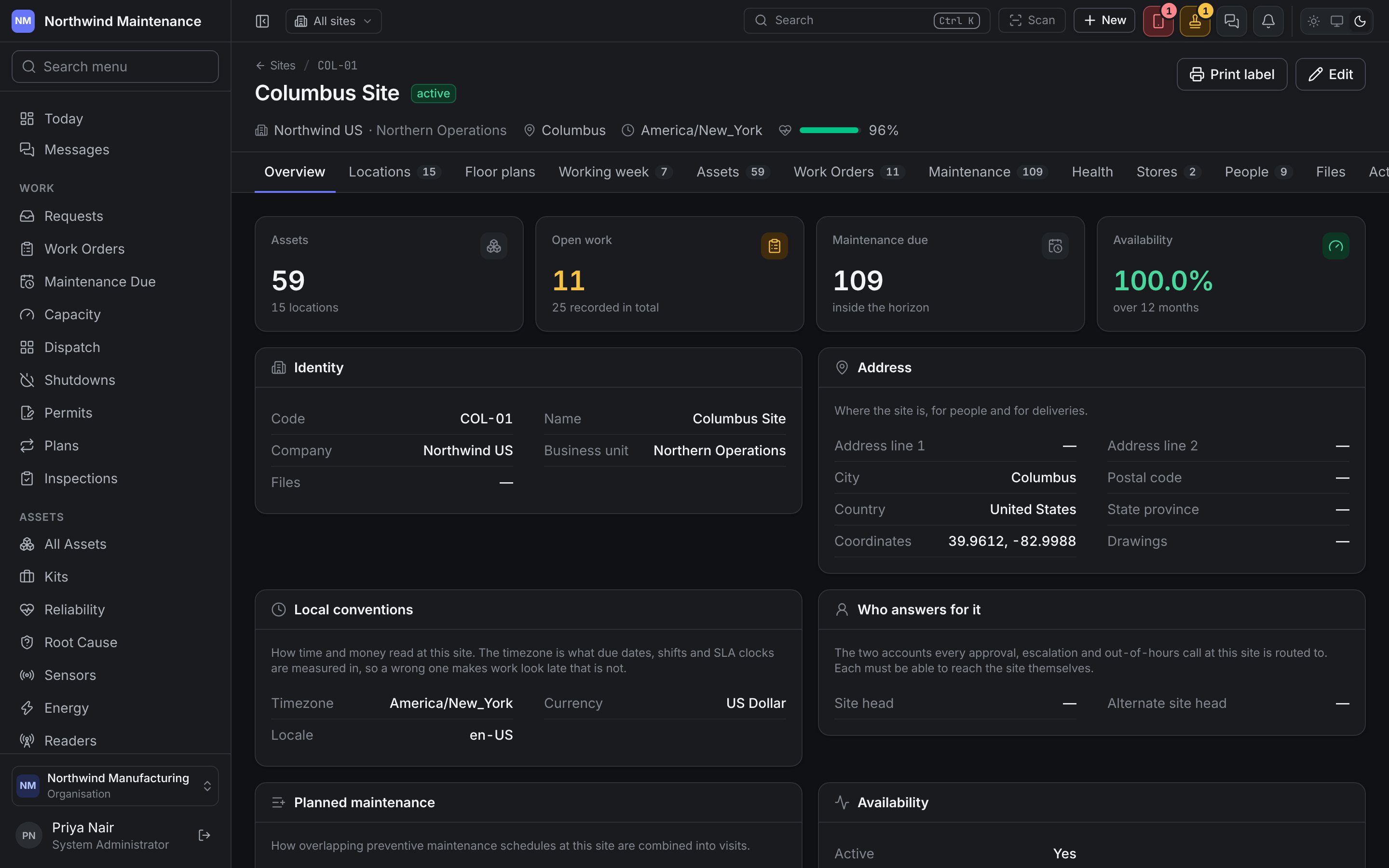
The header shows the site’s code and name, whether it is active or closed, its company and business unit, city, timezone, and a health score out of 100 rolled up from the assets at the site. A site with no working week carries an amber no working week pill here too.
Each tab carries a count where one makes sense — locations, working days, assets, open work orders, maintenance due, stores, people and files. A tab appears only where your organisation uses the module behind it: Assets with assets, Work Orders with work orders, Maintenance with maintenance planning, Health with reliability, Stores with inventory and People with workforce. The overview’s figures follow the same modules.
Overview
Four figures across the top, then the site’s own details:
Below them are the site’s fields in the same groups as the form — identity, address, local conventions, who answers for it, and availability. If the site has no working week, a warning sits above the figures with a link straight to the Working week tab.
Locations
The location tree: every building, floor, line, room or bay at this site, nested as deeply as the site needs.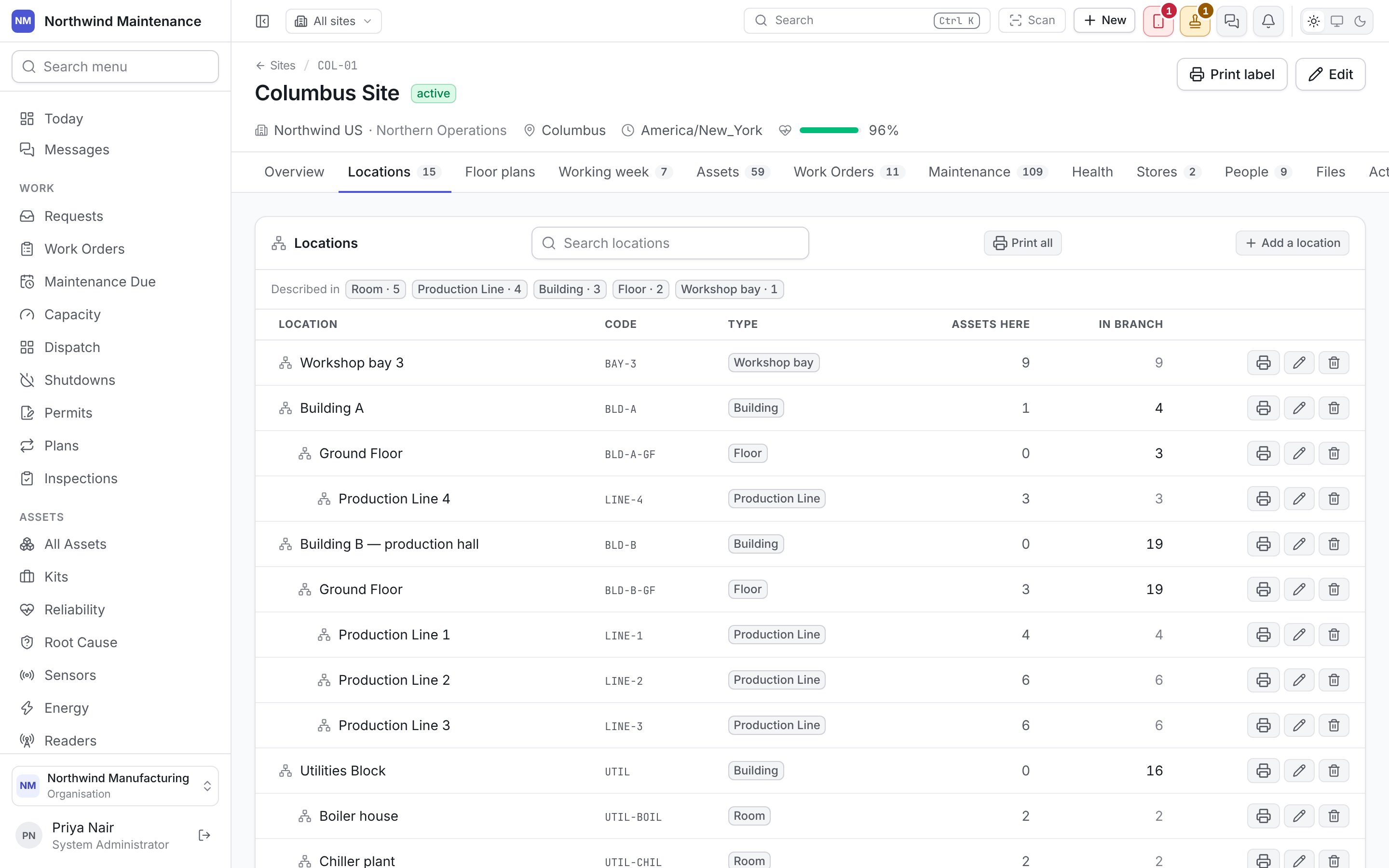
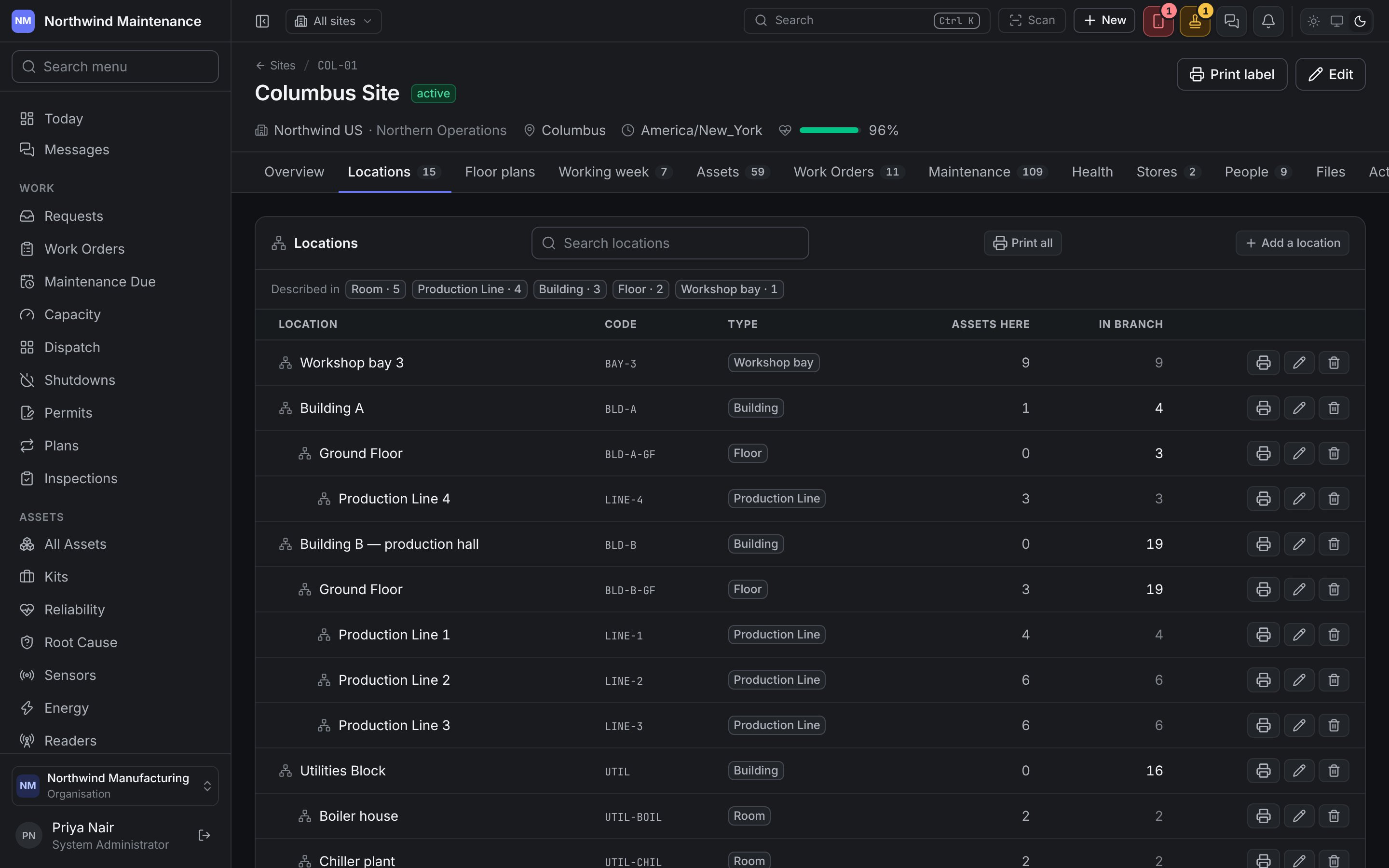
Print all prints a label for every location in the tree. Add a location opens the location form. A search box narrows a long tree.
Adding or editing a location
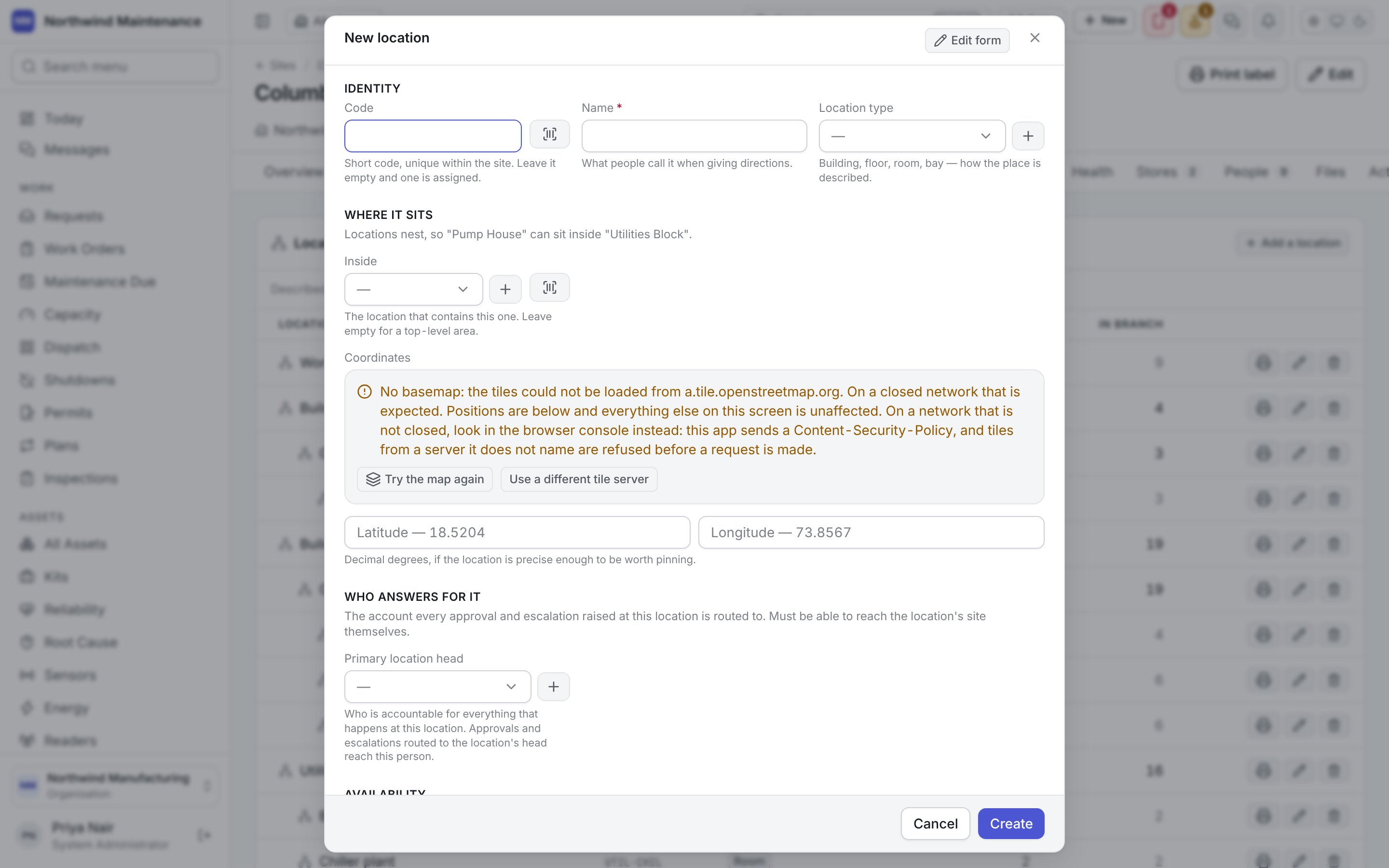
Creating locations needs the Create locations permission; changing them needs Edit locations.
Floor plans
Drawings of the site or of one building, with areas marked on them and coloured by what needs attention. See floor plans for uploading, marking areas and the colour rule.Working week
Which days and hours count as working time at this site, and its holidays.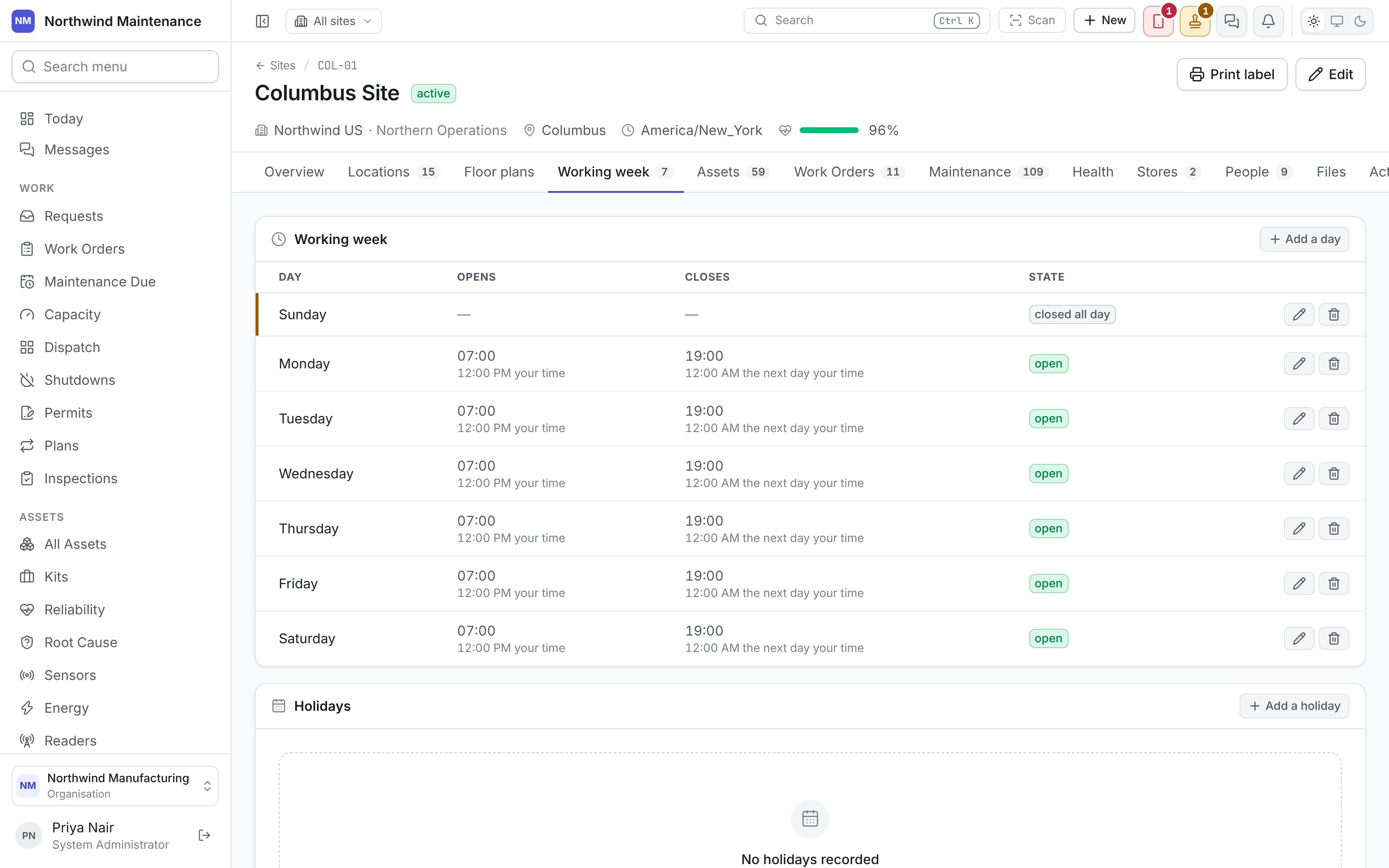
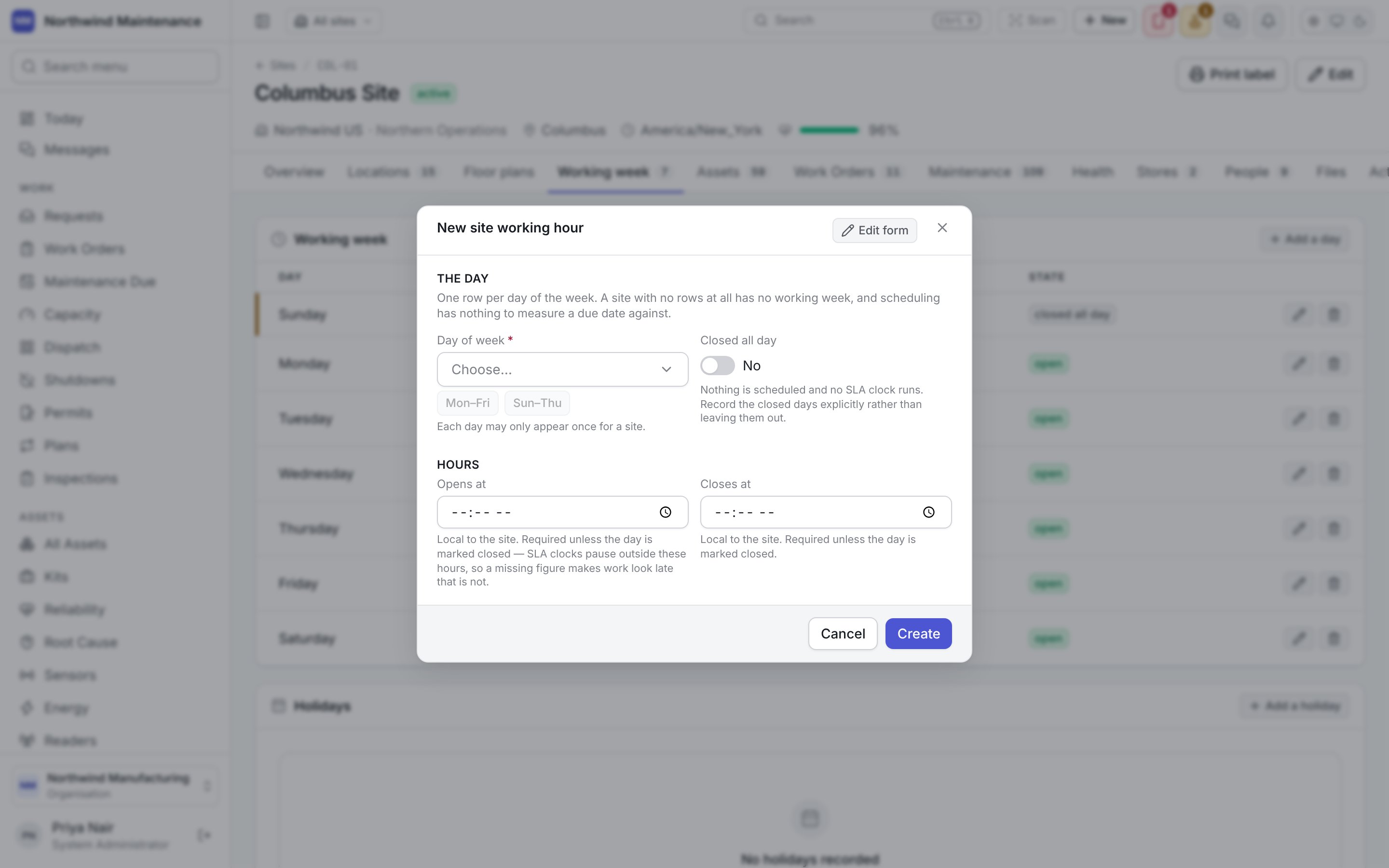
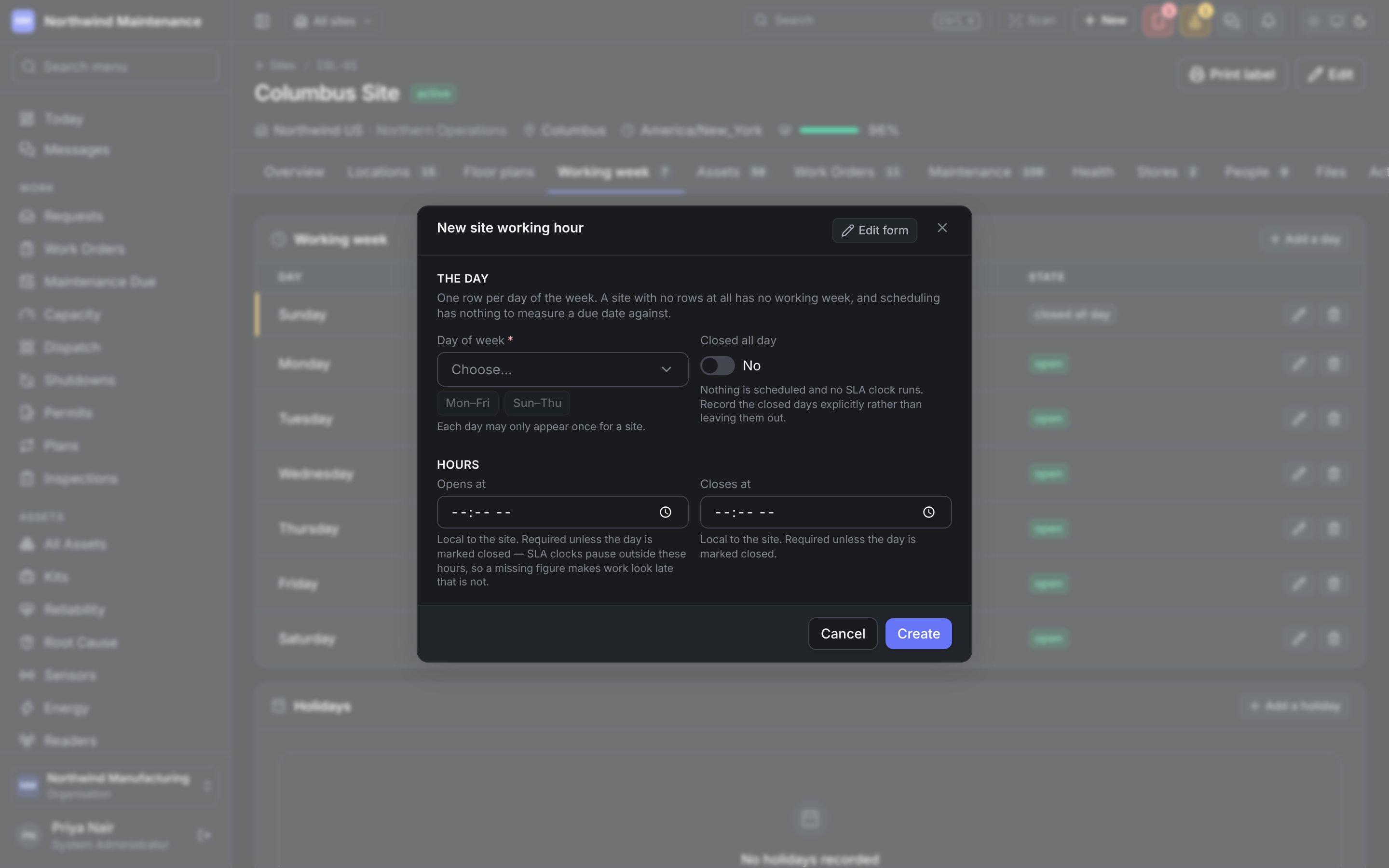
The Holidays table lists each holiday with its name and date. Add a holiday opens:
Changing the working week and holidays needs Edit sites and calendars.
Assets
Every asset at this site with Asset, Where (its location), Status, Criticality and Health out of 100. Click an asset to open it; Open the register opens the full asset register filtered to this site. An asset arrives here by naming this site on its own record.Work Orders
Every work order raised at this site, open and closed, with Number, Title, Asset, Status, Priority, Due and Cost. Open the board opens the work order list filtered to this site.Maintenance
Every maintenance plan occurrence due inside the planning horizon for assets at this site, with Plan, Asset, Due, Triggered by (calendar, meter or condition) and Work order — the job it raised, or not raised yet.Health
How reliably the site’s assets have run over the last 12 months.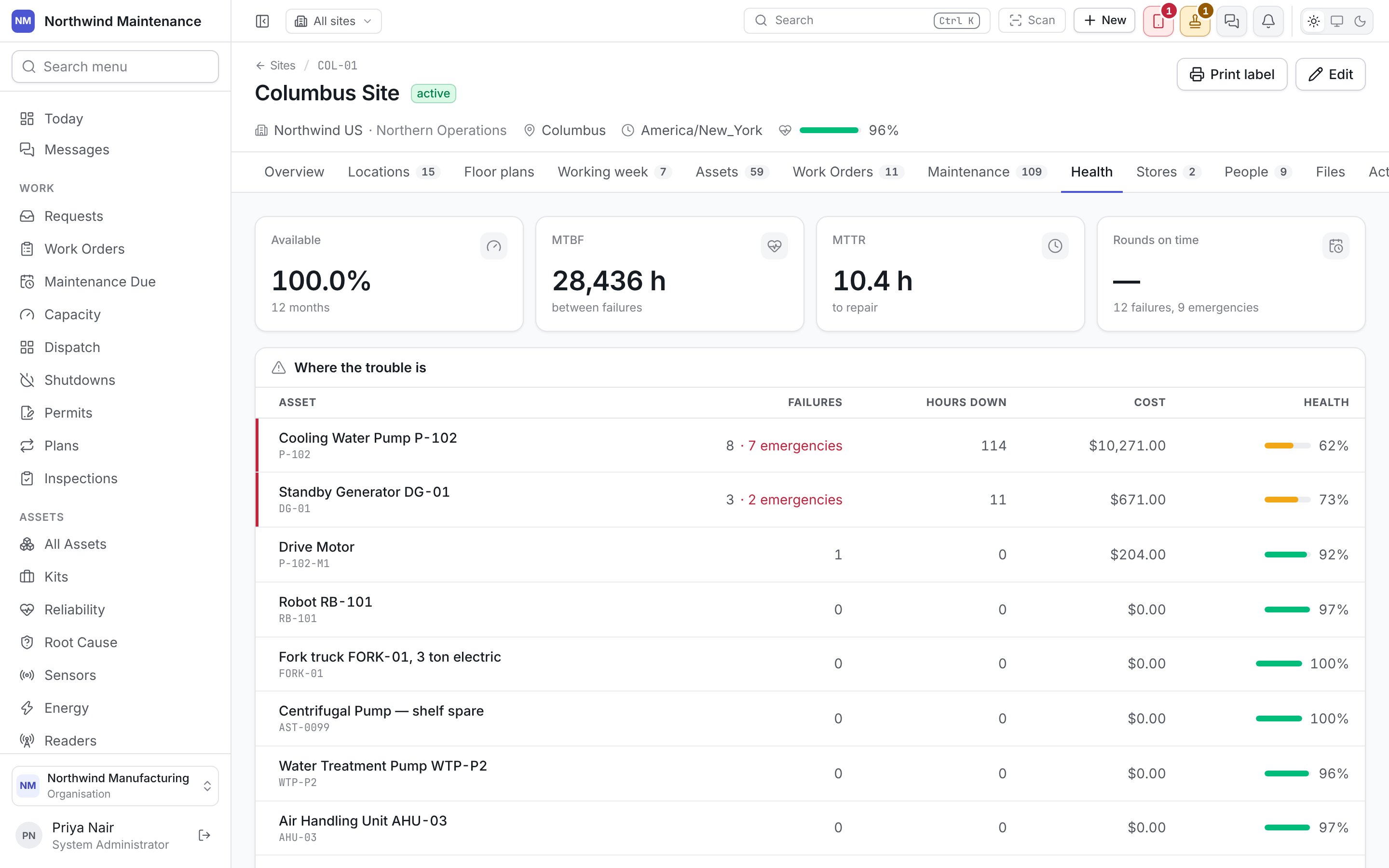
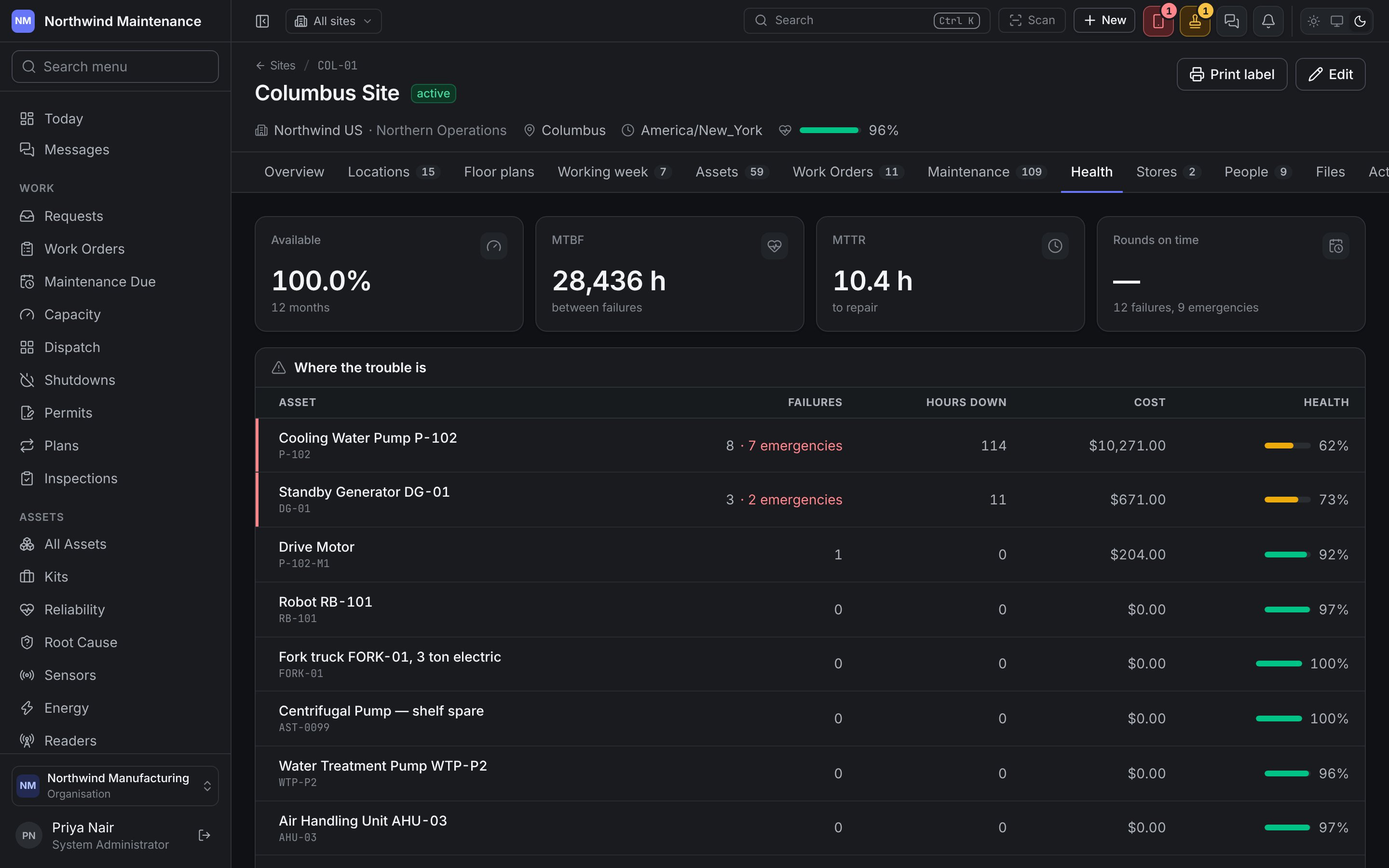
Where the trouble is lists the assets doing the most damage to those numbers, with Failures, Hours down, Cost and Health — the same “bad actors” idea as Reliability, scoped to one place. The figures are rolled up overnight from work orders and asset status history, so a site with no closed work has nothing to measure.
Stores
The stores at this site.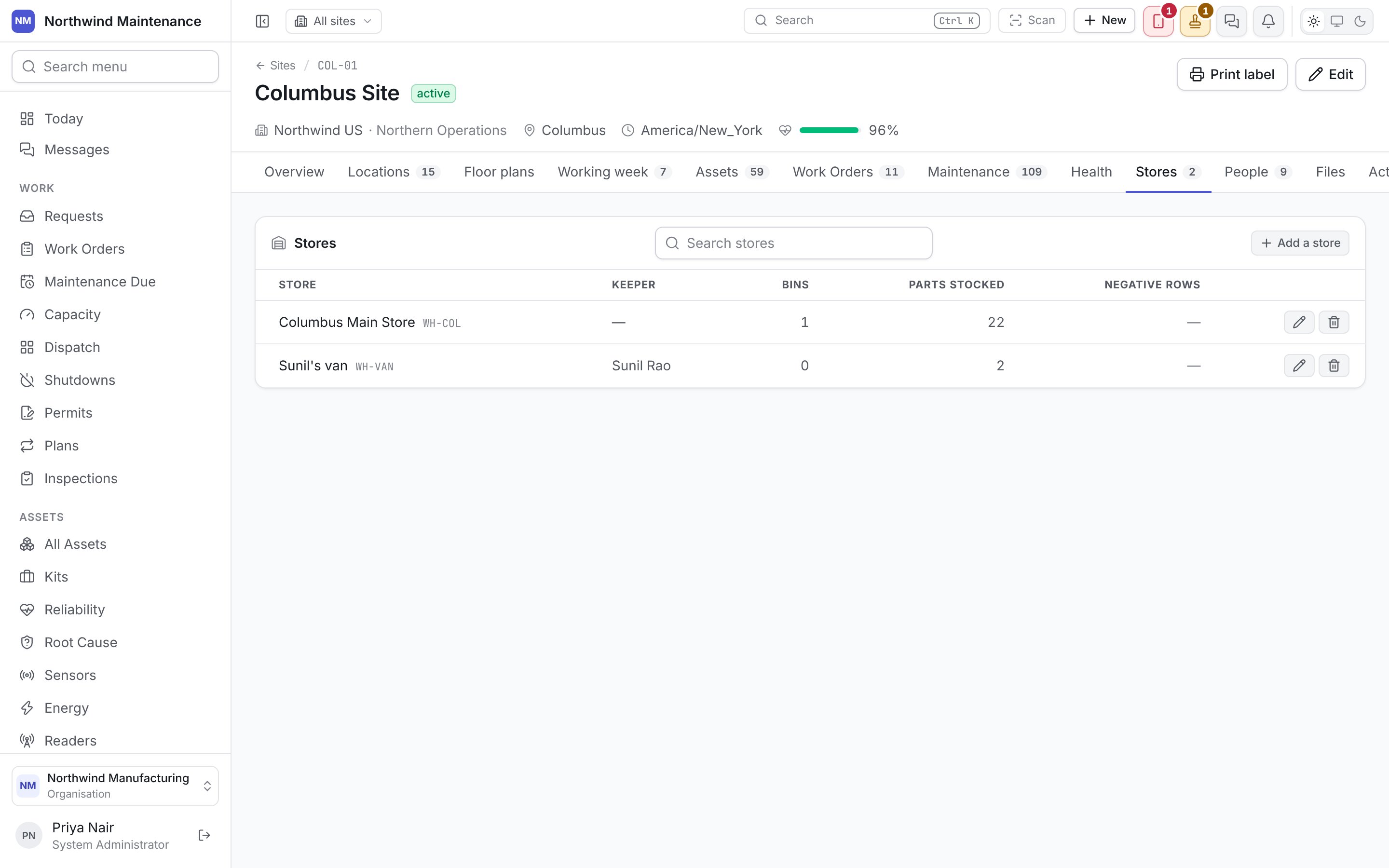
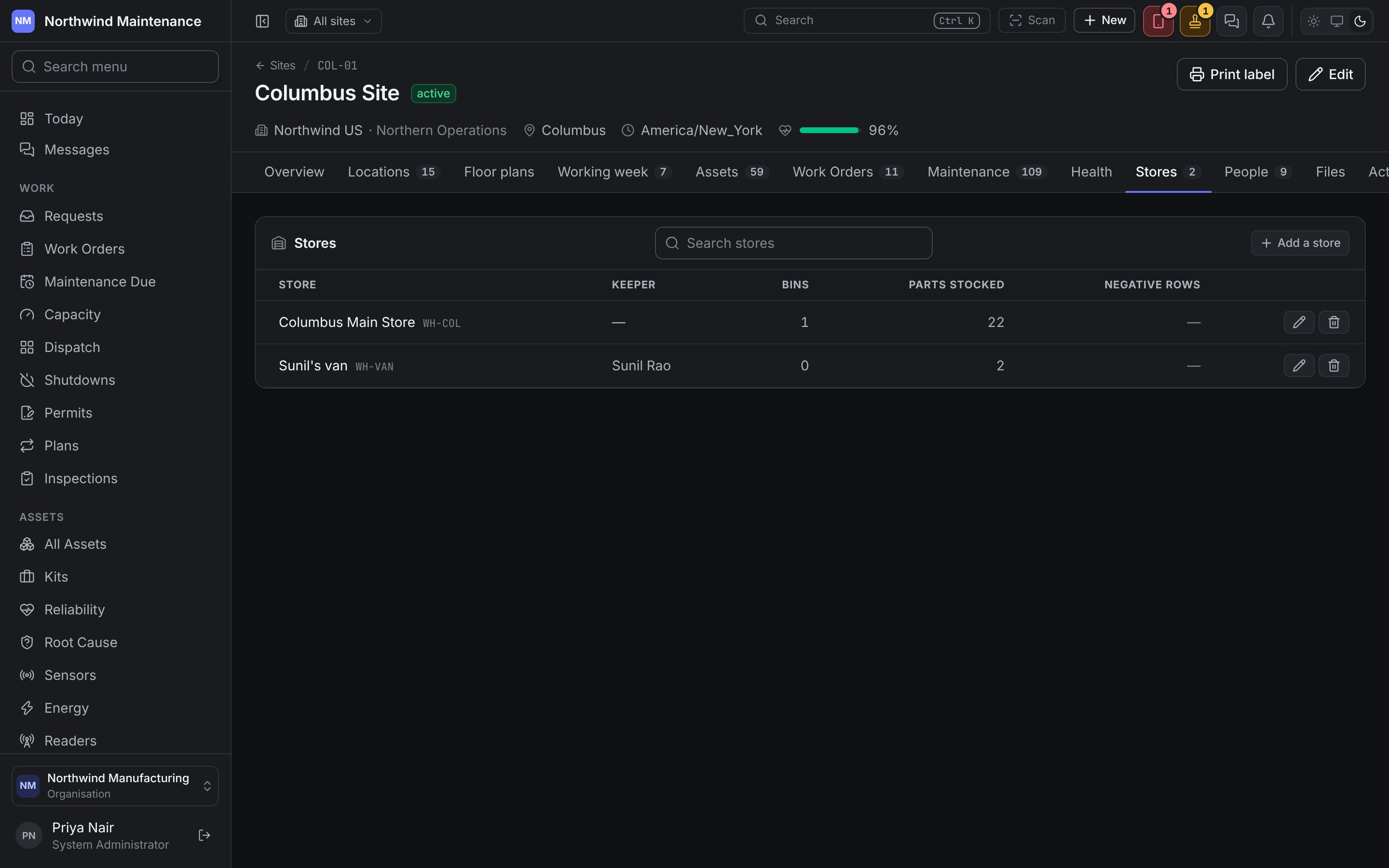
Without a store, work at this site draws its parts from somewhere else. Add a store opens:
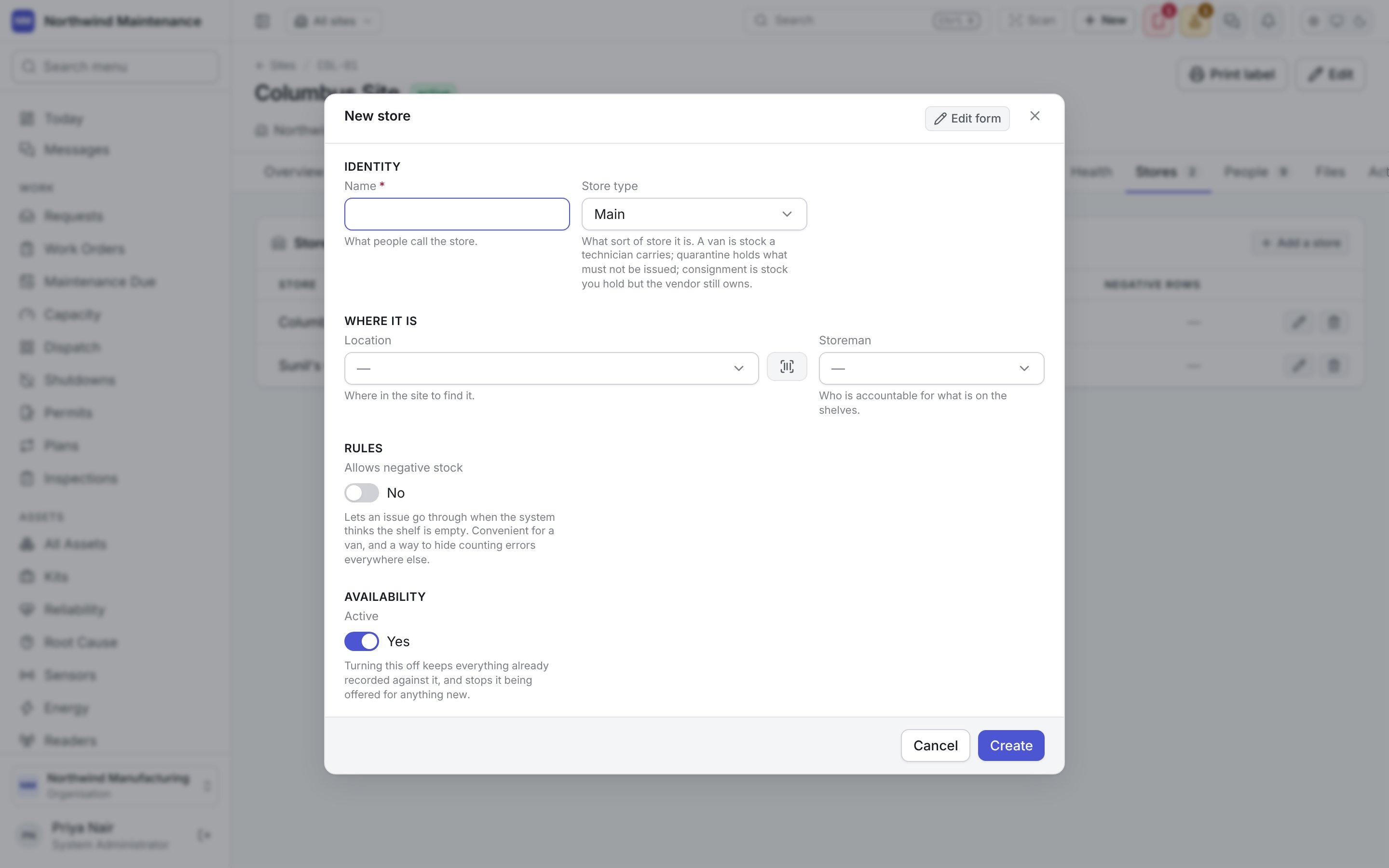
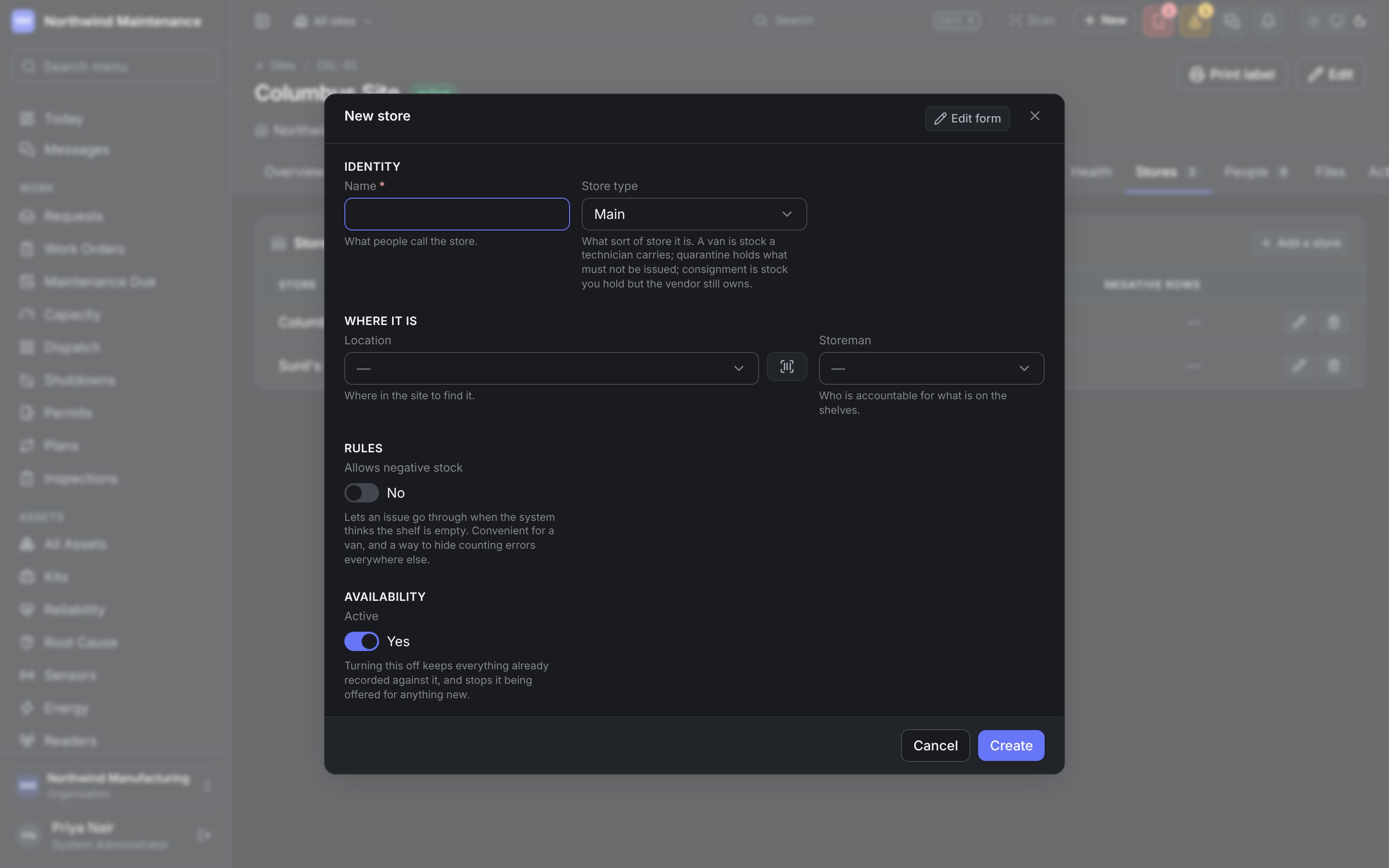
Adding stores needs Add parts, stores and bills of materials.
People
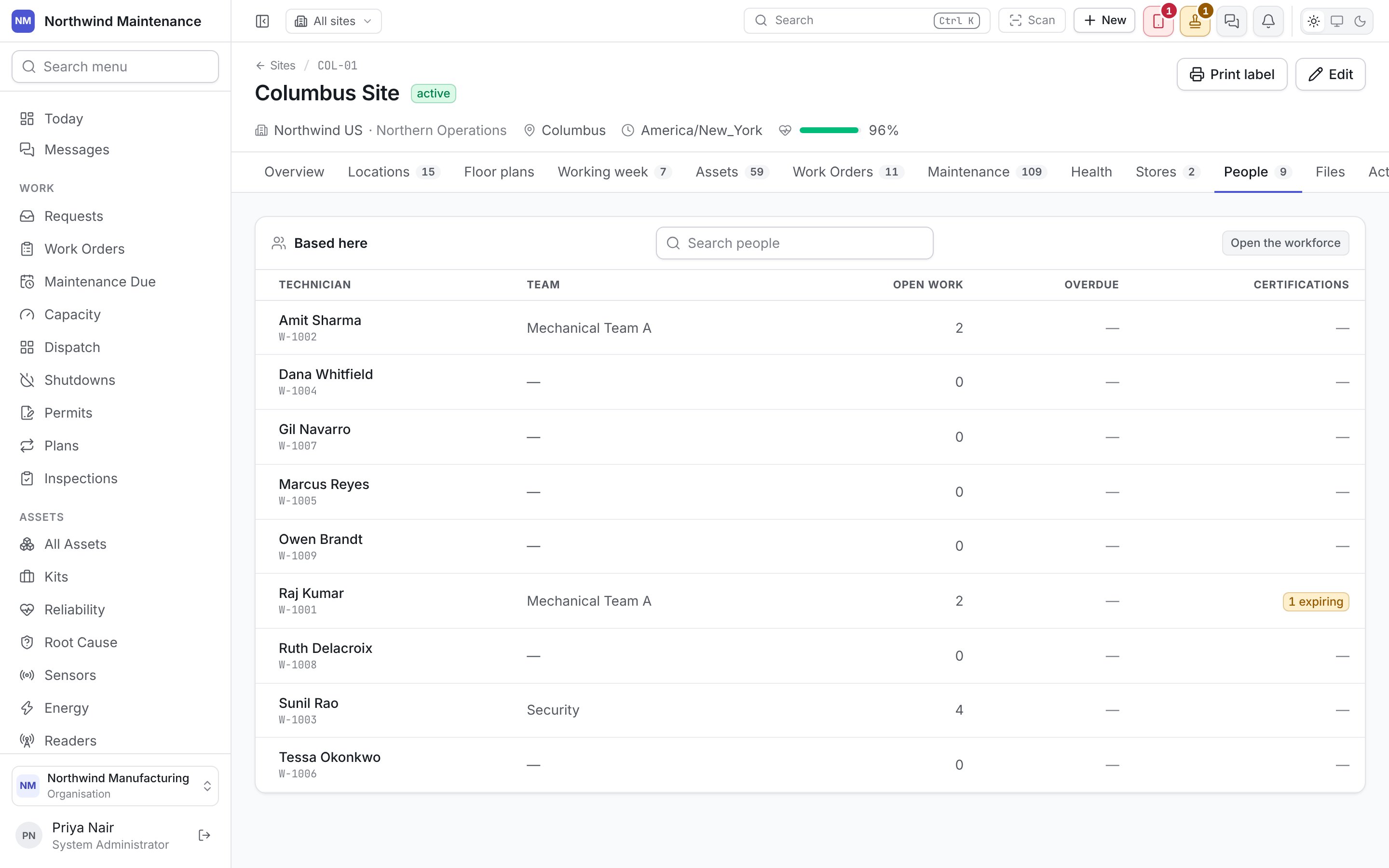
Files
The site plan, the fire certificate, the lease, the gate photograph. Choose a Kind (photo, nameplate, manual, drawing, certificate, report, receipt and so on), add an optional Caption, then Attach files or take a picture with Camera.Activity and audit
Activity is the record’s timeline — every change in order, plus comments anyone who can see the site can read and add. Audit is the full field-level change history, written automatically and never edited; it appears only for people with Read the audit trail.The sites register
Finding a site, adding one, and what the register flags.