

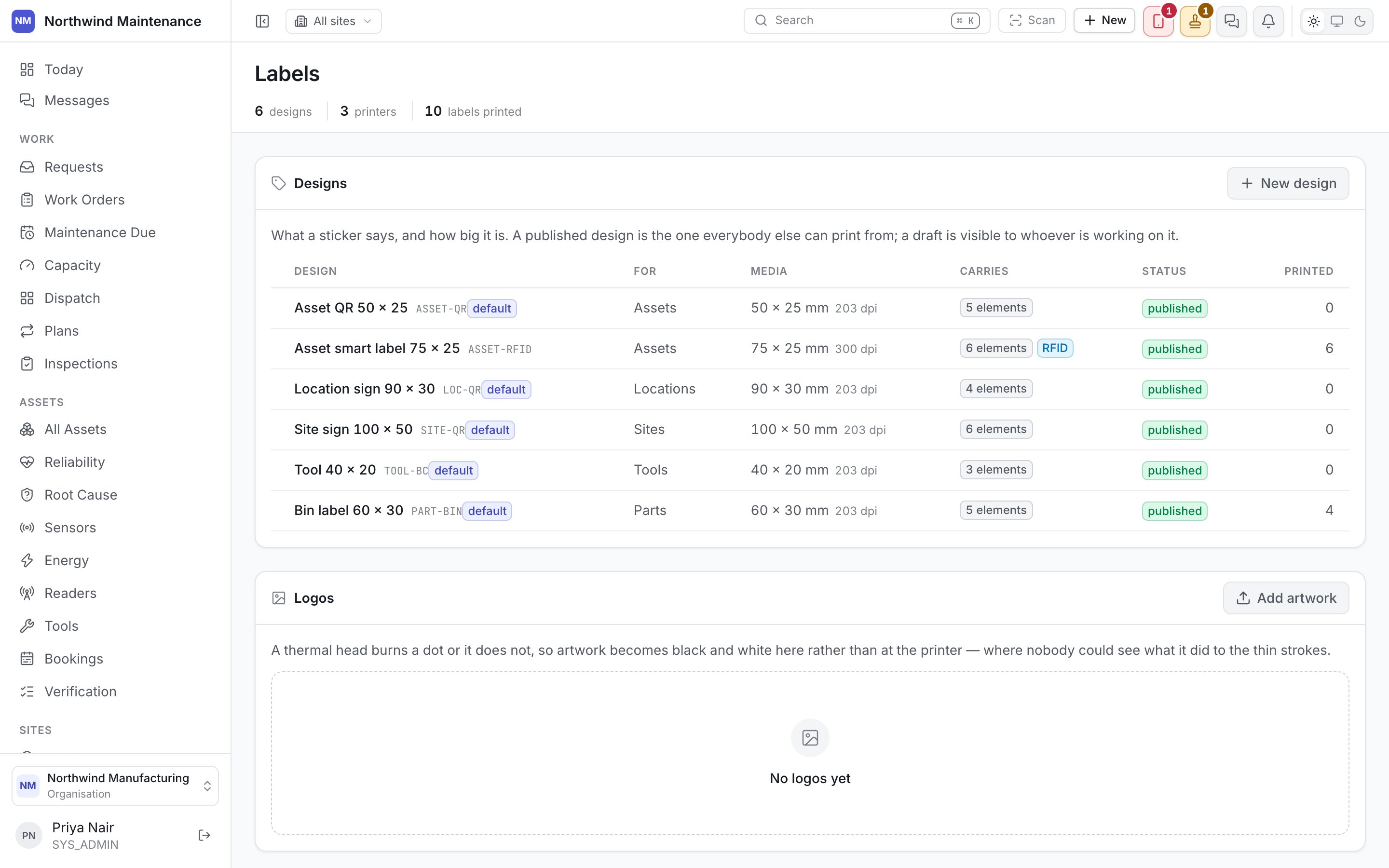
A label is only as useful as its scan. Design it here, once, and every asset, part, tool, bin and site print pulls from the same template instead of whatever a printer’s own utility happens to default to.

The template designer

A canvas, not a form. Place a barcode, a QR code, a field, a logo or static text anywhere on the label and position it to the millimetre — labels are small enough that a couple of millimetres is the difference between a barcode that scans and one that doesn’t.
The preview is the print. What the canvas shows is what the printer produces, at the size the template declares — not an approximation to eyeball and adjust after a wasted sheet of labels.
Templates are scoped to what they label — an asset template offers asset fields, a bin template offers bin fields — so a design can’t reference a field the record it’s printed against doesn’t have.

Logos

A small library of images, managed once and reused across every template rather than re-uploaded per design. Swap a logo here and every template that places it reprints with the new one next time, with nothing to edit template by template.

Printers

Networked label printers the organisation prints to, registered by address so a print job can be sent straight to hardware instead of always producing a file to hand off. A print dialog that finds no printer registered — or where none is chosen — falls back to a downloadable PDF or ZPL file, which is also what you want for a printer this screen doesn’t know about yet.
Register the printer that actually sits next to where labels get applied. A print job routed to the wrong printer is a walk across the building to go collect it.

The print log

Every print run, kept: who printed, what was printed, when, and how many labels went out. It’s the answer to “did anyone already label these” and to “who printed forty bin labels on Tuesday” — a question that otherwise has no answer once the sheet leaves the printer.

Where this gets used

The template designer, logos and printers live here; printing itself happens from the record. Print labels appears on Asset Detail and Part Detail for one record, on the Tools list for a bulk selection, and on Sites for bin and site labels. Each opens a dialog previewing the label against the real record, then either sends it to a registered printer or offers the file — the design decided here is what shows up in every one of those dialogs.