

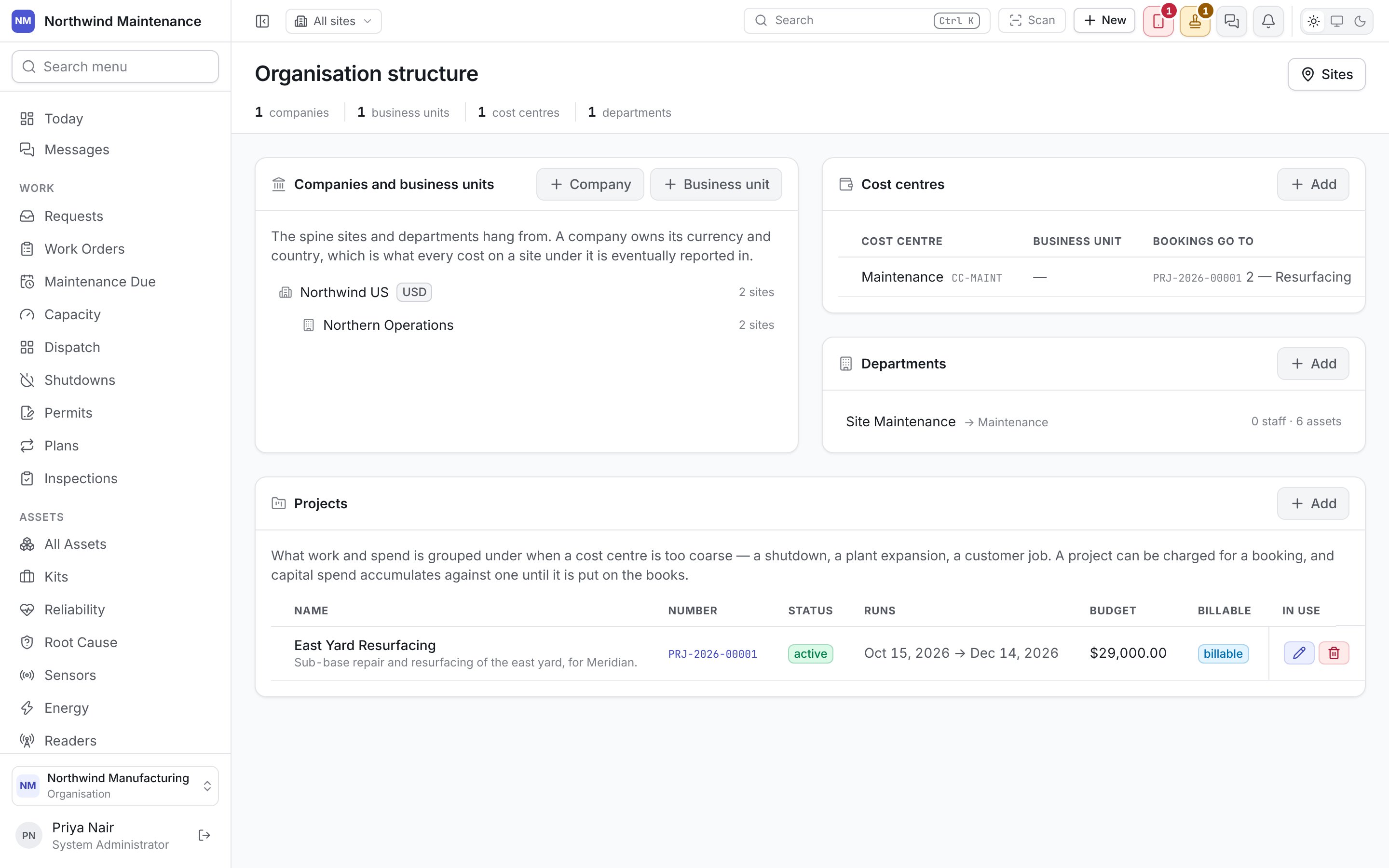
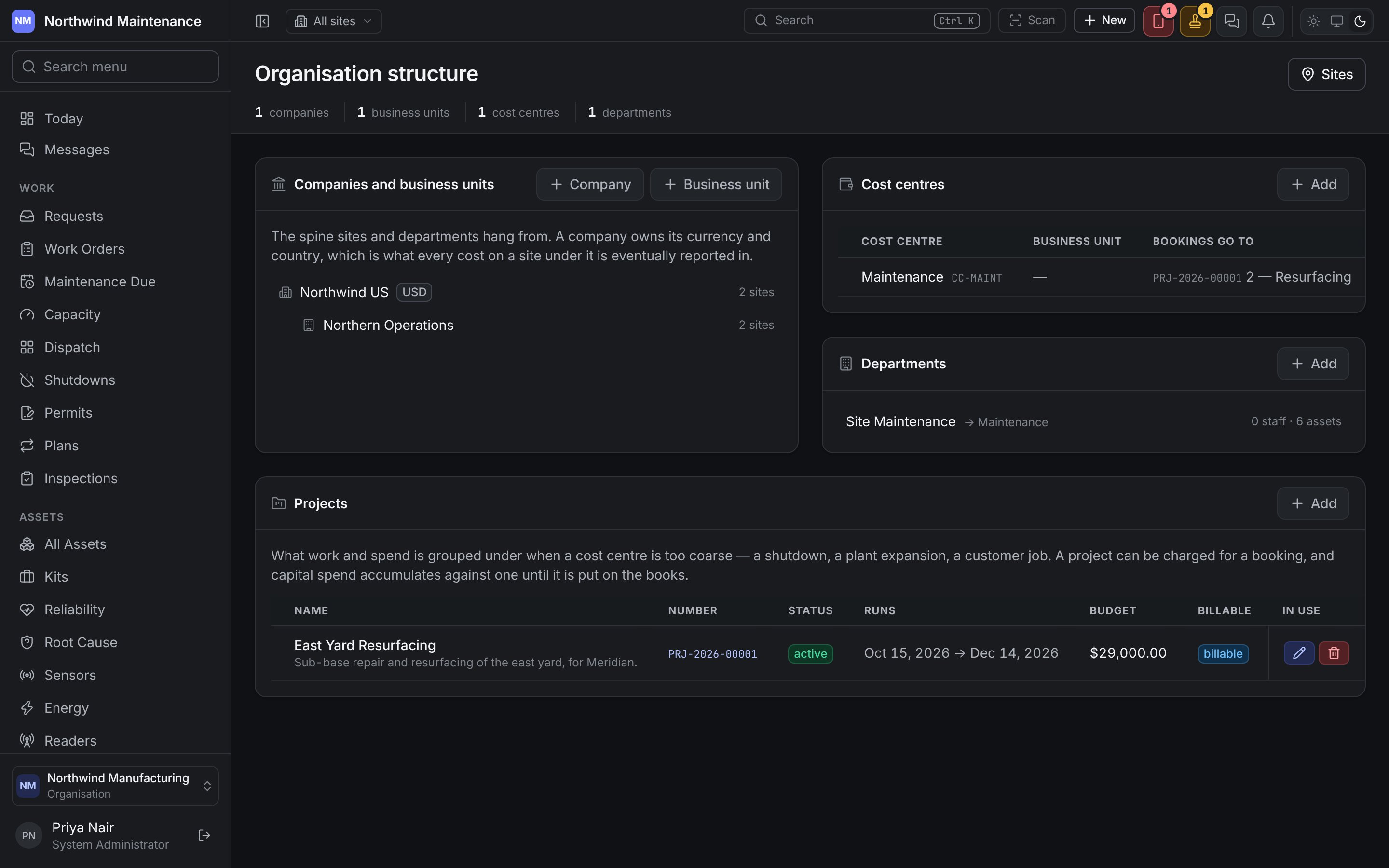
Companies and business units
The spine sites and departments hang from, shown as one tree because a business unit always belongs to a company. Each company shows its currency and how many sites sit under it; each business unit shows its sites. Company and Business unit add one of each; click a row to edit it. A business unit cannot be added until a company exists.
A role can be granted a whole business unit on Access, which reaches
every site in it and in the units inside it. So moving a unit under another parent, or a site to
another unit, can take sites out of somebody’s reach. Where it would, the unit’s form — and the site’s
own edit form — says how many people reach those sites only through a grant on a unit above, before
you save.
Cost centres
Where cost is booked. The list shows Cost centre (name and code), Business unit, Bookings go to (the project and task a booking for somebody in this cost centre is charged to) and how many Departments report into it. Add opens the form; click a row to edit it.Departments
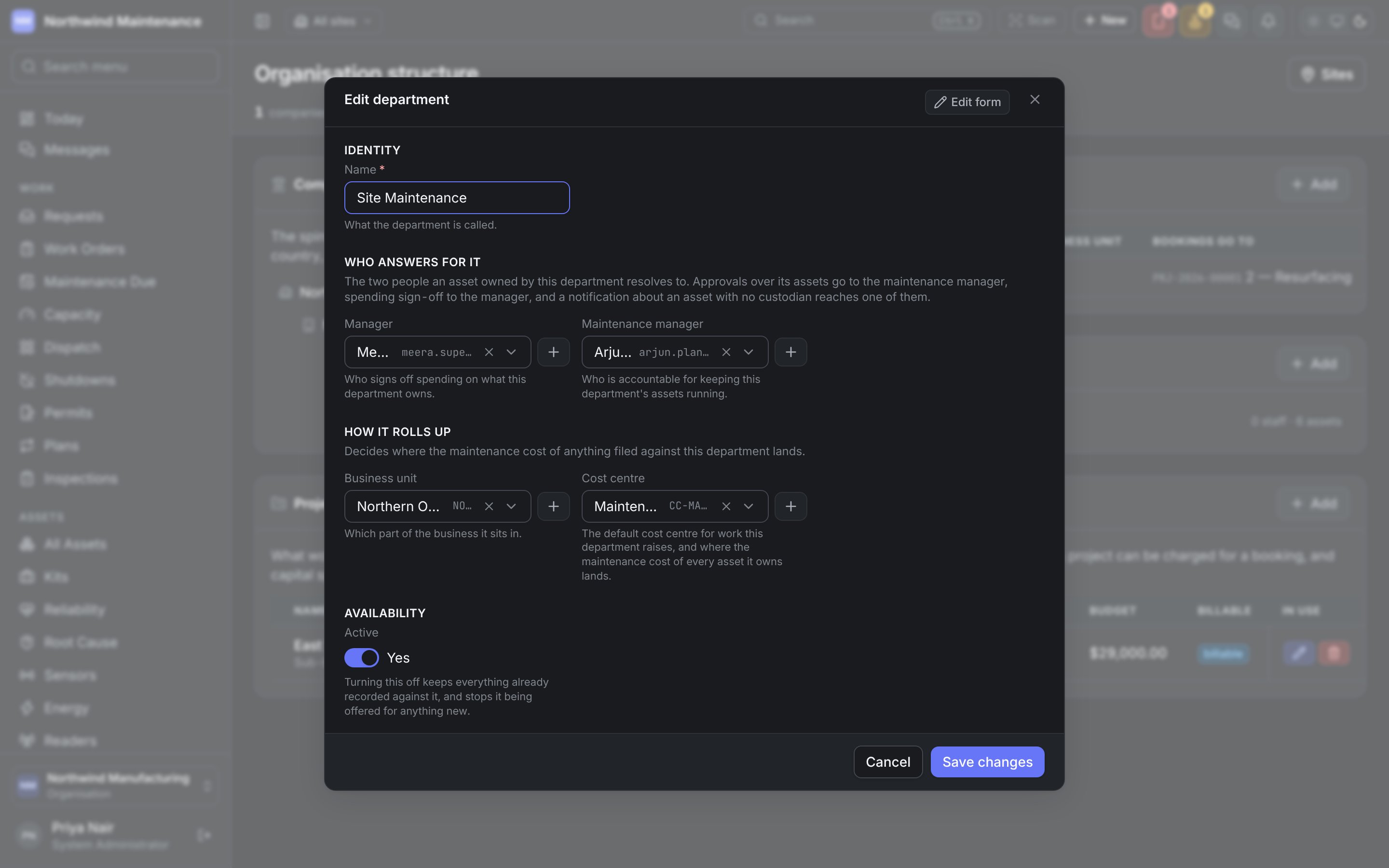
Who owns equipment operationally. Each row shows the department, its cost centre, and how many staff and assets it has. Add opens the form; click a department to edit it.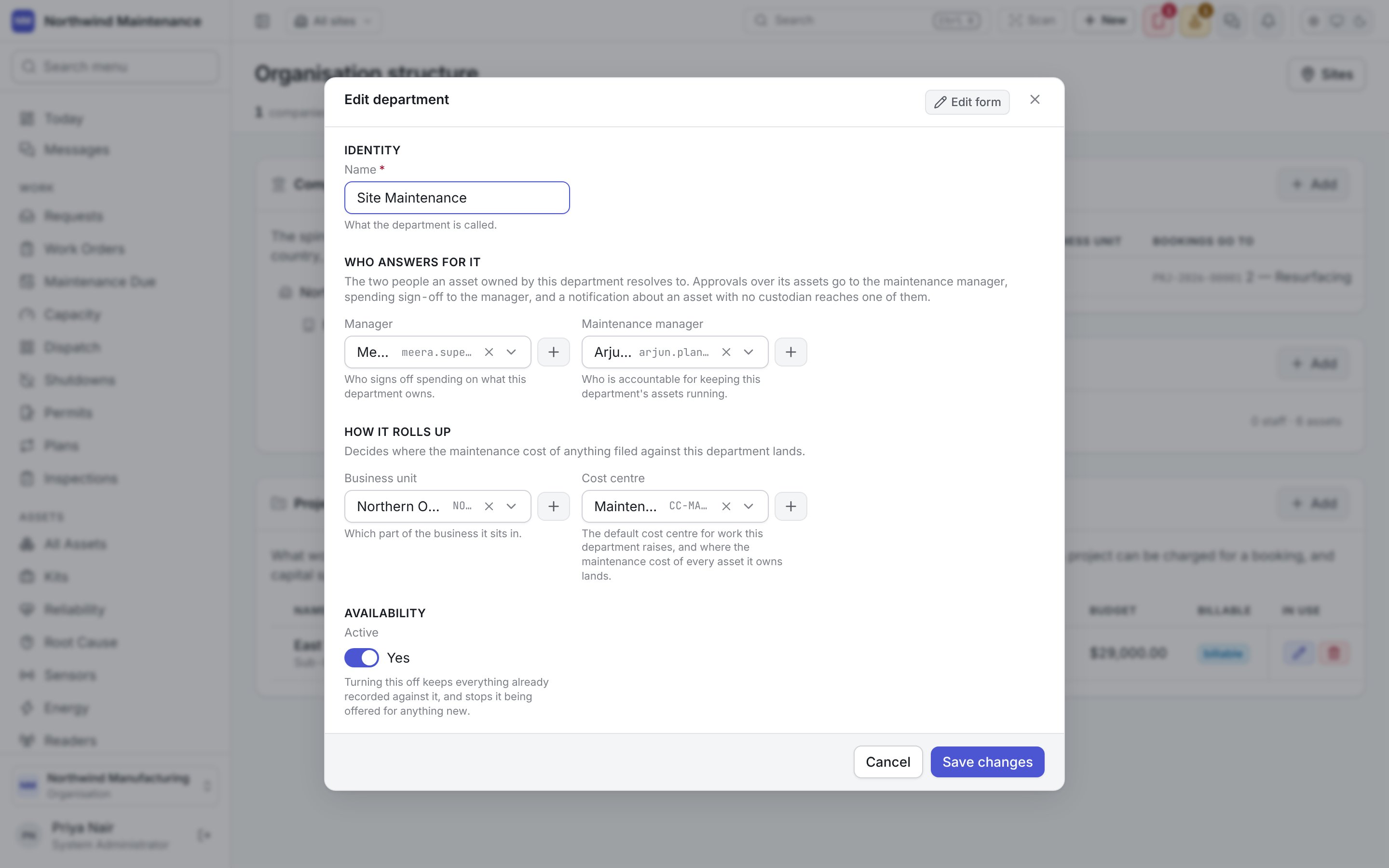
Projects
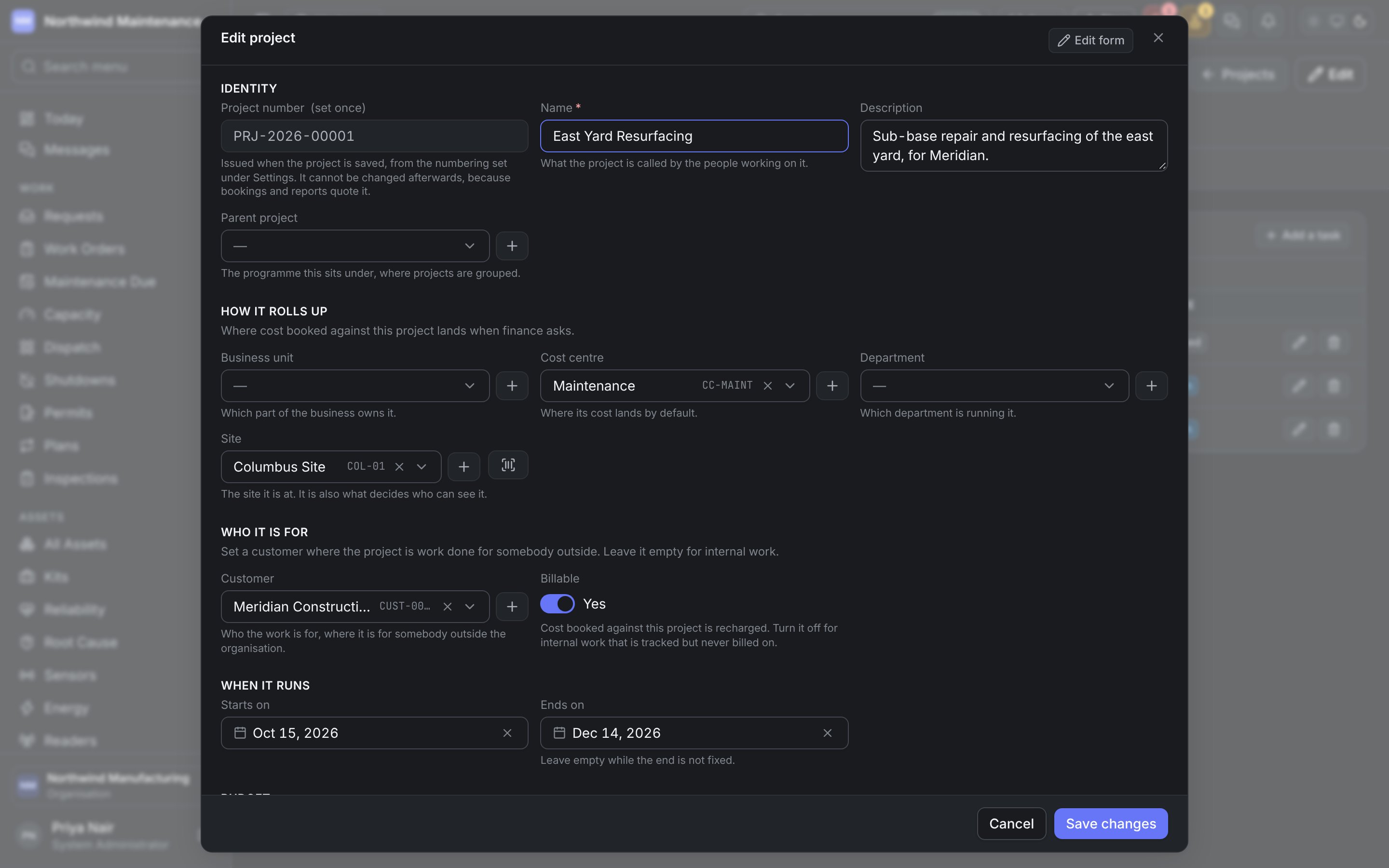
What work and spend is grouped under when a cost centre is too coarse — a shutdown, a plant expansion, a customer job. A project can be charged for a booking, and capital spend accumulates against one until it is put on the books — see depreciation.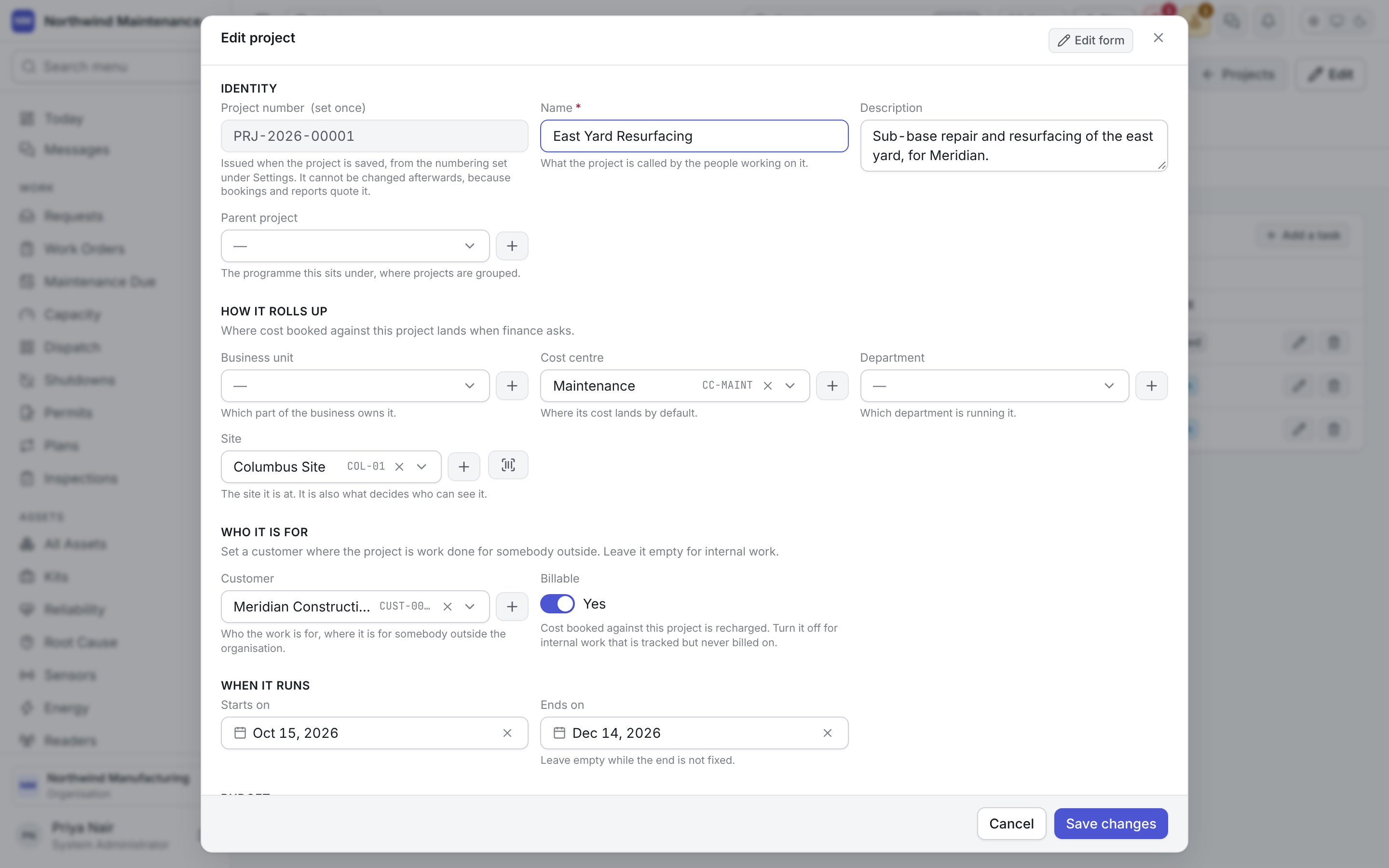
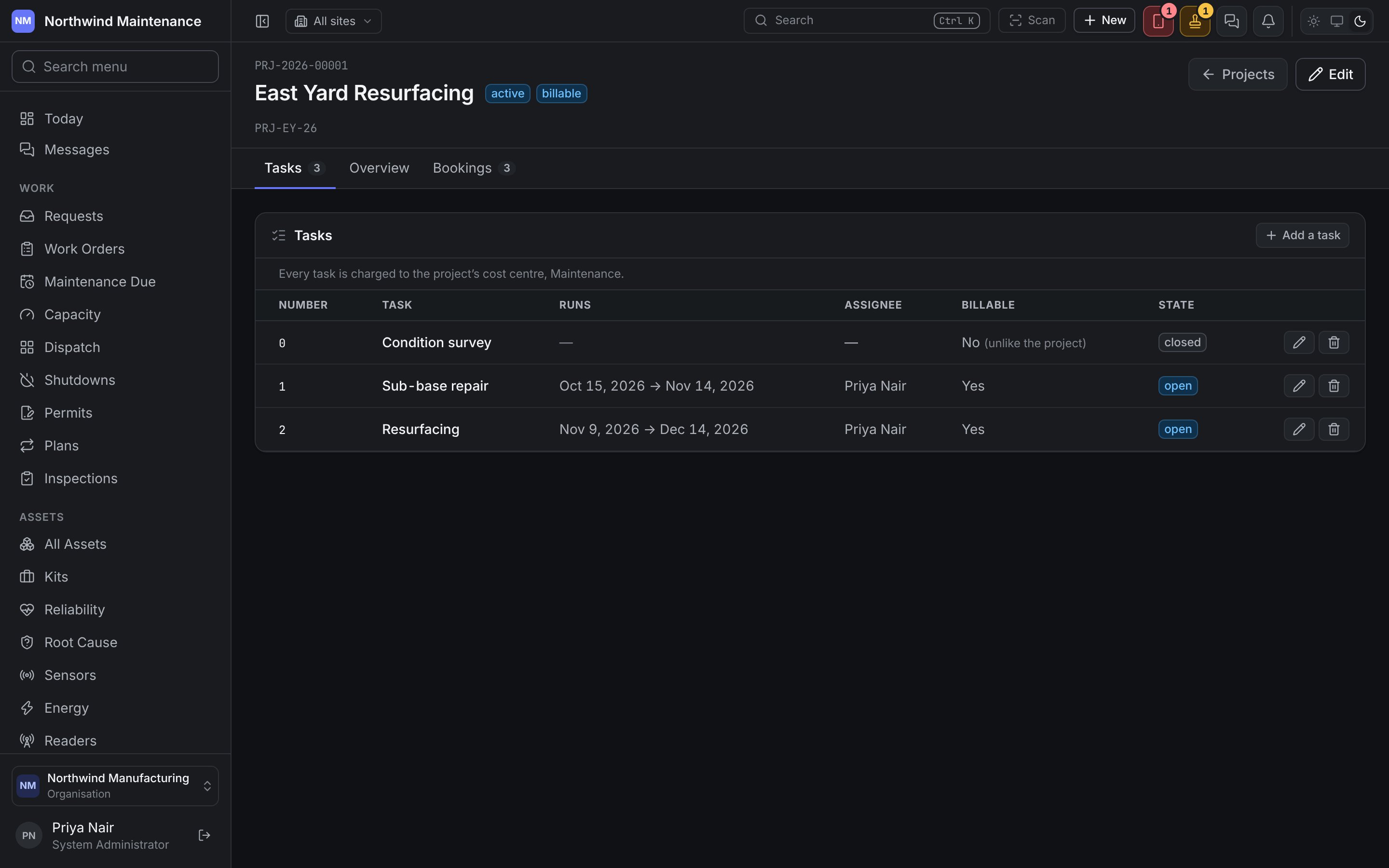
The project page
Click a project number to open its page. The header shows the number, name, status, billable or internal, its code and an Edit button. Projects returns to the list.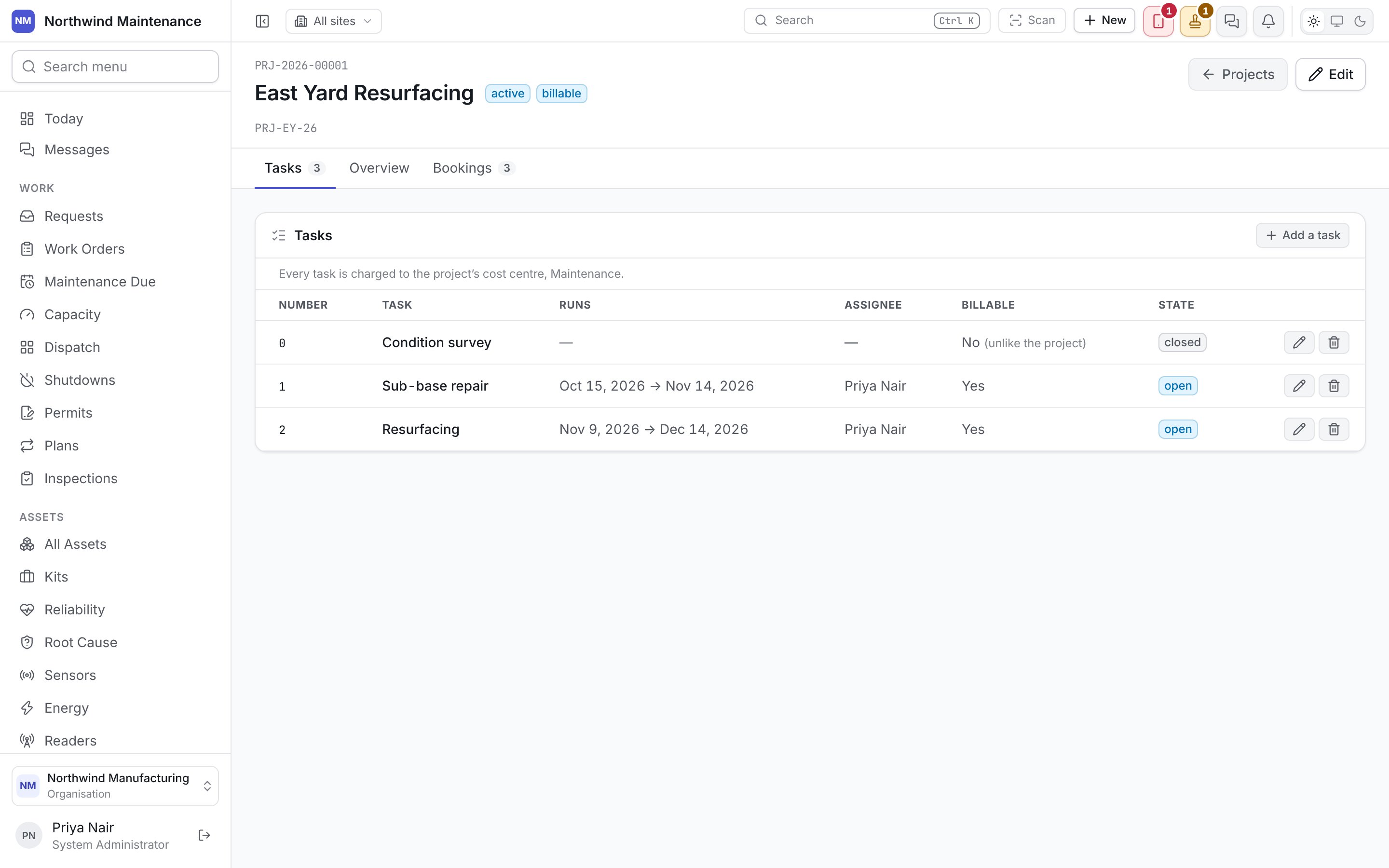
Add a task opens the task form:
Location types
The other configuration a site links out to — the vocabulary its location tree is built from.