

This screen appears only where your organisation has the Missing assets module switched on. If
you don’t see it, your administrator can switch the module on under Administration → Modules, or
it may not be included in your plan.
One card per lifecycle
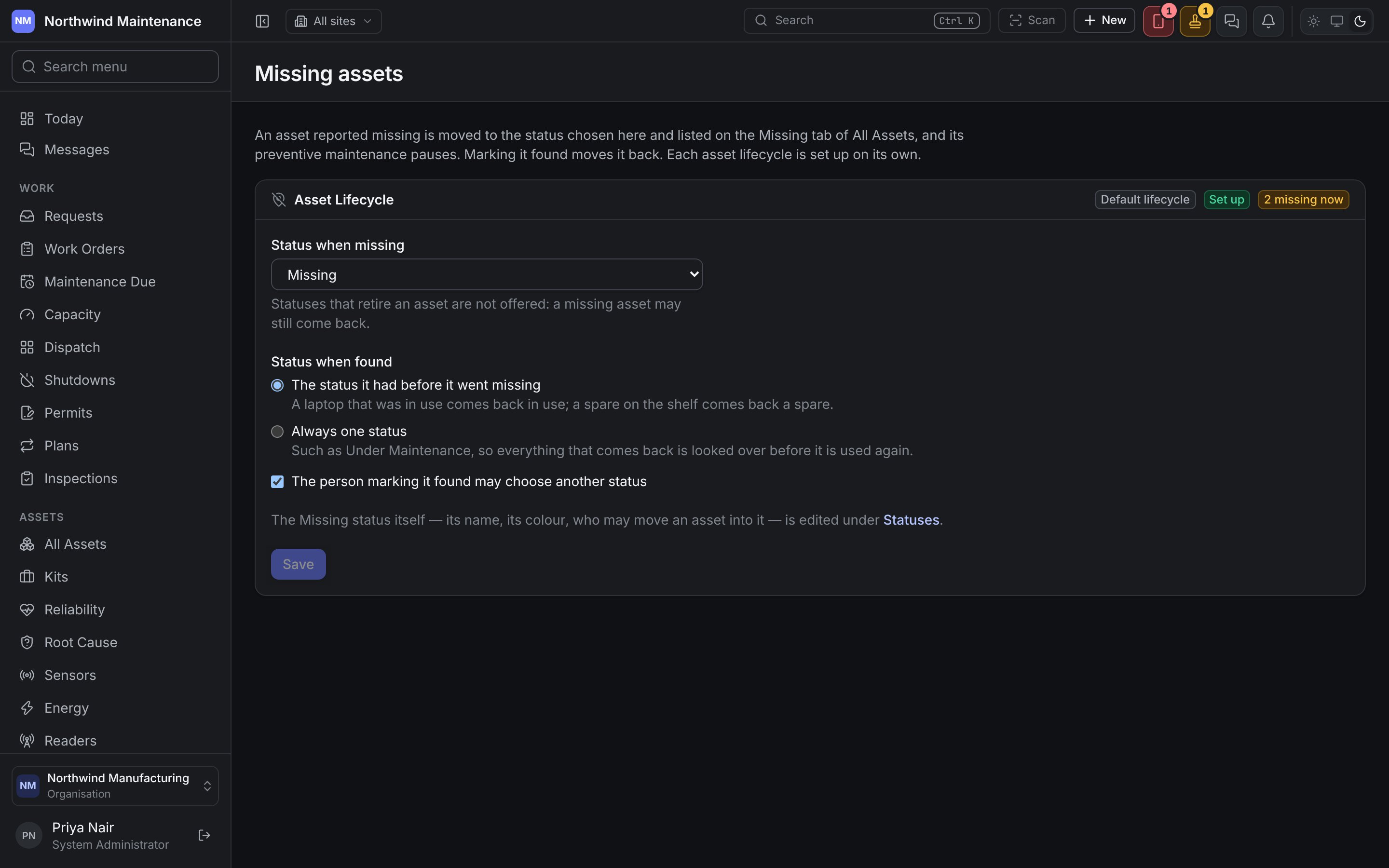
Each asset lifecycle your organisation runs has a card, named after it. The badges beside the name say whether it is the Default lifecycle, whether it is Set up or Not set up, and how many of its assets are missing now.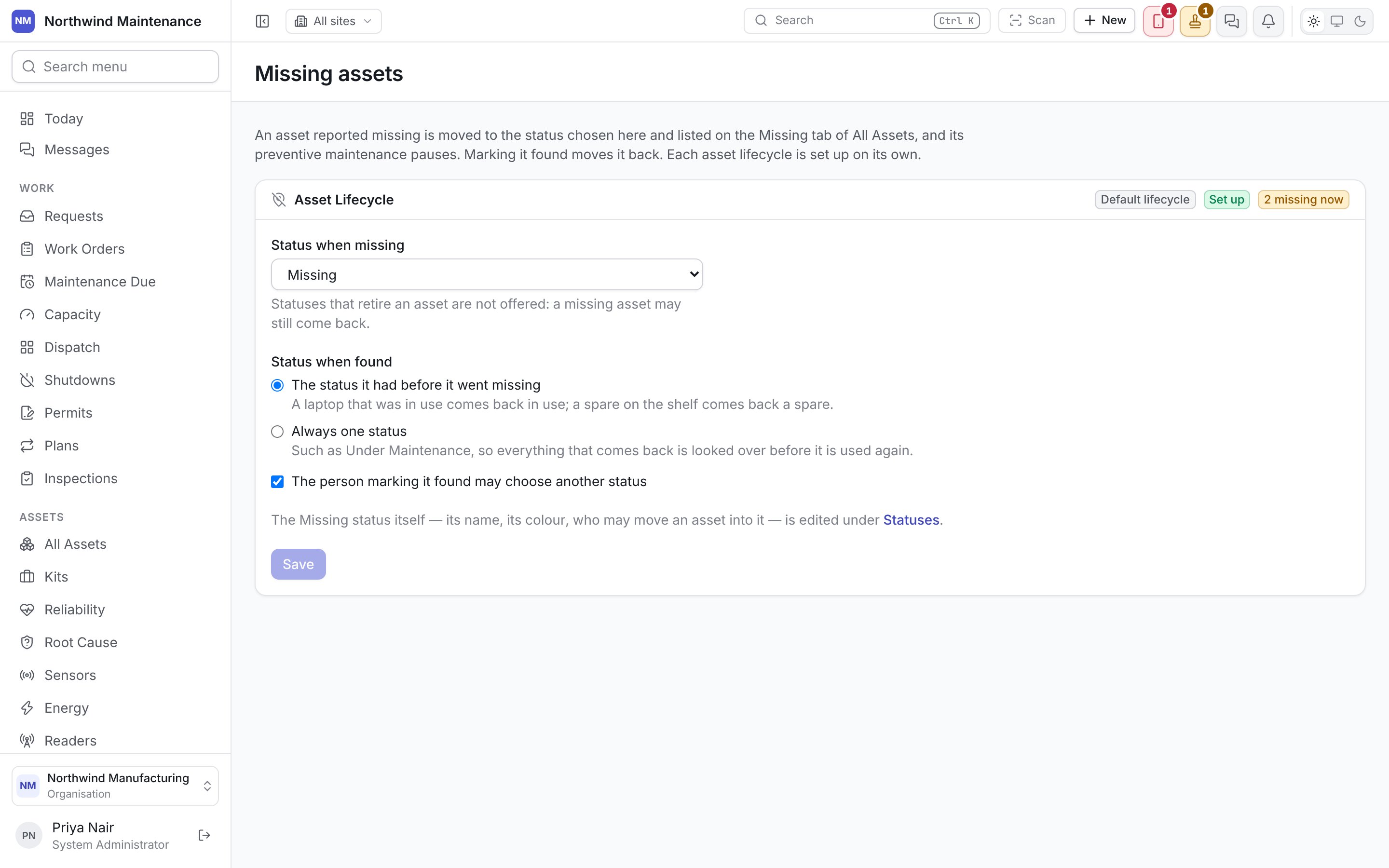
Setting a lifecycle up
A lifecycle allows only the moves somebody drew, and a fresh one has no missing status and no way into or out of it. Until it has, its card says Assets in this lifecycle cannot be reported missing yet. Set up this lifecycle adds a Missing status, on hold rather than retired, with moves into it from every status an asset can be in and out of it to every other. Nothing else in the lifecycle changes, and you can rename or recolour the status under Statuses afterwards. If somebody later changes the lifecycle so that a move is lost, the card says how many moves it lacks and lists them. Add the missing moves puts them back.Status when missing
The status a reported asset is moved to. Statuses that retire an asset are not offered, because a missing asset may still come back. The status itself — its name, its colour, who may move an asset into it — is edited under Statuses.Status when found
The person marking it found may choose another status lets whoever marks one asset found pick
the status it comes back in, under Comes back as. Untick it and the choice above is made for
everybody.
Save keeps the card’s changes.