

Who can use this screen
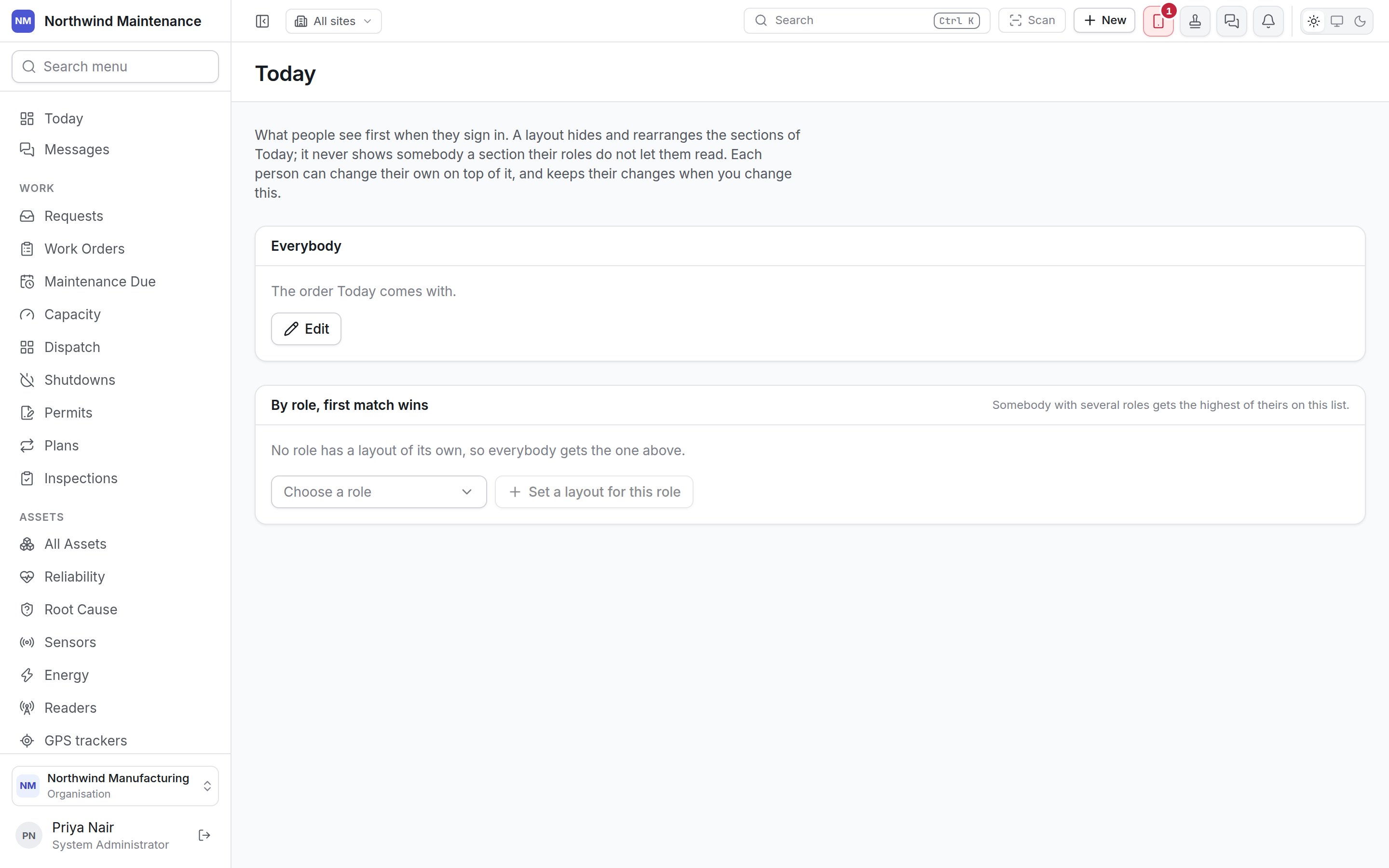
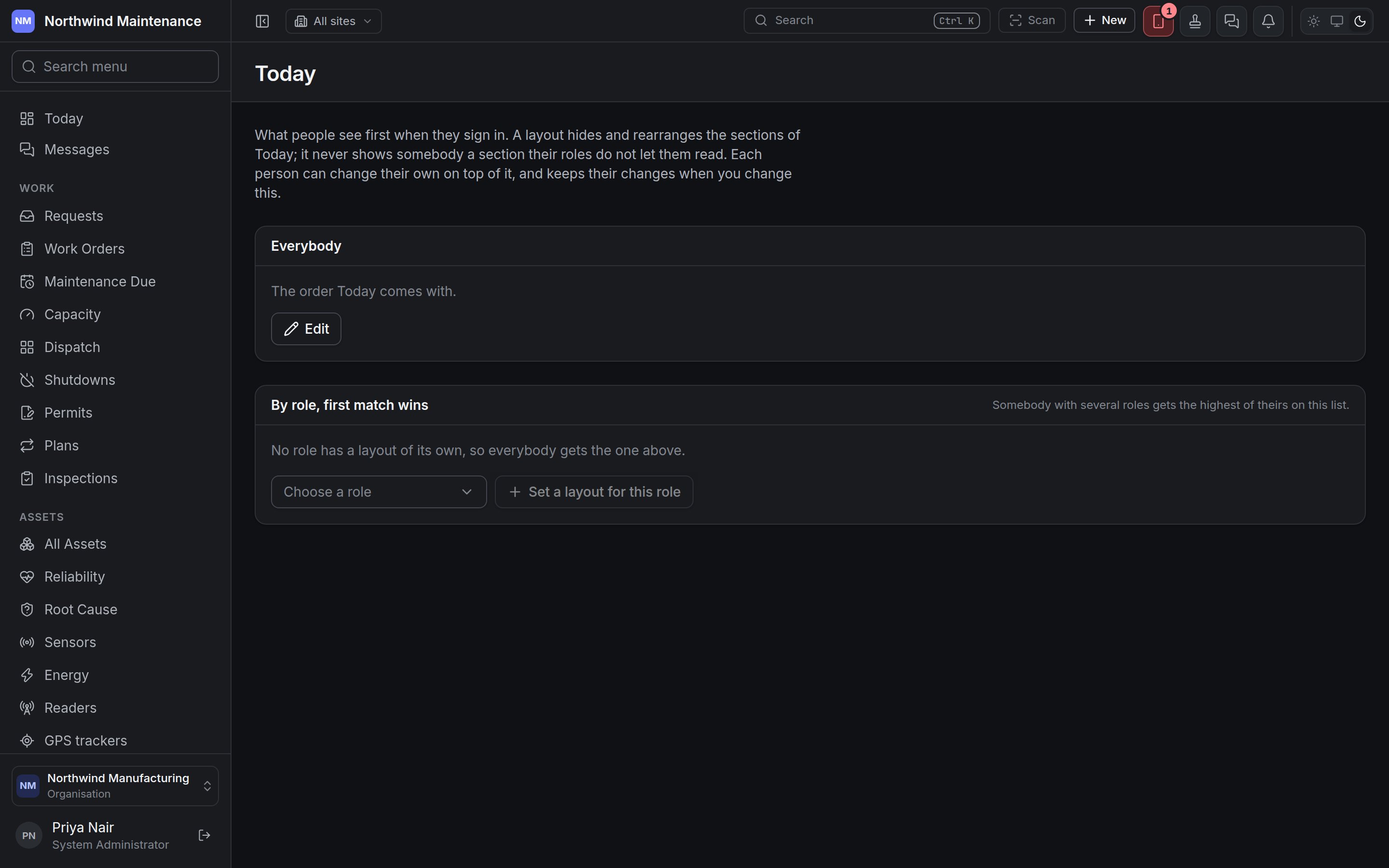
Setting Today for other people takes Set what Today shows for the organisation and for each role — System Administrator by default. Without it the screen says Setting Today for other people is not part of your role and reminds you that you can still arrange your own from Today itself. See roles.Everybody
The layout every person starts from. Until it is changed it reads The order Today comes with; afterwards it summarises the layout — First: [section], Hides [sections], Set [when] by [person].By role, first match wins
A role can have a layout of its own. Somebody with several roles gets the highest of theirs on this list. No role has a layout of its own, so everybody gets the one above until you add one.The layout editor
Sections, top to bottom
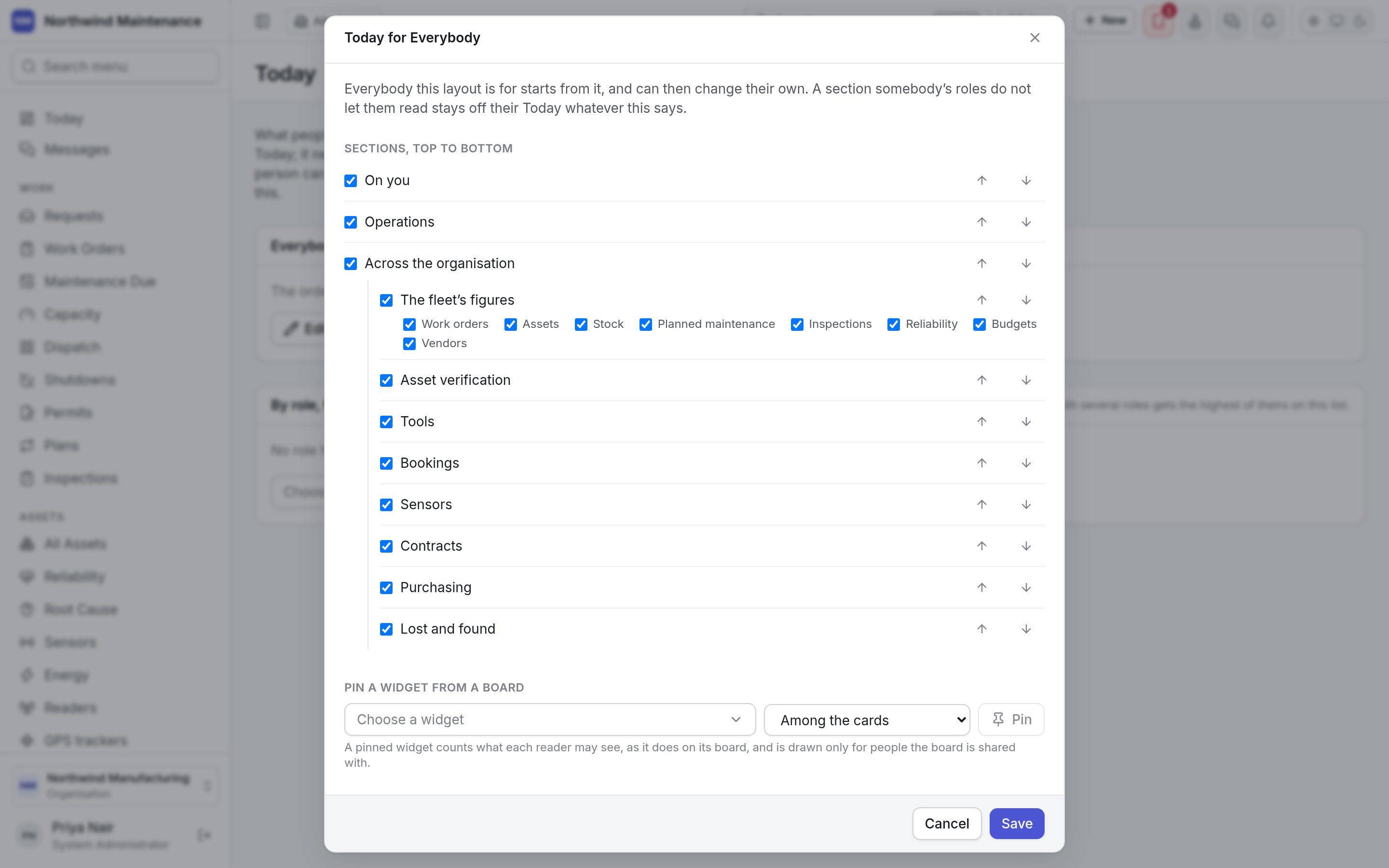
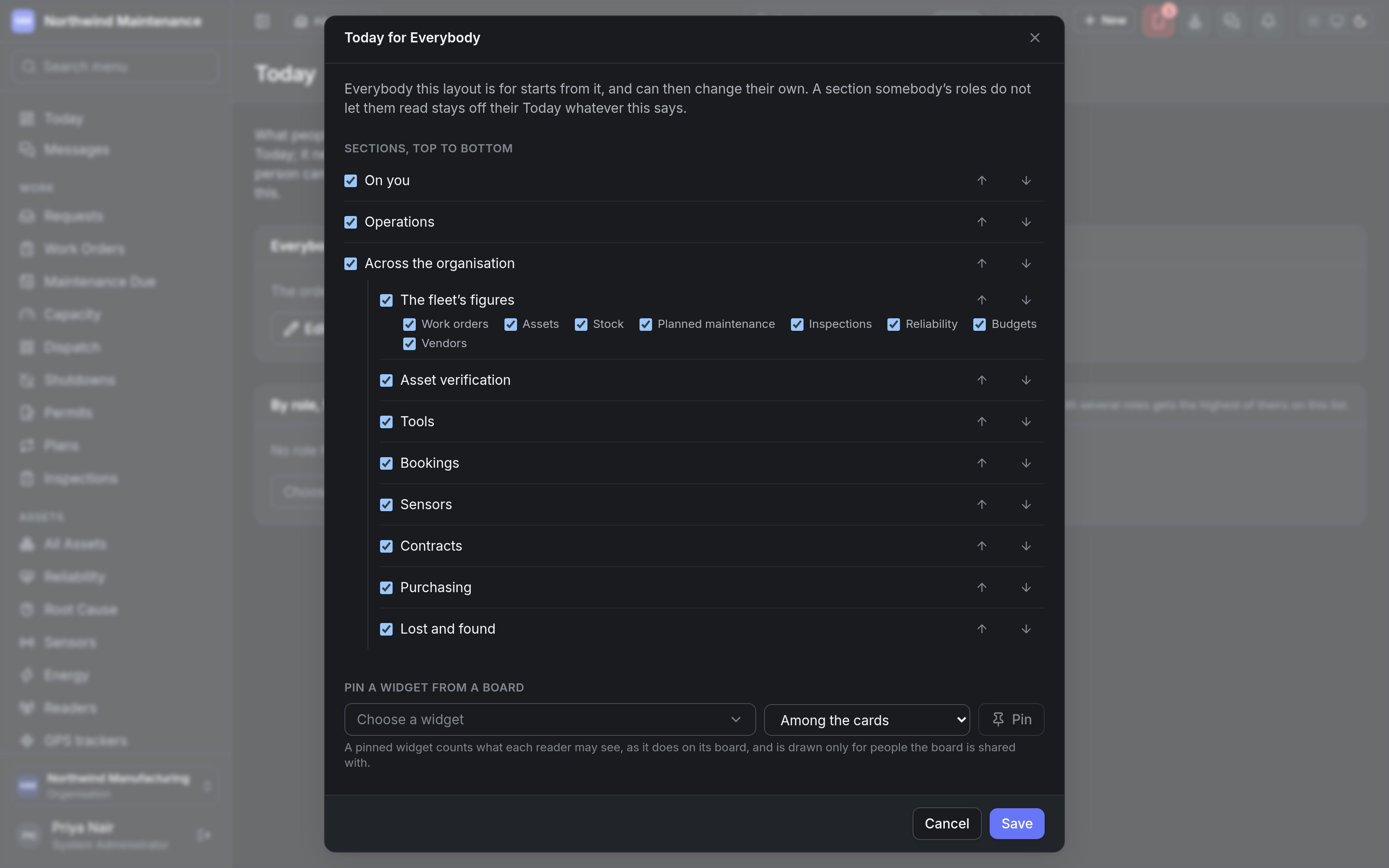
Tick a section to show it, untick to hide it, and use Move [section] up / Move [section] down to order them. The sections are On you, Operations, Across the organisation and The fleet’s figures — the last holding cards for work orders, assets, stock, planned maintenance, inspections, reliability, budgets and vendors, each of which can be ticked — followed by Asset verification, Tools, Bookings, Sensors, Contracts, Purchasing and Lost and found. Only sections whose module your organisation has are listed.Pin a widget from a board
Numbers
Save applies the layout; Cancel discards your changes.