

If you don’t see this in your navigation, your administrator can switch the module on under Administration → Modules, or it may not be included in your plan.
Categories
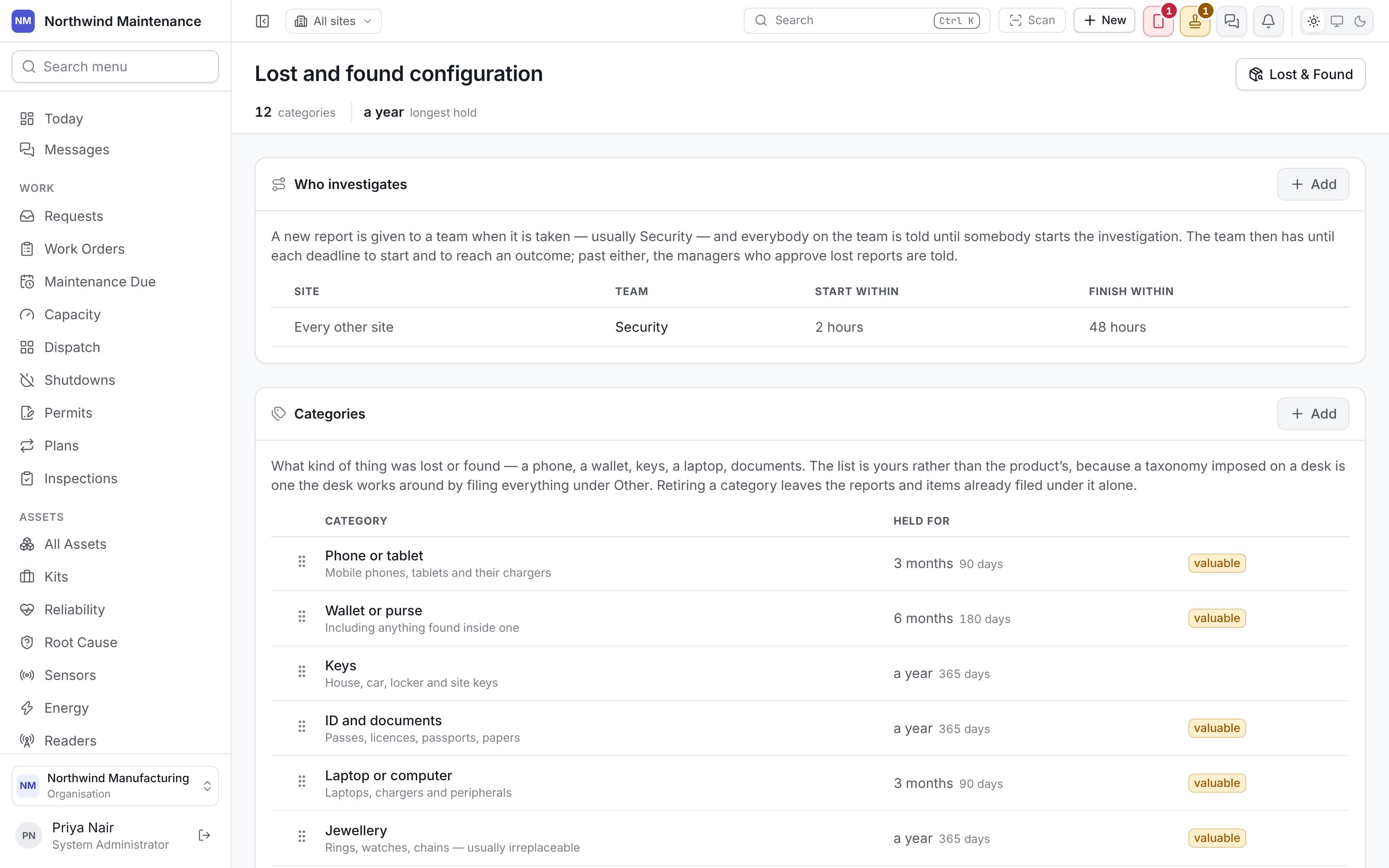
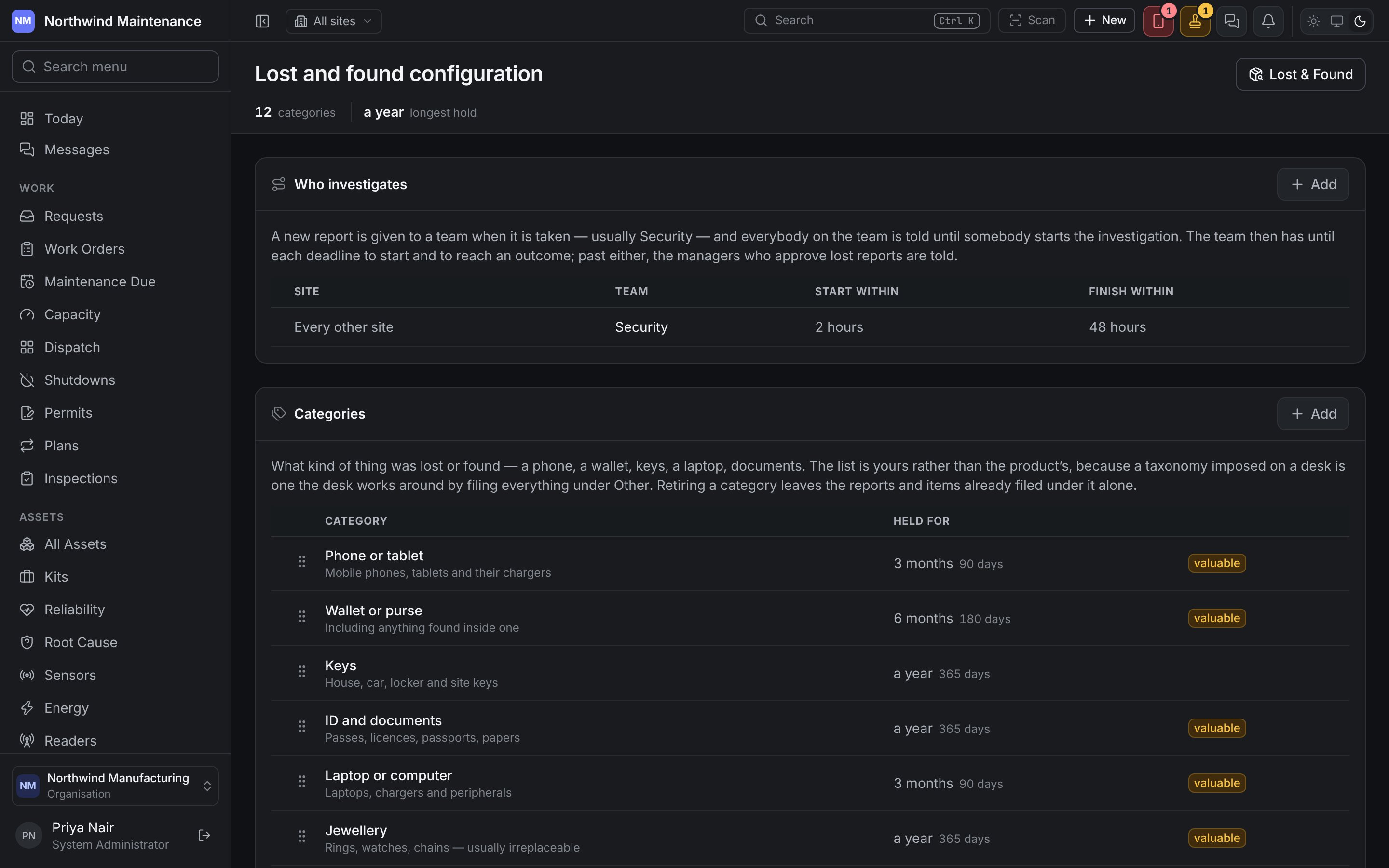
Your own list — a phone, a wallet, keys, a laptop, documents. The defaults are Phone or tablet, Wallet or purse, Keys, ID and documents, Laptop or computer, Jewellery, Bag or luggage, Clothing, Glasses, Cash, Tools and Something else. A list imposed on a desk is one the desk works around by filing everything under Other, so shape it to what actually comes in. Drag a row to reorder.
A category held for a week or less is flagged while it is in use: short is right for something nobody
comes back for, and wrong for anything with a name on it.
Add opens the form; click a category to edit it.
Who investigates
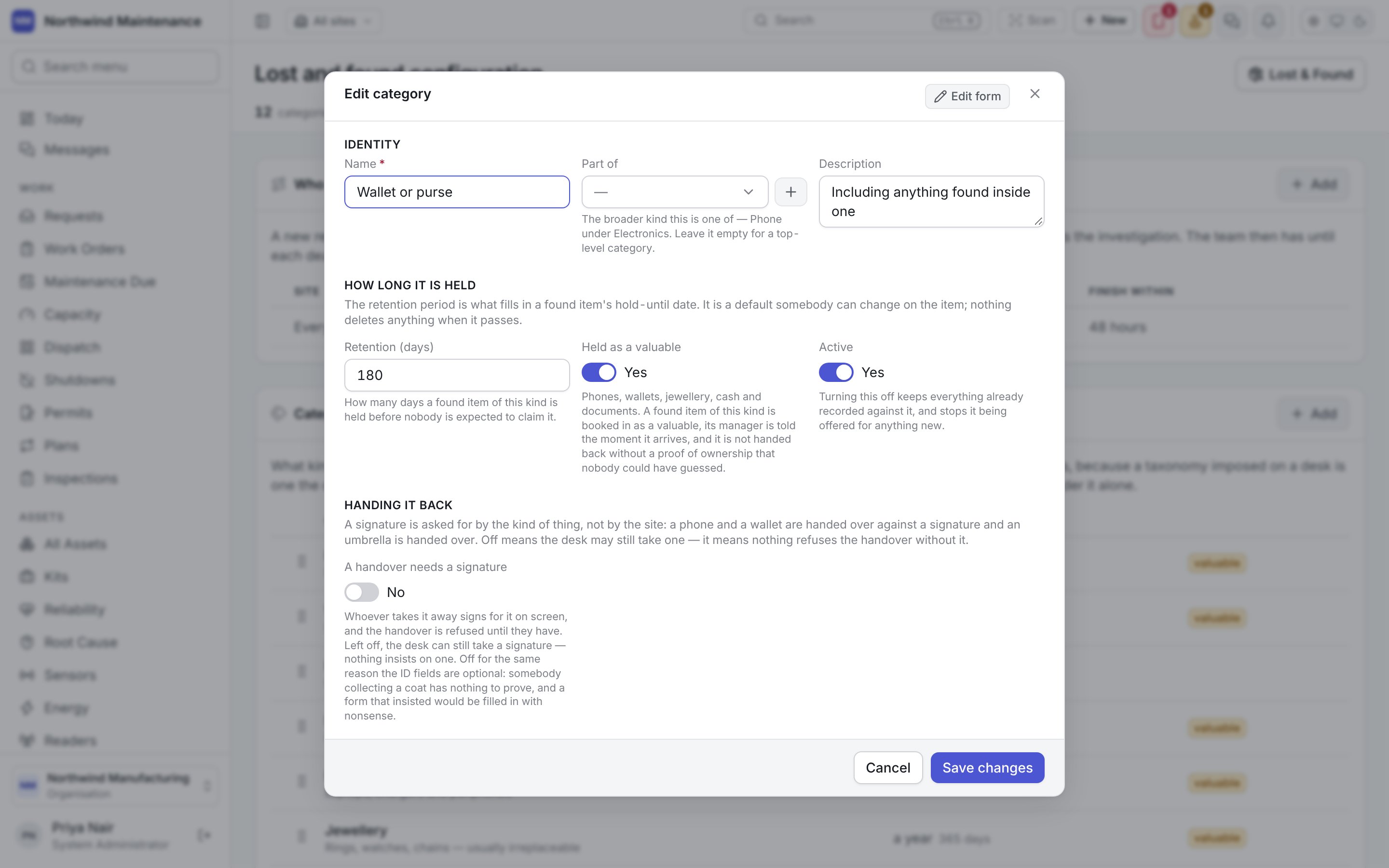
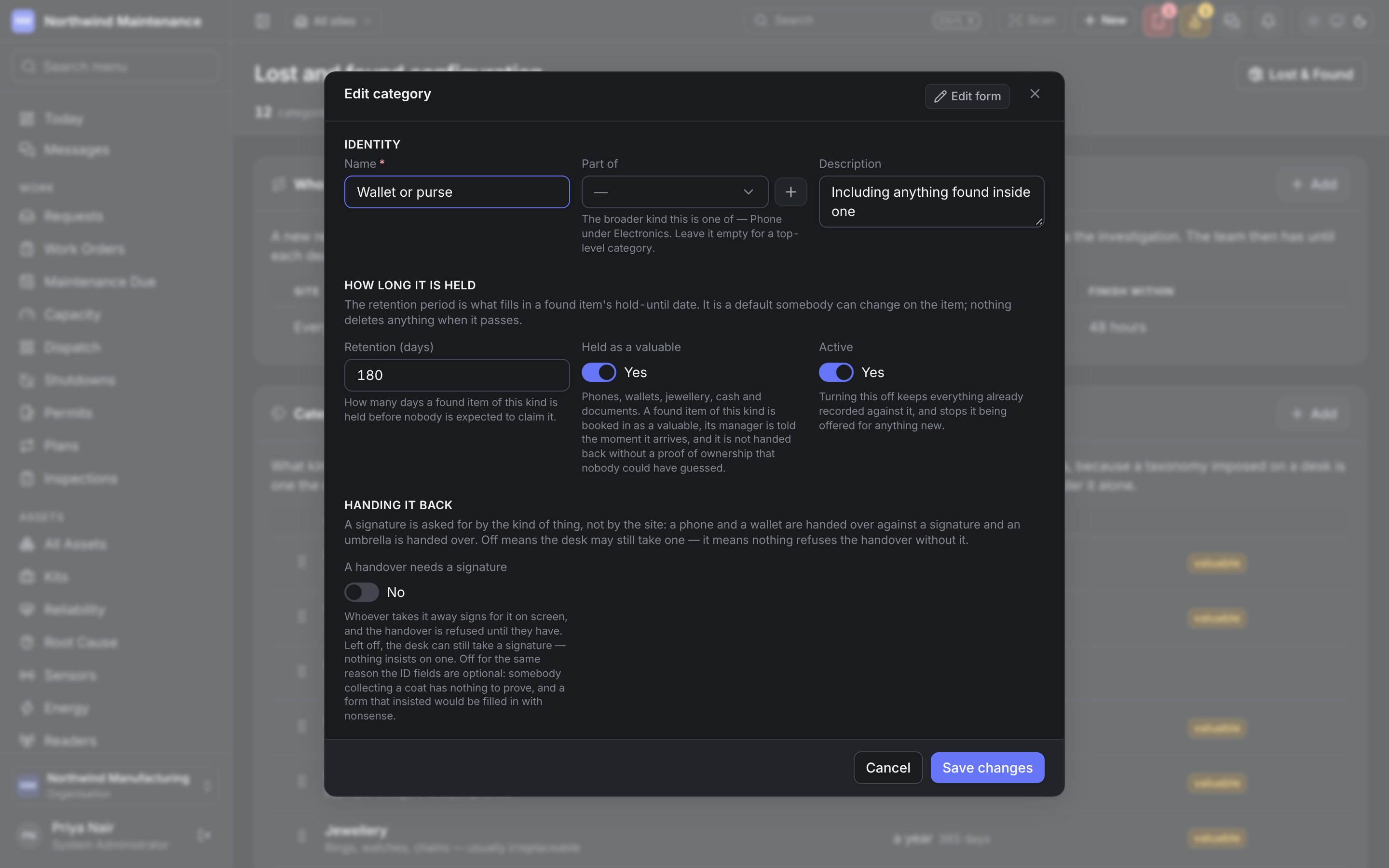
A new lost report is given to a team when it is taken — usually Security — and everybody on the team is told until somebody starts the investigation. The team then has until each deadline to start and to reach an outcome; past either, the managers who approve lost reports are told. See lost and found. Each row is one site. Reports at a site without a row of its own go to nobody, so add a row with no site and a team, and every other site is covered — it is listed as Every other site. A row with no team shows nobody.
Until a row exists, the section says Nothing is routed yet.