

When it opens by itself
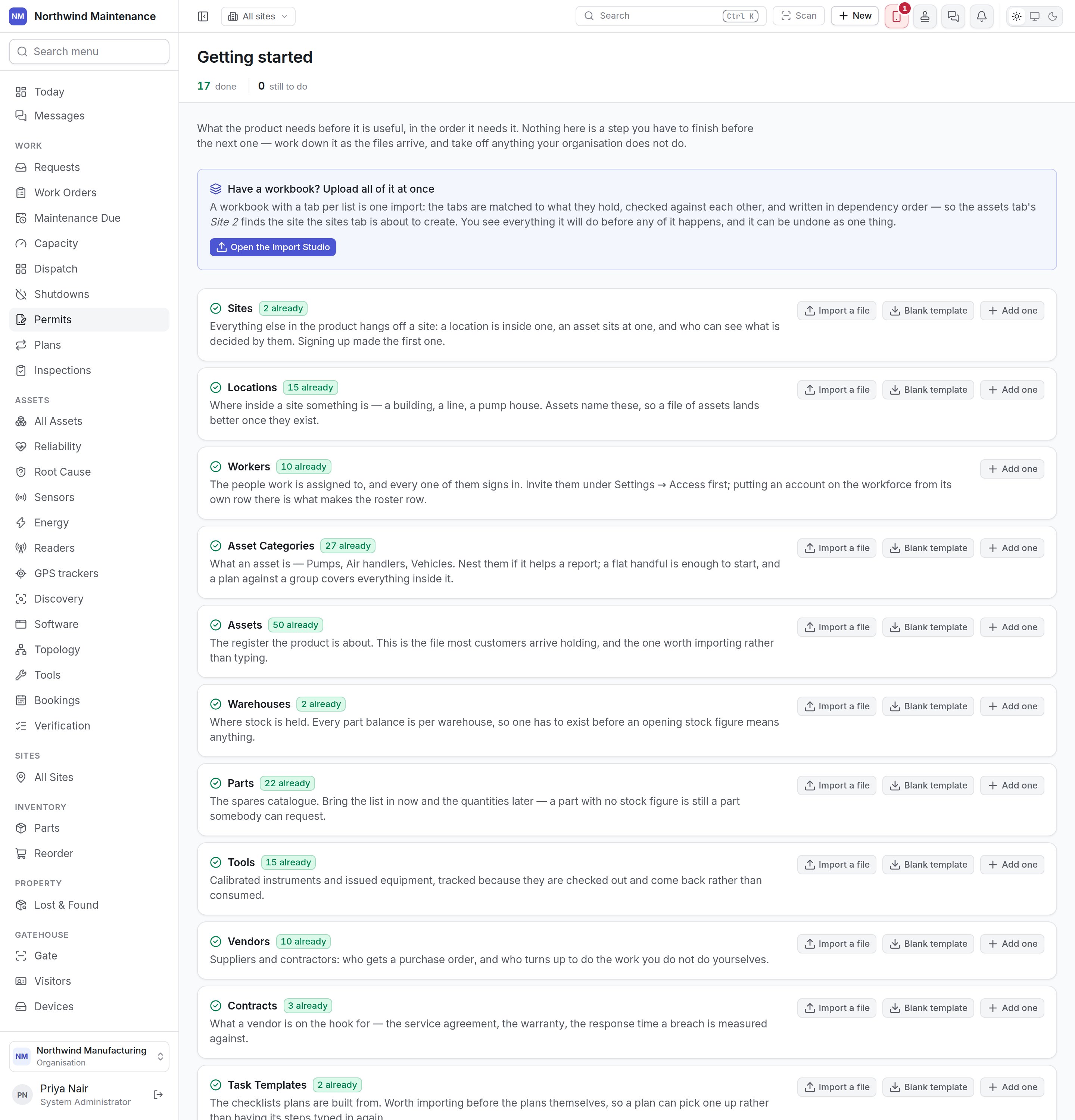
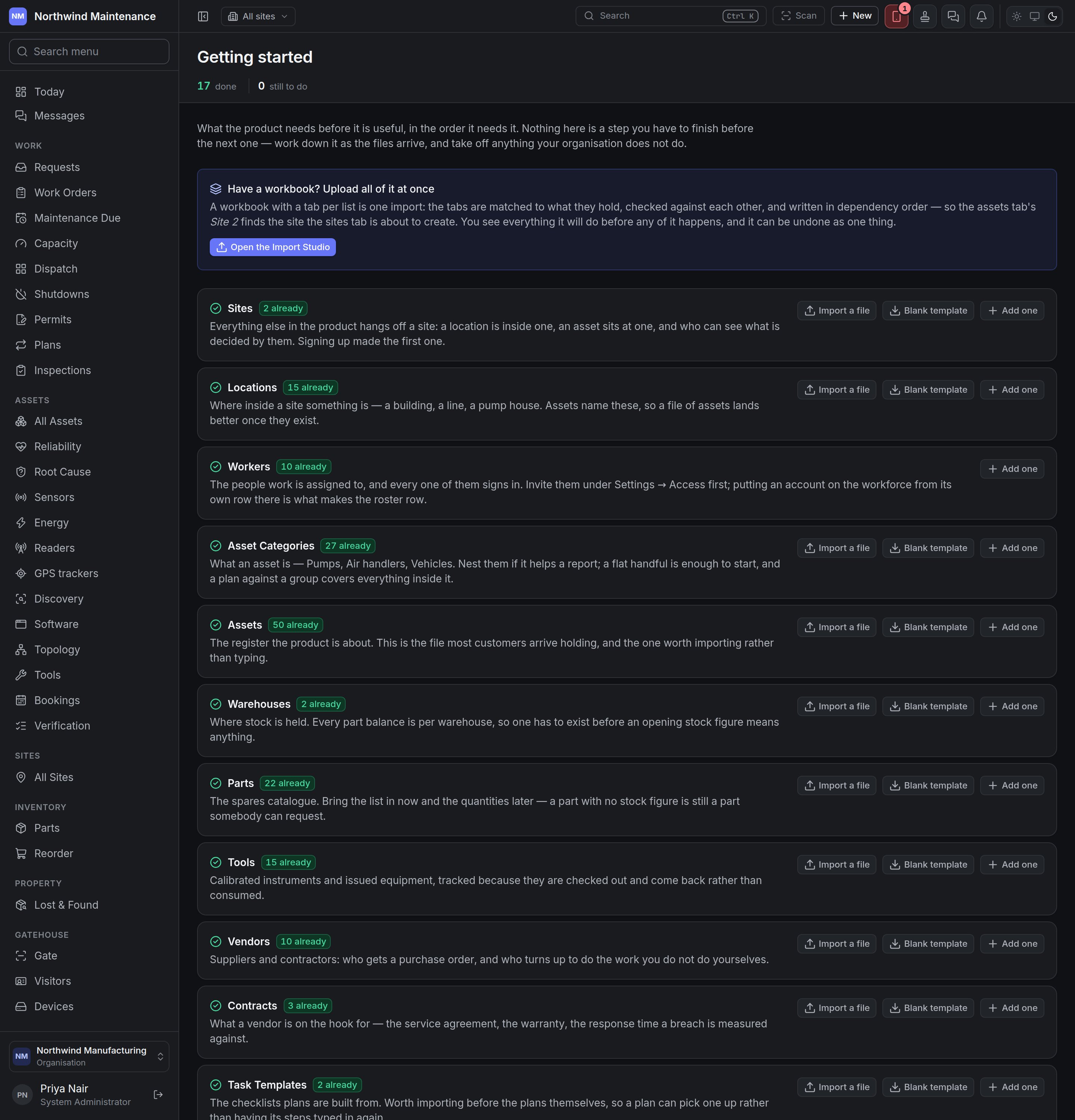
Right after sign-up, the product opens this checklist instead of Today for anybody who can add assets, until the organisation has at least one asset. An empty dashboard tells somebody three days into a trial that the product does not work; this tells them what to load. Show me the dashboard anyway, in the header, goes to Today for the rest of that browser tab. It is only offered to whoever was sent here automatically. Nothing about it is stored, and nobody else is affected.It is a checklist, not a wizard
Nothing here is a step you must finish before the next. Work down it as the files arrive — the asset file on Monday, the staff list when HR gets round to it — and take off anything your organisation does not do. There is no progress the screen remembers: a line is done when the records exist, so if you import four hundred assets and undo the import, the line is honestly empty again. The stat strip counts lines done and still to do.Have a workbook?
Have a workbook? Upload all of it at once sits above the list. A workbook with a tab per list is one import: the tabs are matched to what they hold, checked against each other and written in the right order — so an asset that names “Site 2” finds the site the sites tab is about to create. You see everything it will do before any of it happens, and it can be undone as one thing. Open the Import Studio starts it. See Import.The lines
Each line names a list, says why it matters, shows {n} already when some exist, and offers the ways to add more.What each line offers
A skipped line keeps its reason beneath it, so a colleague can see why.