

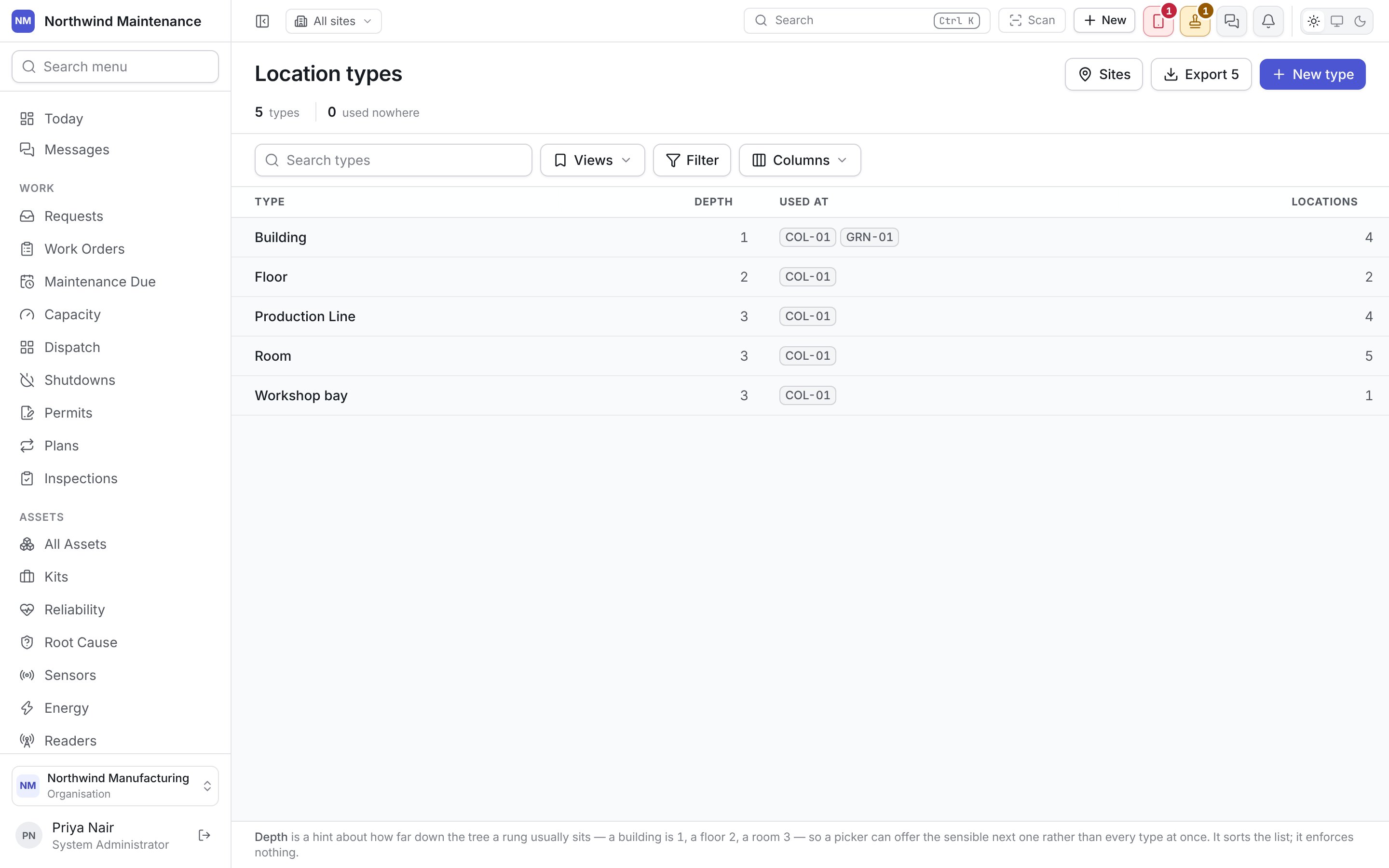
This screen holds the rungs a location tree is built from — building, floor, room, bay — shared across every site. Open it from Administration → Location types. The Sites link at the top goes to the sites register. The location types list The location types list A site describes itself in the words that fit it — buildings, floors and production lines at one site, floors and rooms at the depot next door — and both draw from this one list. Locations themselves are not managed here: a location does not exist apart from its site, so it is added on the site’s own screen. Who can change this. Add configuration entries and Edit configuration entries.

The list

The stat strip counts types and how many are used nowhere. The toolbar has a Search types box, Views (saved arrangements of the list), Filter, Columns (choose which columns show) and Export, which downloads the rows you are looking at. Click a column heading to sort by it. Click a type to edit it.

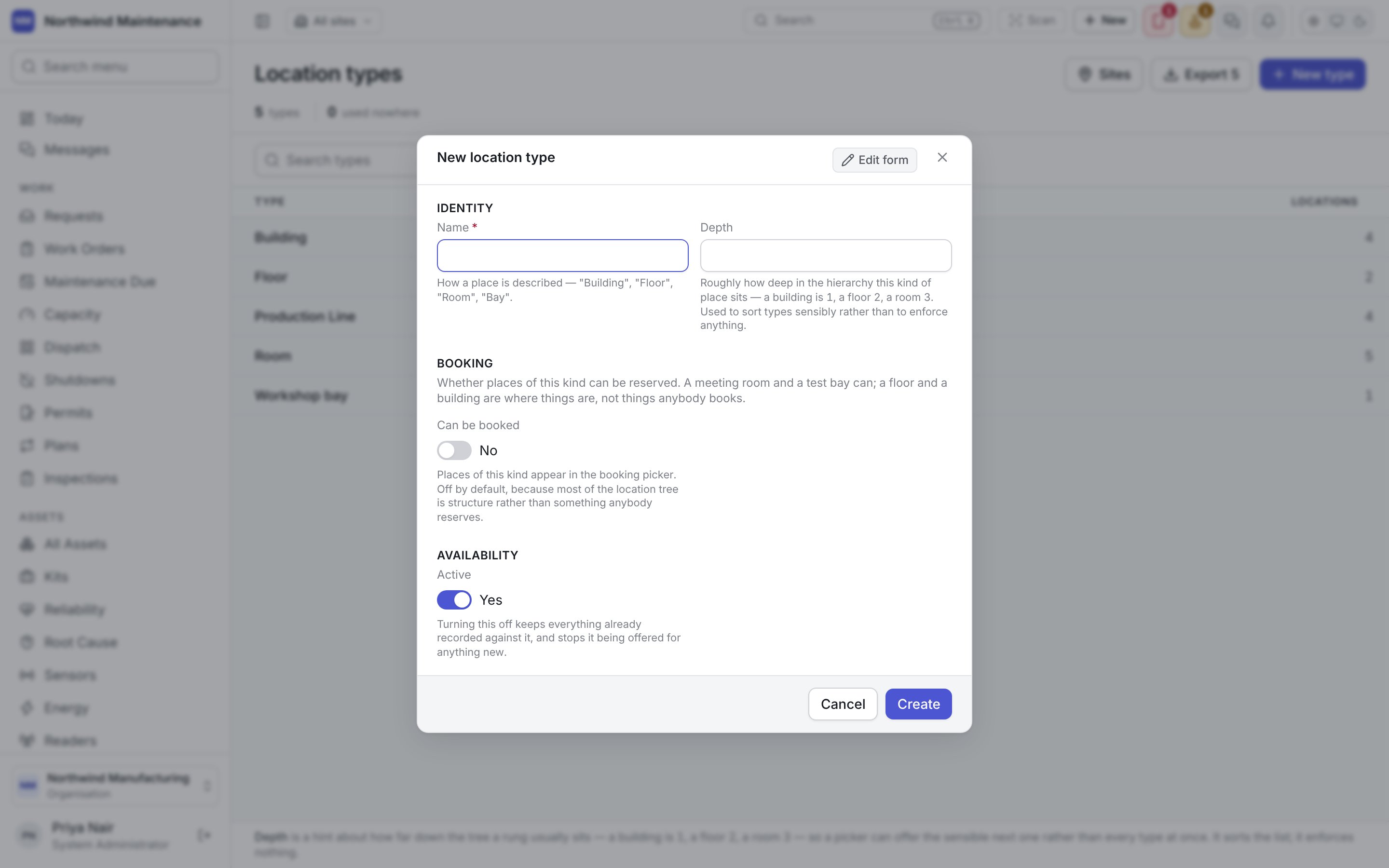
The location type form

New type opens the form. The new location type form The new location type form
The sites register

Where a site’s own locations are built.