

If you don’t see this in your navigation, your administrator can switch the module on under Administration → Modules, or it may not be included in your plan.
Two lists, one question
Whether a tool can be issued is decided by two answers on two different lists, and both have to be yes:
A tool can be Available by status and Damaged by condition, which is why the register leads with
the answer rather than the two inputs.
Statuses
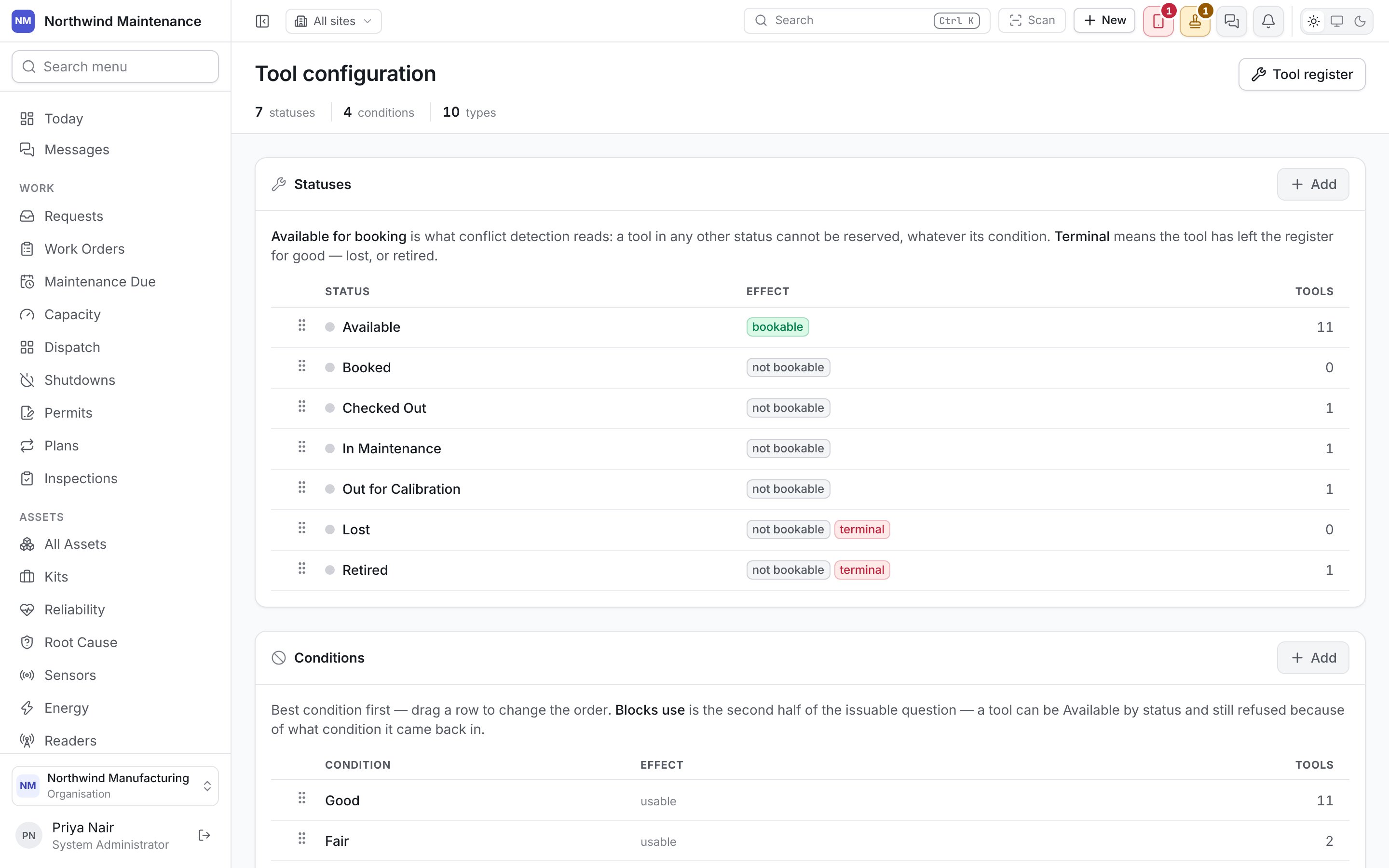
Where the tool is in its own life. The defaults are Available, Booked, Checked Out, In Maintenance, Out for Calibration, Lost and Retired. Drag a row to change the order. The list shows Status (with its colour), Effect — bookable or not bookable, plus terminal — and how many Tools carry it. Add opens the form; click a status to edit it.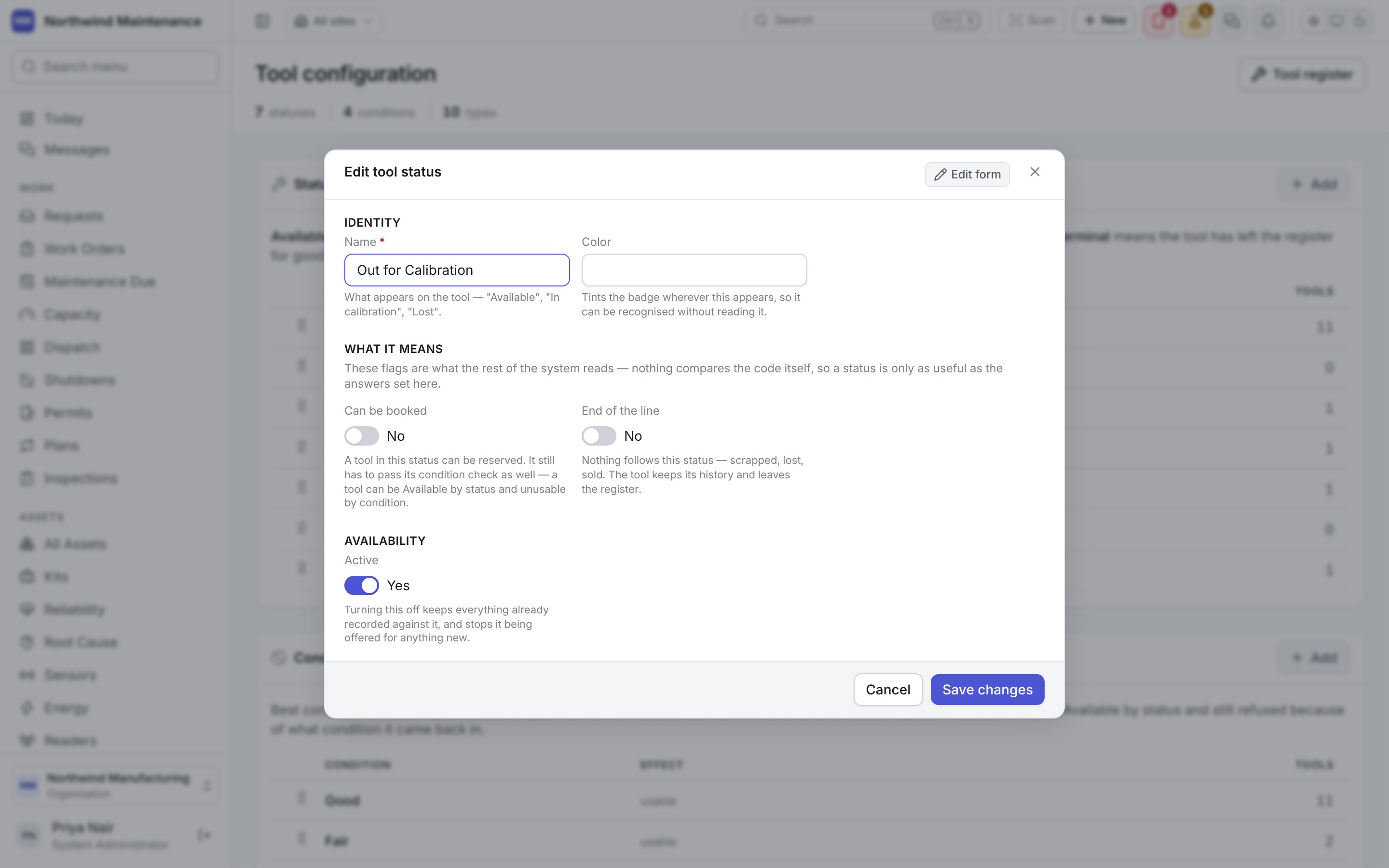
Conditions
What state a tool came back in. Best condition first; drag a row to change the order. The defaults are Good, Fair, Poor and Damaged. The list shows Condition, Effect — usable or cannot be issued — and Tools.Tool types
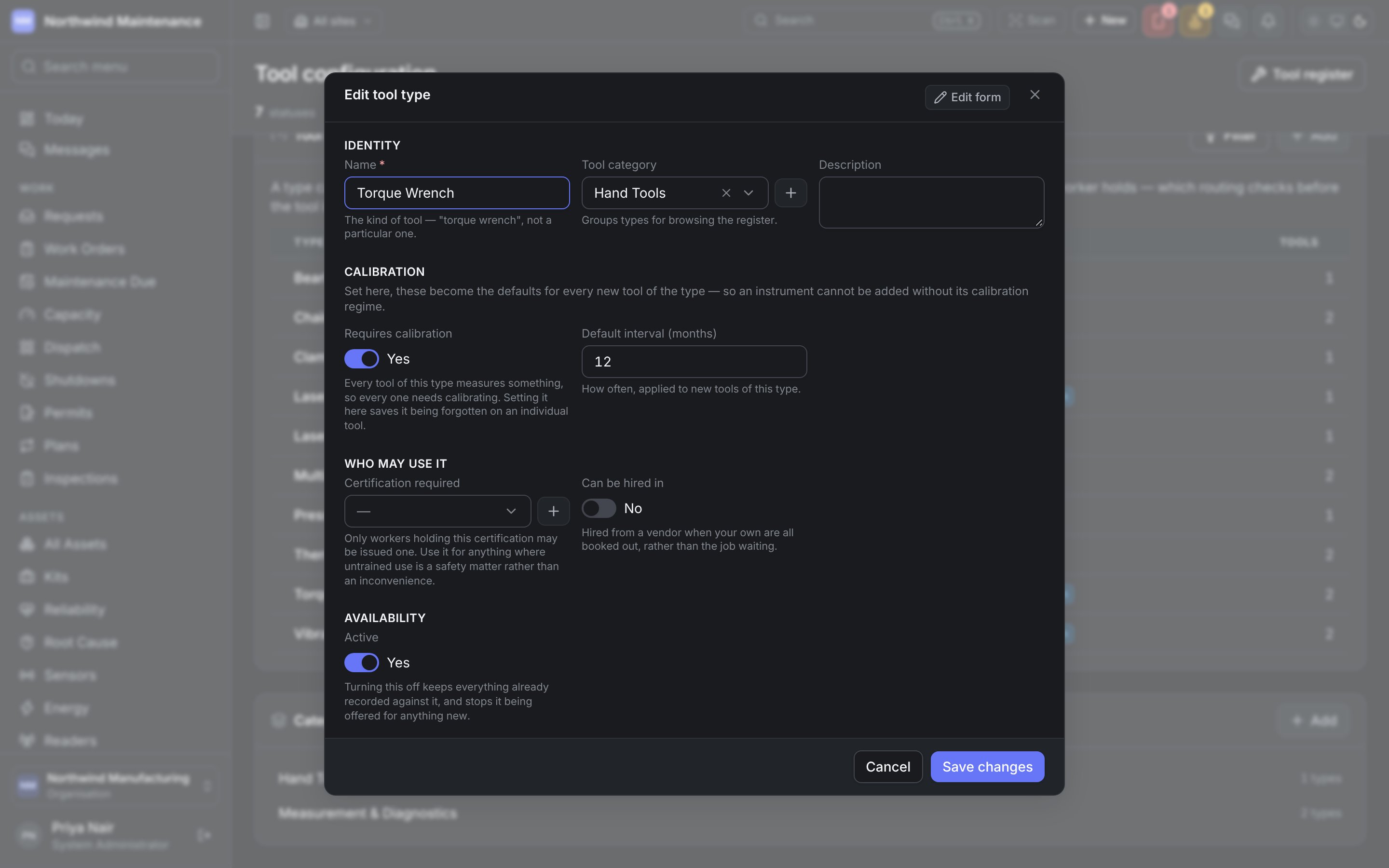
What kind of tool it is — “a torque wrench” rather than a particular one — so a maintenance plan can require any suitable instrument. A type can demand two things: a calibration interval, and a certification only a qualified worker holds, which routing checks before the tool is ever issued. The list shows Type, Category, Demands (for example calibration every 12m, or nothing) and Tools. Needs calibration, Rentable and Active are in the column menu. Search tool types finds a type, and Filter narrows the list by any column.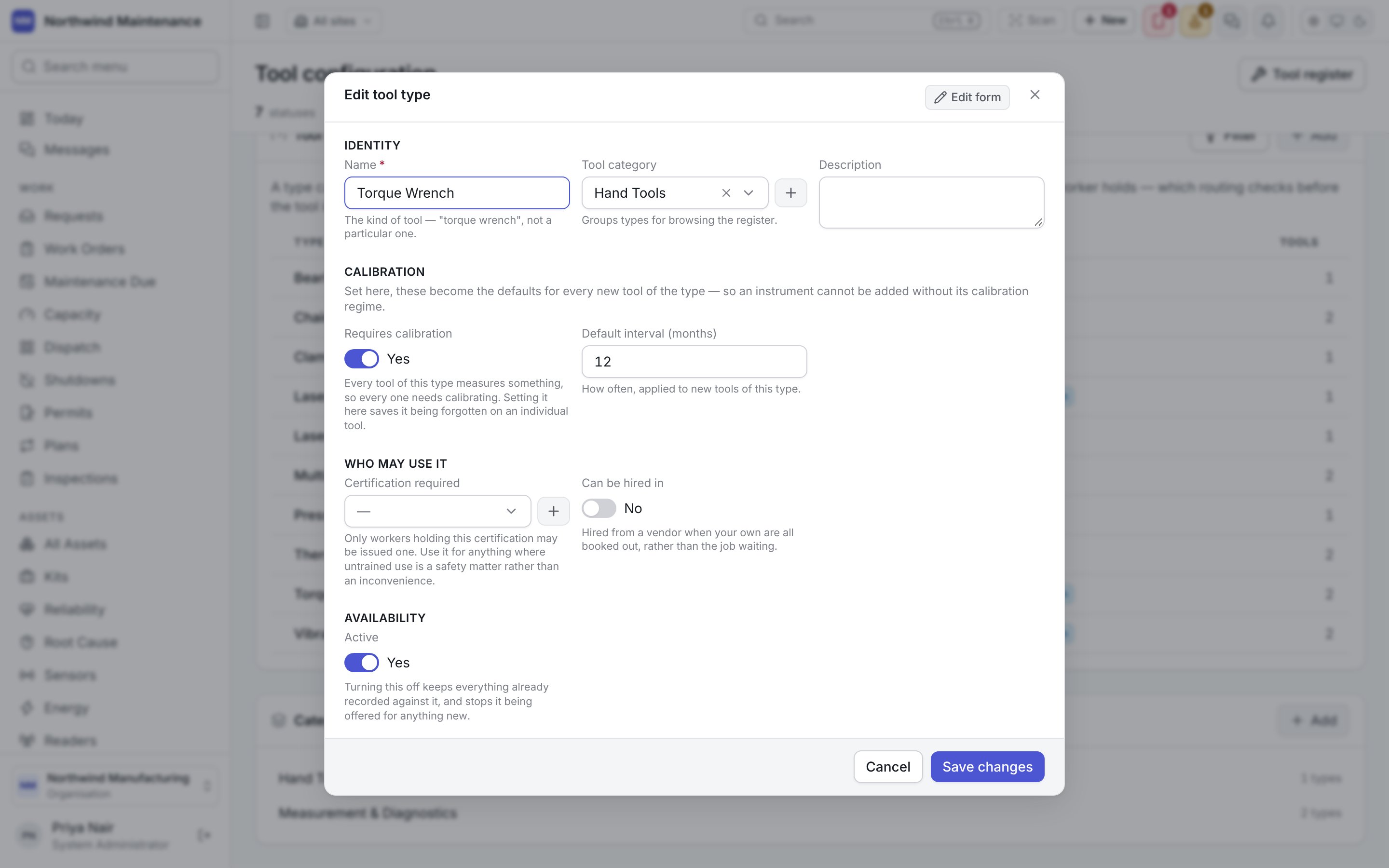
Calibration is tracked separately from status and condition. An overdue instrument still works and
still reads; its readings are simply no longer evidence. See tools.